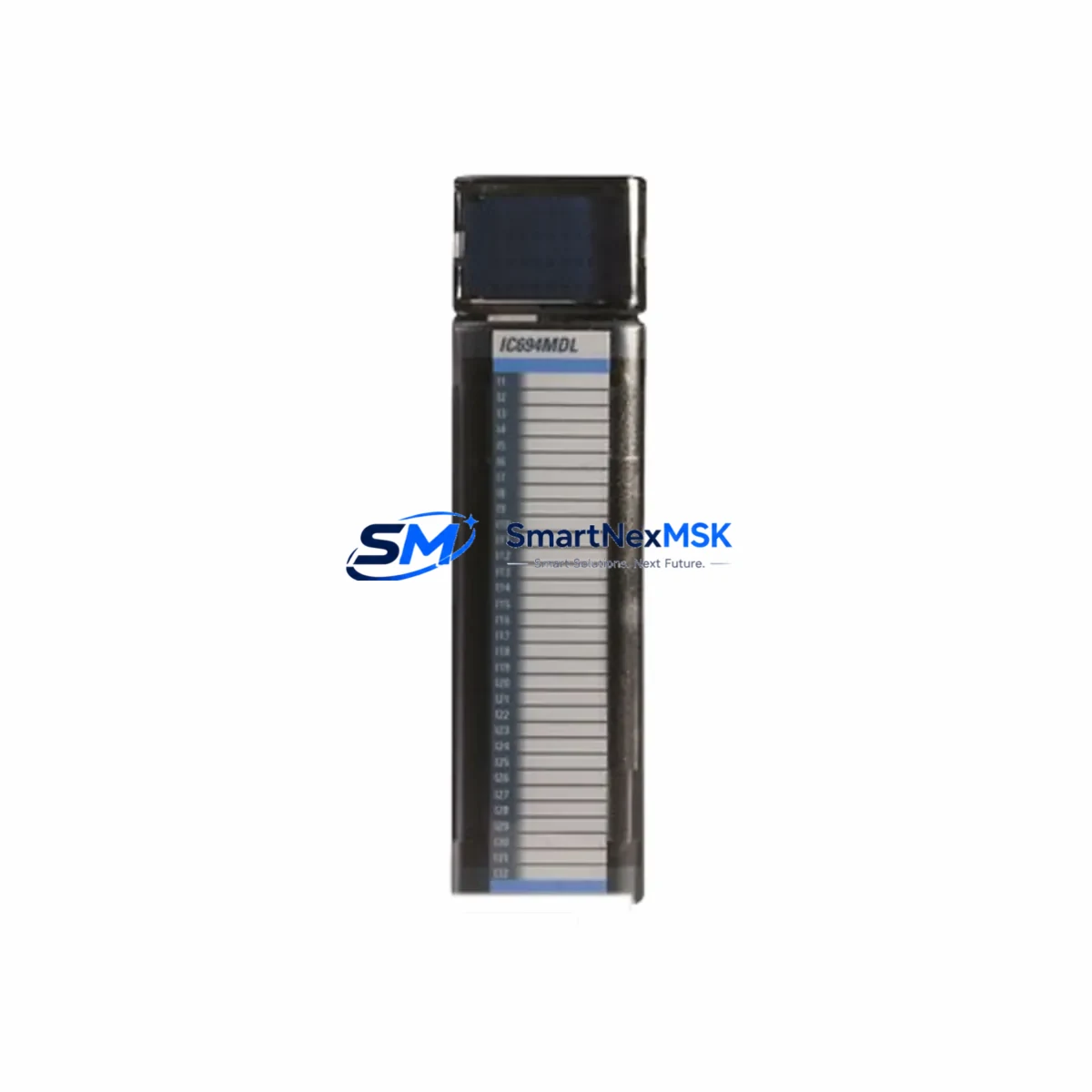
GE Fanuc IC694MDL645C Maintenance-Ready Spare for RX3i Automation
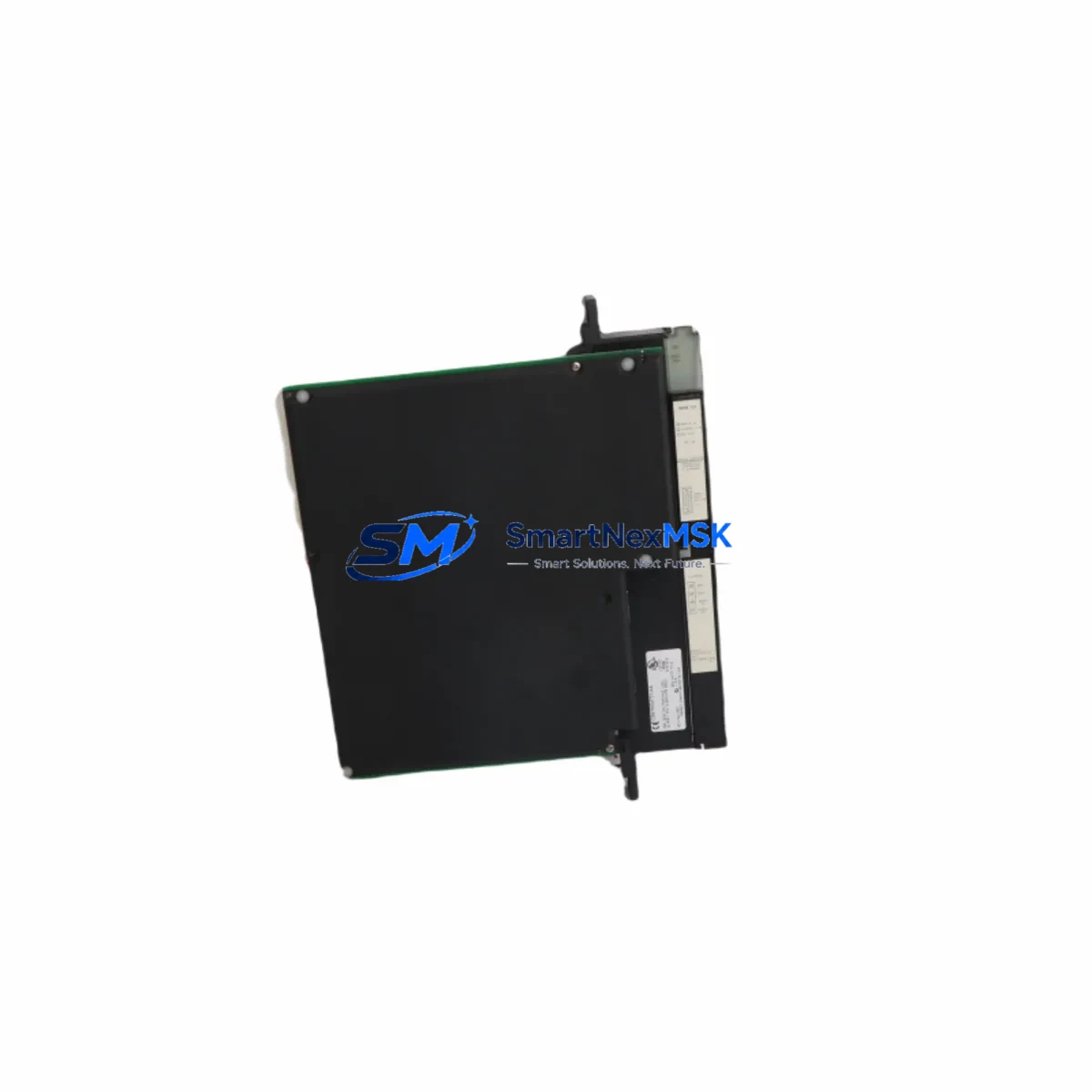
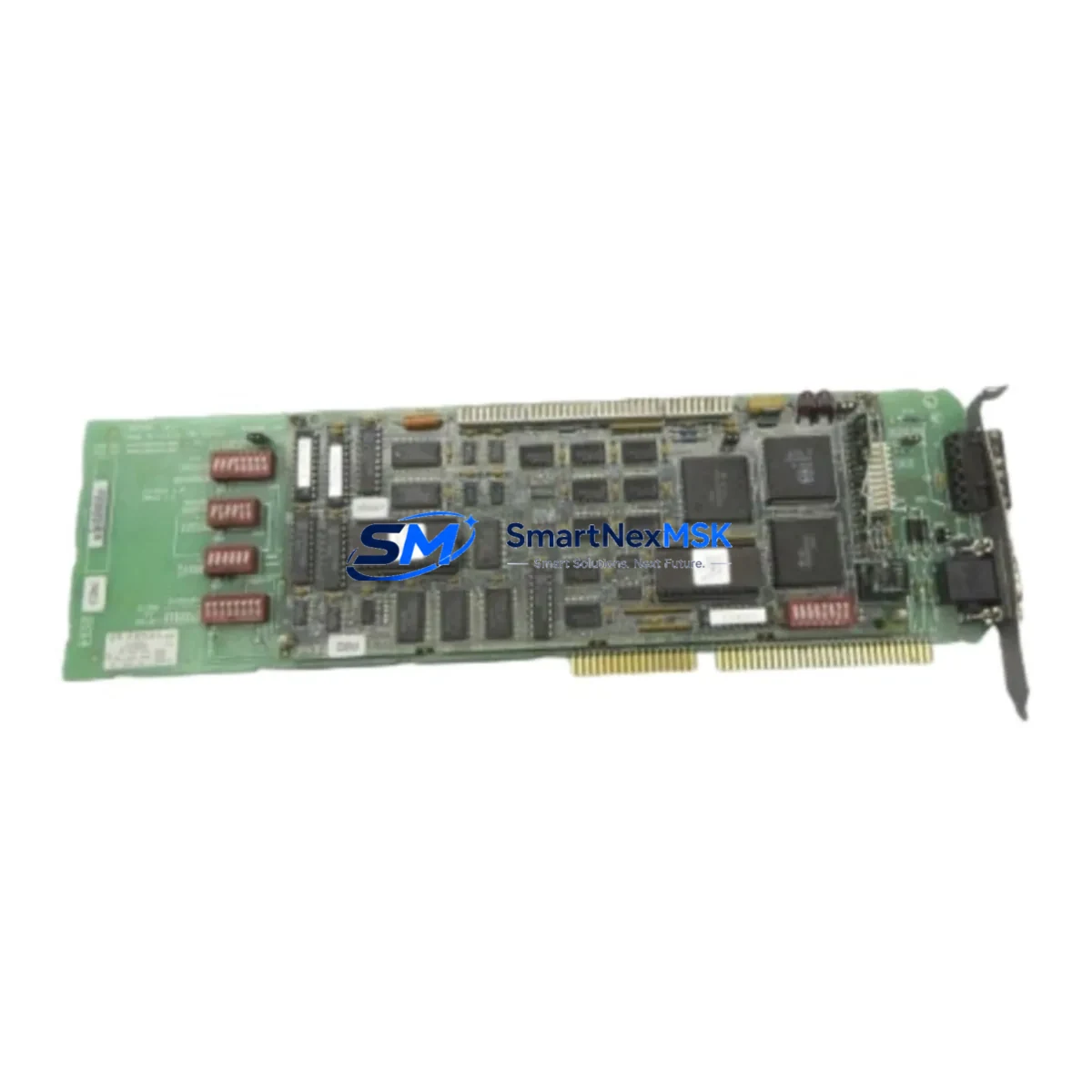
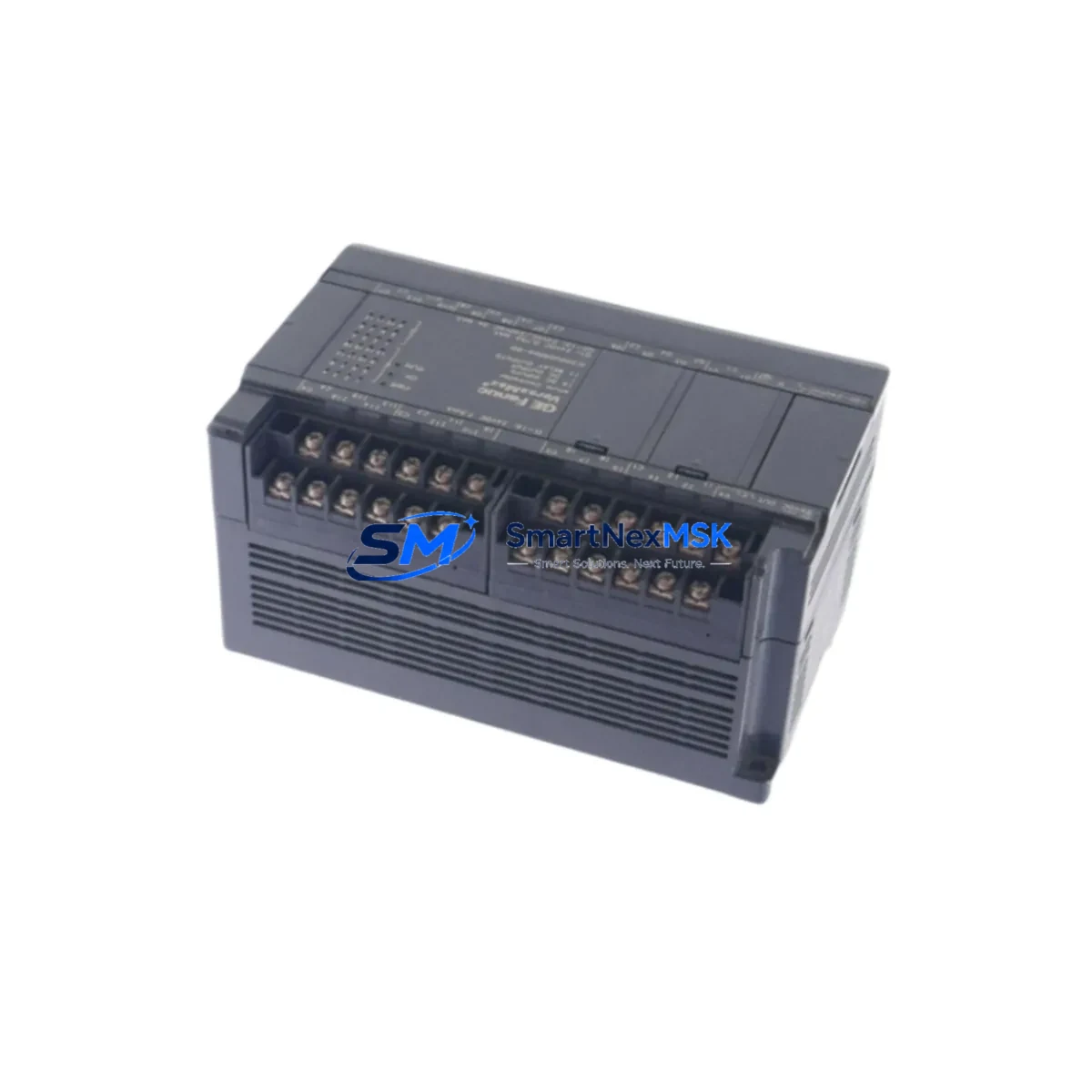
The GE Fanuc IC694MDL645C is a 16-channel, 24VDC discrete input module designed for the PACSystems RX3i control platform. As a maintenance-ready original spare, this module is a critical component for facilities that depend on continuous process control, machine automation, and high-availability production lines. Whether you are managing a planned shutdown, responding to an unscheduled fault, or building a strategic spare parts inventory, the IC694MDL645C delivers the electrical compatibility, signal integrity, and form-factor precision required for seamless field replacement.
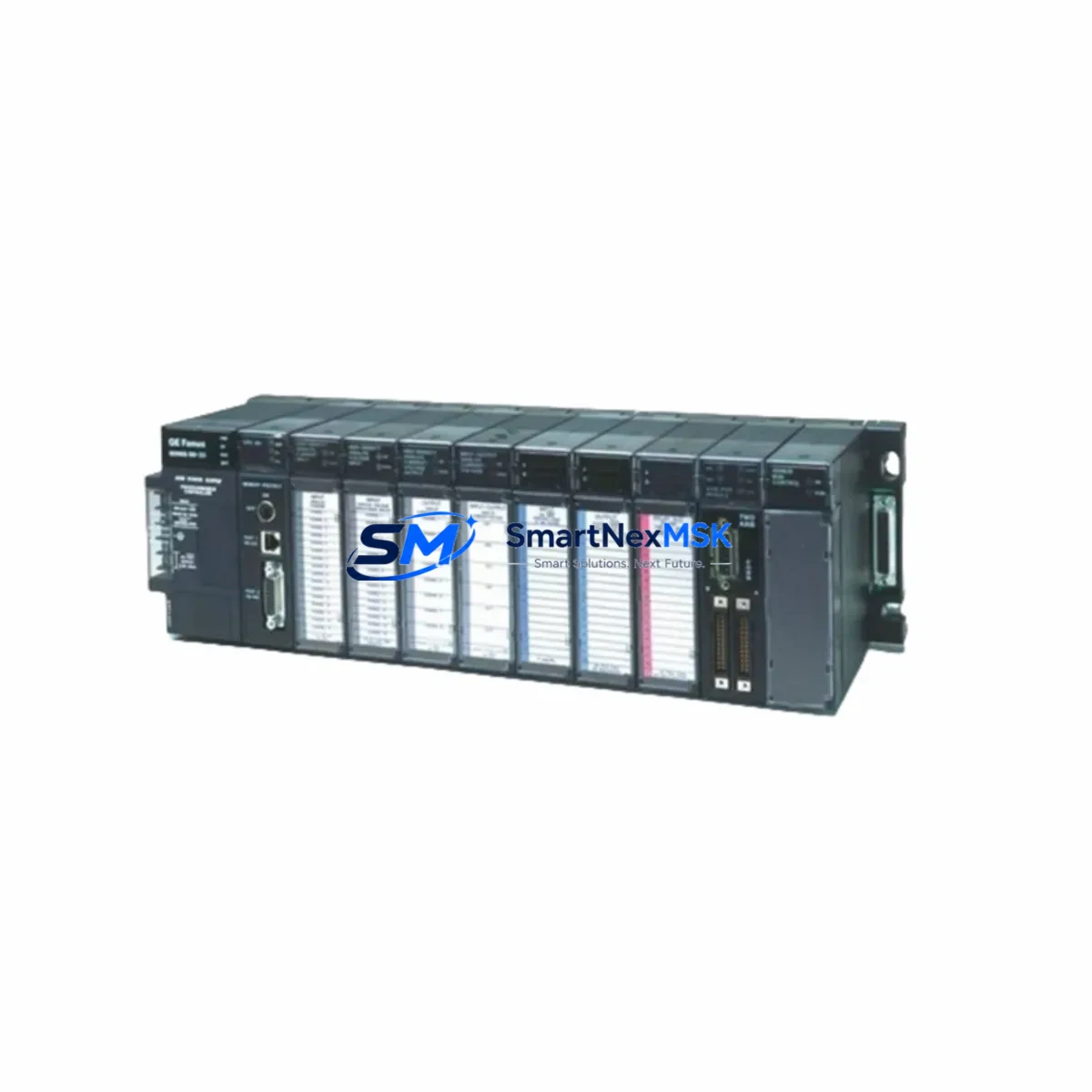
Industrial maintenance engineers and procurement teams working with GE Fanuc PACSystems RX3i architectures recognize the IC694MDL645C as a foundational I/O module. Its 16 isolated digital input channels accept 24VDC field signals from pushbuttons, proximity sensors, limit switches, and process interlocks. The module slots directly into the IC694CHS392 or IC694CHS398 universal backplane without firmware reconfiguration, making it one of the fastest-to-deploy replacement modules in the RX3i family.
Spare Maintenance Table
| Parameter | Specification |
|---|---|
| Part Number | IC694MDL645C |
| Brand / Manufacturer | GE Fanuc (GE Automation & Controls) |
| Series | PACSystems RX3i |
| Module Type | 16-Channel Discrete Input Module |
| Input Voltage | 24VDC (Nominal) |
| Input Current per Channel | Approx. 8 mA at 24VDC |
| ON State Voltage Range | 15–30VDC |
| OFF State Voltage Range | 0–5VDC |
| Isolation | Optical isolation, field-to-backplane |
| Compatible Backplanes | IC694CHS392, IC694CHS398 |
| Compatible CPU | IC694CPU310, IC694CPU320, IC694CPU360, IC695CPE305, IC695CPE310 |
| Operating Temperature | 0°C to 60°C |
| Storage Temperature | -40°C to 85°C |
| Relative Humidity | 5–95% non-condensing |
| Installation | DIN rail / panel-mount via RX3i backplane |
| Wiring Connector | 36-pin removable terminal block |
| Origin | United States |
| Condition | Original, tested before shipment |
| Warranty | 12 Months |
Maintenance Planning for Continuous Operation
When replacing the IC694MDL645C in a live RX3i panel, a disciplined maintenance engineer does not stop at swapping the input module alone. A thorough site inspection and spare parts review should encompass the entire signal chain and power distribution architecture within the control cabinet.
Begin by verifying the IC694PWR321 or IC694PWR330 power supply module, which feeds the backplane bus. A degraded power supply is a common root cause of intermittent input faults that are misdiagnosed as module failures. Next, inspect the IC694CHS392 backplane itself for bent connector pins, corrosion, or mechanical damage that could cause poor module seating and unreliable I/O reads.
On the field wiring side, check the IC694MDL654 or IC694MDL660 discrete output modules that share the same control loop — input faults often cascade into output misbehavior. If the system uses relay output modules such as the IC694MDL940, inspect coil continuity and contact wear, as relay modules in the same cabinet typically accumulate similar operational hours.
For systems with analog signal conditioning, verify the IC694ALG220 or IC694ALG232 analog input modules for drift or calibration errors, particularly in temperature-sensitive environments. Communication integrity should also be confirmed: check the IC694CMM302 communications module or any IC695ETM001 Ethernet interface module for firmware version compatibility and network timeout settings.
Terminal blocks and field wiring terminations deserve close attention. Loose or oxidized connections on the 36-pin removable terminal block are a frequent source of false input states. Fuse holders and miniature circuit breakers protecting the 24VDC field supply should be tested for proper trip characteristics. If the panel includes an IC693ACC300 hand-held programmer or a local HMI panel, verify that the HMI’s I/O mapping still reflects the correct channel assignments after module replacement.
Maintaining a minimum of one IC694MDL645C as a cold-standby spare — alongside a matched set of power supply and CPU modules — is the industry-standard approach for RX3i-based systems with uptime SLAs exceeding 99.5%. Procurement engineers should align spare parts replenishment cycles with annual planned shutdowns to avoid emergency sourcing at premium cost.
Site Replacement Workflow
Step 1 — Pre-replacement verification: Confirm the replacement IC694MDL645C carries the same revision suffix (revision C) as the installed unit. Mismatched hardware revisions can cause configuration mismatch faults in the RX3i CPU. Cross-reference the module catalog number printed on the front label before installation.
Step 2 — Safe de-energization: Isolate the 24VDC field supply feeding the module’s input channels. Do not rely solely on the CPU’s I/O disable command — physically disconnect or lock out the field power source per your site’s LOTO procedure.
Step 3 — Module extraction: Release the module locking tab and slide the IC694MDL645C out of the backplane slot. Retain the removable terminal block with its field wiring intact to minimize rewiring time and reduce the risk of wiring errors during reinstallation.
Step 4 — Replacement and seating: Insert the new IC694MDL645C into the same backplane slot. Ensure the module clicks firmly into the backplane connector. Reattach the terminal block. Restore field power and observe the module’s status LEDs — all 16 input LEDs should reflect the actual field signal states within seconds of power-up.
Step 5 — Functional verification: From the RX3i CPU or programming terminal (using Proficy Machine Edition or equivalent), force-read each input channel and verify against known field signal states. Document the replacement in the site maintenance log with the module serial number, date, and technician ID.
This workflow minimizes mean time to repair (MTTR) and ensures system compatibility is maintained without requiring a full PLC program download or hardware reconfiguration.
Spare Parts Support FAQ
Q1: Is the IC694MDL645C a direct drop-in replacement for earlier RX3i discrete input modules?
Yes. The IC694MDL645C is backward-compatible with IC694MDL645A and IC694MDL645B within the same backplane slot. No hardware configuration changes are required in the RX3i CPU when replacing an earlier revision with revision C. Always verify the hardware catalog number on the module label before installation to confirm revision compatibility.
Q2: What testing is performed before shipment?
Each IC694MDL645C unit undergoes functional power-on testing and channel-level continuity verification prior to shipment. Modules are inspected for physical integrity, connector condition, and label legibility. A 12-month warranty covers defects in materials and workmanship from the date of delivery.
Q3: How should I manage IC694MDL645C inventory for a multi-line facility?
For facilities operating three or more RX3i-based control systems, we recommend maintaining a minimum of two IC694MDL645C units as on-site cold-standby spares. Pair this with at least one spare power supply module and one spare CPU to cover the most common single-point failure scenarios. Review and replenish spare stock annually or after any unplanned module replacement event.
Q4: Can the IC694MDL645C be used in a PACSystems RX7i or RX3i expansion rack?
The IC694MDL645C is designed for the PACSystems RX3i universal backplane (IC694CHS-series). It is not directly compatible with RX7i racks (IC698-series backplanes), which use a different form factor and bus architecture. For RX7i applications, consult the IC698MDL-series discrete input modules. Compatibility with RX3i expansion racks connected via the IC695LRE001 remote expansion module is supported.
© 2026 SMARTNEXMSK. All rights reserved.
Original Source: https://smartnexmsk.com
Contact: [email protected] | +86 18259474341