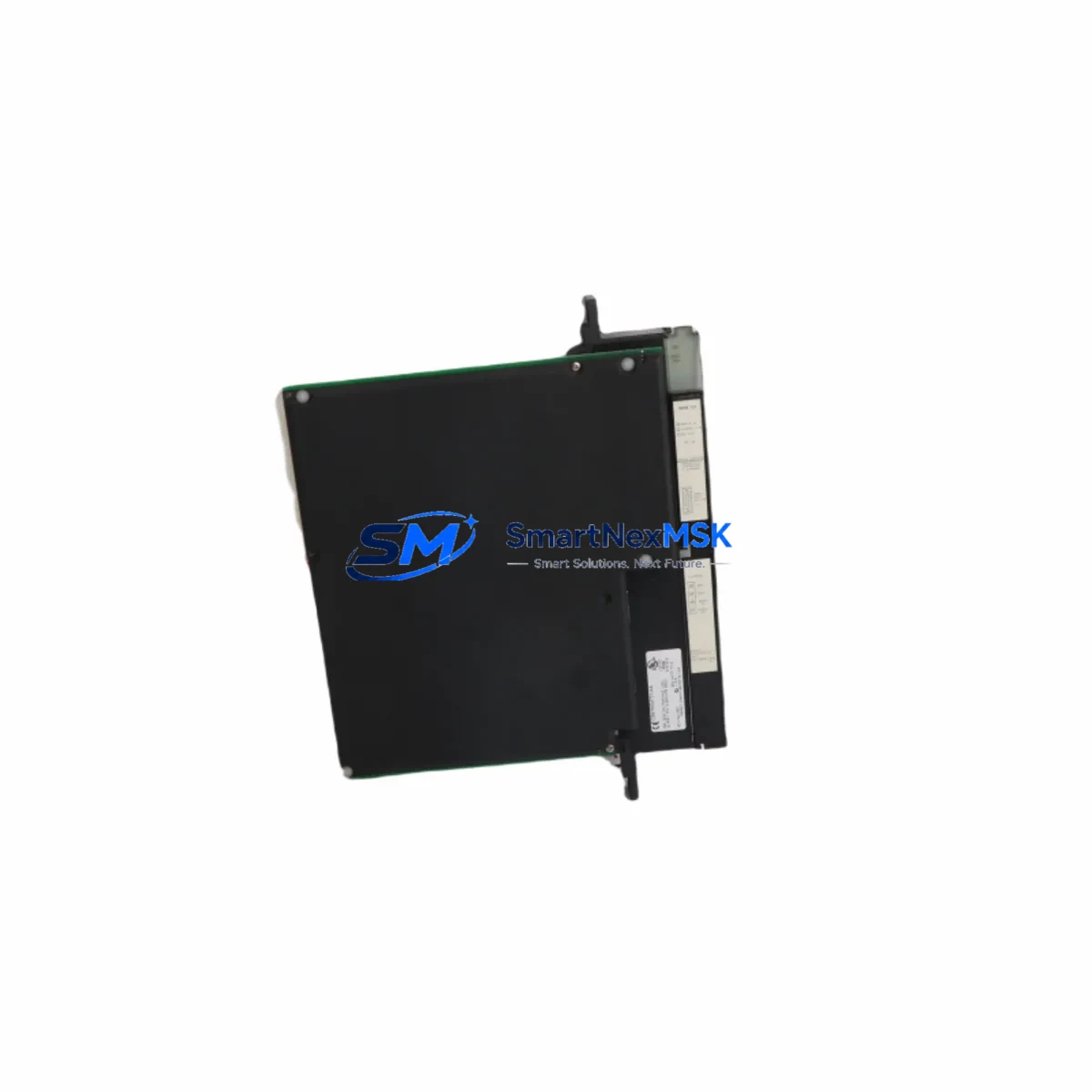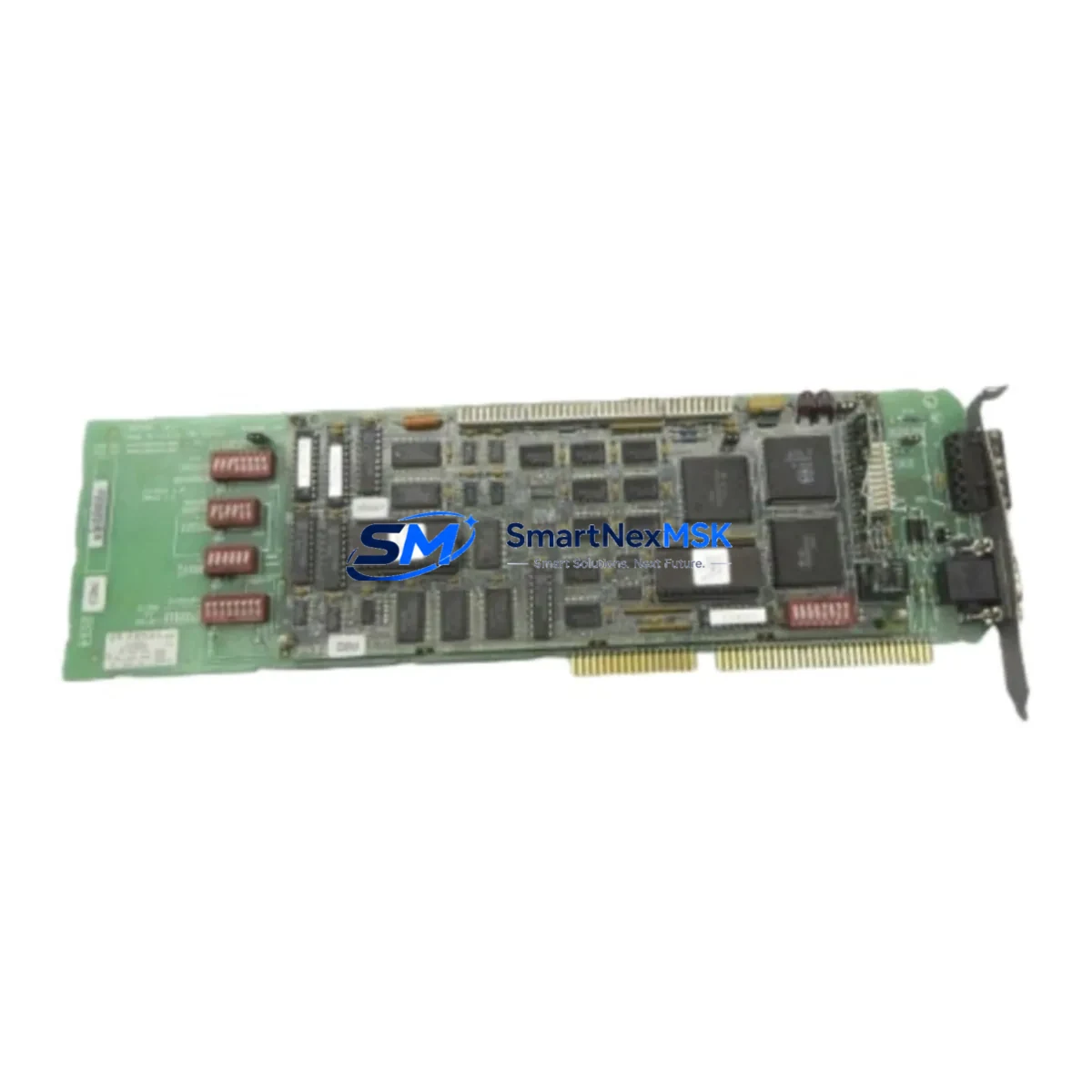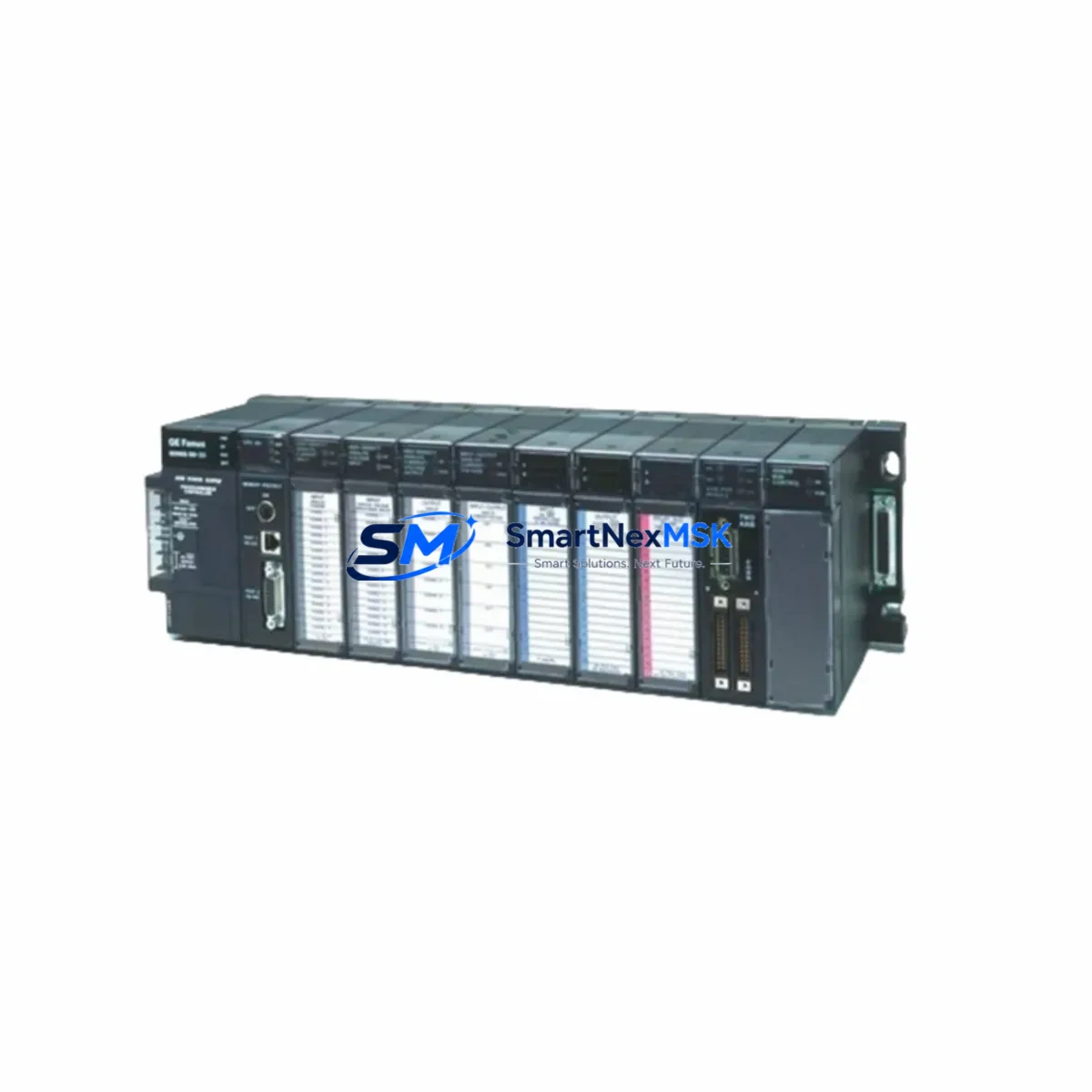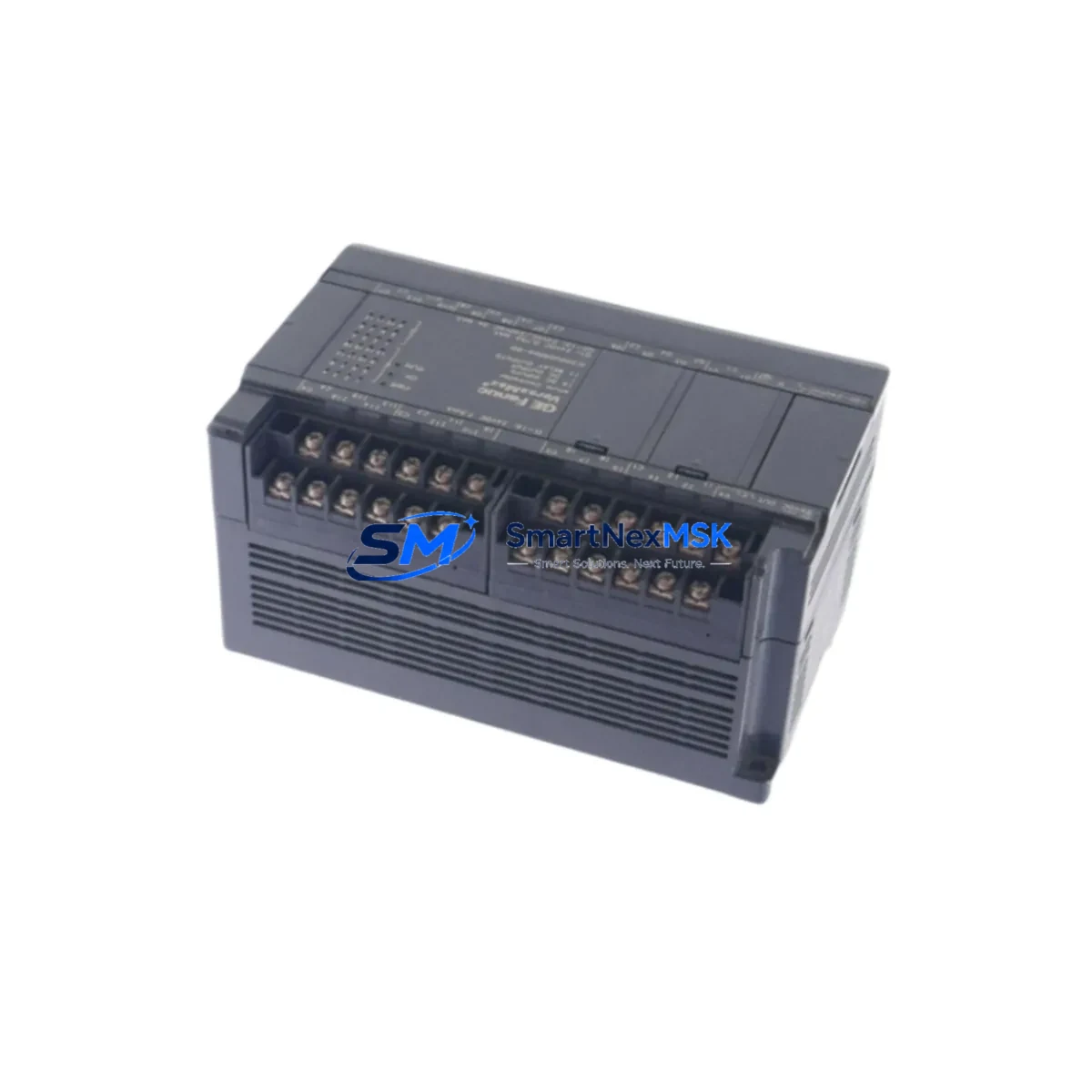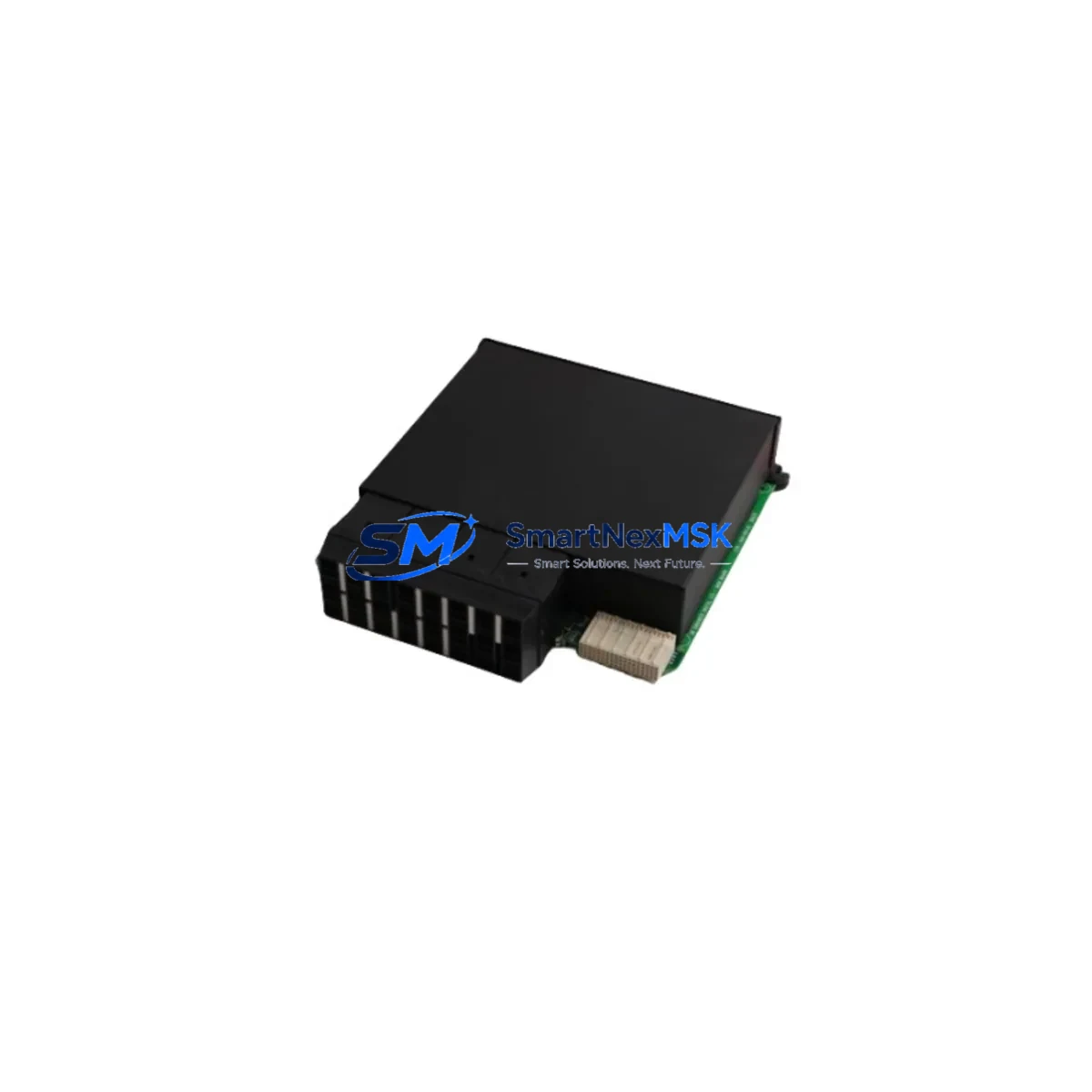
GE Fanuc IC697MDL710 Maintenance-Ready Spare for Series 90-70 Automation
The GE Fanuc IC697MDL710 is an original discrete output module engineered for the Series 90-70 programmable logic controller platform — one of the most widely deployed rack-based control architectures in heavy industry, power generation, and process manufacturing. For maintenance engineers managing aging 90-70 systems, securing a verified, tested spare of the IC697MDL710 is a critical step in any downtime-reduction strategy. Unplanned output module failures can halt entire production lines; having a ready replacement on the shelf transforms a potential multi-day outage into a sub-hour swap.
This listing provides an original IC697MDL710 discrete output module, inspected, function-tested, and backed by a 12-month warranty. Each unit is verified against GE Fanuc factory specifications before shipment, ensuring compatibility with existing 90-70 backplanes, power supplies, and CPU modules without requiring firmware reconfiguration or system re-engineering.
Spare Maintenance Table
| Parameter | Specification / Detail |
|---|---|
| Part Number / SKU | IC697MDL710 |
| Brand | GE Fanuc (GE Automation & Controls) |
| Series | Series 90-70 PLC |
| Module Type | Discrete Output Module |
| Output Points | 32 points (sourcing/sinking, application-dependent) |
| Output Voltage Range | 12–48 VDC / 24–240 VAC (refer to GE Fanuc datasheet for exact ratings) |
| Backplane Compatibility | Series 90-70 standard and expanded backplanes (IC697CHS750, IC697CHS782, IC697CHS790) |
| CPU Compatibility | IC697CPU731, IC697CPU771, IC697CPU772, IC697CPU781, IC697CPU782 and compatible variants |
| Installation | Hot-swap capable (with appropriate system configuration); standard 90-70 module slot |
| Operating Temperature | 0°C to 60°C (32°F to 140°F) |
| Relative Humidity | 5% to 95% non-condensing |
| Condition | Original / Refurbished — function-tested before shipment |
| Warranty | 12 Months from date of shipment |
| Lead Time | In stock — ships within 1–3 business days |
| Maintenance Recommendation | Inspect field wiring, terminal blocks, and backplane connectors during replacement |
Maintenance Planning for Continuous Operation
When a Series 90-70 discrete output module such as the IC697MDL710 is flagged for replacement during a planned shutdown or emergency callout, experienced maintenance engineers know that the module itself is rarely the only component requiring attention. A thorough site inspection should accompany every output module swap to prevent repeat failures and maximize system uptime.
Begin by verifying the IC697PWR710 or IC697PWR724 power supply module — output module faults are frequently caused by marginal or failing rack power rather than the module itself. Check DC bus voltage under load and inspect the power supply’s status LEDs and diagnostic indicators. If the power supply is original to the installation and has not been serviced in several years, proactive replacement alongside the IC697MDL710 is strongly recommended.
Next, inspect the field wiring terminal blocks and I/O connection assemblies. Loose, corroded, or overloaded field wiring is a leading cause of output module stress. Verify torque on all terminal screws, check for discoloration indicating thermal overload, and confirm that field-side fusing (individual output fuses or group fuses) is intact and correctly rated. Blown fuses on the field side can mask the true root cause of an output failure.
For systems using IC697MDL340 or IC697MDL341 discrete input modules in the same rack, cross-check input signal integrity during the maintenance window. Input modules sharing a backplane with a failed output module may have been exposed to the same power anomaly or ground fault that caused the output failure.
Review the IC697BEM711 or IC697BEM713 bus expansion module if the 90-70 system uses a multi-rack configuration. Backplane communication errors can manifest as spurious output faults; cleaning the bus expansion connectors and verifying cable continuity is a low-cost step that prevents misdiagnosis.
For systems with IC697CMM711 or IC697CMM742 communications modules (Ethernet or serial), confirm that the replacement IC697MDL710 is correctly addressed in the I/O configuration and that the CPU’s I/O map has not been corrupted. Re-download the configuration from the programming workstation after module replacement and verify all output points with a forced-output test before returning the system to automatic mode.
Where signal isolators or relay output interface modules are installed between the IC697MDL710 and field devices (motors, solenoids, pilot lights), inspect the relay coils and contact ratings. Relay contacts in high-cycle applications degrade over time and should be part of the annual maintenance checklist alongside the PLC output module itself.
Finally, if the control cabinet houses an IC697ALG320 or IC697ALG440 analog output module in addition to discrete I/O, verify that analog signal references and common grounds are intact. Ground loops introduced during discrete module replacement can affect analog accuracy and trigger nuisance alarms in process control loops.
Site Replacement Workflow
Step 1 — Pre-replacement documentation: Before removing the IC697MDL710, photograph the existing field wiring layout and record the module slot address from the GE Proficy Machine Edition or Logicmaster 90 configuration. Confirm the replacement module’s part number matches exactly — do not substitute IC697MDL711 or IC697MDL752 without verifying output type and voltage compatibility with your field devices.
Step 2 — Safe isolation: Place the CPU in STOP mode and de-energize the field-side power feeding the output module’s load circuits. Do not rely solely on the PLC’s software disable; physically isolate field power at the panel disconnect or fuse block. Verify zero energy with a calibrated meter before touching field wiring.
Step 3 — Module extraction and inspection: Remove the IC697MDL710 by releasing the module locking tab and sliding it from the backplane slot. Inspect the backplane connector pins for damage, oxidation, or debris. Clean with contact cleaner if necessary. Inspect the removed module’s faceplate LEDs and connector for signs of arcing or thermal damage that may indicate a field-side fault requiring further investigation.
Step 4 — Replacement installation: Seat the new IC697MDL710 firmly into the same slot, ensuring the backplane connector is fully engaged. Reconnect field wiring per the documented layout. Restore field-side power and return the CPU to RUN mode. Monitor the module’s status LED and the CPU’s I/O fault table for the first 10 minutes of operation.
Step 5 — Functional verification: Force each output point individually from the programming terminal and confirm field device response. Document the test results and update the maintenance log with the replacement date, module serial number, and any observations. This record supports warranty claims and future failure analysis.
This workflow minimizes mean time to repair (MTTR), maintains system compatibility, and ensures the replacement IC697MDL710 is commissioned correctly — reducing the risk of a repeat callout within the warranty period.
Spare Parts Support FAQ
Q1: Is this IC697MDL710 an original GE Fanuc module or a third-party compatible?
This is an original GE Fanuc IC697MDL710 module. We do not supply third-party clones or unlicensed compatible units. Each module is sourced from verified industrial channels and function-tested before shipment to confirm it meets GE Fanuc factory output specifications.
Q2: What does the 12-month warranty cover, and how is it claimed?
The 12-month warranty covers manufacturing defects and functional failures under normal operating conditions. It does not cover damage caused by incorrect installation, field wiring faults, overvoltage events, or physical mishandling. To initiate a warranty claim, contact our sales team with the order number, failure description, and photos of the installed module. We will arrange return shipping and provide a replacement or full refund within the agreed service window.
Q3: Can the IC697MDL710 replace older or discontinued output modules in the 90-70 family?
The IC697MDL710 is compatible with all standard Series 90-70 backplanes and CPUs. It can replace earlier discrete output modules in the same slot provided the output type (AC/DC, sourcing/sinking) and point count match your field wiring and I/O configuration. Always verify the replacement module’s specifications against your existing I/O map before installation. Our technical team can assist with compatibility confirmation prior to purchase.
Q4: How should I manage IC697MDL710 inventory for a multi-site operation?
For facilities running multiple Series 90-70 systems, we recommend maintaining a minimum of one IC697MDL710 spare per rack configuration, with additional units for high-cycle or critical output circuits. Modules stored in a climate-controlled environment with original packaging retain full functionality for 5+ years. We offer volume pricing and long-term supply agreements for procurement engineers managing multi-site spare parts programs — contact us to discuss your inventory requirements.
© 2026 SMARTNEXMSK. All rights reserved.
Original Source: https://smartnexmsk.com
Contact: [email protected] | +86 18259474341