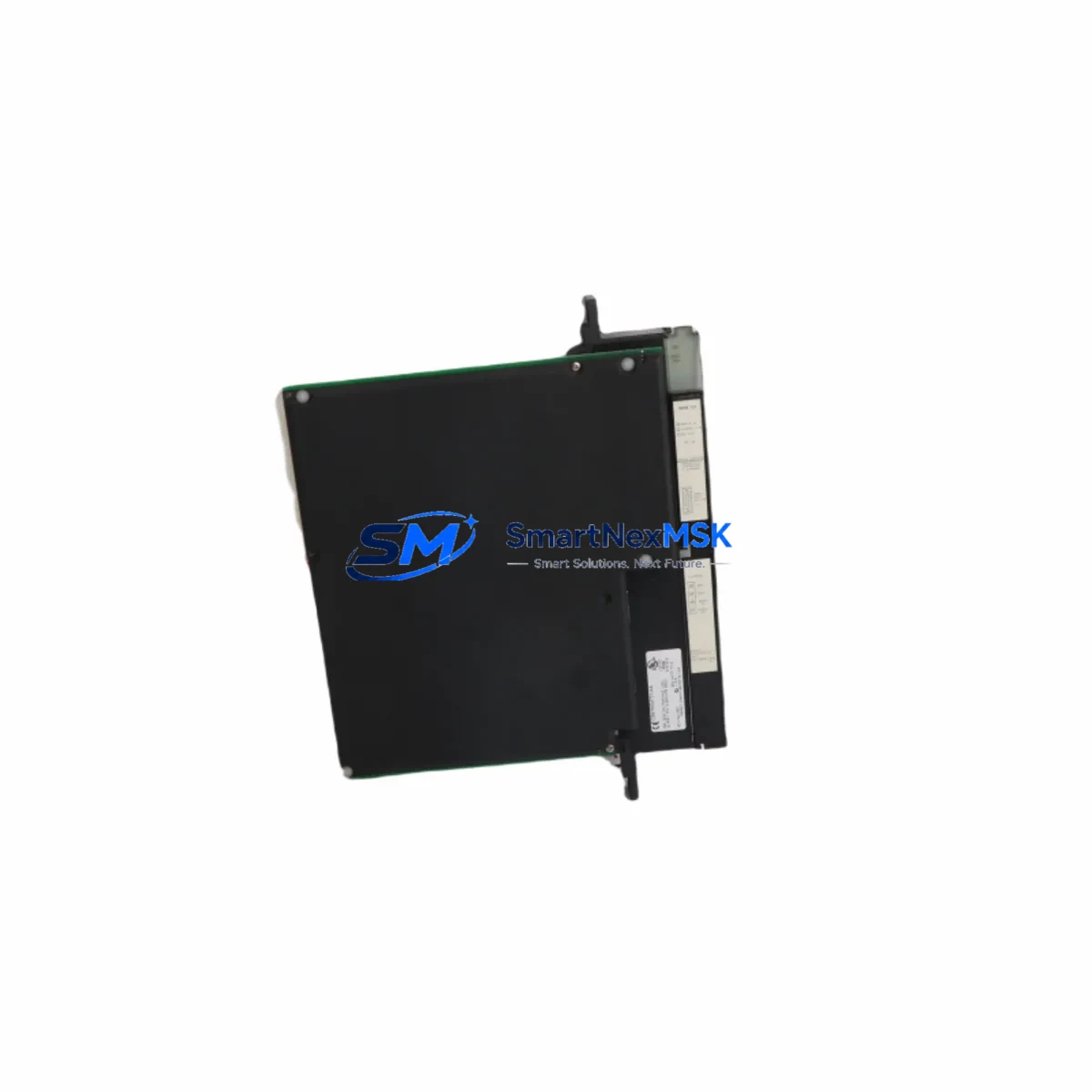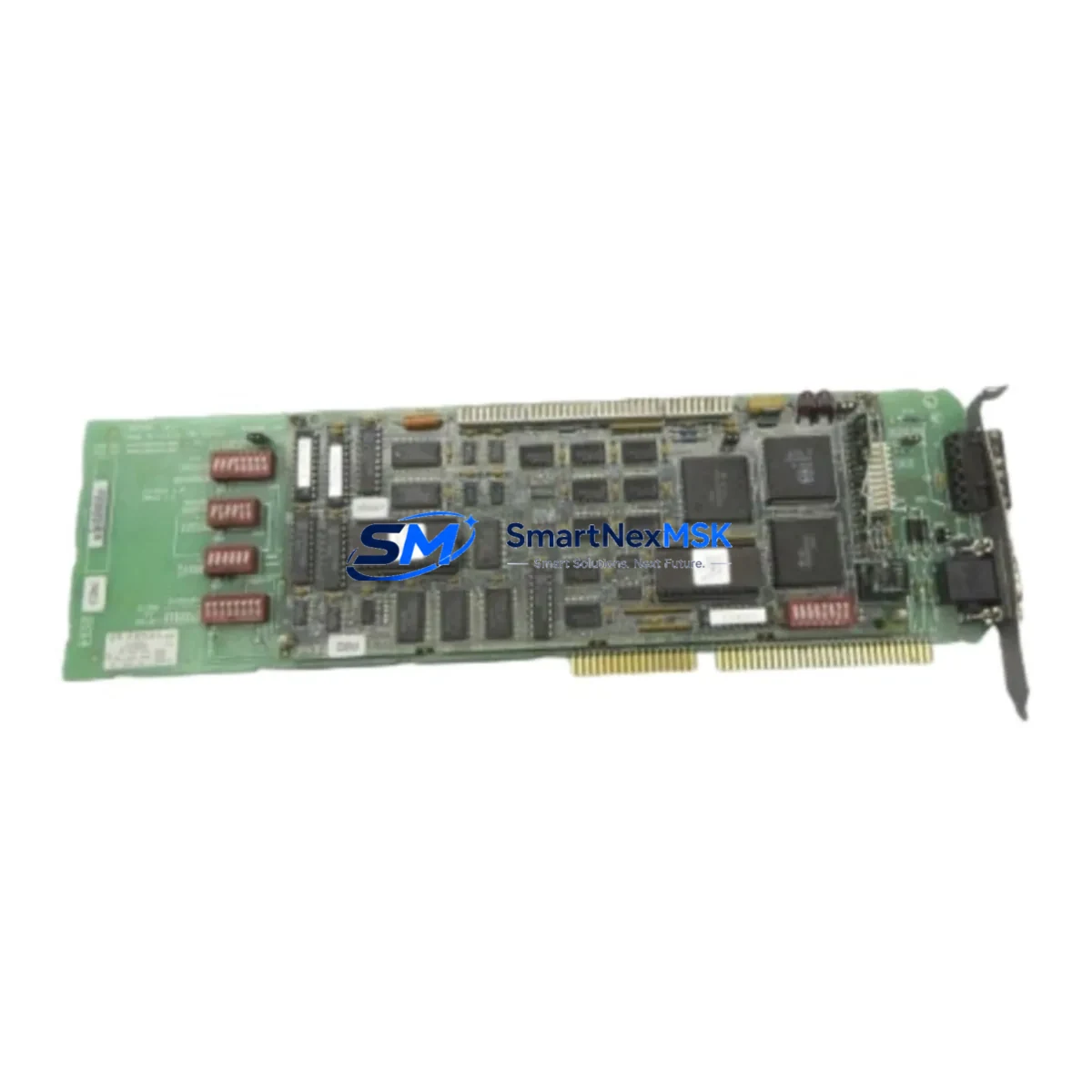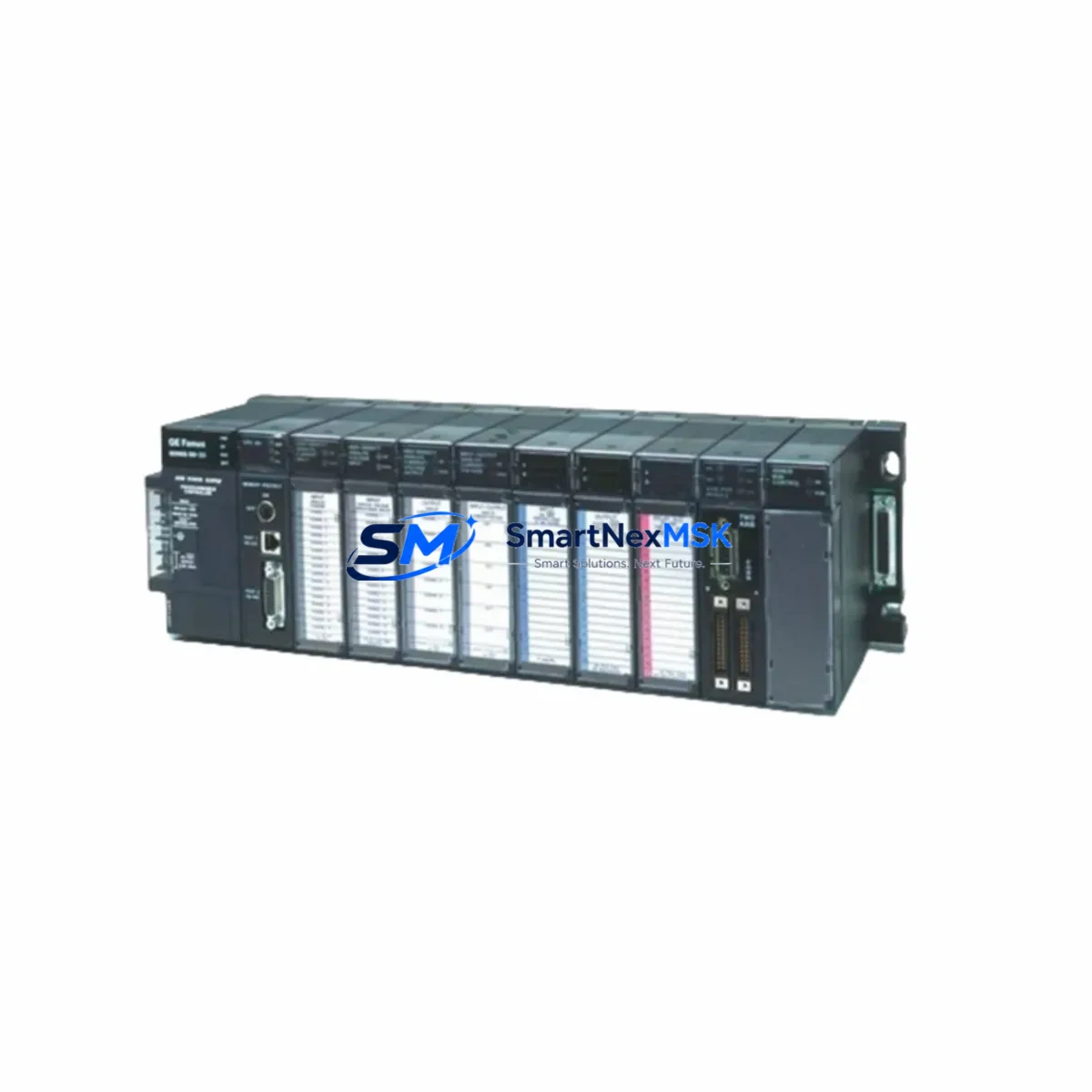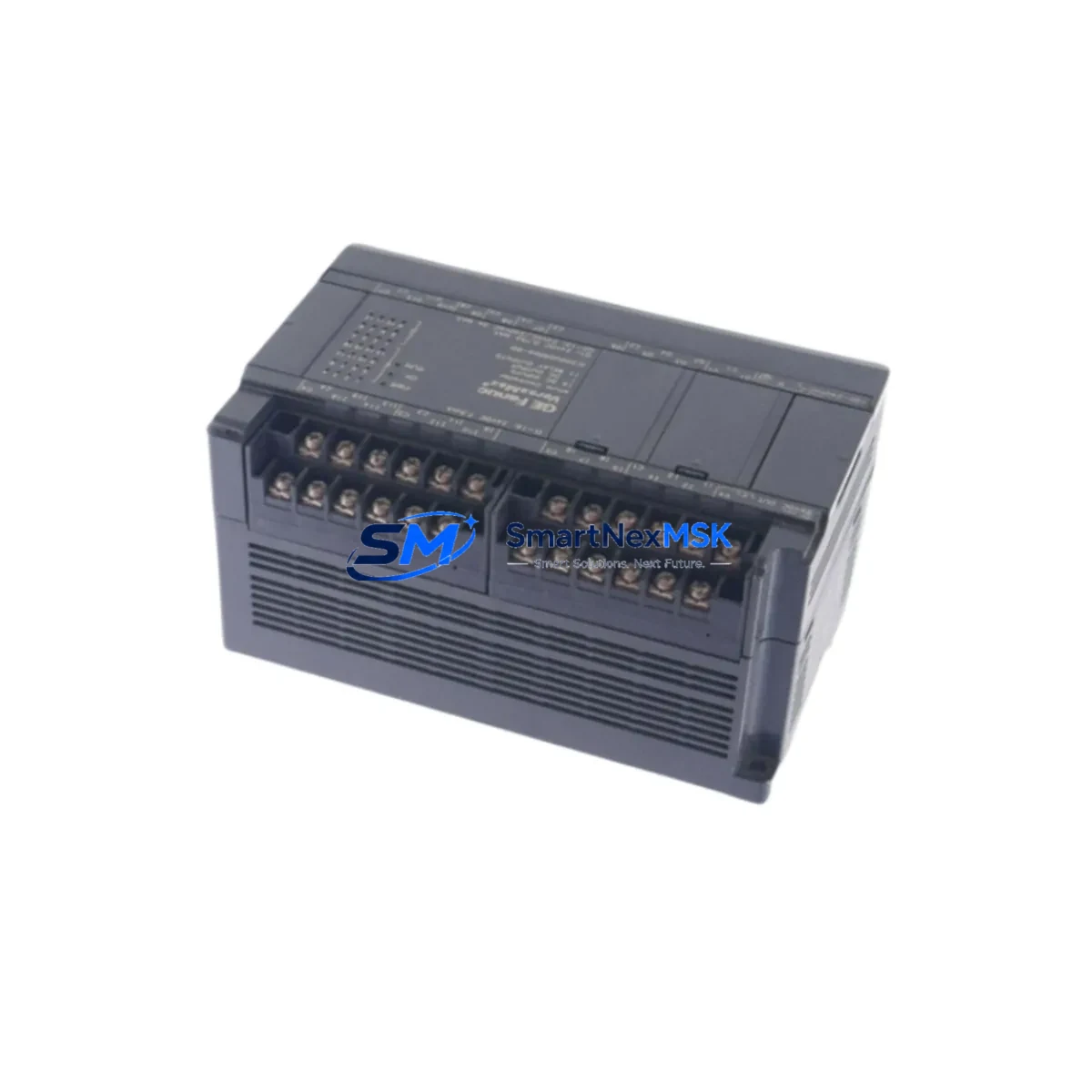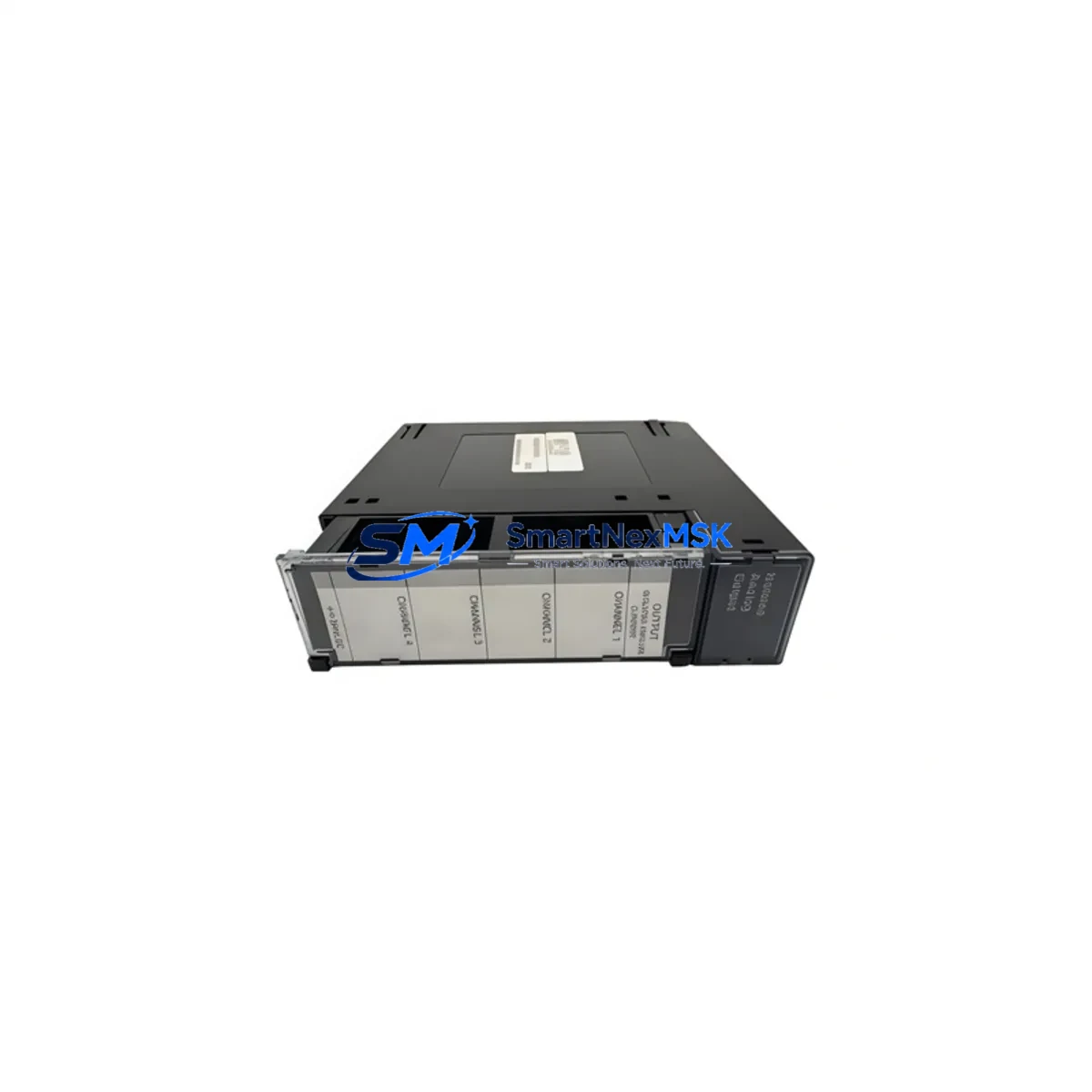
GE HE693DAC410 Maintenance-Ready Spare for Series 90-30 Automation
The GE HE693DAC410 is a 4-channel analog output module designed for the GE Series 90-30 PLC platform, one of the most widely deployed programmable logic controller families in process manufacturing, utilities, and discrete automation. As original production of the 90-30 series has wound down, maintenance engineers and procurement teams increasingly rely on verified spare parts to sustain aging control systems without triggering costly full-system replacements. The HE693DAC410 delivers 4 independently configurable analog output channels with 12-bit resolution, supporting both 4–20 mA current loop and 0–10 V voltage output modes — making it a direct, drop-in spare for facilities running legacy GE 90-30 control cabinets.
For maintenance engineers managing planned shutdowns or responding to unplanned failures, having a pre-tested HE693DAC410 on the shelf is a critical risk-reduction strategy. Analog output modules are among the highest-wear components in a PLC system: they interface directly with field devices such as control valves, variable frequency drives, and positioners, and are subject to signal degradation, terminal corrosion, and output drift over time. A failed analog output channel can halt an entire production loop, making rapid spare availability essential to downtime recovery.
Spare Maintenance Table
| Parameter | Specification / Detail |
|---|---|
| SKU / Part Number | HE693DAC410 |
| Brand / Manufacturer | GE Fanuc (General Electric) |
| Series | Series 90-30 |
| Module Type | Analog Output Module |
| Output Channels | 4 Channels (independently configurable) |
| Output Signal Types | 4–20 mA current loop; 0–10 V voltage |
| Resolution | 12-bit |
| Backplane Compatibility | GE Series 90-30 5-slot, 10-slot, and expansion racks |
| Power Consumption | Supplied via Series 90-30 backplane bus |
| Installation | Direct slot insertion — no tools required |
| Compatible CPUs | IC693CPU311, IC693CPU313, IC693CPU321, IC693CPU331, IC693CPU340, IC693CPU341, IC693CPU350, IC693CPU360, IC693CPU364, IC693CPU374 |
| Operating Temperature | 0°C to 60°C (32°F to 140°F) |
| Relative Humidity | 5% to 95% non-condensing |
| Replacement Scope | Direct spare for HE693DAC410; compatible with same rack slot |
| Pre-Shipment Testing | Functional output verification on all 4 channels |
| Warranty | 12-Month Warranty from date of shipment |
| Lead Time | In-stock; ships within 1–3 business days |
Maintenance Planning for Continuous Operation
Effective spare parts planning for a Series 90-30 system goes well beyond stocking a single module. When a maintenance team identifies a failed or degrading HE693DAC410, the replacement workflow should include a broader inspection of the surrounding control cabinet to prevent repeat failures and ensure system stability.
Begin with the IC693PWR321 or IC693PWR330 power supply module — the backplane power source for the entire rack. A power supply operating near its rated capacity or showing output ripple can stress analog modules and cause intermittent output errors that are difficult to diagnose. Verify DC bus voltage at the backplane connector before inserting the replacement HE693DAC410.
Inspect the IC693MDL655 or similar discrete output modules sharing the same rack. Shared backplane current draw from multiple output modules can affect analog signal quality, particularly in high-density I/O configurations. Check that total rack current consumption remains within the power supply’s rated output.
Review the field wiring at the terminal block assembly connected to the HE693DAC410’s output terminals. Corroded, loose, or mis-labeled terminals are a common root cause of analog output failures. Use a calibrated loop calibrator to verify 4–20 mA signal integrity at the field device end — whether that device is a control valve positioner, a VFD speed reference input, or a process controller setpoint input.
If the system uses a GE IC693CMM321 or IC693CMM311 communications module for Ethernet or serial connectivity to a SCADA or DCS host, confirm that the module’s configuration table still correctly maps the HE693DAC410’s output references after the replacement. Module address assignments in the I/O configuration must match the physical slot position.
For facilities using a GE Cimplicity HMI or a third-party SCADA system, verify that analog output tags linked to the HE693DAC410 channels are correctly scaled and that alarm limits remain valid after the module swap. A mismatch between the HMI tag engineering units and the module’s configured output range can cause process upsets immediately after restart.
Consider also inspecting signal isolators installed between the HE693DAC410 outputs and field devices in hazardous area installations. Isolators can degrade over time and introduce offset errors that appear to originate from the analog output module itself. Replacing the module without checking the isolator may not resolve the underlying signal quality issue.
Finally, review the IC693ACC300 or equivalent expansion rack cable if the HE693DAC410 is installed in a remote I/O rack. Cable continuity and connector seating should be verified as part of any analog module replacement procedure.
Site Replacement Workflow
Replacing the HE693DAC410 on a live Series 90-30 system requires a structured approach to minimize downtime and protect both the control program and field devices:
Step 1 — Pre-Replacement Preparation: Document the current analog output values for all 4 channels using the PLC programmer (Logicmaster 90 or Proficy Machine Edition). Note the configured output range (current or voltage) and the I/O address assignments for each channel. If possible, place the associated control loops in manual mode at the DCS or SCADA level to prevent process upsets during the module swap.
Step 2 — Safe Removal: De-energize the field wiring terminals using the cabinet’s local isolation switches. Do not power down the entire PLC rack unless required — the Series 90-30 supports hot-swap of I/O modules in most configurations, but verify this against your site’s safety procedures. Remove the terminal block connector from the module face before extracting the module from the rack slot.
Step 3 — Module Insertion and Address Verification: Insert the replacement HE693DAC410 into the same rack slot. The CPU will automatically recognize the module and restore its I/O configuration from the stored program. Verify that no I/O fault LEDs illuminate on the CPU or the new module. If a fault is indicated, check the slot address configuration in the hardware configuration table.
Step 4 — Signal Verification: Reconnect the field wiring terminal block. Using a loop calibrator or the PLC’s force function, command each output channel to a known value (e.g., 4 mA, 12 mA, 20 mA) and verify the signal at the field device. Confirm that the field device responds correctly before returning the control loop to automatic mode.
Step 5 — Documentation and Spare Replenishment: Record the replacement in the site maintenance log, including the date, technician, and the serial number of the replaced module. Immediately initiate a purchase order for a replacement spare to restore your on-hand inventory level.
Spare Parts Support FAQ
Q1: Is the HE693DAC410 still in production, and how long can I expect supply availability?
The HE693DAC410 is a legacy GE Fanuc Series 90-30 component that has reached end-of-production status. SMARTNEXMSK maintains dedicated inventory of tested, verified units sourced through authorized industrial surplus and refurbishment channels. We provide long-term supply support for facilities committed to extending the operational life of their Series 90-30 systems. Each unit is functionally tested prior to shipment and covered by a 12-month warranty.
Q2: How do I confirm compatibility before ordering?
The HE693DAC410 is compatible with all standard GE Series 90-30 5-slot and 10-slot base racks, as well as expansion racks connected via the IC693ACC300 expansion cable. It is supported by all Series 90-30 CPU variants from IC693CPU311 through IC693CPU374. If you are unsure whether your specific rack configuration supports this module, contact our technical team with your CPU part number and rack model — we will confirm compatibility before shipment.
Q3: What pre-shipment testing is performed on each unit?
Every HE693DAC410 unit shipped by SMARTNEXMSK undergoes functional output verification across all 4 analog output channels in both current (4–20 mA) and voltage (0–10 V) modes. We verify output linearity, channel isolation, and backplane communication prior to packaging. A test report is available upon request. All units are shipped with ESD-protective packaging to prevent damage in transit.
Q4: What does the 12-month warranty cover?
The 12-month warranty covers all functional defects in the HE693DAC410 module arising from manufacturing or component failure under normal operating conditions. It does not cover damage resulting from incorrect installation, overvoltage conditions, or physical mishandling. In the event of a warranty claim, SMARTNEXMSK will provide a replacement unit or full refund within the warranty period. Contact [email protected] with your order number and a description of the fault to initiate a warranty claim.
© 2026 SMARTNEXMSK. All rights reserved.
Original Source: https://smartnexmsk.com
Contact: [email protected] | +86 18259474341