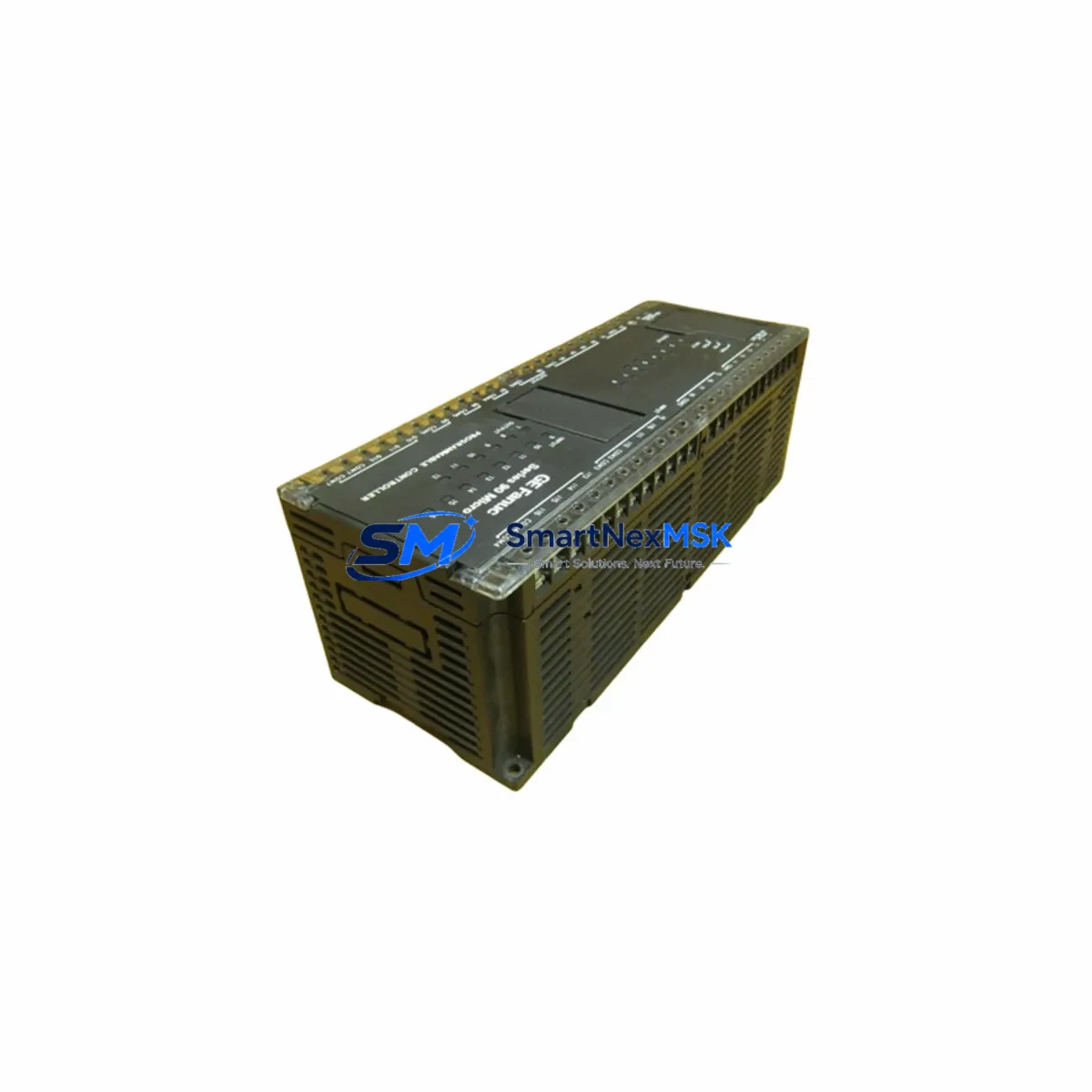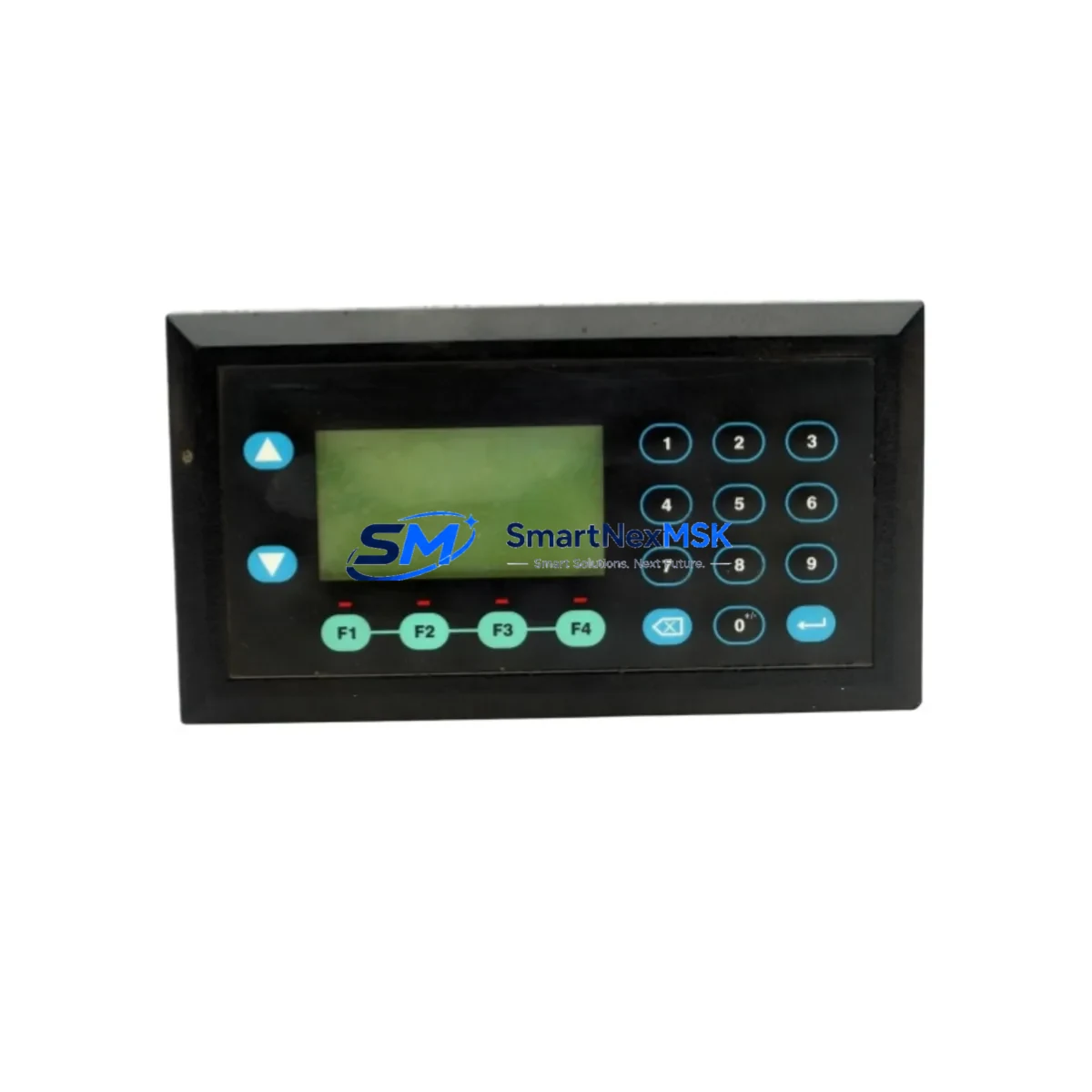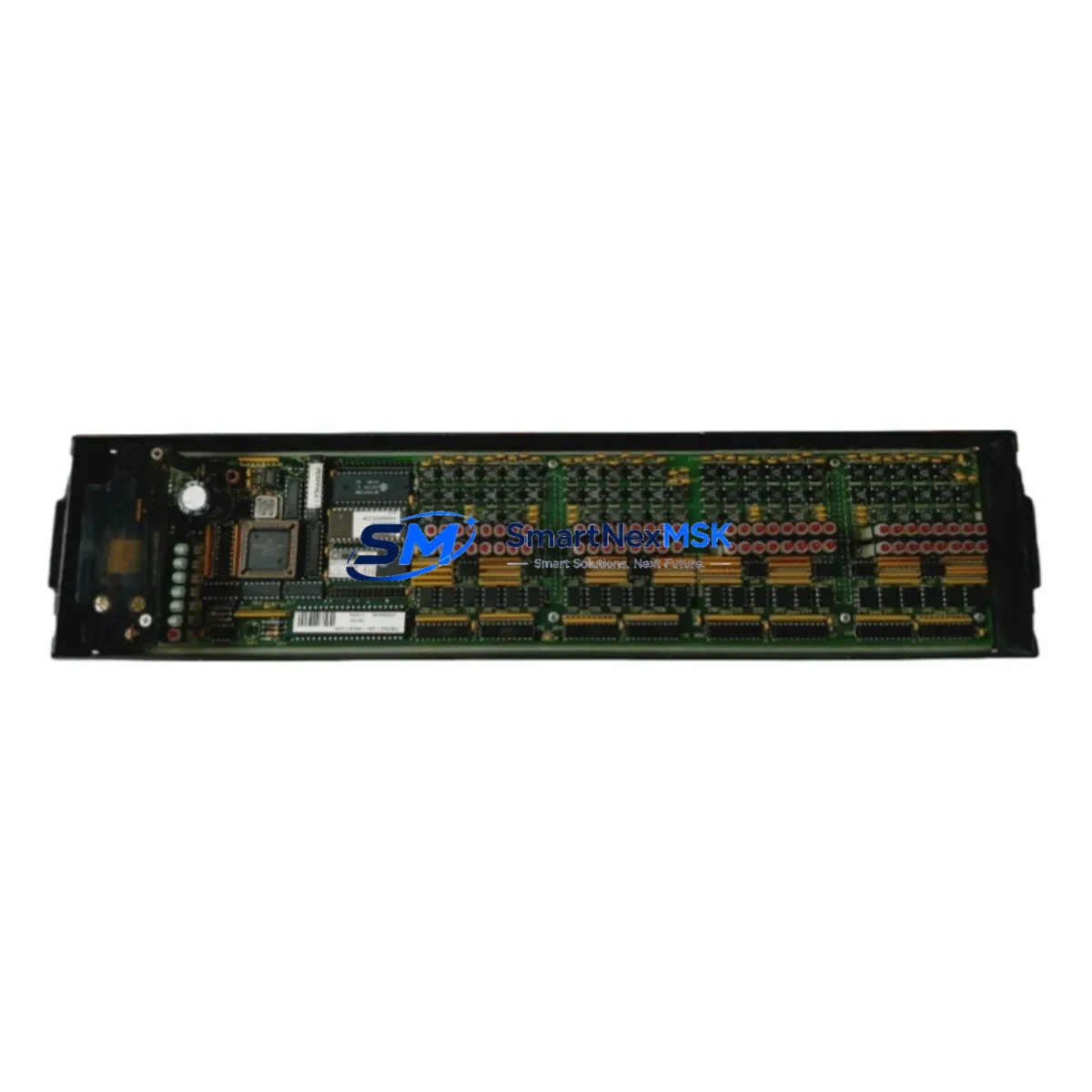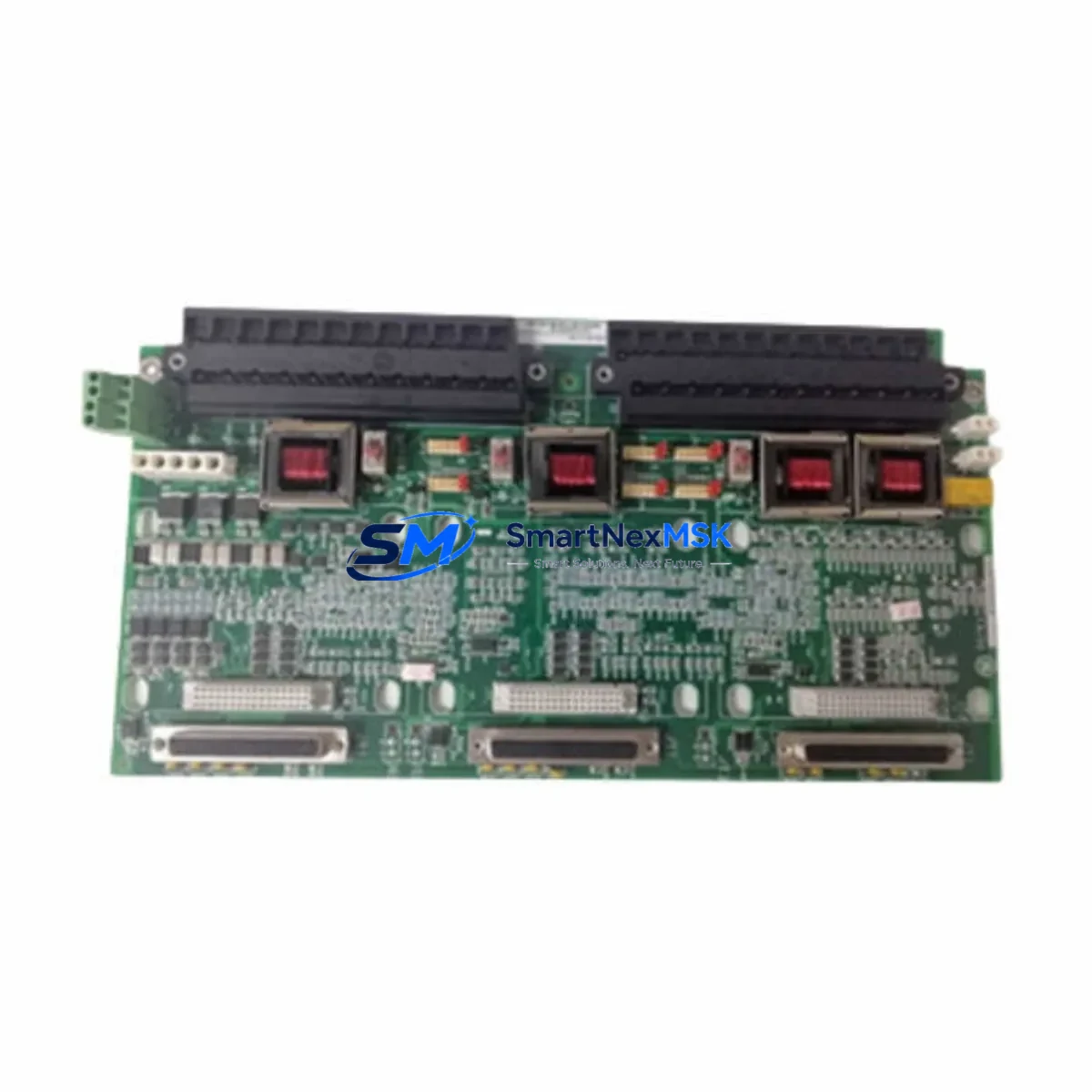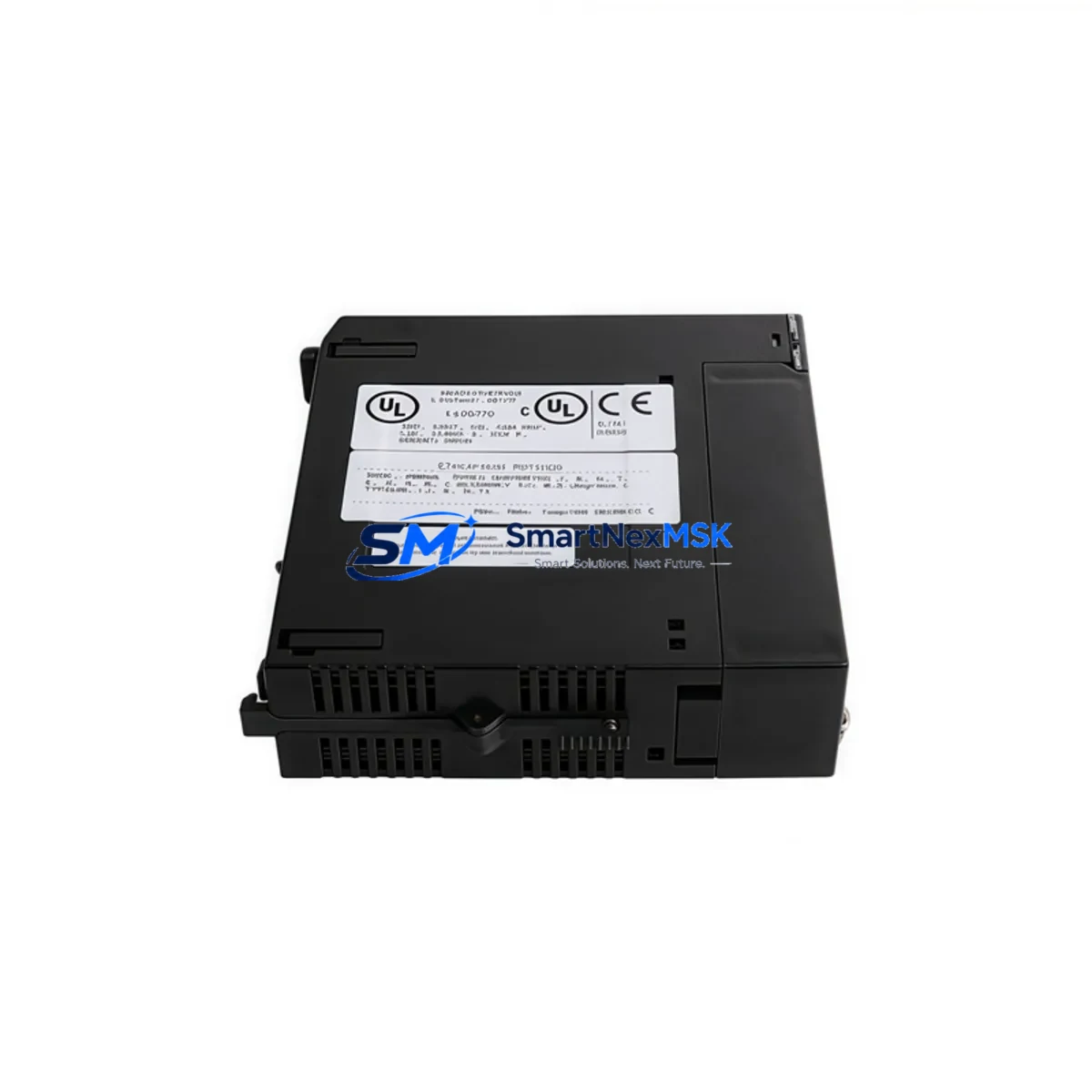
GE HE693DNT250 Retrofit-Ready DeviceNet Scanner for Series 90-30 Control Systems
The GE HE693DNT250 is a DeviceNet Scanner Module engineered for the GE Series 90-30 programmable logic controller platform. As legacy automation systems face end-of-life support challenges, the HE693DNT250 remains a critical component for facilities undertaking control cabinet upgrades, discontinued-part replacements, and fieldbus protocol migrations. Whether you are restoring a production line after an unplanned failure or executing a planned modernization of an aging Series 90-30 rack, this module provides the DeviceNet master scanning capability required to maintain I/O network integrity without a full controller replacement.
The HE693DNT250 occupies a standard Series 90-30 backplane slot and communicates over the DeviceNet fieldbus at configurable baud rates (125 kbps, 250 kbps, 500 kbps). It supports up to 64 DeviceNet nodes, making it suitable for medium-density distributed I/O architectures common in automotive assembly, material handling, packaging, and process control environments. When replacing a failed or obsolete scanner module, engineers must verify the backplane slot assignment, module address configuration, and the DeviceNet network MAC ID to ensure seamless re-integration with existing field devices such as VFDs, smart sensors, and remote I/O adapters.
Upgrade Compatibility Table
| Parameter | HE693DNT250 Specification | Retrofit / Replacement Notes |
|---|---|---|
| Platform Compatibility | GE Series 90-30 (IC693 rack) | Fits all standard 5-slot, 10-slot IC693CHS391/397 racks |
| Fieldbus Protocol | DeviceNet (CAN-based, IEC 62026-3) | Verify existing network uses DeviceNet; not interchangeable with Profibus or EtherNet/IP |
| Baud Rate Support | 125 / 250 / 500 kbps | Match baud rate to existing network configuration before commissioning |
| Max DeviceNet Nodes | 64 nodes | Audit current node count; expansion beyond 64 requires additional scanner or network segmentation |
| Backplane Interface | Series 90-30 parallel backplane | Not compatible with Series 90-70 (IC697) or PACSystems RX3i (IC695) backplanes |
| Power Consumption | Supplied via backplane (5 VDC) | Verify IC693PWR321/330/331 power supply capacity before adding module to loaded rack |
| Module Address / Slot | Configurable via Logicmaster 90 or Proficy ME | Preserve original slot assignment in hardware configuration to avoid I/O map conflicts |
| Programming Software | Logicmaster 90-30 / Proficy Machine Edition | Backup existing program before module swap; re-download hardware configuration after replacement |
| Installation Requirement | Power-off hot-swap not supported | Schedule controlled shutdown; use IC693CBL316 programming cable for post-swap verification |
| Warranty | 12-Month Warranty | Covers manufacturing defects; includes pre-shipment functional test report |
Retrofit Planning for Existing Automation Systems
Successful integration of the HE693DNT250 into an existing Series 90-30 control system begins with a thorough site survey. Engineers should document the current rack layout, noting which slots are occupied by CPU modules such as the IC693CPU374 or IC693CPU364, analog and discrete I/O modules including the IC693MDL940 (discrete output) and IC693ALG392 (analog input), and any existing communications modules. The power supply — typically an IC693PWR321 or IC693PWR330 — must be assessed for available current budget before adding the HE693DNT250 to the rack.
On the DeviceNet network side, the replacement scanner must be assigned the same MAC ID as the original module to avoid disrupting the established node address table. Field devices connected to the network — including Allen-Bradley 1769-SDN remote I/O adapters, Turck BL20 gateway nodes, or Pepperl+Fuchs DeviceNet sensors — will re-establish communication automatically once the scanner is online with the correct MAC ID and baud rate. If the original EDS (Electronic Data Sheet) files are unavailable, they can typically be sourced from the device manufacturer or reconstructed from the existing scanner configuration backup.
For facilities migrating from an older HE693DNT250 that has developed intermittent faults, it is advisable to also inspect the IC693CBL316 programming cable and the rack backplane connector for corrosion or mechanical damage. In multi-rack configurations connected via the Series 90-30 Bus Expansion system using IC693CBL302 or IC693CBL304 expansion cables, verify that the bus termination resistors are correctly installed after the module swap to prevent backplane communication errors. HMI panels connected via SNP or SNP-X protocol — such as those running GE Cimplicity or iFIX SCADA — should be tested for tag communication continuity after the hardware configuration is re-downloaded to the CPU.
Downtime Control During System Migration
Minimizing production downtime during a DeviceNet scanner replacement requires disciplined pre-work. Before scheduling the maintenance window, create a full backup of the Series 90-30 program using Proficy Machine Edition or Logicmaster 90-30 software, saving both the ladder logic and the hardware configuration file. Export the DeviceNet scanner configuration — including the node list, I/O sizes, and EDS assignments — from the existing module if it is still partially functional.
During the replacement window, power down the rack in a controlled sequence: disable field outputs first, then remove power from the IC693PWR321 supply. Seat the HE693DNT250 in the correct slot, restore power, and download the saved hardware configuration before enabling the DeviceNet network. Perform a node scan to confirm all 64 (or fewer) field devices are responding at their expected MAC IDs. Validate analog and discrete I/O values against known reference readings before releasing the line to production. For critical processes, consider staging a pre-tested spare module with the configuration pre-loaded to reduce the active swap window to under 30 minutes. All units supplied by SMARTNEXMSK are pre-shipment tested and include a functional test report, supporting rapid commissioning and reducing the risk of a second unplanned outage.
Retrofit Support FAQ
Q1: Is the HE693DNT250 a direct drop-in replacement for a failed DeviceNet scanner in a Series 90-30 rack?
Yes. The HE693DNT250 is the original GE catalog number for the Series 90-30 DeviceNet Scanner Module. It installs in any standard IC693 rack slot and uses the same backplane interface. After installation, re-download the hardware configuration from your Proficy Machine Edition or Logicmaster 90-30 project to restore the DeviceNet node table and I/O mapping.
Q2: What wiring changes are required when replacing the HE693DNT250?
No field wiring changes are required on the DeviceNet trunk or drop cables, provided the replacement module is assigned the same MAC ID as the original. The DeviceNet connector (5-pin open-style or Micro connector) on the HE693DNT250 is standard and mates directly with existing network cabling. Confirm cable shield grounding at the scanner end per DeviceNet installation guidelines.
Q3: Can the HE693DNT250 be used in a PACSystems RX3i or Series 90-70 rack?
No. The HE693DNT250 is designed exclusively for the Series 90-30 (IC693) parallel backplane. It is not compatible with the PACSystems RX3i (IC695) VME-based backplane or the Series 90-70 (IC697) backplane. Customers migrating to RX3i should evaluate the IC695PBM300 (PROFIBUS Master) or EtherNet/IP scanner options available for that platform.
Q4: What does the 12-month warranty cover, and is a test report included?
All HE693DNT250 units supplied by SMARTNEXMSK carry a 12-month warranty covering manufacturing defects and functional failures under normal operating conditions. Each unit undergoes pre-shipment functional testing, and a test report is included with the shipment. Units are shipped in anti-static packaging with full traceability documentation to support your incoming inspection process.
© 2026 SMARTNEXMSK. All rights reserved.
Original Source: https://smartnexmsk.com
Contact: [email protected] | +86 18259474341