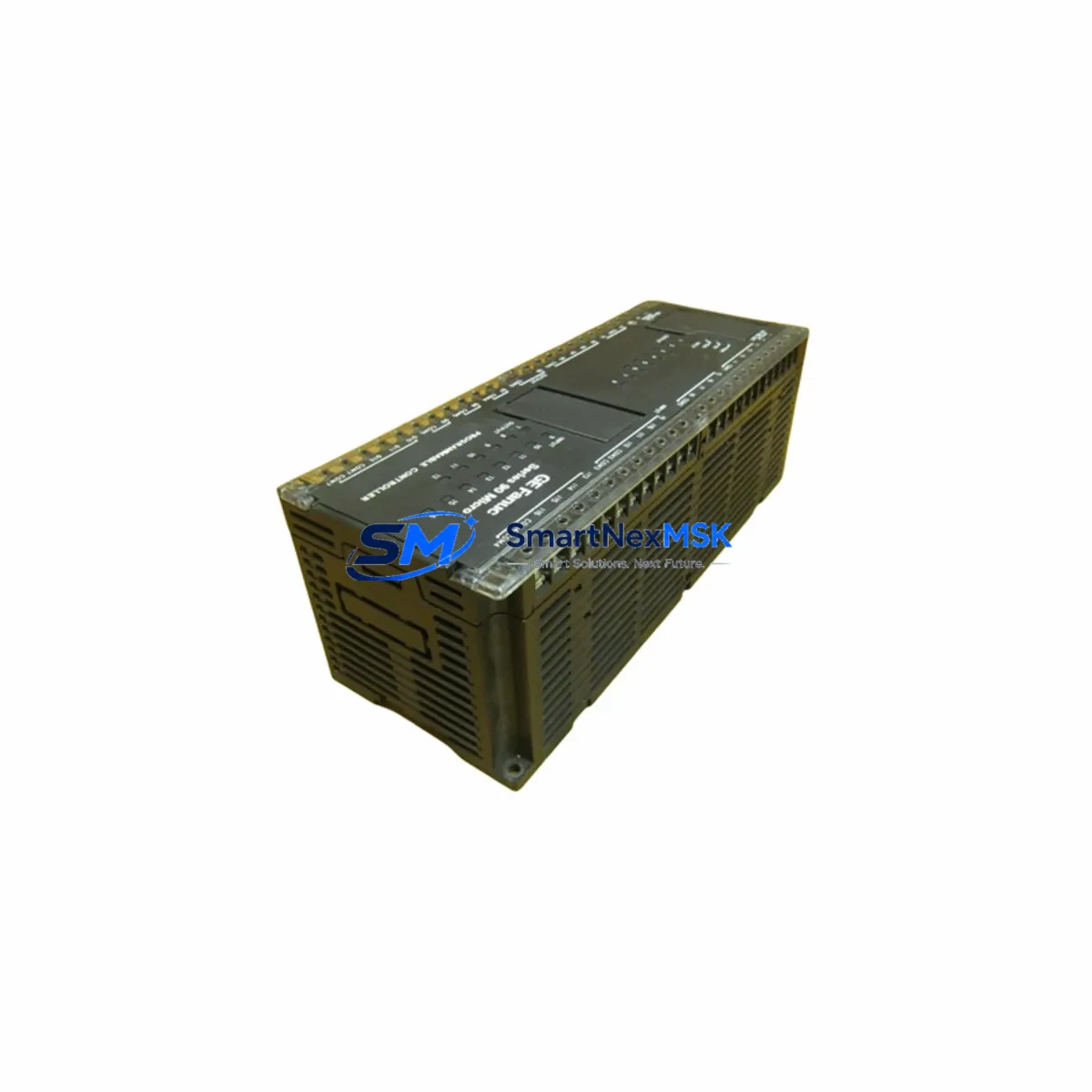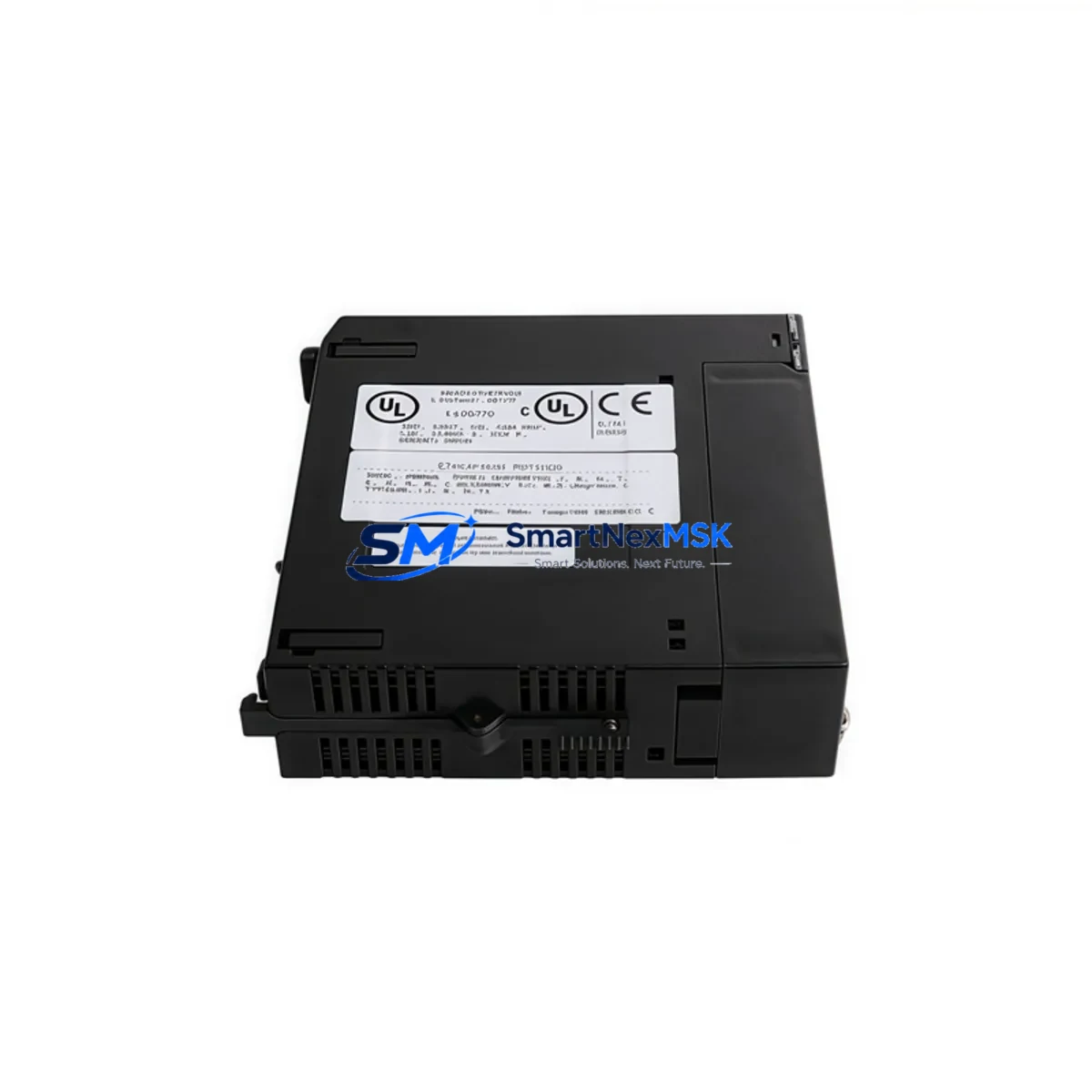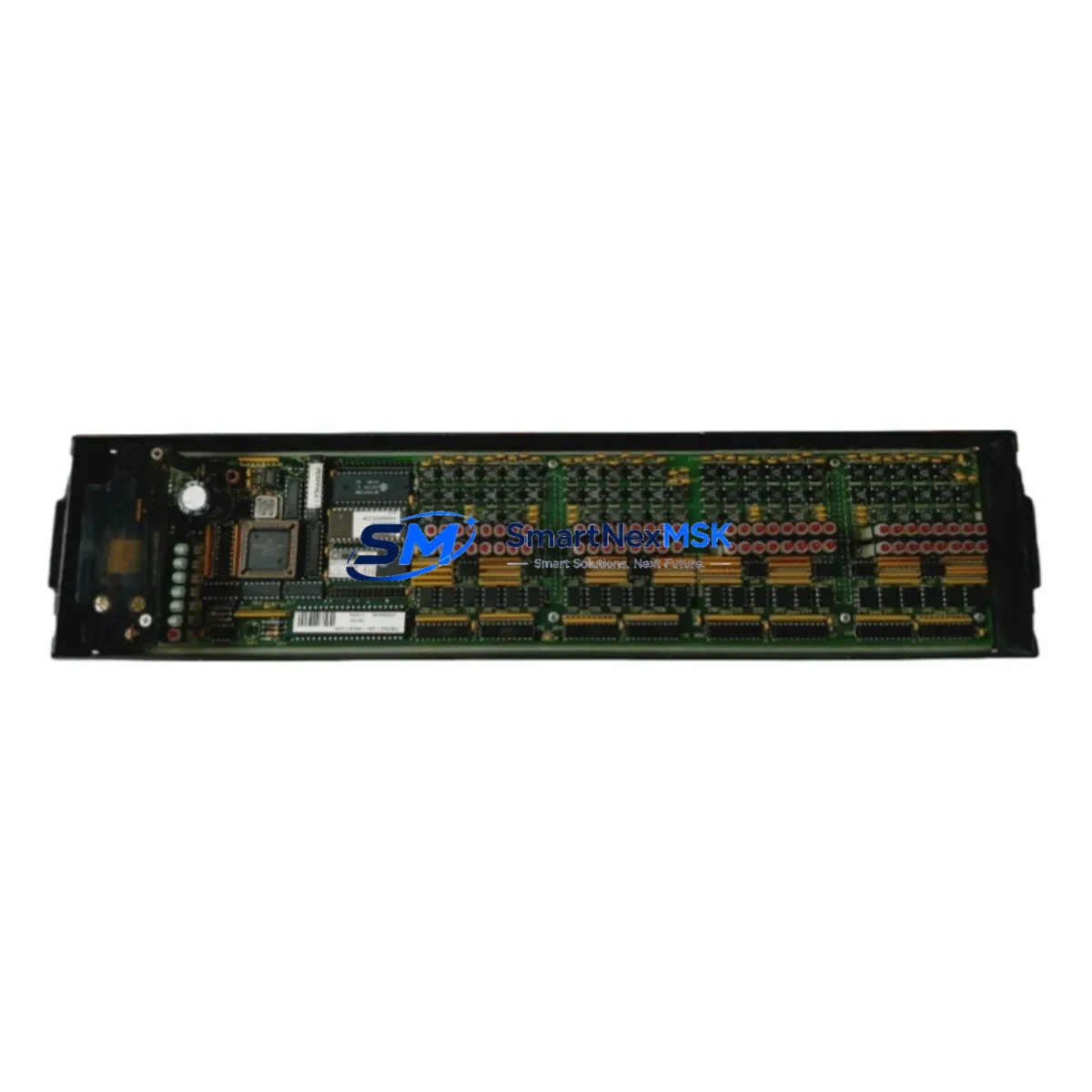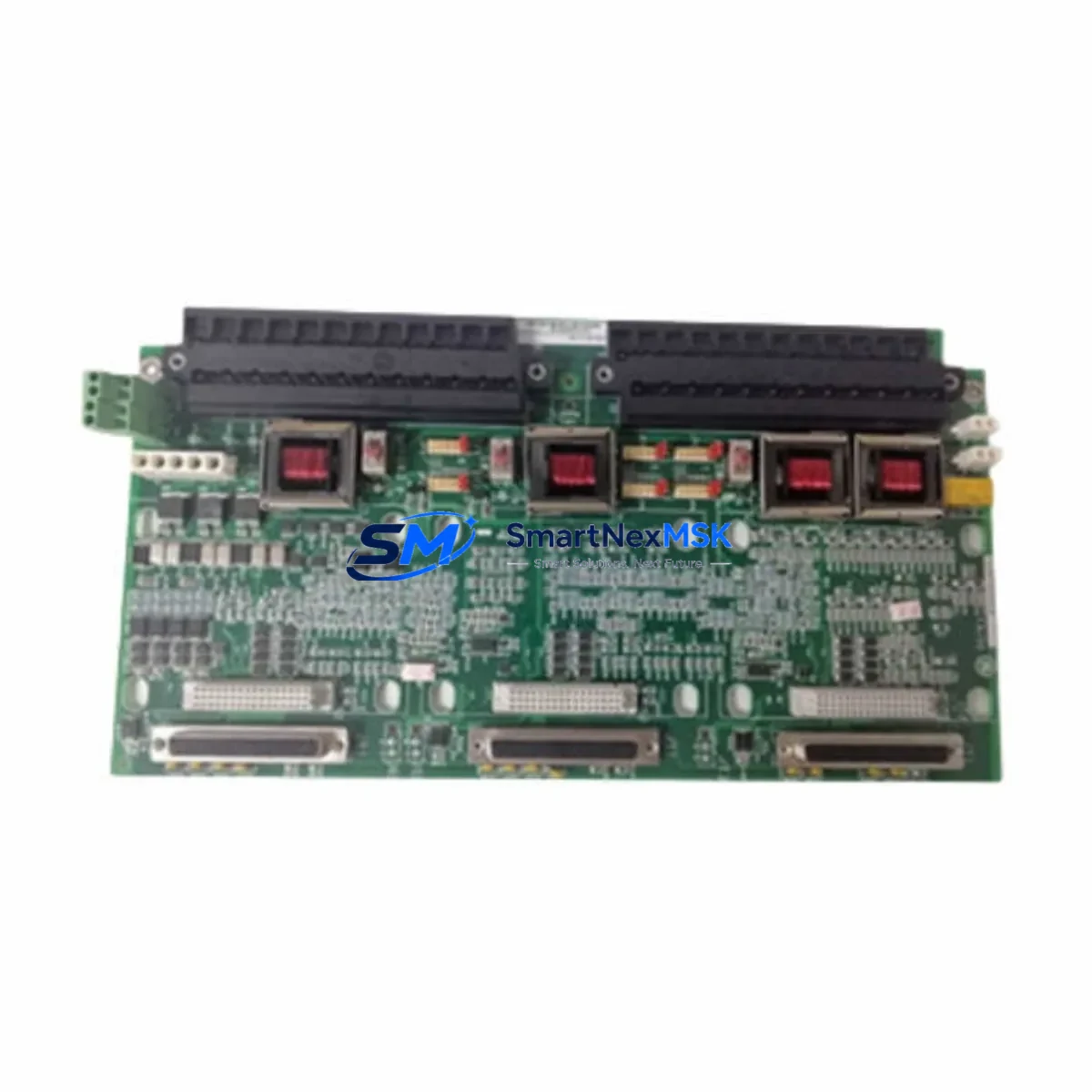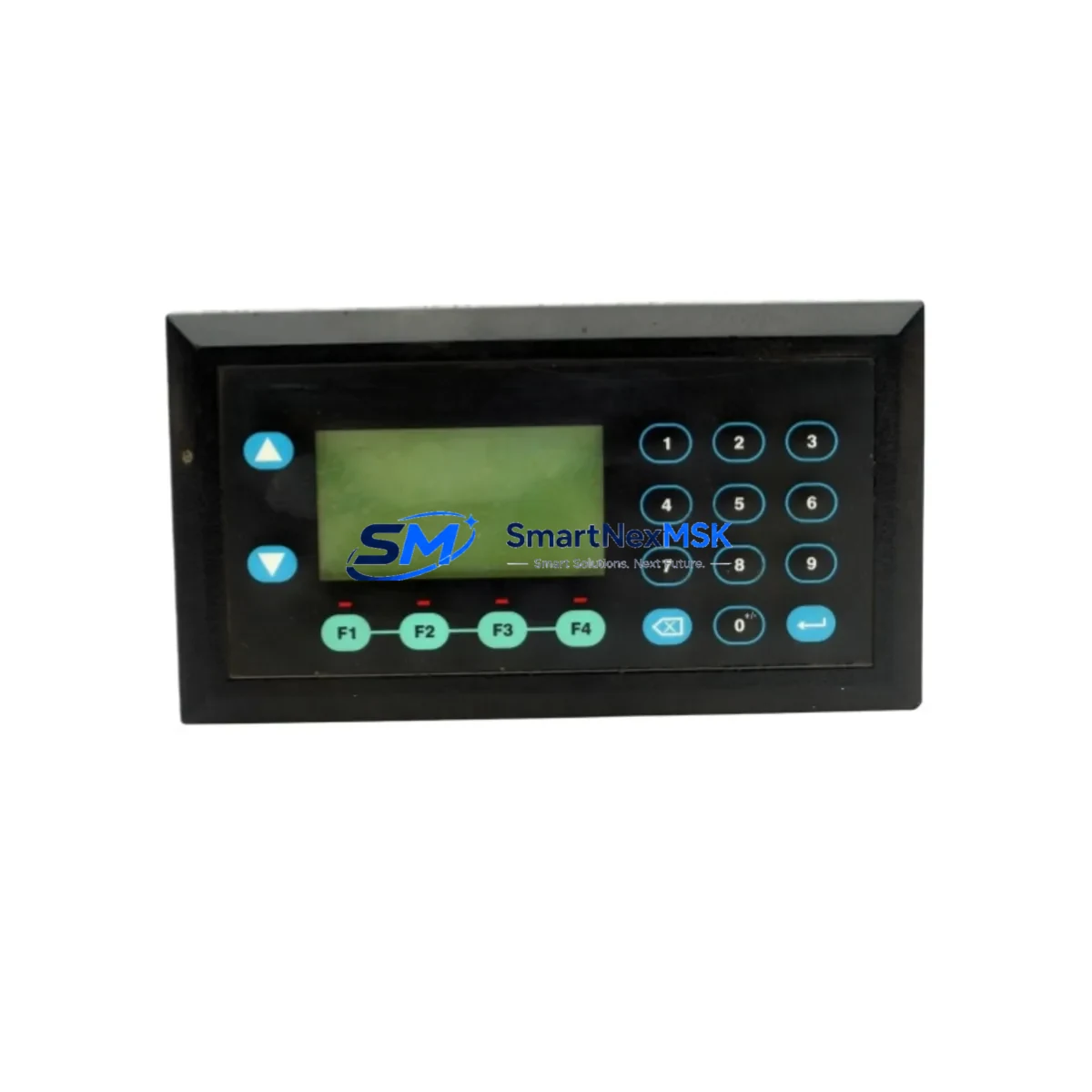
GE IC752QPT012-24 Spare for QuickPanel Automation: Spare Replacement & Industrial Downtime Risk Control
The GE IC752QPT012-24 is a 12-inch QuickPanel Touch Panel HMI operating at 24VDC, designed for demanding industrial automation environments. As a maintenance-ready original-spec spare, this unit supports rapid replacement in GE Fanuc QuickPanel-based control systems, minimizing unplanned downtime and preserving operator interface continuity across legacy and active production lines. Whether you are managing a scheduled overhaul, responding to an emergency panel failure, or building a strategic spare parts inventory, the IC752QPT012-24 delivers the compatibility, reliability, and verified performance that maintenance and procurement engineers require.
Spare Maintenance Table
| SKU / Part Number | IC752QPT012-24 |
| Brand | GE (General Electric) / GE Fanuc |
| Series | QuickPanel |
| Product Type | HMI Touch Panel |
| Display Size | 12 inch TFT Color Touchscreen |
| Supply Voltage | 24VDC |
| Weight | 270 g (approx.) |
| Origin | United States |
| Compatibility | GE Fanuc QuickPanel series; compatible with Series 90 PLC, PACSystems RX3i, and legacy GE automation architectures |
| Installation | Panel-mount; standard cutout dimensions per GE QuickPanel spec sheet |
| Application Environment | Industrial control cabinets, SCADA operator stations, process automation HMI stations |
| Maintenance Recommendation | Inspect touchscreen calibration, backlight condition, and communication port integrity at each scheduled PM cycle |
| Outgoing Test | Powered-on functional test prior to shipment |
| Warranty | 12 Months |
Maintenance Planning for Continuous Operation
When replacing the IC752QPT012-24 in a QuickPanel-based control system, a thorough site assessment is essential to prevent repeat failures and ensure full system restoration. Maintenance engineers should treat this HMI replacement as an opportunity to audit the surrounding electrical and control infrastructure.
Begin by verifying the 24VDC power supply feeding the panel — a degraded or undersized power supply module is a common root cause of HMI failures and should be tested or replaced concurrently. Inspect all field wiring and terminal blocks connected to the panel’s I/O interface; loose or corroded terminations can cause intermittent communication faults that are often misdiagnosed as HMI hardware failure.
Check the communication cables and connectors linking the IC752QPT012-24 to the host PLC — typically a GE Series 90-30, Series 90-70, or PACSystems RX3i CPU module. Ethernet or serial communication ports on both the HMI and the PLC should be inspected for physical damage and tested for signal integrity. If the system uses a communications module such as a GE IC693CMM321 or IC693CMM311 serial communications module, verify its firmware version and configuration compatibility with the replacement HMI.
For systems with distributed I/O, confirm that remote I/O modules — including GE IC693MDL series discrete input/output modules — are correctly addressed and communicating after the HMI swap. Signal isolators or barriers protecting analog input channels should also be checked for drift or degradation, as these components are often overlooked during HMI-focused maintenance events.
If the control cabinet includes relay output modules or interposing relays, inspect coil voltage ratings and contact condition. Relay modules such as the GE IC693MDL940 or equivalent should be tested under load to confirm proper switching. Fuse holders and circuit protection devices within the cabinet should be inspected and replaced if showing signs of heat stress or corrosion.
For facilities running older GE automation architectures, this replacement event is also an appropriate time to assess the overall health of the backplane and rack assembly. A GE IC693CHS391 or similar rack should be inspected for bent pins, cracked housings, or oxidized bus connectors that could cause intermittent faults after the new HMI is installed.
Procurement engineers building spare parts kits for QuickPanel-based systems should consider stocking the IC752QPT012-24 alongside compatible power supply units, communication modules, and key I/O cards to ensure a complete rapid-response inventory that covers the most common failure modes in a single control cabinet.
Site Replacement Workflow
Step 1 — Pre-Replacement Verification: Confirm the IC752QPT012-24 SKU against the existing panel nameplate and system documentation. Verify 24VDC supply voltage at the panel terminals before disconnecting the old unit.
Step 2 — Safe Isolation: Follow site LOTO (Lockout/Tagout) procedures. Disconnect power and all communication cables from the existing HMI. Label all connectors before removal to ensure correct reconnection.
Step 3 — Physical Installation: Mount the replacement IC752QPT012-24 into the existing panel cutout. Reconnect all communication and power cables per the original wiring diagram. Torque terminal connections to specification.
Step 4 — Configuration Restore: Load the backed-up HMI project file onto the replacement unit via USB or Ethernet. Verify screen navigation, tag bindings, and alarm configurations match the original setup.
Step 5 — Communication Test: Confirm live data exchange between the IC752QPT012-24 and the host PLC. Test all operator control functions and verify alarm acknowledgment behavior.
Step 6 — Return to Service: Document the replacement in the site maintenance log. Update the spare parts inventory and initiate a reorder for the next IC752QPT012-24 unit to maintain buffer stock.
This workflow is designed to minimize mean time to repair (MTTR) and restore full operator interface capability with minimal disruption to the production process. The IC752QPT012-24 is a direct form-fit-function replacement for the original GE QuickPanel unit, eliminating the need for panel cutout modification or software re-engineering in most applications.
Spare Parts Support FAQ
Q1: Is the IC752QPT012-24 a new original or a refurbished unit?
All units supplied by SMARTNEXMSK are original-specification parts sourced from verified supply channels. Each unit undergoes a powered-on functional test prior to shipment. A 12-month warranty is provided on every unit, covering manufacturing defects and functional failures under normal operating conditions.
Q2: How do I confirm compatibility with my existing QuickPanel system before ordering?
Compatibility is confirmed by matching the SKU (IC752QPT012-24), supply voltage (24VDC), and display size (12 inch) against your existing panel nameplate and system documentation. If you require additional compatibility verification — such as firmware version matching or communication protocol confirmation — contact our technical team at [email protected] with your system details before placing an order.
Q3: What is the recommended spare parts stocking strategy for QuickPanel HMI systems?
For critical production lines, we recommend maintaining at least one IC752QPT012-24 unit in on-site buffer stock. For facilities operating multiple QuickPanel stations, a 1:5 spare ratio is a common industry practice. SMARTNEXMSK supports long-term supply agreements and can provide scheduled delivery to support annual maintenance planning cycles.
Q4: What does the 12-month warranty cover, and what is the claims process?
The 12-month warranty covers functional failures and manufacturing defects under normal industrial operating conditions. It does not cover damage resulting from incorrect installation, overvoltage, or physical mishandling. To initiate a warranty claim, contact [email protected] with the order reference, unit serial number, and a description of the fault. Our team will arrange inspection and replacement or repair within the warranty period.
© 2026 SMARTNEXMSK. All rights reserved.
Original Source: https://smartnexmsk.com
Contact: [email protected] | +86 18259474341