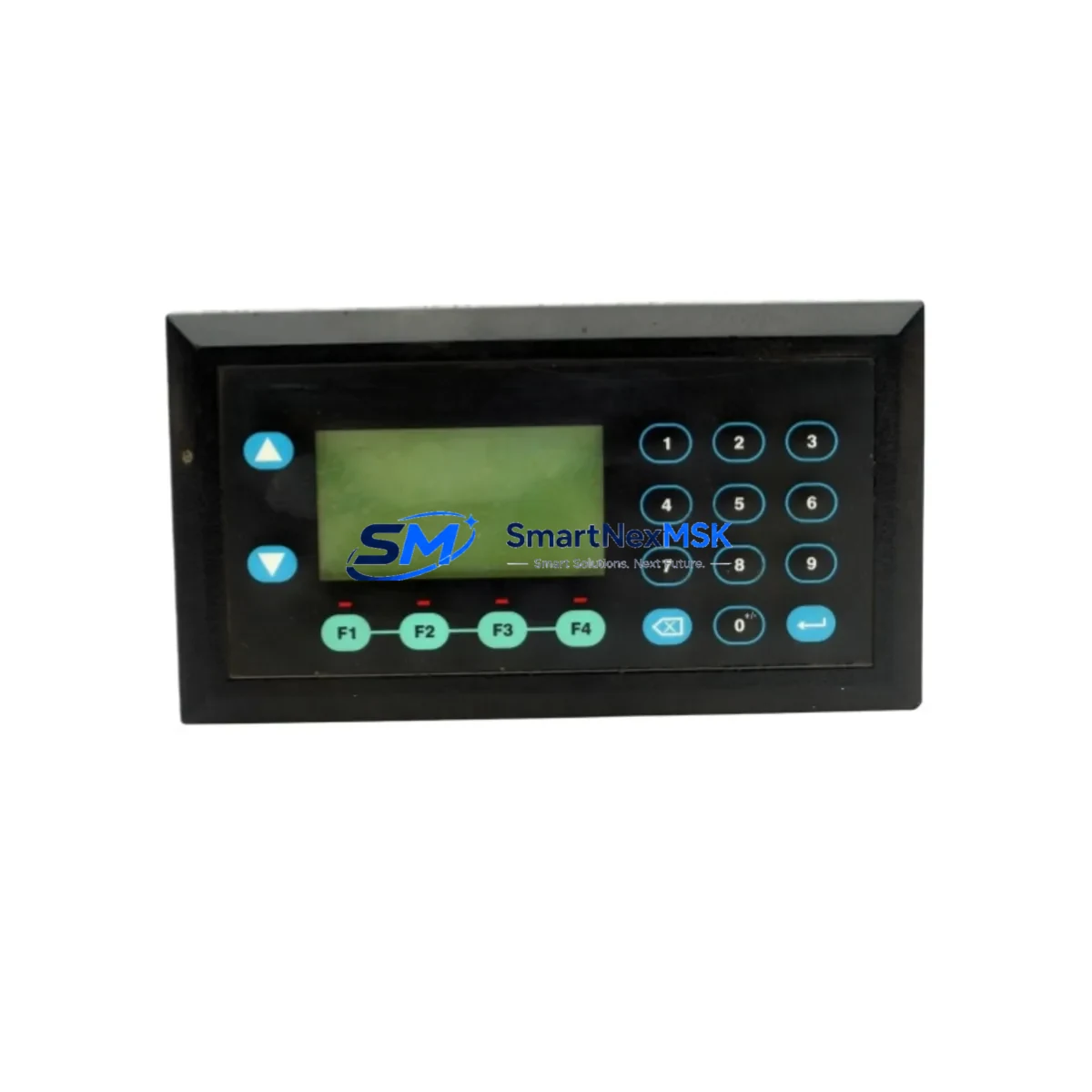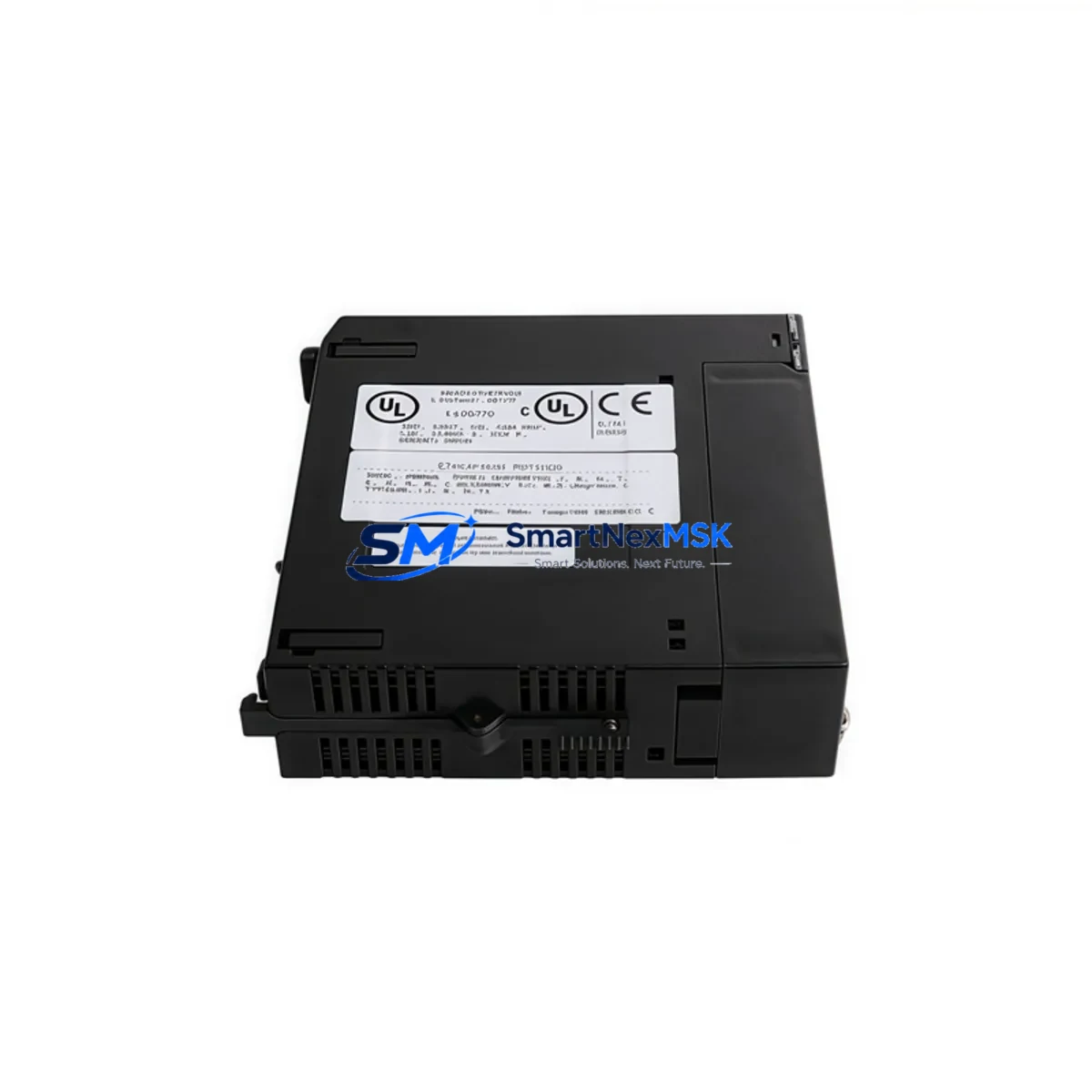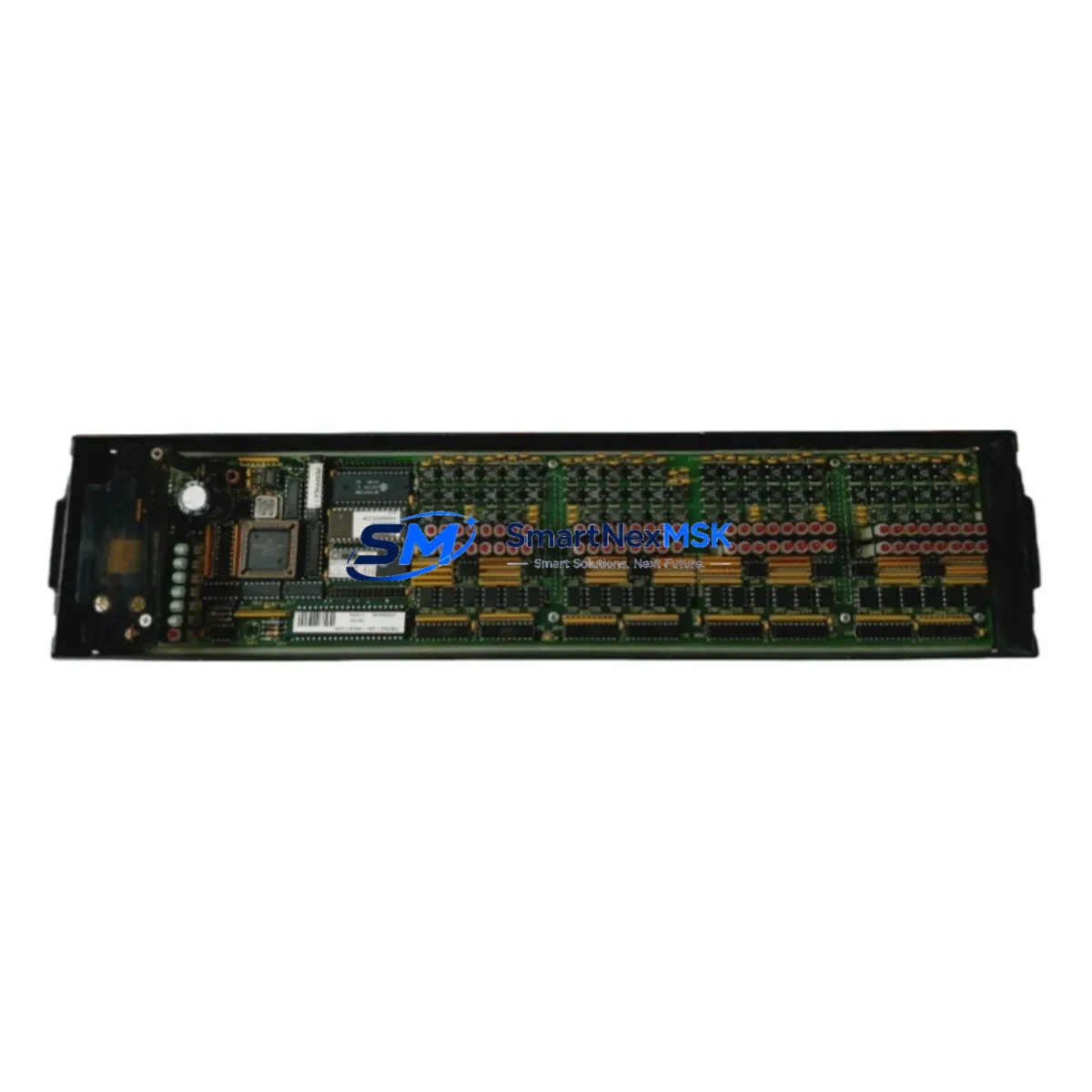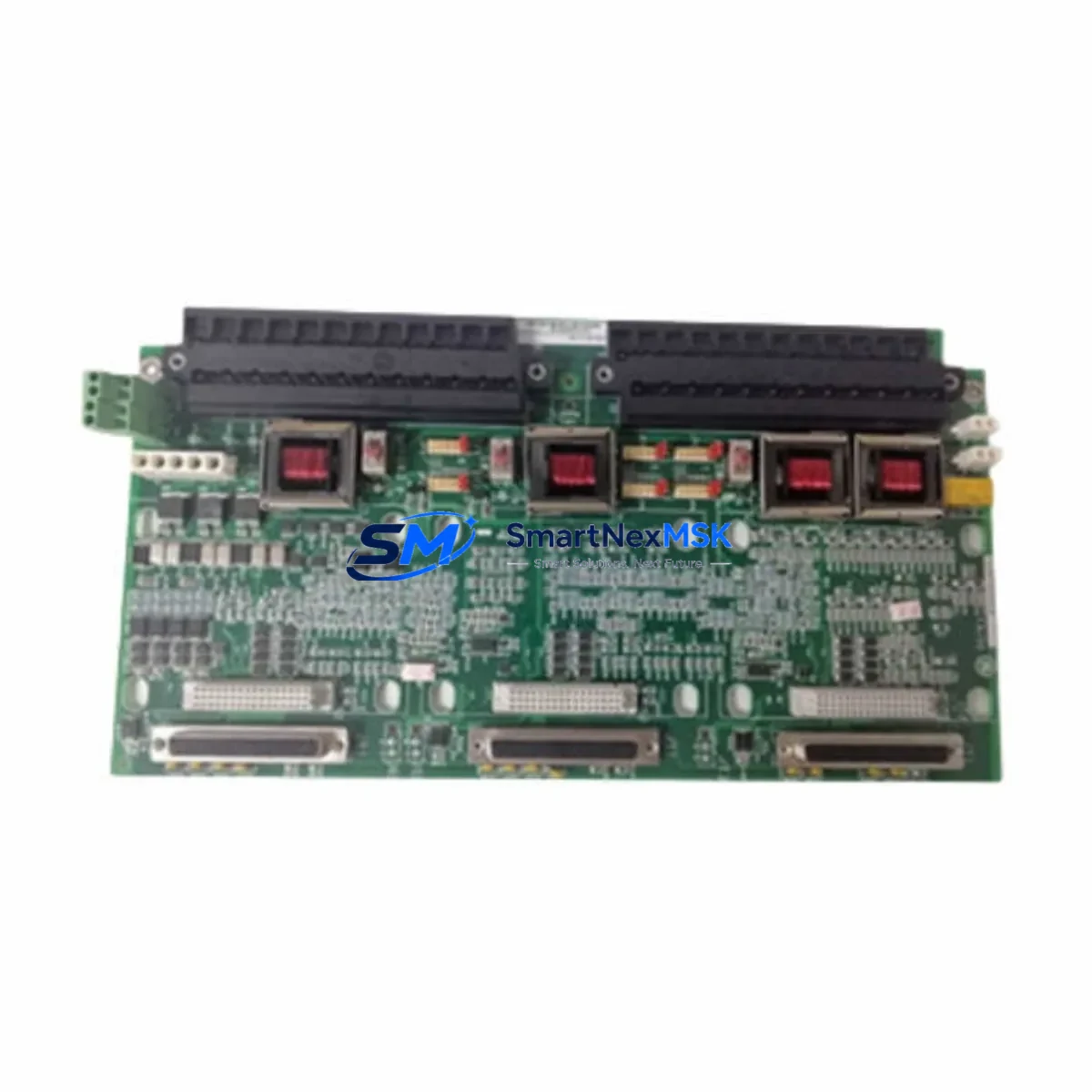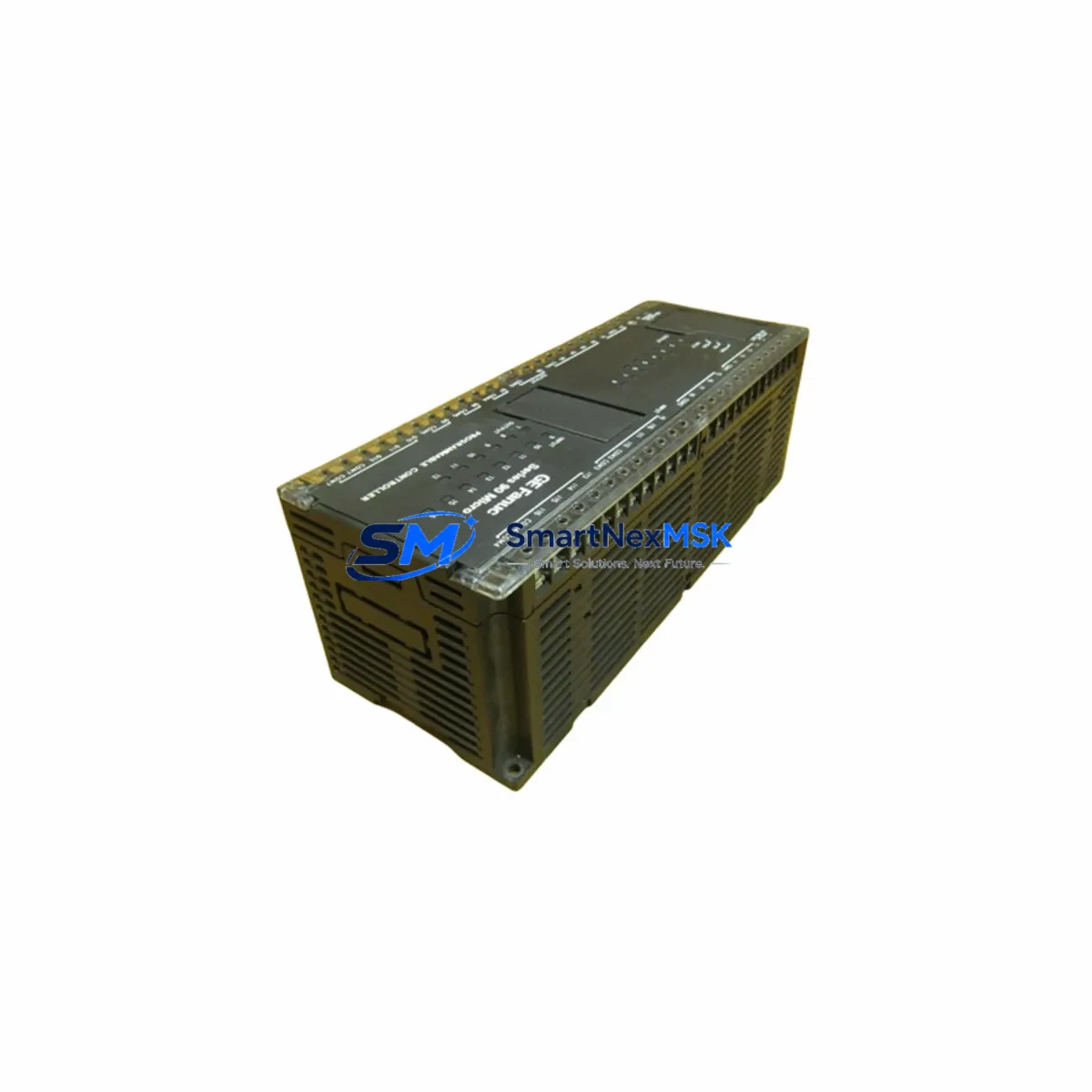
GE IC693UDR005EP1 Maintenance-Ready Spare for Series 90-30 Automation
The GE IC693UDR005EP1 is a Universal Digital I/O module designed for the GE Series 90-30 PLC platform — one of the most widely deployed programmable logic controller families in discrete manufacturing, process control, and utility automation. As a maintenance-ready spare, the IC693UDR005EP1 supports both 24 VDC input and relay output functions in a single compact module, making it a critical component for facilities that require flexible I/O configuration without the overhead of separate input and output modules.
For maintenance engineers managing aging Series 90-30 control systems, having a verified, tested IC693UDR005EP1 on the shelf is not optional — it is a fundamental part of any responsible spare parts strategy. Unplanned downtime caused by a failed I/O module can halt an entire production line within minutes. With a pre-tested, original GE IC693UDR005EP1 available for immediate swap, technicians can restore system operation in under an hour, avoiding costly extended shutdowns and emergency procurement delays.
This unit ships fully tested under load conditions, with all relay outputs verified for contact integrity and all digital inputs confirmed for signal response. Each module is inspected for firmware compatibility with the Series 90-30 CPU family, including the IC693CPU374, IC693CPU364, and IC693CPU350 processors. Compatibility with the IC693CHS391 and IC693CHS397 baseplate chassis is confirmed prior to dispatch.
Spare Maintenance Table
| Parameter | Specification |
|---|---|
| Part Number | IC693UDR005EP1 |
| Brand | GE (General Electric) / GE Fanuc |
| Series | Series 90-30 |
| Module Type | Universal Digital I/O (Mixed Relay Output + DC Input) |
| Input Voltage | 24 VDC |
| Output Type | Relay Contact Output |
| I/O Points | 16 Inputs / 8 Relay Outputs (typical UDR005 configuration) |
| Backplane Compatibility | IC693CHS391, IC693CHS397, IC693CHS398 |
| Compatible CPUs | IC693CPU374, IC693CPU364, IC693CPU350, IC693CPU360 |
| Operating Temperature | 0°C to 60°C |
| Mounting | DIN Rail / Panel Mount via Series 90-30 Baseplate |
| Origin | United States |
| Condition | Original, Surplus New / Tested Refurbished |
| Pre-shipment Test | Full functional test under load conditions |
| Warranty | 12 Months from date of shipment |
| Lead Time | In Stock — Ships within 1–3 business days |
| Application | Discrete Manufacturing, Process Control, Utility Automation, OEM Machinery |
Maintenance Planning for Continuous Operation
When a Series 90-30 system requires an IC693UDR005EP1 replacement, experienced maintenance engineers know that the I/O module is rarely the only component that warrants inspection. A thorough site assessment during the replacement window should include a review of the IC693PWR321 or IC693PWR330 power supply module, as relay output modules place sustained load on the backplane power rail. Any signs of voltage sag or thermal discoloration on the power supply faceplate should trigger a parallel replacement.
The IC693MDL645 and IC693MDL654 discrete input modules sharing the same chassis should be tested for input response time and signal integrity, particularly in environments with high electromagnetic interference from variable frequency drives or motor starters. Terminal blocks and field wiring connected to the relay outputs should be inspected for contact oxidation, loose terminations, and insulation degradation — issues that frequently cause intermittent faults misdiagnosed as module failure.
If the system includes an IC693CMM321 or IC693CMM311 communications module for Ethernet or serial integration, verify that the module’s configuration has not been corrupted during the fault event. Communication loss during an I/O module failure is a common secondary symptom. Similarly, the IC693MDL940 relay output module in adjacent slots should be checked for coil voltage and contact wear if the system has been in service for more than five years.
For facilities running SCADA or HMI interfaces via the IC693CMM302 or a third-party panel HMI, confirm that the I/O address mapping remains intact after module swap. Series 90-30 systems using Profibus or DeviceNet adapters such as the IC693BEM331 should have their network node configuration verified post-replacement to prevent communication timeouts that can trigger false alarms in the supervisory layer.
Procurement engineers sourcing the IC693UDR005EP1 as a long-term spare should also consider stocking the IC693ACC300 hand-held programmer or ensuring access to Proficy Machine Edition software for configuration backup and restore. A documented backup of the CPU program and I/O configuration is the single most effective measure for reducing mean time to repair when a module replacement is required under emergency conditions.
Site Replacement Workflow
Step 1 — Isolate and Document: Before removing the IC693UDR005EP1, record the slot position, I/O address assignments, and field wiring terminal labels. Photograph the wiring layout if documentation is incomplete. Power down the chassis using the correct sequence per the Series 90-30 installation manual to avoid backplane transient damage.
Step 2 — Physical Swap: Remove the failed module by releasing the top and bottom retaining clips. Insert the replacement IC693UDR005EP1 into the same slot. Ensure the module is fully seated against the backplane connector — partial seating is a common cause of post-replacement communication errors. Reconnect all field wiring terminals in the original sequence.
Step 3 — Configuration Verification: Power up the chassis and confirm that the CPU recognizes the module in the correct slot. If the system uses a hardware configuration stored in the CPU, verify that the module type matches the configured I/O map. For systems running Proficy Logic Developer or the legacy Logicmaster 90 software, perform an online comparison to confirm no configuration mismatch exists.
Step 4 — Functional Test: Force each input and output point individually to verify field device response. Confirm relay contact closure on all output channels using a continuity tester or the CPU’s diagnostic display. Log the replacement date, module serial number, and test results in the site maintenance record for warranty and lifecycle tracking purposes.
Step 5 — Return to Service: Release all forced I/O, confirm the CPU is in RUN mode, and monitor the first production cycle for any unexpected faults. Update the spare parts inventory to reflect the consumed unit and initiate a replenishment order to maintain minimum stock levels.
Spare Parts Support FAQ
Q: Is the IC693UDR005EP1 a direct drop-in replacement for older Series 90-30 universal I/O modules?
A: Yes. The IC693UDR005EP1 is backward compatible with the Series 90-30 backplane architecture and is recognized by all Series 90-30 CPUs without firmware modification. Slot position and I/O address configuration must match the original hardware configuration stored in the CPU program.
Q: What does the 12-month warranty cover?
A: The 12-month warranty covers all manufacturing defects, relay contact failures, input circuit faults, and backplane interface failures under normal operating conditions. Warranty claims are supported with a return merchandise authorization process. Physical damage caused by incorrect installation, overvoltage, or field wiring errors is excluded.
Q: How is the module tested before shipment?
A: Each IC693UDR005EP1 undergoes a full functional test in a live Series 90-30 chassis. All 16 digital inputs are verified for signal response at 24 VDC, and all 8 relay outputs are tested for contact closure and release under rated load. Backplane communication is confirmed with a Series 90-30 CPU in RUN mode before the module is cleared for shipment.
Q: Can you support long-term or blanket orders for facilities with multiple Series 90-30 systems?
A: Yes. We support scheduled delivery agreements and blanket purchase orders for facilities managing large Series 90-30 installed bases. Dedicated stock allocation, priority shipment, and consolidated invoicing are available for qualified accounts. Contact our sales team to discuss volume pricing and supply continuity arrangements.
© 2026 SMARTNEXMSK. All rights reserved.
Original Source: https://smartnexmsk.com
Contact: [email protected] | +86 18259474341