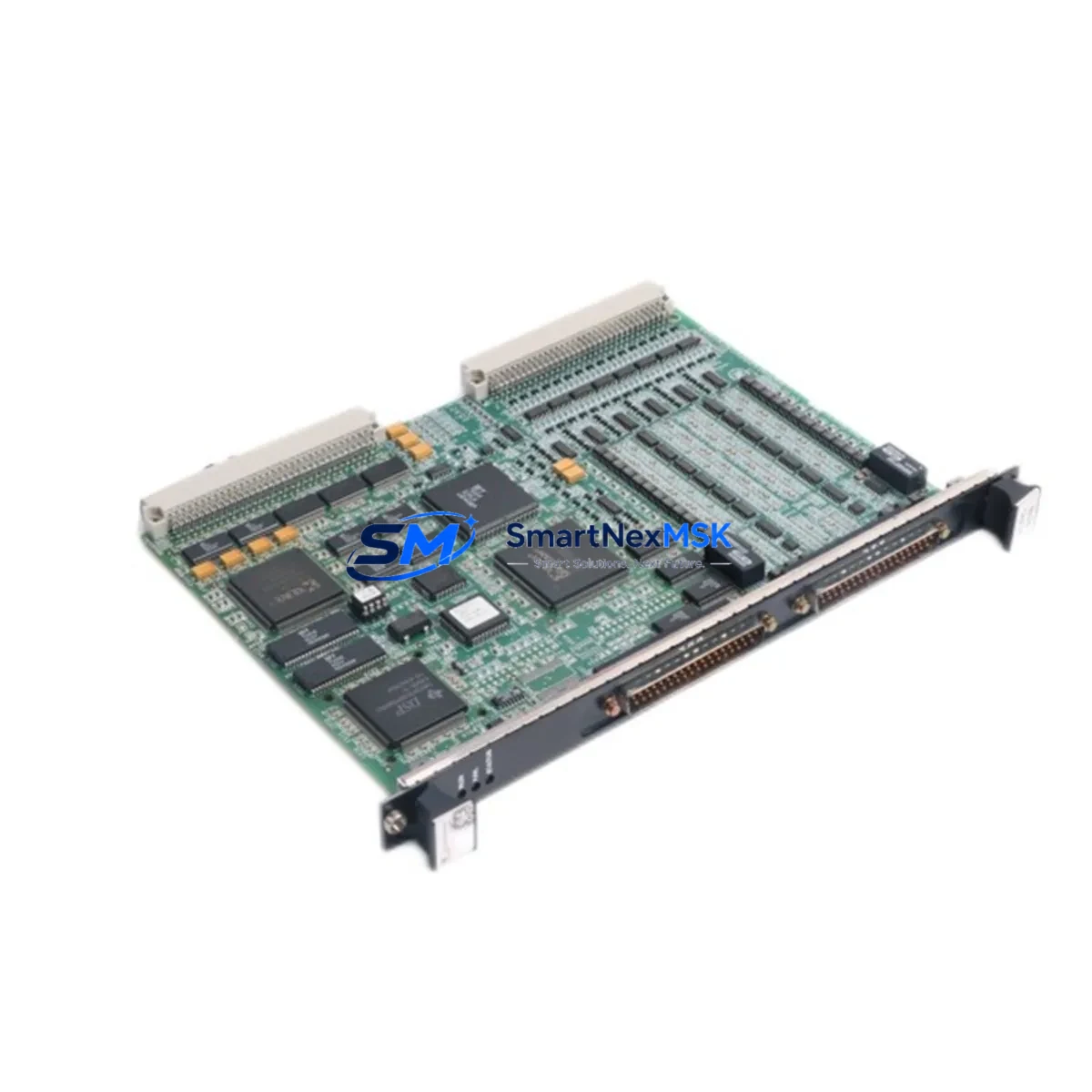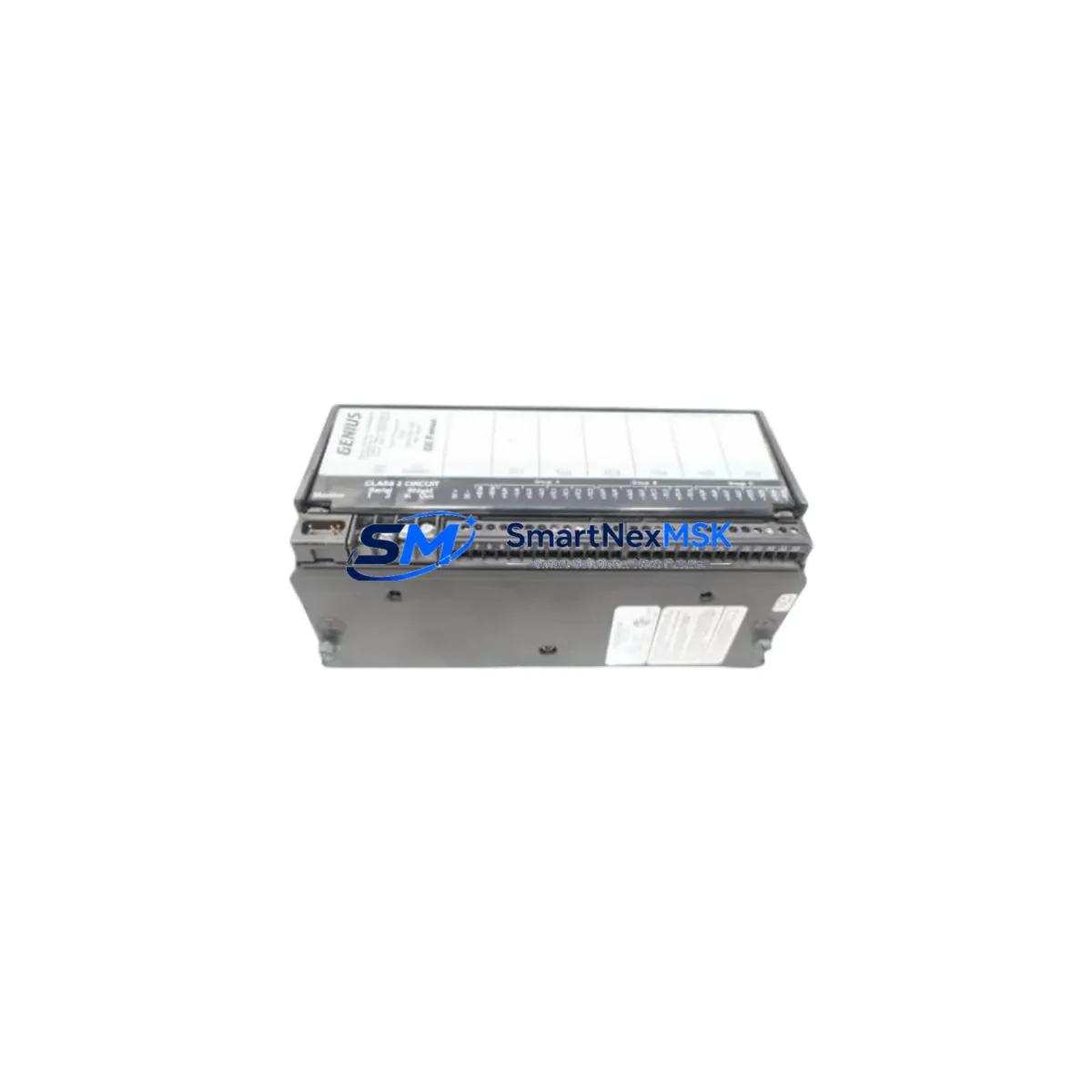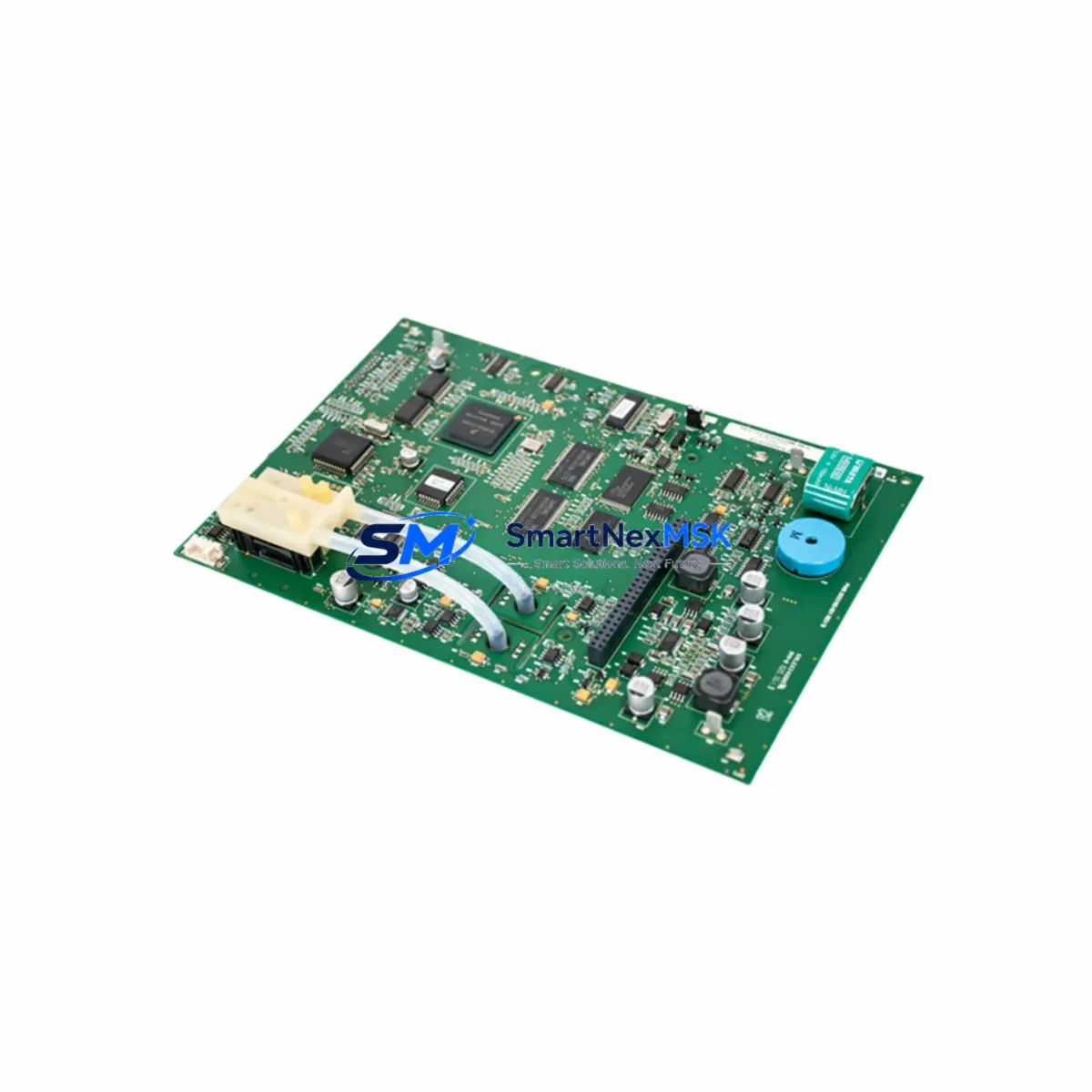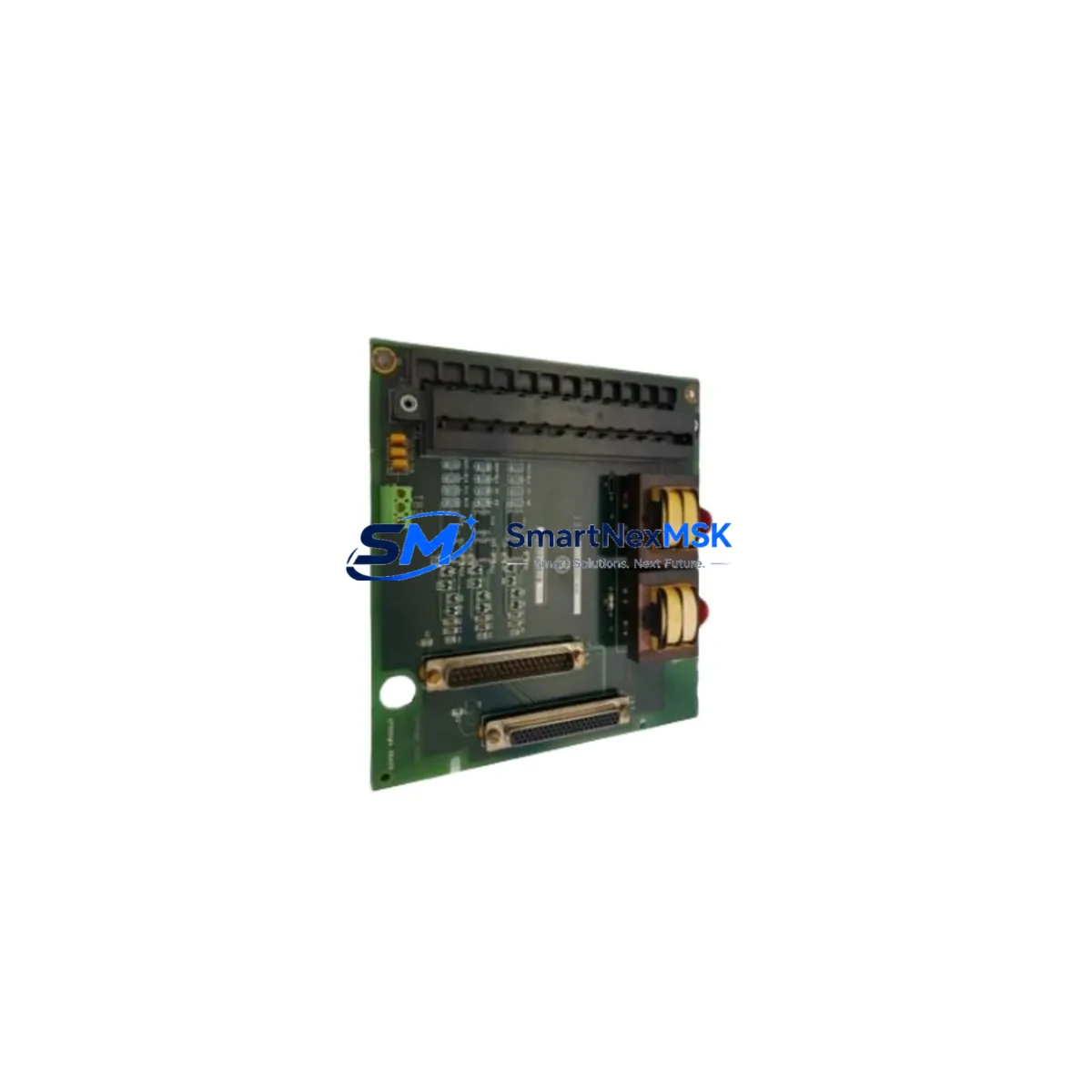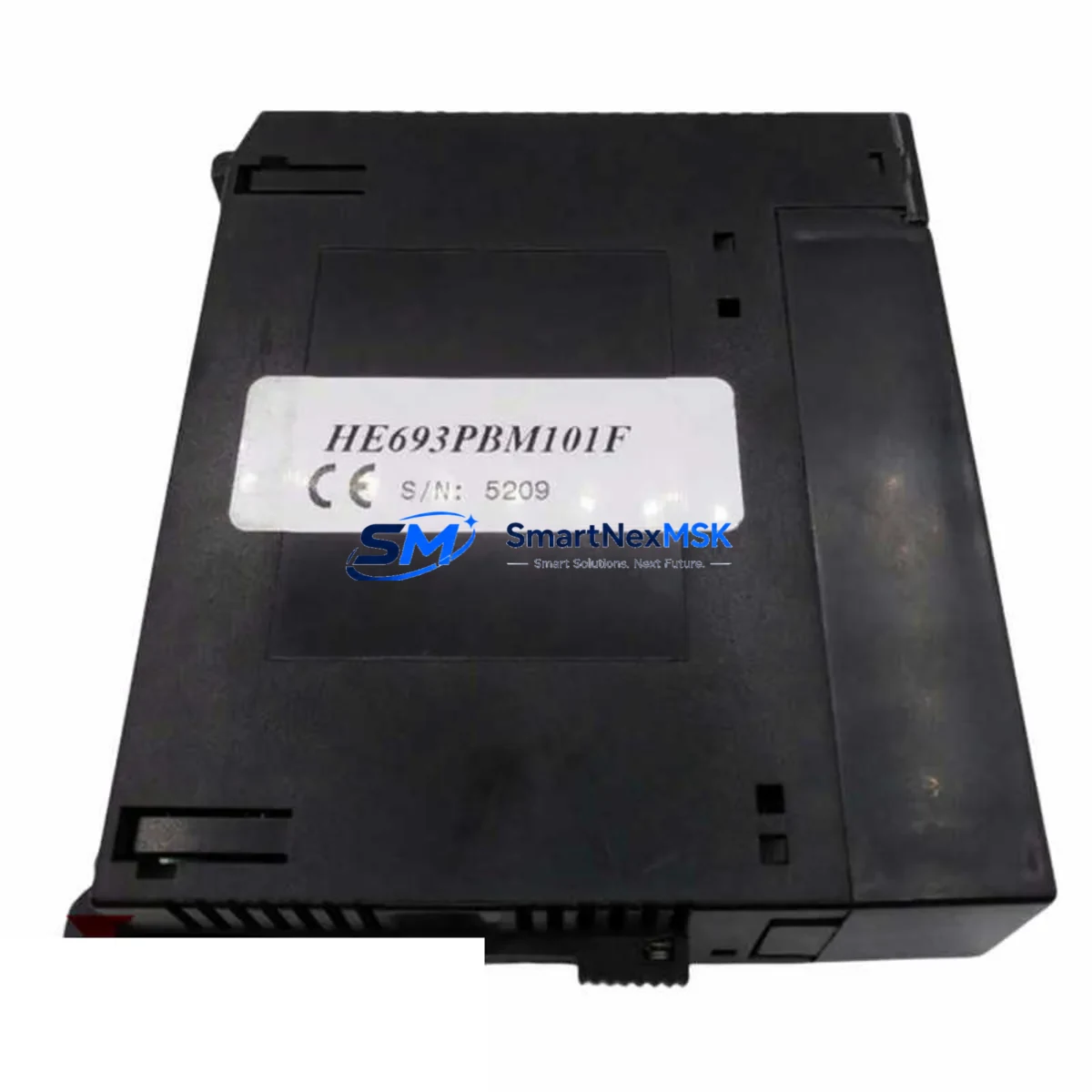
GE HE693PBM101F Spare for Series 90-30 Automation: Spare Parts Replacement & Industrial Downtime Risk Control
The GE HE693PBM101F is an original Profibus DP Master communication module designed for the GE Series 90-30 PLC platform. In industrial automation environments — from automotive assembly lines to chemical processing plants — this module serves as the backbone of fieldbus communication between the CPU rack and distributed I/O devices, drives, and intelligent field instruments. When this module fails or degrades, the entire Profibus DP network segment goes offline, triggering unplanned downtime that can cost thousands of dollars per hour. Maintaining a verified spare of the HE693PBM101F in your parts inventory is a fundamental element of any serious maintenance strategy for Series 90-30-based control systems.
At SMARTNEXMSK, every HE693PBM101F unit is sourced as an original GE component, subjected to functional testing prior to shipment, and backed by a 12-month warranty. We support maintenance engineers and procurement teams across manufacturing, utilities, oil & gas, and infrastructure sectors who require fast, reliable access to genuine spare parts for legacy and active GE automation systems.
Spare Maintenance Table
| Parameter | Specification / Details |
|---|---|
| Part Number / SKU | HE693PBM101F |
| Brand | GE (General Electric Automation) |
| Series | Series 90-30 |
| Module Type | Profibus DP Master Communication Module |
| Protocol | Profibus DP (EN 50170 / IEC 61158) |
| Rack Compatibility | GE Series 90-30 CPU racks (5-slot, 10-slot) |
| Power Supply Requirement | Supplied via backplane from Series 90-30 rack power supply (e.g., IC693PWR321, IC693PWR330) |
| Operating Temperature | 0°C to 60°C (32°F to 140°F) |
| Storage Temperature | -40°C to 85°C |
| Humidity | 5% to 95% non-condensing |
| Mounting | Direct rack slot insertion, Series 90-30 backplane |
| Firmware | Factory-loaded; compatible with GE Proficy Machine Edition programming environment |
| Replacement Compatibility | Direct replacement for HE693PBM101, HE693PBM101E, and earlier revisions |
| Application Environment | Industrial automation, process control, discrete manufacturing, utilities |
| Condition | Original, tested before shipment |
| Warranty | 12 Months — covers functional defects under normal operating conditions |
| Lead Time | In-stock units ship within 1–3 business days |
Maintenance Planning for Continuous Operation
When a maintenance or reliability engineer identifies the HE693PBM101F as a fault point — whether through a Profibus DP network diagnostic, a GE Proficy HMI/SCADA alarm, or a physical inspection during a scheduled control cabinet audit — the replacement workflow should extend beyond the module itself. A thorough site assessment during the same maintenance window significantly reduces the risk of repeat failures and secondary downtime events.
Begin by verifying the rack power supply. Units such as the IC693PWR321 or IC693PWR330 power supply modules are responsible for delivering stable backplane voltage to all installed modules. A degraded power supply can cause intermittent communication faults that mimic module failure. Inspect output voltage under load and replace if ripple or voltage sag is detected.
Next, inspect the Profibus DP cable and connectors. The HE693PBM101F communicates via a 9-pin D-sub Profibus connector. Damaged shielding, improper termination resistors, or corroded contacts are common causes of DP network instability. Verify bus termination at both ends of the Profibus segment and check cable continuity with a Profibus tester.
During the same cabinet inspection, assess the condition of the CPU module — typically an IC693CPU374 or IC693CPU364 — which manages the configuration and polling of the Profibus DP master. Confirm that the CPU firmware version is compatible with the HE693PBM101F revision being installed. Mismatched firmware can prevent the module from initializing correctly after replacement.
I/O integrity should also be verified. Check IC693MDL655 discrete input modules and IC693MDL754 discrete output modules for blown fuses, failed output transistors, or degraded input thresholds. These modules are frequently connected to the same Profibus DP network segment and may exhibit faults that are masked by the communication module failure.
For systems using analog process signals, inspect IC693ALG221 or IC693ALG392 analog I/O modules. Signal drift or calibration errors in these modules can indicate broader power quality issues within the rack. A signal isolator or signal conditioner installed between field transmitters and analog inputs can protect against ground loops and transient interference that degrade module lifespan.
Review the terminal blocks and wiring harnesses within the control cabinet. Loose or corroded terminal connections on DIN-rail mounted terminal strips are a leading cause of intermittent faults in aging Series 90-30 installations. Torque-check all field wiring terminations and replace any discolored or heat-damaged terminals.
If the system includes a GE Proficy iFIX or CIMPLICITY HMI workstation communicating with the Series 90-30 CPU via Ethernet or serial, verify that the HMI communication driver is still active and that the OPC server or SRTP connection is re-established after the module swap. HMI communication loss during a module replacement is a common oversight that delays production restart.
Finally, for systems with IC693CMM321 or IC693CMM311 serial communication modules handling Modbus RTU or ASCII protocols alongside the Profibus DP network, confirm that these modules are unaffected by the rack disturbance during the HE693PBM101F replacement. A full rack power cycle should be followed by a systematic communication check across all installed modules before returning the system to production.
Site Replacement Workflow
Step 1 — Pre-Replacement Preparation: Download and archive the current PLC program from the CPU using GE Proficy Machine Edition. Record the existing Profibus DP network configuration, including slave addresses, GSD files, and I/O mapping. This backup is critical if the replacement module requires re-commissioning.
Step 2 — Safe Isolation: Follow your site’s lockout/tagout (LOTO) procedure. De-energize the Series 90-30 rack by switching off the rack power supply. Confirm zero voltage on the backplane before handling any modules. The HE693PBM101F is not hot-swappable in standard Series 90-30 configurations.
Step 3 — Module Removal and Inspection: Remove the faulty HE693PBM101F by releasing the module locking tab and sliding it out of the rack slot. Inspect the backplane connector pins for damage or contamination. Clean with isopropyl alcohol if necessary before installing the replacement unit.
Step 4 — Installation of Replacement Unit: Insert the new HE693PBM101F into the same rack slot. Ensure the module is fully seated and the locking tab is engaged. Re-energize the rack and observe the module status LEDs. A solid green OK LED indicates successful initialization. A flashing or red fault LED indicates a configuration mismatch or hardware issue requiring further diagnosis.
Step 5 — Network Re-commissioning: Using GE Proficy Machine Edition, verify that the Profibus DP master configuration is correctly loaded and that all slave devices are recognized. Perform a full I/O force test on critical outputs before releasing the system to automatic operation. Document the replacement in your maintenance management system (CMMS) with the new module serial number and installation date.
Step 6 — Return to Service: Confirm HMI communication is restored, process values are within normal range, and no active alarms remain. Notify the operations team that the system is ready to resume production. Update your spare parts inventory to reflect the consumed unit and initiate a replenishment order to maintain minimum stock levels.
Spare Parts Support FAQ
Q1: Is the HE693PBM101F a direct drop-in replacement for earlier revisions such as HE693PBM101 and HE693PBM101E?
Yes. The HE693PBM101F is the latest revision of the HE693PBM101 series and is backward-compatible with all earlier hardware revisions. It installs in the same rack slot and uses the same GSD file and Profibus DP configuration. No changes to the PLC program or network configuration are required in most cases. We recommend verifying CPU firmware compatibility using GE’s published compatibility matrix before installation.
Q2: How is each unit tested before shipment?
Every HE693PBM101F unit shipped by SMARTNEXMSK undergoes functional verification including power-on self-test, LED status confirmation, and communication port integrity checks. Units that do not pass testing are not offered for sale. A test report summary is available upon request for critical infrastructure applications.
Q3: What does the 12-month warranty cover, and how is a warranty claim processed?
The 12-month warranty covers functional defects under normal operating conditions, including failure to initialize, communication port failure, and backplane interface faults. It does not cover damage caused by incorrect installation, overvoltage, physical impact, or environmental contamination beyond the module’s rated specifications. To initiate a warranty claim, contact [email protected] with your order number, a description of the fault, and any available diagnostic data. Replacement units are dispatched upon fault confirmation.
Q4: Can SMARTNEXMSK support long-term supply of HE693PBM101F for multi-year maintenance contracts?
Yes. We maintain ongoing inventory of GE Series 90-30 spare parts and can support blanket purchase orders, scheduled delivery agreements, and consignment stock arrangements for customers with multi-site or multi-year maintenance requirements. Contact our sales team to discuss volume pricing and supply continuity options tailored to your maintenance planning cycle.
© 2026 SMARTNEXMSK. All rights reserved.
Original Source: https://smartnexmsk.com
Contact: [email protected] | +86 18259474341