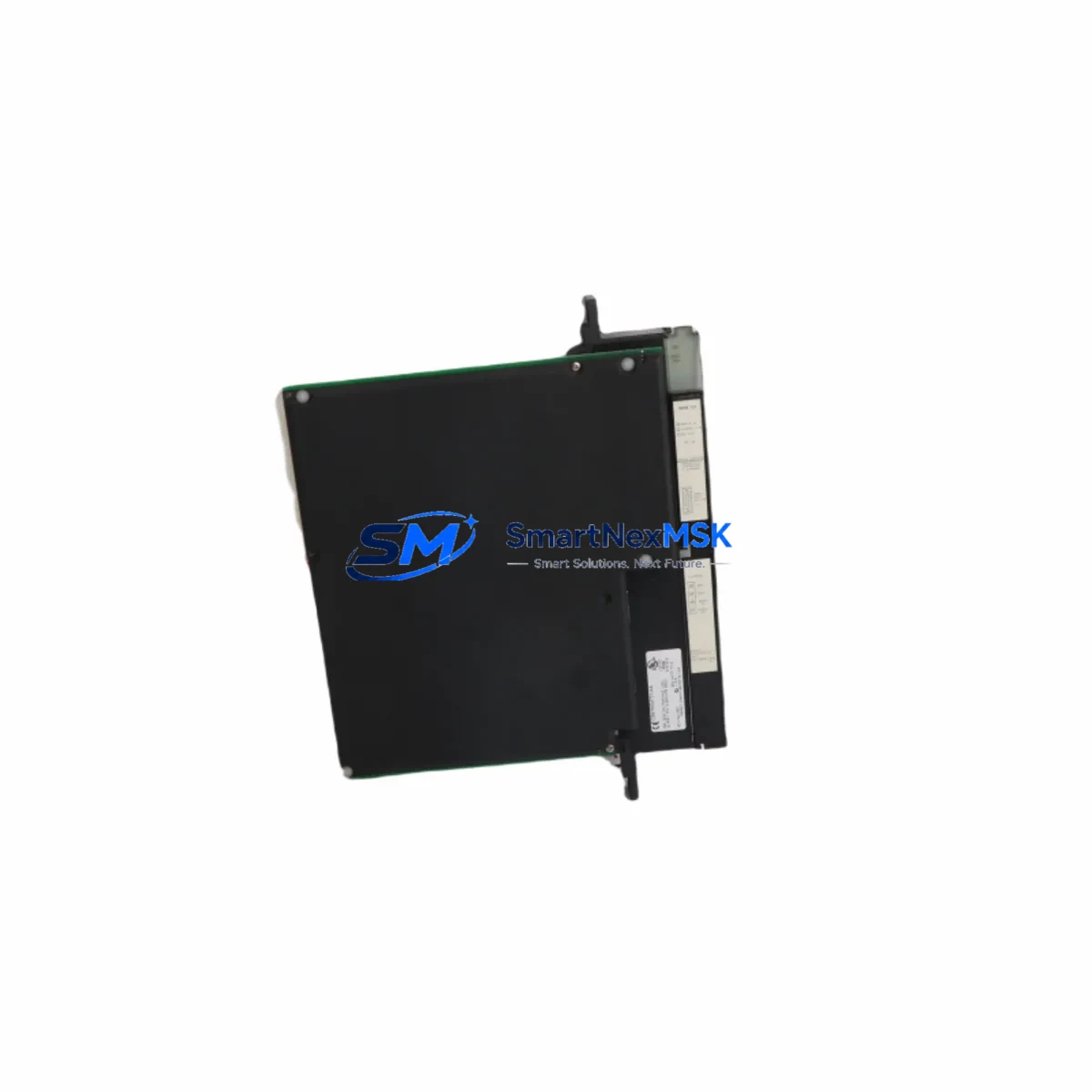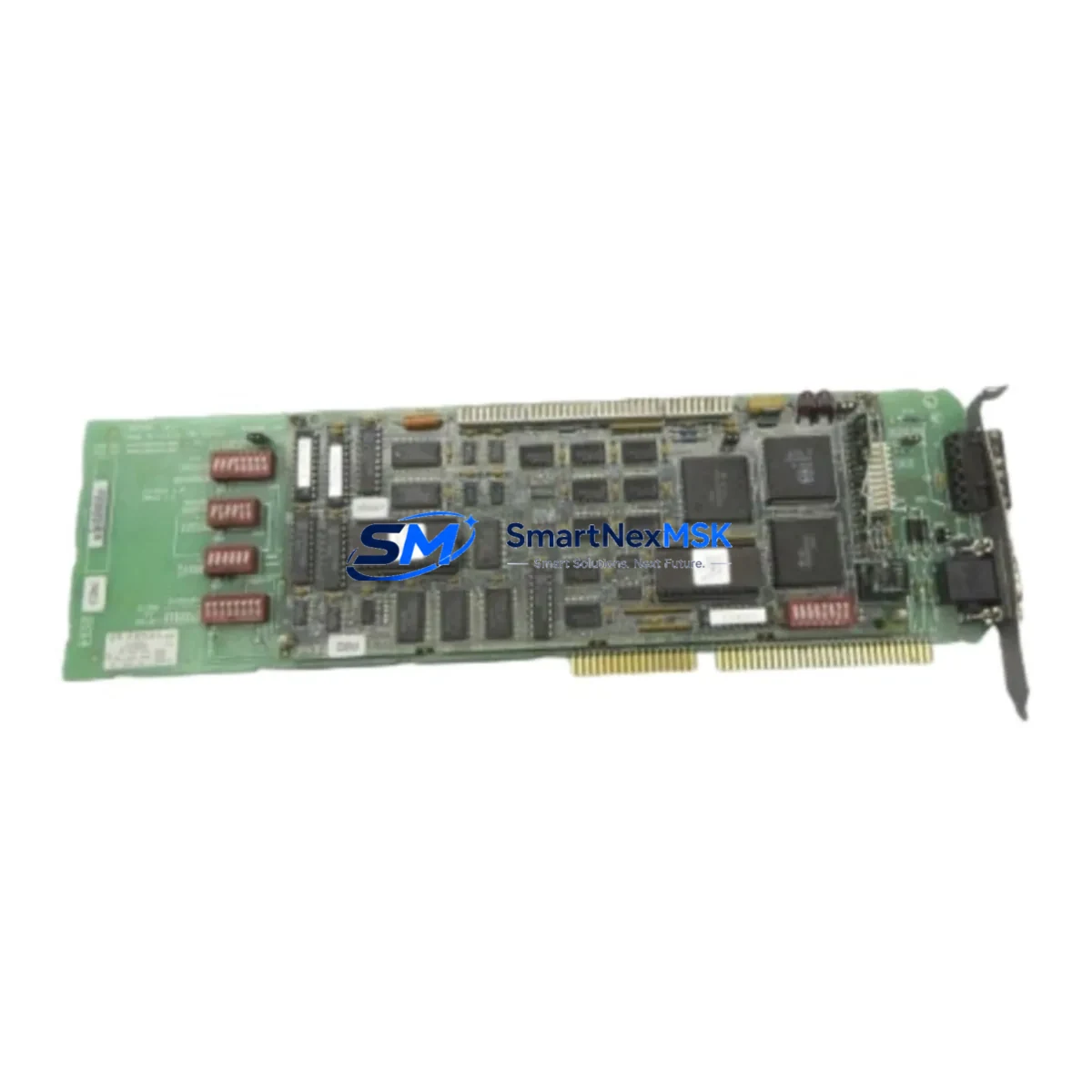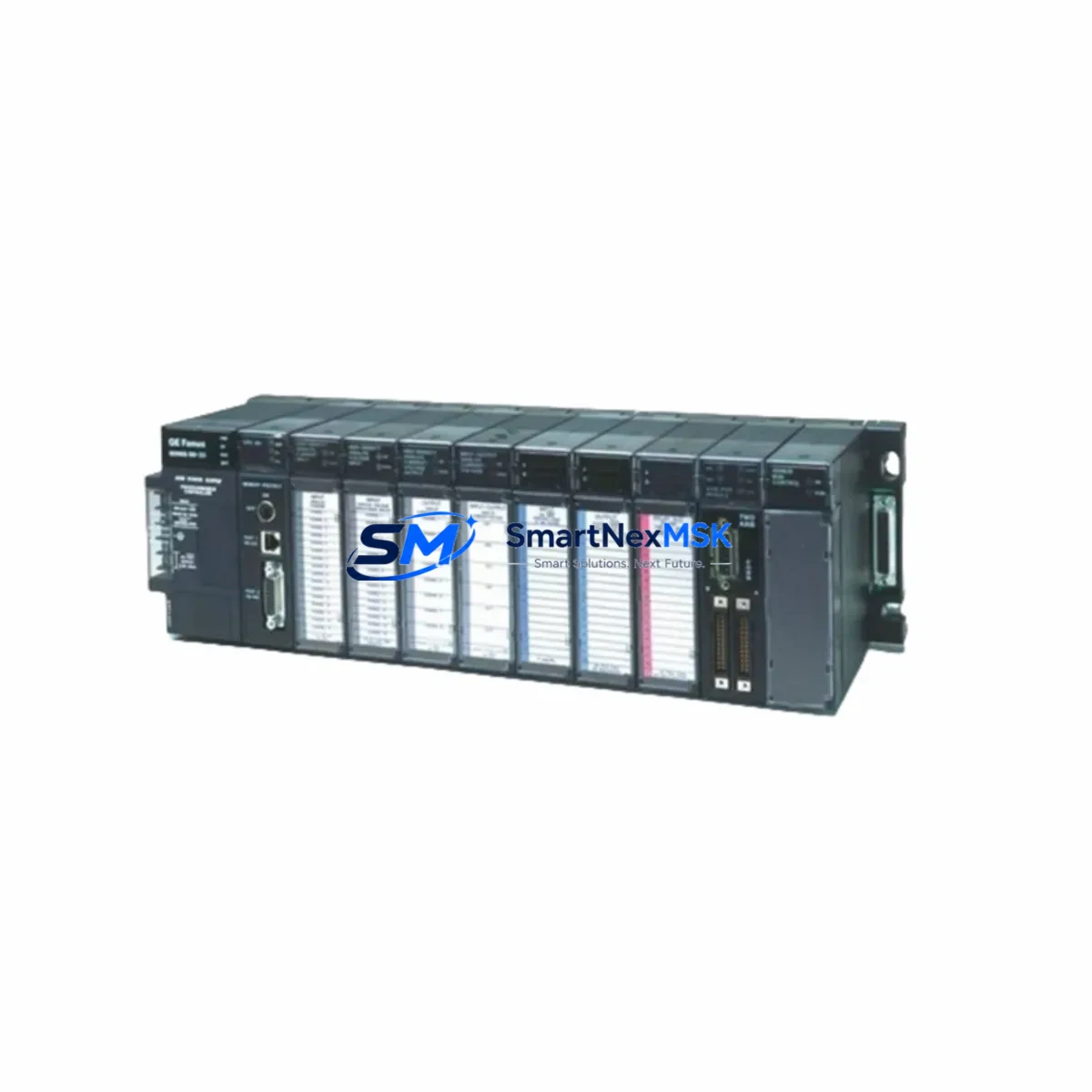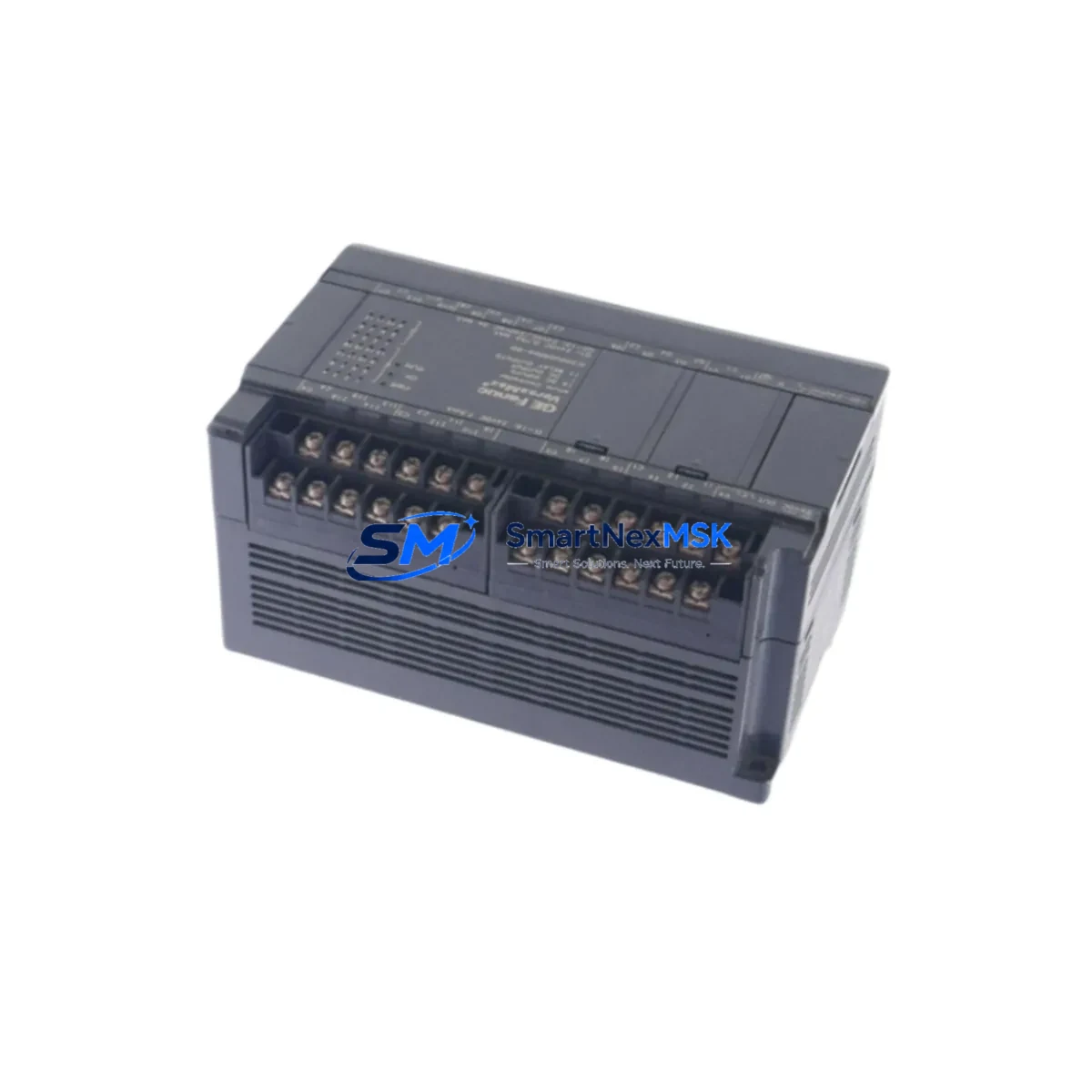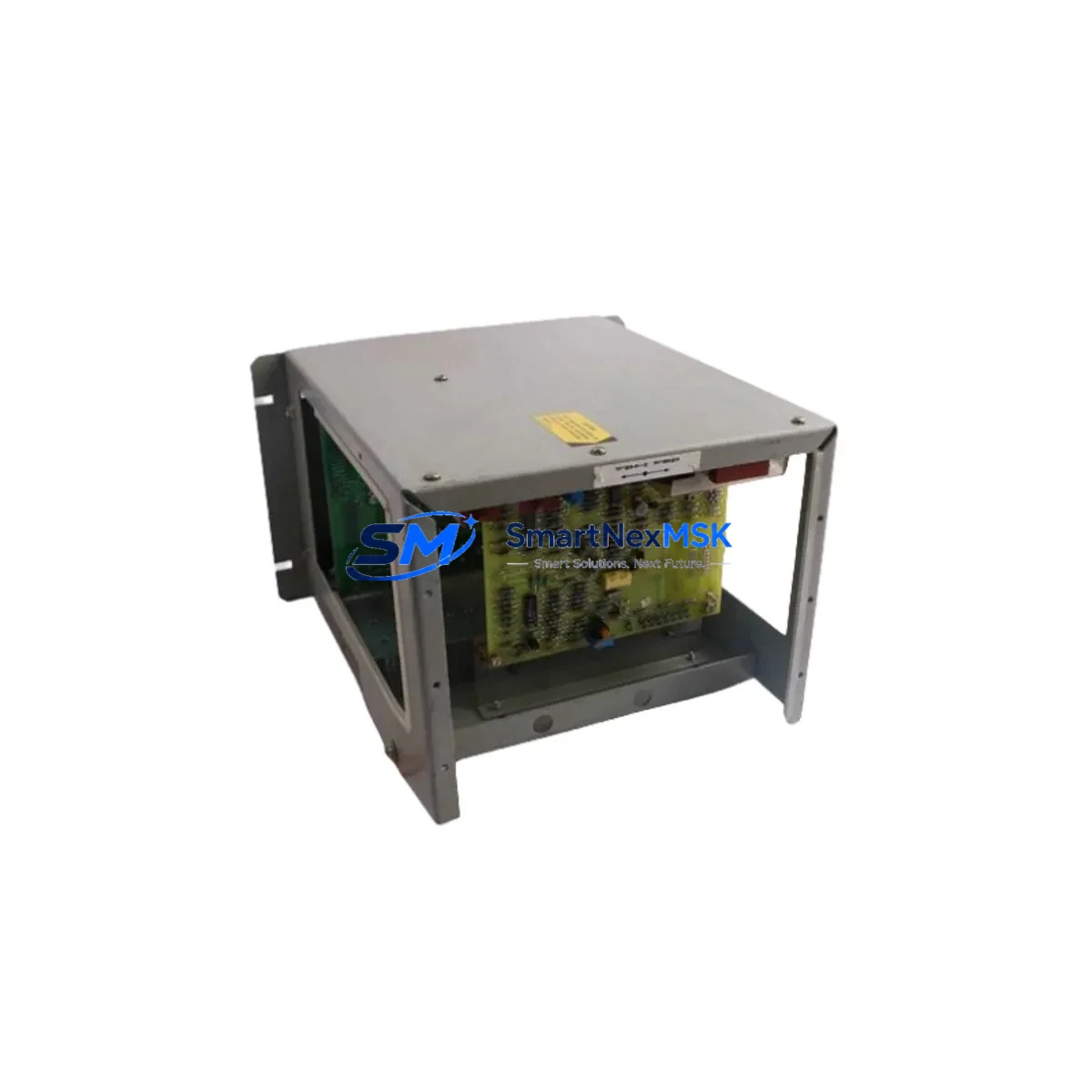
GE HE693THM884M Retrofit-Ready Thermocouple Input Module for Series 90-30 Control Systems
The GE Fanuc HE693THM884M is an 8-channel thermocouple input module engineered for the Series 90-30 PLC platform. As legacy GE Fanuc Series 90-30 systems approach end-of-support milestones, plant engineers and system integrators increasingly rely on verified replacement modules like the HE693THM884M to extend operational life, restore discontinued spare parts, and execute controlled retrofit programs without full system replacement. This module supports J, K, T, E, R, S, and B thermocouple types, providing flexible temperature measurement across a wide range of industrial process environments including furnace control, HVAC systems, food processing lines, and chemical reactor monitoring.
Whether you are replacing a failed module in an active production line, sourcing a discontinued spare for a critical backup inventory, or planning a phased upgrade of an aging control cabinet, the HE693THM884M delivers a direct form-fit-function replacement for the original GE Fanuc design. Each unit is tested prior to shipment, supplied with a 12-month warranty, and available from verified stock to minimize procurement lead times.
Upgrade Compatibility Table
| Parameter | HE693THM884M Specification | Retrofit Notes |
|---|---|---|
| Platform Compatibility | GE Fanuc Series 90-30 | Direct slot-compatible with IC693 rack backplane |
| Input Channels | 8 Channels (Thermocouple) | Verify channel-to-tag mapping in Logicmaster 90 or Proficy ME before swap |
| Thermocouple Types Supported | J, K, T, E, R, S, B | Confirm type configuration matches original module parameter table |
| Backplane Interface | Series 90-30 IC693 backplane bus | Compatible with IC693CHS391, IC693CHS392, IC693CHS397 racks |
| Module Address / Slot | Configurable via hardware configuration tool | Re-use original slot address; verify in hardware configuration before power-up |
| Communication Protocol | Series 90-30 internal backplane bus | No protocol migration required for same-platform replacement |
| Power Consumption | Verify against IC693PWR321 / IC693PWR330 PSU capacity | Confirm rack power budget before adding or replacing modules |
| Terminal Wiring | Screw-terminal field wiring connector | Retain original wiring connector; verify polarity and shielding continuity |
| Replacement Scope | Drop-in replacement for HE693THM884M | No firmware update required for same-revision swap |
| Warranty | 12 Months | Covers manufacturing defects; includes pre-shipment functional test |
Retrofit Planning for Existing Automation Systems
A successful Series 90-30 retrofit begins well before the replacement module arrives on site. Engineers should start by auditing the existing rack configuration, which typically includes a IC693CPU374 or IC693CPU364 central processing unit, one or more IC693CHS391 five-slot or IC693CHS397 ten-slot expansion racks, and a IC693PWR321 or IC693PWR330 power supply module. Confirming the available power budget across all installed modules — including discrete I/O modules such as the IC693MDL645 output module and IC693MDL655 input module — is a mandatory pre-retrofit step, as adding or swapping analog and thermocouple modules can shift the rack’s total current draw.
Terminal wiring for the HE693THM884M uses a removable screw-terminal connector block. During replacement, retain the original connector with its field wiring intact and transfer it directly to the new module. This approach eliminates re-wiring errors and preserves thermocouple lead polarity, shielding continuity, and cold-junction compensation accuracy. If the original connector shows signs of corrosion or terminal fatigue, replace it with a compatible Series 90-30 field wiring connector before re-energizing the circuit.
For sites running Logicmaster 90-30 programming software or the newer Proficy Machine Edition environment, the hardware configuration file must be reviewed to confirm that the replacement module occupies the same rack slot and carries the same I/O reference addresses as the original. If the program references analog input (%AI) blocks mapped to this module, verify that the scaling parameters, engineering unit conversions, and alarm setpoints remain intact after the module swap. In systems where a IC693CMM321 communications module or IC693CMM311 Ethernet interface is present, confirm that the communications configuration is unaffected by the slot change.
Where the retrofit scope extends beyond a single module replacement — for example, when upgrading an entire control cabinet from Series 90-30 to a PACSystems RX3i platform — the HE693THM884M can serve as an interim solution to stabilize the existing system while the migration project is planned and budgeted. In such cases, pairing the thermocouple module replacement with a review of the IC693ALG222 analog input module and any installed IC693ALG390 analog output modules ensures that the full I/O complement is accounted for in the migration scope.
Downtime Control During System Migration
Minimizing unplanned downtime is the primary operational concern during any module replacement or system migration. For the HE693THM884M, the recommended procedure is a hot-standby swap sequence: power down only the affected rack segment if the system architecture permits, remove the failed module, insert the replacement, restore power, and verify channel status in the CPU diagnostic display before returning the process loop to automatic control. In systems where a full rack power-down is unavoidable, coordinate the outage window with production scheduling to align with planned maintenance periods.
Before the replacement module is installed, back up the current PLC program using Logicmaster 90-30 or Proficy Machine Edition and store the backup on a dedicated programming laptop or network drive. This ensures that the original ladder logic, function block diagrams, hardware configuration, and I/O reference table can be restored immediately if an unexpected compatibility issue arises during commissioning. If the system includes an HMI panel — such as a QuickPanel or a third-party SCADA display — verify that the thermocouple channel tags referenced in the HMI screens continue to resolve correctly after the module swap, as tag address mismatches can cause false alarms or blank display fields without triggering a PLC fault.
Post-installation commissioning should include a channel-by-channel verification of thermocouple readings against a calibrated reference thermometer, confirmation that the CPU’s I/O fault table shows no module errors, and a review of the process historian or data logger to confirm that temperature trend data resumes without gaps. Document the replacement date, module serial number, and commissioning results in the site’s maintenance log to support future audits and warranty claims.
Retrofit Support FAQ
Q1: Is the HE693THM884M a direct drop-in replacement for the original GE Fanuc module of the same part number?
Yes. The HE693THM884M is a form-fit-function replacement for the original GE Fanuc module. It installs in the same Series 90-30 rack slot, uses the same field wiring connector, and requires no changes to the PLC hardware configuration file when replacing a module of identical revision. For cross-revision replacements, verify the hardware configuration in Logicmaster 90 or Proficy Machine Edition before power-up.
Q2: What pre-shipment testing is performed on each unit?
Each HE693THM884M unit undergoes functional testing prior to shipment to verify channel integrity, backplane communication, and thermocouple type configuration. A 12-month warranty covers manufacturing defects from the date of shipment. Test records are available upon request for quality-critical applications.
Q3: How do I verify terminal wiring compatibility before installing the replacement module?
Compare the original module’s wiring diagram — available in the GE Fanuc Series 90-30 I/O Module User’s Manual — with the replacement module’s terminal layout. The HE693THM884M uses a standard Series 90-30 removable terminal connector. Transfer the original connector with field wiring intact to avoid re-wiring. Verify thermocouple polarity, shielding, and cold-junction compensation connections before restoring power.
Q4: Can this module be used in a PACSystems RX3i rack as part of a migration project?
No. The HE693THM884M is designed exclusively for the Series 90-30 IC693 backplane and is not compatible with the PACSystems RX3i IC695 backplane. For RX3i migrations, the equivalent thermocouple input function is provided by the IC695ALG412 or IC695ALG808 analog/thermocouple input modules. The HE693THM884M is best used to stabilize the existing Series 90-30 system during the migration planning phase.
© 2026 SMARTNEXMSK. All rights reserved.
Original Source: https://smartnexmsk.com
Contact: [email protected] | +86 18259474341