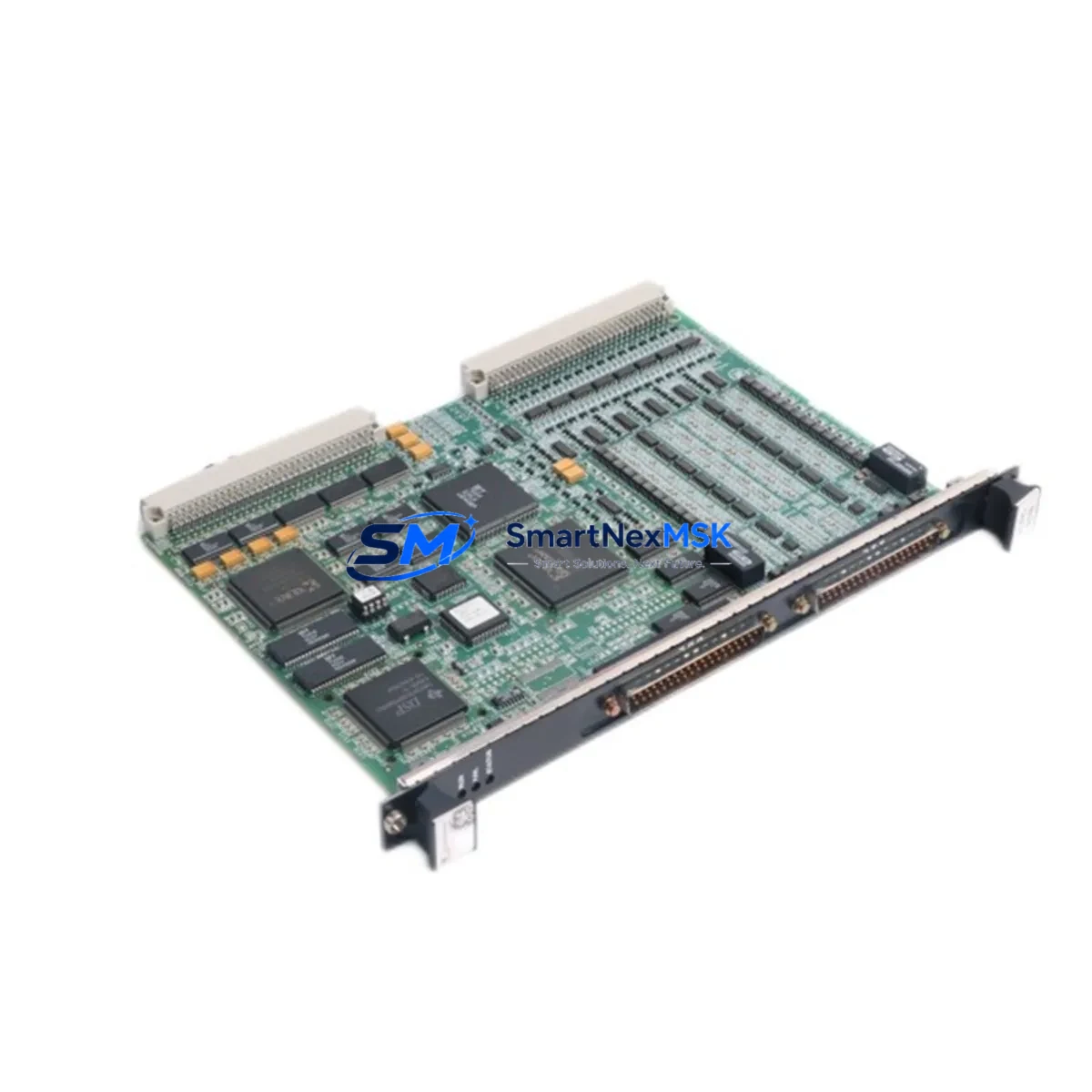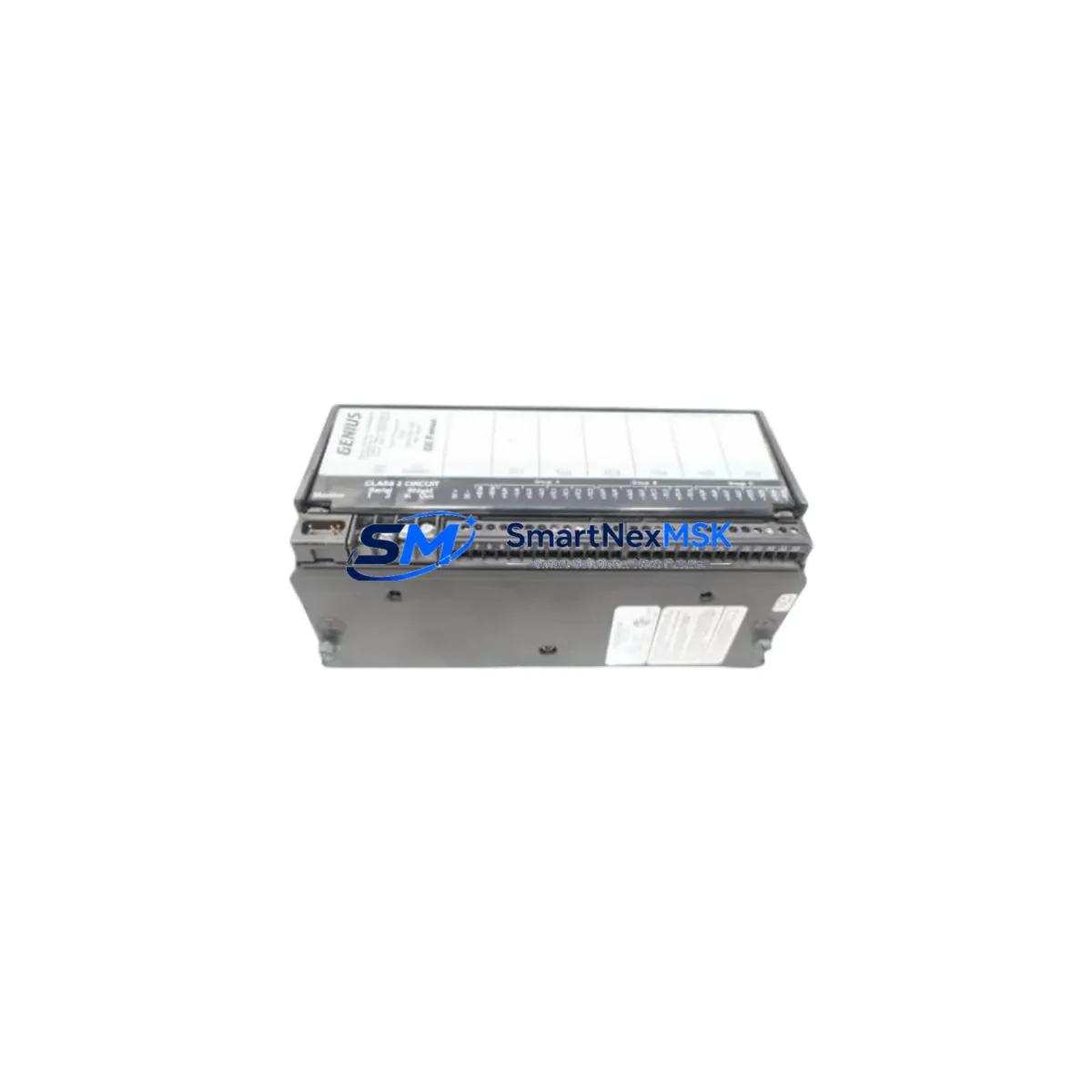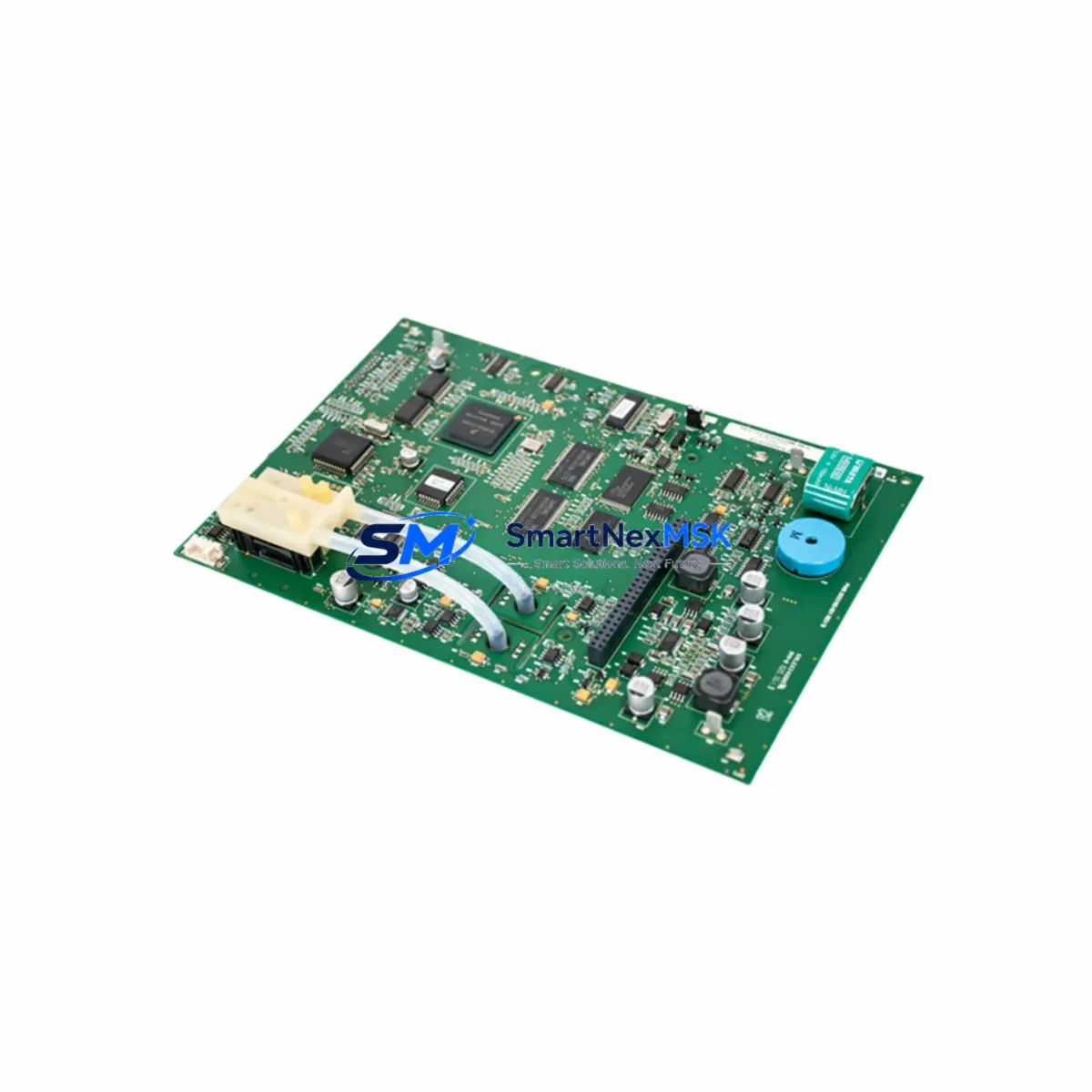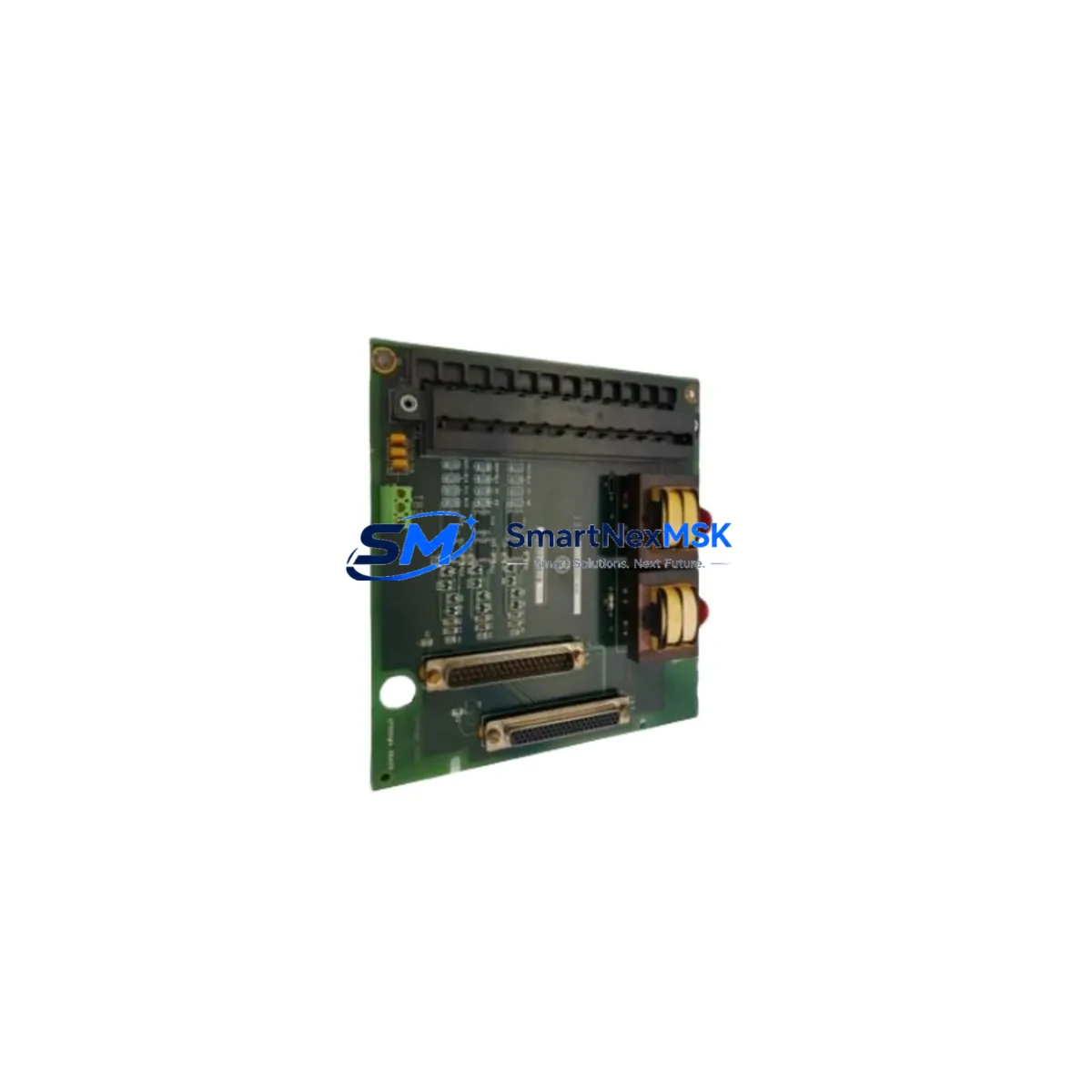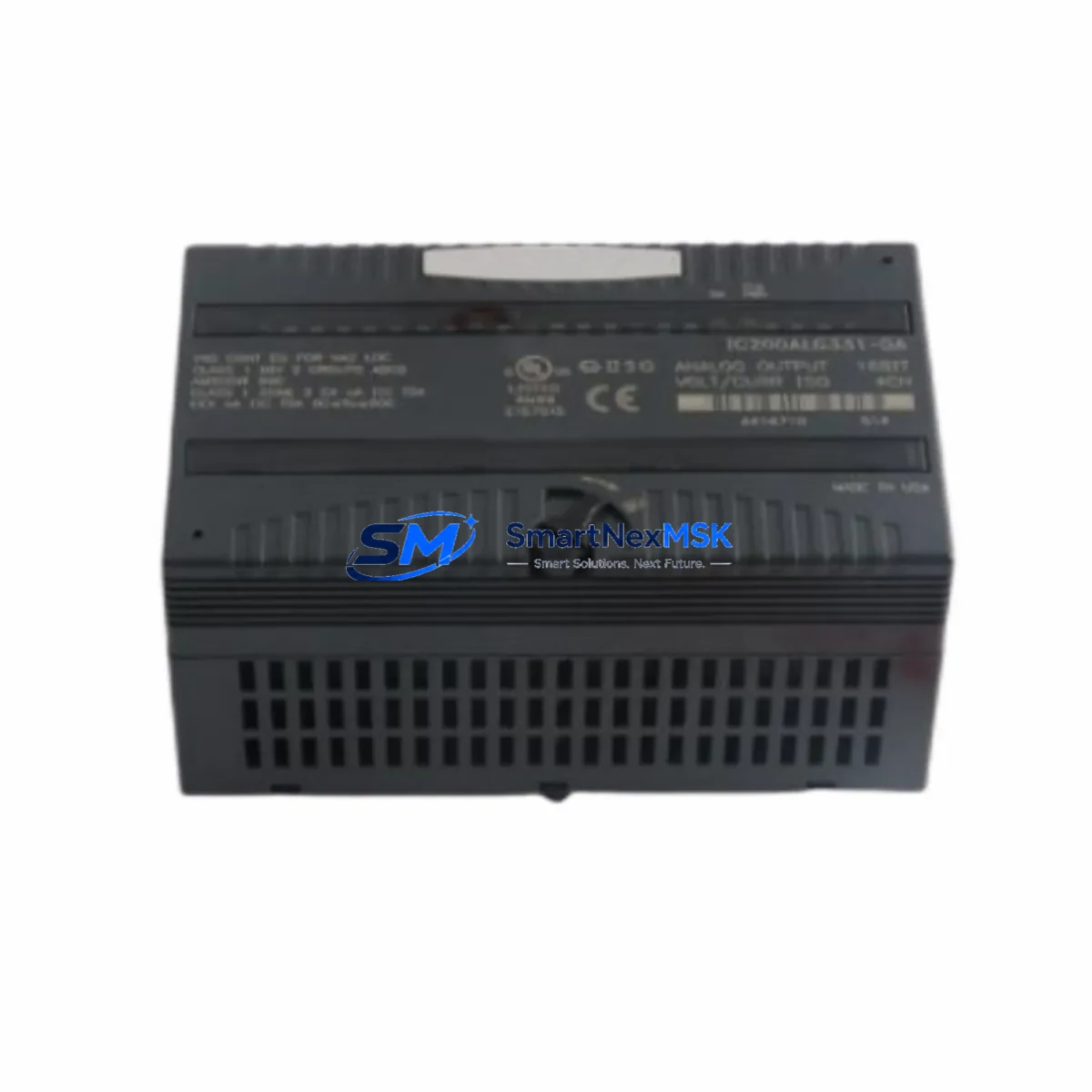
GE IC200ALG331-GD Retrofit-Ready Analog Input for VersaMax Control Systems
The GE IC200ALG331-GD is a 16-channel analog input module engineered for the VersaMax distributed I/O platform. As legacy GE Series 90 and early VersaMax installations reach end-of-service milestones, the IC200ALG331-GD has become the preferred retrofit solution for engineers modernizing control cabinets without full system replacement. This module accepts voltage and current analog signals across all 16 channels, maintaining full backward compatibility with existing field wiring, terminal blocks, and backplane slot assignments — making it the lowest-disruption upgrade path for aging analog input infrastructure.
Whether you are replacing a failed IC200ALG320 or IC200ALG321 in a running production line, migrating from an older Series 90-30 analog rack to a VersaMax carrier, or expanding I/O capacity in a multi-drop Profibus DP network, the IC200ALG331-GD delivers the channel density and signal resolution required for precision process control. Its 16-bit resolution and configurable input ranges (0–10 V, ±10 V, 4–20 mA, 0–20 mA) allow direct substitution in applications ranging from temperature transmitter loops to pressure and flow measurement without recalibration of field instruments.
Upgrade Compatibility Table
| Parameter | IC200ALG331-GD | Retrofit Notes |
|---|---|---|
| Channels | 16 Analog Inputs | Replaces 8-ch modules (IC200ALG320/321) with doubled capacity; verify PLC program channel mapping |
| Input Ranges | 0–10 V, ±10 V, 4–20 mA, 0–20 mA (per channel) | Match existing field transmitter output range; no rewiring required if range matches |
| Resolution | 16-bit | Higher resolution than legacy 12-bit modules; update HMI scaling blocks if replacing older variants |
| Backplane Interface | VersaMax I/O Carrier (IC200CHS series) | Confirm carrier slot type: IC200CHS002, IC200CHS005, or IC200CHS022; module seats directly |
| Communication | Profibus DP / SNP via NIU (IC200PBI001 / IC200UDD104) | No protocol change required; verify NIU firmware version supports 16-ch analog mapping |
| Power Consumption | Supplied via backplane (5 VDC) | Verify IC200PWR002 or IC200PWR101 power supply budget; 16-ch module draws more than 8-ch predecessor |
| Module Address | Configured via Proficy Machine Edition / VersaPro | Re-assign I/O reference addresses in PLC program if replacing a different channel-count module |
| Installation | DIN rail via VersaMax carrier; no tools required | Hot-swap capable on supported NIU firmware; confirm before live swap |
| Replacement Targets | IC200ALG320, IC200ALG321, IC200ALG240 | Direct form-factor replacement; program update required for channel count change |
| Warranty | 12 Months | Covers manufacturing defects; includes pre-shipment functional test report |
Retrofit Planning for Existing Automation Systems
A successful IC200ALG331-GD retrofit begins well before the module arrives on site. Start by auditing the existing VersaMax carrier assembly: confirm the IC200CHS002 or IC200CHS005 carrier has an available slot, and verify that the IC200PWR002 or IC200PWR101 power supply can support the additional backplane current draw of the 16-channel module. If the existing power budget is marginal, a parallel IC200PWR002 supply on an adjacent carrier segment may be required before the swap.
Next, review the network interface unit. Most VersaMax remote drops communicate via the IC200PBI001 Profibus DP NIU or the IC200UDD104 DeviceNet NIU. Confirm the NIU firmware revision supports the full 16-channel analog input GSD file entry. Older NIU firmware may limit the analog input word count visible to the master PLC — typically a GE PACSystems RX3i or Series 90-70 CPU — and will require a firmware update before commissioning the new module.
Terminal wiring is the most time-sensitive step during a live-line retrofit. The IC200ALG331-GD uses a 40-pin removable terminal block. If the existing installation uses the IC200ALG320 with a 20-pin block, a terminal adapter or rewire to the new connector pinout is necessary. Label all field wires before disconnection, photograph the existing terminal block, and use the GE VersaMax I/O User Manual wiring diagram to map each transmitter loop to the correct channel pair on the 331 module. For 4–20 mA loops, confirm that loop power is sourced externally and that the module is configured for passive (sinking) input mode.
On the software side, open the existing Proficy Machine Edition or VersaPro project and locate the I/O configuration tree for the affected remote drop. Delete the old IC200ALG320 or IC200ALG321 module entry and insert the IC200ALG331-GD. The software will automatically expand the analog input reference table from 8 to 16 channels. Review all ladder logic rungs, function block diagrams, and structured text routines that reference the old %AI addresses, and update scaling, alarm, and PID loop blocks to reflect the new channel assignments. If the system includes a Cimplicity or iFIX HMI, update the point database and trend historian tags to match the revised %AI reference map before going live.
For installations that include IC200MDL740 discrete output modules, IC200MDL650 discrete input modules, or IC200ALG630 analog output modules in the same carrier, verify that the total backplane I/O word count does not exceed the NIU’s configured I/O size. Exceeding this limit causes the NIU to fault and drop the entire remote station from the Profibus network — a critical risk during a live retrofit. Use the GE Profibus Configurator tool to recalculate the GSD-based I/O map before downloading the updated configuration to the master PLC.
Downtime Control During System Migration
Minimizing unplanned downtime is the primary engineering constraint in any VersaMax analog input retrofit. The IC200ALG331-GD supports hot-insertion on NIU firmware versions that enable module-level fault isolation, allowing the module to be seated and powered without dropping the entire remote station from the Profibus network. Before attempting a hot swap, confirm this capability with the NIU firmware release notes and test the procedure on a non-critical drop during a scheduled maintenance window.
Preserve the original PLC program by exporting a verified backup from Proficy Machine Edition before making any I/O configuration changes. Store the backup on a dedicated engineering laptop and on a network share accessible to the site controls team. If the retrofit requires a program download, schedule it during a planned production break and use the PACSystems RX3i or Series 90-70 CPU’s online change capability to minimize the controller restart window. For systems where a full CPU restart is unavoidable, coordinate with the process team to bring field instruments to a safe state — close control valves, hold setpoints, and disable interlock logic temporarily — before initiating the download.
After the new IC200ALG331-GD is seated and the updated program is running, perform a channel-by-channel analog input verification: apply a known signal (e.g., 4 mA, 12 mA, 20 mA) to each channel using a loop calibrator and confirm the corresponding %AI register value in the PLC matches the expected engineering unit after scaling. Document the as-found and as-left readings for each channel in the site commissioning record. This step also validates the 12-month warranty coverage by confirming the module was installed and tested correctly.
For multi-drop Profibus networks with 10 or more remote stations, consider staging the retrofit across two maintenance windows: update the PLC program and NIU configuration in the first window (without physically swapping the module), then perform the physical module swap and final commissioning in the second window. This approach eliminates the risk of a program/hardware mismatch causing a network-wide fault during a single maintenance event.
Retrofit Support FAQ
Q1: Is the IC200ALG331-GD a direct drop-in replacement for the IC200ALG320?
The IC200ALG331-GD occupies the same VersaMax carrier slot as the IC200ALG320 and IC200ALG321, and the terminal block connector is physically compatible. However, because the 331 provides 16 channels versus the 320’s 8 channels, the PLC I/O configuration and program must be updated to reflect the expanded %AI reference range. The field wiring pinout for channels 1–8 is identical, so existing transmitter loops on those channels require no rewiring. Channels 9–16 are new and can be wired to additional field instruments or left unused.
Q2: What commissioning steps are required after installation?
After seating the module and downloading the updated PLC program, perform the following: (1) Verify the NIU recognizes the module by checking the Profibus diagnostic LEDs and the master PLC’s I/O fault table. (2) Apply calibrated signals to each active channel and confirm %AI register values match expected engineering units. (3) Check HMI displays and historian tags for correct scaling. (4) Confirm all PID loops and alarm setpoints are operating within normal bands. Document all steps in the site commissioning record.
Q3: Does the module ship with a functional test report, and what does the 12-month warranty cover?
Yes. Each IC200ALG331-GD unit is tested prior to shipment and ships with a pre-shipment functional test report confirming channel-level analog input accuracy across all configured ranges. The 12-month warranty covers manufacturing defects in materials and workmanship from the date of shipment. It does not cover damage resulting from incorrect installation, overvoltage, or environmental conditions outside the module’s rated operating range. Warranty claims are processed through SMARTNEXMSK with a typical replacement lead time of 3–5 business days.
Q4: Can this module be used in a Series 90-30 rack, and is it compatible with VersaPro programming software?
No — the IC200ALG331-GD is a VersaMax I/O module and is not compatible with Series 90-30 racks or IC693 carrier hardware. It requires a VersaMax I/O carrier (IC200CHS series) and a VersaMax NIU or local base controller. It is fully configurable in both VersaPro and Proficy Machine Edition (ME) software. For sites still running VersaPro, the module appears in the hardware catalog under the VersaMax I/O family and can be added to the I/O configuration tree without a software upgrade, though Proficy ME is recommended for access to the latest GSD files and diagnostic features.
© 2026 SMARTNEXMSK. All rights reserved.
Original Source: https://smartnexmsk.com
Contact: [email protected] | +86 18259474341