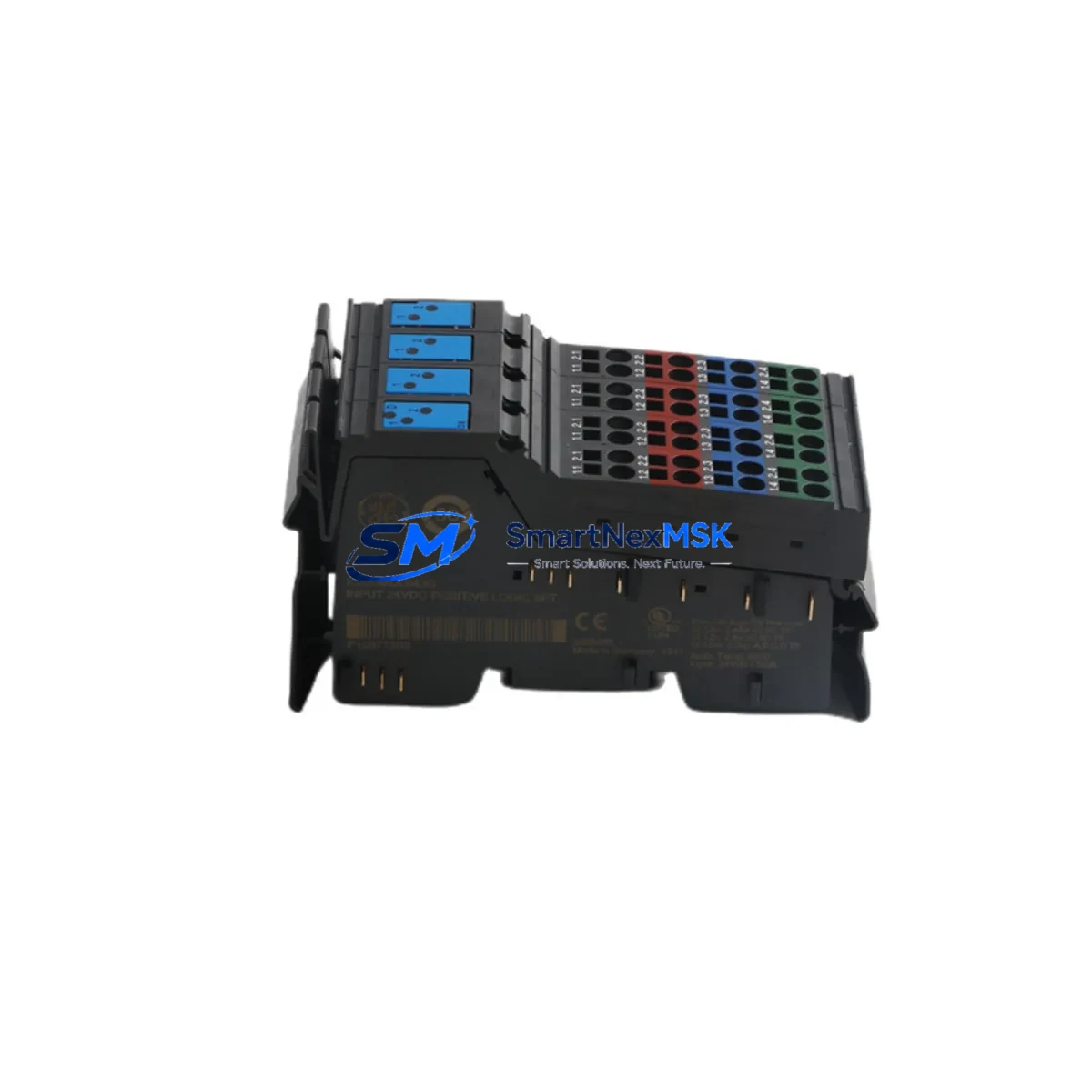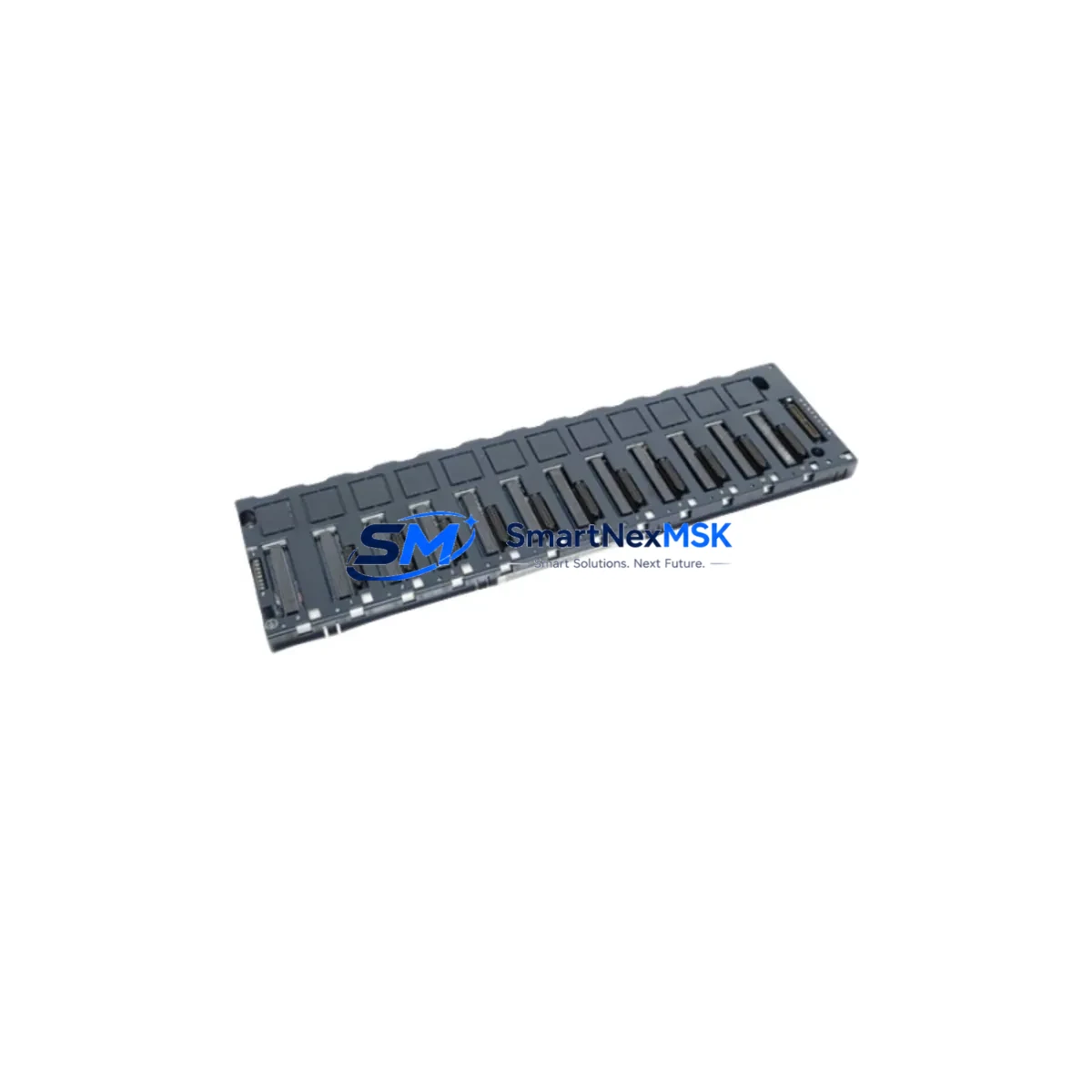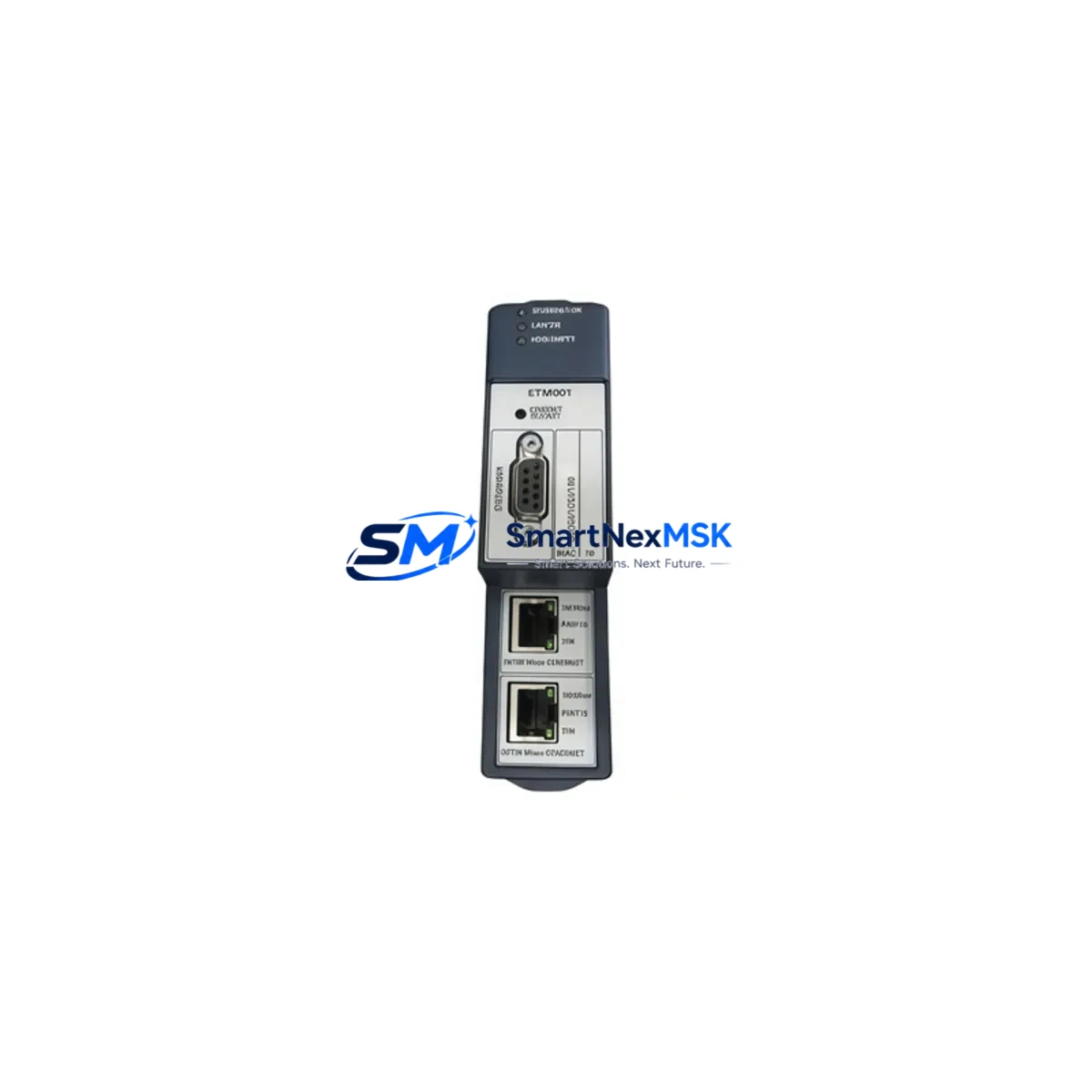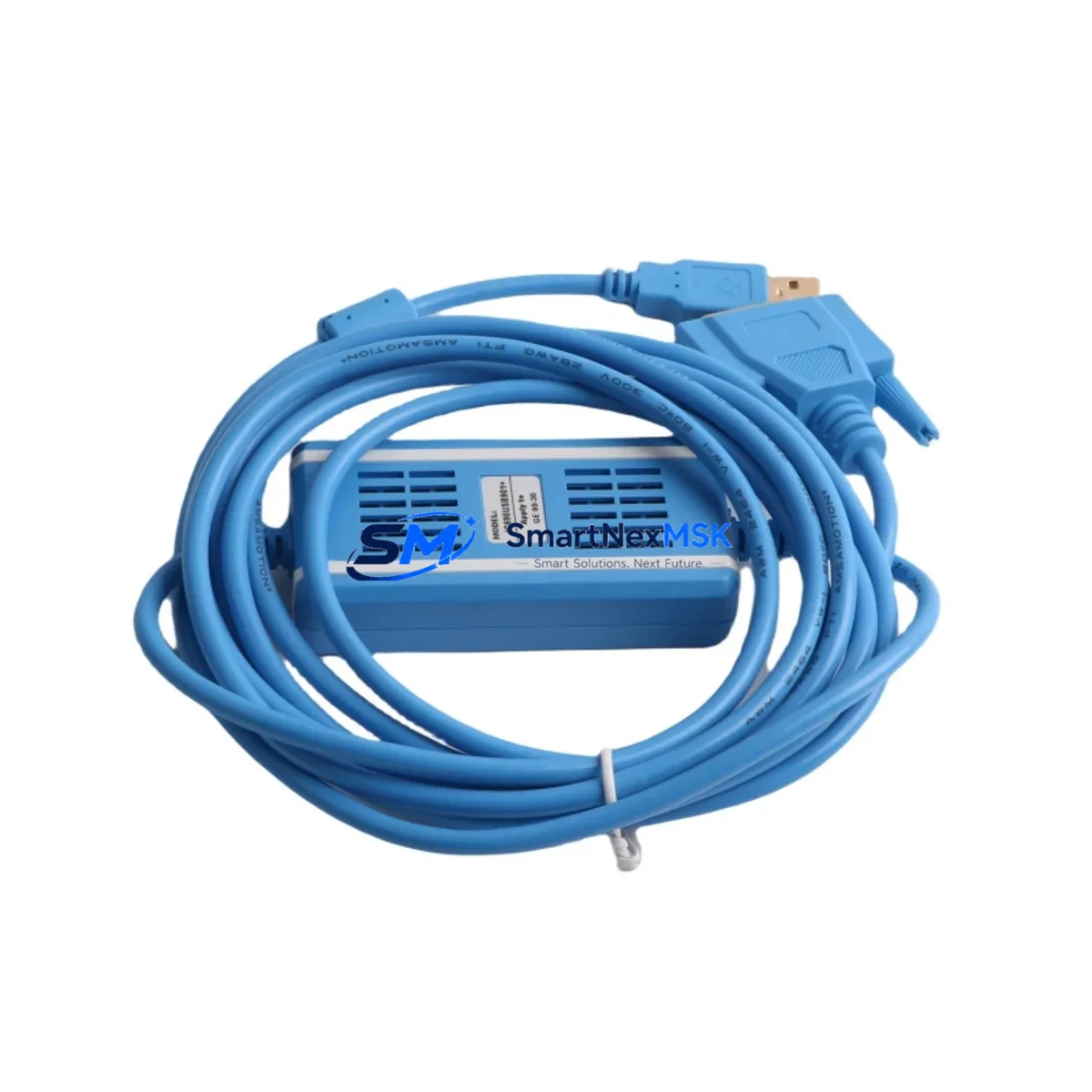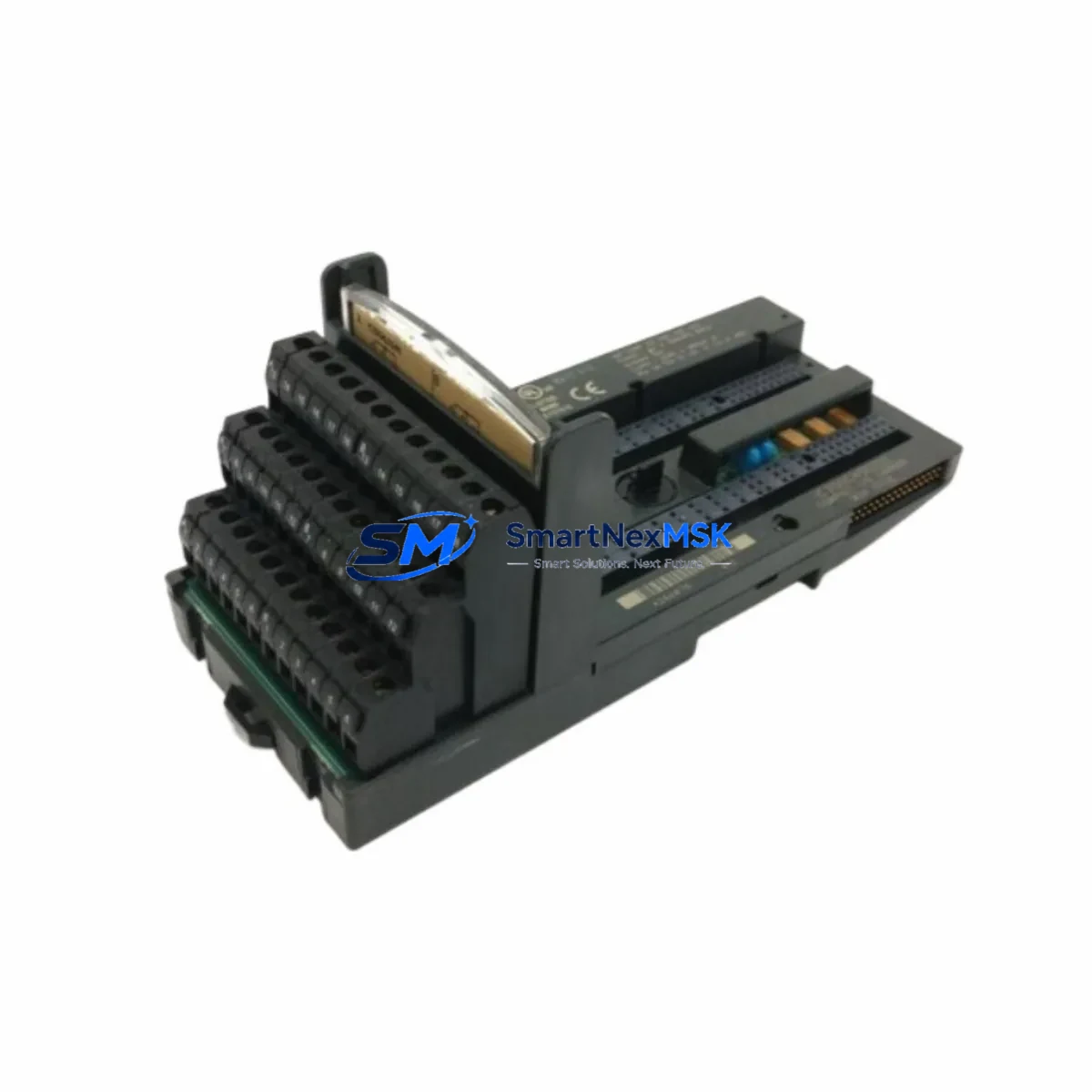
GE IC200CHS022 Retrofit-Ready I/O Carrier for VersaMax Micro Control Systems
The GE IC200CHS022 is a Compact I/O Carrier module designed for the GE VersaMax Micro Series programmable logic controller platform. As legacy VersaMax Micro systems approach end-of-life and original spare parts become increasingly scarce, the IC200CHS022 serves as a critical retrofit and replacement component for engineers tasked with sustaining aging production lines, upgrading control cabinets, and migrating I/O architectures without full system replacement.
SMARTNEXMSK maintains verified stock of the IC200CHS022 with full functional testing, 12-month warranty coverage, and same-week dispatch from our Xiamen warehouse. Each unit is inspected against GE factory specifications before shipment.
Upgrade Compatibility Table
| Parameter | IC200CHS022 Specification | Retrofit Notes |
|---|---|---|
| Module Type | Compact I/O Carrier | Direct carrier replacement for VersaMax Micro base configurations |
| Compatible Series | GE VersaMax Micro (IC200 Series) | Verify CPU module compatibility: IC200UDR002, IC200UDR005, IC200UAL005 |
| Mounting | DIN Rail / Panel Mount | Standard 35mm DIN rail; no bracket modification required |
| Backplane Interface | IC200 Series edge connector | Confirm slot alignment with existing I/O modules (IC200MDL640, IC200MDL740) |
| Communication Compatibility | Serial (SNP/SNPX), Ethernet via IC200ETM001 | Retain existing communication module; no protocol migration required |
| Power Requirements | Supplied via CPU/power supply module | Verify IC200PWR002 or IC200PWR101 power budget before installation |
| Replacement Scope | Carrier only (I/O modules retained) | Existing IC200 I/O modules transfer directly; no rewiring of field terminals |
| Commissioning | No firmware update required | Restore program via Proficy Machine Edition; verify I/O map and module addresses |
| Warranty | 12 Months | Covered from date of shipment; includes functional test certificate |
Retrofit Planning for Existing Automation Systems
Replacing the IC200CHS022 carrier in a live VersaMax Micro installation requires careful pre-work to avoid unplanned downtime and program loss. Before removing the existing carrier, engineers should document the full I/O module population — typically a mix of discrete input modules such as the IC200MDL640 (16-point 24VDC input) and discrete output modules such as the IC200MDL740 (16-point relay output) — and photograph all terminal wiring for reference during reinstallation.
The IC200CHS022 carrier interfaces directly with the VersaMax Micro CPU, most commonly the IC200UDR002 or IC200UDR005 combined CPU/power/I/O unit. When the carrier is used in an expanded configuration, confirm that the IC200PWR002 or IC200PWR101 power supply module can support the total current draw of all installed I/O modules after the carrier swap. Undersized power budgets are a leading cause of intermittent faults in retrofit projects.
For systems using Ethernet communications, the IC200ETM001 Ethernet Interface Module should be removed from the old carrier and reseated into the replacement IC200CHS022 without reconfiguration, provided the IP address and SRTP/EGD parameters remain unchanged in the CPU program. Serial communication links using SNP or SNPX protocol — common in legacy SCADA and HMI connections — are preserved through the CPU module itself and are unaffected by the carrier replacement.
HMI panels connected to the VersaMax Micro system, such as those running GE Proficy HMI/SCADA iFIX or third-party panels communicating via Modbus RTU, should be placed in manual override or operator-hold mode during the carrier swap window. This prevents false alarms and protects downstream actuators from unintended state changes during the brief period when the CPU is offline.
Programming cables such as the IC200CBL001 serial programming cable or USB-to-serial adapters used with Proficy Machine Edition should be prepared in advance. After reinstalling the carrier and powering up the system, connect to the CPU and perform a full program verification — comparing the online program against the last saved backup — before returning the system to RUN mode. Verify all I/O module addresses match the hardware configuration stored in the program, particularly if any modules were repositioned during the carrier swap.
For control cabinets integrating the VersaMax Micro alongside third-party devices — such as variable frequency drives, safety relays, or remote I/O nodes communicating over DeviceNet or Profibus — confirm that the communication links re-establish correctly after power restoration. Log all analog input and output values before shutdown and verify calibration after restart, especially for process control loops managing temperature, pressure, or flow.
Downtime Control During System Migration
Minimizing production downtime during an IC200CHS022 carrier replacement begins with preparation, not execution. The physical swap itself typically takes under 30 minutes for an experienced technician; the majority of migration time is consumed by pre-shutdown verification, program backup, and post-restart commissioning.
Before scheduling the maintenance window, use Proficy Machine Edition to upload and save the current CPU program, including all data blocks, retentive memory values, and communication configuration. Store the backup on at least two separate media — a local engineering workstation and a USB drive kept with the panel documentation. This ensures that even if the CPU module is inadvertently powered down during the carrier swap, the program can be restored within minutes.
During the swap, keep all I/O modules in their original slot positions. The IC200CHS022 carrier uses a keyed edge connector system that prevents incorrect module insertion, but maintaining original slot order eliminates the need to modify the hardware configuration in the program. Label each module with its slot number using adhesive tape before removal.
After reinstalling the carrier and all I/O modules, power up the system in STOP mode. Verify that the CPU recognizes all modules without configuration faults before switching to RUN mode. Check the fault table in Proficy Machine Edition for any I/O module errors, address conflicts, or power supply warnings. Only after a clean fault-free startup should the system be returned to automatic operation.
For critical processes where even a 30-minute outage is unacceptable, consider staging a pre-configured spare carrier with all I/O modules pre-installed and pre-tested on a bench setup. This hot-swap preparation strategy reduces the live outage window to under 10 minutes — limited only by the time required to transfer field wiring terminal blocks from the old carrier to the new one.
Retrofit Support FAQ
Q: Is the IC200CHS022 a direct drop-in replacement for my existing VersaMax Micro carrier?
A: Yes, the IC200CHS022 is designed as a direct carrier replacement within the GE IC200 VersaMax Micro platform. Your existing I/O modules (IC200MDL640, IC200MDL740, etc.) transfer directly to the replacement carrier without modification. Field terminal wiring remains unchanged as long as the I/O modules are reinstalled in their original slot positions.
Q: Do I need to reload my PLC program after replacing the carrier?
A: The program is stored in the CPU module (e.g., IC200UDR002), not in the carrier itself. If the CPU module is not replaced, the program is retained. We recommend performing a program upload and backup before the swap as a precaution, and a program verification after restart to confirm integrity.
Q: Will my existing communication wiring and HMI connections still work after the carrier swap?
A: Yes. Serial (SNP/SNPX) and Ethernet (via IC200ETM001) communication links are managed by the CPU and communication modules, not the carrier. Provided these modules are reinstalled correctly and the CPU retains its program and configuration, all communication links — including HMI panels and SCADA connections — will re-establish automatically on power-up.
Q: What warranty and testing does SMARTNEXMSK provide with the IC200CHS022?
A: Every IC200CHS022 unit shipped by SMARTNEXMSK is functionally tested against GE factory specifications and covered by a 12-month warranty from the date of shipment. A functional test certificate is included with each unit. In the event of a warranty claim, we provide advance replacement to minimize your downtime exposure.
© 2026 SMARTNEXMSK. All rights reserved.
Original Source: https://smartnexmsk.com
Contact: [email protected] | +86 18259474341