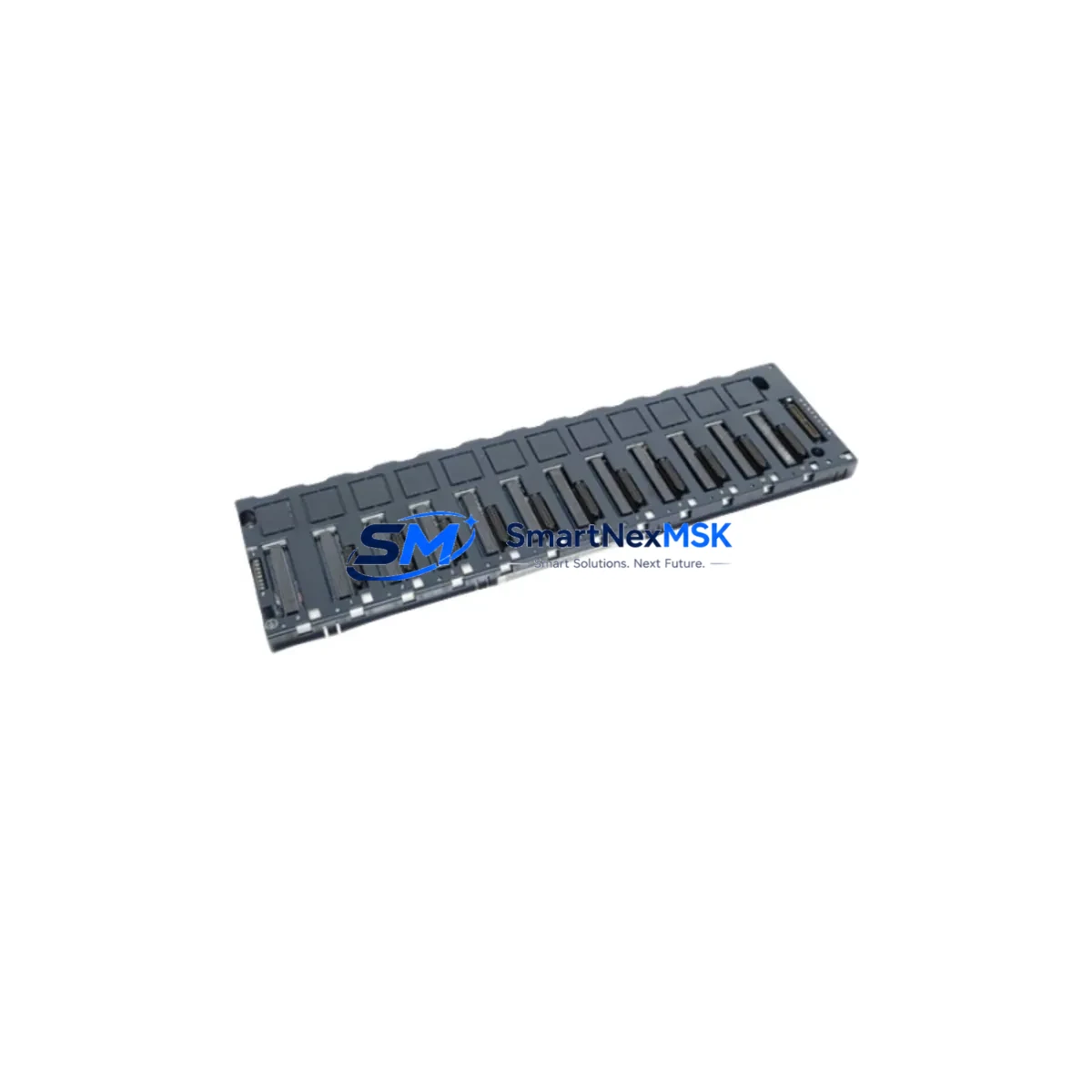
GE IC695CHS012-BA Spare for PACSystems RX3i Automation
The GE IC695CHS012-BA is a 12-slot universal backplane designed for the PACSystems RX3i control platform — one of GE’s most widely deployed industrial automation architectures in process control, discrete manufacturing, and critical infrastructure applications. When this backplane fails or degrades, the entire RX3i rack goes offline, halting production and triggering unplanned downtime. Stocking a verified, original IC695CHS012-BA spare is the single most effective measure a maintenance team can take to protect system availability.
This listing supplies an original IC695CHS012-BA backplane sourced through authorized industrial channels. Each unit undergoes pre-shipment functional verification to confirm slot integrity, backplane bus continuity, and power rail condition before dispatch. A 12-month warranty covers all units against manufacturing defects and latent failures, giving procurement engineers confidence in long-term supply reliability.
Spare Maintenance Table
| Parameter | Specification / Detail |
|---|---|
| Part Number | IC695CHS012-BA |
| Brand | GE Automation & Controls (now Emerson / Movicon) |
| Series | PACSystems RX3i |
| Type | Universal 12-Slot Backplane |
| Slot Count | 12 universal slots (CPU, I/O, communications, option modules) |
| Bus Architecture | PCI + serial backplane (dual-bus universal) |
| Power Input | Via dedicated power supply module (e.g. IC695PSA040 / IC695PSD040) |
| Mounting | DIN rail or panel mount |
| Operating Temperature | 0 °C to 60 °C |
| Relative Humidity | 5% to 95% non-condensing |
| Compatibility | PACSystems RX3i CPU modules (IC695CPE302, IC695CPE305, IC695CPE330, IC695CPU320), all RX3i I/O and option modules |
| Origin | USA (OEM manufactured) |
| Condition | Original / New surplus / Refurbished (clearly stated per order) |
| Pre-shipment Test | Slot bus continuity, power rail check, visual inspection |
| Warranty | 12 Months — covers manufacturing defects and latent failures |
| Lead Time | Ships within 1–3 business days from verified stock |
Maintenance Planning for Continuous Operation
A backplane replacement rarely occurs in isolation. When a maintenance or reliability engineer identifies a failed or suspect IC695CHS012-BA, the surrounding components in the same control cabinet must be systematically evaluated before the replacement rack is commissioned. Skipping this step risks re-introducing the root cause of the original failure.
Power supply integrity first. The IC695PSA040 or IC695PSD040 power supply module feeds the backplane directly. A failing power supply can stress backplane connectors and corrupt slot communication. Always measure output voltage rails and ripple before inserting the replacement backplane. If the power supply is beyond its service interval, replace it concurrently.
CPU module condition. The IC695CPE302 or IC695CPE330 CPU seated in the backplane should be inspected for firmware currency and memory battery status. A CPU with a depleted RTC battery or outdated firmware may not initialize correctly on a new backplane. Confirm the CPU boots cleanly and loads the application program without faults before returning the system to service.
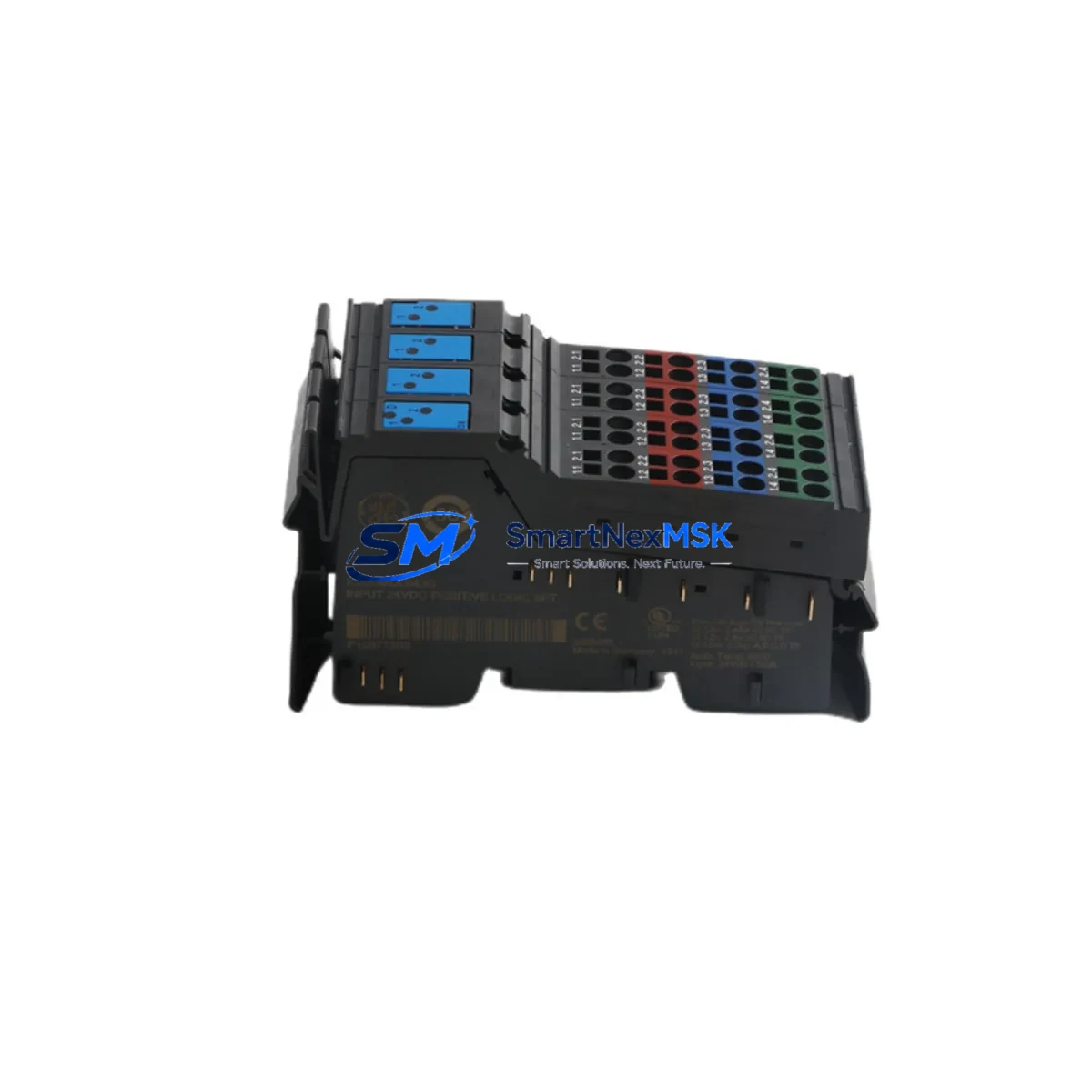
I/O module seating and wiring. All IC694MDL or IC695MDL series discrete and analog I/O modules should be reseated and their field wiring terminal blocks inspected for loose connections, corrosion, or thermal discoloration. Loose field wiring is a common secondary cause of intermittent I/O faults that are incorrectly attributed to backplane failure.
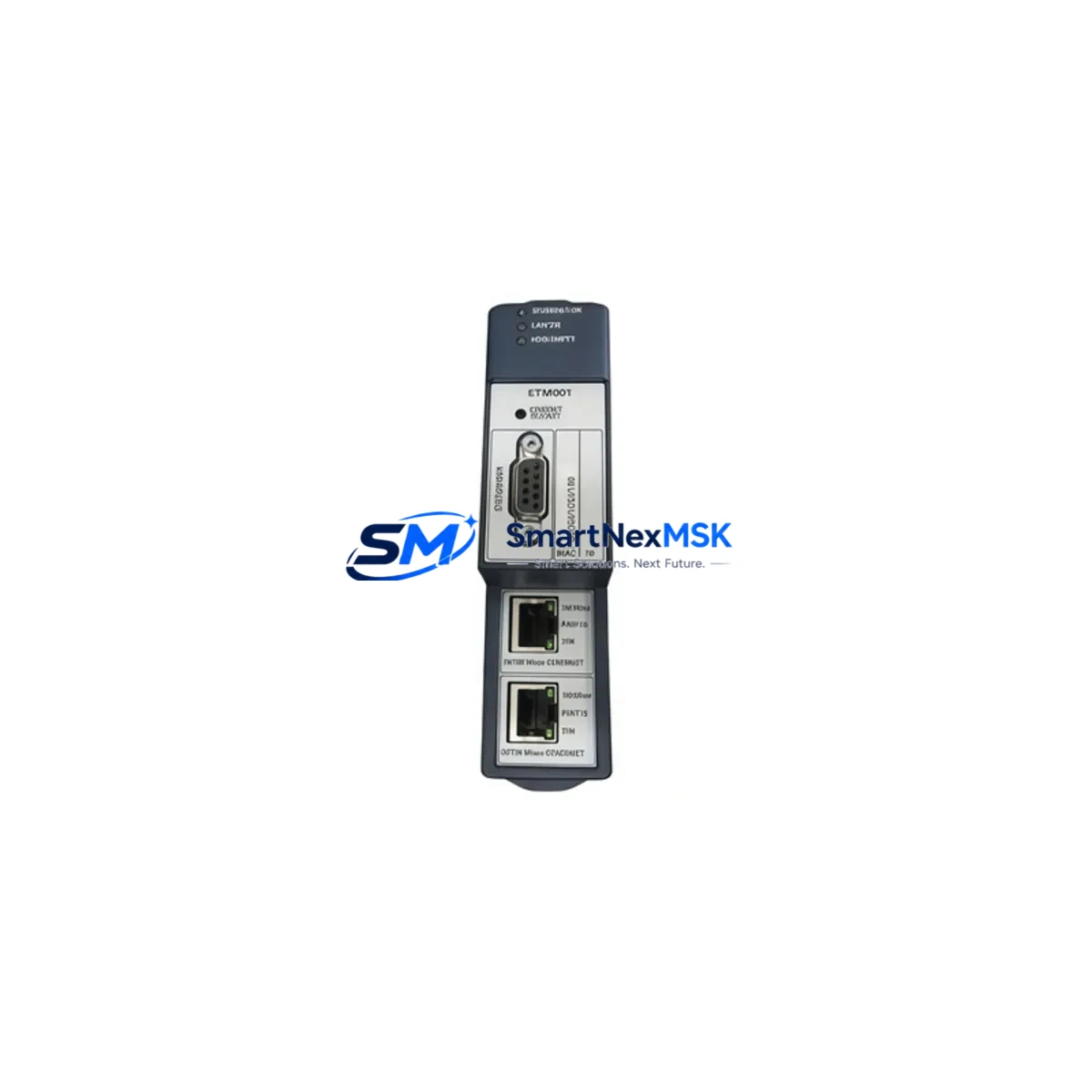
Communications modules. If the cabinet hosts an IC695ETM001 Ethernet module or an IC695PBM300 PROFIBUS master, verify that these modules re-establish network communication after the backplane swap. Check IP address retention and PROFIBUS node configuration in the CPU project.
Relay output modules and protection. IC694MDL940 or similar relay output modules should have their output contacts checked for wear, especially in high-cycle applications. Fuse holders and miniature circuit breakers protecting field circuits should be inspected and tested — a blown fuse on a relay output circuit can mimic a backplane or I/O fault during diagnostics.
Signal isolation and analog conditioning. Where analog signals feed IC695ALG series analog input modules, check upstream signal isolators and loop-powered transmitters for drift or failure. A failed isolator can inject noise into the backplane analog bus, causing erratic readings that are difficult to trace without systematic isolation testing.
HMI and SCADA connectivity. If a Proficy iFIX or CIMPLICITY HMI communicates with the RX3i CPU via OPC or serial, verify that the HMI re-establishes its data connection after the backplane replacement and that all tag values are updating correctly. Communication timeouts at the HMI level are a reliable indicator of incomplete system recovery.
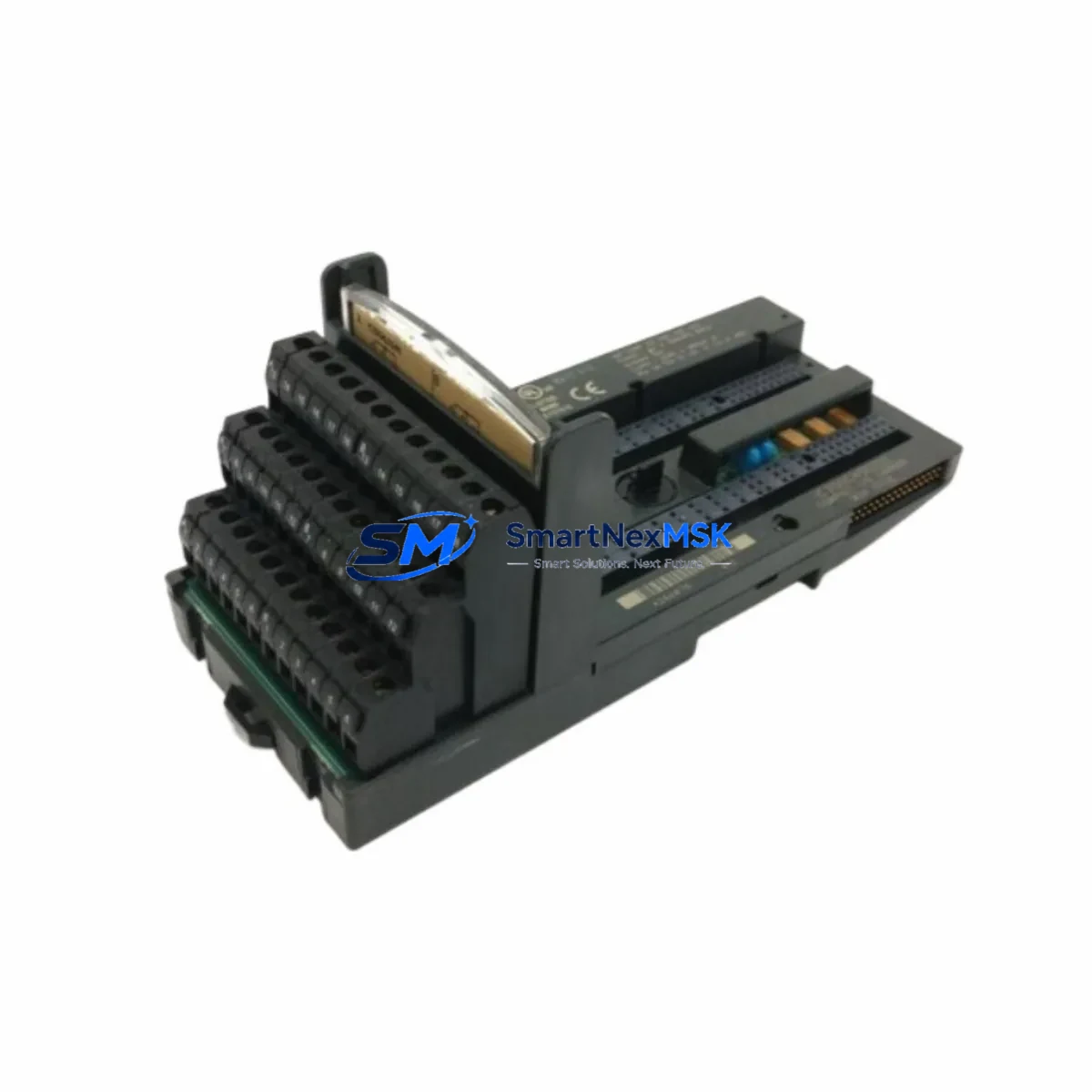
Terminal blocks and grounding. Phoenix Contact or Weidmüller terminal blocks used for field signal distribution should be inspected for loose screws and correct PE grounding. Poor grounding is a leading cause of EMI-induced backplane faults in industrial environments.
Site Replacement Workflow
Step 1 — Document before disconnecting. Photograph the existing backplane slot assignments, module positions, and all field wiring labels before removing any module. This documentation eliminates re-wiring errors and accelerates recommissioning.
Step 2 — Safe power-down sequence. Follow the site LOTO (Lockout/Tagout) procedure. De-energize the cabinet, confirm zero-energy state, and discharge any capacitive loads in the power supply before handling the backplane.
Step 3 — Module removal and labeling. Remove all modules from the old IC695CHS012-BA in slot order, labeling each with its slot number. Keep modules in anti-static bags during the swap.
Step 4 — Backplane installation. Mount the replacement IC695CHS012-BA on the DIN rail or panel. Verify that all mounting screws are torqued to specification and that the backplane is correctly grounded to the cabinet PE bus.
Step 5 — Module reinsertion. Reinsert all modules in their original slot positions. Confirm each module is fully seated — a partially inserted module will prevent the backplane bus from initializing.
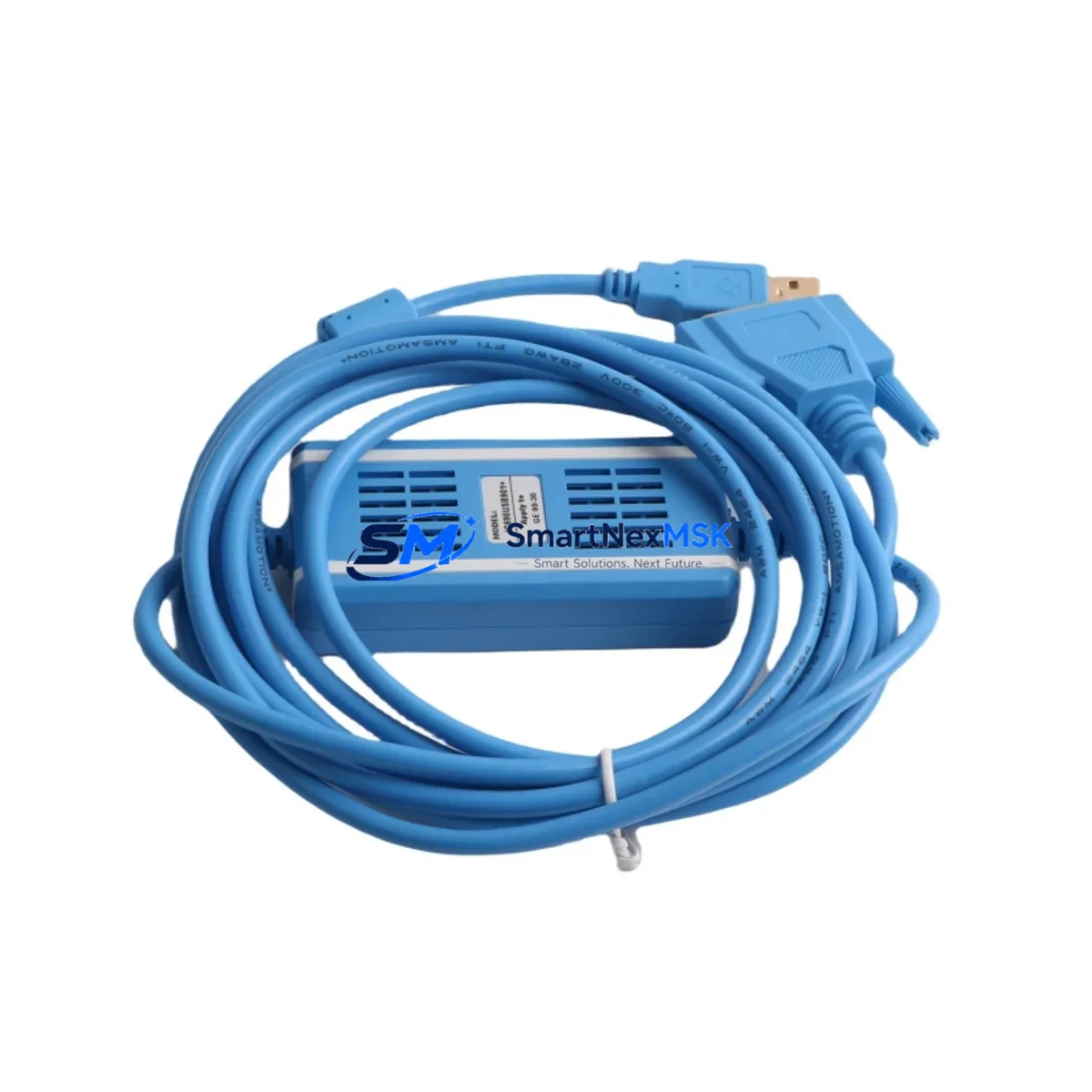
Step 6 — Power-up and diagnostics. Energize the cabinet and observe the CPU status LEDs. Use Proficy Machine Edition or the GE PACSystems programmer to confirm that all I/O modules are recognized, no fault codes are active, and the application program is running.
Step 7 — Functional test before handover. Execute a point-to-point I/O test for all field devices connected to the rack. Confirm analog signal values are within calibrated range and all discrete outputs operate correctly before returning the system to production.
This workflow is compatible with legacy IC695CHS012 (without the -BA revision suffix) installations. The -BA revision backplane is a direct drop-in replacement for earlier revisions, maintaining full module and firmware compatibility without requiring project changes.
Spare Parts Support FAQ
Q1: Is the IC695CHS012-BA compatible with all PACSystems RX3i CPU and I/O modules?
Yes. The IC695CHS012-BA is a universal backplane that supports all RX3i-series CPU modules (including IC695CPE302, IC695CPE305, IC695CPE330, and IC695CPU320), all RX3i I/O modules, and all RX3i communications and option modules. It is also backward compatible with IC694-series modules when used with the appropriate adapter. Always confirm your specific module revision against the GE PACSystems RX3i Hardware Reference Manual before installation.
Q2: What is the recommended spare parts inventory strategy for the IC695CHS012-BA?
For facilities operating two or more RX3i racks, maintaining at least one IC695CHS012-BA spare on-site is strongly recommended. Backplane failures are low-frequency but high-impact events — the cost of a single unplanned production stoppage typically exceeds the cost of holding a spare by a significant margin. For critical processes, a two-spare strategy (one on-site, one at a regional warehouse) provides additional protection against extended lead times during supply disruptions.
Q3: How is each unit tested before shipment?
Every IC695CHS012-BA unit undergoes a pre-shipment inspection that includes visual examination of all 12 slot connectors for bent pins or contamination, backplane bus continuity verification, and power rail resistance checks. Units that do not pass all inspection criteria are quarantined and not dispatched. A test report is available upon request for quality-critical procurement processes.
Q4: What does the 12-month warranty cover, and how is a warranty claim processed?
The 12-month warranty covers manufacturing defects, latent component failures, and backplane bus faults that manifest under normal operating conditions. It does not cover damage caused by incorrect installation, overvoltage events, or physical impact. To initiate a warranty claim, contact [email protected] with the order number, a description of the fault, and any available diagnostic data from the GE programmer. Replacement units are dispatched within 3 business days of claim approval.
© 2026 SMARTNEXMSK. All rights reserved.
Original Source: https://smartnexmsk.com
Contact: [email protected] | +86 18259474341