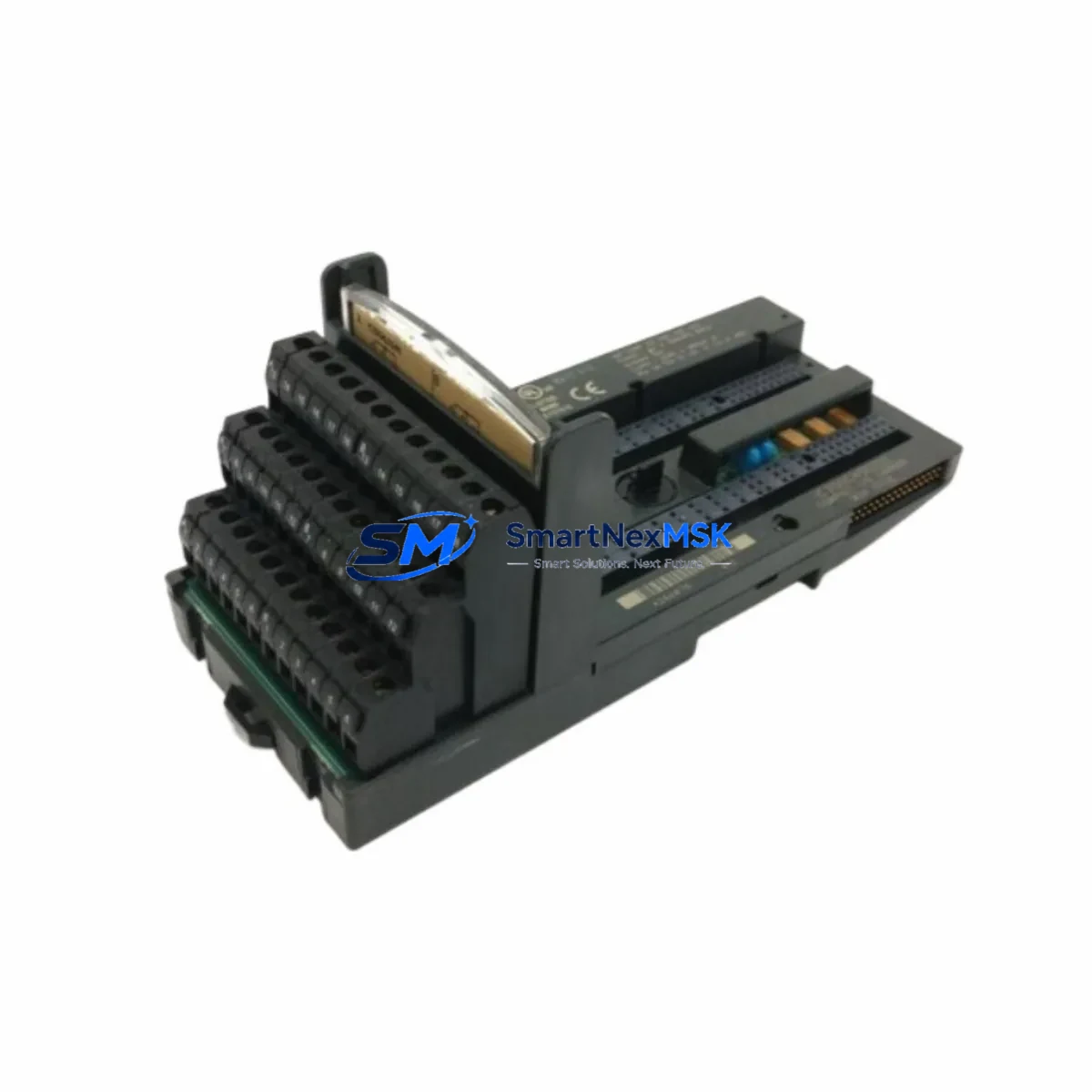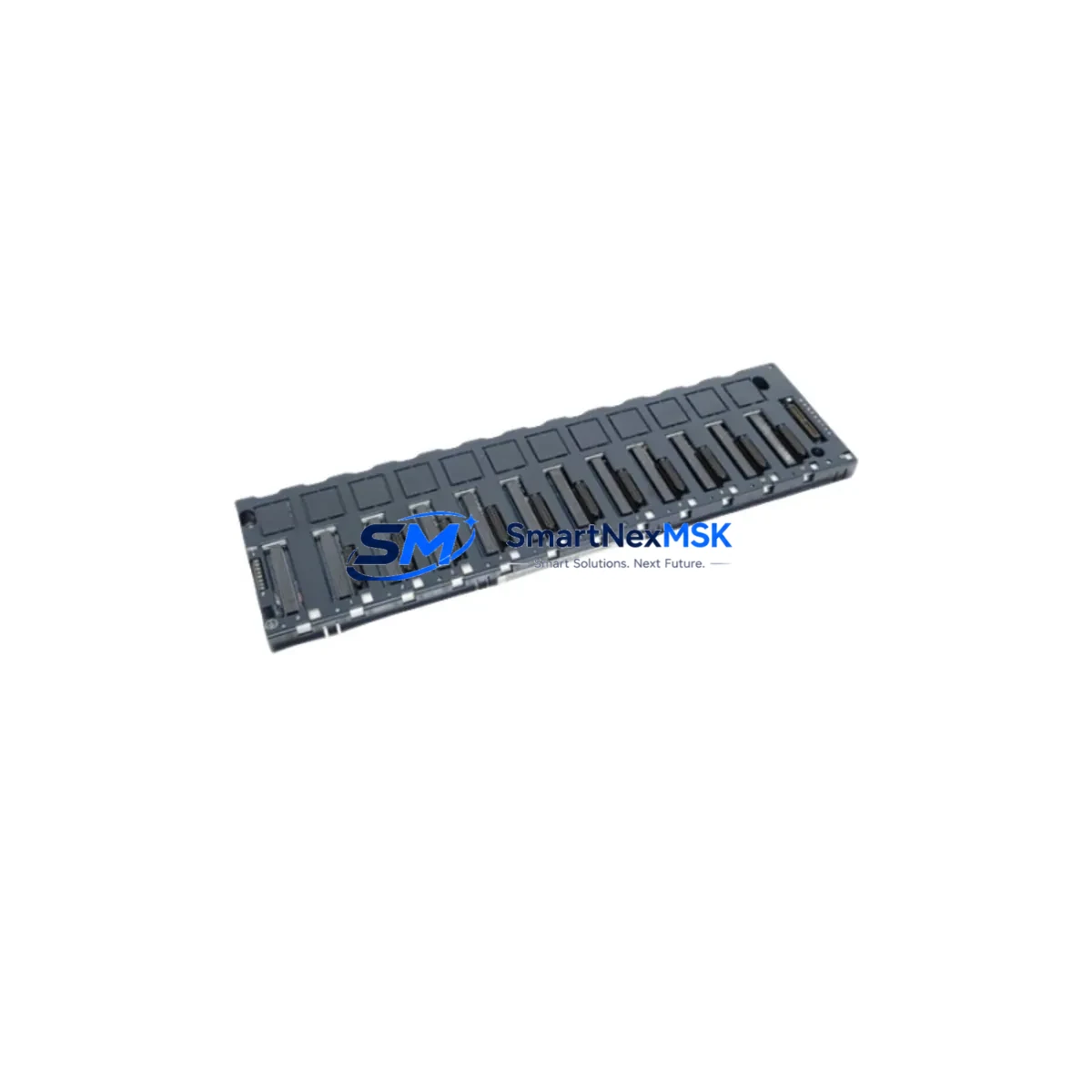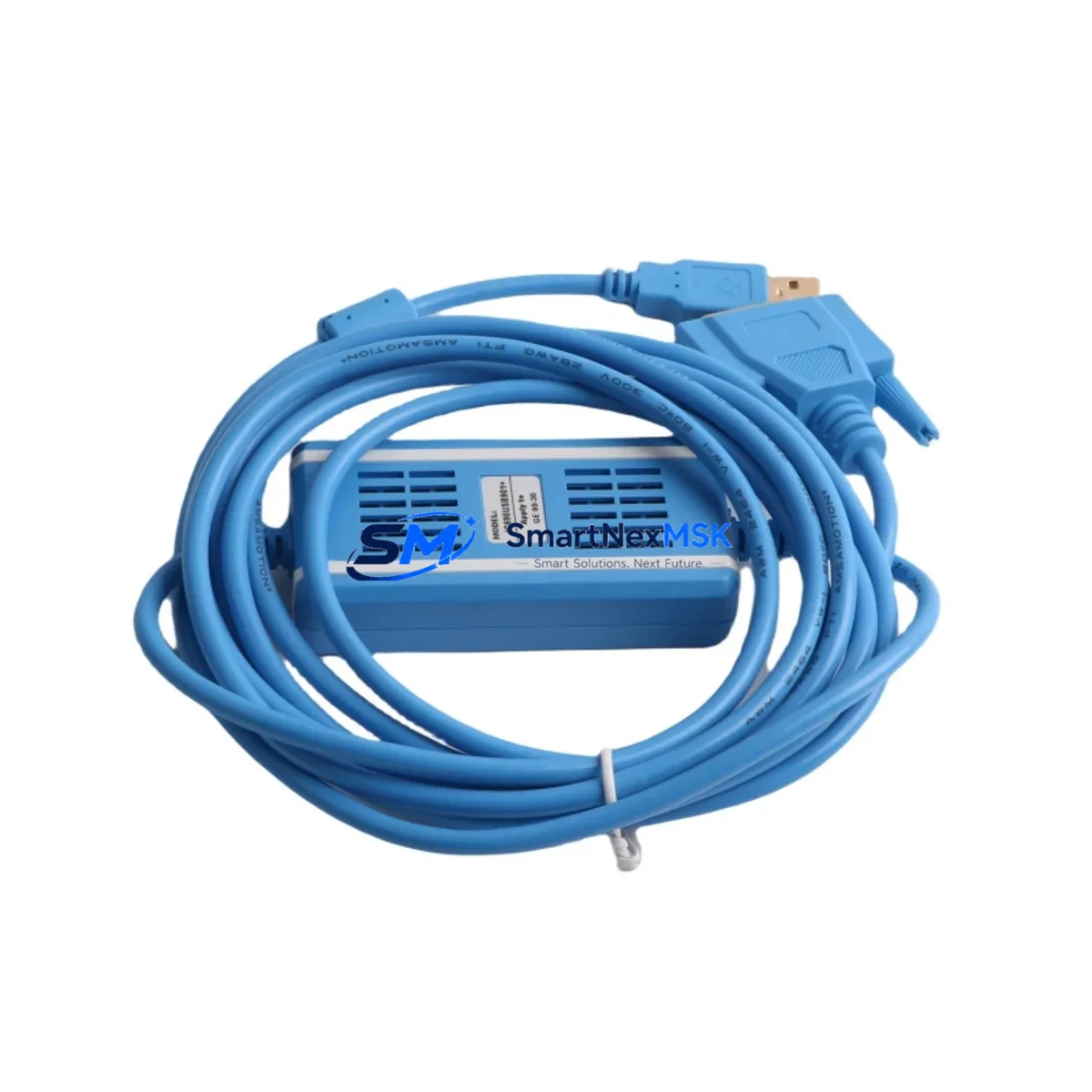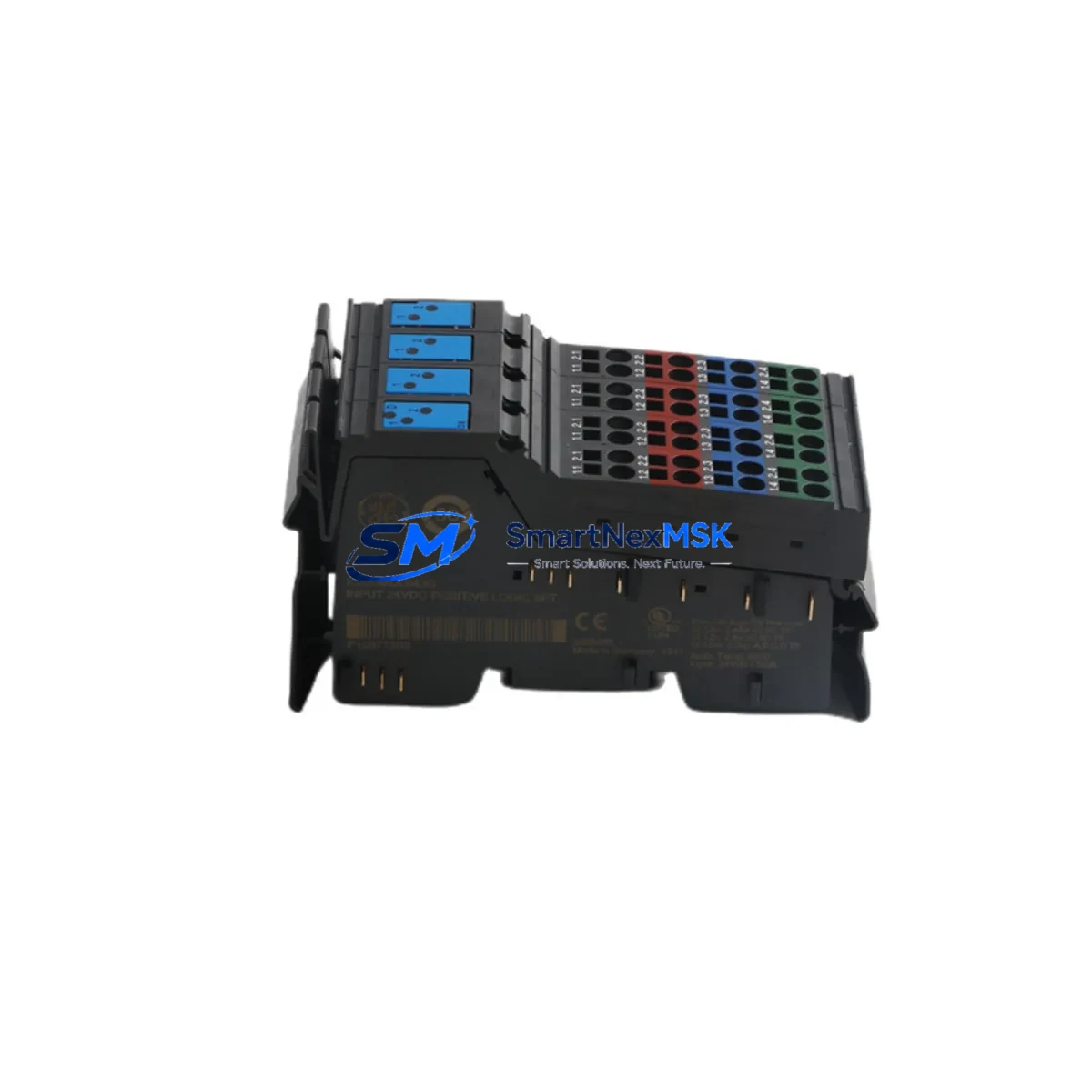
GE IC220MDL643 Maintenance-Ready Spare for VersaMax Micro Automation
The GE IC220MDL643 is a 24VDC Digital Input Module designed for the VersaMax Micro PLC platform — one of GE Automation & Controls’ most widely deployed compact controller families in discrete manufacturing, material handling, and process automation environments. For maintenance engineers managing aging control systems, securing a verified original spare of the IC220MDL643 is a critical step in reducing unplanned downtime and protecting production continuity. This module is stocked, tested, and shipped with a 12-month warranty, ensuring your replacement is ready when the line cannot afford to wait.
Whether you are executing a planned shutdown inspection, responding to an emergency I/O fault, or building a strategic spare parts inventory for a multi-cabinet control system, the IC220MDL643 delivers the electrical compatibility and form-factor precision that field replacement demands. Each unit undergoes pre-shipment functional verification to confirm input channel integrity, signal response, and backplane communication before dispatch.
Spare Maintenance Table
| Parameter | Specification |
|---|---|
| Part Number / SKU | IC220MDL643 |
| Brand | GE Automation & Controls |
| Series | VersaMax Micro |
| Module Type | Digital Input Module |
| Input Voltage | 24VDC |
| Input Channels | 16 DC Inputs (typical for MDL643 class) |
| Signal Type | Discrete / Digital |
| Backplane Interface | VersaMax Micro local bus |
| Operating Temperature | 0°C to 60°C (standard industrial range) |
| Mounting | DIN rail / panel mount via VersaMax Micro base |
| Compatibility | VersaMax Micro CPU modules (IC200UAL006, IC200UDD064, IC200UDD104 series) |
| Application Environment | Discrete manufacturing, conveyor control, packaging, utilities |
| Maintenance Recommendation | Inspect input wiring terminals, verify 24VDC supply integrity, test channel response under load before installation |
| Origin | United States |
| Warranty | 12 Months — covers manufacturing defects and functional failure under normal operating conditions |
| Pre-Shipment Test | Functional channel verification, backplane communication check |
Maintenance Planning for Continuous Operation
When replacing the IC220MDL643 in a VersaMax Micro control cabinet, a disciplined maintenance engineer will not stop at the module itself. The 24VDC input circuit that feeds this module is shared infrastructure — a degraded power supply, a loose terminal block, or a failing field device can cause repeat failures even after a clean module swap. Before commissioning the replacement IC220MDL643, verify the upstream 24VDC power supply module (such as the IC200PWR002 or equivalent VersaMax power supply) for output voltage stability and ripple within specification.
Inspect the terminal strips and wiring harness connected to the input channels. Corroded or over-torqued terminals on Phoenix Contact or Weidmüller-style terminal blocks are a common root cause of intermittent input faults that are misdiagnosed as module failure. If the cabinet includes a VersaMax Micro CPU module such as the IC200UAL006, confirm that the CPU firmware revision is compatible with the replacement module and that the I/O configuration table in the PLC program matches the new module’s channel count and addressing.
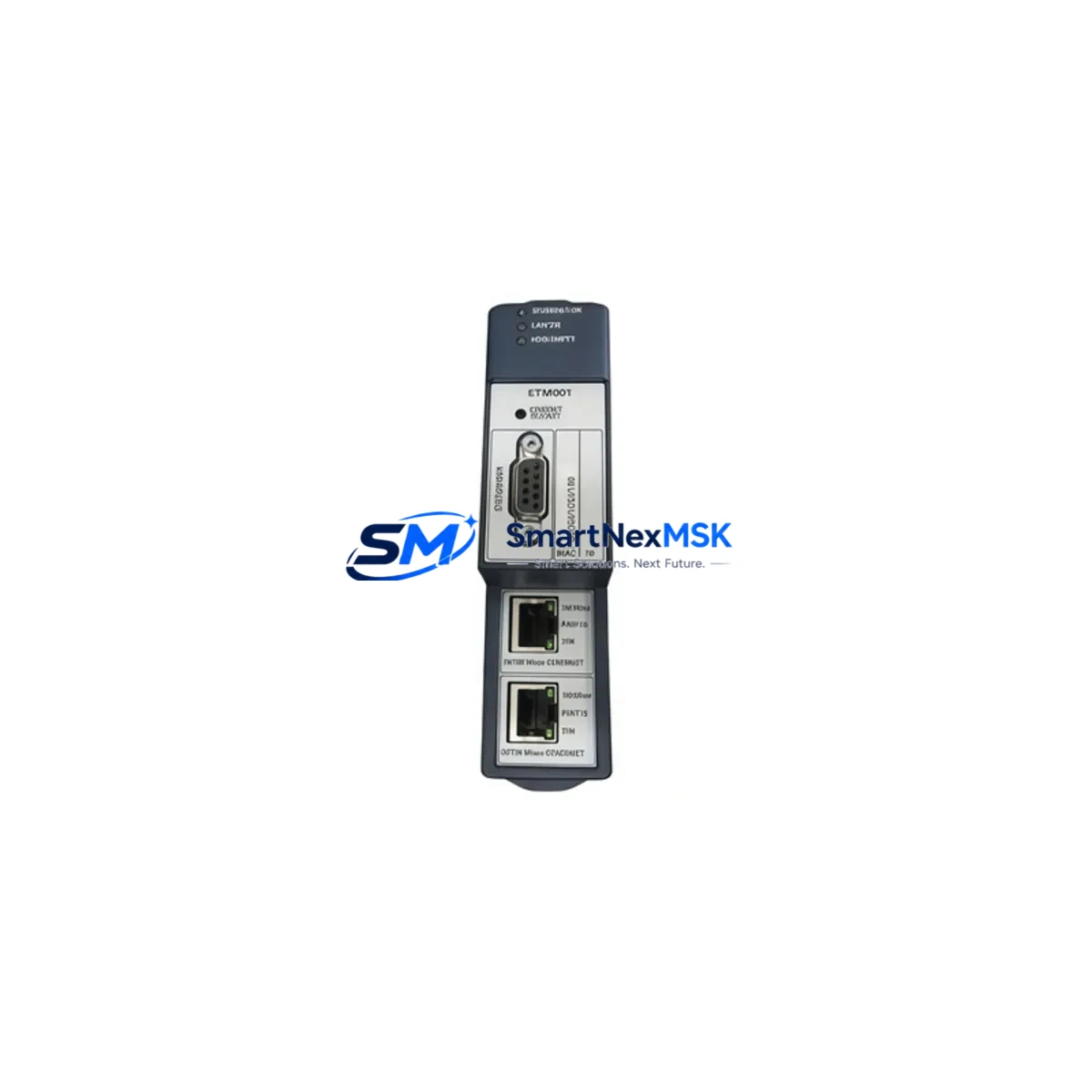
For systems that include analog I/O alongside discrete inputs, check the IC220ALG320 or similar analog input modules in the same rack for signal drift — thermal cycling during an unplanned shutdown can affect calibration. If the control system communicates over Ethernet or serial fieldbus, inspect the communications module (such as the IC200ETM001 Ethernet Interface) for link status and verify that the SCADA or HMI — whether a QuickPanel+ or a third-party operator terminal — is receiving valid I/O data after the module replacement.
Relay output modules in the same cabinet, such as the IC220MDL940 or IC220MDL741, should be checked for contact wear if the system has been running high-cycle loads. Fuse holders and miniature circuit breakers protecting the 24VDC input bus are often overlooked during reactive maintenance — replace any fuse that shows signs of thermal discoloration. Signal isolators or barriers on long-run field wiring should also be inspected for isolation resistance degradation, particularly in humid or chemically aggressive environments.
Building a minimum viable spare parts kit around the IC220MDL643 for a VersaMax Micro installation should include at least one CPU module, one power supply, one digital output module, and a set of terminal block connectors — ensuring that any single-point failure in the control cabinet can be resolved within one maintenance shift without waiting for emergency procurement.
Site Replacement Workflow
Step 1 — Isolate and document: Before removing the IC220MDL643, place the PLC in STOP mode and document the current I/O status via the HMI or programming terminal. Photograph the wiring layout and label all field cables connected to the module’s input terminals.
Step 2 — Power down the input circuit: De-energize the 24VDC supply feeding the input module. Do not rely solely on the PLC STOP command — physically isolate the input power at the circuit breaker or fuse block to eliminate the risk of live-wire contact during removal.
Step 3 — Remove and inspect: Slide the IC220MDL643 out of the VersaMax Micro base. Inspect the backplane connector pins for corrosion or mechanical damage. If the base connector shows wear, consider replacing the base unit to prevent future intermittent faults.
Step 4 — Install the replacement module: Seat the new IC220MDL643 firmly into the base until the locking tab engages. Reconnect field wiring per the documented layout. Verify terminal torque to manufacturer specification.
Step 5 — Power up and verify: Restore 24VDC input power and place the CPU in RUN mode. Monitor all 16 input channels via the programming software or HMI to confirm correct signal mapping. Test each input point with a known field signal before returning the system to production.
This structured replacement workflow minimizes the risk of re-faulting the system and ensures that the root cause — not just the symptom — has been addressed. For legacy VersaMax Micro installations that are no longer supported under OEM service contracts, maintaining a local stock of the IC220MDL643 and its associated modules is the most cost-effective strategy for extending system life without a full control system upgrade.
Spare Parts Support FAQ
Q1: Is the IC220MDL643 still available as a new original spare, or only as refurbished stock?
We supply the IC220MDL643 as an original spare sourced from authorized distribution and verified surplus channels. Each unit is functionally tested prior to shipment. Where new stock is available, it is clearly indicated. All units — new or surplus — are covered by our 12-month warranty against manufacturing defects and functional failure.
Q2: How do I confirm compatibility between the IC220MDL643 and my existing VersaMax Micro CPU?
The IC220MDL643 is designed for the VersaMax Micro platform and is compatible with standard VersaMax Micro CPU modules and bases. Confirm your CPU model number and base configuration before ordering. If you are unsure, provide your CPU part number and we will verify compatibility before shipment.
Q3: What is your lead time and how is the module tested before shipping?
In-stock units typically ship within 1–3 business days. Each IC220MDL643 undergoes a pre-shipment functional test covering input channel response and backplane communication. A test report is available upon request. Express shipping options are available for emergency maintenance situations.
Q4: What does the 12-month warranty cover, and what is the claims process?
The 12-month warranty covers functional failure and manufacturing defects under normal operating conditions. It does not cover damage caused by incorrect installation, overvoltage, or physical mishandling. To initiate a warranty claim, contact our technical support team with the order number and a description of the fault. Replacement or repair will be arranged promptly to minimize your downtime.
© 2026 SMARTNEXMSK. All rights reserved.
Original Source: https://smartnexmsk.com
Contact: [email protected] | +86 18259474341