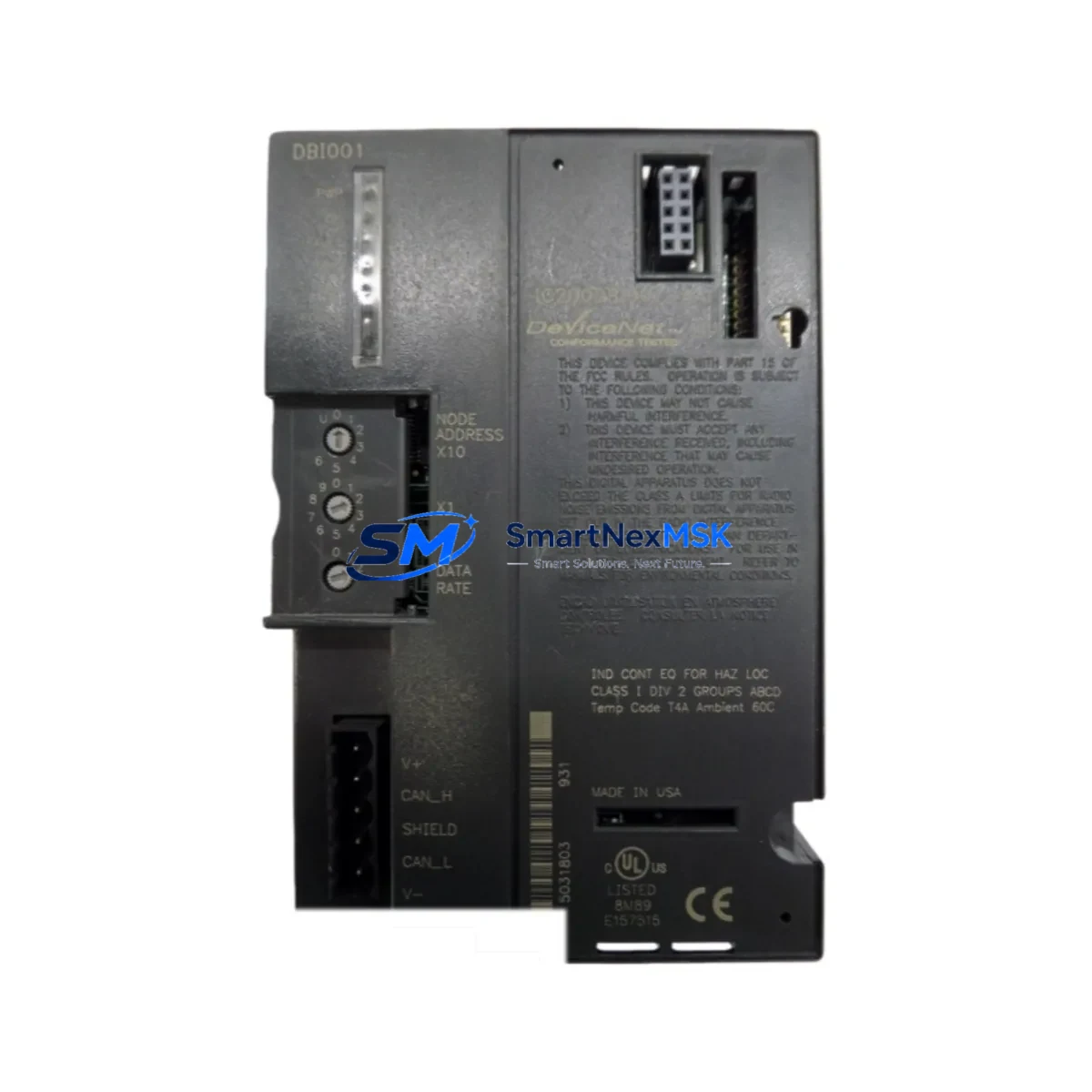
GE IC200ERM001 Maintenance-Ready Spare VersaMax Automation
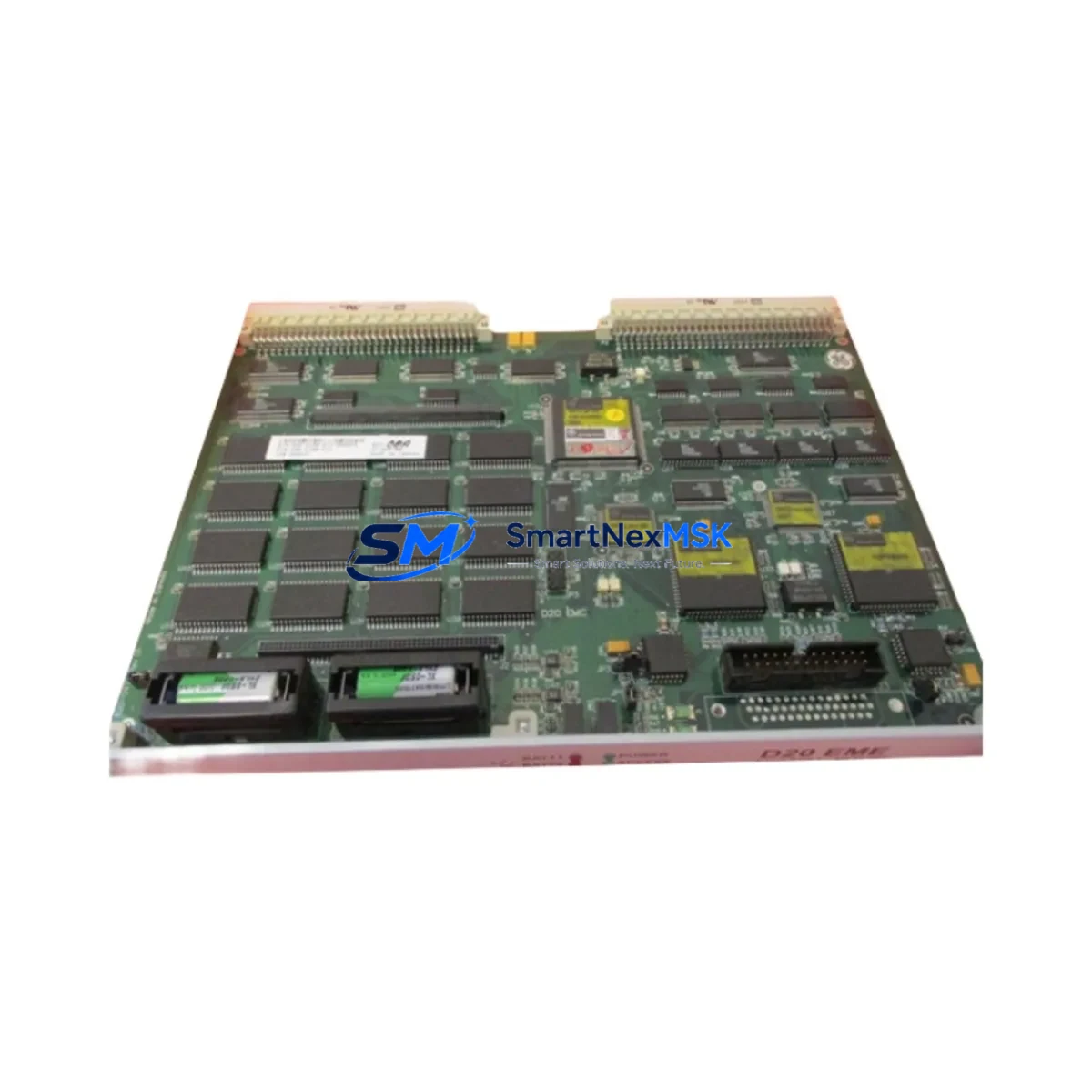
The GE IC200ERM001 is an original isolated expansion receiver module designed for the GE VersaMax I/O platform — one of the most widely deployed distributed I/O architectures in process and discrete manufacturing environments. When this module fails or degrades, the downstream I/O expansion rack loses communication with the main CPU carrier, triggering unplanned downtime that can cascade across an entire production line. Sourcing a verified, tested replacement unit is the fastest path to restoring normal operation.
At SMARTNEXMSK, every IC200ERM001 unit is inspected, functionally tested, and shipped with a 12-month warranty. We maintain ready stock to support emergency replacement, planned maintenance shutdowns, and long-term spare parts inventory programs for facilities running GE VersaMax and VersaMax Micro systems.
Spare Maintenance Table
| Part Number | IC200ERM001 |
| Brand | GE (General Electric) / Emerson |
| Series | VersaMax I/O |
| Module Type | Isolated Expansion Receiver Module |
| Function | Receives I/O expansion data from IC200EXM001 transmitter over isolated serial link |
| Isolation | Optical isolation between transmitter and receiver segments |
| Communication | Proprietary VersaMax expansion bus |
| Compatible Transmitter | IC200EXM001 Expansion Transmitter Module |
| Compatible CPU Carriers | IC200CHS002, IC200CHS005, IC200CHS014 and compatible VersaMax carriers |
| Power Supply Compatibility | VersaMax 24VDC power supplies (e.g. IC200PWR001, IC200PWR002) |
| Operating Temperature | 0°C to 60°C |
| Mounting | DIN rail / panel mount via VersaMax carrier |
| Condition | Original, tested, ready to ship |
| Warranty | 12 Months |
| Lead Time | In stock — ships within 1–3 business days |
Maintenance Planning for Continuous Operation
The IC200ERM001 sits at the boundary between the main VersaMax CPU rack and remote I/O expansion segments. When planning a replacement or conducting a scheduled control cabinet inspection, maintenance engineers should treat this module as part of a broader system health check rather than an isolated swap.
Begin by verifying the paired IC200EXM001 Expansion Transmitter Module — the transmitter and receiver work as a matched pair, and a degraded transmitter can cause intermittent faults that appear to originate in the receiver. Inspect the IC200PWR001 or IC200PWR002 power supply modules on both the main and expansion racks; voltage sag or ripple on the 24VDC bus is a common root cause of expansion link instability. Check the IC200CHS002 or IC200CHS014 carrier assemblies for bent backplane pins, corrosion, or cracked housings that can cause intermittent module seating issues.
On the I/O side, review the digital input modules such as the IC200MDL640 or IC200MDL650 and digital output modules like the IC200MDL740 installed in the expansion rack. A failed expansion link will take all downstream I/O offline simultaneously, so confirming module health after restoring the receiver link is essential before returning the system to automatic mode. If the system includes analog I/O, inspect IC200ALG320 or IC200ALG430 analog modules for calibration drift that may have occurred during the fault period.
For facilities using GE PACSystems RX3i or RX7i CPUs communicating with VersaMax remote I/O via IC200BEM003 Bus Expansion Module or Ethernet NIU adapters, confirm that the network configuration and I/O map remain intact after the module swap. Terminal blocks, field wiring connectors, and any signal isolators in the expansion cabinet should also be inspected for loose terminations that vibration or thermal cycling may have loosened over time.
Maintaining a minimum of one spare IC200ERM001 and one IC200EXM001 in your on-site spare parts kit is strongly recommended for any facility where VersaMax expansion racks are part of a critical production or safety-related control loop.
Site Replacement Workflow
Step 1 — Isolate and document: Before removing the IC200ERM001, record the current I/O map, module slot assignments, and any active fault codes from the CPU. Take a photograph of the carrier and wiring for reference.
Step 2 — Power down the expansion rack: De-energize the expansion rack power supply. The main CPU rack may remain powered if the system architecture allows hot-swap isolation, but confirm this with your site safety procedure before proceeding.
Step 3 — Remove and inspect: Slide the IC200ERM001 out of its carrier slot. Inspect the backplane connector for damage. Clean the slot with compressed air if contamination is present.
Step 4 — Install the replacement unit: Seat the new IC200ERM001 firmly into the carrier. No DIP switch or jumper configuration is typically required — the module auto-configures on the VersaMax expansion bus.
Step 5 — Power up and verify: Restore power to the expansion rack. Confirm that the CPU recognizes all I/O modules in the expansion segment. Clear any latched faults and verify I/O operation in manual mode before returning to automatic control.
Step 6 — Update maintenance records: Log the replacement date, serial number of the removed unit, and the new unit’s source and warranty expiry. This supports future lifecycle planning and audit compliance.
The IC200ERM001 is a direct form-fit-function replacement for earlier VersaMax expansion receiver variants. No firmware update or CPU configuration change is required in most standard VersaMax architectures, minimizing downtime during the swap.
Spare Parts Support FAQ
Q: Is this IC200ERM001 an original GE module or a third-party compatible?
A: All IC200ERM001 units supplied by SMARTNEXMSK are original GE (now Emerson) manufactured modules — not clones or third-party equivalents. Each unit is individually tested for expansion bus communication and isolation integrity before shipment.
Q: What is covered under the 12-month warranty?
A: The 12-month warranty covers manufacturing defects and functional failure under normal operating conditions. If the module fails within the warranty period, we provide a replacement unit or full refund. The warranty period begins from the date of shipment.
Q: Can I use this module to replace an IC200ERM001 in a system running PACSystems RX3i with VersaMax remote I/O?
A: Yes. The IC200ERM001 is compatible with VersaMax I/O expansion architectures used alongside PACSystems RX3i and RX7i CPUs when the expansion link is configured via the standard VersaMax bus. Confirm your system’s I/O configuration in Proficy Machine Edition before installation.
Q: Do you support long-term or blanket spare parts orders for facilities with multiple VersaMax systems?
A: Yes. SMARTNEXMSK supports blanket purchase orders, scheduled delivery programs, and multi-unit spare parts kits for facilities managing large VersaMax installed bases. Contact our sales team to discuss volume pricing and reserved stock arrangements.
© 2026 SMARTNEXMSK. All rights reserved.
Original Source: https://smartnexmsk.com
Contact: [email protected] | +86 18259474341