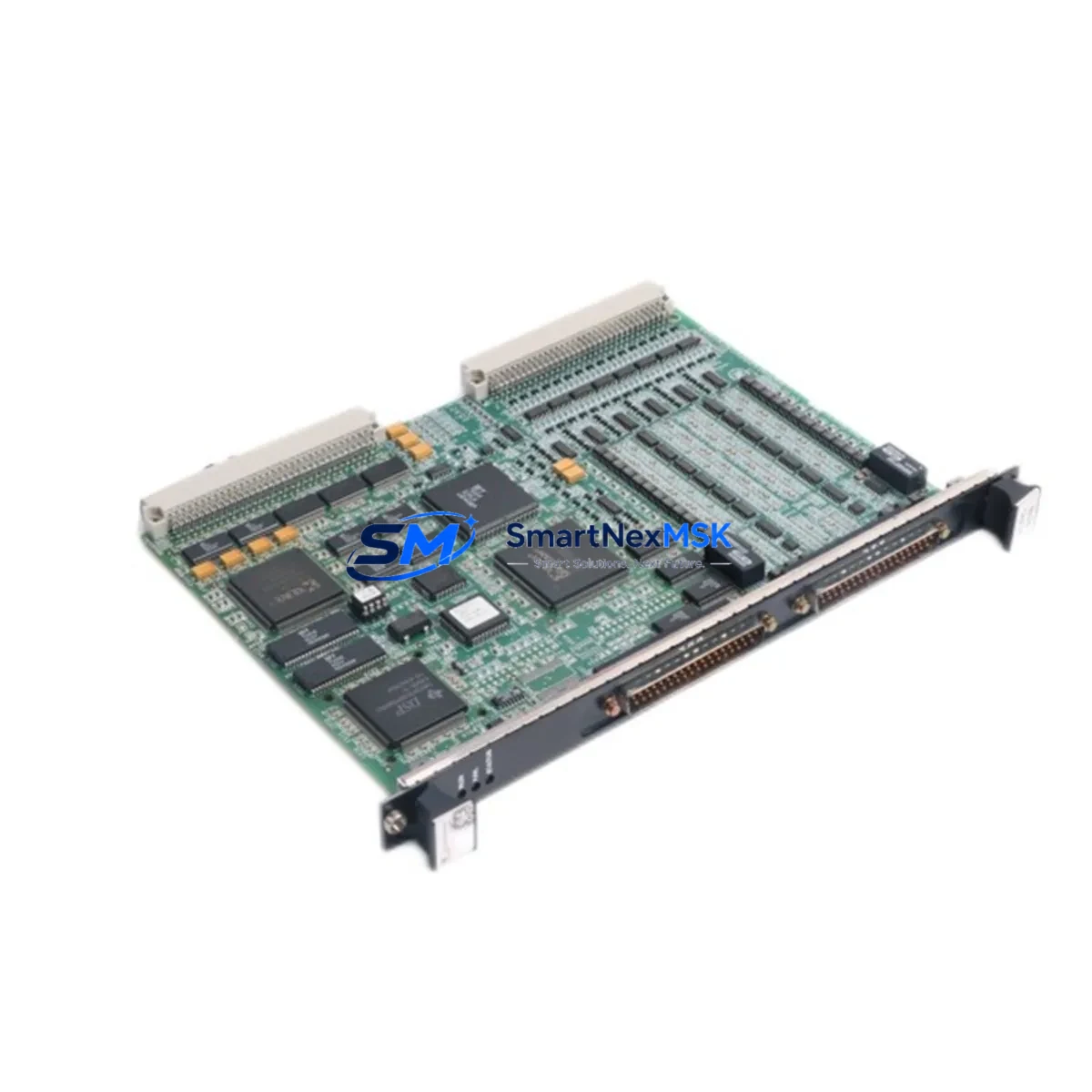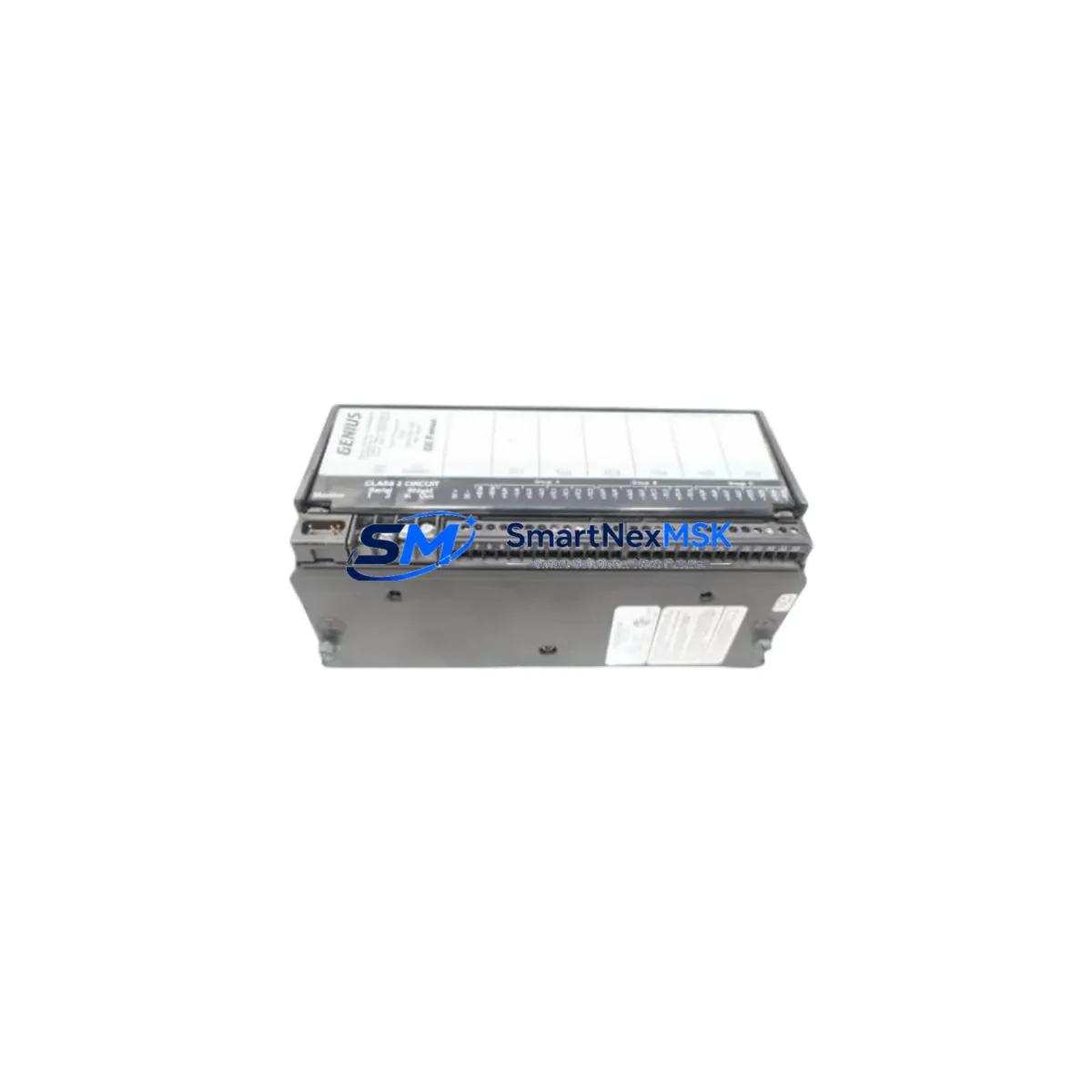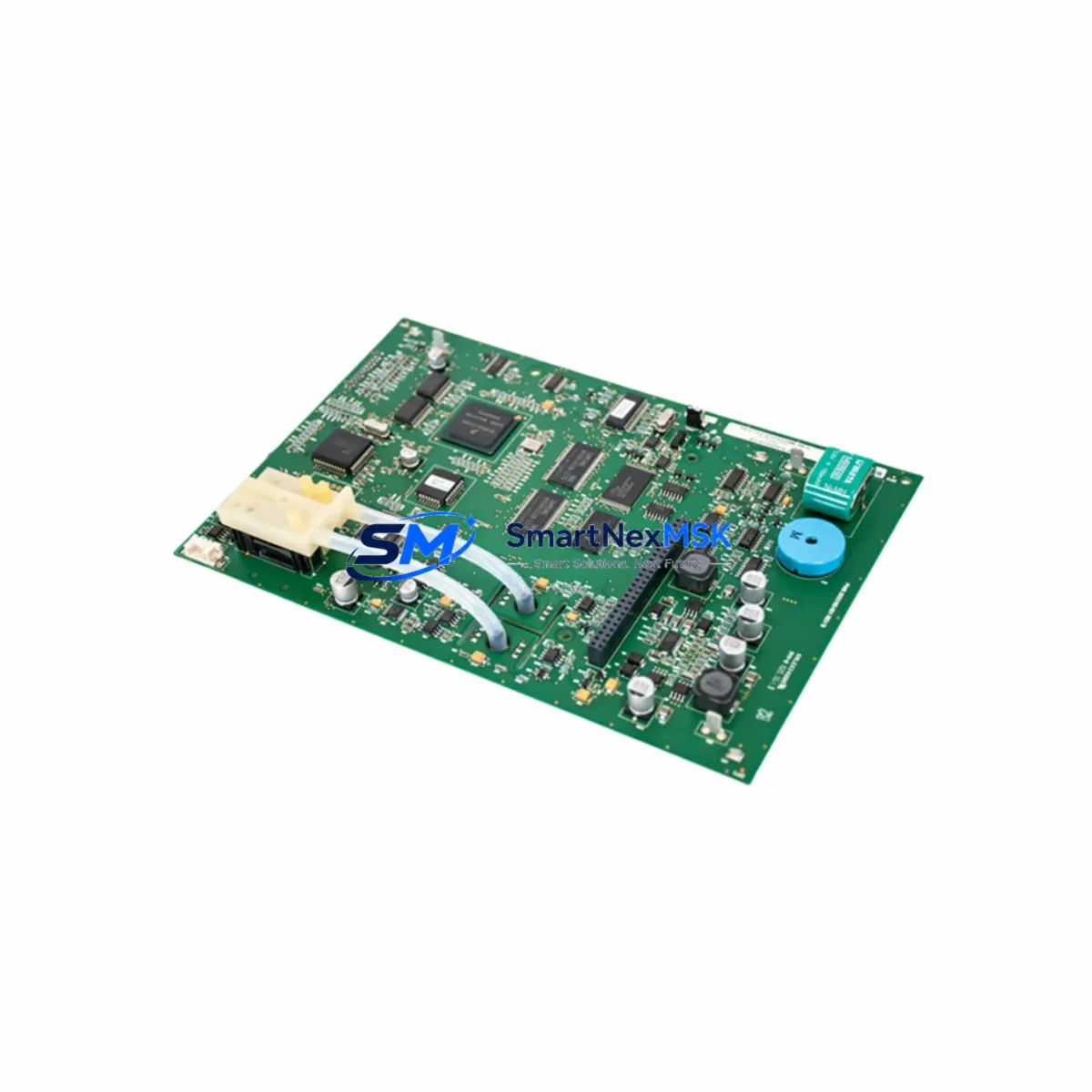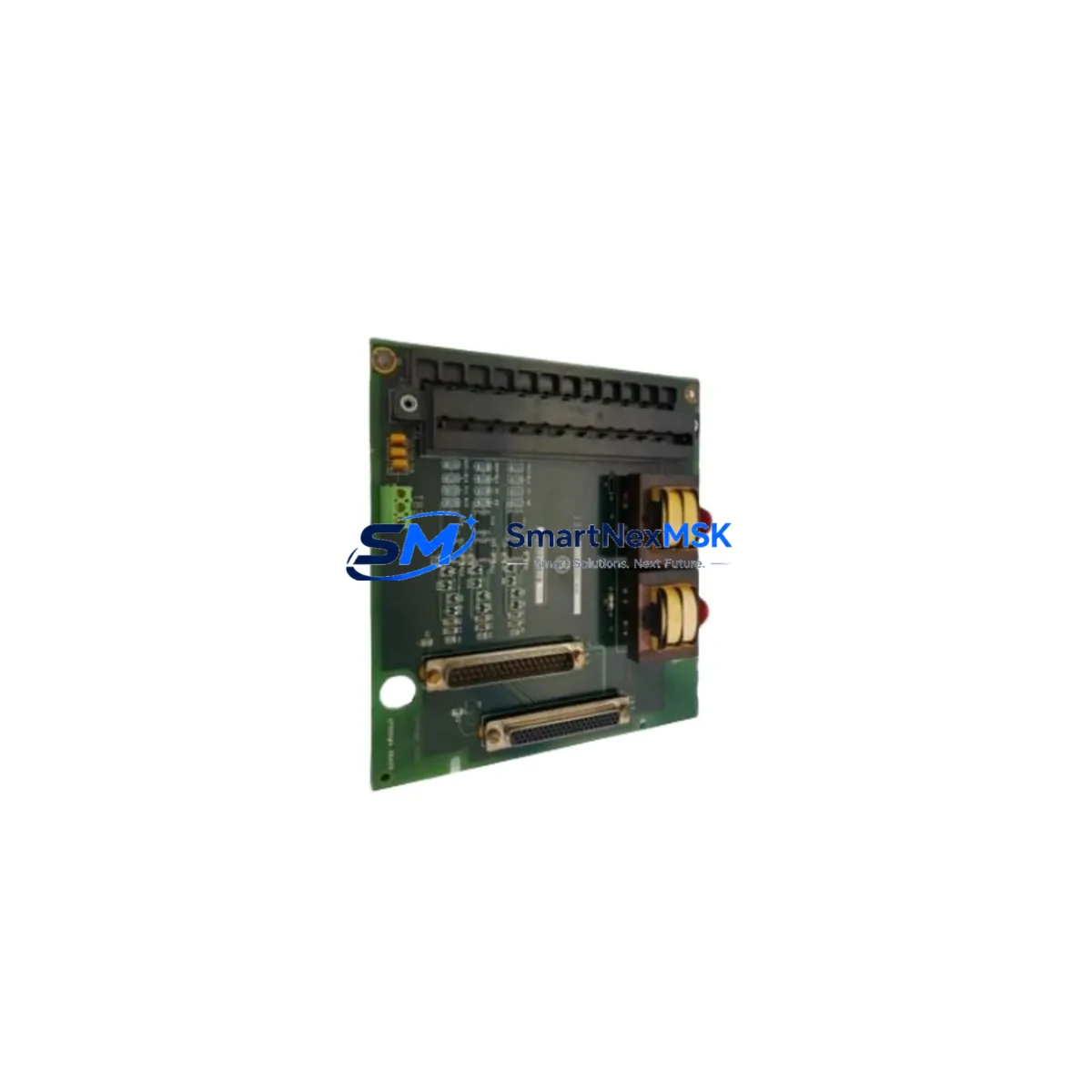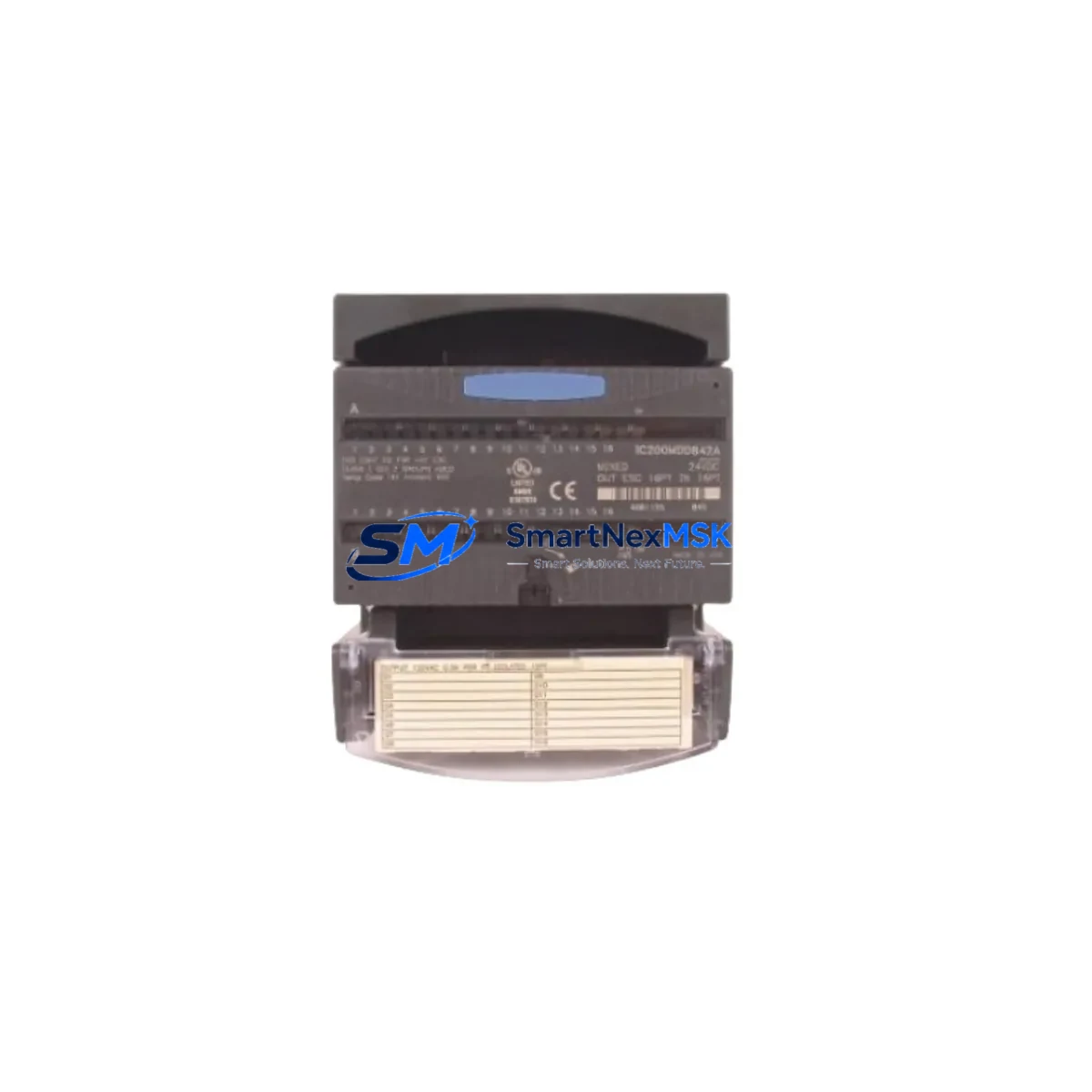
GE IC200MDD842 Retrofit-Ready Mixed I/O for VersaMax Control Systems
The GE IC200MDD842 is a mixed DC input and relay output module designed for the VersaMax IC200 series programmable logic controller platform. With 16 24VDC discrete inputs and 12 relay output points, this module delivers the I/O density and electrical isolation that legacy VersaMax control cabinets depend on. Whether you are replacing a failed unit on an active production line, upgrading an aging control panel, or migrating a discontinued automation system to a supportable configuration, the IC200MDD842 provides a verified, drop-in compatible solution backed by a 12-month warranty and in-stock global supply.
Industrial facilities running GE VersaMax systems face increasing pressure as original equipment reaches end-of-life. Spare parts become scarce, repair lead times extend, and the risk of unplanned downtime grows with every passing quarter. The IC200MDD842 addresses this directly — it is stocked, tested, and ready to ship, giving maintenance engineers and procurement teams a reliable path to system continuity without committing to a full platform migration.
Upgrade Compatibility Table
| Parameter | IC200MDD842 Specification | Retrofit Notes |
|---|---|---|
| Module Type | Mixed DC Input / Relay Output | Direct replacement for same-function IC200 mixed I/O modules |
| Input Points | 16 × 24VDC Discrete Inputs | Verify field wiring polarity and common terminal grouping before swap |
| Output Points | 12 × Relay Outputs (Form A) | Confirm load ratings; relay contacts rated for resistive and inductive loads |
| Backplane Interface | VersaMax IC200 carrier/backplane | Compatible with IC200CHS002, IC200CHS005, IC200CHS014 carriers |
| Power Consumption | Supplied via backplane bus | Verify IC200PWR002 or IC200PWR101 power supply capacity before adding modules |
| Communication | Local I/O via VersaMax backplane | No separate comm configuration required; module address set by slot position |
| Module Address | Slot-based, auto-assigned by CPU | Confirm %I and %Q reference addresses in Proficy Machine Edition project |
| Replacement Compatibility | IC200MDD840, IC200MDD841 (functional equivalent) | Review I/O point count differences; update program reference if required |
| Commissioning | No firmware download required | Force I/O in Proficy ME to verify field wiring before going online |
| Warranty | 12-Month Warranty | Covers manufacturing defects; includes pre-shipment functional test |
Retrofit Planning for Existing Automation Systems
A successful IC200MDD842 retrofit begins well before the module arrives on site. The first step is a thorough audit of the existing VersaMax rack configuration. Identify the IC200CPU001 or IC200CPU005 CPU module currently installed, note the firmware revision, and confirm the Proficy Machine Edition project file is backed up and version-controlled. The CPU firmware version determines which I/O module revisions are supported, and this must be verified before ordering replacement parts.
Next, inspect the carrier assembly. VersaMax systems use modular carriers such as the IC200CHS002 (2-slot) or IC200CHS014 (14-slot) that snap together to form the backplane. If the carrier itself has suffered connector damage or corrosion — common in humid or chemically aggressive environments — replacing only the I/O module will not resolve the fault. In these cases, a carrier replacement must be planned in parallel.
Power budget verification is critical. The IC200PWR002 power supply module provides a defined backplane current budget. Adding or replacing modules, particularly relay output modules with higher inrush characteristics, can push the system close to or beyond this limit. Calculate the total backplane current draw across all installed modules — including the IC200MDD842 — before finalizing the retrofit bill of materials.
For systems that include remote I/O drops connected via Genius Bus or Profibus-DP, confirm that the IC200BEM003 or IC200BEM104 bus expansion module is functioning correctly and that the network topology has not been altered. Communication faults on the remote bus are frequently misdiagnosed as local I/O module failures, leading to unnecessary module replacements.
Terminal wiring adaptation is another common retrofit challenge. The IC200MDD842 uses a removable terminal block, which simplifies field wiring transfer. However, wire labeling must be verified against the original as-built drawings. In older installations, field wiring may have been modified without documentation updates. A point-by-point continuity check against the current PLC program’s I/O map — visible in the Proficy Machine Edition variable table — is the safest approach before powering up the replacement module.
Where the retrofit involves an HMI interface such as a QuickPanel or a third-party SCADA system communicating via OPC or Modbus TCP through an IC200ETM001 Ethernet module, confirm that the HMI tag database references match the updated I/O addresses. A slot position change for the IC200MDD842 will shift the %I/%Q reference block, requiring corresponding updates in both the PLC program and the HMI project before the system can be returned to automatic mode.
Downtime Control During System Migration
Minimizing production downtime during a VersaMax I/O module replacement requires a structured hot-swap or planned-outage strategy. For non-critical I/O points, the IC200MDD842 can be replaced during a scheduled maintenance window with the CPU placed in STOP mode. The existing program logic is retained in the CPU’s battery-backed RAM — the IC200ACC003 memory backup module, if installed, provides an additional layer of protection against program loss during power cycling.
Before removing the failed module, use Proficy Machine Edition’s online monitoring to force all output points to their safe state and confirm that field devices have responded correctly. Document the current %I and %Q status for all points on the module being replaced. This snapshot serves as the baseline for post-installation verification.
After installing the IC200MDD842, power up the rack and allow the CPU to complete its I/O configuration scan. In most VersaMax configurations, the CPU will automatically recognize the replacement module in the same slot and resume normal operation without requiring a program download. If the CPU generates a configuration mismatch fault — typically caused by a difference in module revision or point count — clear the fault, verify the hardware configuration in the Proficy ME project, and perform a hardware configuration download only (not a full program download) to resynchronize.
For systems where continuous operation is required, a parallel rack strategy using a spare IC200CHS005 carrier pre-loaded with a tested IC200MDD842 allows the replacement to be completed in under five minutes, with the cutover limited to the time required to transfer field wiring terminal blocks. This approach is particularly effective in high-availability applications where even a brief STOP-mode window is unacceptable.
Retrofit Support FAQ
Q: Is the IC200MDD842 a direct drop-in replacement for the IC200MDD840?
A: Functionally, yes — both modules provide mixed DC input and relay output capability on the VersaMax IC200 backplane. The MDD842 offers a higher relay output point count. Verify the %Q reference block in your Proficy Machine Edition project to confirm no address conflicts exist before going online.
Q: Does the IC200MDD842 require any firmware update or configuration download after installation?
A: In standard VersaMax configurations, no firmware download is required. The module is recognized automatically by the IC200CPU001 or IC200CPU005 upon power-up. A hardware configuration download may be required if the Proficy ME project hardware tree does not match the installed module revision.
Q: How do I verify field wiring before energizing the replacement module?
A: With the CPU in STOP mode and the module installed but outputs de-energized, use Proficy Machine Edition’s Force Table to individually force each input point and confirm the corresponding field signal at the terminal block. For relay outputs, force each point individually and verify continuity at the load terminals before enabling automatic mode.
Q: What does the 12-month warranty cover, and is pre-shipment testing performed?
A: Every IC200MDD842 unit undergoes functional testing prior to shipment, verifying input response, relay operation, and backplane communication. The 12-month warranty covers manufacturing defects and functional failures under normal operating conditions. Units are shipped with test documentation available upon request. Contact [email protected] for warranty claims or technical support.
© 2026 SMARTNEXMSK. All rights reserved.
Original Source: https://smartnexmsk.com
Contact: [email protected] | +86 18259474341