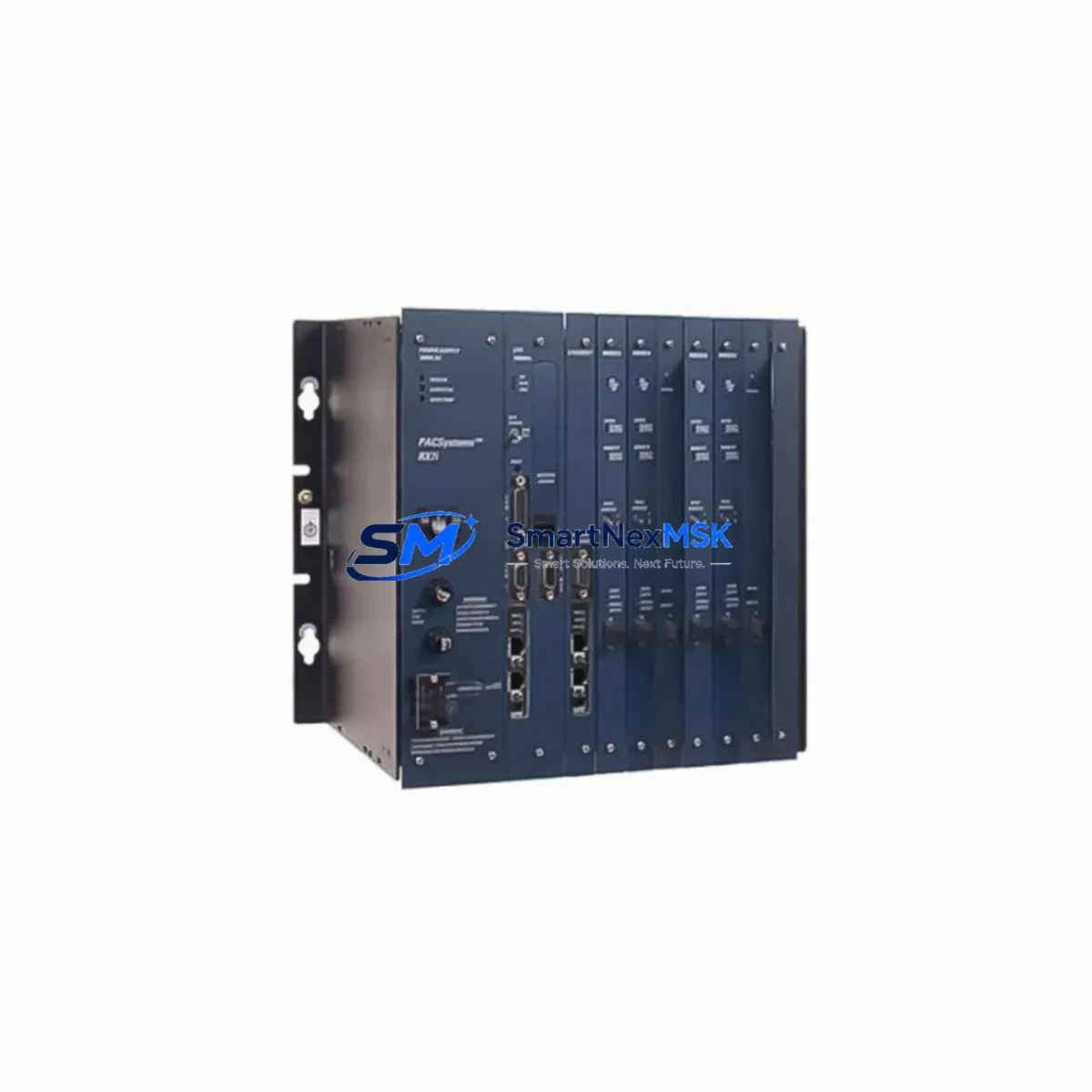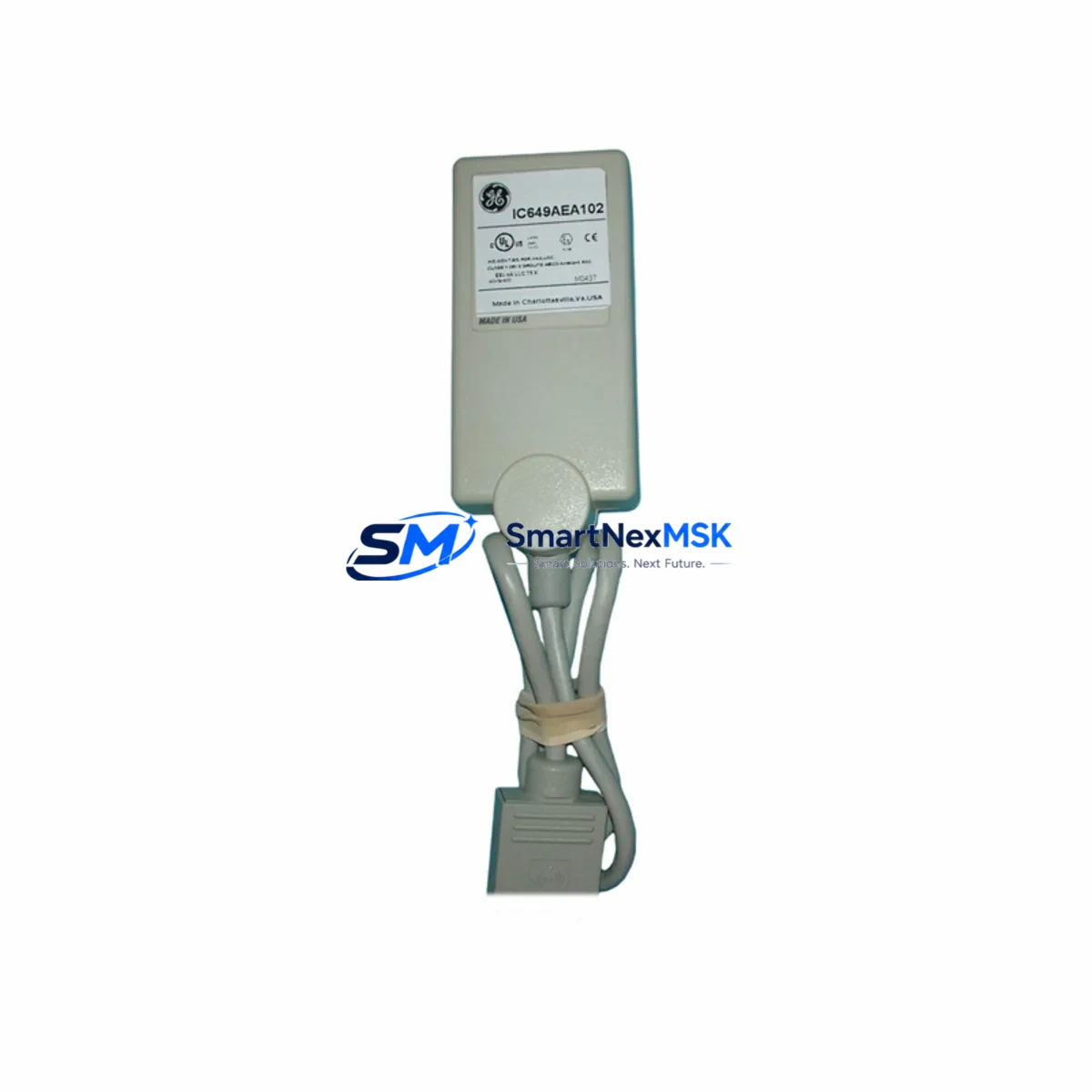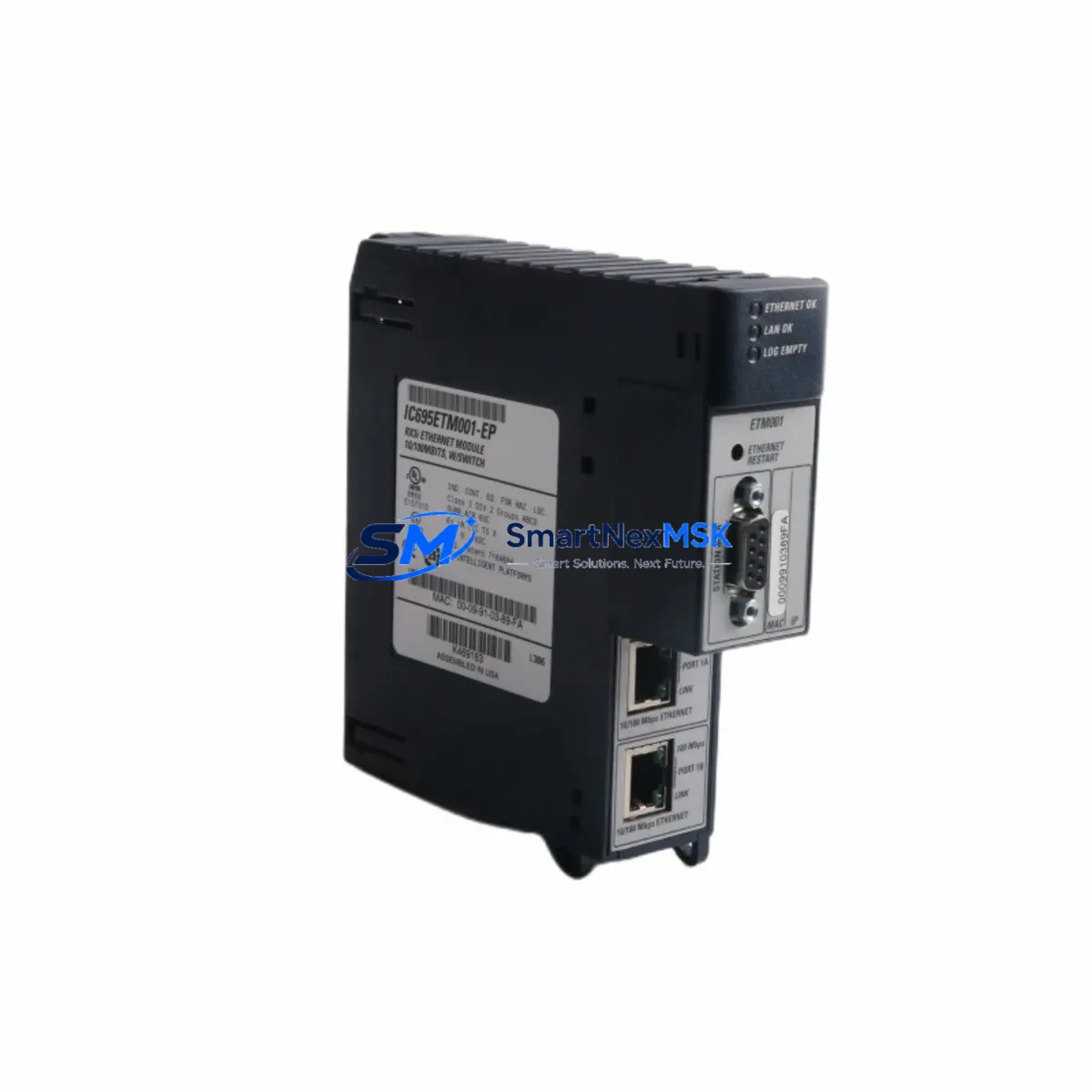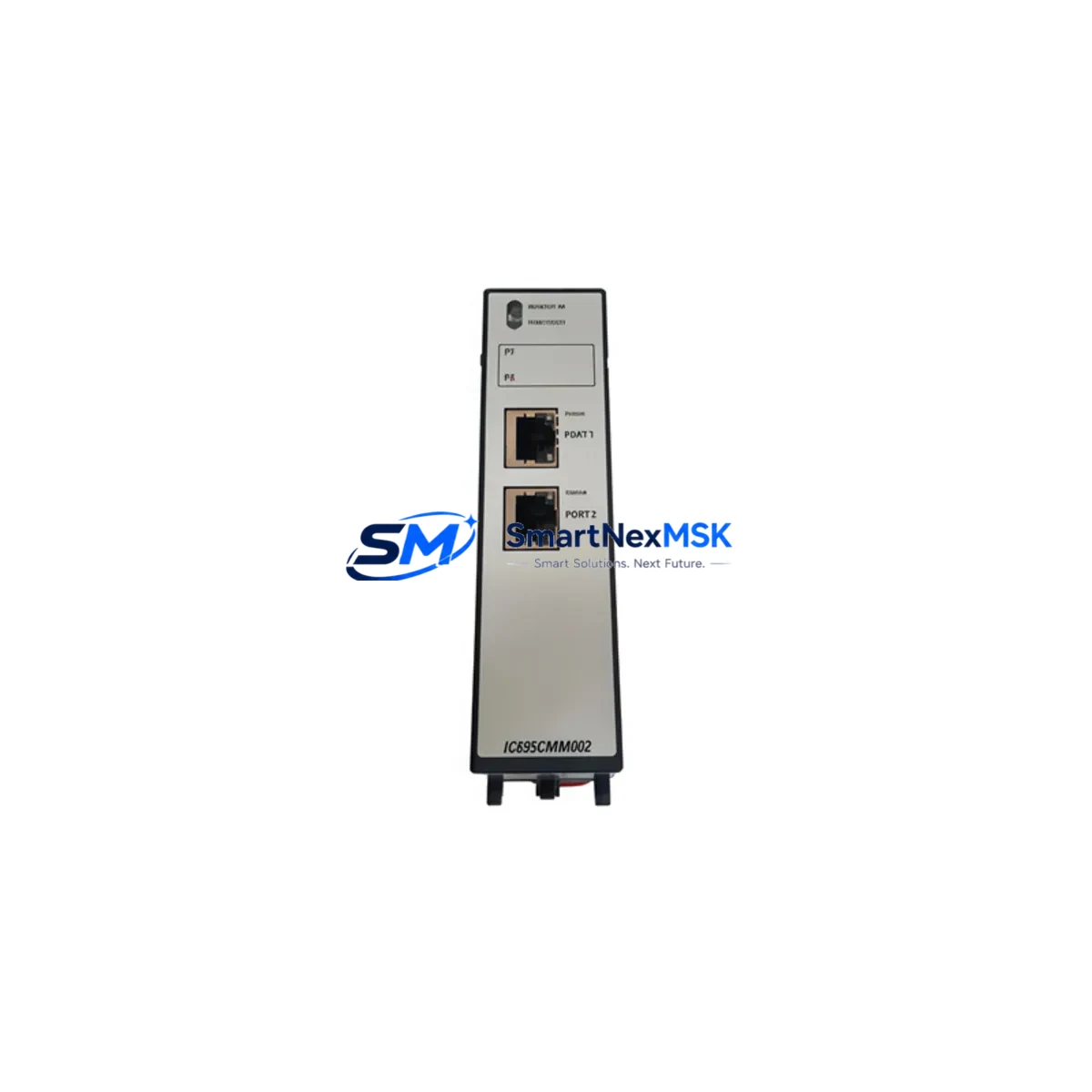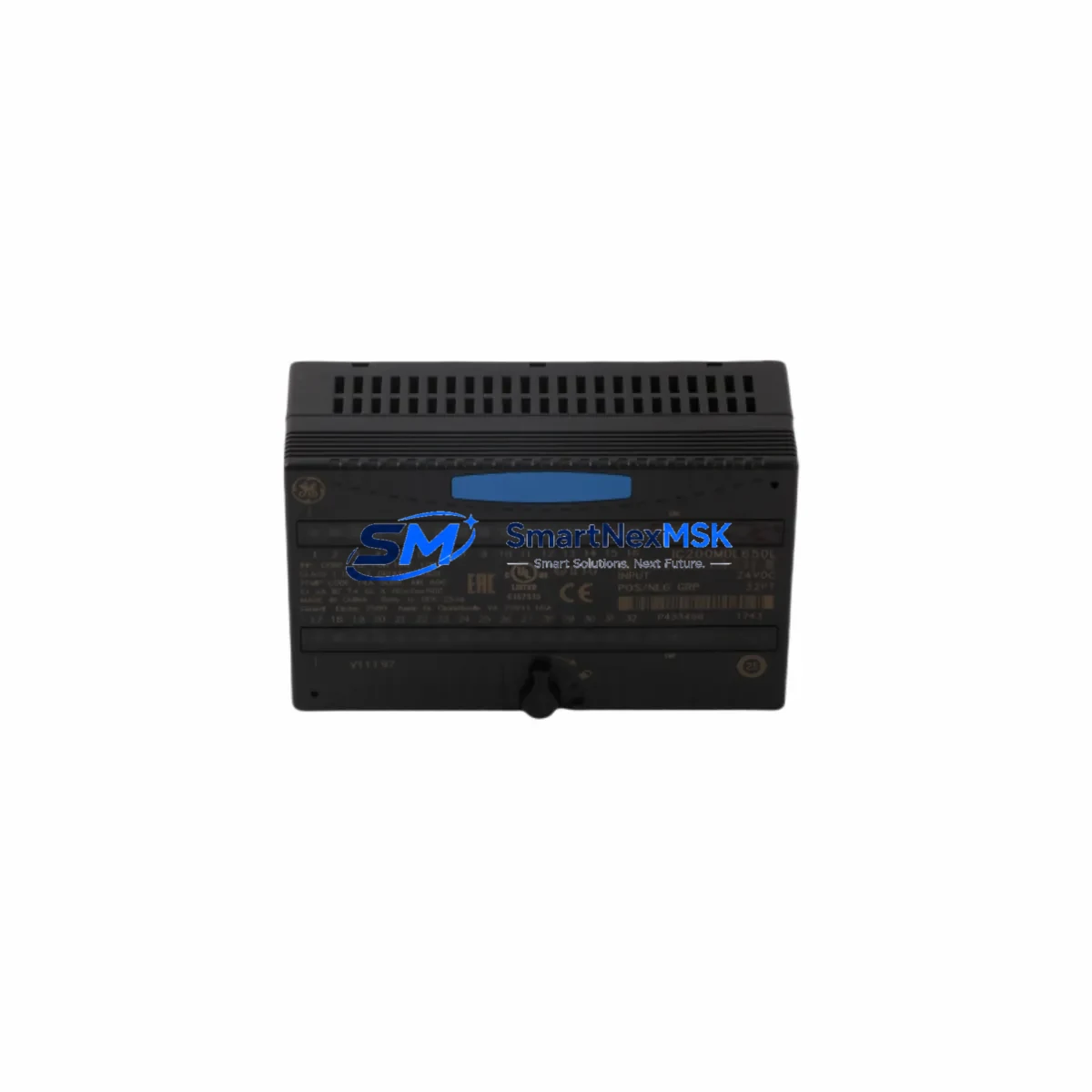
GE IC200MDL650 Maintenance-Ready Spare for VersaMax Automation
The GE IC200MDL650 is a 16-point, 120VAC discrete input module designed for the GE VersaMax modular PLC platform. As a critical field-replaceable unit in distributed control architectures, this module handles AC signal acquisition from pushbuttons, limit switches, proximity sensors, and relay contacts across a wide range of industrial environments. Maintaining a verified spare of the IC200MDL650 in your parts inventory is a proven strategy for minimizing unplanned downtime and protecting production continuity in facilities running GE VersaMax or VersaMax Micro systems.
This listing supplies an original IC200MDL650 module — not a clone or substitute — sourced, inspected, and tested prior to shipment. Each unit ships with a 12-month warranty covering manufacturing defects and functional failures under normal operating conditions.
Spare Maintenance Table
| Part Number | IC200MDL650 |
| Brand / Manufacturer | GE (General Electric) / GE Automation & Controls |
| Series | VersaMax Modular PLC |
| Module Type | Discrete Input Module (AC) |
| Input Points | 16 Points |
| Input Voltage | 120VAC (85–132VAC operating range) |
| Input Current | Approx. 8mA per point at 120VAC |
| Isolation | Optical isolation between field and backplane |
| Backplane Compatibility | VersaMax I/O Carrier (IC200CHS series) |
| Operating Temperature | 0°C to 60°C |
| Mounting | Carrier-mounted, tool-free module insertion |
| Indicators | Per-point LED status indicators |
| Application Environment | Industrial automation, process control, machine control, utilities |
| Compatibility | VersaMax CPU (IC200CPU series), VersaMax Micro, PACSystems RX3i (via adapter) |
| Condition | Original, tested before shipment |
| Warranty | 12 Months |
Maintenance Planning for Continuous Operation
When a VersaMax system experiences an input fault or module failure, the IC200MDL650 is rarely the only component that warrants inspection. A disciplined maintenance engineer will treat module replacement as an opportunity to audit the surrounding electrical circuit and control cabinet for latent issues that could trigger the next failure event.
Begin with the IC200PWR002 or IC200PWR101 power supply module feeding the VersaMax rack — verify output voltage stability and check for ripple or thermal stress indicators. A degraded power supply is a common root cause of intermittent input faults that are misdiagnosed as module failures. Next, inspect the IC200CHS022 or IC200CHS014 I/O carrier for cracked housing, bent connector pins, or contamination on the backplane interface.
On the field wiring side, check terminal blocks and wiring harnesses connected to the 120VAC input circuit. Loose terminations, corroded contacts, or undersized conductors can cause false input states that stress the module’s optocoupler circuits over time. If the system uses IC200MDL740 discrete output modules in the same cabinet, inspect those simultaneously — shared AC power distribution means a wiring fault on the output side can induce noise on input channels.
For systems with communications-dependent I/O, verify the IC200BEM003 or IC200BEM104 bus expansion module is seated correctly and that the network cable integrity is confirmed. A communication dropout can mask genuine input module faults or generate false diagnostics. If the VersaMax system interfaces with a IC200CPU001 or IC200CPU002 CPU module, confirm that the CPU firmware version is compatible with the replacement IC200MDL650 and that the I/O configuration table reflects the correct module type after replacement.
Where signal conditioning is part of the circuit — particularly in older installations using signal isolators or surge protection terminal blocks between field devices and the PLC input — inspect those components for degradation. Fuse holders and miniature circuit breakers protecting the 120VAC input circuit should also be tested for continuity and rated interrupting capacity. Maintaining a small buffer stock of these ancillary components alongside the IC200MDL650 spare significantly reduces mean time to repair (MTTR) during emergency callouts.
For facilities running legacy GE VersaMax systems beyond their original design life, a proactive spare parts strategy should include the IC200MDL650 alongside compatible IC200MDL660 (240VAC input) and IC200MDL240 (24VDC input) modules to cover the full range of input voltage variants in the installed base. This approach supports long-term system extension without requiring a full platform migration.
Site Replacement Workflow
Step 1 — Isolate and de-energize: Follow your site’s lockout/tagout (LOTO) procedure. Isolate the 120VAC supply to the affected I/O carrier before touching any wiring or module.
Step 2 — Document current configuration: Record the module slot position, wiring labels, and any LED fault codes displayed on the CPU or HMI before removal. If the system uses a GE Proficy Machine Edition or PAC Machine Edition programming environment, capture a backup of the current I/O configuration.
Step 3 — Remove the faulty module: Release the module locking tab on the IC200CHS carrier and slide the IC200MDL650 straight out. Avoid rocking the module, which can damage the backplane connector.
Step 4 — Inspect the carrier slot: Check the carrier connector for bent pins, debris, or burn marks before inserting the replacement module. A damaged carrier will cause the new module to fail immediately.
Step 5 — Insert the replacement IC200MDL650: Align the module guide rails with the carrier slot and press firmly until the locking tab engages. Reconnect field wiring per the original labeling.
Step 6 — Re-energize and verify: Restore power and observe the per-point LED indicators. Confirm that the CPU recognizes the module without fault codes. Test each input point using a known-good field signal before returning the system to production.
Step 7 — Update maintenance records: Log the replacement date, module serial number, and any observations about the failed unit. Return the faulty module for failure analysis if root cause investigation is required.
This workflow applies equally to planned maintenance windows and emergency breakdown recovery. Having a pre-tested IC200MDL650 spare on the shelf reduces the replacement cycle to under 30 minutes in most installations, compared to days or weeks for emergency procurement of an unfamiliar part.
Spare Parts Support FAQ
Q: Is this IC200MDL650 an original GE module or a third-party compatible?
A: This is an original GE IC200MDL650 module — not a clone, aftermarket substitute, or rebranded equivalent. Each unit is sourced from verified supply channels and tested for functional integrity before shipment.
Q: What is the warranty coverage and how is it handled?
A: All IC200MDL650 units supplied by SMARTNEXMSK carry a 12-month warranty from the date of shipment. Warranty coverage applies to manufacturing defects and functional failures under normal operating conditions. Warranty claims are handled directly — contact [email protected] with your order reference and a description of the fault.
Q: How do I confirm compatibility before installation?
A: The IC200MDL650 is compatible with all VersaMax modular I/O carriers in the IC200CHS series. Confirm your carrier part number and CPU firmware version before installation. If you are integrating into a PACSystems RX3i environment, a VersaMax adapter module is required. Contact us with your system configuration if you need compatibility verification before ordering.
Q: Can you support long-term or repeat supply of the IC200MDL650?
A: Yes. SMARTNEXMSK maintains ongoing inventory of VersaMax spare modules to support facilities with long-term maintenance contracts or multi-site rollout programs. We can discuss scheduled supply agreements, consignment stock arrangements, or priority allocation for critical spares. Reach out to [email protected] to discuss your requirements.
© 2026 SMARTNEXMSK. All rights reserved.
Original Source: https://smartnexmsk.com
Contact: [email protected] | +86 18259474341