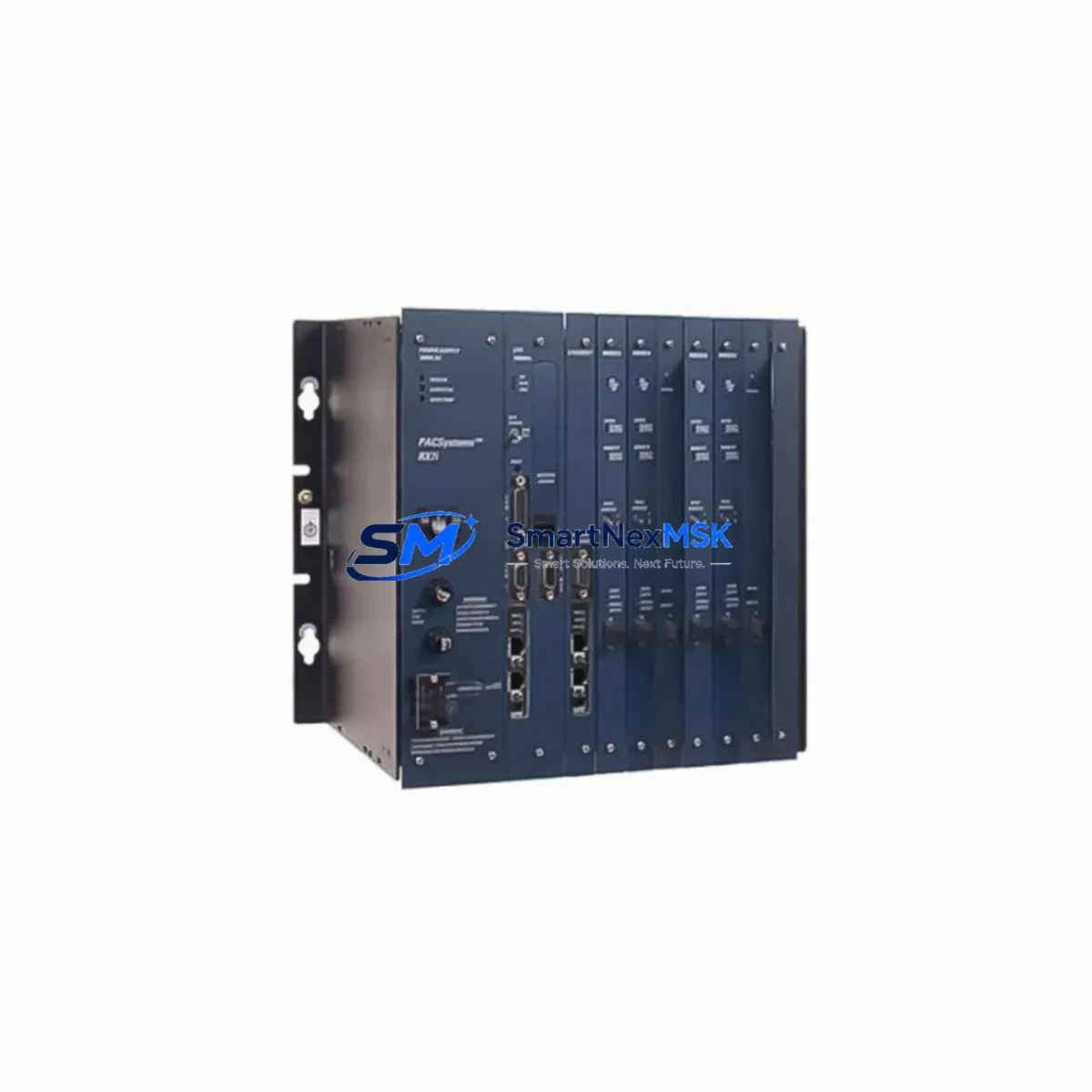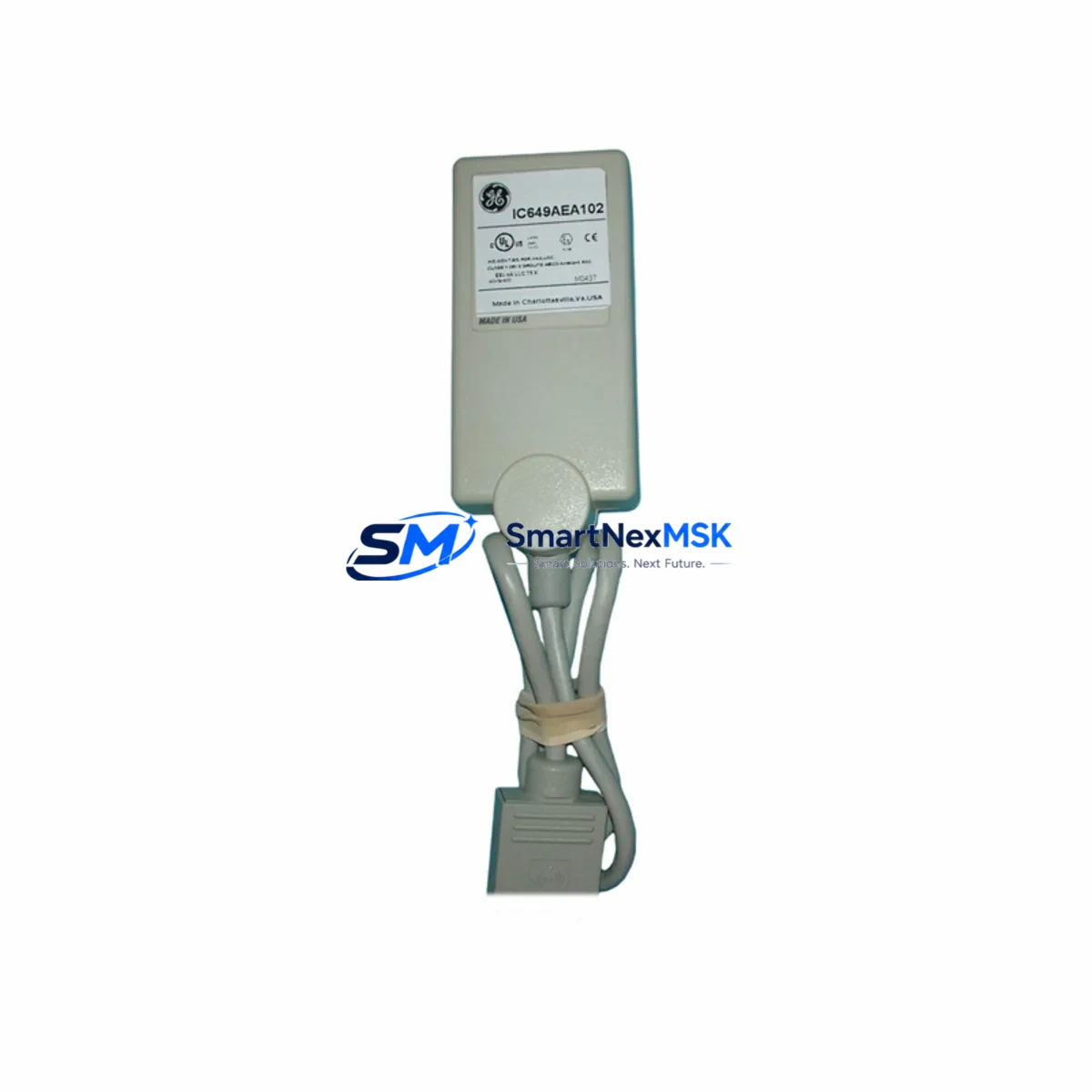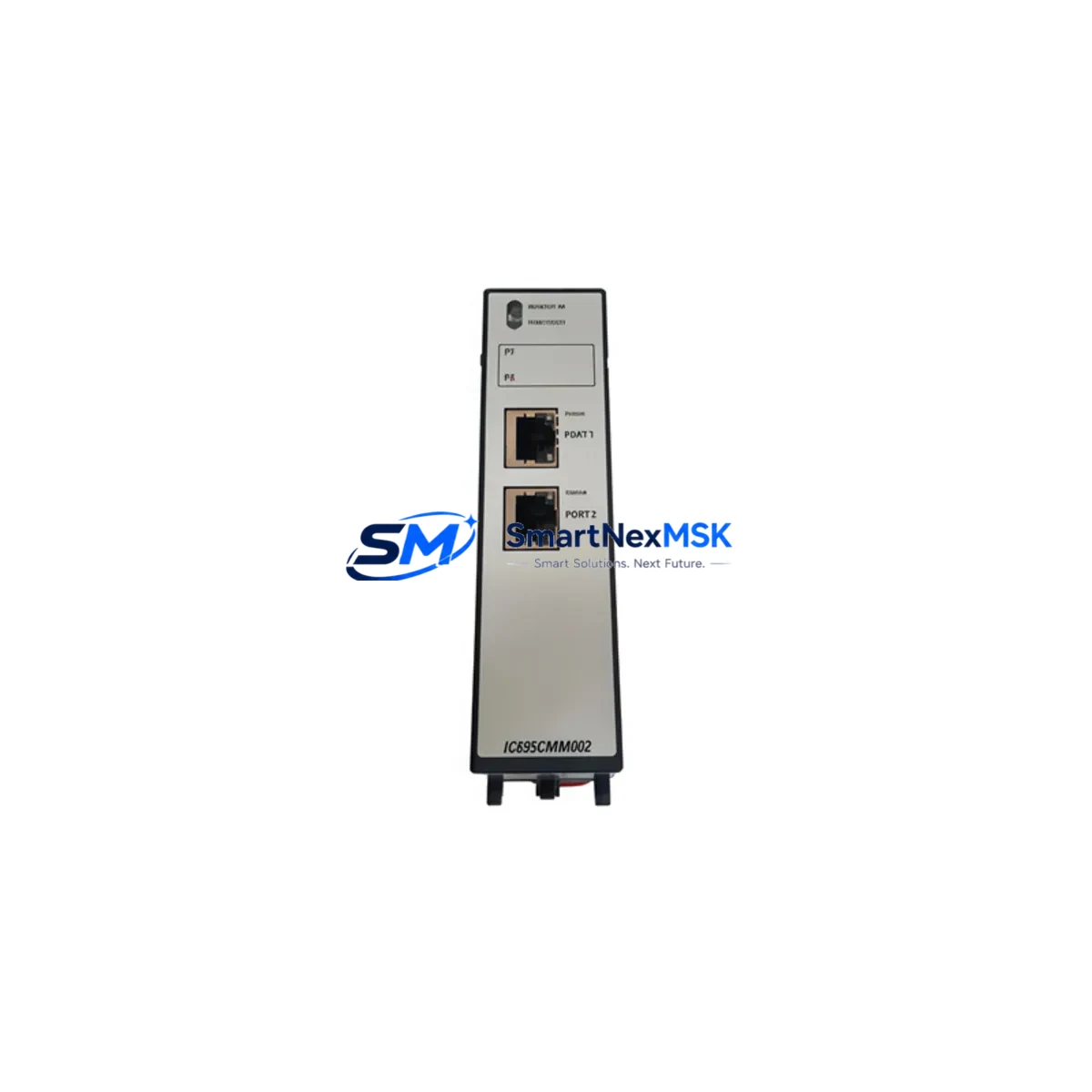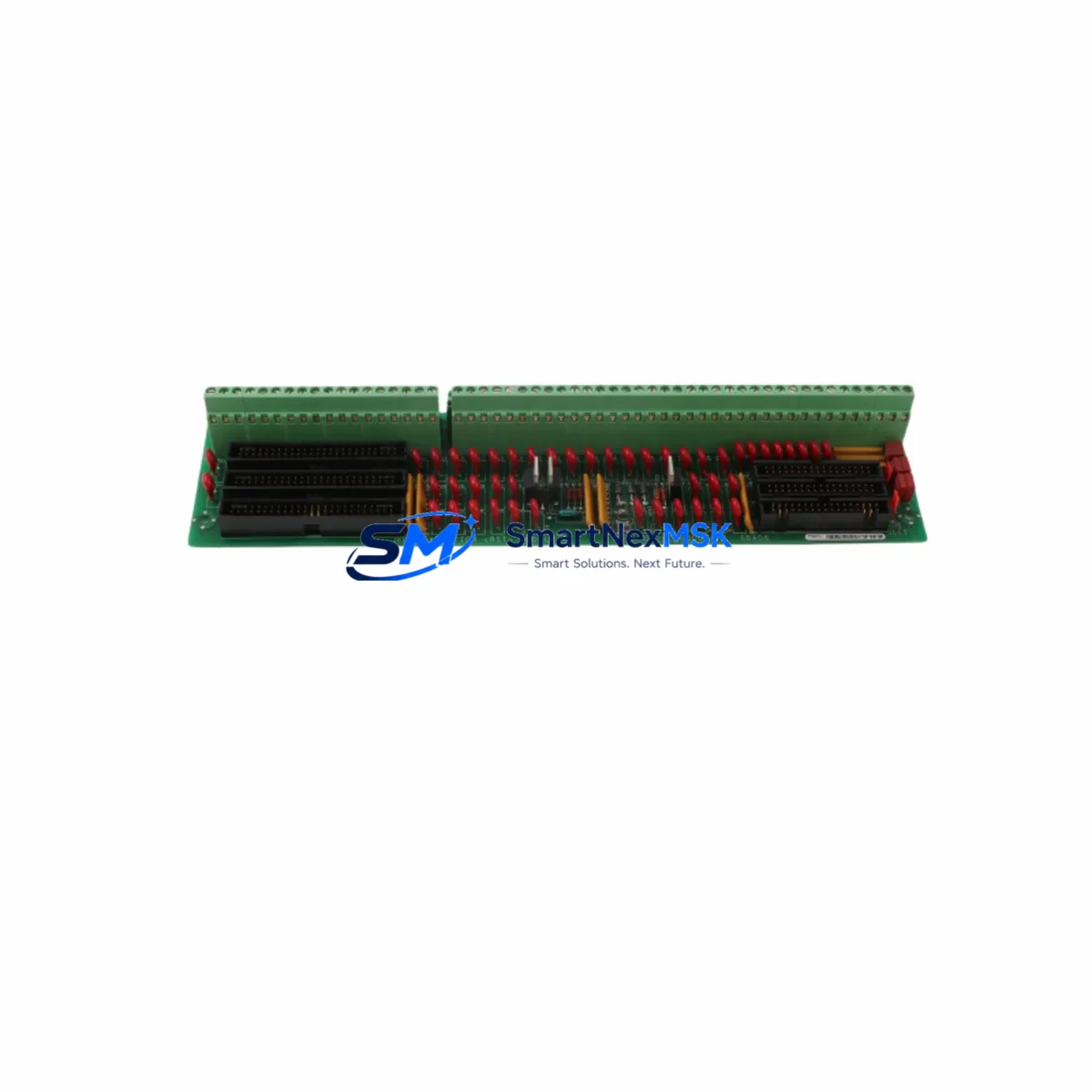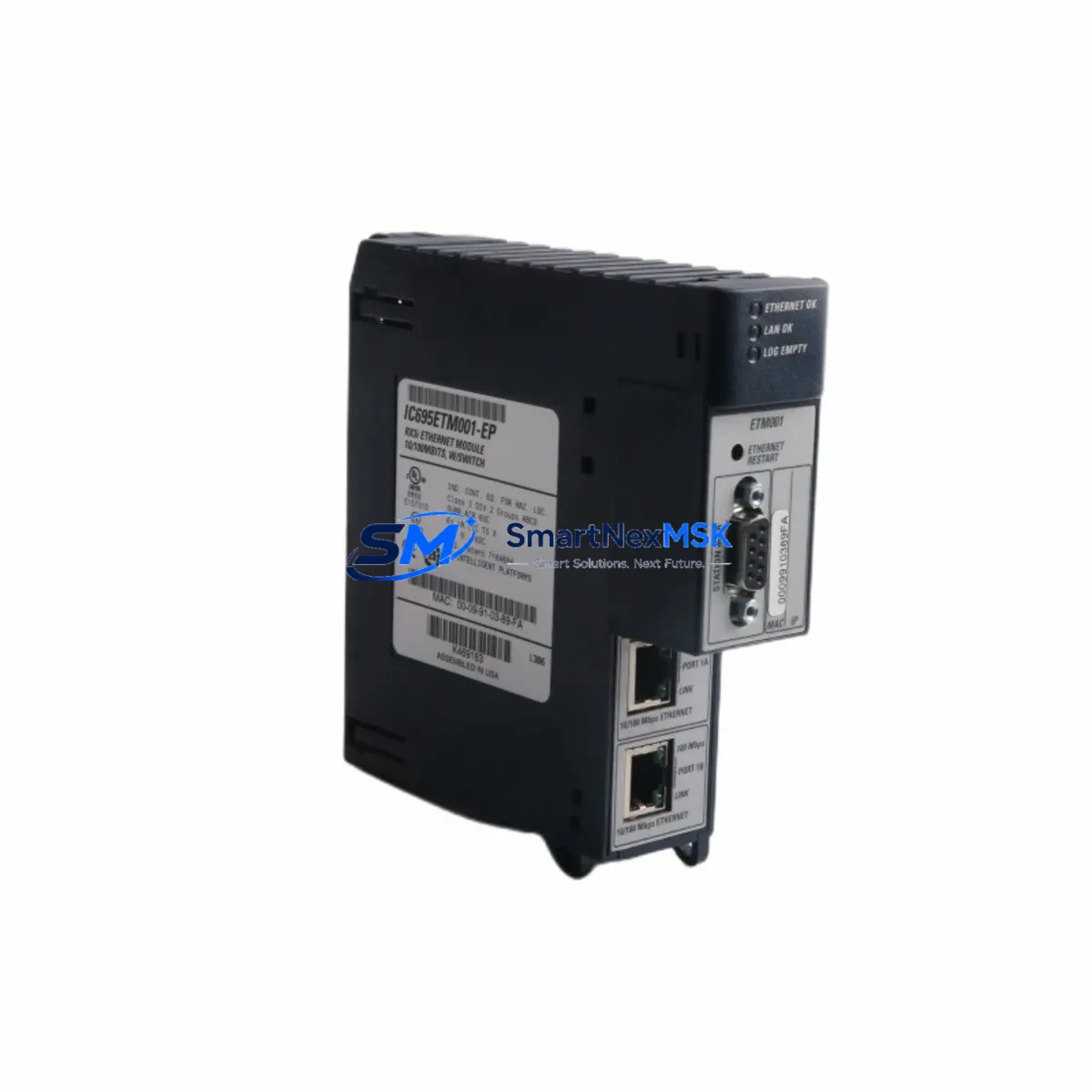
GE IC695ETM001 Retrofit-Ready Ethernet Communications Module for PACSystems RX3i Control Systems
The GE IC695ETM001 is a high-performance Ethernet Communications Module designed for the GE PACSystems RX3i platform, widely deployed across process control, discrete manufacturing, and critical infrastructure applications. As legacy GE Series 90-30 and early RX3i installations approach end-of-life, the IC695ETM001 has become the preferred retrofit solution for engineers tasked with modernizing control architectures without full system replacement. SMARTNEXMSK maintains verified stock of the IC695ETM001, fully tested and backed by a 12-month warranty, enabling rapid deployment into both greenfield upgrades and brownfield retrofit projects.
Upgrade Compatibility Table
| Parameter | IC695ETM001 Specification | Retrofit / Replacement Notes |
|---|---|---|
| Form Factor | Single-slot RX3i Universal Backplane module | Compatible with IC695CHS012, IC695CHS016 backplanes; verify slot assignment in HWC |
| Communication Protocol | SRTP, Modbus TCP, EGD (Ethernet Global Data) | Replaces IC693CMM321 (Series 90-30 CMM); protocol remapping required in Proficy Machine Edition |
| Network Interface | 10/100 Mbps RJ-45 Ethernet | Direct connection to managed switches; IP address configured via PME or BOOTP |
| Power Consumption | 1.1 A @ 3.3 V (backplane) | Verify IC695PSA040 or IC695PSD040 power supply capacity before installation |
| CPU Compatibility | IC695CPE302, IC695CPE305, IC695CPE310, IC695CPE400 | Confirm firmware revision ≥ 7.80 on CPU for full EGD channel support |
| Installation Requirement | Hot-swap not supported; requires controlled power-down | Schedule maintenance window; back up program logic via PME before removal |
| Commissioning Tool | Proficy Machine Edition (PME) 8.x or later | Use Hardware Configuration Wizard to assign rack/slot; download updated HWC to CPU |
| Warranty | 12-Month Warranty — All units ship after functional power-on and communication verification testing | |
Retrofit Planning for Existing Automation Systems
Successful integration of the IC695ETM001 into an existing PACSystems RX3i rack begins well before the physical swap. Engineers should first audit the current backplane configuration — whether using an IC695CHS012 (12-slot) or IC695CHS016 (16-slot) chassis — to identify an available slot that meets the module’s 3.3 V current draw requirements. The installed IC695PSA040 or IC695PSD040 power supply must have sufficient headroom; a power budget calculation using GE’s published module current tables is strongly recommended before procurement.
On the software side, the existing Proficy Machine Edition project must be opened and the Hardware Configuration updated to reflect the IC695ETM001 in its assigned rack position. If the legacy system relied on an IC693CMM321 Serial Communications Module for SRTP traffic over RS-232 or RS-485, the migration to Ethernet-based SRTP via the IC695ETM001 requires updating all peer-to-peer channel definitions and verifying that upstream SCADA or HMI nodes — commonly running iFIX or Cimplicity — have their device drivers reconfigured to point to the new IP address. EGD (Ethernet Global Data) exchange tables must be rebuilt to match the new module’s producer/consumer configuration.
I/O continuity is a critical concern during any communications module retrofit. Discrete and analog I/O modules such as the IC695MDL654 (32-point 24 VDC input) and IC695ALG600 (analog mixed I/O) remain in place on the backplane and continue to operate under CPU scan control; only the communications path changes. However, if the retrofit also involves expanding I/O capacity, additional IC695CHS012 expansion racks connected via IC695LRE001 Local Bus Expanders may be added concurrently, provided the total backplane current budget is respected.
For installations where an IC695RMX128 Redundancy Memory Xchange module is present, the IC695ETM001 must be configured in a non-redundant slot to avoid conflicts with the redundancy arbitration logic. Similarly, if a PROFIBUS master module such as the IC695PBM300 is installed in the same rack, slot ordering should follow GE’s recommended module placement guidelines to ensure deterministic scan performance.
HMI panels connected to the legacy system — including GE QuickPanel+ or third-party panels communicating via SRTP — will require driver reconfiguration to reference the IC695ETM001’s assigned IP address. This step is frequently overlooked and is a common cause of post-retrofit communication faults. Coordinate HMI screen updates and driver downloads during the same maintenance window as the module swap to minimize total downtime exposure.
Downtime Control During System Migration
Minimizing unplanned downtime during a PACSystems RX3i communications module retrofit requires a structured pre-outage preparation protocol. Before the maintenance window opens, the complete PME project — including Hardware Configuration, ladder logic, EGD exchange tables, and motion parameters if applicable — should be archived and stored on an offline engineering workstation. A second verified backup copy should be retained on removable media independent of the plant network.
During the physical swap, the CPU should be placed in STOP mode via the keyswitch or PME online command before the backplane power is removed. This ensures that all output modules, including IC695MDL754 relay output modules and IC695ALG704 analog output modules, are de-energized in a controlled sequence rather than through an abrupt power loss, which can cause field device faults and require manual reset of downstream equipment.
After installing the IC695ETM001 and restoring backplane power, the updated Hardware Configuration should be downloaded to the CPU before placing it back in RUN mode. Network connectivity should be verified using a laptop connected to the same Ethernet segment, confirming that the module responds to ping at its configured IP address and that the PME online connection is established. Only after successful communication verification should the CPU be returned to RUN mode and field I/O re-enabled.
For critical processes where even a brief interruption is unacceptable, a parallel commissioning approach — installing and configuring the IC695ETM001 in a bench-tested spare rack assembly before the maintenance window — can reduce in-field installation time to under 30 minutes. SMARTNEXMSK can supply pre-tested module units with configuration documentation to support this approach.
Retrofit Support FAQ
Q: Is the IC695ETM001 a direct drop-in replacement for the IC693CMM321?
A: Not electrically — the IC693CMM321 is a Series 90-30 serial communications module, while the IC695ETM001 is an RX3i Ethernet module. However, it is the functional upgrade path: the IC695ETM001 replaces the serial SRTP communication role of the IC693CMM321 when migrating a Series 90-30 system to a PACSystems RX3i platform. Software reconfiguration in PME and IP address assignment are required.
Q: What commissioning steps are required after installing the IC695ETM001?
A: After physical installation, update the Hardware Configuration in Proficy Machine Edition to include the module in the correct rack/slot position, assign a static IP address (or configure BOOTP), download the updated HWC to the CPU, and verify Ethernet connectivity. Rebuild any EGD exchange tables and update SCADA/HMI driver configurations to reference the new IP address. Perform a full I/O scan verification before returning the system to production.
Q: How do I verify wiring and terminal compatibility during the retrofit?
A: The IC695ETM001 uses a standard RJ-45 Ethernet interface — no field wiring terminations are required on the module itself. Verify that the plant Ethernet infrastructure (managed switch, cable category, and VLAN configuration) supports 10/100 Mbps auto-negotiation. For backplane power, confirm terminal block connections on the IC695PSA040 or IC695PSD040 power supply are secure and that the supply’s output current rating accommodates the added module load.
Q: What does the 12-month warranty cover, and how are units tested before shipment?
A: Every IC695ETM001 unit supplied by SMARTNEXMSK undergoes functional power-on testing and Ethernet communication verification prior to shipment. The 12-month warranty covers manufacturing defects and functional failures under normal operating conditions. Units are shipped with anti-static packaging and include a test report on request. For urgent retrofit projects, expedited shipping and pre-shipment configuration documentation are available — contact [email protected] for details.
© 2026 SMARTNEXMSK. All rights reserved.
Original Source: https://smartnexmsk.com
Contact: [email protected] | +86 18259474341