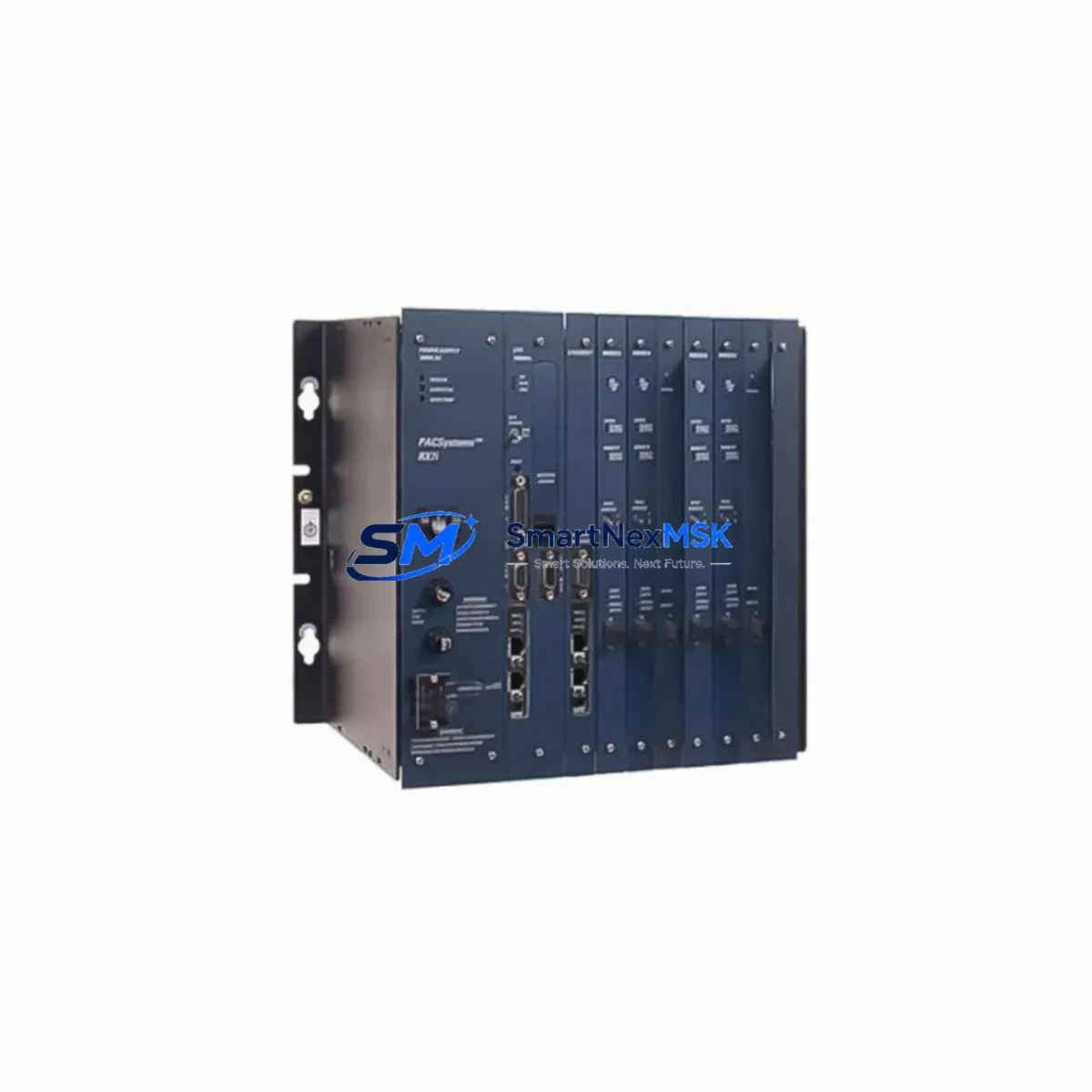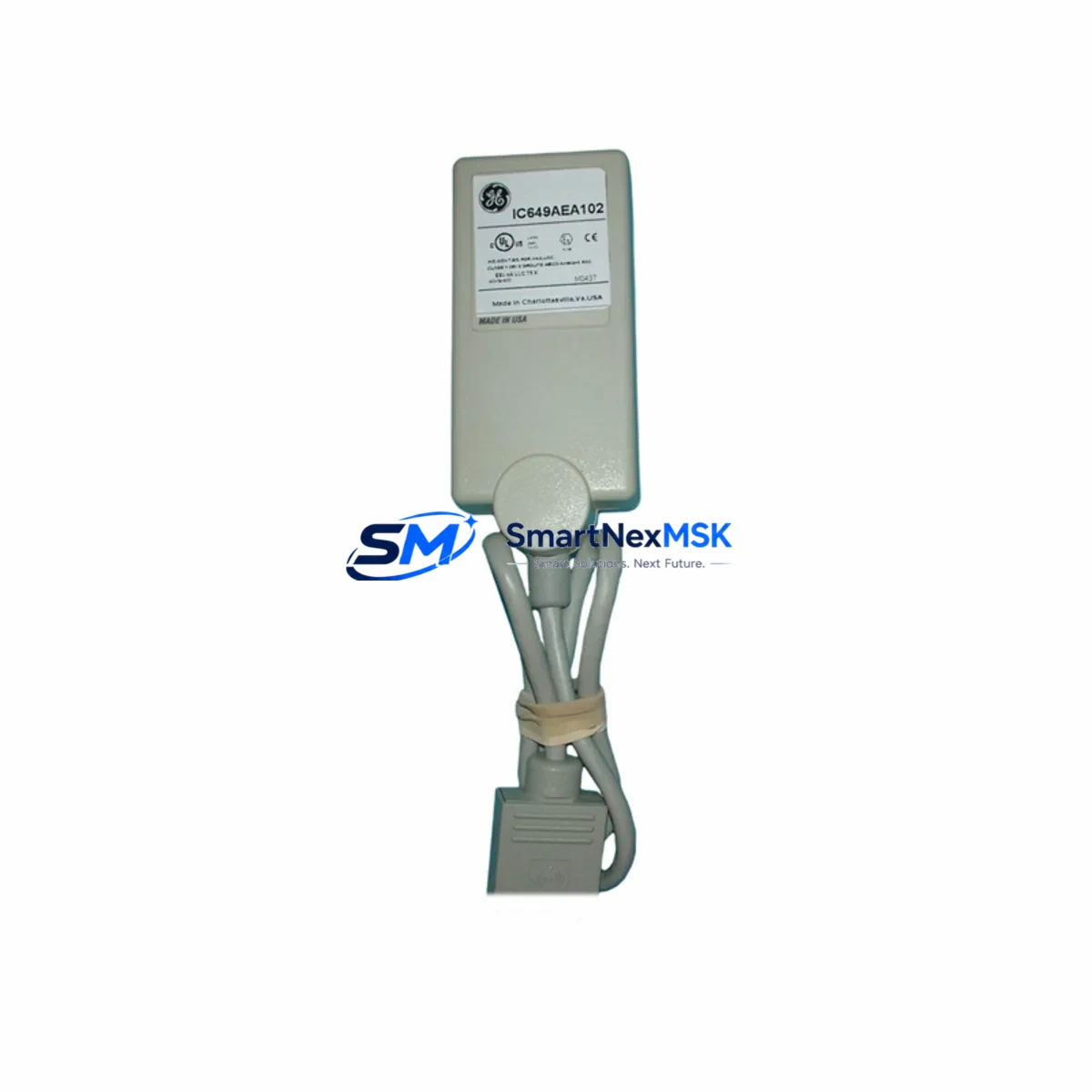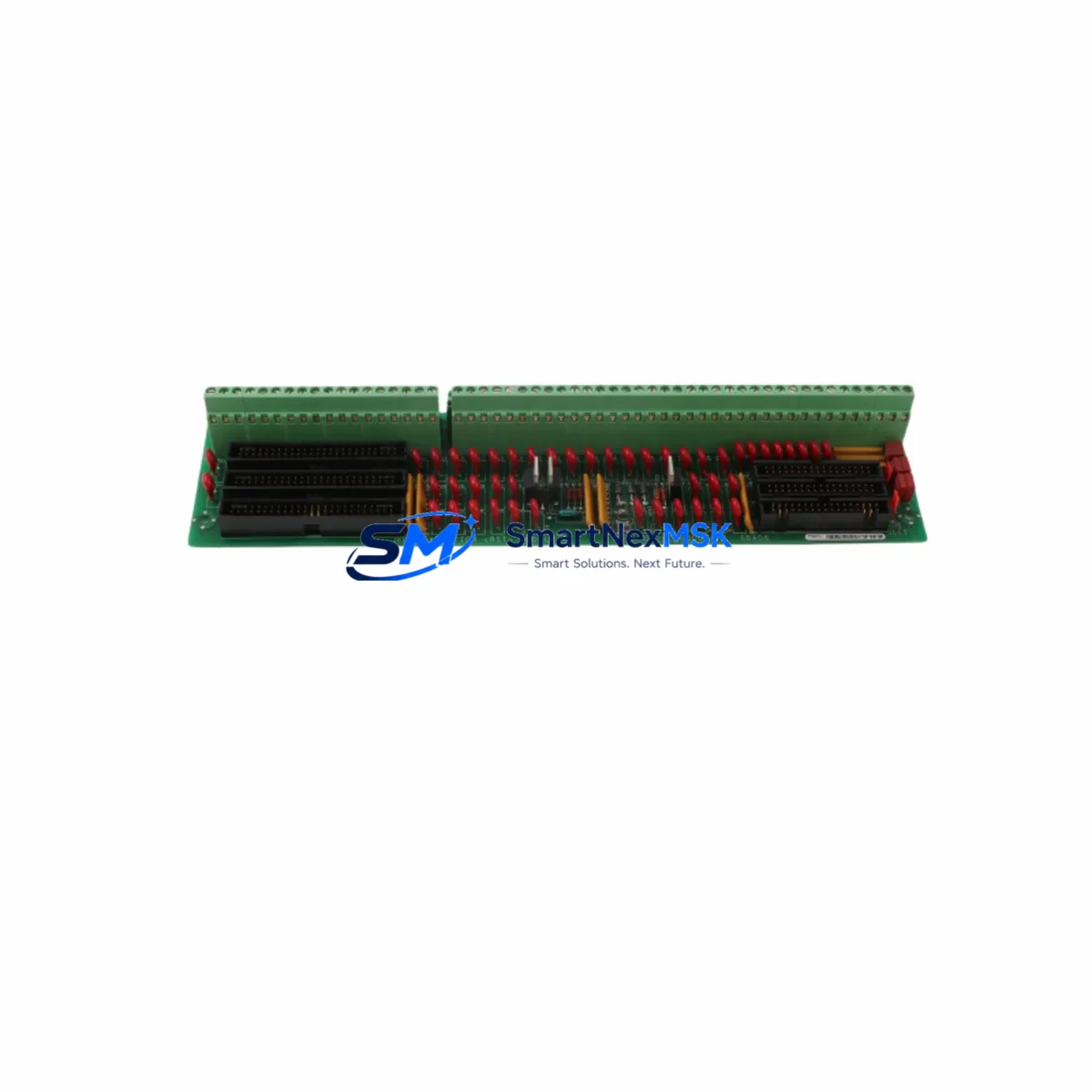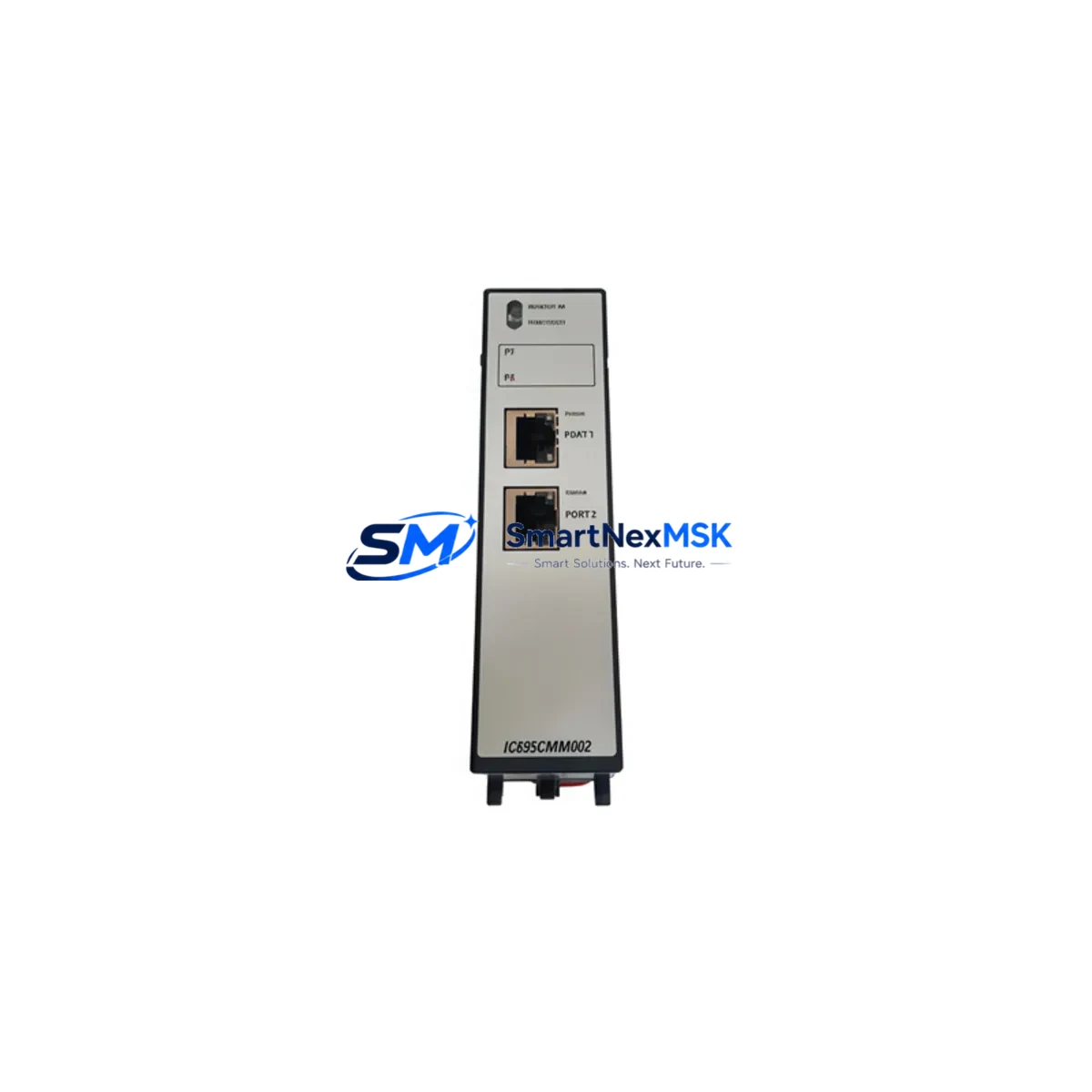
GE IC695CMM002 Maintenance-Ready Spare for RX3i Automation
The GE IC695CMM002 is a dual-port serial communications module designed for the GE PACSystems RX3i control platform. As a critical interface component in industrial automation architectures, this module enables reliable RS-232 and RS-485 serial communication between the RX3i backplane and field devices such as drives, meters, barcode readers, and legacy instrumentation. For maintenance engineers managing aging control systems or planning scheduled overhauls, holding a verified original IC695CMM002 spare is essential to minimizing unplanned downtime and protecting production continuity.
Every IC695CMM002 unit supplied by SMARTNEXMSK is sourced as an original GE component, individually tested prior to shipment, and backed by a 12-month warranty. Whether you are responding to a communications fault alarm, executing a planned module swap during a maintenance window, or building out your spare parts inventory for a multi-line RX3i installation, this module ships ready for immediate installation.
Spare Maintenance Table
| Parameter | Specification |
|---|---|
| Part Number | IC695CMM002 |
| Brand | GE (General Electric) / Emerson Automation |
| Series | PACSystems RX3i |
| Module Type | Dual-Port Serial Communications Module |
| Communication Ports | 2 × Serial (RS-232 / RS-485 configurable) |
| Backplane Compatibility | IC695CHS007, IC695CHS012, IC695CHS016 (RX3i Universal Backplane) |
| CPU Compatibility | IC695CPE302, IC695CPE305, IC695CPE310, IC695CPU310 |
| Operating Voltage | Supplied via RX3i backplane (3.3 V / 5 V internal) |
| Operating Temperature | 0 °C to 60 °C |
| Mounting | RX3i universal backplane slot (any I/O slot) |
| Configuration Tool | GE Proficy Machine Edition (PME) |
| Origin | United States |
| Condition | Original, New or Tested Surplus |
| Pre-shipment Test | Yes — functional verification before dispatch |
| Warranty | 12 Months from date of shipment |
| Lead Time | In stock — ships within 1–3 business days |
Maintenance Planning for Continuous Operation
When a serial communications fault is detected on an RX3i rack — whether through a CPU fault table entry, a loss-of-communication alarm on the HMI, or a field device going offline — the IC695CMM002 is typically the first module to isolate and inspect. However, experienced maintenance engineers know that a communications failure rarely occurs in isolation. A thorough site investigation should extend to the surrounding electrical environment before and after module replacement.
Begin by verifying the integrity of the IC695PSA040 or IC695PSD040 power supply module feeding the RX3i rack. Voltage sag or ripple on the backplane bus can cause intermittent communications errors that mimic a failed CMM module. Next, inspect the IC695CHS007 or IC695CHS016 backplane for signs of connector wear, corrosion, or physical damage at the module slot. A degraded backplane contact can cause the IC695CMM002 to report faults even when the module itself is functional.
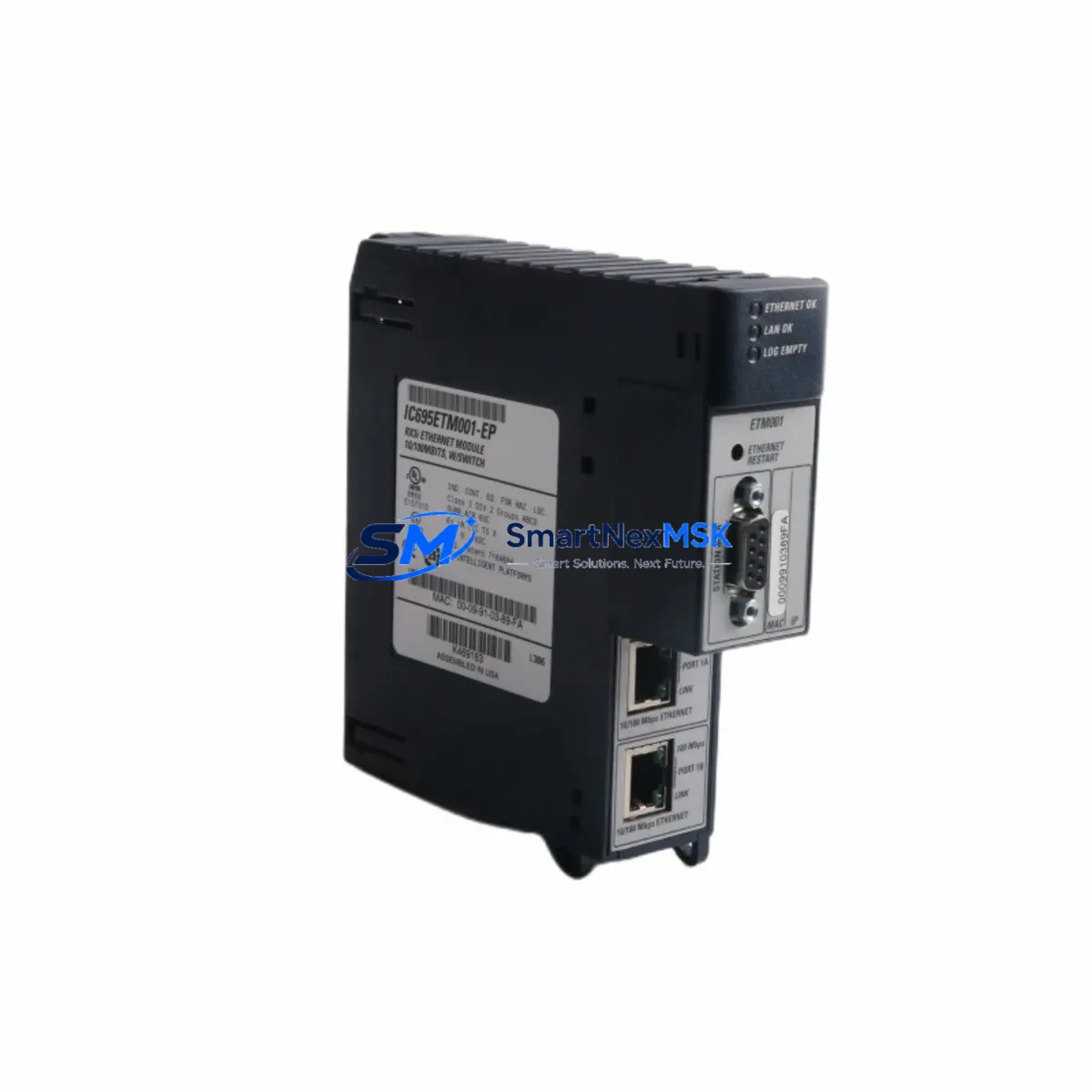
Check the serial field wiring — RS-232 and RS-485 cables connected to the IC695CMM002’s two ports are common failure points in industrial environments subject to vibration, moisture, or EMI. Inspect terminal blocks and cable shields for continuity and proper grounding. If the module communicates with a GE IC695ETM001 Ethernet module or an IC695PBM300 PROFIBUS master on the same rack, verify that those modules are also reporting healthy status, as a rack-level power or backplane issue may affect multiple communications modules simultaneously.
For systems using the IC695CMM004 (four-port serial module) in adjacent slots, confirm that port assignments and baud rate configurations have not been inadvertently altered during a CPU firmware update or battery-backed RAM loss event. Review the IC695ACC402 rechargeable battery module status — a depleted battery can cause configuration loss on power cycle, leading to communications modules reverting to default settings and dropping field device connections.
In control cabinets where the RX3i rack shares an enclosure with motor drives or contactors, install or inspect signal isolators on RS-485 loops to prevent ground loop interference. Surge protection devices on serial lines should also be checked as part of any planned maintenance interval. Finally, confirm that the Proficy Machine Edition project configuration stored on the CPU matches the physical hardware configuration — a mismatch between the configured and actual module type will prevent the IC695CMM002 from initializing correctly after replacement.
Site Replacement Workflow
Replacing the IC695CMM002 in a live RX3i system follows a structured sequence to minimize downtime and avoid configuration errors:
1. Pre-replacement preparation: Export the current hardware configuration from Proficy Machine Edition and save a backup of the CPU program and configuration to a secure location. Document the port assignments, baud rates, parity settings, and protocol configurations for both serial ports on the outgoing module.
2. Safe module removal: Place the RX3i CPU in Stop/Fault mode or coordinate a controlled process hold with the operations team. The IC695CMM002 is hot-swap capable in most RX3i configurations, but confirm this with your site’s safety procedures before removing the module under power. Disconnect serial field cables from both ports before extracting the module.
3. Replacement installation: Insert the new IC695CMM002 into the same backplane slot. The RX3i backplane will automatically detect the module type. Reconnect serial field cables, ensuring correct pin assignments for RS-232 (TXD, RXD, GND) or RS-485 (A+, B−, Shield) as applicable.
4. Configuration download and verification: Download the saved hardware configuration from Proficy Machine Edition to the CPU. Verify that the IC695CMM002 appears as configured in the hardware tree with no fault indicators. Place the CPU back into Run mode and confirm that all field devices resume communication within the expected timeout period.
5. Post-replacement documentation: Record the replacement date, new module serial number, and any configuration changes in the site maintenance log. Update the spare parts inventory to reflect the consumed unit and initiate a reorder to maintain minimum stock levels.
This workflow applies equally to planned maintenance replacements and emergency fault recovery scenarios. Having a pre-tested IC695CMM002 spare on the shelf reduces the critical path of any unplanned outage to the time required for physical swap and configuration verification — typically under 30 minutes for a prepared maintenance team.
Spare Parts Support FAQ
Q1: Is the IC695CMM002 still available as a new original part, or only as surplus?
The IC695CMM002 has been in the GE PACSystems RX3i product line for many years and may be approaching or past its active production lifecycle. SMARTNEXMSK supplies both new original stock and fully tested surplus units. All units undergo functional verification before shipment. If you require a certificate of conformance or test report, please contact our sales team prior to ordering.
Q2: Can the IC695CMM002 replace an IC695CMM004 in an existing RX3i rack?
The IC695CMM002 (2-port) and IC695CMM004 (4-port) are both RX3i serial communications modules and occupy the same backplane slot form factor. However, they are not direct drop-in replacements — the port count differs, and the hardware configuration in Proficy Machine Edition must be updated to reflect the installed module type. If your application only uses two of the four ports on an IC695CMM004, substitution with an IC695CMM002 is feasible with a configuration update. Consult your site’s control system engineer before substituting module types.
Q3: What pre-shipment testing does SMARTNEXMSK perform on the IC695CMM002?
Each IC695CMM002 unit is powered up in an RX3i test rack, recognized by the CPU hardware configuration, and verified for communication port functionality on both RS-232 and RS-485 interfaces before dispatch. Units that fail any stage of functional testing are quarantined and not shipped. A 12-month warranty covers defects in materials and workmanship from the date of shipment.
Q4: How should I manage IC695CMM002 inventory for a multi-site RX3i installation?
For facilities operating three or more RX3i racks with IC695CMM002 modules installed, we recommend maintaining a minimum of one spare unit per site, with a centralized regional buffer stock for multi-site operations. Given the module’s role in serial field device communications, a single failed unit can take an entire process line offline. Long-term supply agreements with SMARTNEXMSK can lock in pricing and ensure priority allocation for repeat orders, reducing the risk of stock-outs during periods of high market demand for legacy RX3i components.
© 2026 SMARTNEXMSK. All rights reserved.
Original Source: https://smartnexmsk.com
Contact: [email protected] | +86 18259474341