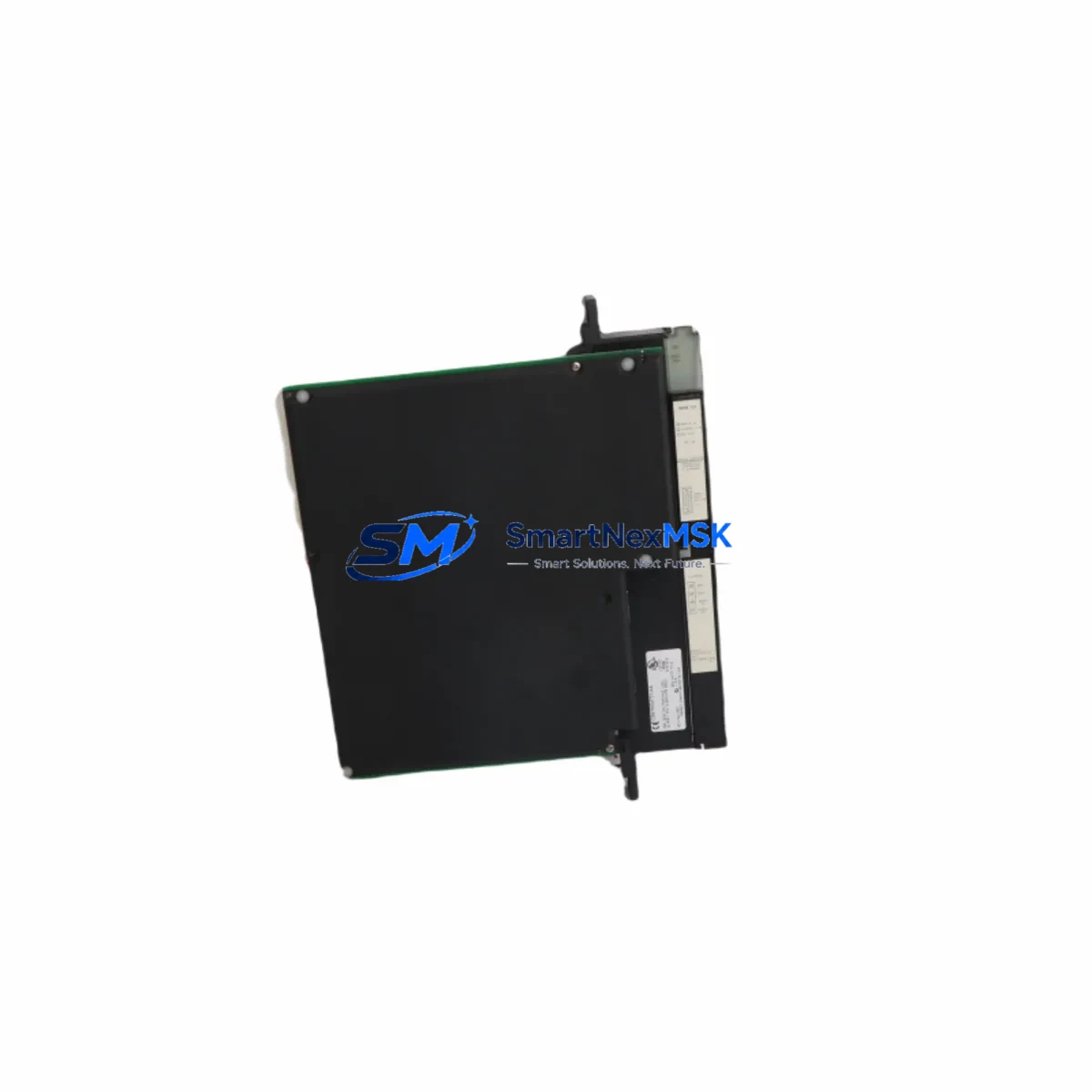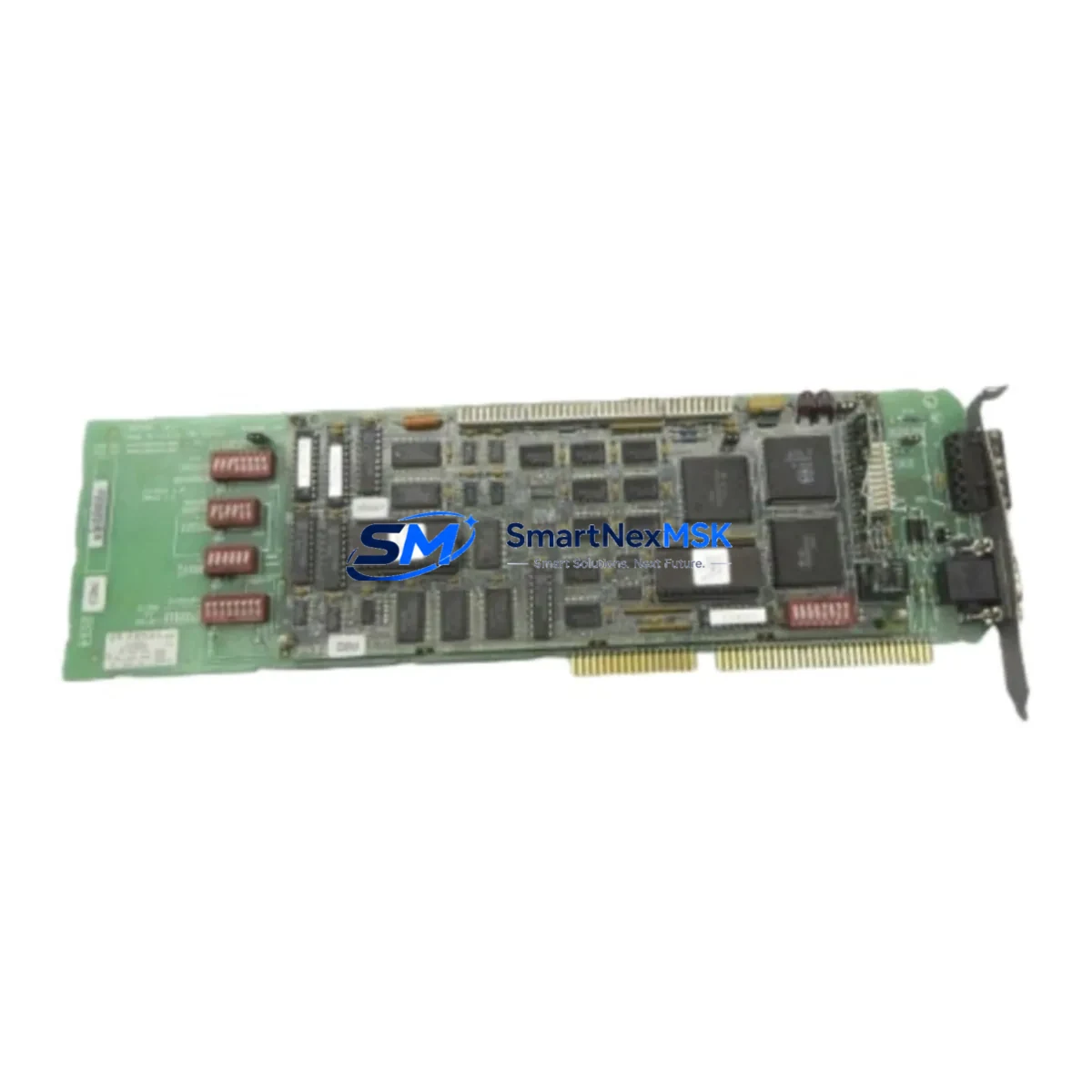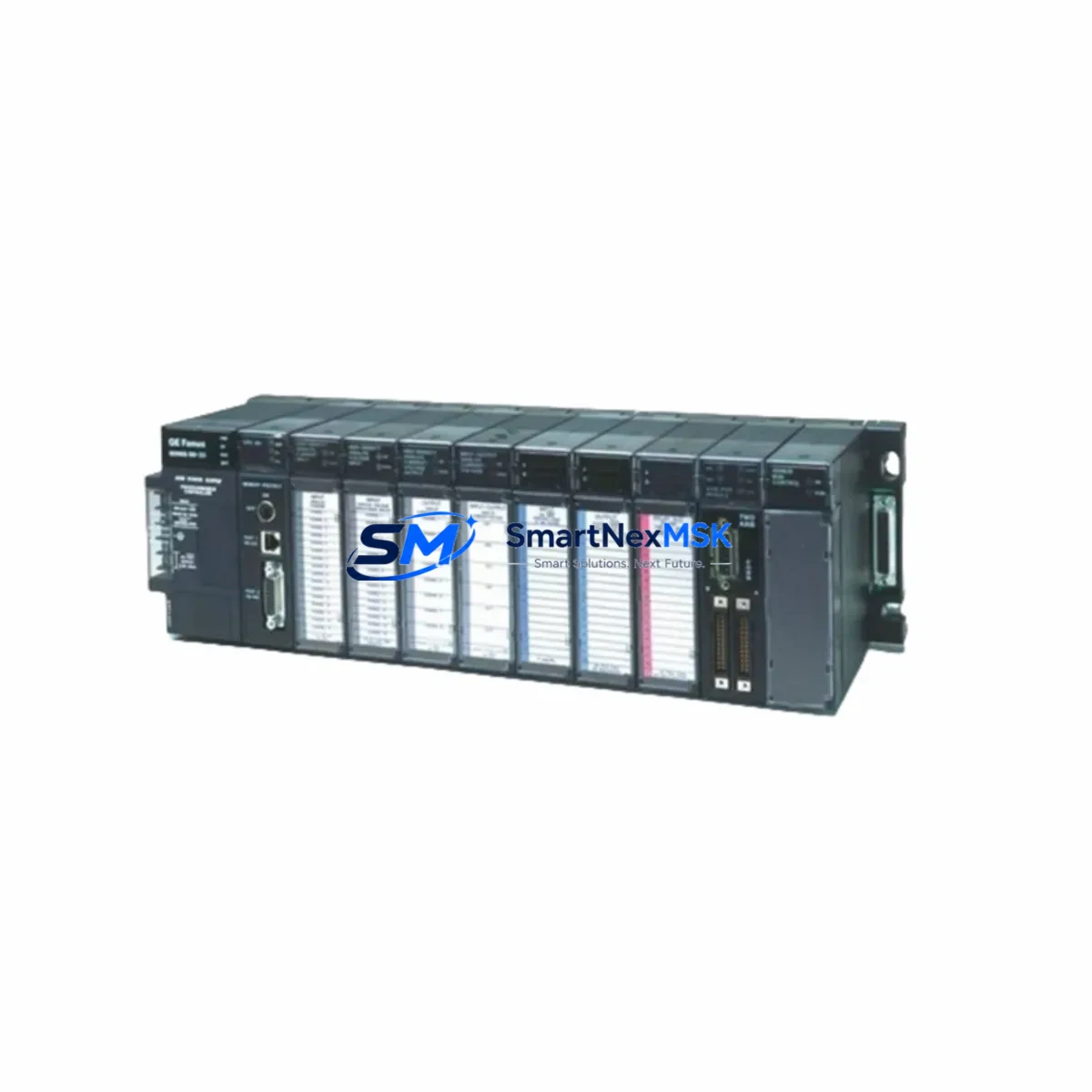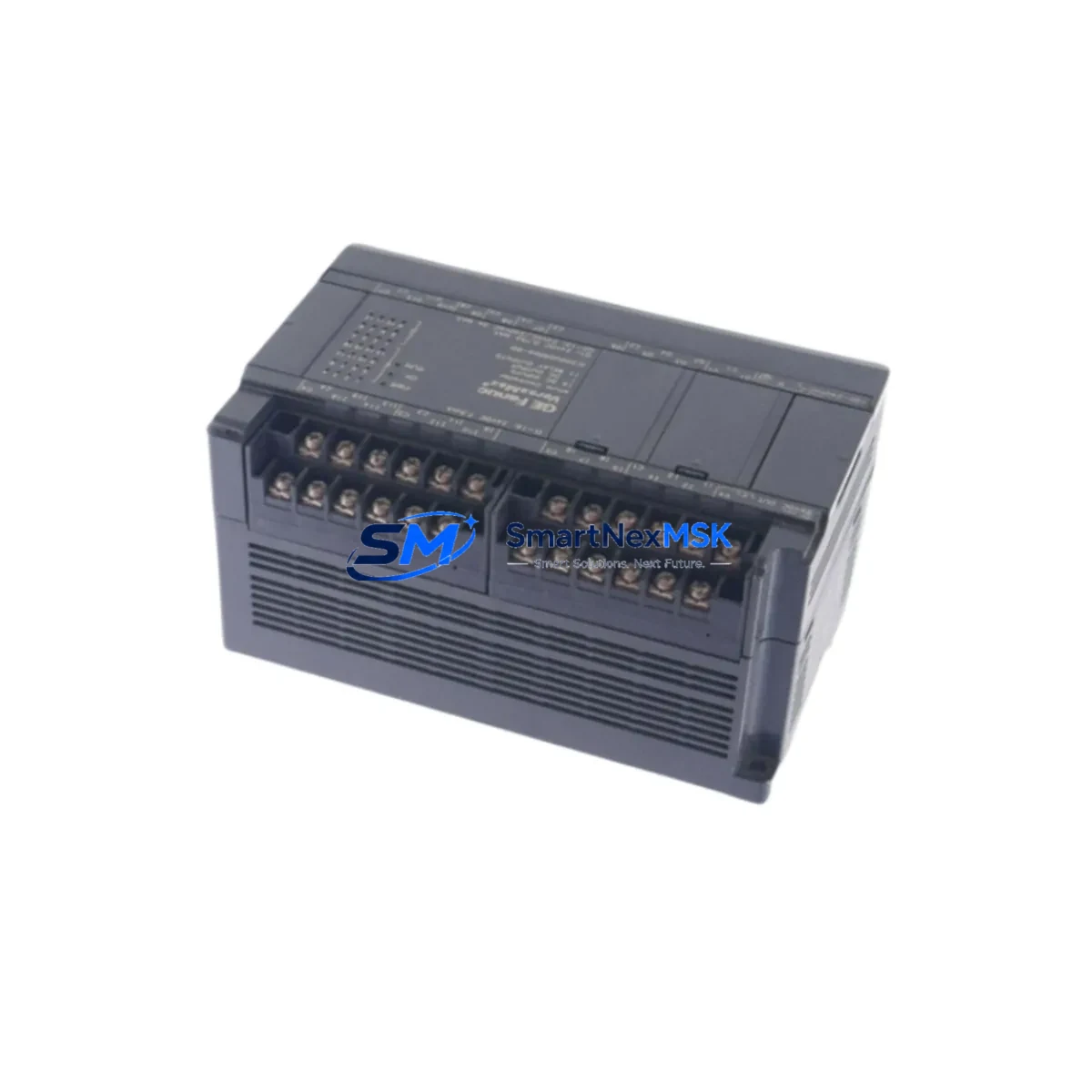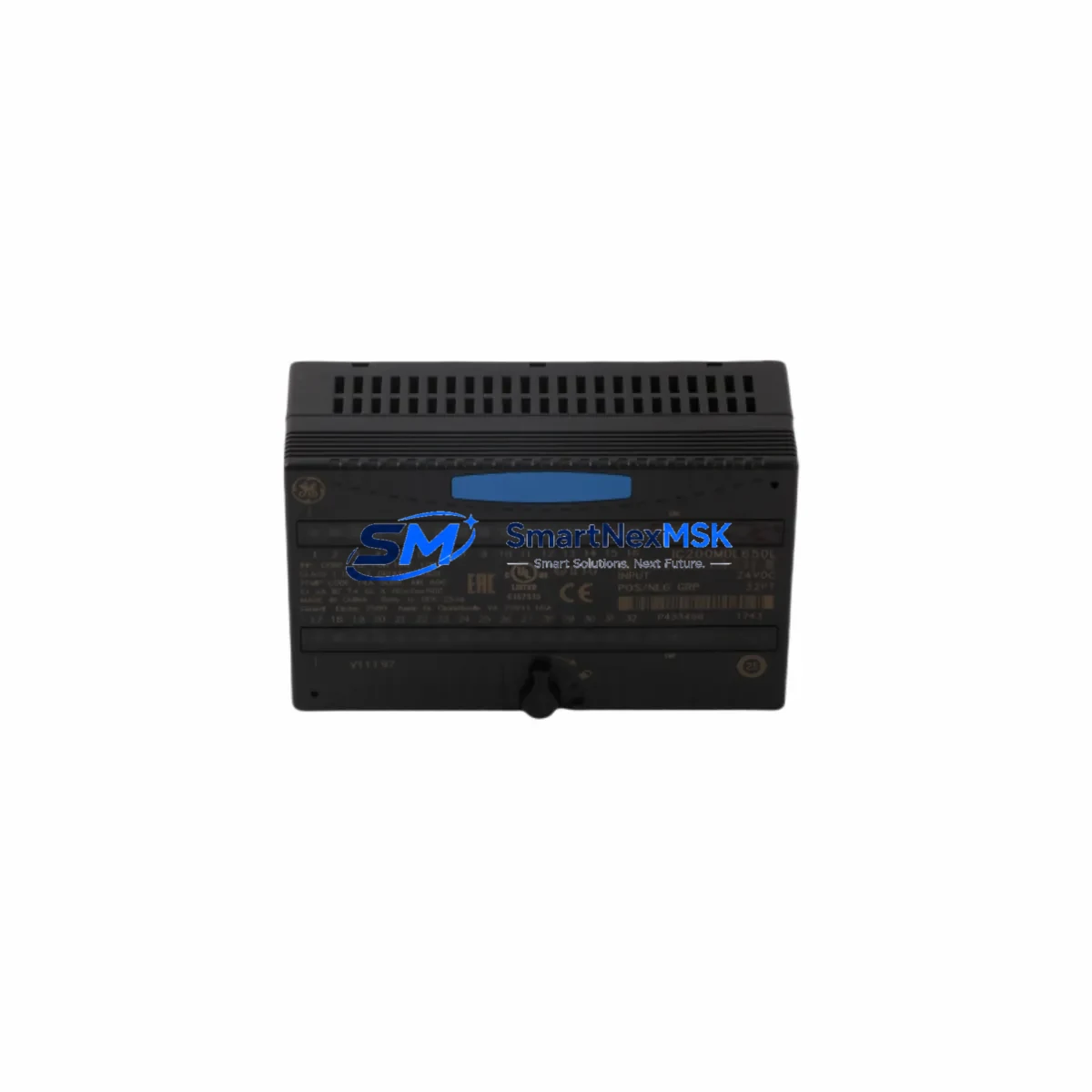
GE IC200MDL650 Retrofit-Ready Discrete Input Module: Compatible Modernization for VersaMax Control Systems
The GE IC200MDL650 is a 16-point, 24VDC discrete input module engineered for the GE VersaMax I/O platform. As legacy VersaMax installations age and original spare parts become increasingly scarce, the IC200MDL650 remains one of the most sought-after retrofit-ready components for engineers tasked with keeping aging production lines operational without committing to a full control system overhaul. Whether you are replacing a failed module in a running system, upgrading a control cabinet to extend service life, or migrating from an obsolete predecessor, the IC200MDL650 delivers the electrical compatibility, backplane interface integrity, and firmware recognition required for a smooth, low-risk transition.
This module slots directly into any VersaMax I/O carrier — including the IC200CHS002, IC200CHS005, and IC200CHS022 local expansion carriers — without requiring mechanical modification or carrier replacement. The 24VDC sinking input architecture is fully compatible with standard field wiring from NPN-type proximity sensors, pushbuttons, limit switches, and relay contacts commonly found in legacy machine panels. Terminal block pinouts are preserved from earlier VersaMax discrete input generations, meaning existing field cables can be reconnected without re-labeling or re-routing, a critical advantage when downtime windows are measured in hours rather than days.
Upgrade Compatibility Table
| Parameter | IC200MDL650 Specification | Retrofit Notes |
|---|---|---|
| Input Points | 16 points, 24VDC sinking | Direct replacement for IC200MDL640 (8-pt) requires carrier re-addressing |
| Backplane Interface | VersaMax local I/O bus | Compatible with IC200CHS002, IC200CHS005, IC200CHS022 carriers |
| Input Voltage Range | 19.2–26.4VDC | Verify field power supply IC200PWR002 or IC200PWR101 output tolerance |
| Terminal Wiring | Removable terminal block, 0.5–2.5mm² | Existing field cables reusable; no re-termination required in most cases |
| Module Address | Configured via VersaMax NIU or CPU reference table | Confirm %I reference address in PACSystems Machine Edition or Proficy ME |
| Communication Protocol | VersaMax local bus; NIU supports Genius, Profibus, DeviceNet, Ethernet | NIU type (IC200BEM002, IC200PBI001, etc.) determines network protocol |
| Program Compatibility | Zero ladder logic change required for same-point-count replacement | Verify %I bit mapping if replacing a different-density module |
| HMI Screen Impact | None for same-address replacement | Update iFIX, CIMPLICITY, or WinCC tag database if address shifts |
| Commissioning | Hot-swap capable on powered carrier (verify NIU firmware version) | Force %I bits in online mode to verify field wiring before full restart |
| Warranty | 12 Months | Covers manufacturing defects; includes pre-shipment functional test report |
Retrofit Planning for Existing Automation Systems
A successful IC200MDL650 retrofit begins well before the module arrives on site. The first step is a power budget audit of the existing VersaMax rack. The IC200PWR002 or IC200PWR101 power supply modules each have defined backplane current budgets; adding or replacing I/O modules can shift the load balance, particularly in densely populated carriers. Confirm that the total backplane current draw — including the IC200MDL650’s 80mA 5VDC consumption — remains within the power supply’s rated output.
Next, review the network interface unit configuration. VersaMax systems communicate upstream through a network interface unit such as the IC200BEM002 (Genius Bus Interface), IC200PBI001 (Profibus-DP), or IC200UDD104 (Ethernet NIU). The NIU maintains the I/O reference table that maps each module slot to a %I or %Q address range in the PACSystems RX3i or Series 90-30 CPU. When replacing the IC200MDL650 in the same slot, the reference table entry is preserved automatically. If the slot position changes — for example, because a carrier is being reorganized during a control cabinet upgrade — the NIU configuration must be updated using Proficy Machine Edition or the legacy Logicmaster 90 programming software, and the corresponding %I addresses in the ladder program must be verified.
For systems migrating from a Genius Bus architecture to Ethernet I/O, the IC200MDL650 can be retained as the field-side I/O module while the IC200BEM002 Genius interface is replaced with an IC200UDD104 Ethernet NIU. This protocol migration path allows the physical field wiring — sensors, limit switches, and pushbutton stations — to remain untouched while the communication backbone is modernized. The PACSystems RX3i CPU (IC695CPE302 or IC695CPE330) can then address the VersaMax I/O over EtherNet/IP, eliminating the aging Genius coaxial bus infrastructure without requiring a full I/O replacement.
In multi-drop VersaMax installations, where several remote I/O drops share a single Genius or Profibus segment, it is common to find a mix of discrete and analog modules on the same carrier. The IC200MDL650 coexists with analog input modules such as the IC200ALG260 and analog output modules such as the IC200ALG320 on the same carrier without interference. Verify that the carrier’s slot assignments in the NIU configuration file correctly reflect the module population after any retrofit, and use the Proficy ME I/O Configuration tool to perform an online comparison between the expected and actual module types before returning the system to automatic mode.
Terminal block removal and reinsertion should be performed with the carrier powered down where possible. Label each terminal block with its slot number before removal to prevent mis-seating during reassembly. The IC200MDL650’s removable terminal block accepts wire sizes from 0.5mm² to 2.5mm², compatible with the 18–14 AWG field wiring typical in industrial panel builds. If the existing wiring uses ferrules, verify ferrule compatibility with the terminal block’s cage-clamp mechanism before reinsertion.
Downtime Control During System Migration
Minimizing unplanned downtime is the primary concern in any live-system retrofit. For the IC200MDL650, the most effective downtime reduction strategy is pre-staging: configure and test the replacement module on a bench rack — using a spare IC200CHS002 carrier and IC200PWR002 power supply — before the scheduled maintenance window. Load the NIU configuration, verify that the module is recognized at the correct slot address, and use Proficy Machine Edition’s online monitoring to confirm that all 16 input points respond correctly to a test signal source.
During the actual swap, use the PACSystems CPU’s I/O override function to force the affected %I bits to their last-known state before removing the failed module. This prevents the CPU from generating a fault or driving outputs to a safe-state condition while the module is absent from the carrier. Once the IC200MDL650 is seated and the terminal block is reconnected, release the overrides one input at a time and verify field signal continuity using the online I/O status display in Proficy ME or the equivalent diagnostic screen in the CIMPLICITY or iFIX SCADA system.
For systems where the VersaMax NIU does not support hot-swap (older firmware revisions of the IC200BEM002 or IC200PBI001), plan for a controlled CPU stop rather than a live pull. A controlled stop preserves the program in the CPU’s battery-backed RAM and allows the system to restart from the last program state without requiring a full cold-start download. Confirm battery condition in the IC695ACC302 or equivalent CPU battery module before initiating the stop, and verify that the HMI — whether running on a QuickPanel, PanelView, or PC-based CIMPLICITY station — is configured to hold last values during a CPU stop rather than defaulting to zero.
All IC200MDL650 units supplied by SMARTNEXMSK are pre-tested prior to shipment. Each module undergoes a functional verification cycle that confirms input threshold voltage, response time, and backplane communication integrity. A test report is included with each shipment, reducing the on-site commissioning burden and supporting the 12-month warranty claim process if a defect is identified after installation.
Retrofit Support FAQ
Q1: Is the IC200MDL650 a direct drop-in replacement for the IC200MDL640?
The IC200MDL640 is an 8-point 24VDC discrete input module, while the IC200MDL650 provides 16 points. They share the same VersaMax backplane interface and carrier compatibility, but the point count difference means the %I address mapping in the NIU configuration will change. If you are replacing an IC200MDL640 with an IC200MDL650 to expand input capacity, update the NIU I/O reference table in Proficy Machine Edition and verify that the additional 8 %I bits do not conflict with existing address assignments in the ladder program.
Q2: Can the IC200MDL650 be used with a PACSystems RX3i CPU over EtherNet/IP?
Yes. When paired with an IC200UDD104 Ethernet NIU, the IC200MDL650 communicates with a PACSystems RX3i CPU (such as the IC695CPE302 or IC695CPE330) over EtherNet/IP. Configure the NIU as an EtherNet/IP adapter in the RX3i hardware configuration using Proficy Machine Edition, and map the IC200MDL650’s 16 input points to the appropriate %I reference addresses. This configuration is commonly used in Genius-to-Ethernet migration projects where the field I/O hardware is retained but the communication backbone is modernized.
Q3: What wiring checks should be performed before powering up after an IC200MDL650 replacement?
Before applying power, verify terminal block seating (the block should click firmly into the module housing), confirm that all field wires are correctly terminated and that no bare conductors are exposed outside the terminal clamp, and check that the field power supply voltage at the module’s common terminal is within the 19.2–26.4VDC input range. After power-up, use Proficy Machine Edition’s online I/O status display to force each input point individually and confirm that the corresponding %I bit changes state. This step-by-step verification catches wiring errors before the system returns to automatic operation.
Q4: What does the 12-month warranty cover, and how is a warranty claim initiated?
The 12-month warranty covers manufacturing defects in materials and workmanship, including backplane connector failure, input circuit malfunction, and terminal block defects. It does not cover damage caused by incorrect wiring, overvoltage, or physical impact. Each IC200MDL650 unit is shipped with a pre-shipment functional test report. To initiate a warranty claim, contact SMARTNEXMSK with the order number, the test report reference, and a description of the observed fault. Replacement units are dispatched after fault confirmation, and defective units are returned for root-cause analysis.
© 2026 SMARTNEXMSK. All rights reserved.
Original Source: https://smartnexmsk.com
Contact: [email protected] | +86 18259474341