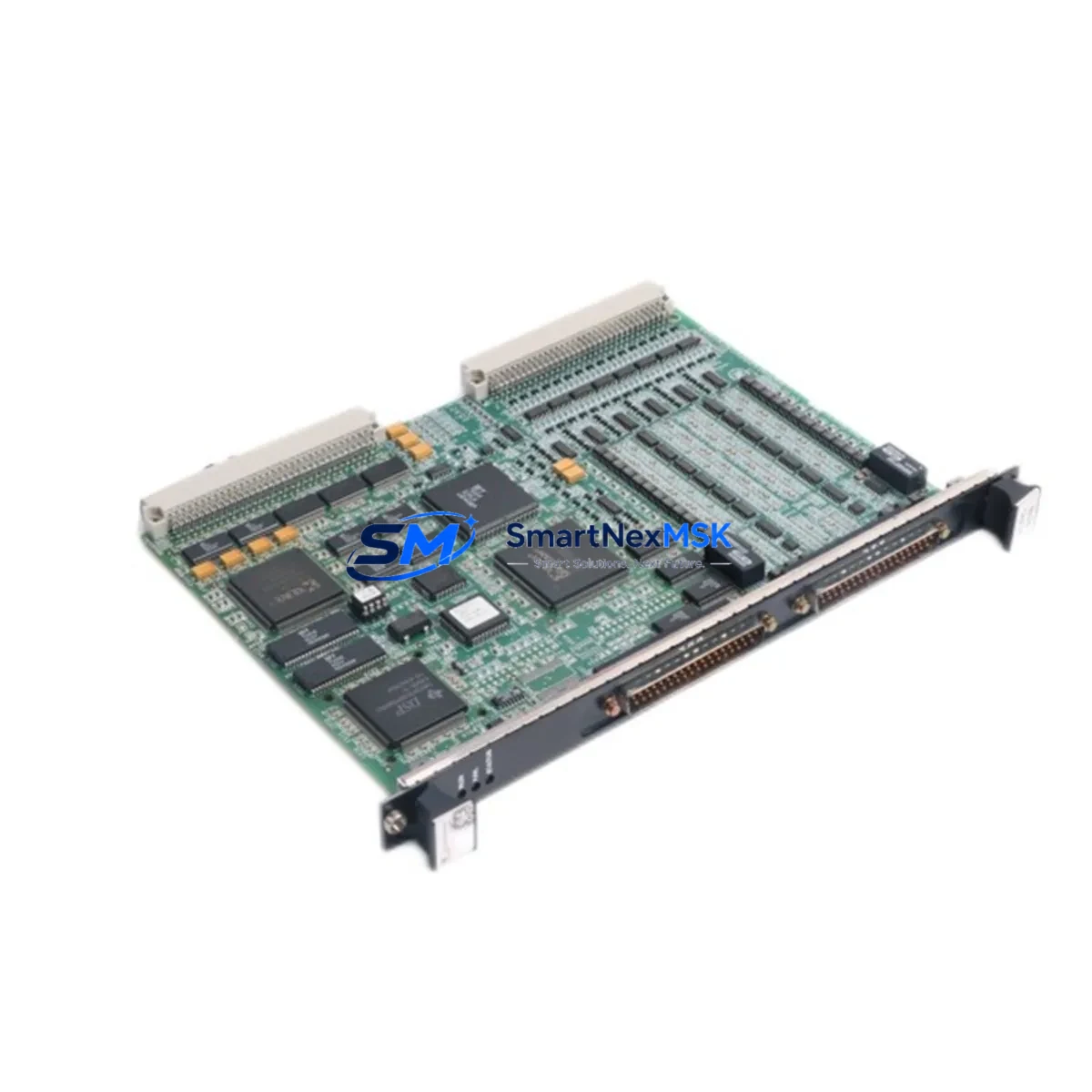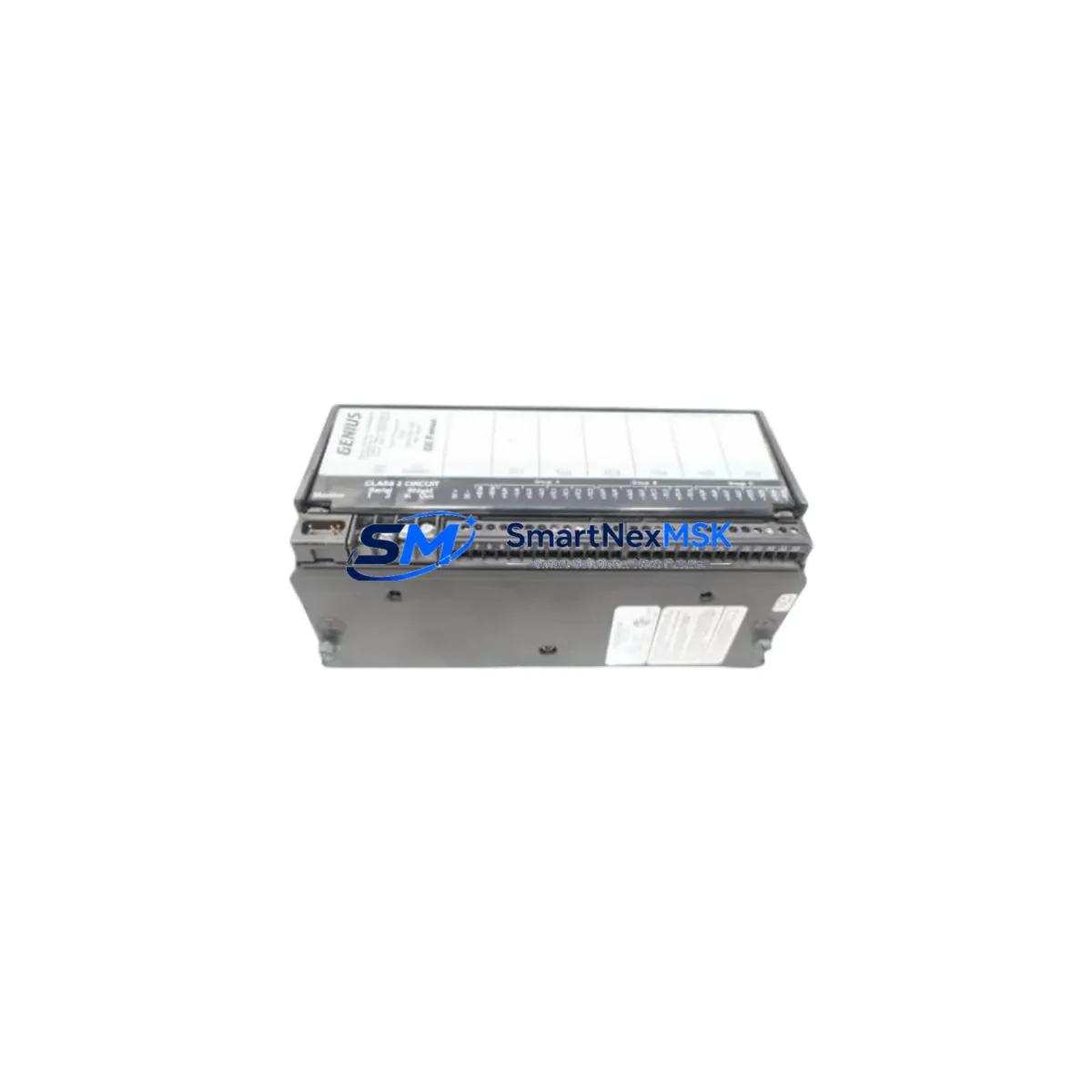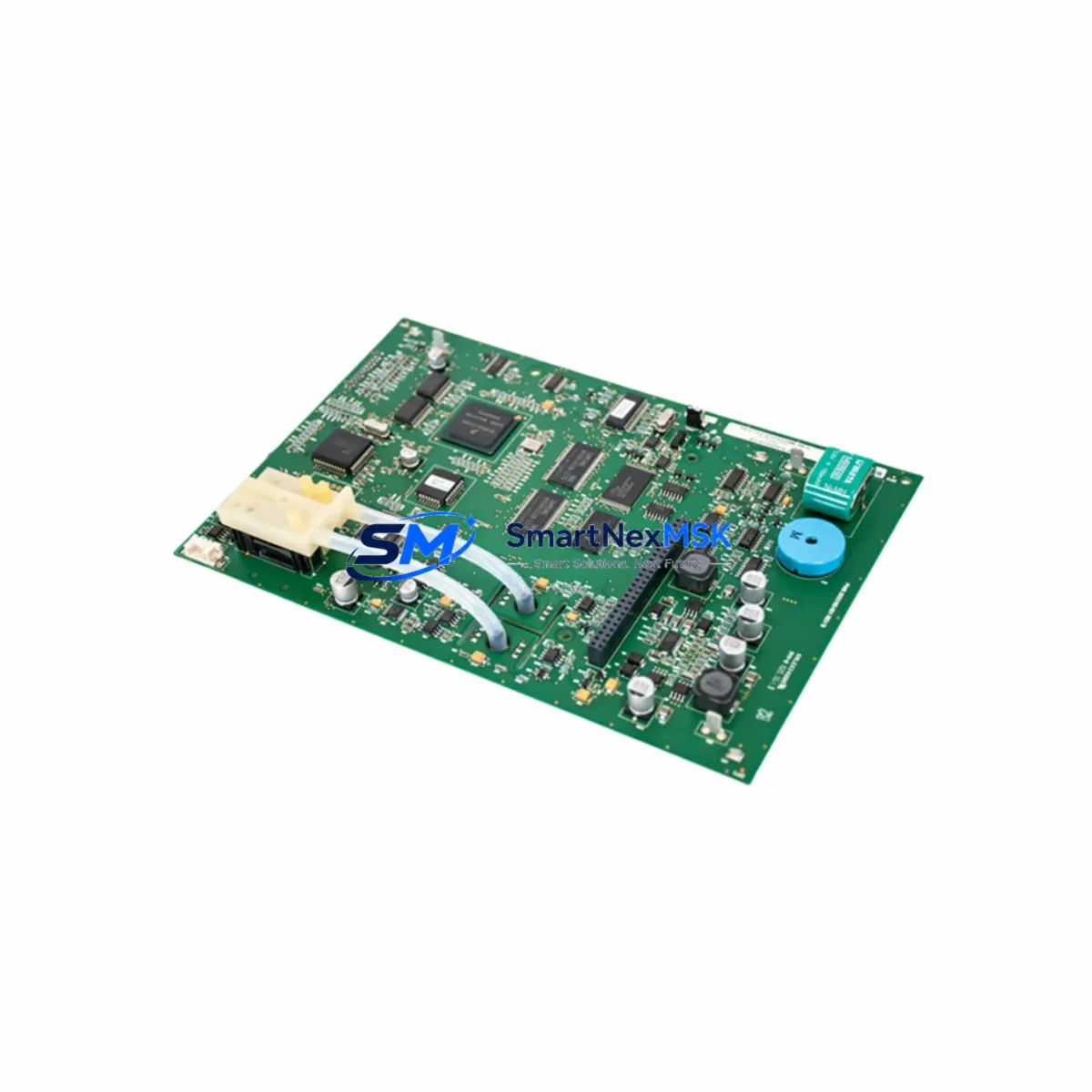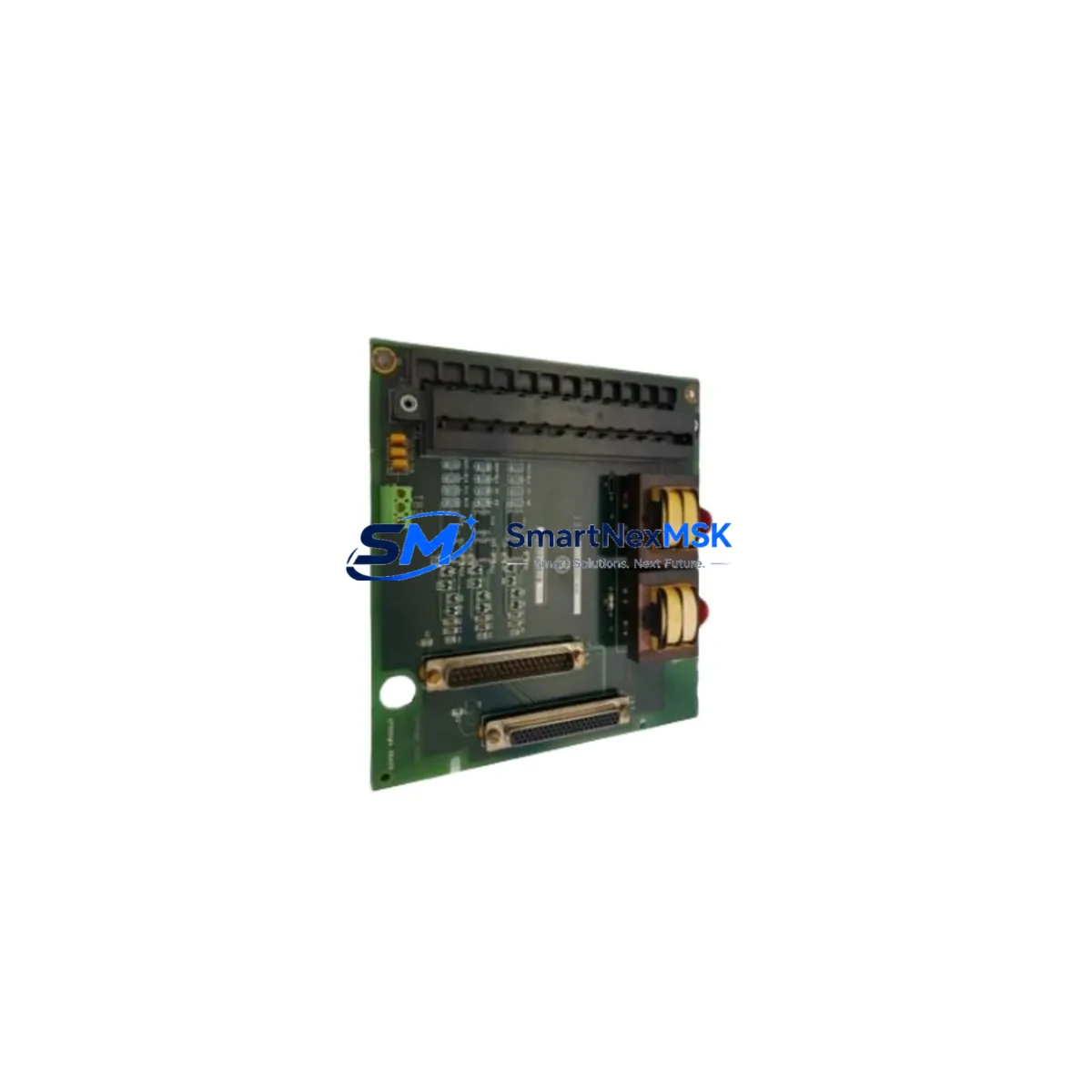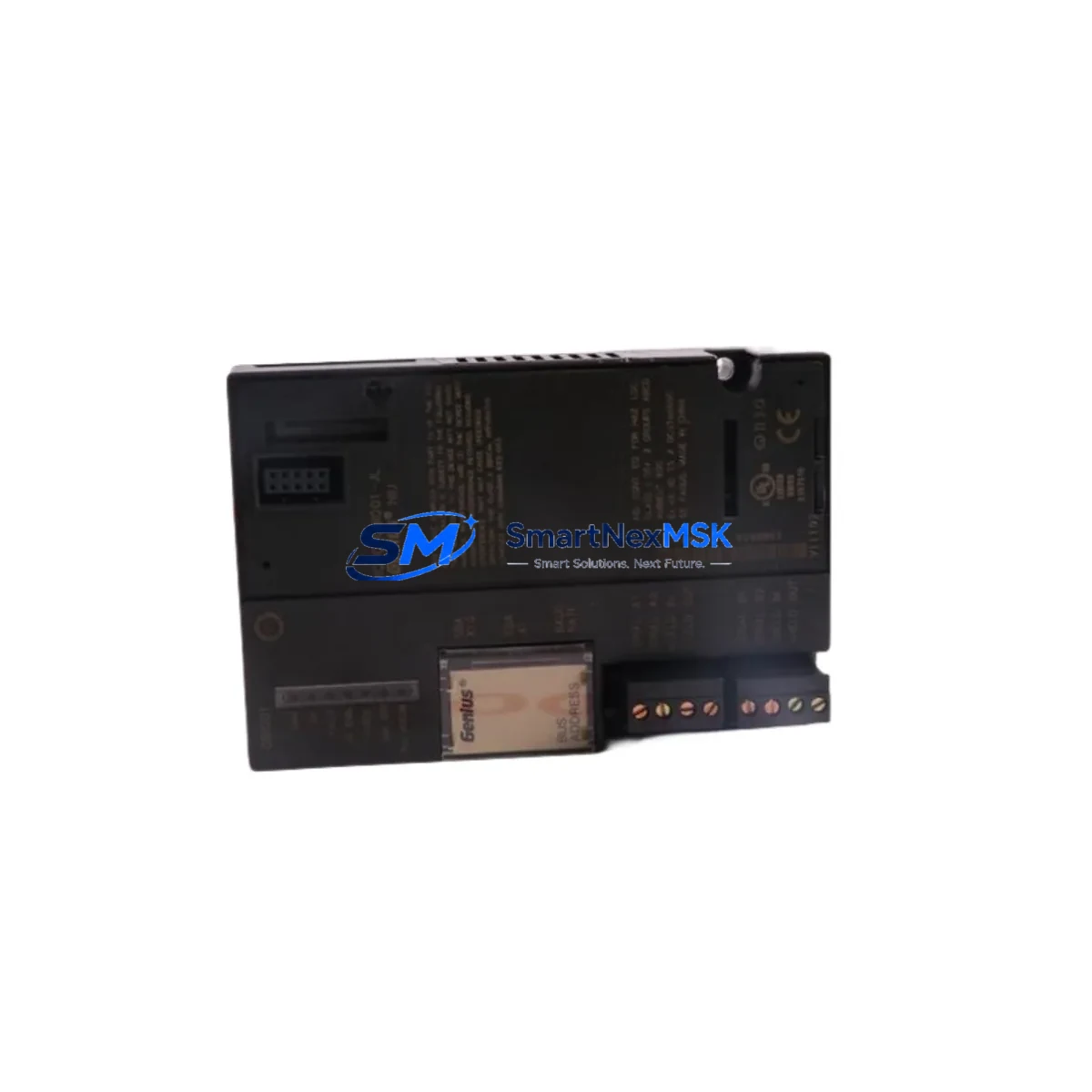
GE IC200PBI001 Retrofit-Ready Profibus DP Remote I/O for VersaMax Control Systems
The GE IC200PBI001 is a Profibus DP Slave Remote I/O Head module designed for the GE VersaMax distributed I/O platform. As legacy VersaMax installations approach end-of-life and spare parts become increasingly scarce, the IC200PBI001 serves as a critical retrofit and replacement component for engineers managing aging control architectures in manufacturing, utilities, and process automation environments. This module enables seamless integration of remote I/O nodes into Profibus DP networks without requiring a full system overhaul, making it the preferred choice for brownfield modernization projects where minimizing downtime and preserving existing program logic are top priorities.
Upgrade Compatibility Table
| Parameter | Details |
|---|---|
| Compatible Series | GE VersaMax Distributed I/O |
| Communication Protocol | Profibus DP (EN 50170 / IEC 61158) |
| Node Address Configuration | DIP switch, address range 1–125 |
| Backplane Interface | VersaMax I/O carrier bus connector |
| Power Supply Requirement | 24 VDC (supplied via IC200PWR001 or IC200PWR002) |
| Max I/O Modules per Node | Up to 8 I/O modules on standard VersaMax carrier |
| Replacement Recommendation | Direct drop-in for failed or EOL IC200PBI001 units |
| Commissioning Tool | GE Proficy Machine Edition / HWC configuration |
| HMI Compatibility | Compatible with CIMPLICITY, iFIX, and third-party SCADA via OPC |
| Warranty | 12 Months — covers manufacturing defects and functional failure |
Retrofit Planning for Existing Automation Systems
Successful deployment of the IC200PBI001 in a retrofit scenario requires careful pre-engineering to ensure compatibility across the entire control node. Engineers should begin by auditing the existing VersaMax rack configuration, confirming the carrier type and verifying that the IC200PWR001 or IC200PWR002 power supply module provides sufficient current budget for the planned I/O expansion. The Profibus DP segment must be reviewed for correct termination resistors at both ends of the cable run, and the baud rate must match the master controller — typically a GE PACSystems RX3i CPU, a Series 90-30 CPU374, or a third-party Profibus DP master such as a Siemens S7-300 CP342-5 communications processor.
When replacing a failed IC200PBI001 in an active system, technicians must record the existing node address set on the DIP switches before removal. The replacement module must be configured to the identical address to avoid GSD file conflicts and prevent the Profibus master from generating diagnostic alarms. The GSD file (device description file) for the IC200PBI001 should be pre-loaded into the master’s hardware configuration tool — in GE Proficy Machine Edition, this is handled through the Hardware Configuration (HWC) workspace. If the system uses a GE IC200BEM003 Ethernet Interface Module or an IC200BEM104 Genius Bus Controller on the same rack, their slot assignments and I/O map offsets must be preserved during the swap to avoid program reference mismatches.
For I/O expansion projects, the IC200PBI001 supports connection of standard VersaMax I/O modules including discrete input modules such as the IC200MDL640 (16-point 24VDC input), discrete output modules such as the IC200MDL740 (16-point relay output), and analog modules such as the IC200ALG260 (4-channel analog input). Each module’s I/O data is automatically mapped into the Profibus DP data frame, and the total byte count must not exceed the master’s configured input/output data length for that slave node. Verifying this mapping in the HWC tool before going live prevents runtime faults and eliminates the need for emergency on-site corrections.
HMI screens connected to the system via CIMPLICITY or iFIX should be reviewed to confirm that all point references tied to the VersaMax node remain valid after the module replacement. If the control program was developed in Proficy Machine Edition LD (Ladder Diagram) or FBD (Function Block Diagram), a cold-start test in simulation mode is recommended before live commissioning. All changes should be documented in the site’s as-built drawings, and a backup of the updated HWC configuration should be archived before the technician leaves the site.
Downtime Control During System Migration
Minimizing production downtime during an IC200PBI001 replacement is achievable with proper pre-staging. The replacement module should be bench-tested and address-configured before the maintenance window begins. A full backup of the PACSystems or Series 90-30 controller program — including the hardware configuration file — should be stored on a programming laptop loaded with Proficy Machine Edition, ensuring that the original logic can be restored within minutes if an unexpected issue arises during commissioning.
During the swap, the Profibus DP segment should be placed in a controlled stop state rather than a hard power-down wherever process safety permits. This preserves the last-known output states in the master controller’s memory and reduces the risk of uncontrolled actuator movement on restart. After the IC200PBI001 is seated and powered, the Profibus master should be forced to re-scan the segment to confirm the new slave is recognized at the correct address. A diagnostic read from the master — available through the HWC online monitor or a Profibus diagnostic tool — will confirm that the module is communicating correctly before the system is returned to automatic mode.
For sites where continuous operation is critical, a hot-standby strategy using a redundant Profibus DP segment with a secondary IC200PBI001 node can be pre-engineered as part of the upgrade plan. This approach, combined with a structured commissioning checklist covering power-up sequence, address verification, I/O data validation, HMI point confirmation, and a 30-minute soak test under live load, ensures that the system returns to full production capacity within a single planned maintenance window.
Retrofit Support FAQ
Q1: Is the IC200PBI001 a direct drop-in replacement for a failed unit on an existing VersaMax rack?
Yes. The IC200PBI001 is a direct physical and functional replacement for any existing IC200PBI001 installed on a VersaMax I/O carrier. No firmware update or hardware modification is required. The replacement module must be configured to the same Profibus DP node address as the original using the onboard DIP switches before installation.
Q2: What wiring changes are required when replacing the IC200PBI001?
No wiring changes are required to the Profibus DP cable or the field I/O wiring. The Profibus connector (DB9 or M12, depending on the cable assembly used on site) transfers directly to the replacement module. Confirm that the cable shield is properly grounded at the connector and that termination resistors remain active only at the physical ends of the Profibus segment.
Q3: How is compatibility with the existing GE PACSystems or Series 90-30 program verified before going live?
Compatibility is verified by comparing the GSD-based hardware configuration in Proficy Machine Edition HWC against the physical I/O module population on the VersaMax carrier. The input and output byte counts for the IC200PBI001 slave node must match the values configured in the master’s Profibus DP parameter set. An online diagnostic scan from the master controller will confirm that all I/O references are resolving correctly before the system is released to automatic control.
Q4: What does the 12-month warranty cover, and what is the pre-shipment testing process?
Every IC200PBI001 unit supplied by SMARTNEXMSK undergoes functional testing prior to shipment, including power-up verification, Profibus DP communication handshake testing, and I/O carrier interface validation. The 12-month warranty covers manufacturing defects and functional failure under normal operating conditions. Units that fail within the warranty period are replaced or refunded. Warranty claims are processed through [email protected] with a fault description and order reference.
© 2026 SMARTNEXMSK. All rights reserved.
Original Source: https://smartnexmsk.com
Contact: [email protected] | +86 18259474341