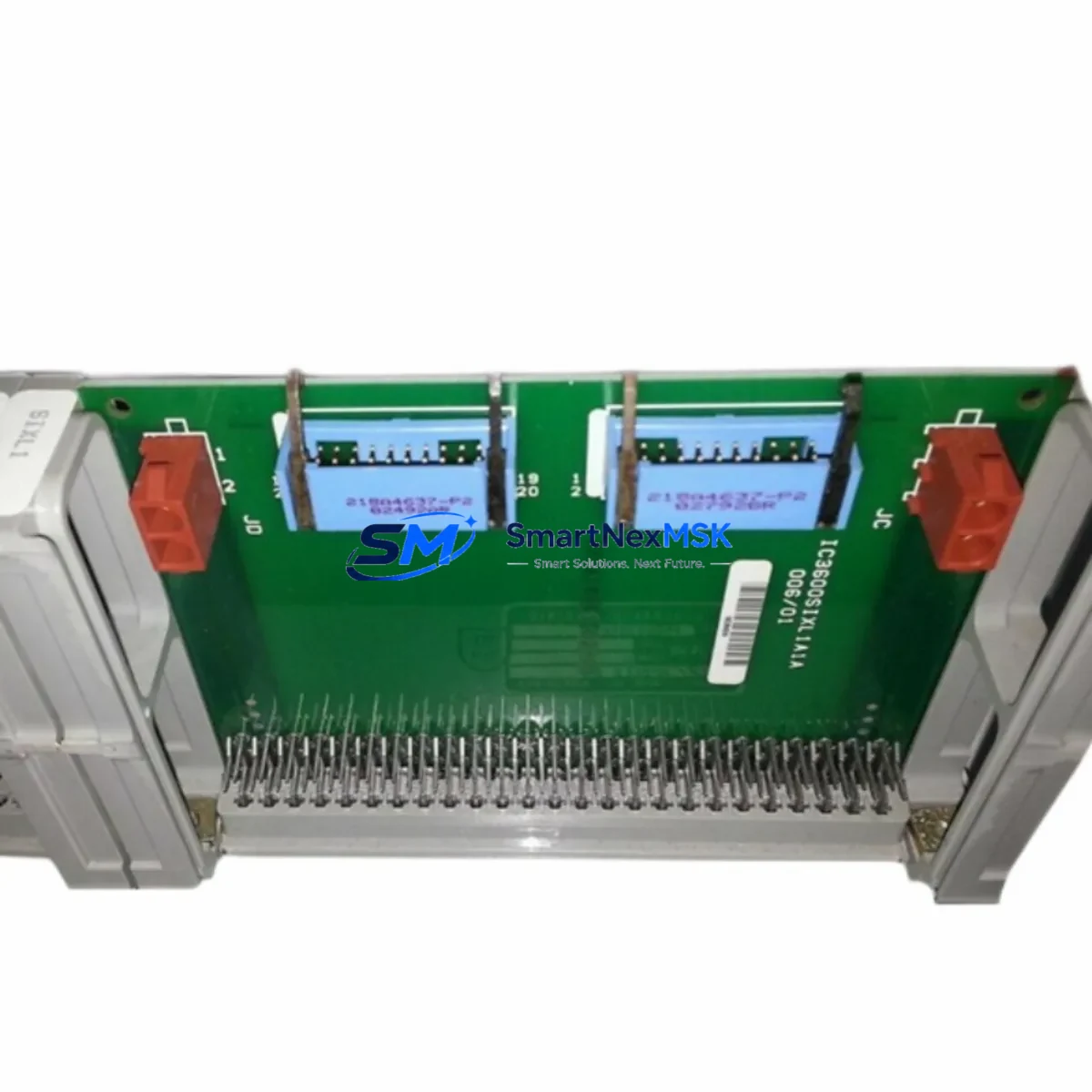
GE IC3600SIXL Spare for SPEEDTRONIC Mark I Automation: Spare Replacement & Industrial Downtime Risk Control
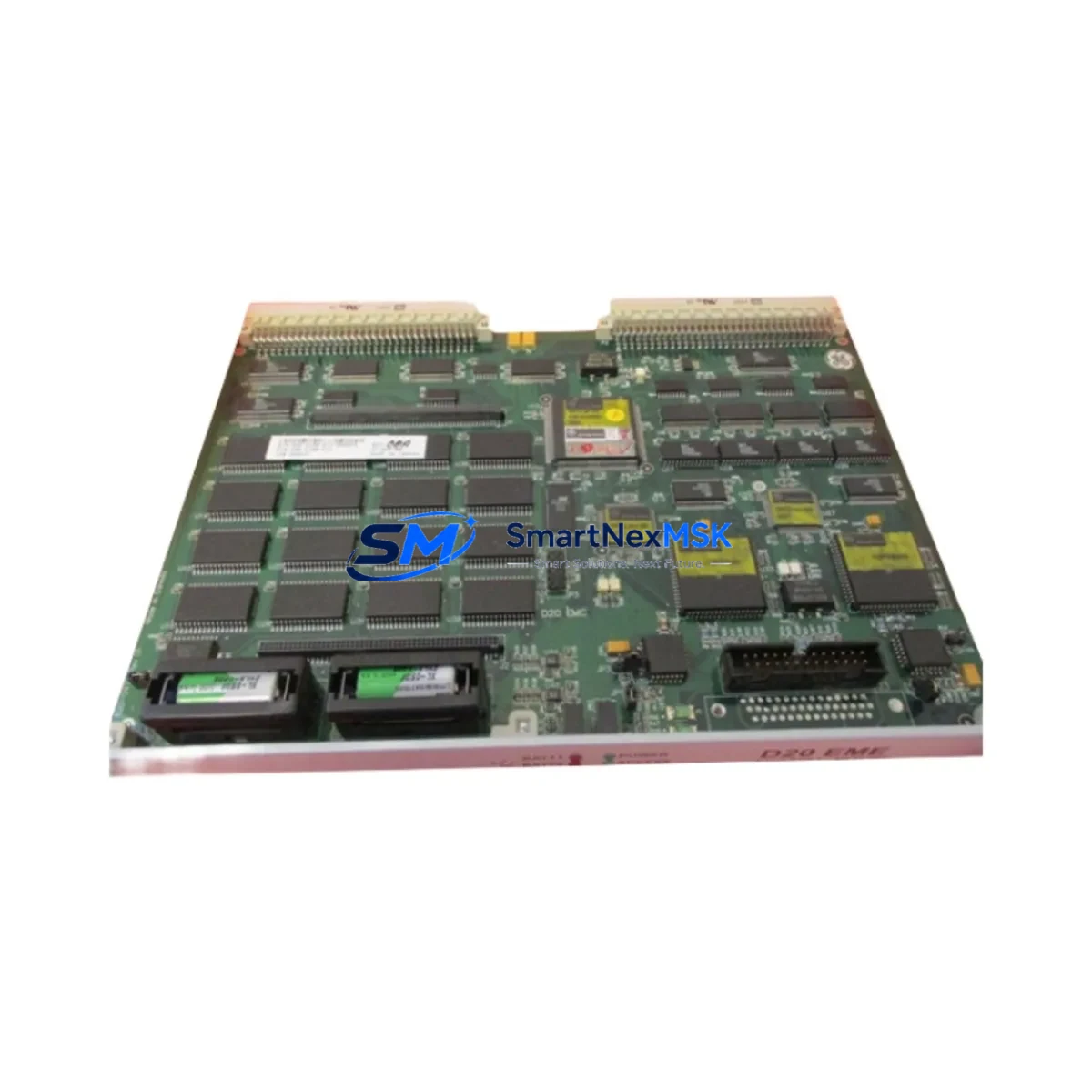
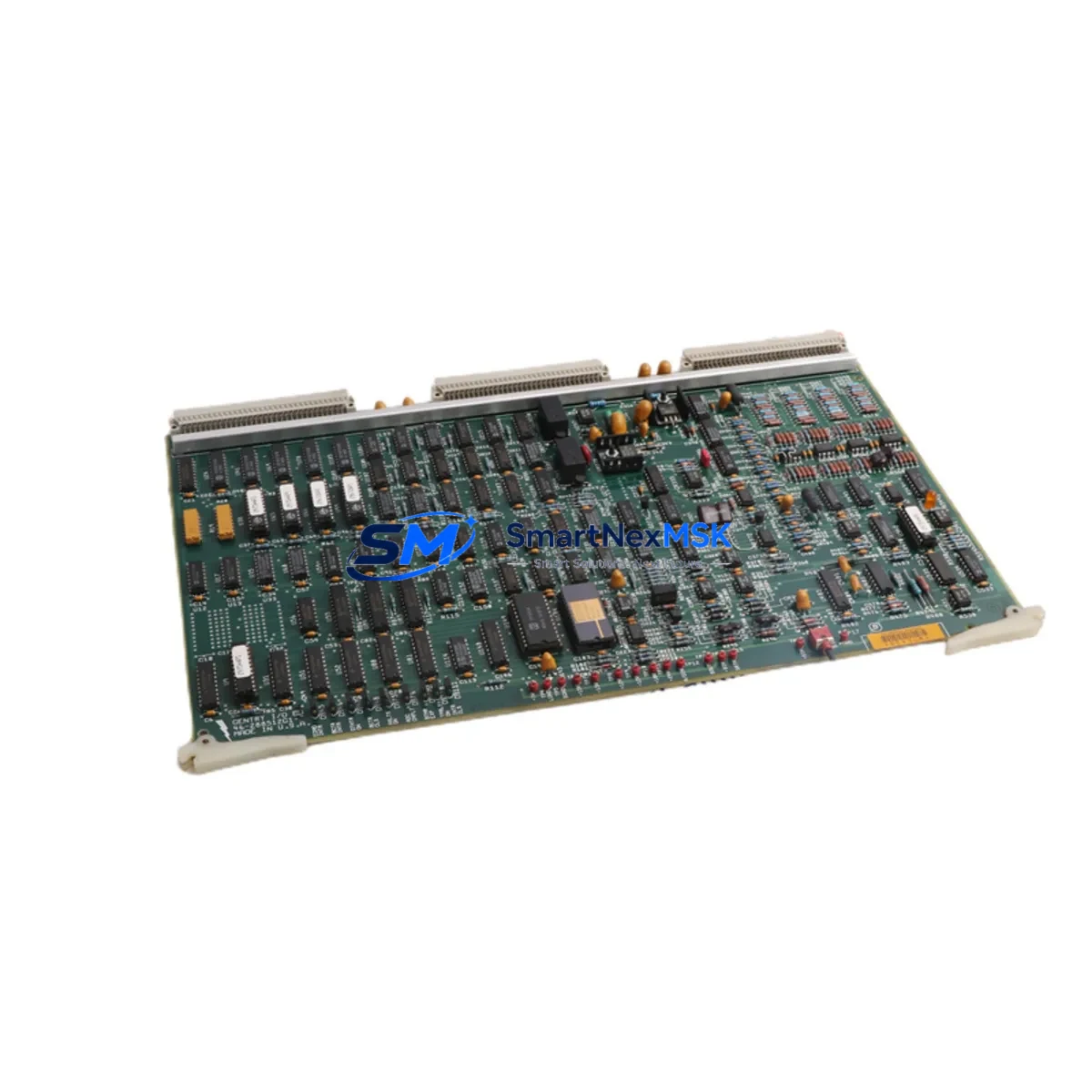
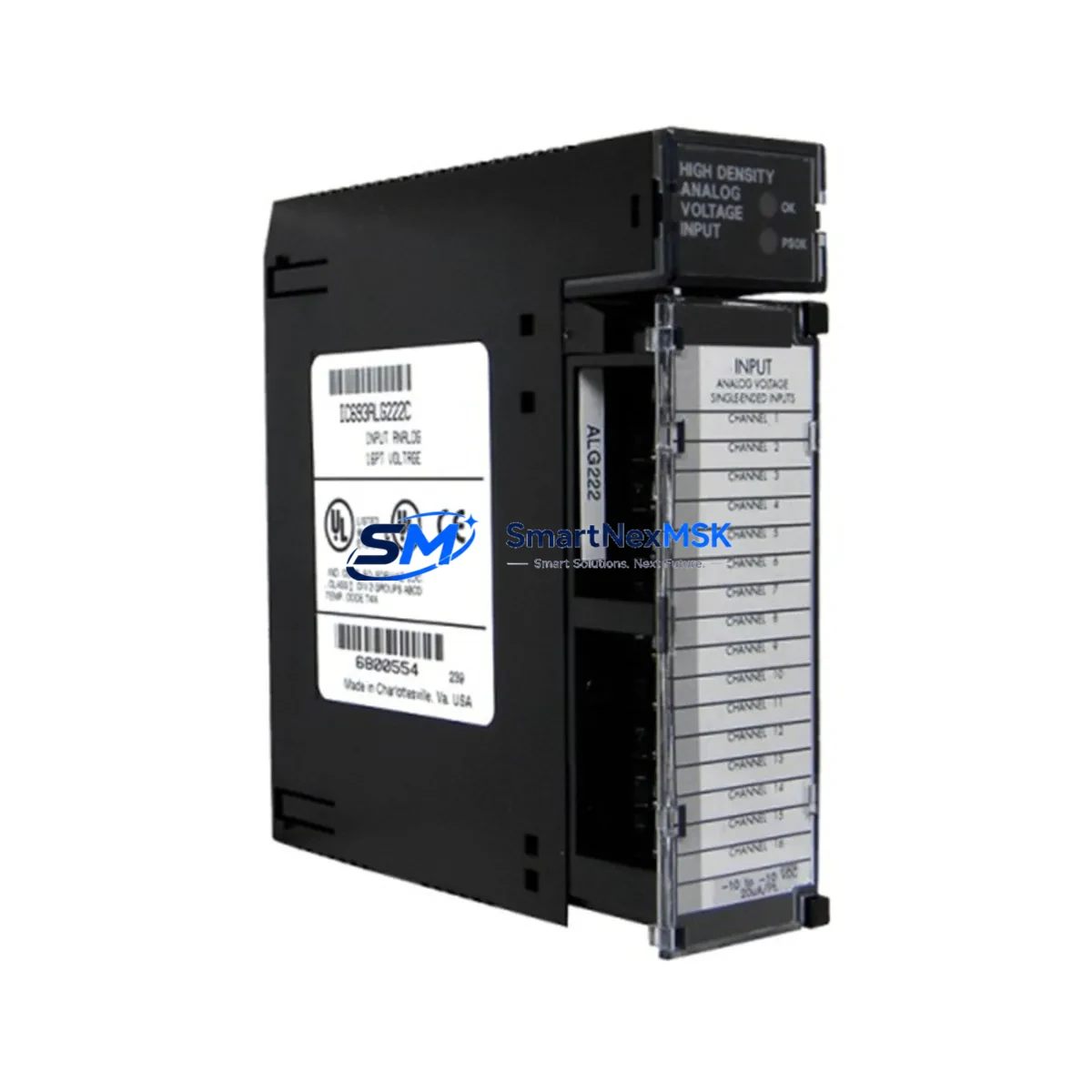
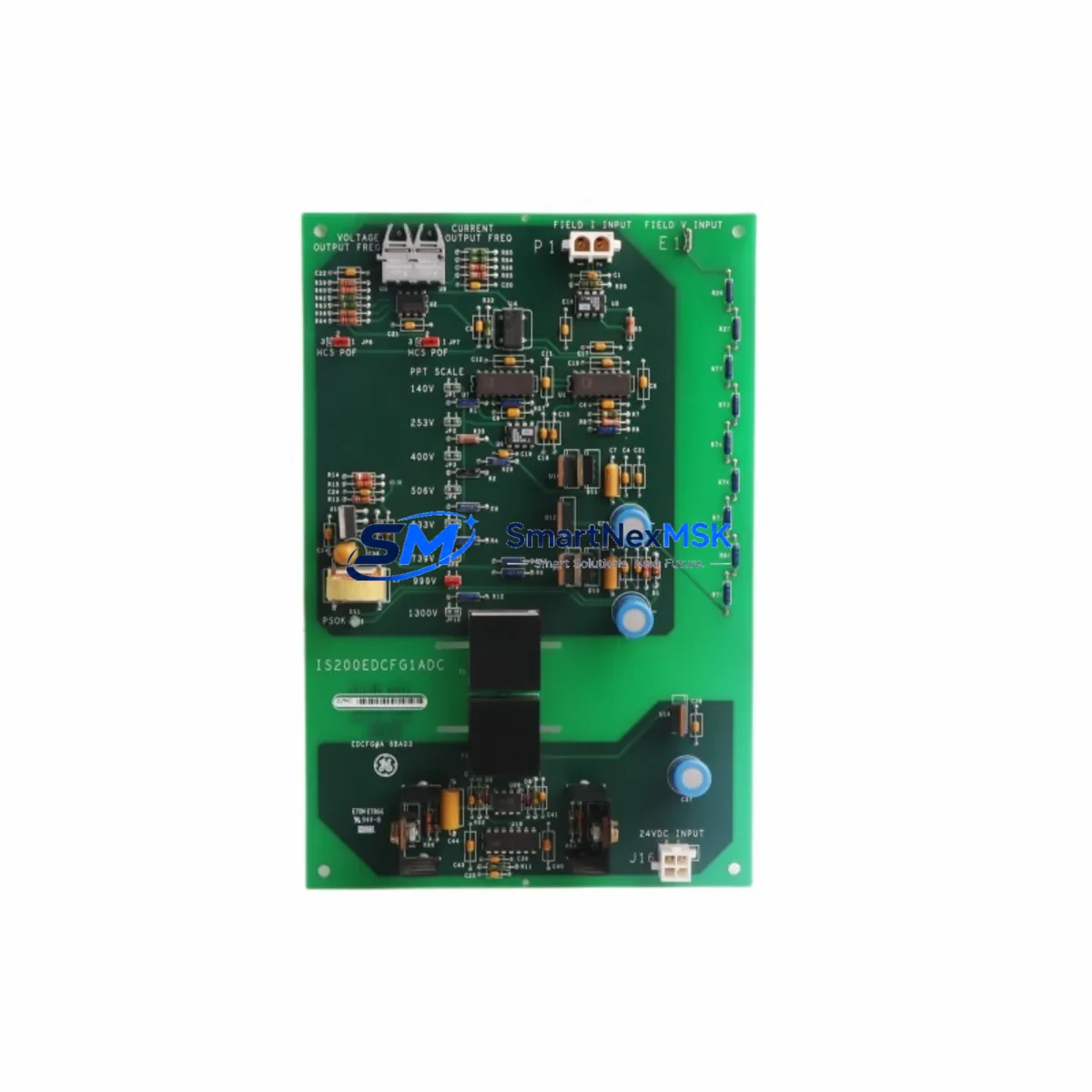
The GE IC3600SIXL is a Signal I/O Card designed for use within the General Electric SPEEDTRONIC Mark I turbine control system — one of the most widely deployed gas turbine automation platforms in power generation, oil & gas, and heavy industrial facilities worldwide. As original equipment ages and OEM support windows close, maintaining a verified spare of the IC3600SIXL becomes a critical element of any proactive maintenance strategy. SMARTNEXMSK supplies this card as a tested, original-grade industrial spare with a 12-month warranty and pre-shipment functional verification, enabling maintenance and procurement engineers to restore system operation with confidence and minimal downtime.
Spare Maintenance Table
| Parameter | Specification / Detail |
|---|---|
| Part Number / SKU | IC3600SIXL |
| Manufacturer | General Electric (GE) |
| Series | SPEEDTRONIC Mark I |
| Card Function | Signal I/O Card — analog/digital signal conditioning and distribution |
| System Compatibility | GE SPEEDTRONIC Mark I turbine control panels; compatible with associated Mark I backplane and I/O racks |
| Form Factor | Plug-in PCB card for SPEEDTRONIC Mark I control cabinet |
| Operating Environment | Industrial control room / turbine enclosure; standard industrial temperature and humidity ranges |
| Origin | USA (Original GE manufacture) |
| Condition | Original spare — tested and verified before shipment |
| Warranty | 12 Months from date of shipment |
| Lead Time | In-stock items ship within 1–3 business days |
| Maintenance Recommendation | Inspect card edge connectors and signal traces annually; replace if signal drift or I/O fault codes are logged |
| Installation Note | Power down the control cabinet before card removal; verify slot address and jumper configuration against original panel drawings |
Maintenance Planning for Continuous Operation
When a SPEEDTRONIC Mark I system triggers an I/O fault or signal anomaly, the IC3600SIXL is frequently the first card to be isolated during fault diagnosis. However, experienced maintenance engineers know that a single card failure rarely occurs in isolation. A thorough site inspection should accompany any IC3600SIXL replacement to prevent repeat failures and ensure the control system returns to full operational integrity.
Begin by inspecting the IC3600SXIB backplane and card rack for signs of corrosion, loose connectors, or damaged card guides — a degraded backplane can cause recurring I/O card failures even after a new card is installed. Check the IC3600EPCA power supply card for stable DC output; voltage ripple or under-voltage conditions are a common root cause of signal card malfunctions in aging SPEEDTRONIC panels. Review the IC3600SCBA sequence control board for any latched fault codes that may have been triggered by the I/O anomaly, and clear them only after the root cause is confirmed.
On the signal side, inspect all terminal blocks and field wiring terminations connected to the IC3600SIXL’s I/O channels. Loose or corroded terminals introduce resistance that mimics card failure. If the system uses signal isolators between field instruments and the I/O card, verify their output ranges and replace any units showing drift. For systems with relay output modules such as the IC3600SROA relay output card, confirm that relay coil voltages and contact ratings remain within specification — relay degradation can back-feed noise into adjacent I/O cards.
Communication integrity should also be verified: check the IC3600TCCA turbine control communication card for proper handshake with the supervisory layer, and inspect any RS-422 or RS-485 communication cables for insulation damage or impedance mismatch. If an HMI or operator panel is connected to the Mark I system, confirm that the HMI interface card is receiving clean data after the I/O card replacement — corrupted display data is a common symptom of upstream I/O issues that have not been fully resolved.
For facilities running extended asset life programs on legacy SPEEDTRONIC Mark I systems, maintaining a minimum spare inventory of the IC3600SIXL alongside the IC3600EPCA, IC3600SCBA, and IC3600SROA cards provides a practical buffer against unplanned outages. Procurement engineers should also consider stocking spare fuse holders and panel fuses rated for the Mark I cabinet, as blown protection devices are frequently discovered during I/O fault investigations and can extend downtime if not available on-site.
Site Replacement Workflow
Step 1 — Pre-Replacement Verification: Before removing the IC3600SIXL, document all active I/O channel assignments and signal states from the operator panel or HMI. Cross-reference the card’s slot position against the original panel wiring diagram to confirm the replacement card’s jumper and address settings match the installed configuration.
Step 2 — Safe Isolation: Follow the site’s lockout/tagout (LOTO) procedure for the turbine control cabinet. De-energize the card rack power supply and confirm zero voltage at the card slot before extraction. Avoid touching card edge connectors or PCB traces during handling.
Step 3 — Card Swap: Insert the replacement IC3600SIXL into the correct slot, ensuring full engagement with the backplane connector. Restore power to the card rack and observe the system’s self-test sequence. Confirm that all previously assigned I/O channels return to normal status on the operator display.
Step 4 — Functional Test: Exercise each I/O channel through its full operating range using the site’s commissioning test procedure. Log all channel readings and compare against the pre-fault baseline. If any channel remains in fault, escalate to backplane or field wiring inspection before returning the turbine to service.
Step 5 — Documentation: Record the replacement in the site’s maintenance management system (CMMS), including the removed card’s serial number, fault symptoms, replacement date, and post-installation test results. Update the spare parts inventory to trigger reorder of the consumed IC3600SIXL spare.
Spare Parts Support FAQ
Q1: Is the IC3600SIXL compatible with all SPEEDTRONIC Mark I panel configurations?
The IC3600SIXL is designed for the GE SPEEDTRONIC Mark I control system. Compatibility depends on the specific panel revision and slot assignment. We recommend verifying the card’s jumper configuration and slot address against your panel’s original wiring drawings before installation. Our technical team can assist with compatibility confirmation based on your panel serial number or drawing set.
Q2: What pre-shipment testing is performed on the IC3600SIXL?
Each IC3600SIXL unit is functionally tested prior to shipment to verify signal I/O channel integrity, connector condition, and PCB health. Units that do not pass functional verification are not shipped. A test report is available upon request for critical applications.
Q3: What does the 12-month warranty cover?
The 12-month warranty covers manufacturing defects and functional failures under normal operating conditions from the date of shipment. It does not cover damage resulting from incorrect installation, overvoltage events, or physical mishandling. Warranty claims are processed with priority to minimize site downtime.
Q4: Can you support long-term or blanket spare parts orders for SPEEDTRONIC Mark I components?
Yes. SMARTNEXMSK supports long-term supply agreements for legacy SPEEDTRONIC Mark I spare parts, including the IC3600SIXL and associated cards. Blanket orders and scheduled delivery programs are available for facilities managing extended asset life programs or multi-unit turbine fleets. Contact our sales team to discuss inventory reservation and pricing options.
© 2026 SMARTNEXMSK. All rights reserved.
Original Source: https://smartnexmsk.com
Contact: [email protected] | +86 18259474341