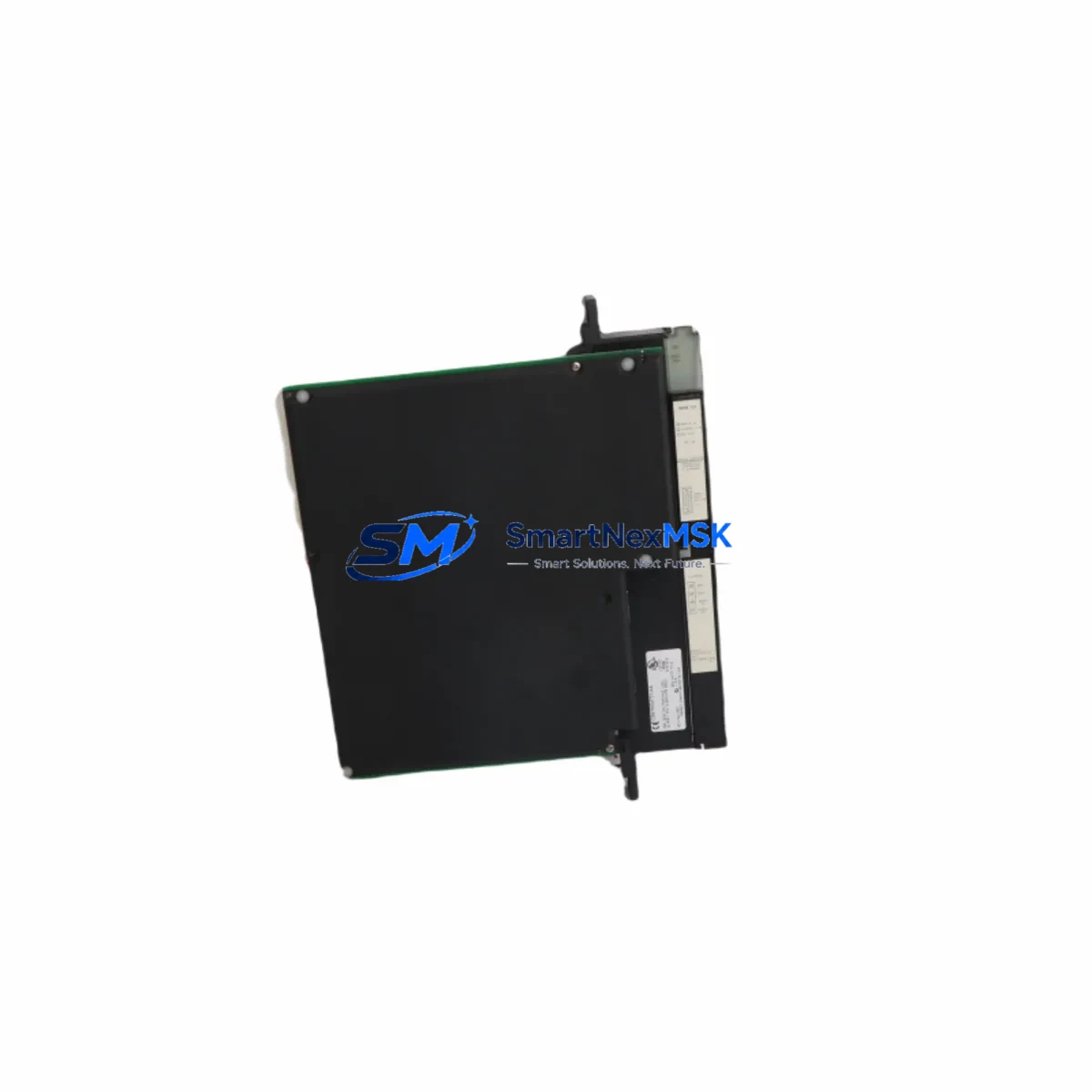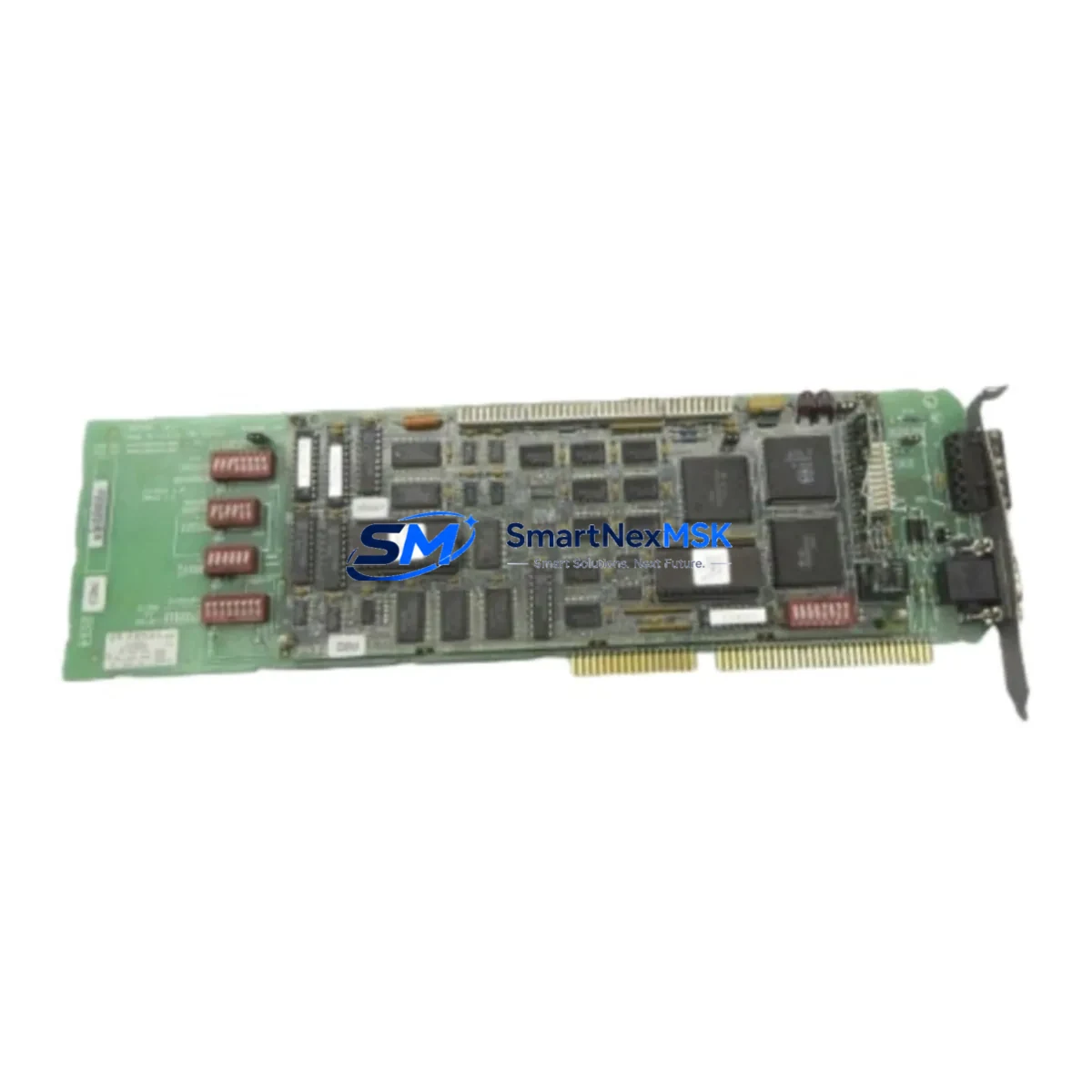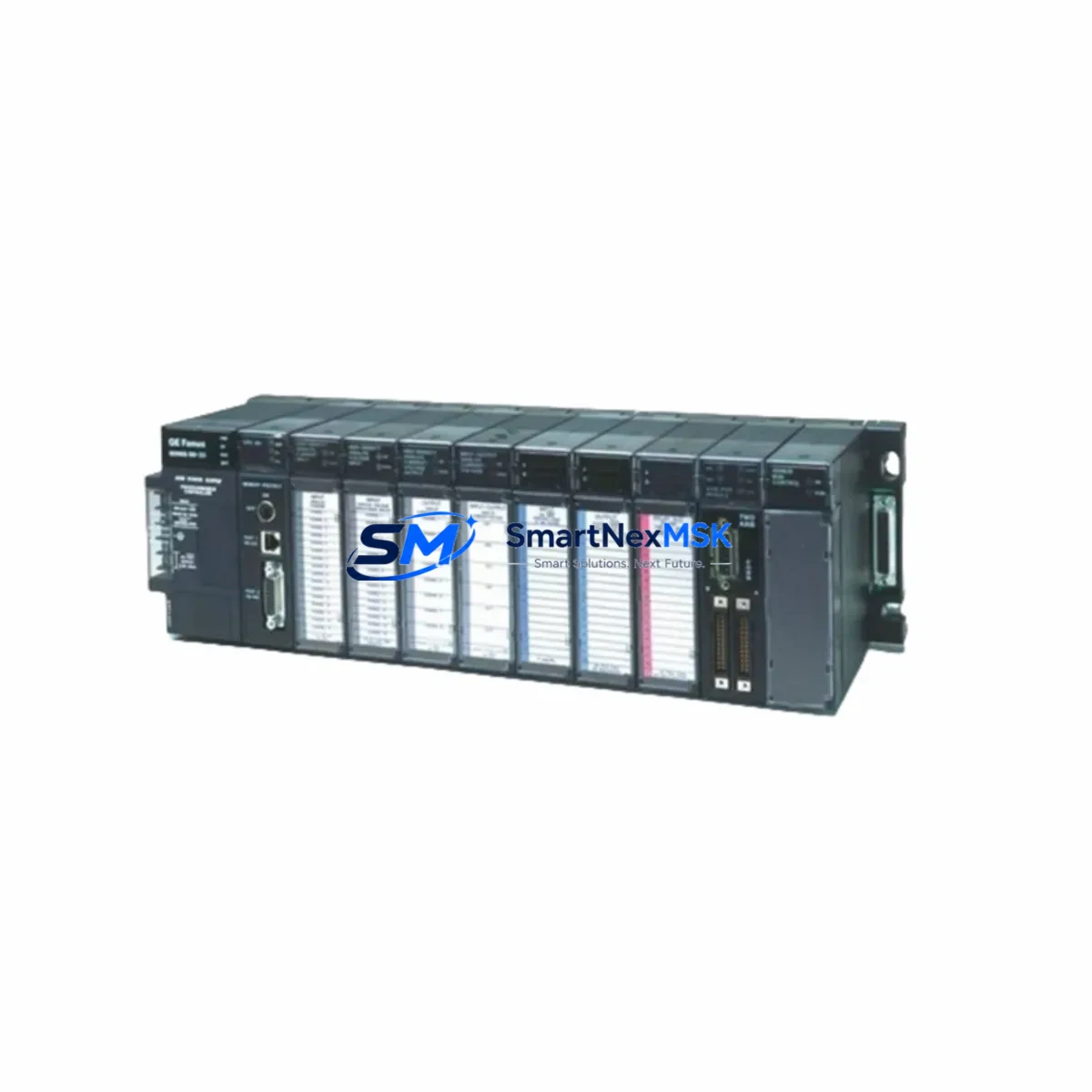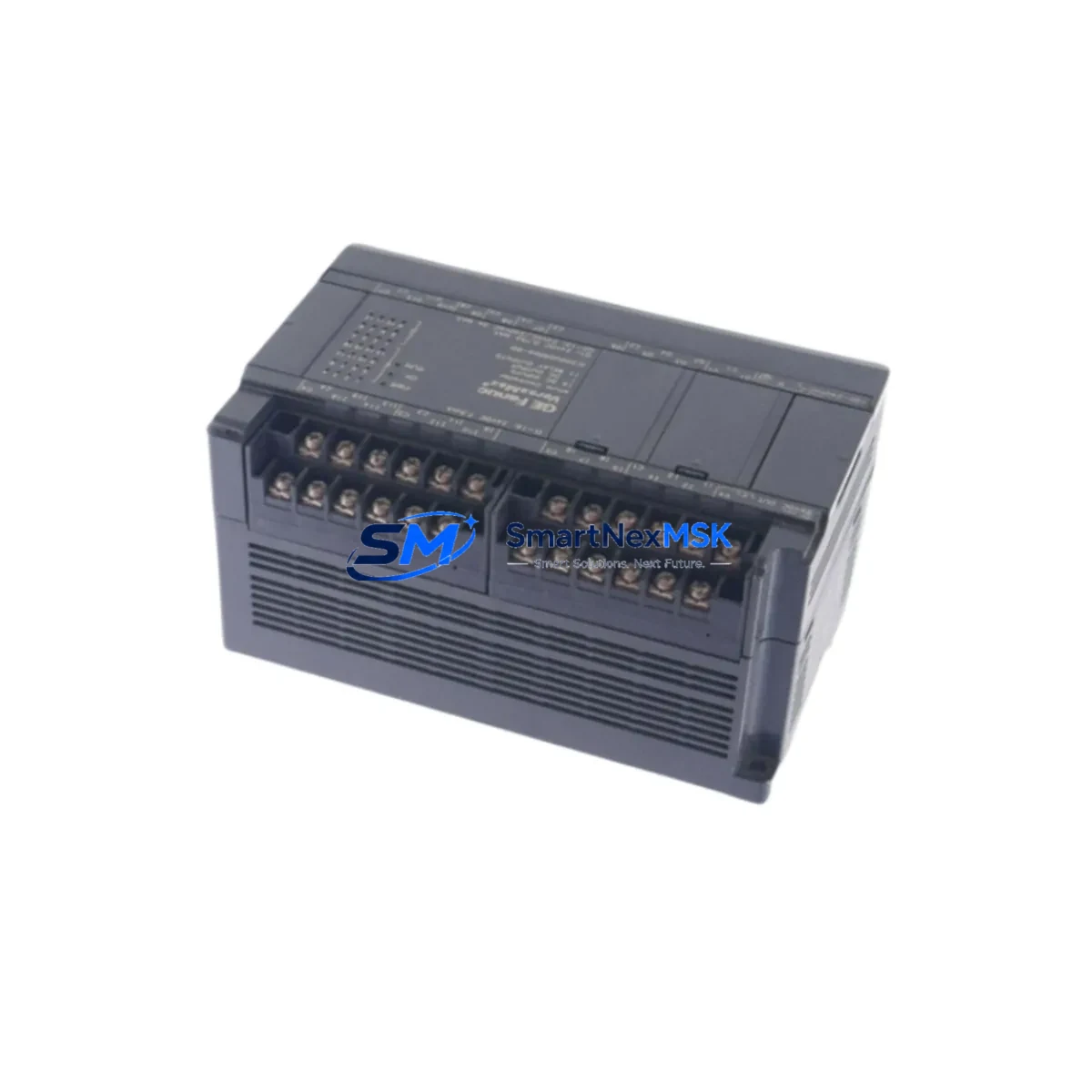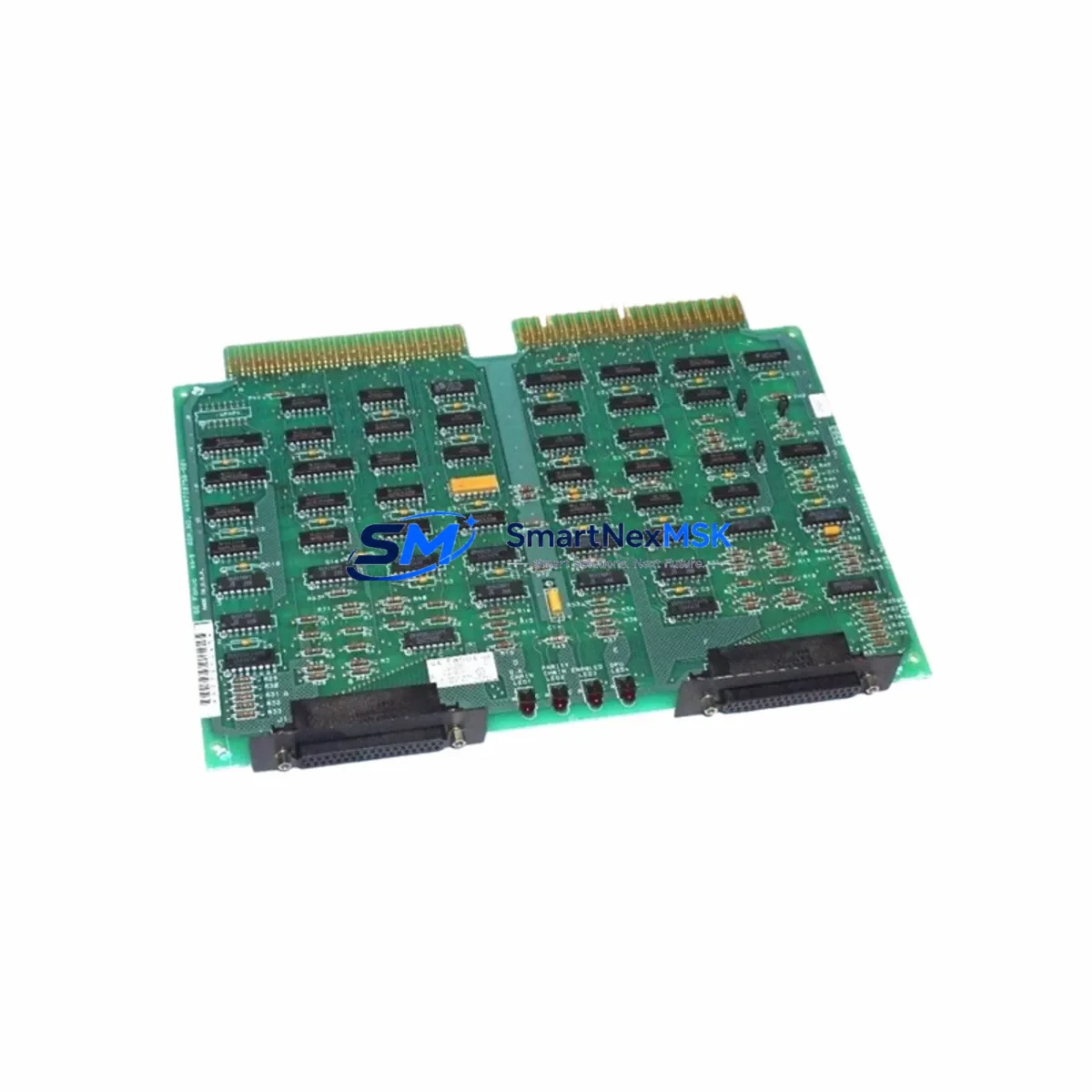
GE IC600CB527M Retrofit-Ready I/O Module for Series Six: Compatible Modernization & Smooth System Upgrade
The GE Fanuc IC600CB527M is a proven I/O Control Module originally designed for the GE Series Six programmable controller platform — one of the most widely deployed industrial control architectures in process manufacturing, utilities, and heavy industry. As the Series Six platform has reached end-of-life and OEM support has been discontinued, facilities operating legacy control cabinets face increasing pressure to source reliable replacement modules that maintain operational continuity without triggering a full system overhaul.
The IC600CB527M serves as a direct retrofit solution for plants that need to extend the service life of their existing Series Six control infrastructure. Whether you are replacing a failed module in an active production line, building a spare-parts inventory ahead of a planned shutdown, or executing a phased migration toward a newer control platform, this module provides the electrical and functional compatibility required to restore system operation with minimal engineering intervention.
Upgrade Compatibility Table
| Parameter | Details |
|---|---|
| Compatible Platform | GE Series Six PLC (IC600 Series) |
| Module Type | I/O Control Module |
| Backplane Interface | Series Six IC600 backplane — direct slot insertion |
| Installation Requirement | Standard Series Six rack; no hardware modification required |
| Communication Compatibility | Compatible with Series Six CPU bus architecture |
| Replacement Recommendation | Direct drop-in for failed or end-of-life IC600CB527M units |
| Commissioning Notes | Verify module address configuration matches original; confirm I/O map in ladder logic before energizing |
| Pre-Shipment Testing | Functional burn-in test performed on every unit |
| Warranty | 12-Month Warranty — covers manufacturing defects and functional failure |
| Lead Time | In-stock units ship within 1–3 business days |
Retrofit Planning for Existing Automation Systems
Successful integration of the IC600CB527M into an existing Series Six control cabinet requires a structured pre-installation review. Before removing the failed module, engineers should document the current I/O address assignments, verify the rack slot position, and photograph the terminal wiring to ensure accurate reconnection. The Series Six platform uses a fixed backplane addressing scheme, so the replacement module must be configured to match the original slot address — typically set via DIP switches or jumper blocks on the module face.
In cabinets where the IC600CB527M interfaces with a GE IC600YB840 or IC600YB841 power supply module, confirm that the supply rail is delivering stable voltage within the module’s rated input tolerance before insertion. Power supply degradation is a common secondary cause of I/O module failure in aging Series Six installations, and replacing the I/O module without verifying supply health risks premature failure of the new unit.
For systems using a GE IC600CB501 or IC600CB502 CPU module, the I/O control module communicates over the internal backplane bus. Ensure the CPU firmware revision is compatible with the I/O module’s expected handshake protocol. In most Series Six configurations, the IC600CB527M is recognized automatically upon power-up, but sites running customized ladder logic with explicit module-type checks in the GE Logicmaster 6 programming environment should verify that the program does not contain hard-coded module-type validation that could trigger a fault on restart.
Facilities performing a broader control cabinet upgrade — for example, migrating from Series Six to a GE 90-30 or GE RX3i platform — may use the IC600CB527M as a bridge solution during the transition period. In this scenario, the module maintains production continuity in the legacy rack while the new control platform is configured, I/O mapped, and tested in parallel. This approach is particularly effective when the plant cannot afford an extended shutdown for a full cutover. During the parallel-run phase, engineers should maintain synchronized I/O lists between the Series Six rack and the new GE IC693 or IC695 series rack to simplify the final switchover.
Where the existing installation includes GE IC600BF series discrete I/O modules or IC600BF900 analog input modules sharing the same rack, the IC600CB527M retrofit does not affect their operation — these modules communicate independently over the backplane and do not require reconfiguration when the I/O control module is replaced. Similarly, if the cabinet includes a GE IC600CM562 or IC600CM563 communications module for Modbus or Data Highway connectivity, the communication link will resume normal operation after the replacement module is powered and initialized, provided the communication parameters stored in the CPU have not been altered.
For sites using a GE Cimplicity HMI or a third-party SCADA system connected to the Series Six controller, no HMI screen modifications are required when performing a like-for-like IC600CB527M replacement. The HMI tag database references I/O addresses, not module hardware identifiers, so the operator interface will resume normal data exchange once the controller re-establishes its I/O scan cycle. If the HMI connection uses a serial link through a GE IC600CM560 communications module, verify that the serial cable and port settings are intact before restarting the controller.
Downtime Control During System Migration
Minimizing unplanned downtime is the primary operational concern when replacing a failed IC600CB527M in a live production environment. The recommended approach is a hot-standby swap procedure: power down only the affected rack section (if the cabinet design permits zone isolation), remove the failed module, insert the replacement unit, restore power, and observe the controller’s I/O status indicators during the first scan cycle. In most Series Six installations, the controller will resume normal operation within seconds of module recognition, without requiring a full CPU restart.
Before initiating the swap, back up the current ladder logic program from the GE IC600 CPU using Logicmaster 6 or an equivalent programming terminal. Even in a like-for-like replacement, preserving a verified program backup protects against data loss in the event of an unexpected CPU fault during the power cycle. Store the backup on a dedicated programming cable-connected laptop or on removable media, and confirm the backup file integrity before proceeding.
For facilities where zone isolation is not possible and a full cabinet shutdown is required, coordinate the maintenance window with production scheduling to align with the shortest available downtime slot. Pre-stage the replacement IC600CB527M module, all required tools, and the wiring documentation at the cabinet before the shutdown begins. A well-prepared technician can complete a Series Six I/O control module swap — including wiring verification, module insertion, power restoration, and initial I/O scan confirmation — in under 30 minutes, significantly reducing the impact on production throughput.
After the replacement module is installed and the controller has completed its initialization sequence, perform a structured I/O verification check: cycle each discrete output through the programming terminal and confirm the corresponding field device responds correctly. For analog I/O points, verify that the engineering unit values displayed in the HMI match the expected process values. Document the completion of each verification step before returning the system to automatic control mode.
Retrofit Support FAQ
Q1: Is the IC600CB527M a direct drop-in replacement for the original module?
Yes. The IC600CB527M is designed for direct slot-for-slot replacement in Series Six IC600 racks. No hardware modification to the rack or backplane is required. Verify the module address configuration (DIP switch or jumper settings) matches the original before powering up.
Q2: What commissioning steps are required after installation?
After insertion, power up the rack and observe the module status LEDs. The controller should recognize the module within the first scan cycle. Confirm I/O address mapping in the ladder logic program, verify field device responses for all I/O points served by the module, and check HMI data exchange if applicable. No software re-configuration is typically required for a like-for-like replacement.
Q3: How is the module tested before shipment?
Every IC600CB527M unit undergoes a functional burn-in test prior to shipment. The test verifies backplane communication, I/O channel integrity, and power rail stability under load. A test report is available upon request. All units are covered by a 12-month warranty against manufacturing defects and functional failure from the date of shipment.
Q4: Can this module be used during a migration from Series Six to a newer GE platform?
Yes. The IC600CB527M is commonly used as a bridge module during phased migrations to GE 90-30, RX3i, or third-party control platforms. It maintains full Series Six rack functionality during the transition period, allowing the new control system to be configured and tested in parallel without interrupting production. Contact our technical team for migration planning support.
© 2026 SMARTNEXMSK. All rights reserved.
Original Source: https://smartnexmsk.com
Contact: [email protected] | +86 18259474341