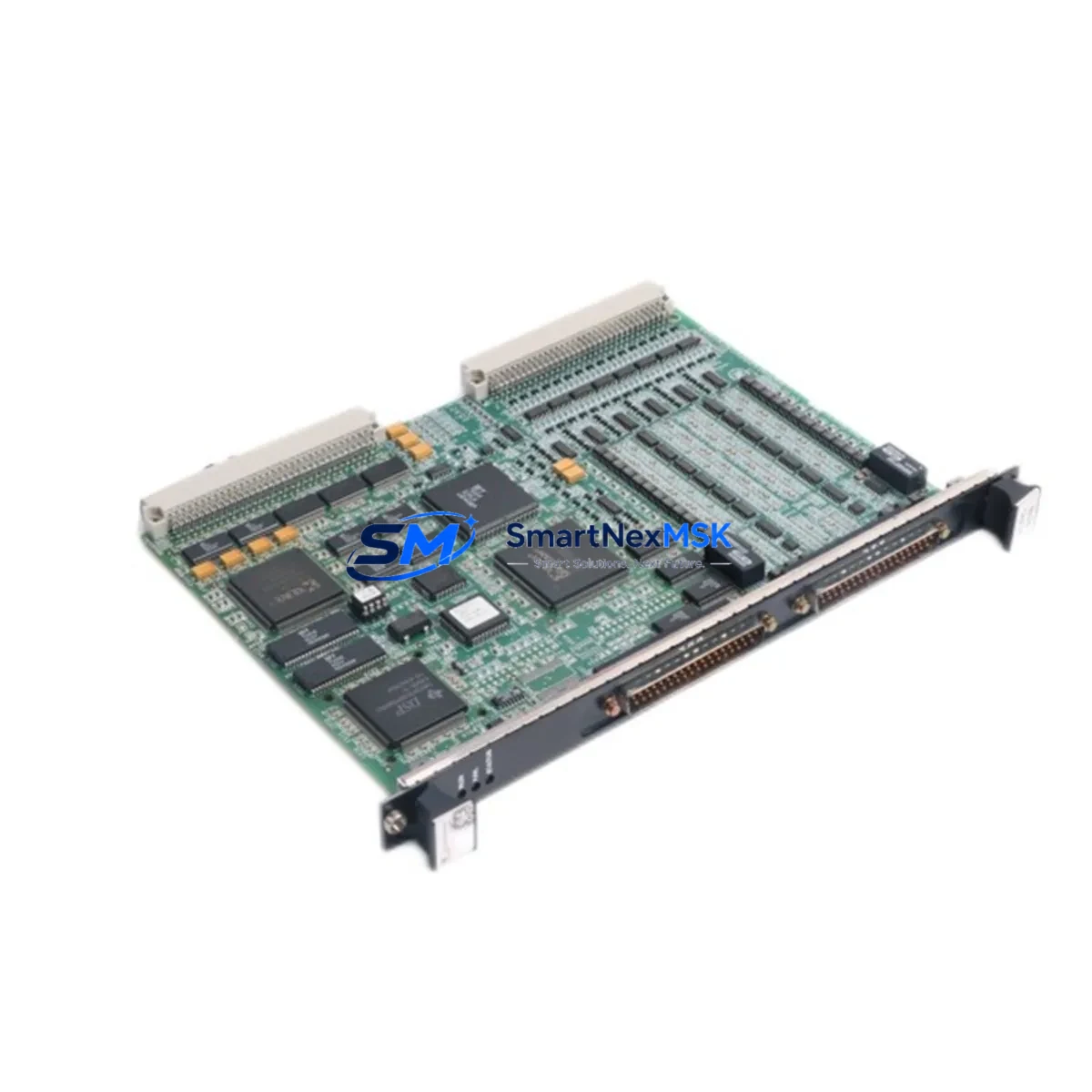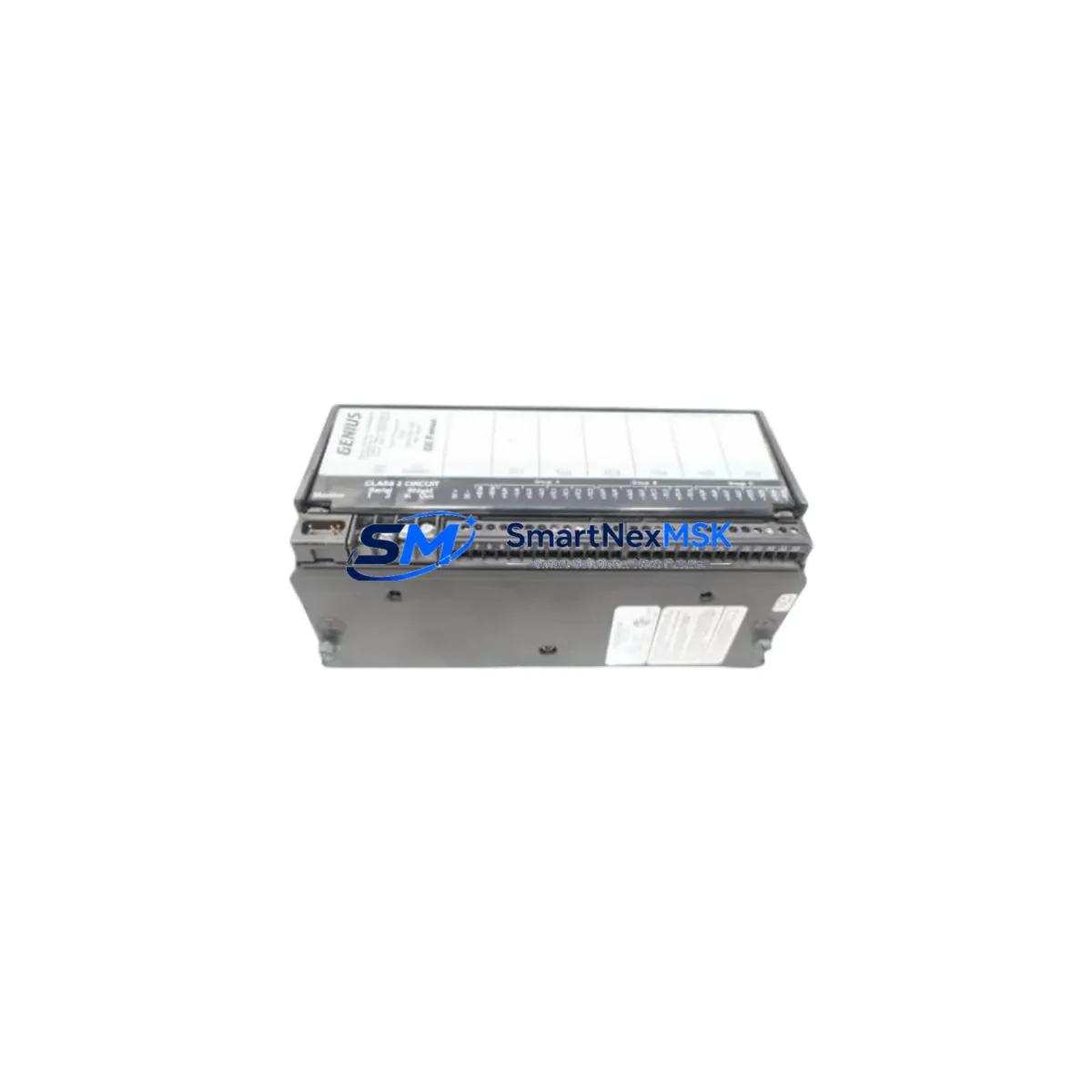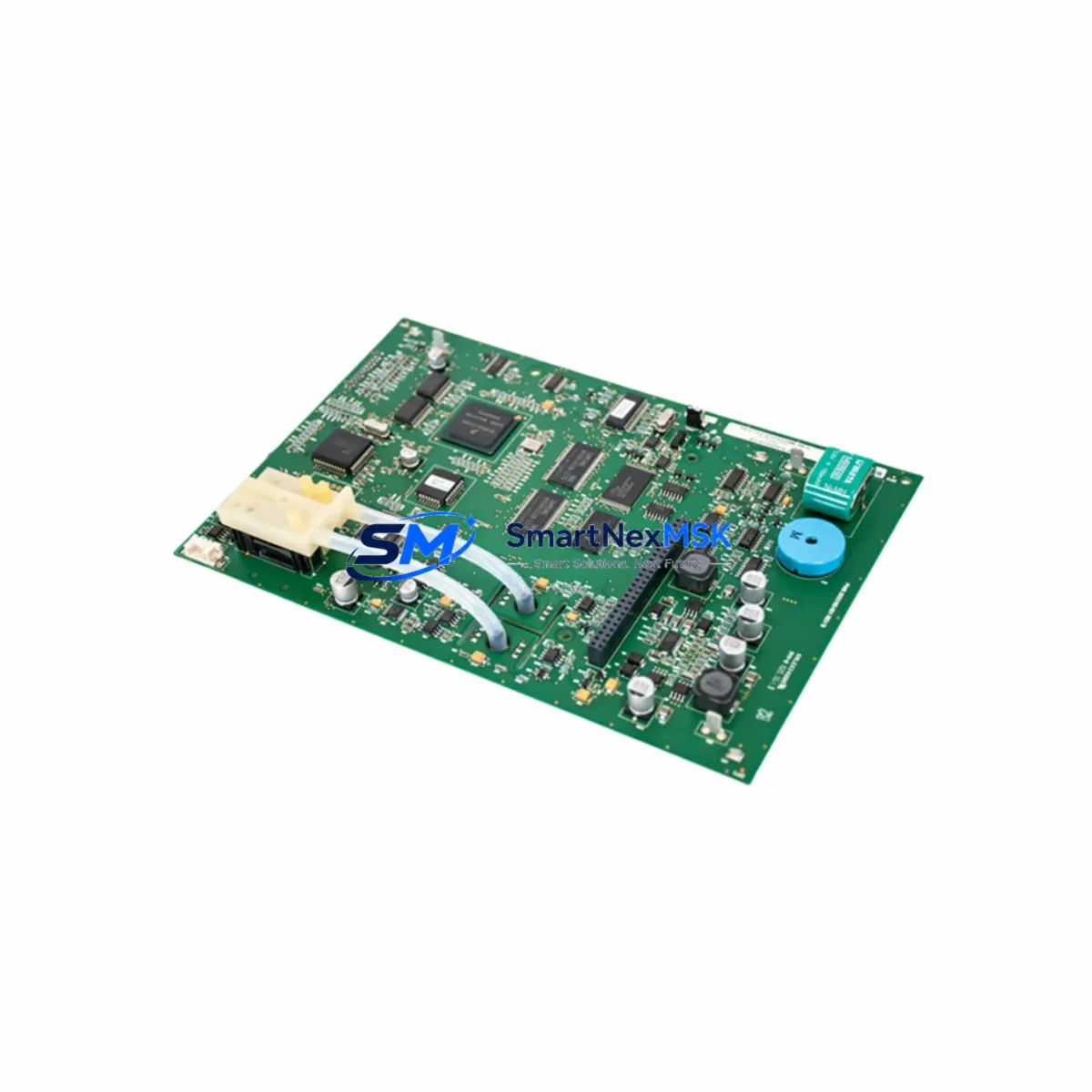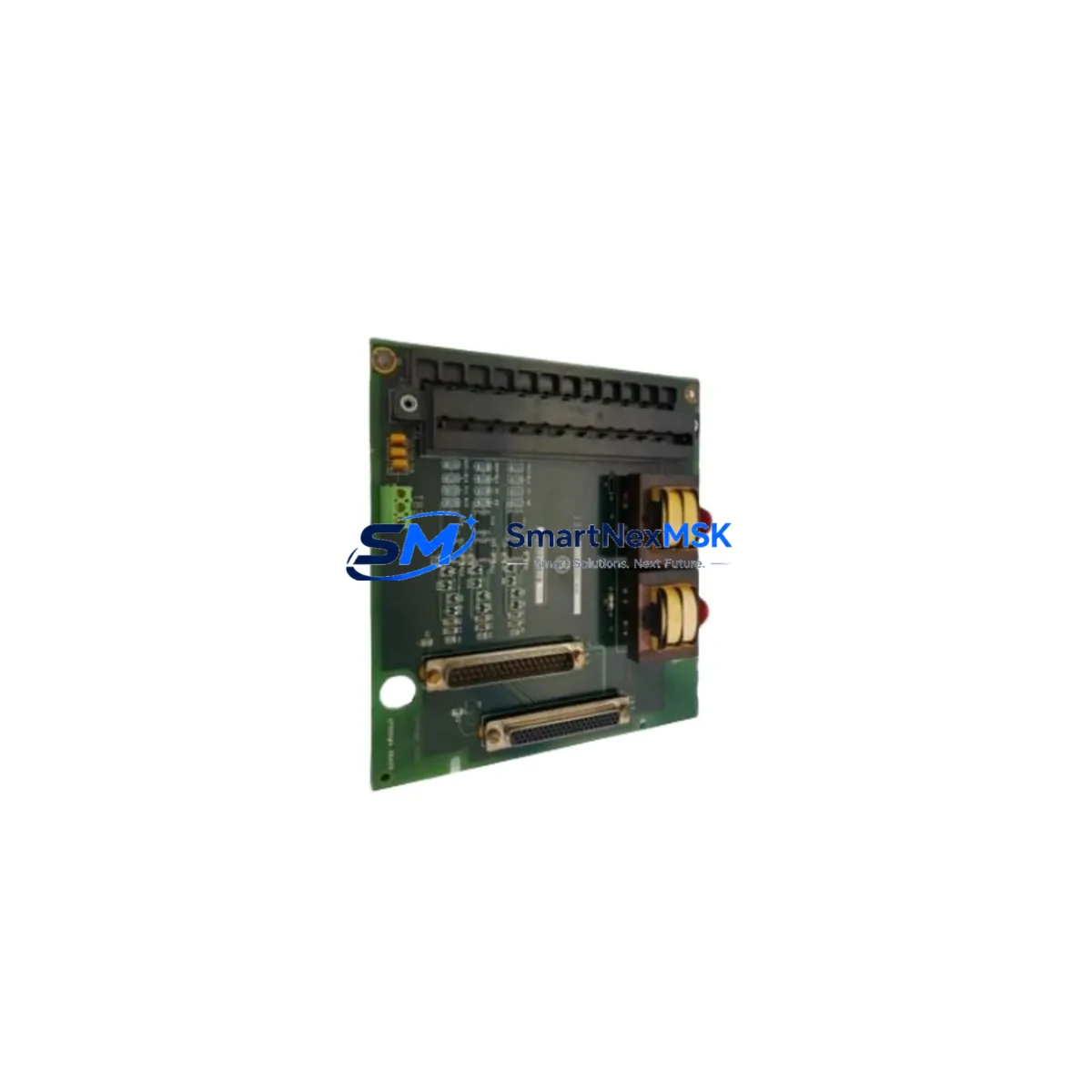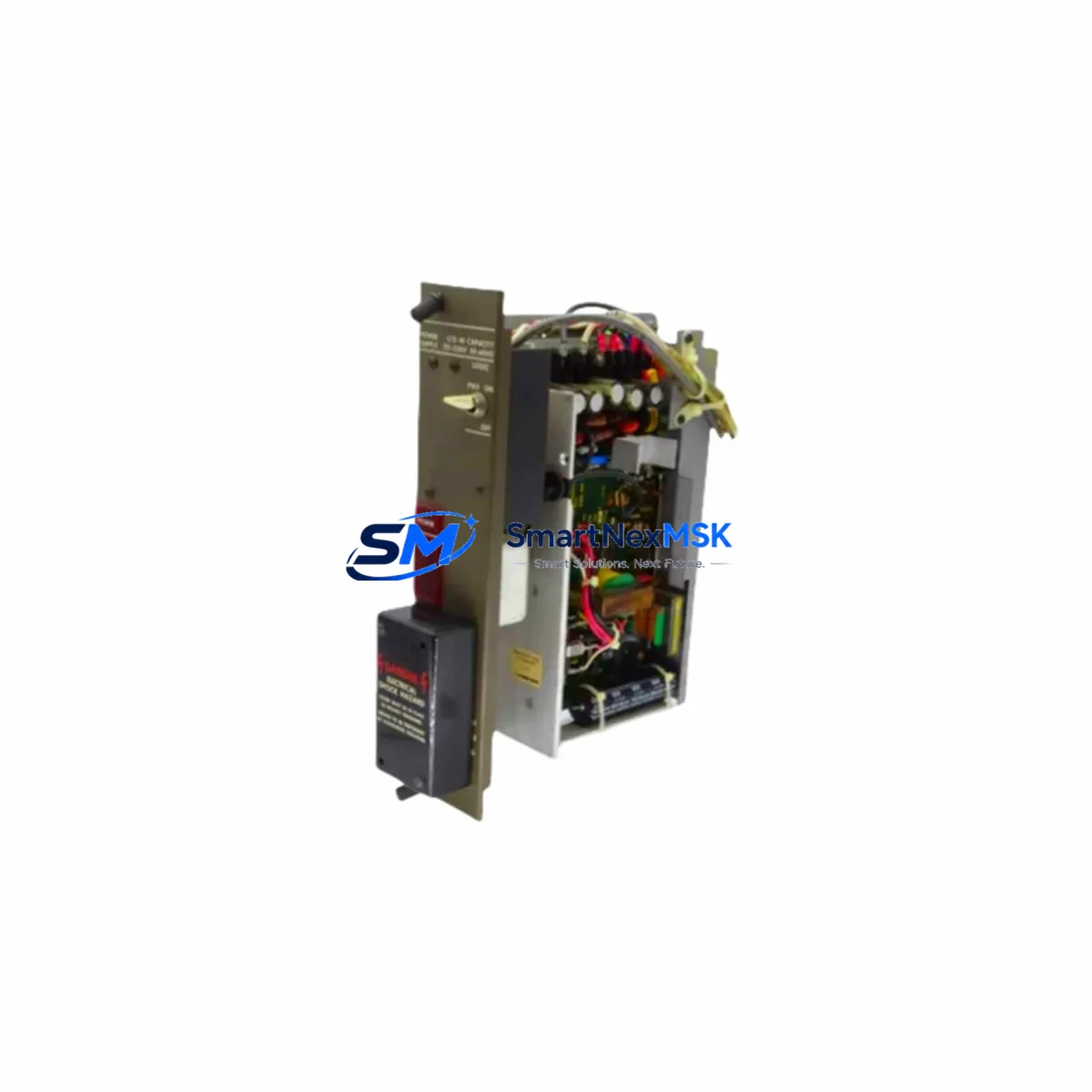
GE IC600PM503 Maintenance-Ready Spare for Series Six Automation
The GE IC600PM503 is an original power supply module designed for the GE Series Six Programmable Logic Controller platform — one of the most widely deployed legacy control architectures in heavy industrial, petrochemical, utilities, and discrete manufacturing environments. As aging Series Six systems continue to operate beyond their original design life, maintaining a verified spare of the IC600PM503 is a critical element of any proactive maintenance strategy. Unplanned power supply failures in PLC-based control systems can trigger cascading shutdowns, corrupt I/O states, and result in costly unscheduled downtime. Sourcing a tested, original IC600PM503 spare before failure occurs is the most cost-effective approach to protecting continuous operation.
This unit is supplied as an original GE spare, not a counterfeit or remanufactured substitute. Each IC600PM503 is inspected and function-tested prior to shipment, with a 12-month warranty covering defects in materials and workmanship. Fast dispatch is available for urgent maintenance requirements, supporting same-day or next-business-day shipping for in-stock units.
Spare Maintenance Table
| Parameter | Specification / Detail |
|---|---|
| Part Number | IC600PM503 |
| Brand | GE (General Electric / GE Fanuc) |
| Series | Series Six PLC |
| Module Type | Power Supply Module |
| Compatibility | GE Series Six PLC racks and baseplate assemblies; compatible with IC600 family I/O and CPU modules |
| Input Voltage | 120/240 VAC, 50/60 Hz (nominal; verify against rack label) |
| Output | Regulated DC power for Series Six backplane bus |
| Mounting | Series Six rack slot — direct replacement, no rewiring required for same-series racks |
| Application Environment | Industrial control panels, DCS auxiliary racks, motor control centers, utility SCADA panels |
| Condition | Original, tested, inspected |
| Warranty | 12 Months — covers manufacturing defects and functional failure under normal operating conditions |
| Pre-shipment Test | Power-on functional verification performed before dispatch |
| Lead Time | In-stock units: same-day or next-business-day dispatch |
| Origin | United States |
Maintenance Planning for Continuous Operation
When replacing or inspecting the IC600PM503 in a Series Six control cabinet, a thorough maintenance engineer will not stop at the power supply alone. The power supply module is the foundation of the entire rack’s operational integrity — its failure mode often masks or triggers secondary faults across connected components. A complete cabinet inspection during a planned IC600PM503 replacement should include the following associated components:
Begin with the IC600CB502 or IC600CB503 Series Six CPU module — verify that the CPU is not logging power-related fault codes that may have been caused by prior power supply degradation. Inspect the IC600BF900 or IC600BF901 baseplate/rack assembly for signs of corrosion on the backplane bus connectors, which can cause intermittent power distribution issues even after a new power supply is installed. Check all IC600YB840 and IC600YB841 discrete I/O modules seated in the rack — a failing power supply often causes I/O modules to latch in fault states that require a manual reset after the power supply is replaced.
For systems with analog process control loops, inspect the IC600YB845 analog input module and verify signal integrity after power restoration, as voltage transients during power supply failure can shift analog calibration offsets. If the control cabinet includes a GE Series Six communications module (such as the IC600CM901 or IC600CM906), confirm that the communication link re-establishes correctly after power cycling — some legacy communication modules require a cold restart sequence following a power interruption.
Additionally, inspect the terminal blocks and field wiring terminations within the cabinet. Power supply failures are sometimes preceded by loose or corroded terminal connections that cause voltage drops under load. Replace any suspect DIN rail terminal blocks or ferrule-terminated conductors showing signs of heat discoloration. Check the 24VDC field power distribution fuses and miniature circuit breakers supplying field instruments — these are frequently overlooked during PLC power supply replacements but are part of the same electrical circuit. If the system includes a GE Fanuc HMI panel (such as a QuickPanel or legacy CRT operator station), verify that the HMI communication link to the Series Six CPU is restored and that no alarm history was lost during the outage.
Maintaining a minimum spare inventory of one IC600PM503 per active Series Six rack, alongside one spare CPU module and one spare I/O module per critical I/O type, is the recommended baseline for facilities operating legacy GE Series Six systems beyond OEM support lifecycle.
Site Replacement Workflow
Step 1 — Pre-replacement documentation: Before removing the failed IC600PM503, photograph the rack slot configuration, record all I/O module addresses, and note any active fault codes displayed on the CPU or operator station. This documentation is essential for post-replacement verification.
Step 2 — Safe isolation: De-energize the control cabinet following your site LOTO (Lockout/Tagout) procedure. Confirm that all field devices connected to the Series Six I/O are in a safe state before proceeding. Do not rely on the PLC’s software disable — physically isolate the incoming AC supply to the rack.
Step 3 — Module removal and inspection: Remove the failed IC600PM503 from the rack slot. Inspect the backplane connector on the rack for bent pins, carbon tracking, or moisture ingress. Clean the connector with appropriate contact cleaner if contamination is present. Do not install the replacement module into a contaminated or damaged backplane.
Step 4 — Replacement installation: Insert the new IC600PM503 into the correct rack slot. Ensure the module is fully seated and the retaining latch is engaged. Re-energize the rack and observe the power supply status indicators. The CPU should perform a normal restart sequence within 10–30 seconds.
Step 5 — Post-replacement verification: Confirm that all I/O modules return to their pre-fault states. Verify analog signal values against field instrument readings. Clear any latched fault codes from the CPU. Restore communication links to HMI and supervisory systems. Document the replacement in the site maintenance log with the date, replaced part number, and post-replacement test results.
This workflow minimizes total downtime and ensures that the root cause of the power supply failure is identified and addressed — not simply masked by a module swap.
Spare Parts Support FAQ
Q1: Is the IC600PM503 still available as a new original spare, or only as refurbished stock?
The IC600PM503 is available as an original GE spare from authorized industrial surplus channels. While GE has discontinued active production of Series Six components, original unused stock continues to be available through specialist industrial automation suppliers. Each unit supplied by SMARTNEXMSK is inspected and function-tested before shipment. Refurbished units are clearly identified as such — we do not represent refurbished stock as new without disclosure.
Q2: How do I verify compatibility between the IC600PM503 and my existing Series Six rack?
Compatibility is determined by the rack model number (typically found on the rack’s front label or documentation plate) and the existing power supply slot configuration. The IC600PM503 is designed for standard Series Six rack assemblies. If you are unsure of your rack model, provide the full rack part number and we will confirm compatibility before shipment. We recommend cross-referencing the GE Series Six Hardware Reference Manual (GEK-90486) for definitive slot and power budget specifications.
Q3: What does the 12-month warranty cover, and what is the claims process?
The 12-month warranty covers functional failure and manufacturing defects under normal operating conditions — correct voltage input, proper rack installation, and operating environment within the module’s rated temperature and humidity range. Warranty claims are initiated by contacting [email protected] with the order reference, a description of the failure mode, and photographic evidence of the installation. Replacement or refund is processed within 5 business days of claim approval. Physical damage caused by incorrect installation, overvoltage, or environmental exposure is not covered.
Q4: Can I stock multiple IC600PM503 units for a multi-rack Series Six installation, and do you offer volume pricing?
Yes. For facilities operating multiple Series Six racks — common in legacy power generation, water treatment, and petrochemical plants — we recommend maintaining at least one IC600PM503 spare per rack as a minimum inventory posture. Volume pricing is available for orders of 3 or more units. Contact [email protected] or call +86 18259474341 to request a volume quotation. Long-term supply agreements are also available for facilities with ongoing Series Six maintenance programs.
© 2026 SMARTNEXMSK. All rights reserved.
Original Source: https://smartnexmsk.com
Contact: [email protected] | +86 18259474341