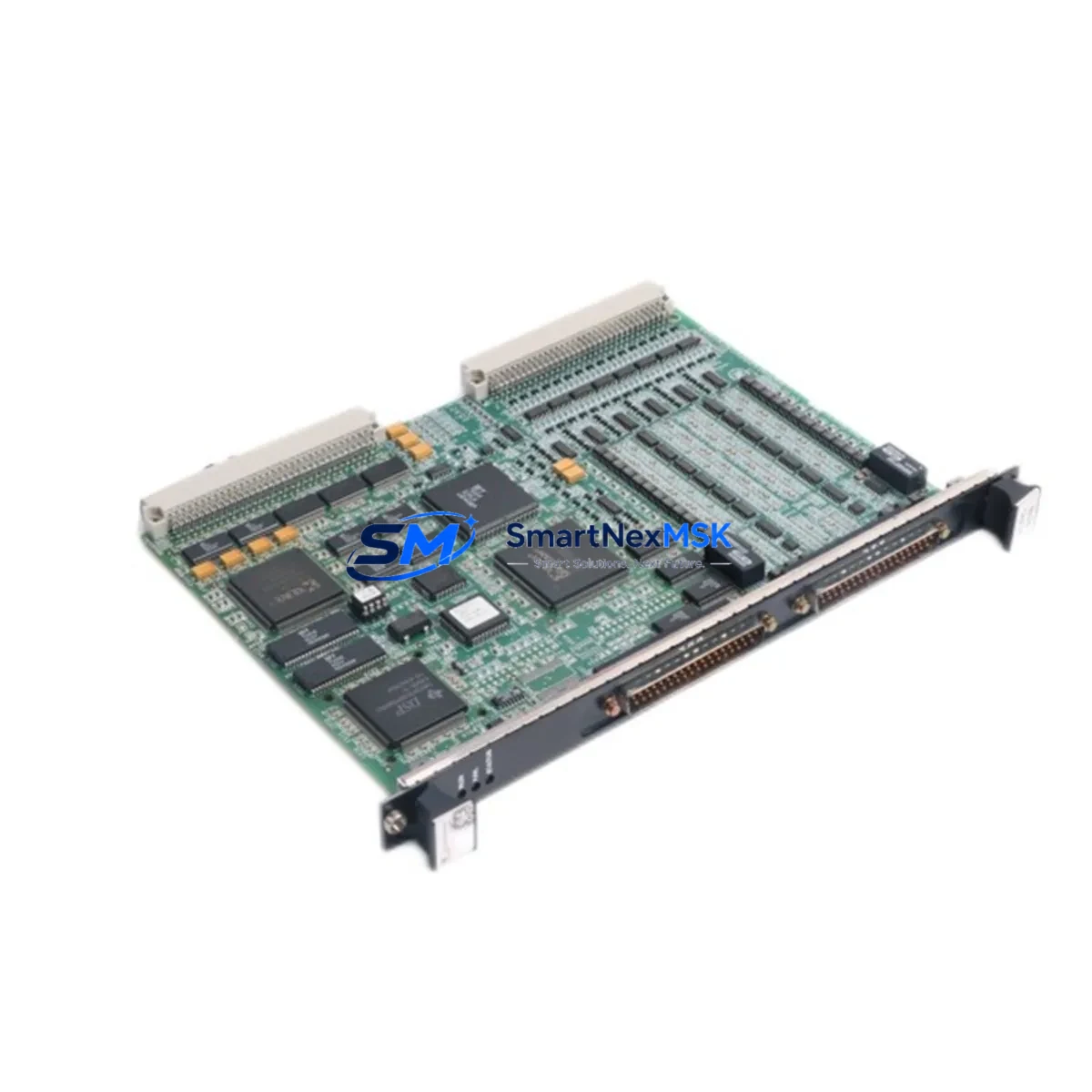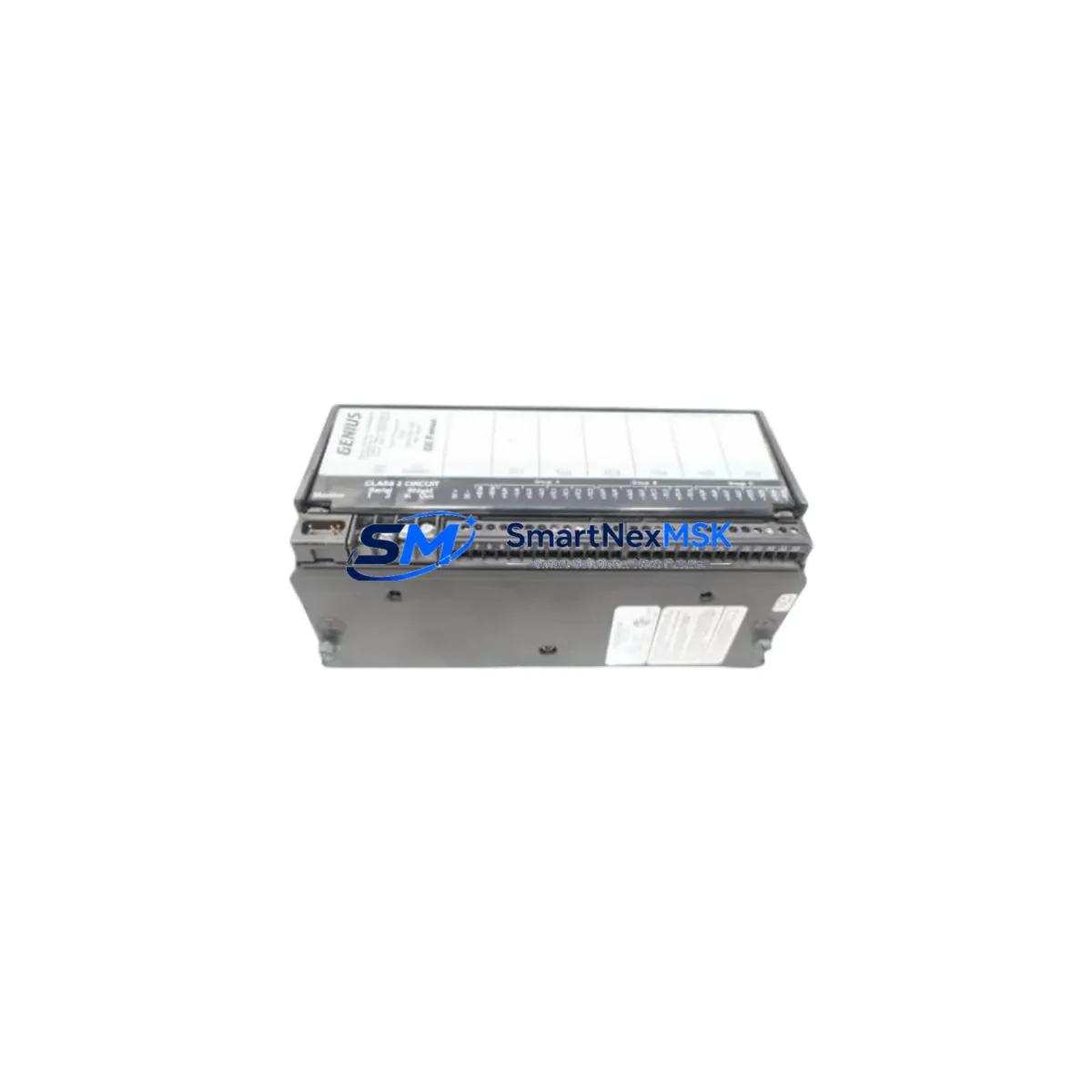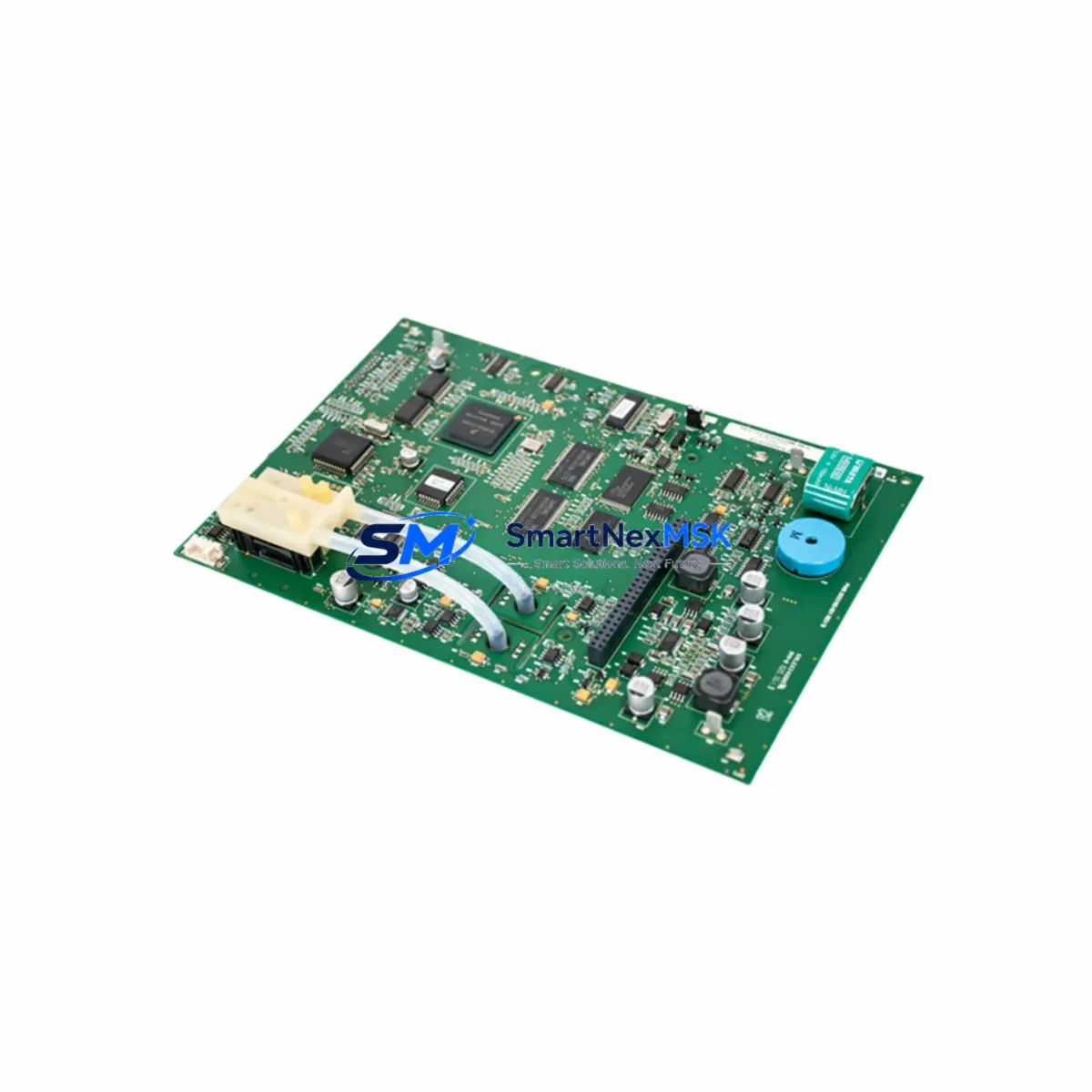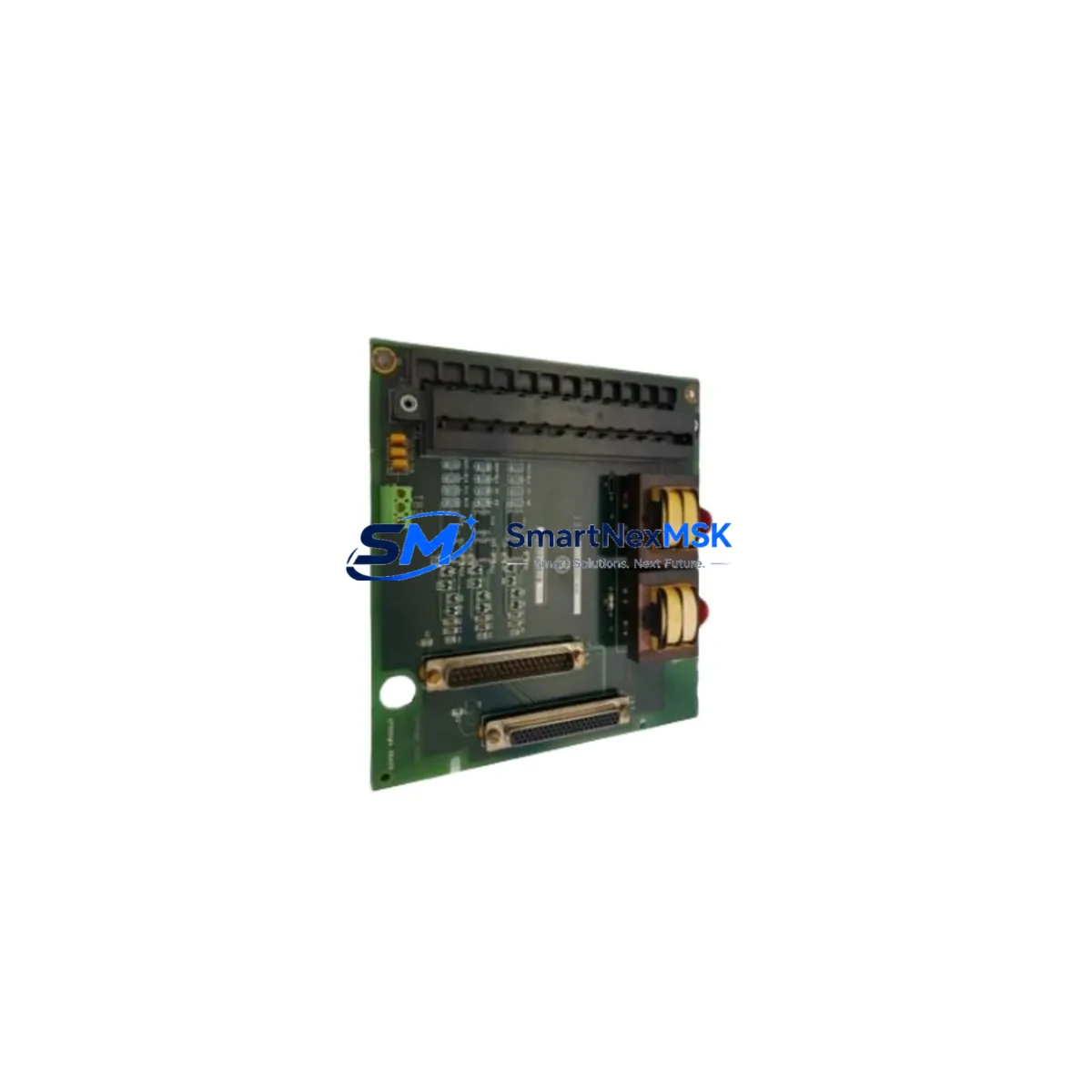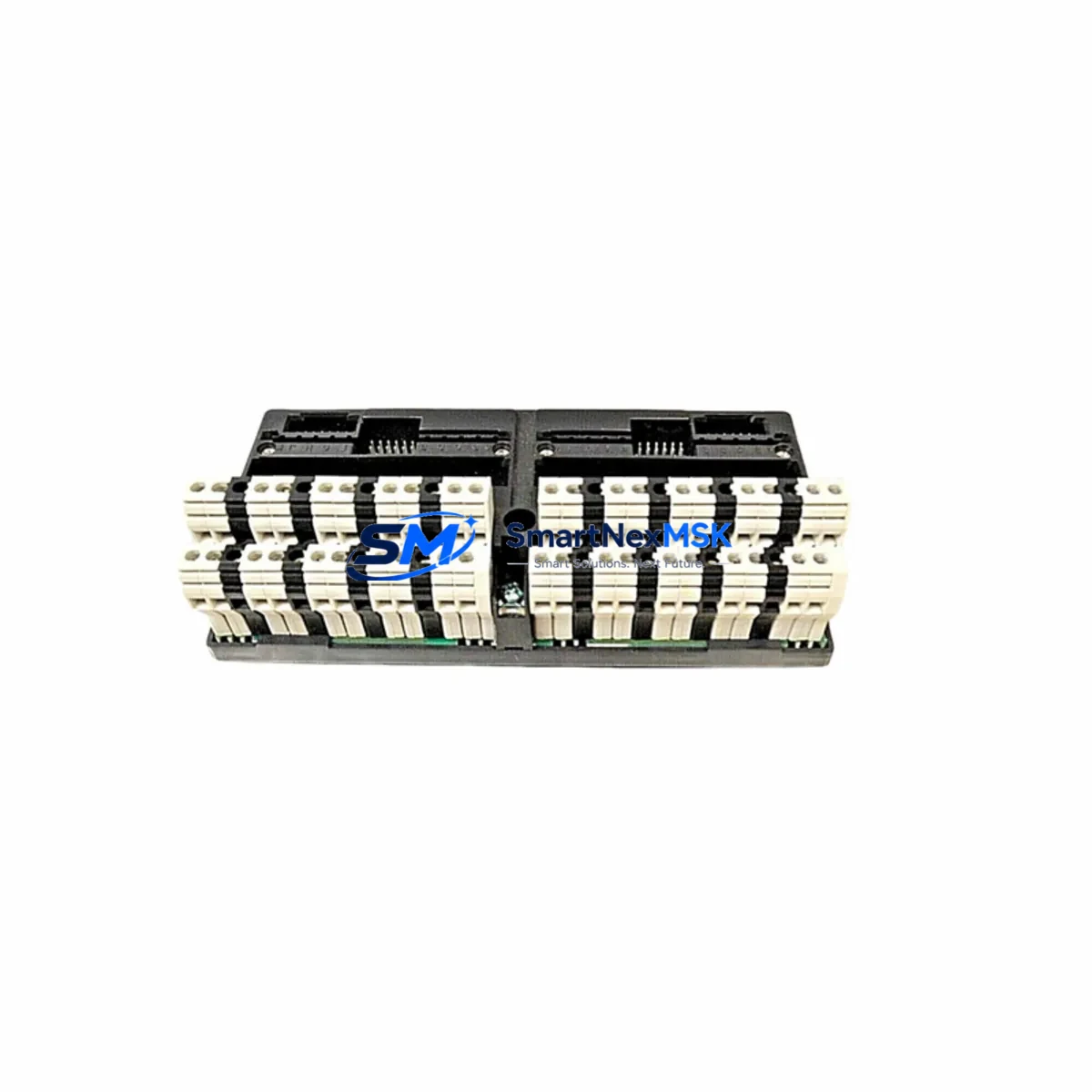
GE IC670CHS002E Maintenance-Ready Spare for VersaMax Automation
The GE IC670CHS002E is an original I/O terminal block carrier designed for the GE VersaMax distributed I/O system, widely deployed across Series 90-70 and Series 90-30 PLC architectures in manufacturing, utilities, oil & gas, and process automation environments. As a maintenance-ready spare, the IC670CHS002E supports rapid field replacement, minimizing unplanned downtime and restoring control system continuity with minimal disruption to production schedules.
Sourced from authorized supply channels and verified against GE factory specifications, each IC670CHS002E unit undergoes functional inspection and point-of-shipment testing before dispatch. A 12-month warranty is included as standard, covering defects in materials and workmanship under normal industrial operating conditions. Long-term supply continuity is maintained to support legacy system life extension programs and multi-year maintenance contracts.
Spare Maintenance Table
| Parameter | Specification |
|---|---|
| Part Number | IC670CHS002E |
| Brand / Manufacturer | GE (General Electric Automation) |
| Series | VersaMax Distributed I/O |
| Product Type | I/O Terminal Block Carrier |
| Compatible PLC Platform | GE Series 90-70, Series 90-30, VersaMax CPU |
| Module Slots | 2-slot carrier configuration |
| Mounting | DIN rail / panel mount |
| Operating Temperature | 0°C to 60°C (32°F to 140°F) |
| Storage Temperature | -40°C to 85°C |
| Relative Humidity | 5% to 95% non-condensing |
| Application Environment | Industrial control panels, distributed I/O racks, field junction boxes |
| Compatibility | Direct replacement for IC670CHS002, IC670CHS002A/B/C/D revisions |
| Condition | Original / New surplus — tested before shipment |
| Warranty | 12 Months — defects in materials and workmanship |
| Lead Time | In-stock: ships within 1–3 business days |
| Origin | United States |
Maintenance Planning for Continuous Operation
When replacing the IC670CHS002E in a VersaMax distributed I/O rack, maintenance engineers should treat the intervention as an opportunity for a broader control cabinet inspection. The terminal block carrier interfaces directly with I/O modules such as the IC670MDL640 discrete input module and IC670MDL740 discrete output module — both of which should be inspected for contact wear, terminal torque, and LED status integrity during the same maintenance window.
Power distribution to the VersaMax rack is typically supplied through the IC670PWR002 or IC670PWR101 power supply modules. Verify input voltage stability, output ripple, and thermal performance of the power supply before reinstalling the carrier. Loose or corroded terminal connections on the power supply rail are a common root cause of intermittent I/O faults that are misdiagnosed as carrier failures.
Communication between the VersaMax remote I/O station and the host PLC is managed through the IC670GBI002 Genius Bus Interface or equivalent network adapter. Inspect the bus cable termination, shield grounding, and connector seating. A degraded bus interface can cause the entire I/O station to drop offline, making the IC670CHS002E appear faulty when the root cause lies upstream in the communication path.
Signal isolation should also be reviewed: where analog I/O modules such as the IC670ALG230 are installed in adjacent slots, verify that signal isolators and shielded cables are intact and properly grounded. Noise ingress from adjacent power conductors is a frequent cause of analog drift in aging VersaMax installations.
For sites running extended maintenance intervals, it is advisable to stock the IC670CHS002E alongside complementary spares including the IC670MDL930 relay output module, IC670ALG320 analog output module, and IC670CHS101 expansion carrier. Maintaining a minimum of one unit of each critical carrier and I/O module type reduces mean time to repair (MTTR) and supports the site’s overall equipment effectiveness (OEE) targets.
Terminal blocks and wiring ferrules within the carrier should be inspected for discoloration, insulation cracking, and terminal resistance. Replace any terminal block strips showing signs of thermal stress. Fuse holders and miniature circuit breakers protecting the I/O supply circuits should be tested for continuity and trip response as part of the same planned maintenance cycle.
Site Replacement Workflow
Step 1 — Isolation and Lockout/Tagout: De-energize the VersaMax I/O station following site LOTO procedures. Confirm zero-energy state at the IC670PWR002 power supply input terminals before proceeding.
Step 2 — Documentation: Photograph the existing wiring layout and record terminal assignments from the I/O module configuration. Cross-reference with the GE VersaMax Hardware User’s Manual (GFK-1504) to confirm slot assignments and module addressing.
Step 3 — Module Removal: Disconnect field wiring from the terminal block. Remove I/O modules from the carrier slots in sequence, labeling each module with its slot position. Slide the IC670CHS002E carrier off the DIN rail or unscrew from the panel mount.
Step 4 — Carrier Inspection and Substitution: Inspect the replacement IC670CHS002E for shipping damage. Verify revision compatibility (E-revision is backward compatible with A through D revisions). Mount the new carrier and reseat I/O modules in their original slot positions.
Step 5 — Rewiring and Verification: Reconnect field wiring per the documented terminal layout. Torque all terminals to specification. Re-energize the station and confirm I/O module status LEDs indicate normal operation. Verify PLC I/O table reflects correct module presence and channel status.
Step 6 — System Validation: Execute a functional test of all I/O channels associated with the replaced carrier. Log the replacement in the site maintenance management system (CMMS) with part number, revision, and date of installation.
This workflow is applicable to both emergency breakdown replacements and scheduled preventive maintenance interventions, and is designed to minimize rack downtime to under two hours for experienced maintenance technicians.
Spare Parts Support FAQ
Q1: Is the IC670CHS002E compatible with earlier carrier revisions (A, B, C, D)?
Yes. The E-revision IC670CHS002E is fully backward compatible with all prior revisions of the IC670CHS002 carrier. I/O modules qualified for earlier revisions will seat and operate correctly in the E-revision carrier without firmware or configuration changes.
Q2: What testing is performed before shipment?
Each IC670CHS002E unit undergoes visual inspection for physical damage, connector integrity verification, and functional continuity testing of the backplane bus contacts. Units are packaged in anti-static ESD bags with protective foam inserts to prevent transit damage.
Q3: What does the 12-month warranty cover?
The 12-month warranty covers defects in materials and workmanship under normal industrial operating conditions. It does not cover damage resulting from incorrect installation, overvoltage events, physical impact, or unauthorized modification. Warranty claims are processed with return merchandise authorization (RMA) and include replacement or full refund at the supplier’s discretion.
Q4: Can you support long-term or blanket purchase orders for legacy VersaMax systems?
Yes. Long-term supply agreements and blanket PO arrangements are available for sites requiring ongoing IC670CHS002E stock as part of a legacy system life extension or multi-year maintenance contract. Contact our sales team to discuss volume pricing, reserved stock allocation, and scheduled delivery programs.
© 2026 SMARTNEXMSK. All rights reserved.
Original Source: https://smartnexmsk.com
Contact: [email protected] | +86 18259474341