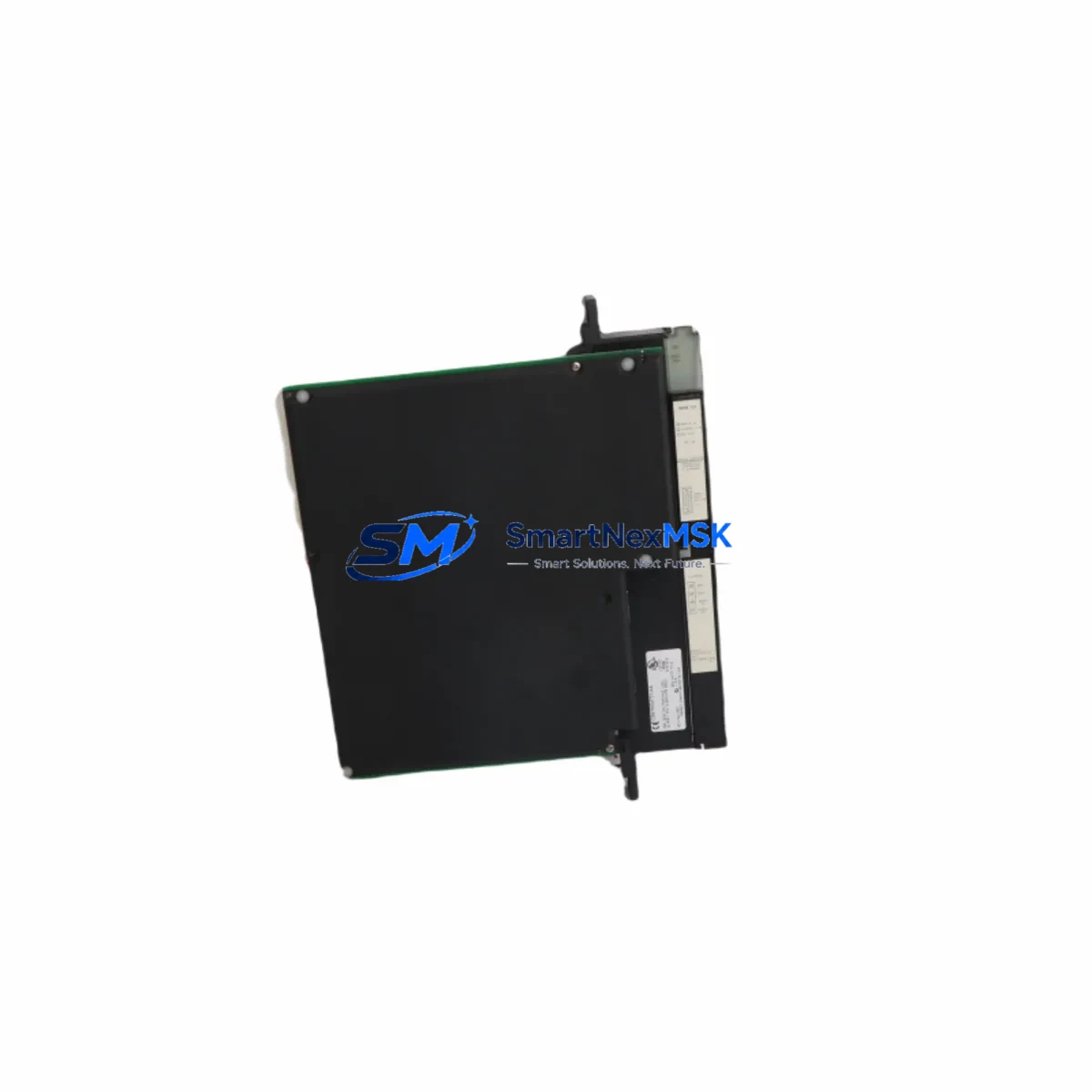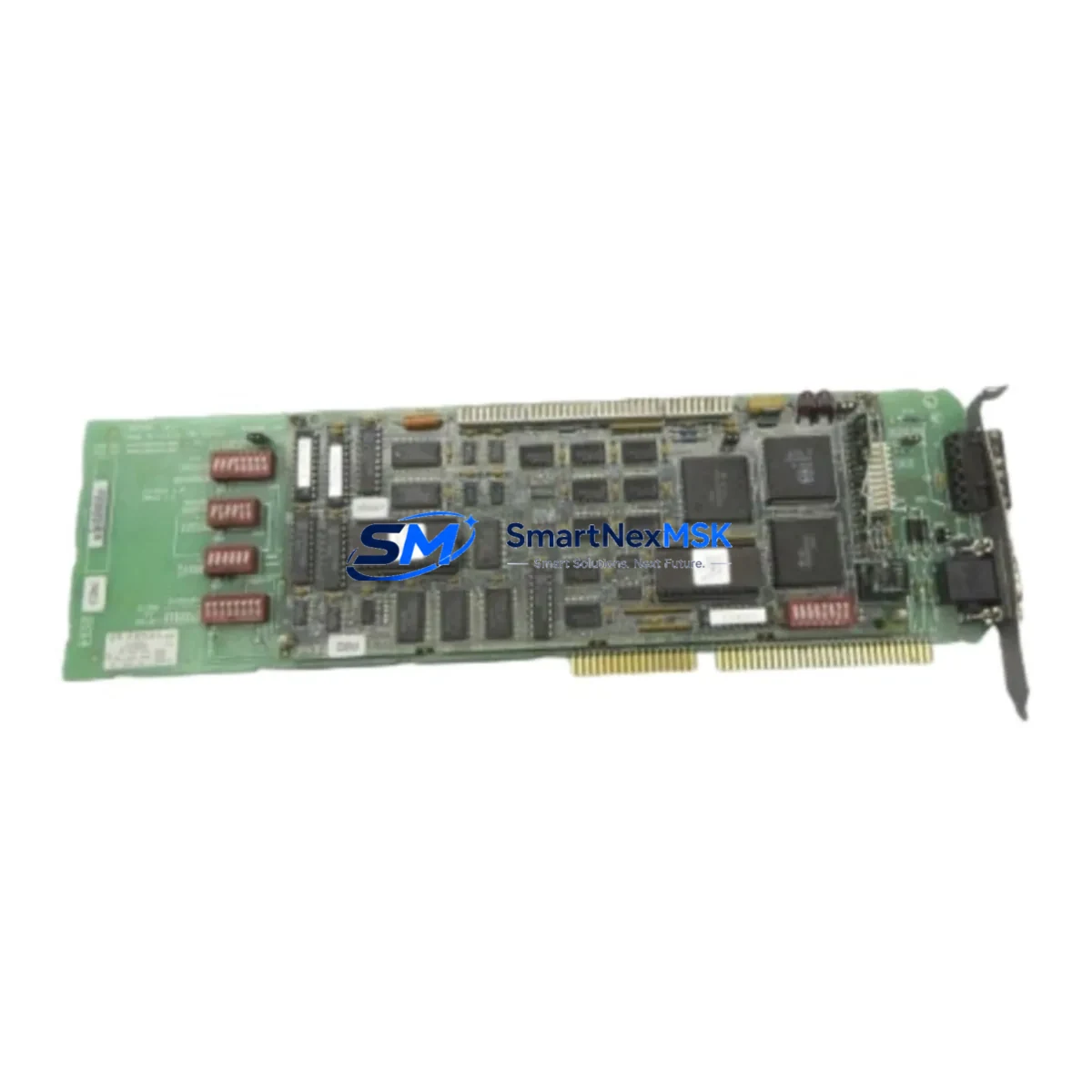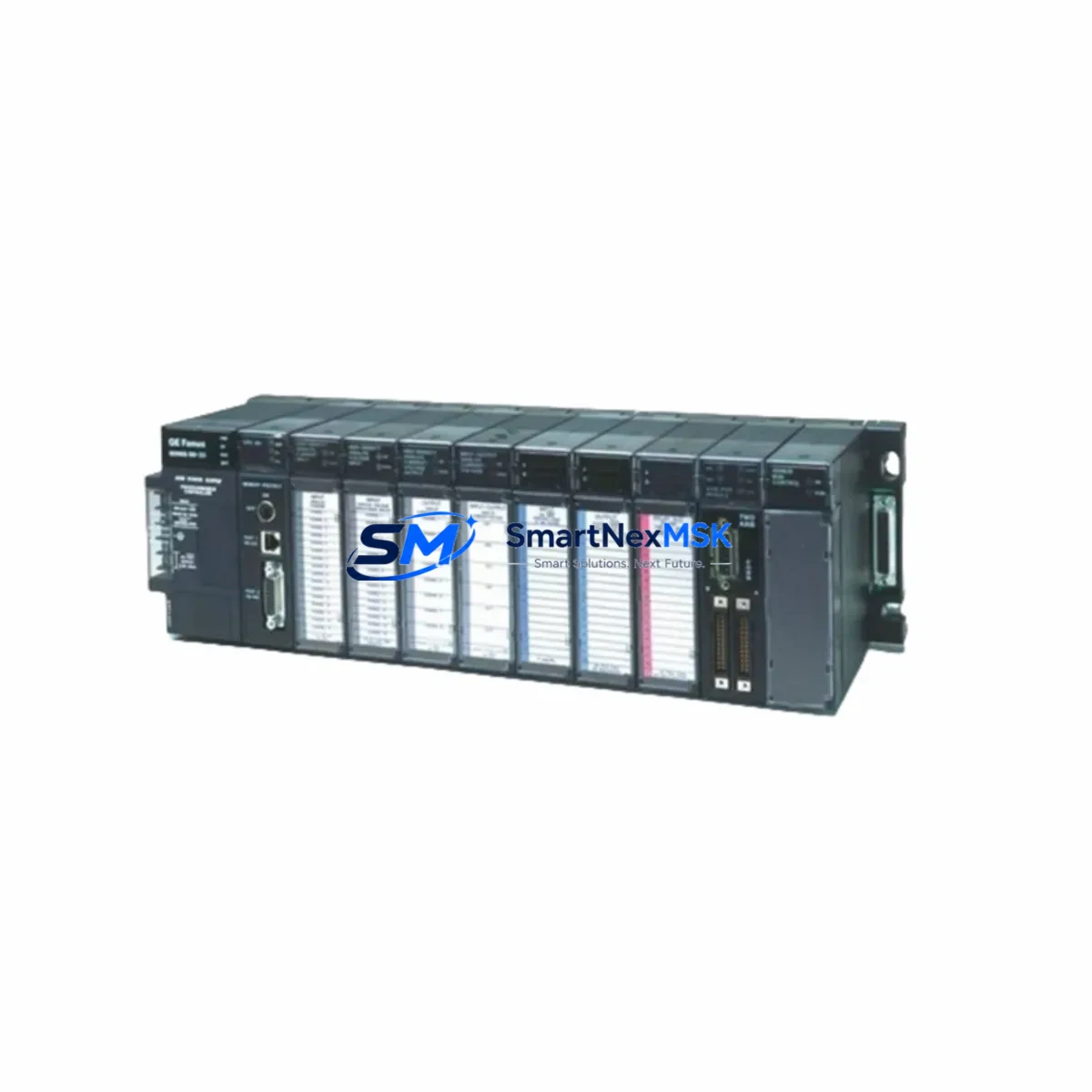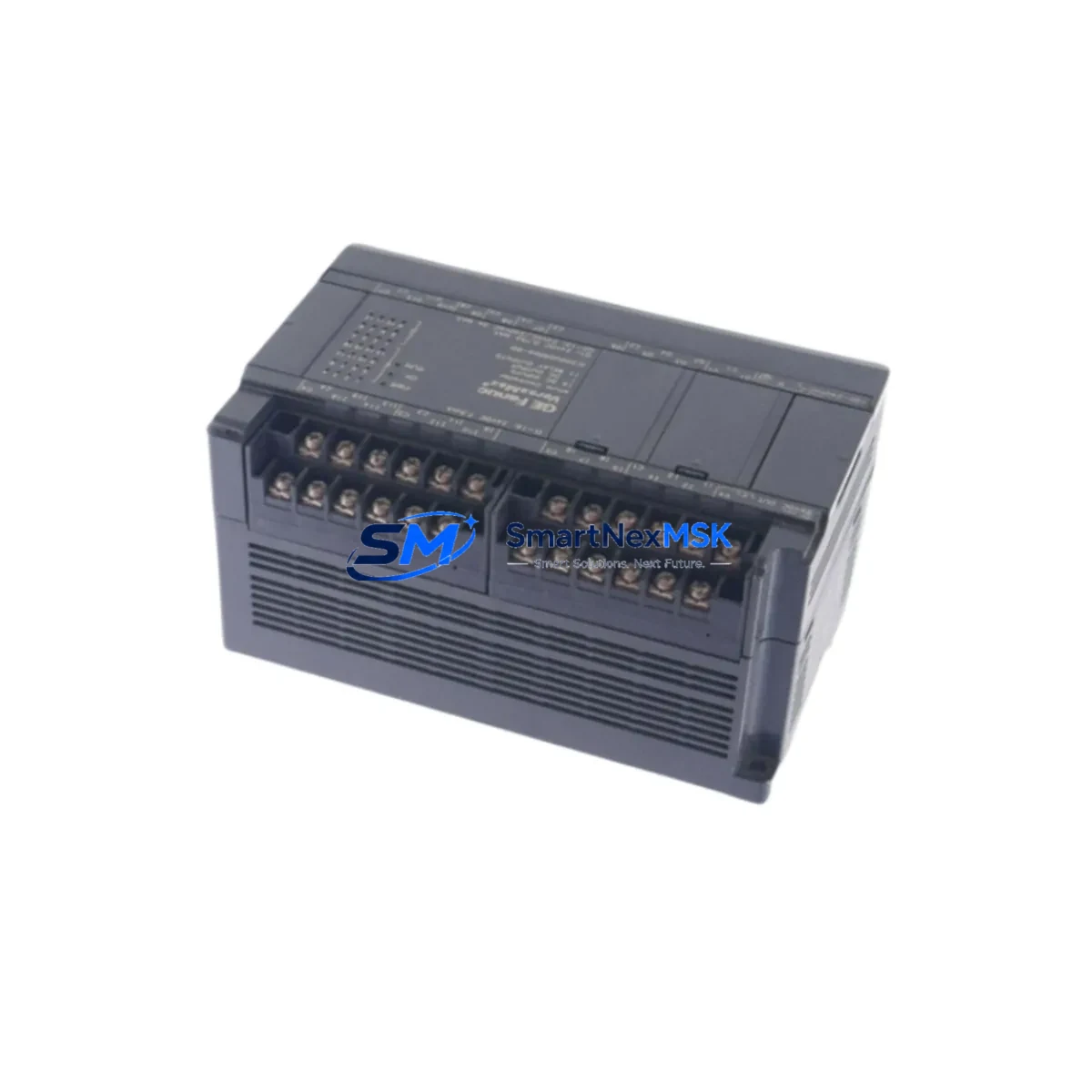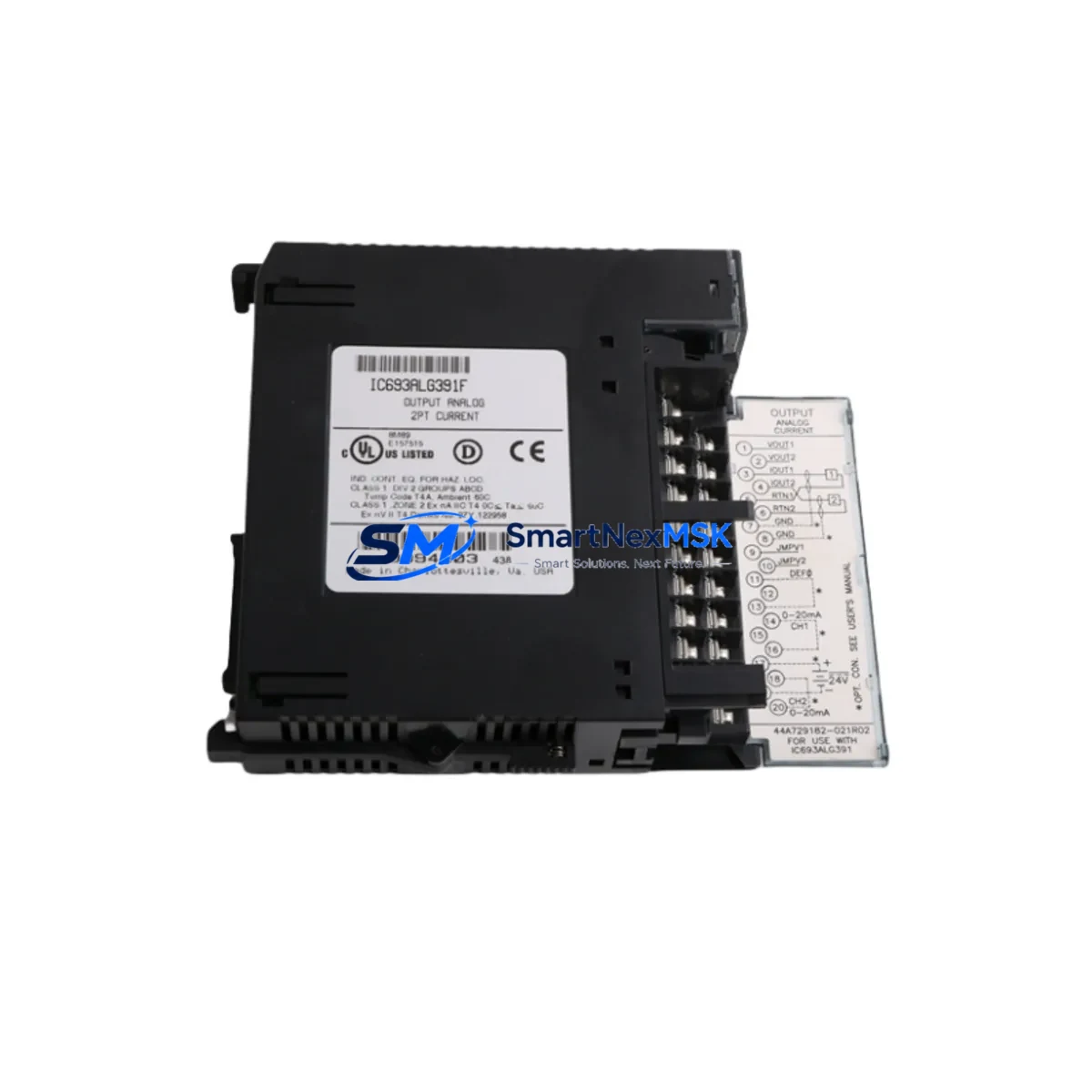
GE IC693ALG391 Retrofit-Ready Analog I/O for Series 90-30 Control Systems
The GE Fanuc IC693ALG391 is a 4-channel analog input / 2-channel analog output module designed for the Series 90-30 programmable logic controller platform. With 12-bit resolution across all channels and a compact single-slot form factor, this module has served as a core signal-conditioning component in process control, machine automation, and utility monitoring applications for decades. As GE Fanuc has transitioned its automation portfolio and the Series 90-30 platform has reached end-of-life status, the IC693ALG391 has become one of the most actively sought discontinued spare parts in the industrial controls market. SMARTNEXMSK maintains verified stock of the IC693ALG391 to support ongoing production lines, emergency replacements, and planned system upgrades — each unit ships with a 12-month warranty and pre-shipment functional testing.
Whether you are replacing a failed module on a running line, sourcing a long-term spare for a critical process, or planning a phased migration away from the Series 90-30 architecture, the IC693ALG391 provides a direct drop-in solution that eliminates the need for immediate re-engineering. The module occupies a standard Series 90-30 I/O slot on a IC693CHS391, IC693CHS397, or IC693CHS398 baseplate and communicates natively with the CPU through the backplane bus — no additional interface hardware is required for like-for-like replacement.
Upgrade Compatibility Table
| Parameter | IC693ALG391 (This Module) | Notes / Retrofit Guidance |
|---|---|---|
| Platform | GE Series 90-30 | Compatible with all Series 90-30 CPU models including IC693CPU364, IC693CPU374 |
| Analog Inputs | 4 channels, 12-bit resolution | Supports 4–20 mA and 0–10 V DC signal types; verify field wiring range before swap |
| Analog Outputs | 2 channels, 12-bit resolution | Output range configurable via software; confirm existing AO reference in ladder logic |
| Backplane Interface | Series 90-30 I/O bus | Fits IC693CHS391 / IC693CHS397 / IC693CHS398 baseplates; no adapter required |
| Module Address | Slot-based, auto-assigned | Verify slot address in Proficy Machine Edition or Logicmaster 90 before replacement |
| Communication Protocol | Backplane bus (proprietary) | No Ethernet or serial protocol required; CPU reads I/O map directly |
| Power Consumption | Supplied by backplane | Confirm IC693PWR321 or IC693PWR330 power supply capacity before adding modules |
| Terminal Wiring | Removable screw terminal block | Terminal block is field-removable; existing wiring can transfer directly to replacement unit |
| Replacement Recommendation | Direct drop-in for failed IC693ALG391 | No program changes required for like-for-like swap; re-download configuration if module was configured |
| Commissioning Focus | Signal scaling, AO reference, AI filter | Verify AI scaling blocks and AO reference tables in CPU program after installation |
| Warranty | 12 Months | Covers manufacturing defects; each unit tested prior to shipment |
Retrofit Planning for Existing Automation Systems
A successful IC693ALG391 retrofit begins well before the module arrives on site. Engineers responsible for the replacement should pull the existing hardware configuration from Proficy Machine Edition (or the legacy Logicmaster 90 programming software) and document the current slot assignment, AI scaling parameters, AO reference values, and any alarm setpoints tied to the analog channels. This documentation becomes the baseline for post-installation verification.
On the hardware side, the IC693CHS391 baseplate should be inspected for backplane connector integrity before the new module is seated. If the system has been running for more than ten years, it is advisable to also inspect the IC693PWR321 or IC693PWR330 power supply module for capacitor aging — a degraded power supply is a common secondary cause of analog module faults and can damage a replacement unit if not addressed. The removable screw terminal block on the IC693ALG391 allows field wiring to be transferred directly from the failed module to the replacement without disturbing individual conductor terminations, which significantly reduces re-wiring time and the risk of wiring errors.
For systems that include a GE IC693CMM321 communications module or an IC693CMM311 for remote I/O expansion, verify that the analog module’s slot position does not conflict with any remote drop addressing scheme. In distributed architectures using the IC693BEM331 Bus Expansion Module, the slot map must be consistent across all drops. If the system communicates upstream to a SCADA or DCS via an IC693CMM302 Ethernet module or a third-party Modbus gateway, confirm that the analog register map used by the SCADA system matches the I/O reference addresses in the CPU program — a slot address mismatch after replacement will cause the SCADA to read incorrect values even if the module itself is functioning correctly.
For facilities planning a longer-term migration from the Series 90-30 platform to a current-generation controller such as the GE PACSystems RX3i, the IC693ALG391 can serve as a bridge component during a phased cutover. The RX3i platform supports Series 90-30 I/O modules through the IC694APU300 compatibility adapter in certain configurations, allowing analog I/O infrastructure to remain in service while the CPU and communications layers are upgraded. This approach reduces the capital expenditure of a full system replacement and allows production to continue during the transition period.
HMI screens connected to the analog loop — whether running on a GE QuickPanel, a third-party panel PC, or a SCADA workstation — should be reviewed to confirm that tag addresses referencing the IC693ALG391 channels remain valid after the swap. In most like-for-like replacements, HMI tags do not require modification, but any HMI that reads raw counts rather than scaled engineering units may display unexpected values if the replacement module’s factory calibration differs slightly from the original.
Downtime Control During System Migration
Minimizing unplanned downtime is the primary operational concern when replacing a failed IC693ALG391 on a running production system. The most effective strategy is to pre-stage the replacement module before taking the system offline. This means receiving the unit, verifying the part number and revision level, and confirming that the terminal block wiring diagram matches the existing installation — all before the maintenance window begins.
For a like-for-like replacement on a Series 90-30 system, the CPU does not need to be placed in Stop mode for the entire duration of the swap if the process allows the affected analog loop to be placed in manual control at the field device level. Isolate the analog signals at the field junction box, remove the terminal block from the failed IC693ALG391, seat the replacement module in the same slot, reattach the terminal block, and restore the CPU to Run mode. The CPU will automatically re-initialize the module and resume scanning the analog channels within one scan cycle. If the module was previously configured with non-default filter settings or scaling parameters, re-download the hardware configuration from Proficy Machine Edition to ensure the replacement module receives the correct configuration.
For planned migrations involving a CPU upgrade to the PACSystems RX3i platform, a parallel-run strategy is recommended: bring the new controller online in a shadow configuration, verify that all I/O readings match the existing Series 90-30 system, and then perform a controlled cutover during a scheduled maintenance window. This approach preserves the original program logic and allows the engineering team to validate the new system against the existing baseline before committing to the transition. Keeping a spare IC693ALG391 in inventory during the parallel-run period ensures that any fault on the legacy system can be resolved immediately without disrupting the validation schedule.
Retrofit Support FAQ
Q: Is the IC693ALG391 a direct replacement for all analog I/O modules in the Series 90-30 family?
A: The IC693ALG391 is specifically a 4-input / 2-output 12-bit analog module. It is a direct replacement for other IC693ALG391 units. It is not pin-compatible with the IC693ALG220 (4-channel analog input only) or the IC693ALG390 (4-In / 2-Out, earlier revision). Verify the exact part number on the failed module before ordering to ensure compatibility.
Q: Do I need to modify my ladder logic program after replacing the IC693ALG391?
A: For a like-for-like replacement in the same slot, no program changes are required. The CPU references the module by slot address, and the I/O reference table remains unchanged. However, if the module was configured with custom scaling, filter time constants, or alarm limits, you should re-download the hardware configuration from Proficy Machine Edition after installation to ensure the replacement module is configured identically to the original.
Q: What pre-shipment testing does SMARTNEXMSK perform on the IC693ALG391?
A: Each IC693ALG391 unit is functionally tested on a Series 90-30 test rack prior to shipment. Testing includes power-on self-test verification, analog input channel accuracy check across the full signal range, and analog output channel verification. Units that fail any test criterion are quarantined and not shipped. All shipped units are covered by a 12-month warranty against manufacturing and functional defects.
Q: Can the IC693ALG391 be used in a PACSystems RX3i system?
A: The IC693ALG391 is a native Series 90-30 module and is not directly compatible with the PACSystems RX3i backplane. However, GE’s IC694APU300 adapter module allows certain Series 90-30 I/O modules to operate within an RX3i rack in a compatibility mode. Consult the PACSystems RX3i Hardware and Installation Manual (GFK-2314) to confirm whether the IC693ALG391 is supported in your specific RX3i configuration before planning a migration.
© 2026 SMARTNEXMSK. All rights reserved.
Original Source: https://smartnexmsk.com
Contact: [email protected] | +86 18259474341