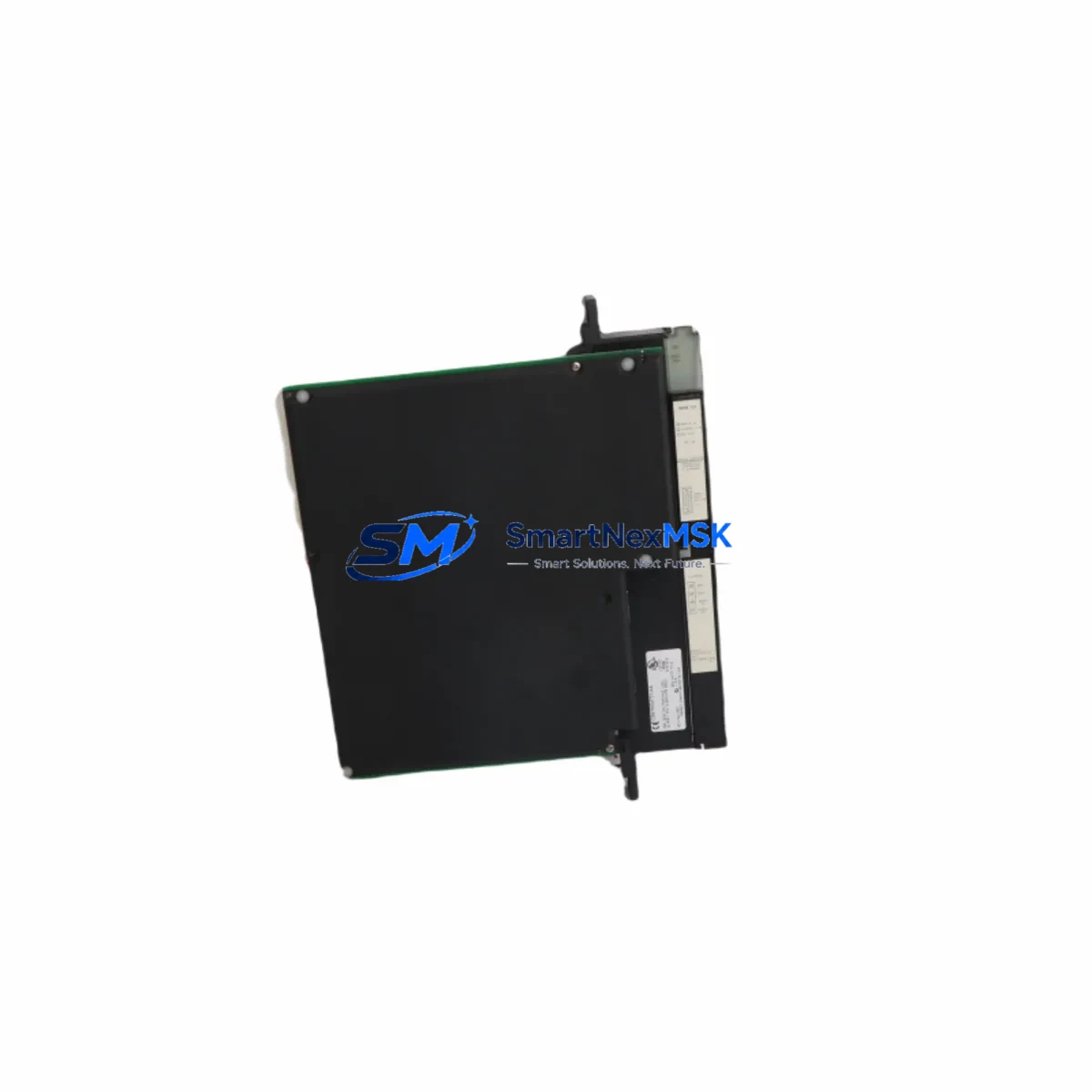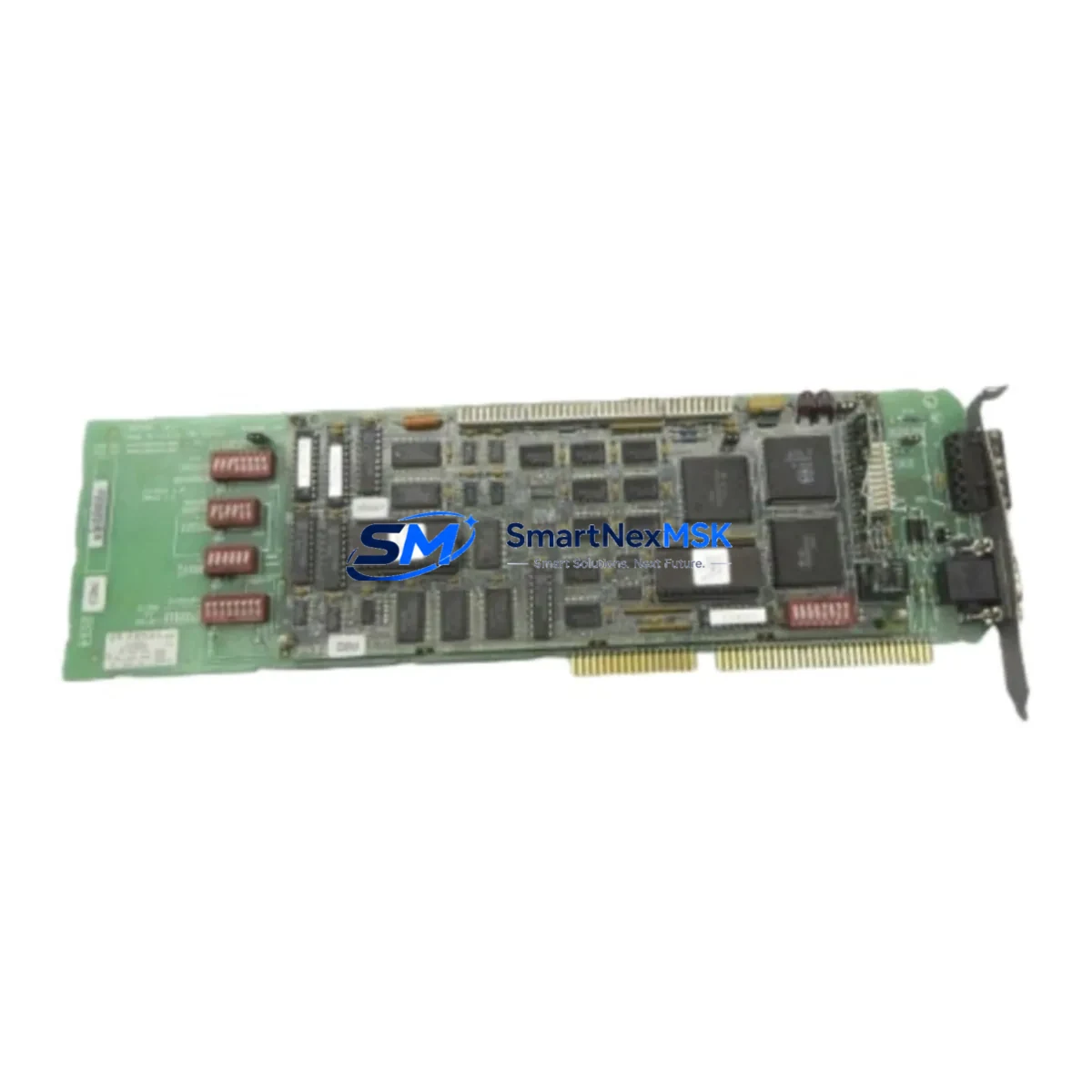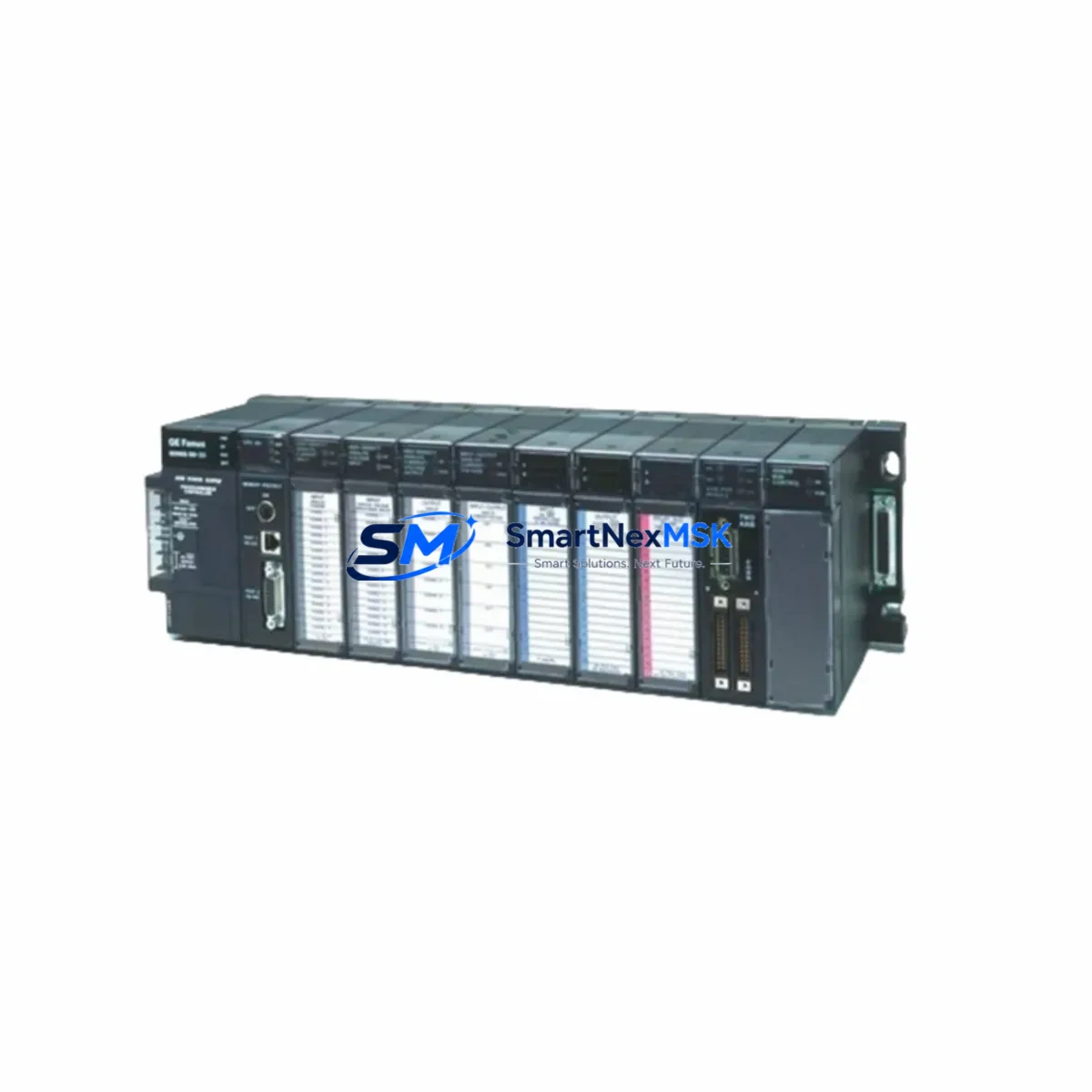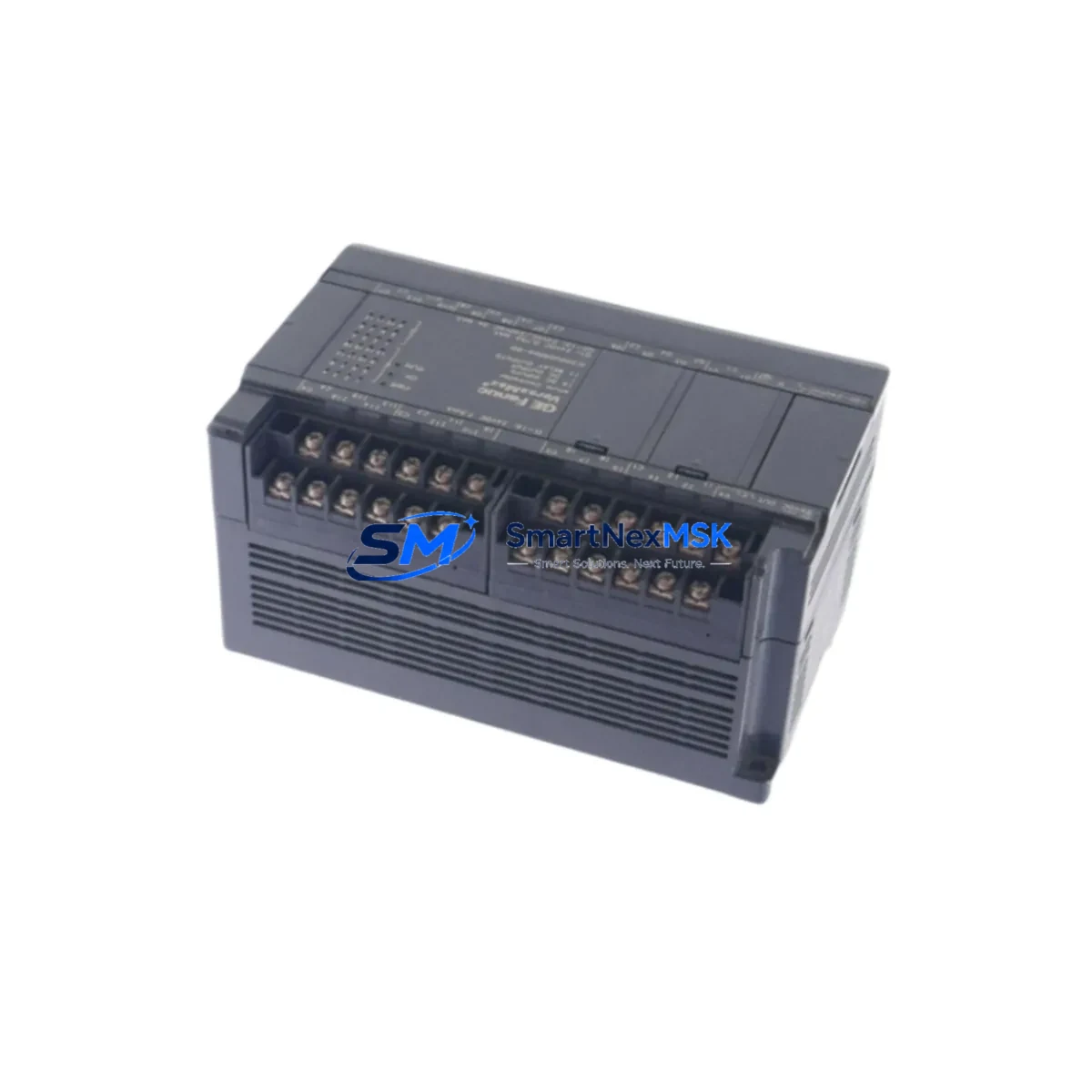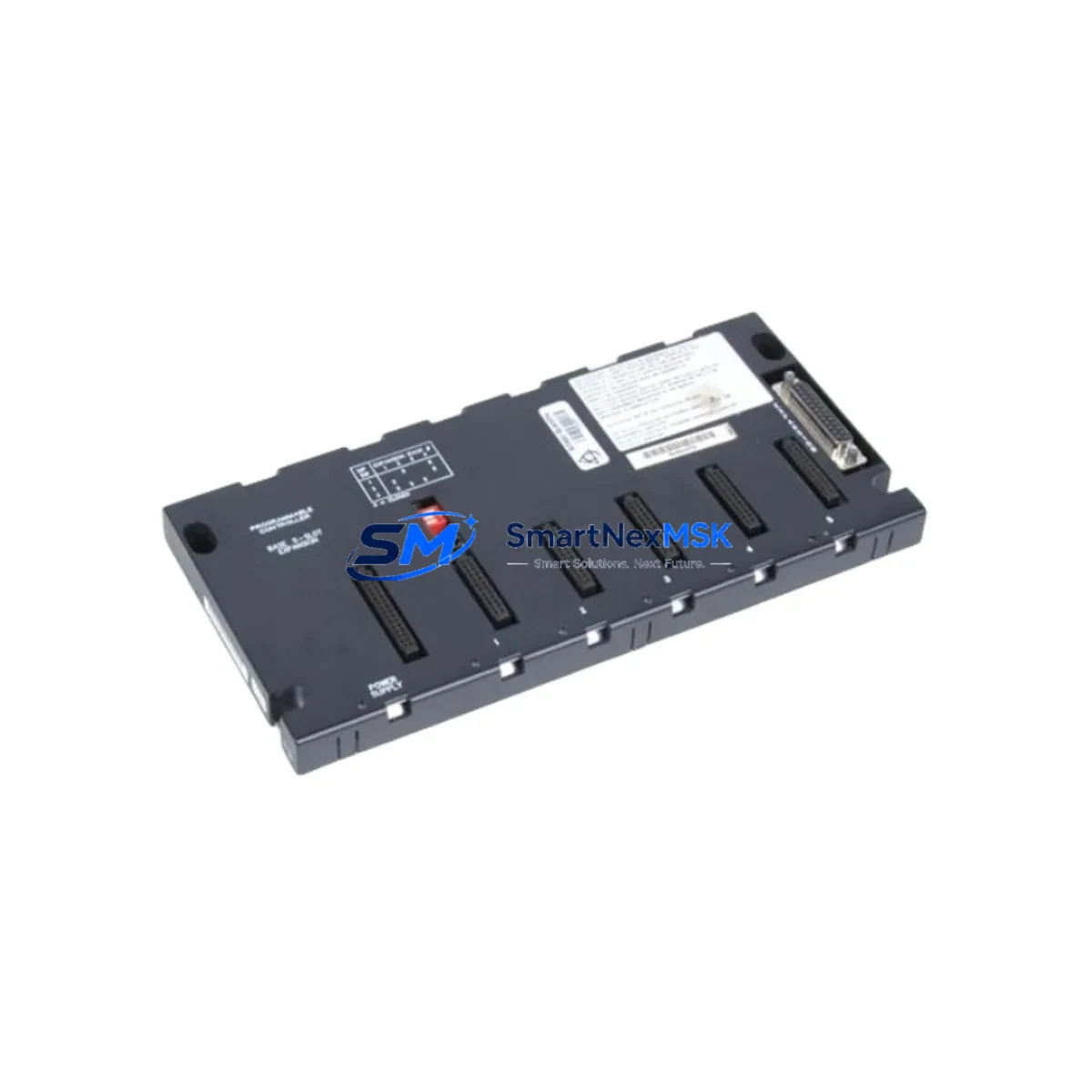
GE IC693CHS398 Spare for Series 90-30 Automation: Spare Replacement & Downtime Risk Control
The GE IC693CHS398 is a 5-slot expansion rack designed for the GE Fanuc Series 90-30 PLC platform — one of the most widely deployed programmable logic controller families in discrete manufacturing, process control, water treatment, and utility automation. As a maintenance-ready original spare, the IC693CHS398 enables maintenance and procurement engineers to restore system capacity quickly, avoid unplanned downtime, and extend the operational life of legacy Series 90-30 control architectures without requiring a full system migration.
Whether you are managing a planned shutdown, responding to an emergency rack failure, or building a strategic spare parts inventory for a multi-line facility, the IC693CHS398 provides a direct, drop-in replacement path. It accepts all standard Series 90-30 I/O modules, CPU carriers, and communication modules, preserving your existing wiring, terminal assignments, and software configuration. No re-engineering is required — the replacement rack slots into the existing backplane position and restores full module capacity within the same control cabinet footprint.
For facilities running aging Series 90-30 systems, maintaining at least one IC693CHS398 expansion rack in the spare parts room is a recognized best practice. Rack failures — caused by backplane connector wear, vibration fatigue, power surge damage, or environmental contamination — can take an entire PLC node offline. With a verified spare on hand, mean time to repair (MTTR) drops from days to hours. Every unit shipped from our inventory undergoes functional verification and is backed by a 12-month warranty.
Spare Maintenance Table
| Parameter | Specification / Detail |
|---|---|
| Part Number | IC693CHS398 |
| Brand | GE Fanuc (GE Automation & Controls) |
| Series | Series 90-30 |
| Type | 5-Slot Expansion Rack / Backplane |
| Slot Capacity | 5 I/O / Module Slots |
| Rack Type | Expansion (requires CPU rack IC693CHS391 or IC693CHS392) |
| Compatible Modules | All Series 90-30 I/O, communication, and specialty modules |
| Bus Interface | Series 90-30 parallel backplane bus |
| Power Supply Compatibility | IC693PWR321, IC693PWR322, IC693PWR330, IC693PWR331 |
| Operating Temperature | 0°C to 60°C (32°F to 140°F) |
| Relative Humidity | 5% to 95% non-condensing |
| Mounting | DIN rail or panel mount |
| Origin | USA |
| Condition | Original, tested, verified functional |
| Warranty | 12 Months |
| Application | Discrete manufacturing, process control, utilities, water treatment |
| Maintenance Recommendation | Inspect backplane connectors annually; replace at first sign of intermittent module faults |
Maintenance Planning for Continuous Operation
When replacing or inspecting the IC693CHS398 expansion rack, a thorough maintenance engineer will treat the event as an opportunity to audit the entire Series 90-30 node. The rack is the structural and electrical backbone of the expansion segment — its replacement directly affects every module seated in it. Before returning the system to service, the following components should be inspected or tested in parallel:
Start with the power supply module (typically an IC693PWR321 or IC693PWR330) feeding the expansion rack. A failing power supply is a common root cause of intermittent rack faults and module dropouts. Measure output voltages under load and compare against nameplate ratings. If the power supply is more than five years old or shows signs of capacitor bulge or thermal discoloration, schedule it for replacement alongside the rack.
Next, inspect all Series 90-30 I/O modules seated in the rack — discrete input modules such as the IC693MDL645 or IC693MDL654, and discrete output modules such as the IC693MDL740. Check for blown output transistors, stuck input channels, and loose field wiring at the terminal blocks. Analog I/O modules like the IC693ALG221 should be verified for signal drift and calibration integrity before the rack is returned to service.
If the expansion rack hosts a communications module — such as an Ethernet interface (IC693CMM321) or a Genius Bus Controller (IC693BEM331) — verify that network connectivity is restored after rack reseating. Communication modules are sensitive to backplane connector oxidation and may require re-initialization after a rack swap. Check IP address assignments, Genius bus addresses, and confirm that the CPU recognizes all modules in the I/O configuration table.
Terminal blocks and field wiring connections at the I/O module face plates should be torqued to specification and inspected for insulation damage, corrosion, or loose ferrules. In high-vibration environments, consider replacing standard terminal blocks with vibration-resistant variants. Signal isolators or surge protection devices installed between field instruments and I/O module inputs should also be tested — a rack replacement is an ideal time to verify that signal isolation barriers are functioning correctly and protecting the PLC from field-side transients.
Finally, if the control cabinet houses an HMI panel communicating with the Series 90-30 CPU via serial or Ethernet, confirm that the HMI communication link is re-established after the rack swap. Update the spare parts log to reflect the rack replacement date, module serial numbers, and next scheduled inspection interval.
Site Replacement Workflow
Step 1 — Pre-Replacement Preparation: Before removing the failed rack, document the slot positions of all installed modules using the programming software (Proficy Machine Edition or Logicmaster 90-30). Photograph the wiring layout at each module’s terminal block. Confirm that the replacement IC693CHS398 matches the slot count and mounting configuration of the installed rack.
Step 2 — Safe De-energization: Follow your site’s lockout/tagout (LOTO) procedure. Remove power from the expansion rack power supply. Do not remove modules while the rack is energized — backplane damage and data corruption can result.
Step 3 — Module Removal and Transfer: Remove each module from the failed rack in slot order, keeping them organized. Inspect each module’s backplane connector for bent pins or contamination before reseating in the replacement rack. Modules transfer directly — no firmware changes or address reassignment is required.
Step 4 — Rack Installation and Wiring Reconnection: Mount the IC693CHS398 replacement rack in the same panel position. Reconnect the expansion cable from the CPU rack (or upstream expansion rack). Reseat all modules. Reconnect field wiring at each module’s terminal block, verifying against the pre-removal documentation.
Step 5 — Power-Up and Verification: Restore power and observe the CPU’s I/O fault table. All modules in the replacement rack should be recognized without faults. Run a full I/O checkout — force discrete outputs, verify discrete inputs, and check analog channel readings against known reference values. Confirm HMI and SCADA communication is restored before releasing the system to production.
This workflow minimizes downtime, preserves system compatibility, and ensures the replacement rack is fully validated before the process resumes.
Spare Parts Support FAQ
Q1: Is the IC693CHS398 a direct drop-in replacement for an existing Series 90-30 expansion rack?
Yes. The IC693CHS398 is a standard 5-slot Series 90-30 expansion rack and is fully compatible with all Series 90-30 I/O modules, power supplies, and expansion cables. No software changes or hardware modifications are required. The replacement rack accepts the same module lineup and wiring configuration as the original.
Q2: What is the recommended spare parts inventory strategy for Series 90-30 expansion racks?
For facilities with multiple Series 90-30 nodes, maintaining one IC693CHS398 per four to six installed expansion racks is a common industry practice. For critical single-node systems, a dedicated hot spare is recommended. Racks should be stored in a dry, temperature-controlled environment and inspected annually for connector oxidation or physical damage.
Q3: How is each unit tested before shipment?
Every IC693CHS398 unit in our inventory is functionally tested on a live Series 90-30 test bench. Backplane bus integrity, slot connector continuity, and power distribution rails are verified. Units that pass all checks are labeled, documented, and shipped with a test report. Each unit is covered by a 12-month warranty from the date of shipment.
Q4: Can this rack be used to extend an existing Series 90-30 system that is no longer in production?
Yes. The IC693CHS398 is compatible with all generations of the Series 90-30 platform, including systems running Logicmaster 90-30 and Proficy Machine Edition. It is an ideal solution for extending the service life of legacy systems where a full migration to a newer PLC platform is not yet feasible. We maintain long-term stock of Series 90-30 components to support ongoing maintenance and system life extension programs.
© 2026 SMARTNEXMSK. All rights reserved.
Original Source: https://smartnexmsk.com
Contact: [email protected] | +86 18259474341