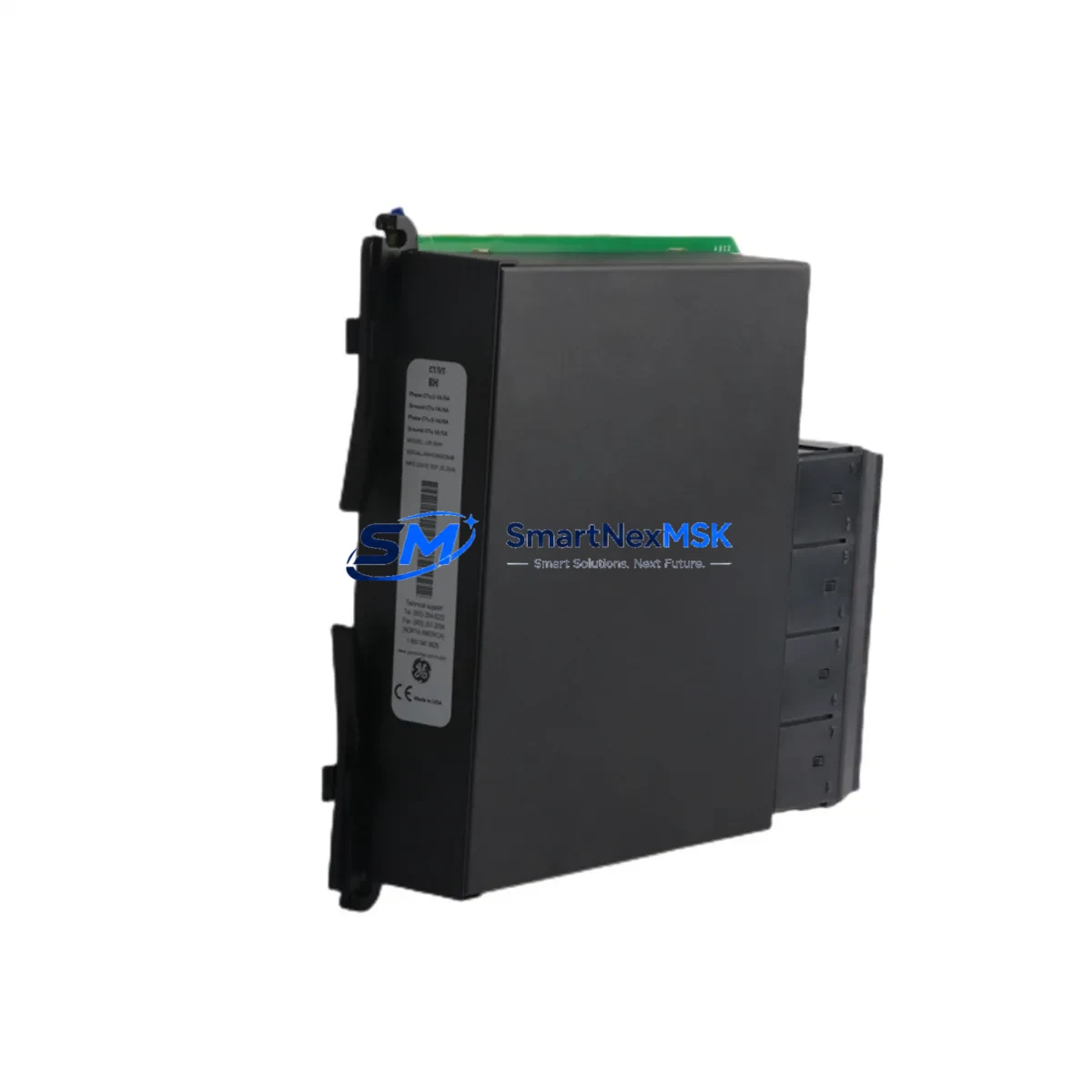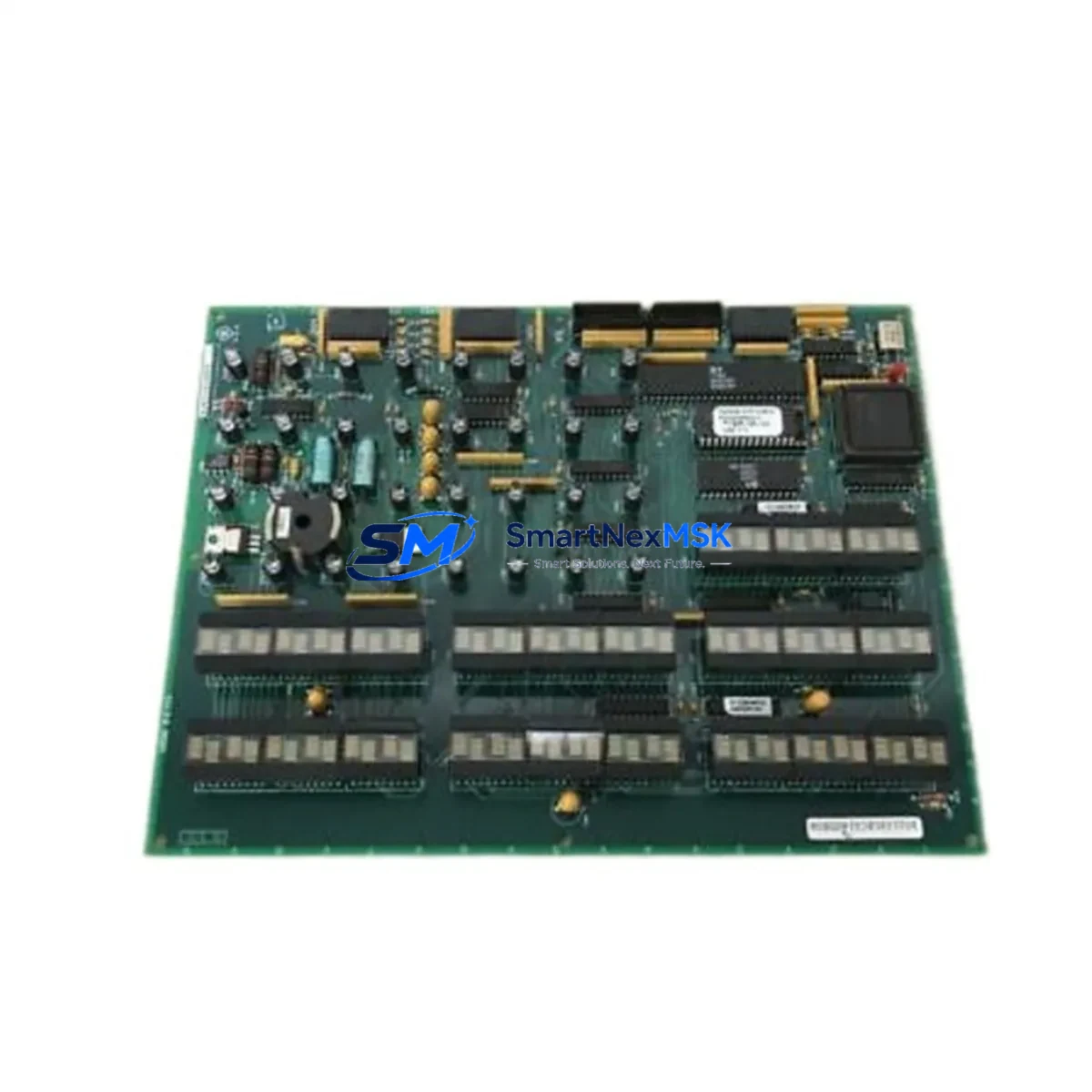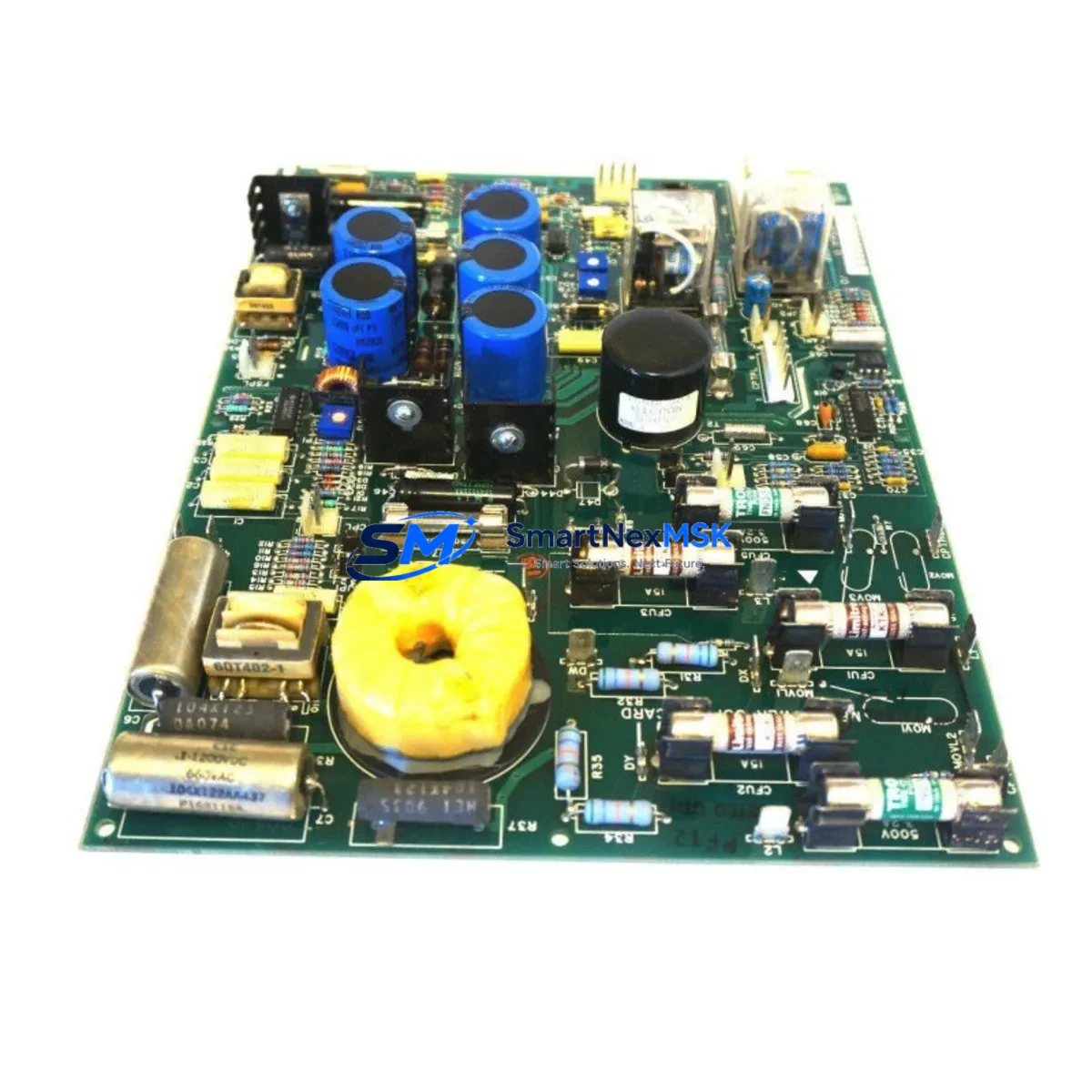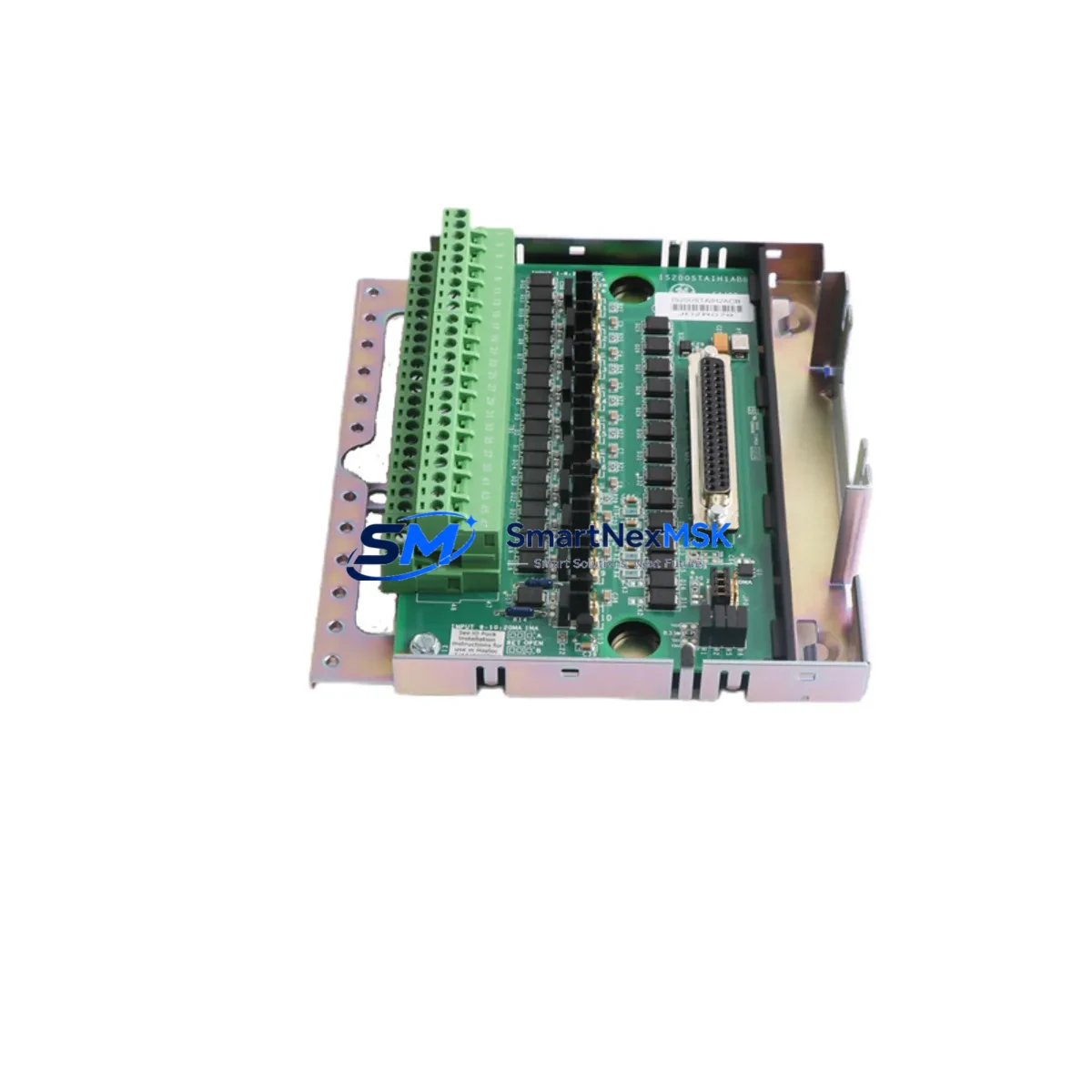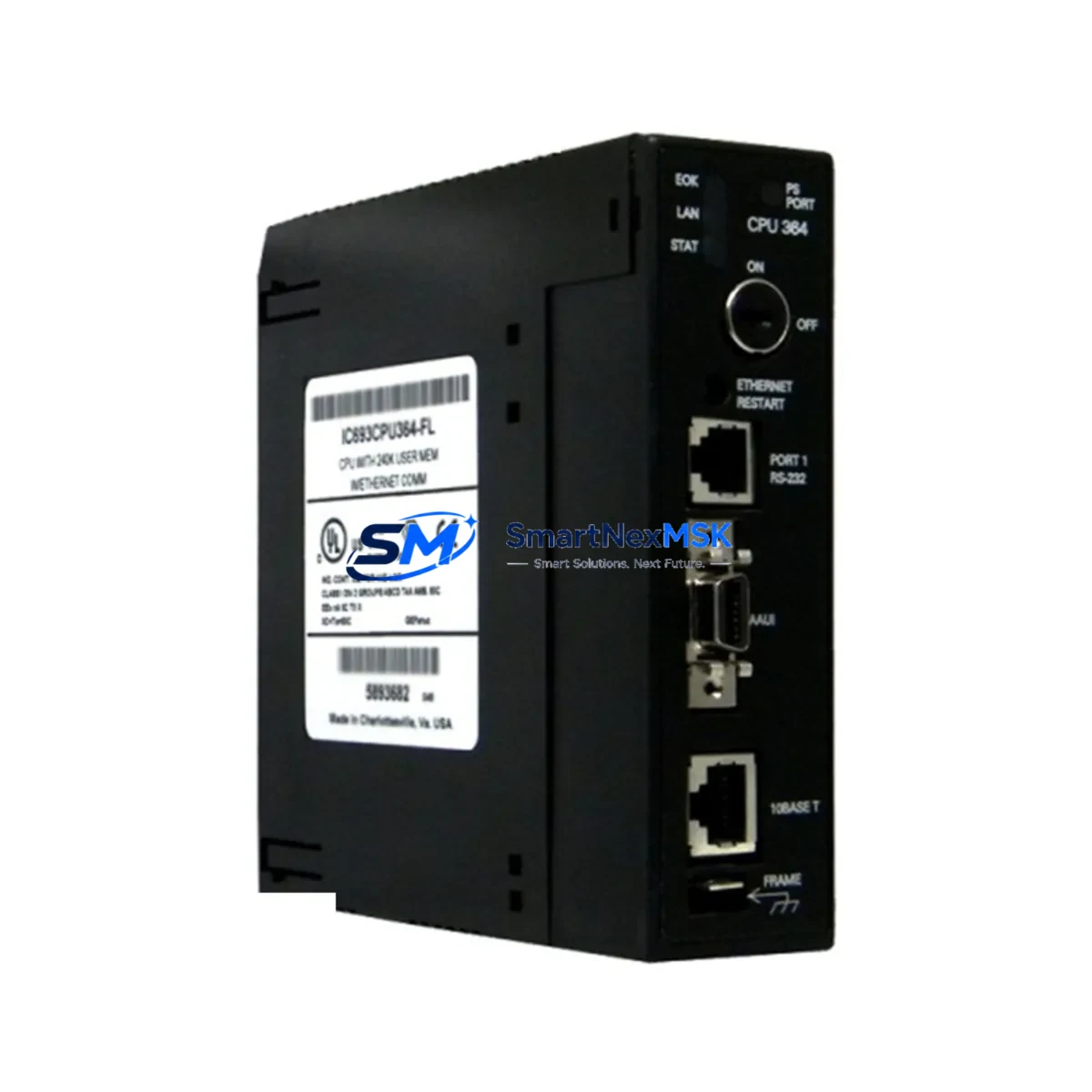
GE IC693CPU364 Maintenance-Ready Spare for Series 90-30 Automation
The GE IC693CPU364 is a high-performance CPU module designed for the GE Series 90-30 PLC platform — one of the most widely deployed programmable logic controller families in industrial automation. For maintenance engineers managing aging control systems, the IC693CPU364 represents a critical spare: it delivers the processing power, memory capacity, and I/O scan performance required to sustain continuous production without forcing a full system migration.
Sourced as an original spare part, every IC693CPU364 unit supplied by SMARTNEXMSK undergoes pre-shipment functional verification to confirm firmware integrity, communication port operation, and module health. This ensures that when your system goes down, the replacement module is ready to install — not a source of additional troubleshooting delays.
Whether you are managing a scheduled overhaul, responding to an unplanned CPU fault, or building a strategic spare parts inventory for a multi-line facility, the IC693CPU364 provides the compatibility and reliability that Series 90-30 installations demand.
Spare Maintenance Table
| Parameter | Specification / Detail |
|---|---|
| Part Number | IC693CPU364 |
| Brand | General Electric (GE Automation) |
| Series | Series 90-30 PLC |
| Module Type | CPU Module |
| User Memory | 240 KB (program + data) |
| I/O Capacity | Up to 2,048 discrete I/O points |
| Communication Ports | RS-232 (Port 1 & Port 2), SNP/SNPX protocol support |
| Backplane Compatibility | IC693CHS391, IC693CHS392, IC693CHS397 (5-slot, 10-slot, expansion) |
| Power Supply Compatibility | IC693PWR321, IC693PWR322, IC693PWR330 |
| Operating Temperature | 0°C to 60°C |
| Relative Humidity | 5% to 95% non-condensing |
| Mounting | DIN rail / panel mount via Series 90-30 backplane |
| Condition | Original spare — tested before shipment |
| Warranty | 12 months from date of shipment |
| Lead Time | In-stock: ships within 1–3 business days |
| Origin | United States |
Maintenance Planning for Continuous Operation
Replacing the IC693CPU364 in a live Series 90-30 system is rarely an isolated task. Experienced maintenance engineers know that a CPU fault often signals stress across adjacent components in the same control cabinet. Before returning the system to service, a thorough inspection of the following components is strongly recommended:
- Power Supply Module (IC693PWR321 / IC693PWR330): Verify output voltage stability under load. A degraded power supply is a leading cause of intermittent CPU resets and memory corruption. Replace proactively if the unit has exceeded 5 years of continuous service.
- Backplane (IC693CHS391 / IC693CHS397): Inspect backplane connectors for oxidation, bent pins, or heat discoloration. A faulty backplane can cause the replacement CPU to exhibit the same fault symptoms as the original.
- Discrete Input Modules (IC693MDL645 / IC693MDL655): Check for blown input channels using field signal simulation. Failed input modules can cause the CPU to log spurious faults during I/O scan.
- Discrete Output Modules (IC693MDL740 / IC693MDL752): Verify output relay contacts and transistor outputs under load. Shorted output channels can draw excessive current and stress the CPU’s I/O bus.
- Analog I/O Modules (IC693ALG220 / IC693ALG390): Confirm signal scaling and calibration after CPU replacement, as analog module configuration is stored in CPU memory and must be reloaded from the programmer.
- Communication Module (IC693CMM321 / IC693CMM311): Test Ethernet or serial communication links post-replacement. Verify that the new CPU’s port configuration matches the network parameters of the replaced unit.
- Memory Backup Battery: Replace the CPU battery (IC693ACC301 or equivalent) whenever the CPU module is swapped. A depleted battery will cause program loss on the next power cycle.
- Terminal Blocks and Field Wiring: Inspect I/O terminal blocks for loose connections, corrosion, or overheating marks. Poor field wiring is a common root cause of recurring module faults.
- Fuses and Circuit Protection: Verify all field-side fuses and MCBs protecting I/O circuits. A blown fuse on an output circuit can be misdiagnosed as a CPU or output module failure.
- HMI / Operator Panel Communication: After CPU replacement, confirm that the HMI (such as a QuickPanel or third-party operator terminal connected via SNP) re-establishes communication and displays correct process data.
Maintaining a documented spare parts list that includes the IC693CPU364 alongside these associated components reduces mean time to repair (MTTR) and supports a proactive maintenance culture rather than a reactive one.
Site Replacement Workflow
The IC693CPU364 is a direct drop-in replacement for earlier Series 90-30 CPU modules including the IC693CPU350, IC693CPU351, and IC693CPU360, subject to firmware and program compatibility verification. The following workflow is recommended for site replacement:
- Backup the existing program: Before removing the faulty CPU, attempt to upload the ladder logic program and configuration data to a programming workstation running GE Proficy Machine Edition or the legacy Logicmaster 90-30 software. If the CPU is non-responsive, restore from the most recent verified backup.
- Power down the rack: De-energize the control cabinet following your site’s lockout/tagout (LOTO) procedure. Allow capacitors to discharge before handling modules.
- Remove and inspect: Extract the faulty IC693CPU364 and inspect the backplane slot for debris or damage. Document the firmware version and any configuration switches on the original module.
- Install the replacement: Seat the new IC693CPU364 firmly into the backplane slot. Ensure the module latch engages fully.
- Restore program and configuration: Download the backed-up program to the new CPU. Verify I/O configuration, communication port settings, and analog scaling parameters.
- Functional test: Power up the system and perform a controlled functional test before returning to automatic operation. Confirm all I/O points, communication links, and HMI displays are operating correctly.
- Document the replacement: Record the replacement date, new module serial number, and firmware version in your maintenance management system (CMMS) to support future lifecycle planning.
This workflow minimizes downtime, reduces the risk of secondary faults, and ensures the replacement is fully validated before production resumes.
Spare Parts Support FAQ
Q1: Is the IC693CPU364 still available as a new original spare, or only as refurbished?
SMARTNEXMSK supplies the IC693CPU364 as an original spare part. Each unit is individually tested prior to shipment to verify functional integrity. Stock availability is confirmed at the time of order, and lead times are communicated before invoicing.
Q2: What is the warranty coverage and what does it include?
All IC693CPU364 units are covered by a 12-month warranty from the date of shipment. The warranty covers manufacturing defects and functional failures under normal operating conditions. It does not cover damage resulting from incorrect installation, overvoltage, or environmental conditions outside the module’s rated specifications.
Q3: How do I verify compatibility before installation?
The IC693CPU364 is compatible with all standard Series 90-30 backplanes and power supplies. Compatibility with your specific application depends on the firmware version and the features used in your ladder logic program. We recommend confirming the CPU firmware revision with your engineering team and testing in a non-production environment before live deployment if the system has been customized with advanced communication or motion control features.
Q4: Can SMARTNEXMSK support long-term supply for fleet maintenance programs?
Yes. For customers managing multiple Series 90-30 installations or planning a multi-year maintenance program, SMARTNEXMSK can provide scheduled supply agreements, reserved stock allocation, and priority lead times. Contact our sales team to discuss volume requirements and long-term spare parts support arrangements.
© 2026 SMARTNEXMSK. All rights reserved.
Original Source: https://smartnexmsk.com
Contact: [email protected] | +86 18259474341