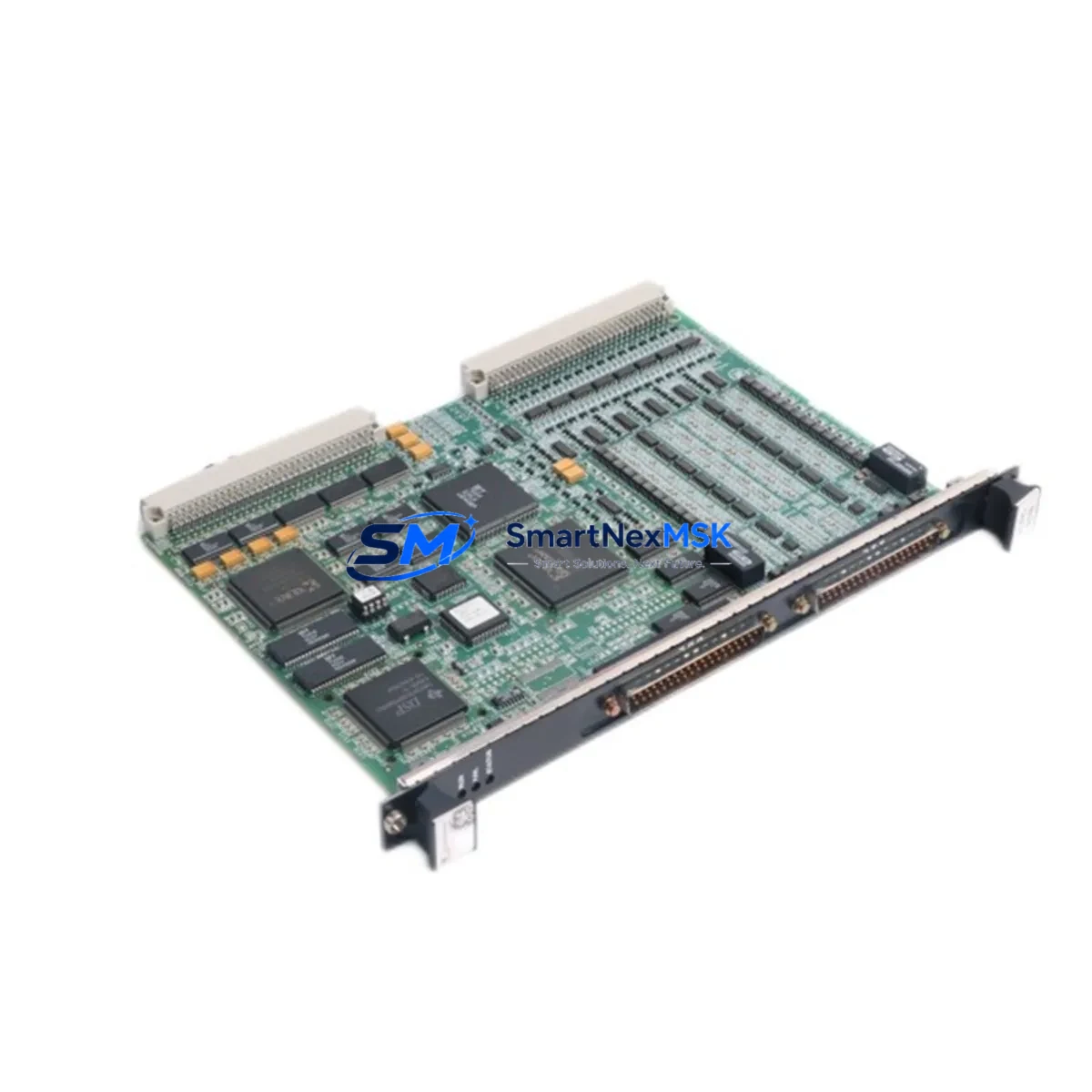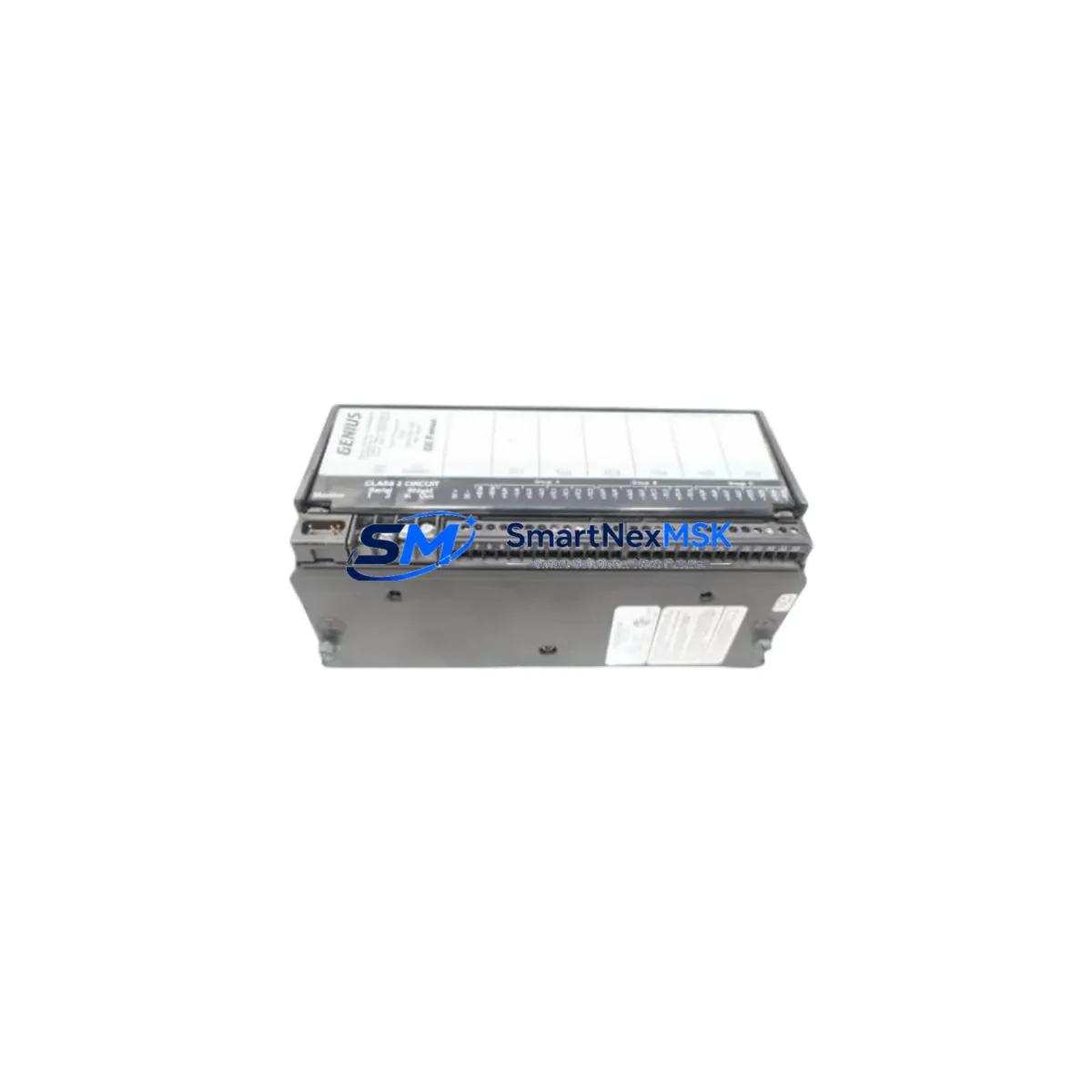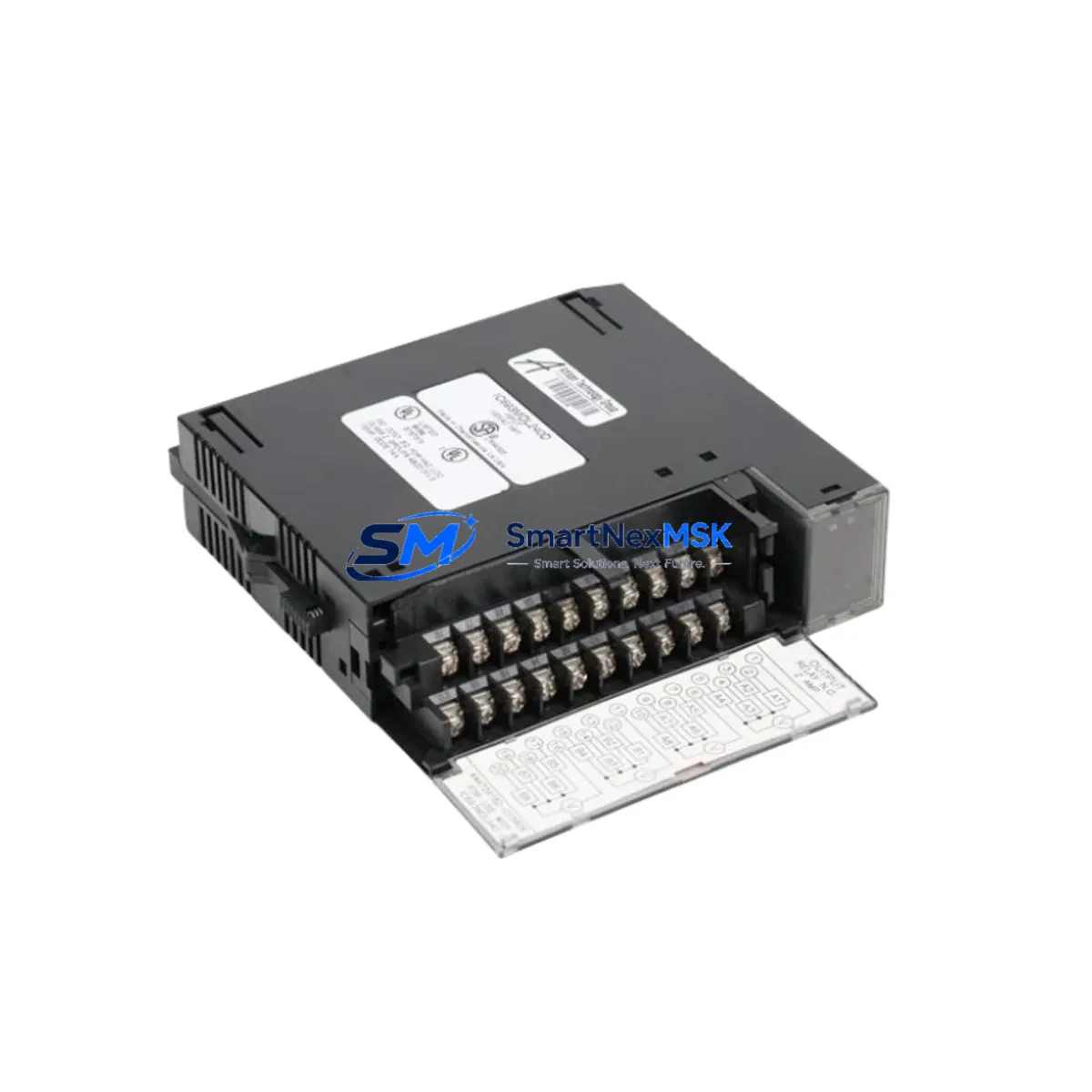
GE IC693MDL240 Retrofit-Ready Discrete Input Module for Series 90-30 Control Systems
The GE IC693MDL240 is a 16-point, 24VDC discrete input module designed for the GE Series 90-30 programmable logic controller platform. As legacy Series 90-30 systems continue to operate across manufacturing, utilities, and process industries, the IC693MDL240 remains one of the most frequently sourced replacement modules for aging control cabinets. Whether you are executing a like-for-like spare replacement, a partial rack upgrade, or a full control system modernization, this module provides a verified drop-in solution that preserves your existing ladder logic, I/O addressing, and field wiring without requiring a complete system redesign.
SMARTNEXMSK maintains ready stock of the IC693MDL240 to support urgent retrofit and maintenance requirements. Each unit is function-tested prior to shipment and covered by a 12-month warranty, giving your engineering and procurement teams confidence in both delivery timelines and post-installation reliability.
Upgrade Compatibility Table
| Parameter | IC693MDL240 Specification | Retrofit Notes |
|---|---|---|
| Input Points | 16 x 24VDC Discrete Inputs | Direct replacement for same-point-count slots in Series 90-30 racks |
| Input Voltage Range | 24VDC (18–30VDC operating) | Verify field device supply voltage before installation |
| Backplane Interface | Series 90-30 standard backplane connector | Compatible with IC693CHS391, IC693CHS392, IC693CHS393 baseplate racks |
| Module Slot Addressing | Configured via CPU reference table (I/O map) | Slot address must match original module position; verify in Logicmaster 90 or Proficy ME |
| Communication Protocol | Local backplane I/O bus (no separate fieldbus required) | No protocol migration needed for local rack replacement |
| CPU Compatibility | IC693CPU311, IC693CPU313, IC693CPU321, IC693CPU331, IC693CPU341, IC693CPU351, IC693CPU360, IC693CPU363, IC693CPU364, IC693CPU374 | Confirm CPU firmware revision supports module type code |
| Power Consumption | Draws from backplane 5VDC bus | Verify IC693PWR321 or IC693PWR330 power supply capacity before adding modules |
| Terminal Wiring | 40-pin removable terminal block (field wiring connector) | Existing wiring harness can be transferred directly; no re-termination required |
| Replacement Candidates | IC693MDL230, IC693MDL241, IC693MDL250 (functional equivalents) | Confirm I/O point count and voltage rating match before cross-substitution |
| Warranty | 12 Months | Covers manufacturing defects; includes pre-shipment function test report |
Retrofit Planning for Existing Automation Systems
Successful integration of the IC693MDL240 into an existing Series 90-30 control system begins well before the module arrives on site. The first step is a thorough audit of the current rack configuration. In a typical Series 90-30 cabinet, the rack may house a mix of modules including the CPU (such as an IC693CPU364 or IC693CPU374), the IC693PWR321 power supply, discrete output modules like the IC693MDL740 or IC693MDL741, analog input modules such as the IC693ALG221, and communications modules including the IC693CMM321 for Ethernet or the IC693PCM300 for peer-to-peer links. Understanding how these components share backplane power and how the I/O map is structured is essential before swapping any module.
When planning the replacement, engineers should export the current program from the CPU using Proficy Machine Edition or the legacy Logicmaster 90-30 software and archive it to a secure location. This backup protects the original ladder logic, function block diagrams, and variable tables in the event that the replacement process triggers an unexpected CPU fault or memory clear. The I/O configuration table should be printed or exported, noting the exact slot position, module type, and reference address assigned to the IC693MDL240 being replaced.
Field wiring connected to the 40-pin terminal block of the original module should be photographed and labeled before disconnection. The IC693MDL240 uses a removable terminal block, which means the entire wiring harness can be unplugged from the old module and plugged directly into the replacement unit without cutting or re-terminating individual conductors. This significantly reduces installation time and eliminates the risk of miswiring during the swap.
If the retrofit involves expanding the I/O count beyond the original rack capacity, additional baseplate racks such as the IC693CHS392 (5-slot) or IC693CHS393 (10-slot) may be required, along with an IC693CHS398 expansion cable to link the main rack to the remote rack. In distributed architectures where remote I/O is managed over a Genius bus, the IC693BEM331 bus controller module handles communication between the CPU rack and remote Genius I/O blocks, and its configuration must be updated to reflect any new module addresses.
For systems that are being migrated from Series 90-30 to a newer GE platform such as the RX3i (PACSystems), the IC693MDL240 can serve as a transitional module during a phased upgrade. In this scenario, the Series 90-30 rack continues to operate while the new IC695 backplane and CPU are commissioned in parallel, with I/O cutover performed zone by zone to minimize production impact. The IC694MDL240 is the RX3i-compatible equivalent and shares the same field wiring pinout, simplifying the eventual terminal block transfer.
Downtime Control During System Migration
Minimizing unplanned downtime is the primary concern for any control system retrofit. When replacing the IC693MDL240 in a live production environment, the recommended approach is to schedule the swap during a planned maintenance window and prepare a rollback plan before beginning work. The rollback plan should include a verified backup of the CPU program, a spare module on hand, and a documented procedure for restoring the original configuration if the replacement module does not initialize correctly.
Before powering down the rack, confirm that all field devices connected to the input module are in a safe state. Discrete input modules are passive receivers, so removing the IC693MDL240 will not directly affect output states or actuator positions, but the CPU may generate I/O fault alarms that trigger safety interlocks or HMI alarm pages. Operators should be informed of the planned maintenance and any HMI screens displaying the affected input points should be monitored during the swap.
After installing the replacement IC693MDL240, power the rack and observe the module status LED. A solid green LED indicates the module has passed its self-test and is communicating normally with the CPU. If the LED flashes or shows a fault code, check the slot address assignment in the hardware configuration and confirm the module type code matches the original entry in the I/O configuration table. In most cases, no program changes are required for a like-for-like replacement, and the CPU will resume normal scan operation within one to two scan cycles after the module comes online.
For HMI systems connected via the IC693CMM321 Ethernet module or a CIMPLICITY SCADA server, verify that all input tags associated with the replaced module are reading correctly after the swap. Tag values should be compared against field device states to confirm wiring integrity before releasing the system back to production. This final verification step, combined with a 30-minute observation period under normal operating conditions, is the standard commissioning sign-off procedure recommended for Series 90-30 module replacements.
Retrofit Support FAQ
Q: Is the IC693MDL240 a direct drop-in replacement for the IC693MDL230?
A: The IC693MDL230 is an 8-point 24VDC discrete input module, while the IC693MDL240 provides 16 points. They are not pin-for-pin interchangeable in terms of I/O count, but both use the same Series 90-30 backplane interface and occupy a single module slot. If your application requires 16 input points and the original module was an IC693MDL230, you will need to update the hardware configuration in Proficy ME and remap the additional 8 input references in your ladder program.
Q: What pre-shipment testing is performed on the IC693MDL240?
A: Each IC693MDL240 unit supplied by SMARTNEXMSK undergoes a functional test that verifies all 16 input channels respond correctly to a 24VDC signal, the backplane connector is free of bent or damaged pins, and the module status LED operates normally. A test record is available upon request. All units are covered by a 12-month warranty from the date of shipment.
Q: Do I need to modify my ladder program after replacing the IC693MDL240?
A: For a like-for-like replacement in the same rack slot, no program changes are required. The CPU recognizes the module by its slot position and type code. If the replacement module is installed in a different slot, or if the hardware configuration was previously set to a different module type, you will need to update the hardware configuration file in Proficy Machine Edition and download the updated configuration to the CPU before resuming normal operation.
Q: Can the IC693MDL240 be used in a remote expansion rack?
A: Yes. The IC693MDL240 can be installed in any Series 90-30 compatible rack, including remote expansion racks connected via the IC693CHS398 expansion cable. When used in a remote rack, the module’s I/O references are assigned based on its slot position within the remote rack, and the hardware configuration in the CPU must reflect the correct rack and slot address. Ensure the IC693PWR321 or equivalent power supply in the remote rack has sufficient 5VDC capacity to support the additional module load.
© 2026 SMARTNEXMSK. All rights reserved.
Original Source: https://smartnexmsk.com
Contact: [email protected] | +86 18259474341