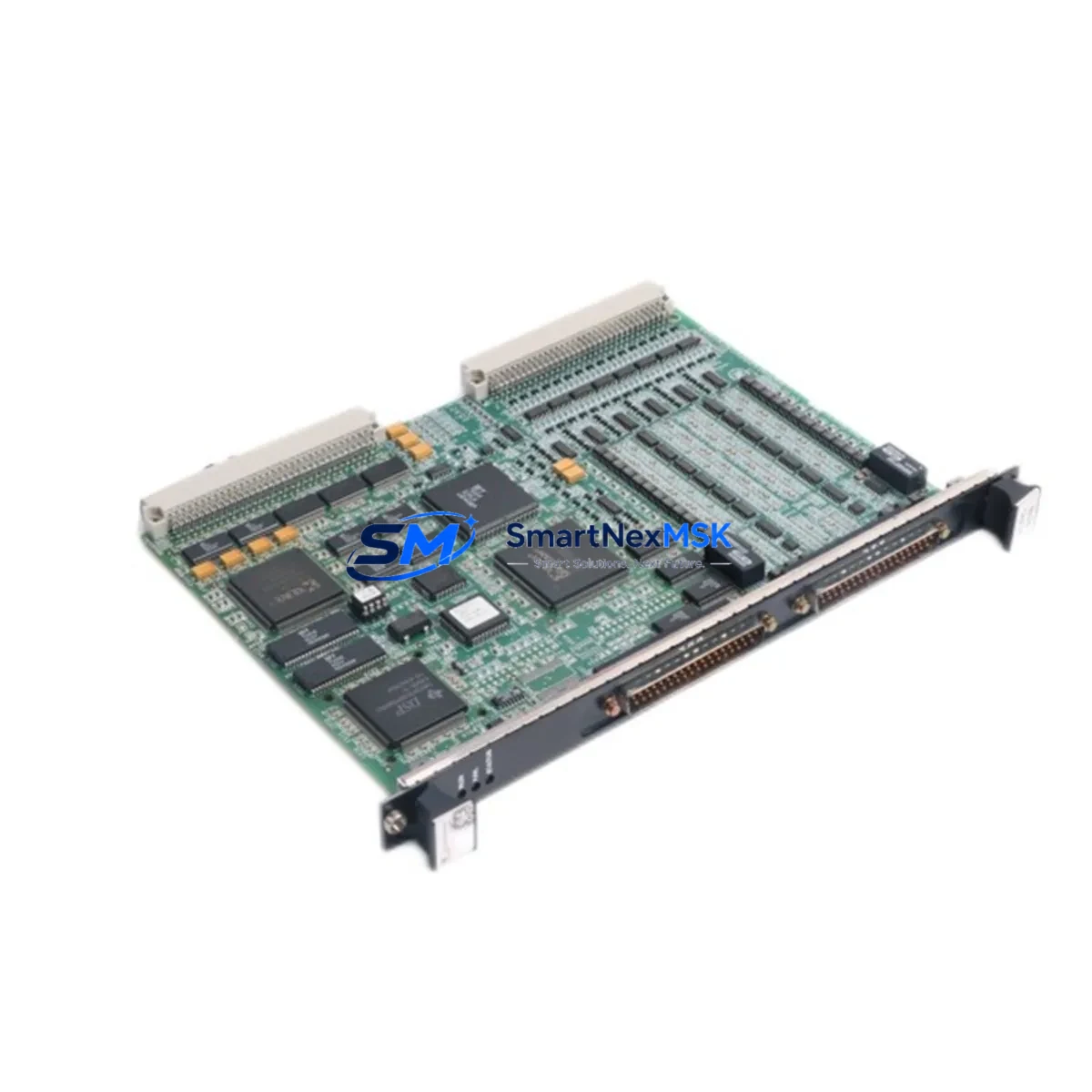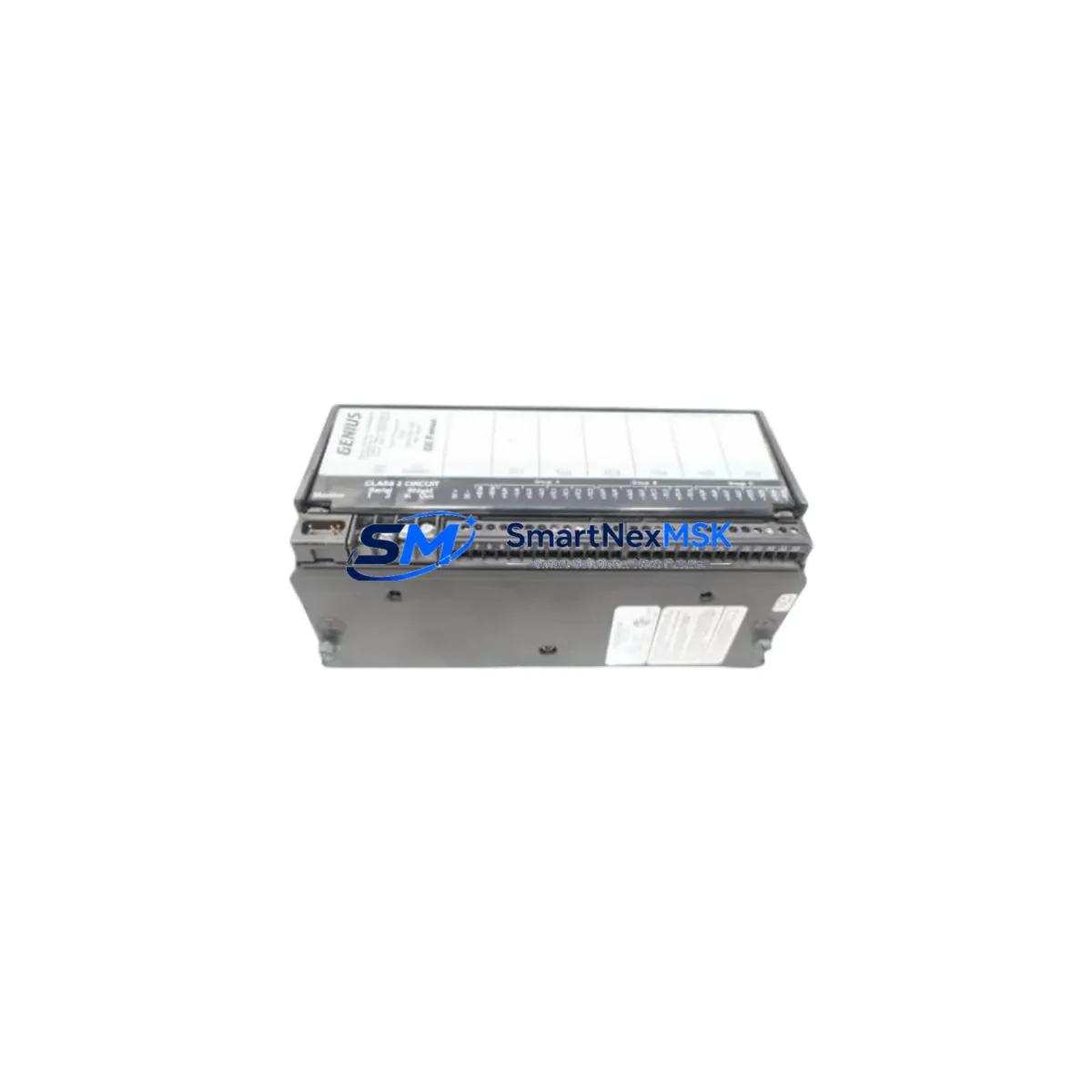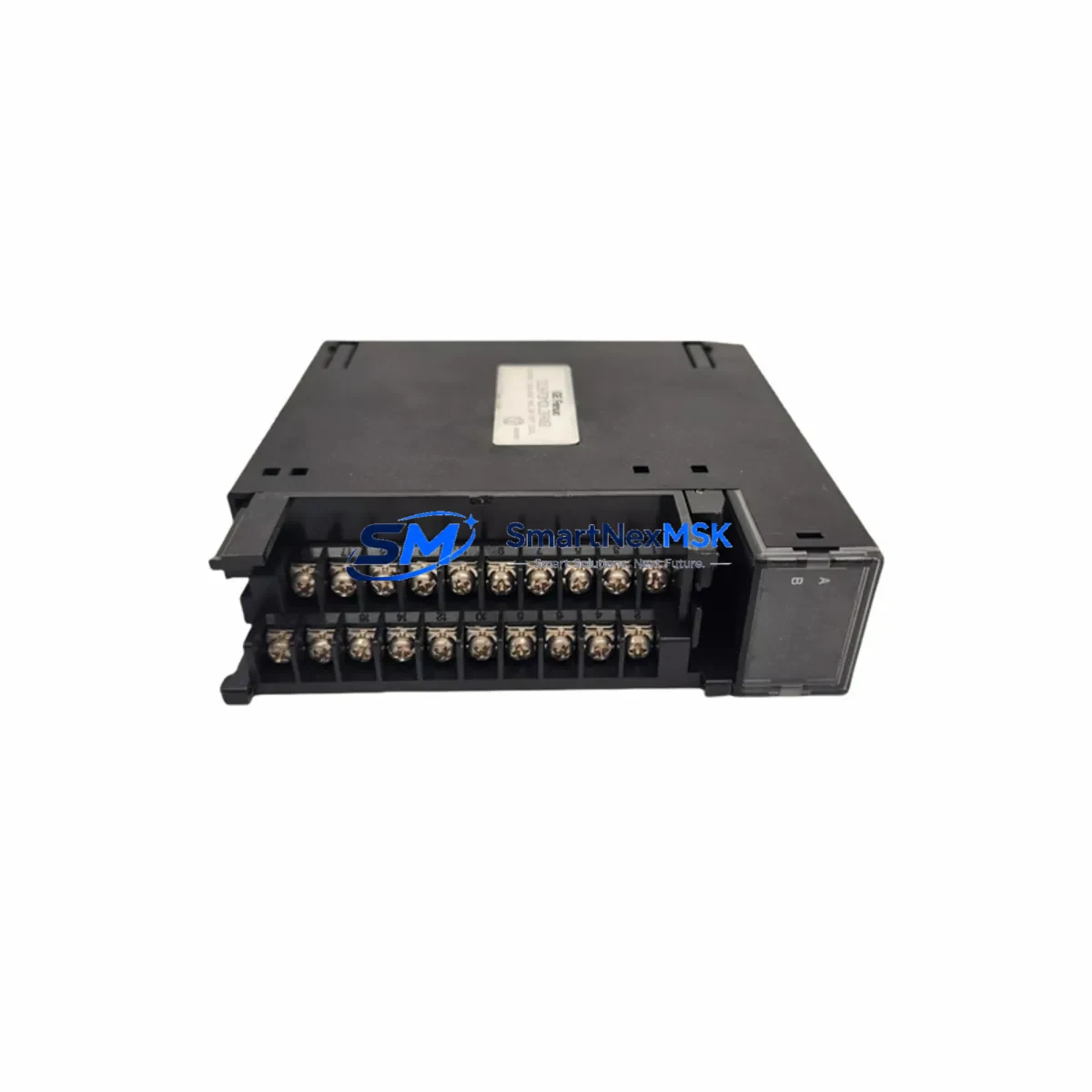
GE IC693MDL390 Maintenance-Ready Spare for Series 90-30 Automation
The GE IC693MDL390 is a 16-point, 120VAC discrete output module designed for the GE Series 90-30 programmable logic controller platform. As a maintenance-critical spare, this module supports rapid field replacement in manufacturing lines, process control panels, and utility automation systems where unplanned downtime carries significant operational and financial risk. Each unit shipped by SMARTNEXMSK is sourced as an original GE component, subjected to pre-shipment functional testing, and backed by a 12-month warranty — ensuring that your maintenance team can install with confidence and restore system operation without delay.
For maintenance engineers managing aging Series 90-30 control systems, the IC693MDL390 represents one of the most frequently replaced output modules in the GE 90-30 I/O family. Its 16-channel 120VAC output capacity makes it a workhorse in discrete control applications — driving contactors, solenoid valves, motor starters, and indicator lamps across a wide range of industrial environments. Stocking at least one spare IC693MDL390 in your control room inventory is a recognized best practice for facilities operating GE 90-30 racks, particularly where production continuity is a priority.
Spare Maintenance Table
| Parameter | Specification |
|---|---|
| Part Number | IC693MDL390 |
| Brand / Manufacturer | GE (General Electric Automation) |
| Series | Series 90-30 (90-30 PLC Platform) |
| Module Type | Discrete Output Module |
| Output Points | 16 Points |
| Output Voltage | 120VAC |
| Output Current per Point | 0.5A (typical) |
| Isolation | Optical isolation between field and logic side |
| Backplane Compatibility | IC693CHS391, IC693CHS392, IC693CHS393 (5-slot, 10-slot chassis) |
| Power Consumption | Supplied via Series 90-30 backplane |
| Operating Temperature | 0°C to 60°C |
| Relative Humidity | 5% to 95% non-condensing |
| Installation | Hot-swap capable (with appropriate CPU configuration) |
| Mounting | DIN rail or panel-mount chassis |
| Condition | Original GE, pre-tested before shipment |
| Warranty | 12 Months from date of shipment |
| Compliance | CE, UL listed (original GE certification) |
Maintenance Planning for Continuous Operation
When replacing the IC693MDL390 in a Series 90-30 control cabinet, a thorough maintenance inspection of the surrounding components is essential to prevent repeat failures and ensure long-term system stability. Maintenance engineers should begin by verifying the integrity of the IC693PWR321 or IC693PWR330 power supply module — an aging or undersized power supply is a common root cause of output module failures in 90-30 racks. Measure output voltage rails and confirm they fall within specification before installing the replacement module.
Next, inspect the IC693CPU374 or IC693CPU364 CPU module for firmware version compatibility with the replacement output module. Mismatched firmware can cause I/O configuration faults that mimic hardware failure. If the CPU is running an outdated firmware revision, coordinate a firmware update during the same maintenance window to avoid a second outage.
Field wiring connected to the IC693MDL390 output terminals should be checked for insulation degradation, loose terminations, and correct wire gauge. In high-cycle applications, terminal blocks — particularly IC693ACC300 series terminal assemblies — can develop micro-arcing at the connection points, which accelerates output relay wear. Replace any discolored or heat-damaged terminal blocks as part of the same maintenance event.
For systems using the IC693MDL390 alongside analog I/O modules such as the IC693ALG390 or IC693ALG442, verify that signal isolation is maintained between the discrete and analog circuits. Signal bleed from high-voltage discrete outputs into analog input channels is a known issue in densely populated 90-30 racks and can cause erratic process readings. Installing or inspecting signal isolators on critical analog loops is recommended whenever discrete output modules are replaced.
Communication modules such as the IC693CMM321 (Ethernet) or IC693CMM311 (serial) should also be inspected during the same maintenance window. Communication faults that appear after an output module replacement are often pre-existing issues that become visible once the CPU re-initializes the I/O table. Confirm that all communication modules are responding correctly on the network before returning the system to production.
Finally, if the control cabinet includes a GE QuickPanel HMI or a third-party operator panel connected to the Series 90-30 CPU, verify that the HMI is correctly reflecting the new I/O configuration after the module swap. Alarm setpoints and output status displays should be validated against the updated I/O map before sign-off.
Site Replacement Workflow
Step 1 — Pre-Replacement Verification: Confirm the replacement IC693MDL390 matches the existing module’s firmware and hardware revision. Check the label on the module faceplate for revision codes (e.g., Rev A, Rev B) and cross-reference with the system’s I/O configuration file. SMARTNEXMSK provides revision-matched units upon request.
Step 2 — Safe Isolation: Follow your site’s lockout/tagout (LOTO) procedure. De-energize the 120VAC field wiring connected to the output module before removal. Do not rely solely on the CPU’s software disable — physically isolate the field power circuit.
Step 3 — Module Removal and Inspection: Remove the IC693MDL390 from the chassis slot. Inspect the backplane connector for bent pins, corrosion, or debris. Clean the connector with appropriate contact cleaner if contamination is present. Inspect the chassis slot for signs of heat damage or discoloration.
Step 4 — Replacement Installation: Seat the new IC693MDL390 firmly into the chassis slot until the locking tab engages. Reconnect field wiring to the terminal assembly, verifying correct terminal assignments against the original wiring diagram. Torque terminal screws to specification.
Step 5 — System Restart and Validation: Re-energize the system and monitor the CPU’s I/O fault table for any configuration errors. Force-test each output point from the CPU programmer or HMI to confirm correct field device response. Document the replacement in the site maintenance log, including the new module’s serial number and installation date.
This structured replacement workflow minimizes downtime, reduces the risk of secondary faults, and ensures full system compatibility — keeping your Series 90-30 automation platform operational with minimal disruption to production schedules.
Spare Parts Support FAQ
Q1: Is the IC693MDL390 still available as a new original part, or only as refurbished?
SMARTNEXMSK supplies original GE IC693MDL390 modules sourced from authorized distribution channels and verified surplus inventory. Each unit undergoes pre-shipment functional testing. Condition (new, surplus-new, or tested-used) is disclosed at the time of quotation. Contact [email protected] for current stock status and condition details.
Q2: What is the compatibility scope of the IC693MDL390 within the Series 90-30 platform?
The IC693MDL390 is compatible with all standard Series 90-30 5-slot and 10-slot chassis (IC693CHS391, IC693CHS392, IC693CHS393) and is supported by all Series 90-30 CPU models including the IC693CPU374, IC693CPU364, and IC693CPU331. Slot position is flexible — the module can occupy any I/O slot in the chassis. Verify your CPU’s I/O configuration file to ensure the slot assignment matches the replacement module type.
Q3: How does SMARTNEXMSK verify the IC693MDL390 before shipment?
Each IC693MDL390 is tested on a live Series 90-30 rack prior to shipment. Output point functionality, backplane communication, and LED status indicators are verified. A test report is available upon request. All units are shipped with ESD-protective packaging to prevent damage in transit.
Q4: What does the 12-month warranty cover, and what is the RMA process?
The 12-month warranty covers manufacturing defects and functional failures under normal operating conditions. It does not cover damage caused by incorrect installation, overvoltage, or physical mishandling. To initiate a warranty claim, contact [email protected] with your order number, a description of the fault, and photographic evidence of the failure. SMARTNEXMSK will arrange return shipping and provide a replacement or refund within the agreed service timeline.
© 2026 SMARTNEXMSK. All rights reserved.
Original Source: https://smartnexmsk.com
Contact: [email protected] | +86 18259474341