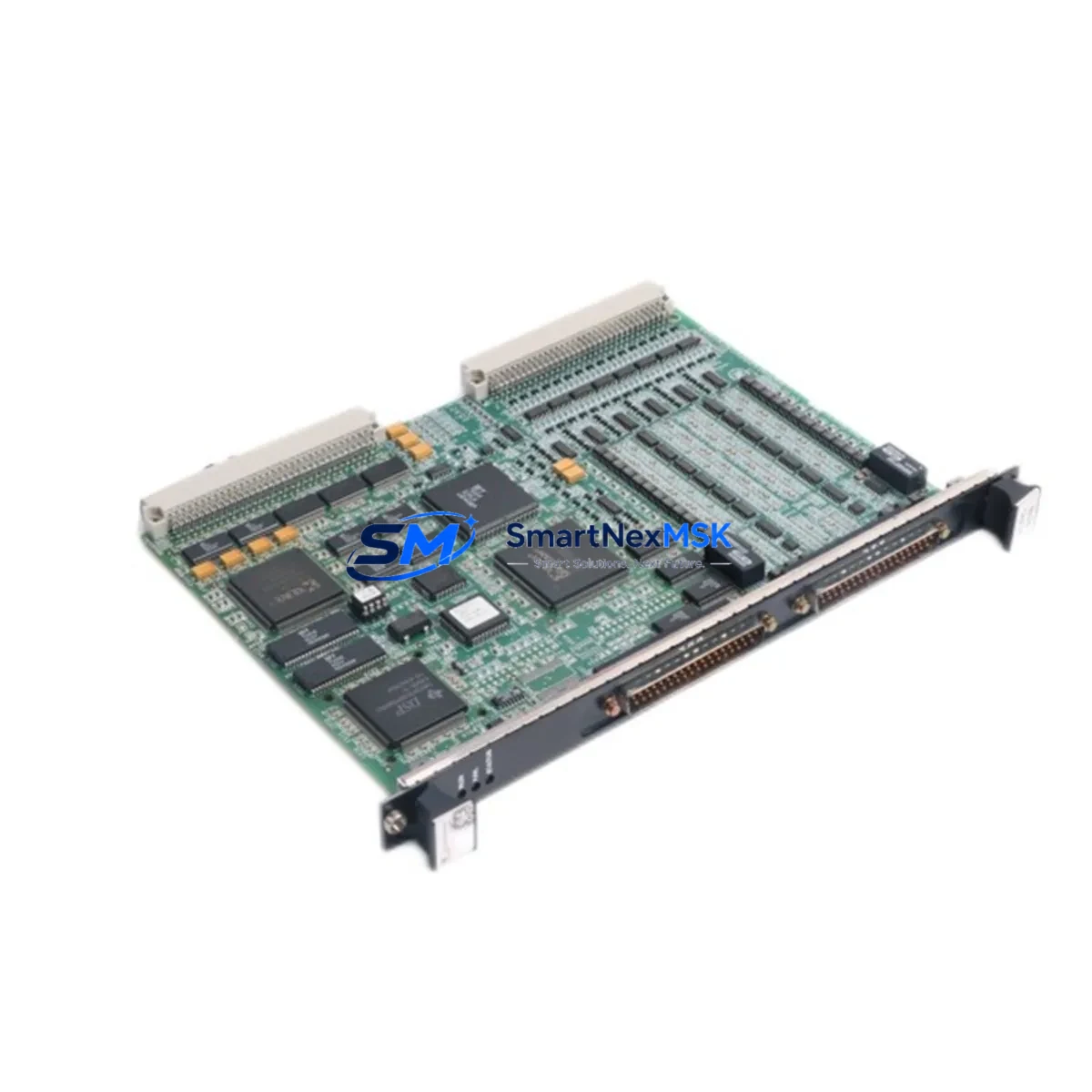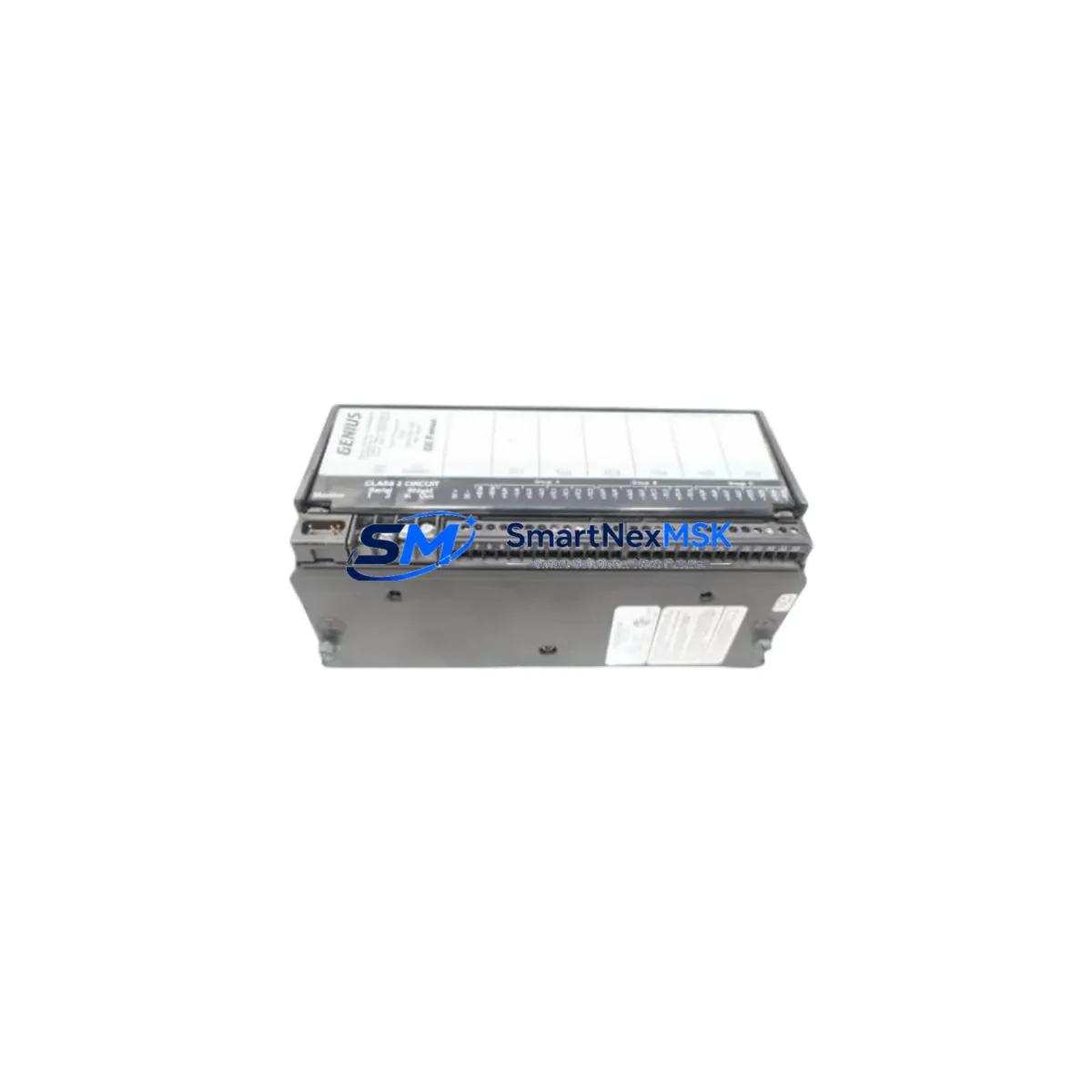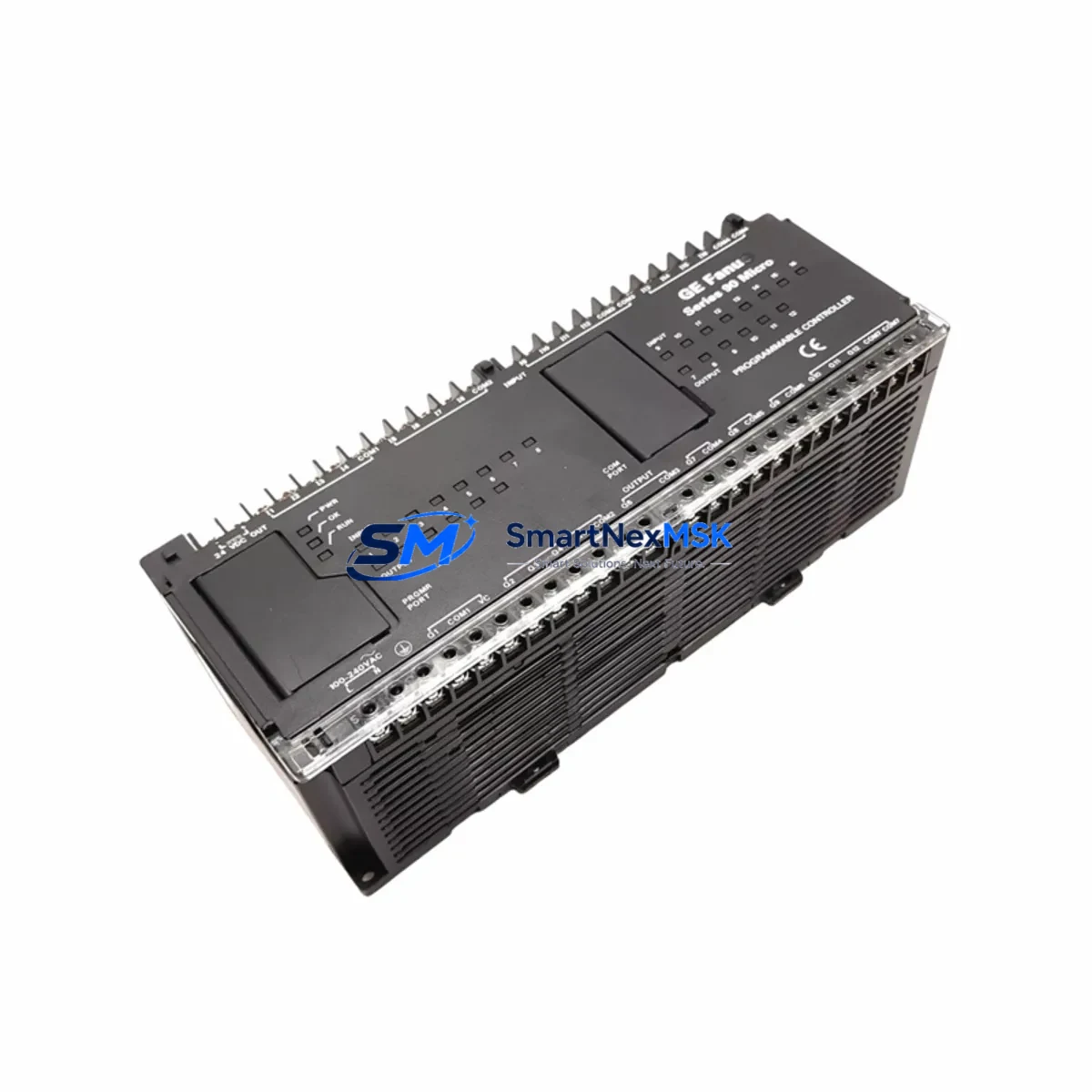
GE IC693UDR005FP1 Maintenance-Ready Spare for Series 90-30 Automation
The GE IC693UDR005FP1 is a Micro PLC base unit from GE’s Series 90-30 automation platform, integrating CPU, power supply, and relay output I/O into a compact, DIN-rail-mountable package. As a maintenance-ready original spare, this unit is sourced, inspected, and tested to support rapid field replacement in manufacturing lines, process control panels, and legacy automation systems where Series 90-30 infrastructure remains in active service. For maintenance engineers managing aging control architectures, having a verified IC693UDR005FP1 on the shelf is a direct risk-mitigation strategy against unplanned downtime.
This unit ships with full functional verification, original firmware compatibility, and a 12-month warranty covering defects in materials and workmanship. Each unit undergoes pre-shipment testing to confirm relay output switching, CPU initialization, and power-on self-test (POST) sequences before dispatch.
Spare Maintenance Table
| Parameter | Specification |
|---|---|
| Part Number / SKU | IC693UDR005FP1 |
| Brand / Manufacturer | GE (General Electric Automation) |
| Series | Series 90-30 (90-30 Micro PLC) |
| Product Type | Micro PLC Base Unit with Relay Outputs |
| Output Type | Relay (dry contact) |
| I/O Configuration | Integrated CPU + Power Supply + I/O (all-in-one base) |
| Supply Voltage | 120/240 VAC (auto-ranging) |
| Operating Temperature | 0°C to 60°C |
| Mounting | DIN Rail / Panel Mount |
| Communication | Serial (RS-232 / RS-485 via expansion) |
| Compatibility | GE Series 90-30 expansion racks, IC693 I/O modules, IC693CMM321 / IC693CMM311 comm modules |
| Origin | USA |
| Condition | Original / Genuine — Pre-shipment tested |
| Warranty | 12 Months — Covers manufacturing defects and functional failure |
| Shipping | Worldwide — DHL / FedEx / UPS with tracking |
Maintenance Planning for Continuous Operation
When a Series 90-30 system experiences a CPU fault or relay output failure traced to the IC693UDR005FP1 base unit, the replacement scope rarely ends at the PLC itself. A disciplined maintenance engineer will use the replacement event as an opportunity to audit the surrounding control cabinet for components that share the same operational age and thermal stress history.
Start with the power supply rail: if the IC693UDR005FP1’s integrated power supply has degraded, inspect the upstream panel-mount power supply (e.g., a 24VDC SMPS feeding field devices) for output ripple and voltage droop. Simultaneously, check the IC693PWR321 or IC693PWR330 rack power supply modules in any expansion racks connected to the same system — these units age in parallel and are common co-failure candidates.
On the I/O side, relay output contacts in the IC693UDR005FP1 are subject to mechanical wear from high-cycle switching loads. When replacing the base unit, inspect discrete I/O expansion modules such as the IC693MDL645 (relay output) and IC693MDL340 (DC input) for contact resistance and input threshold drift. Terminal blocks and wiring ferrules on the I/O field side should be re-torqued and inspected for oxidation, particularly in humid or chemically aggressive environments.
Communication integrity is equally critical. If the system uses an IC693CMM321 Ethernet module or IC693CMM311 serial communications module for SCADA or HMI connectivity, verify that these modules initialize correctly after the base unit swap. A Profibus DP adapter or DeviceNet scanner connected to the rack should also be re-commissioned to confirm node addressing and baud rate settings are retained in the replacement unit’s configuration upload.
For HMI continuity, confirm that the operator panel — whether a QuickPanel, Cimplicity-connected workstation, or third-party HMI — re-establishes communication with the new PLC base unit without requiring a full project re-download. Signal isolators and loop-powered transmitters feeding analog input modules (such as the IC693ALG221 or IC693ALG392) should be verified for 4–20 mA loop integrity post-replacement.
Finally, review the fuse and circuit breaker ratings on the control panel’s incoming power circuit. A failing PLC base unit can sometimes draw abnormal inrush current during fault conditions; replacing the unit without inspecting the upstream fuse block or miniature circuit breaker (MCB) risks nuisance tripping or undetected fuse degradation. Surge protection devices (SPDs) on the AC input line should also be checked for sacrificial element status.
Stocking the IC693UDR005FP1 alongside these associated components — I/O expansion modules, comm modules, power supplies, and signal isolators — constitutes a complete spare parts strategy for Series 90-30 systems and minimizes mean time to repair (MTTR) across the full control architecture.
Site Replacement Workflow
Step 1 — Pre-replacement backup: Using GE’s Proficy Machine Edition or the legacy Logicmaster 90 software, upload the existing ladder logic program and hardware configuration from the faulted IC693UDR005FP1 to a laptop. Confirm the backup file is complete and timestamped before proceeding.
Step 2 — Power isolation: De-energize the control panel via the main disconnect. Lock out / tag out (LOTO) per site safety procedures. Verify zero-energy state with a calibrated voltage tester on both the AC input terminals and the 24VDC field power bus.
Step 3 — Module removal: Disconnect all field wiring from the relay output terminals, noting wire labels and terminal positions. Remove the IC693UDR005FP1 from the DIN rail or panel mount. If expansion racks are connected via the IC693CBL001 or IC693CBL002 bus expansion cable, disconnect these carefully to avoid pin damage.
Step 4 — Replacement installation: Mount the new IC693UDR005FP1. Reconnect field wiring per the original terminal diagram. Reconnect expansion rack cables. Verify DIP switch settings for memory protect and run/stop mode match the original unit’s configuration.
Step 5 — Program download and verification: Power up the panel. Download the backed-up program to the new unit. Perform a full I/O force test to confirm relay output switching and input signal reading across all channels. Verify HMI communication re-establishment and SCADA tag mapping.
Step 6 — Return to service: Release LOTO, restore normal operating mode, and document the replacement in the site maintenance log with the new unit’s serial number and installation date. Update the spare parts inventory to trigger reorder of a replacement IC693UDR005FP1 for the next event.
This workflow is compatible with direct replacement of legacy IC693UDR001, IC693UDR002, and IC693UDR003 base units, maintaining full program and I/O compatibility within the Series 90-30 architecture without requiring hardware reconfiguration of expansion racks.
Spare Parts Support FAQ
Q1: Is the IC693UDR005FP1 a direct drop-in replacement for earlier Series 90-30 Micro PLC base units?
Yes. The IC693UDR005FP1 is backward-compatible with earlier IC693UDR001, IC693UDR002, and IC693UDR003 variants within the Series 90-30 platform. Program files created in Logicmaster 90 or Proficy Machine Edition are transferable without modification, and the hardware configuration is recognized by the same software toolchain. Always verify firmware revision compatibility if the system uses advanced motion or communications features.
Q2: What does the 12-month warranty cover, and how is a warranty claim processed?
The 12-month warranty covers manufacturing defects, functional failure under normal operating conditions, and DOA (dead-on-arrival) units. It does not cover damage from incorrect wiring, overvoltage events, or physical mishandling after delivery. To initiate a warranty claim, contact [email protected] with the order number, unit serial number, and a description of the fault symptom. Replacement or repair is processed within 5–10 business days of fault confirmation.
Q3: How do you verify the unit before shipment, and what documentation is provided?
Each IC693UDR005FP1 undergoes a pre-shipment functional test including power-on self-test (POST) verification, relay output continuity check, and CPU initialization confirmation. A test report is available upon request. Units are shipped with anti-static packaging, and a packing list with part number, serial number, and test date is included in every shipment.
Q4: Can you support long-term or blanket purchase orders for ongoing Series 90-30 maintenance programs?
Yes. For facilities managing multiple Series 90-30 systems or planning multi-year maintenance contracts, we support blanket PO arrangements, reserved stock allocation, and priority fulfillment agreements. Contact [email protected] or call +86 18259474341 to discuss volume pricing, lead time commitments, and consignment stocking options tailored to your maintenance schedule.
© 2026 SMARTNEXMSK. All rights reserved.
Original Source: https://smartnexmsk.com
Contact: [email protected] | +86 18259474341