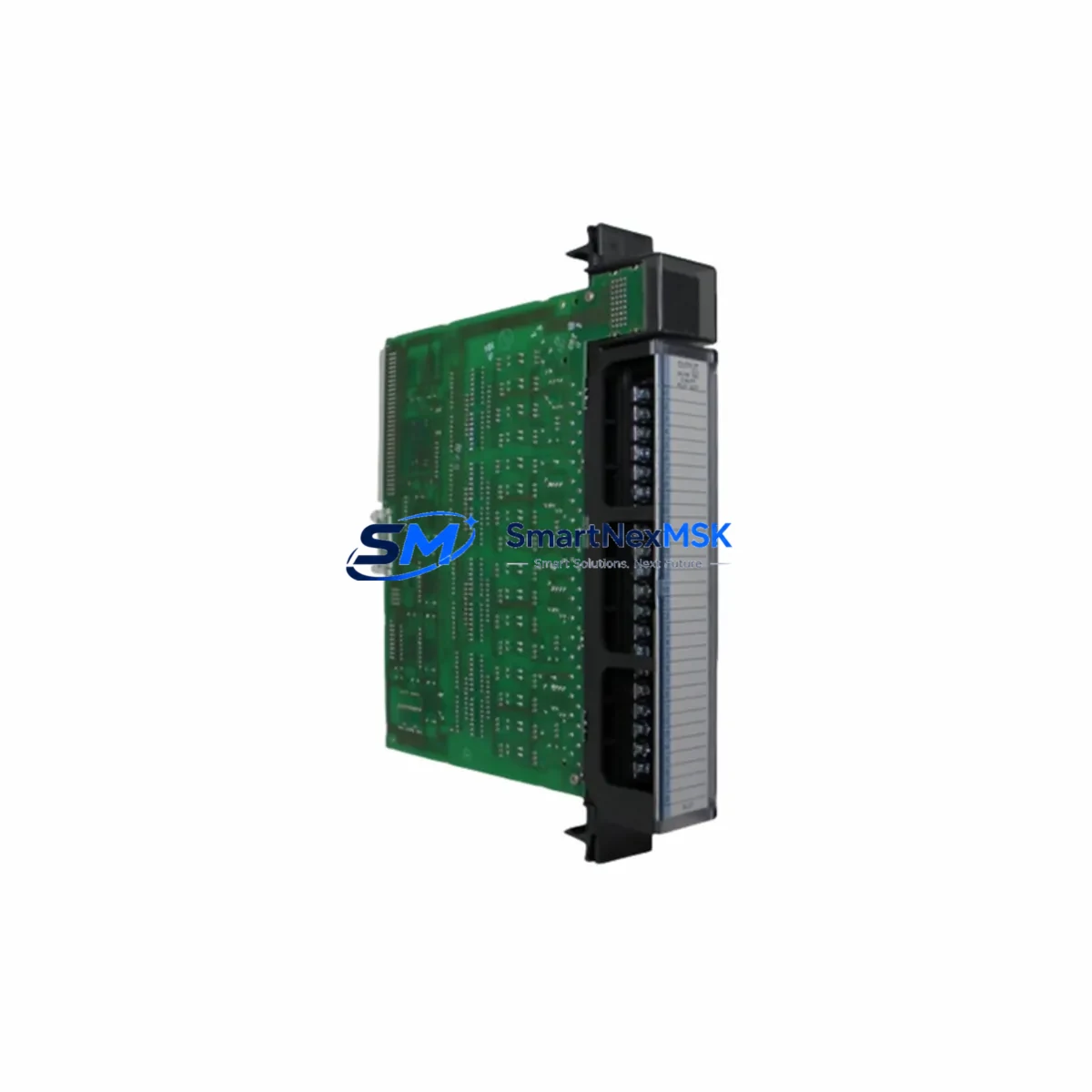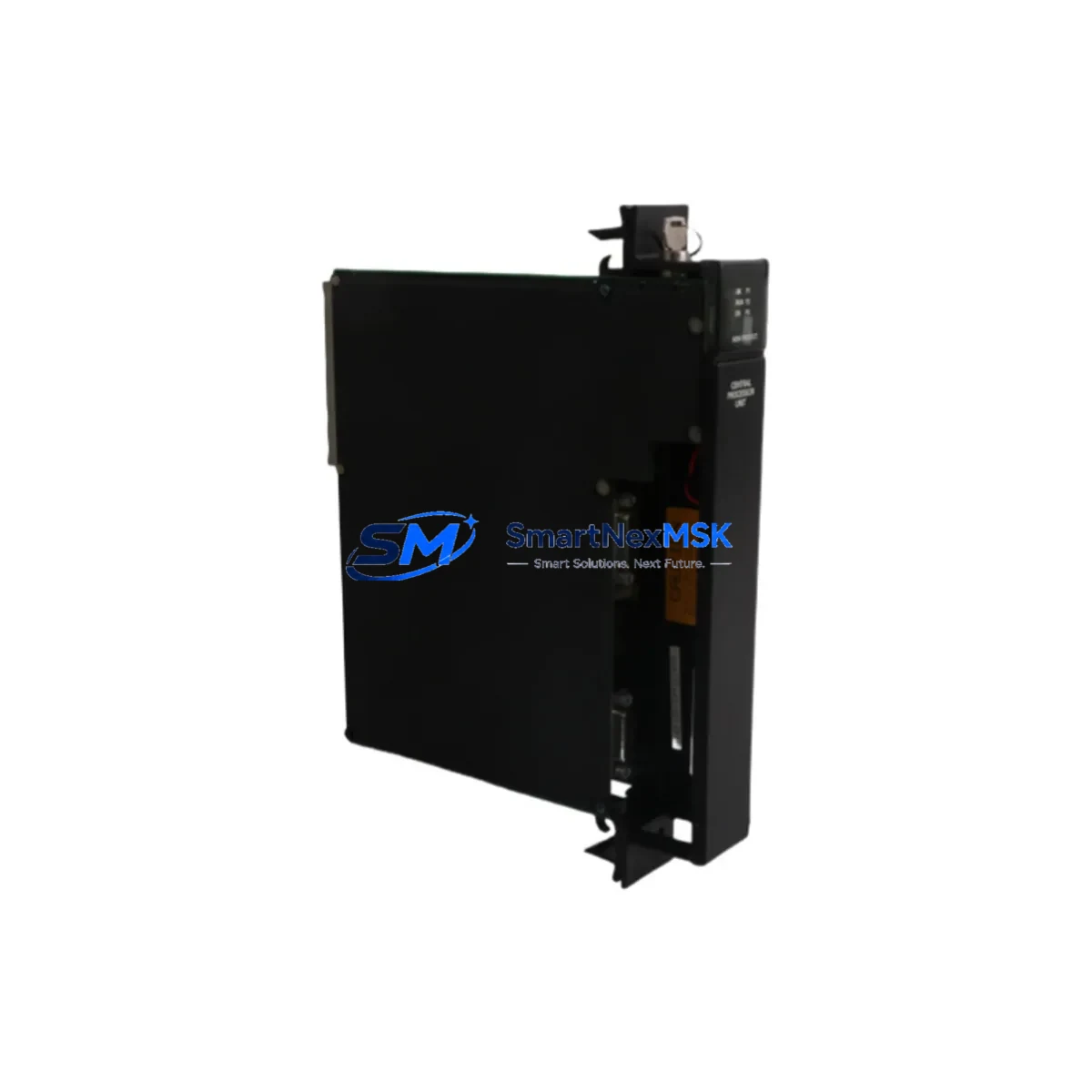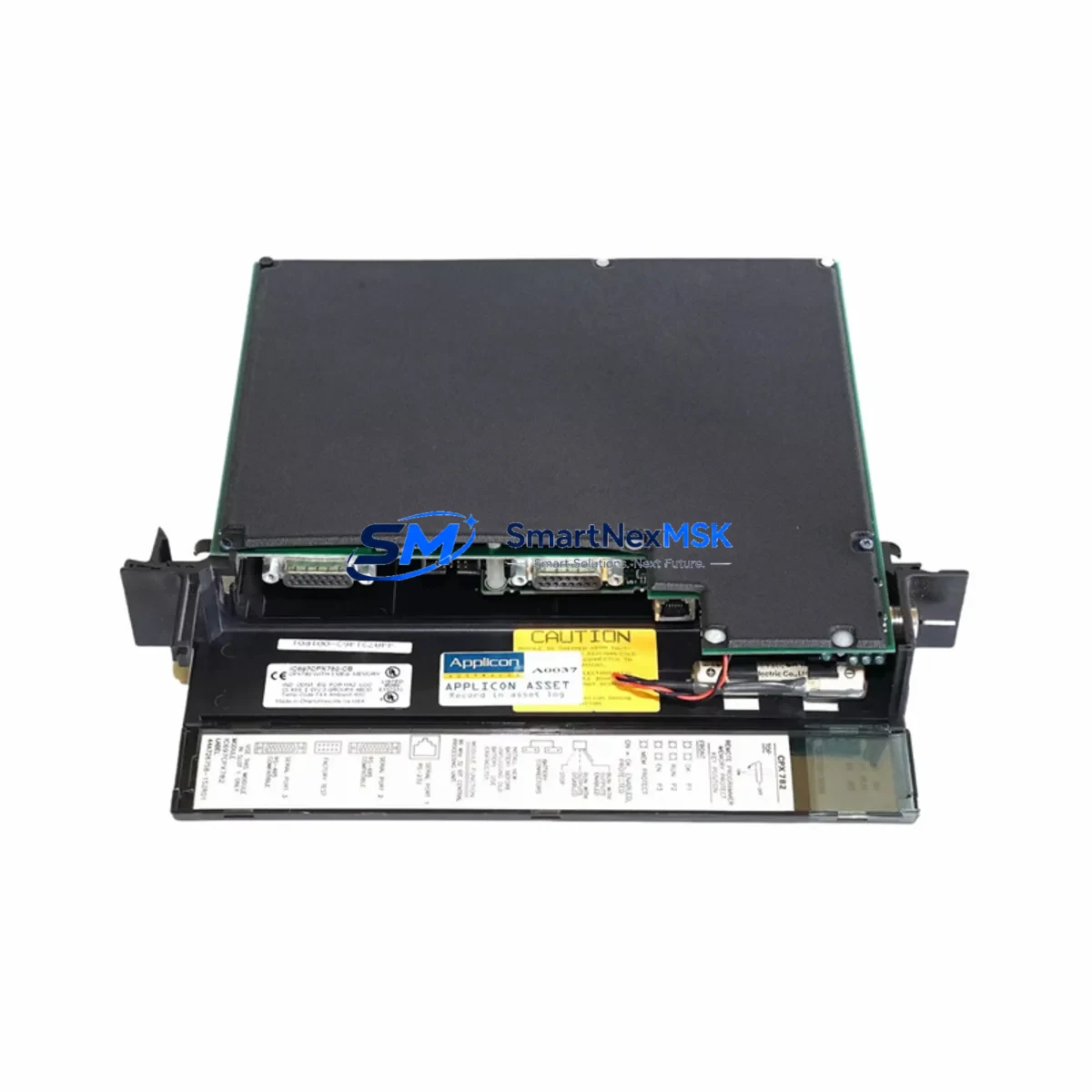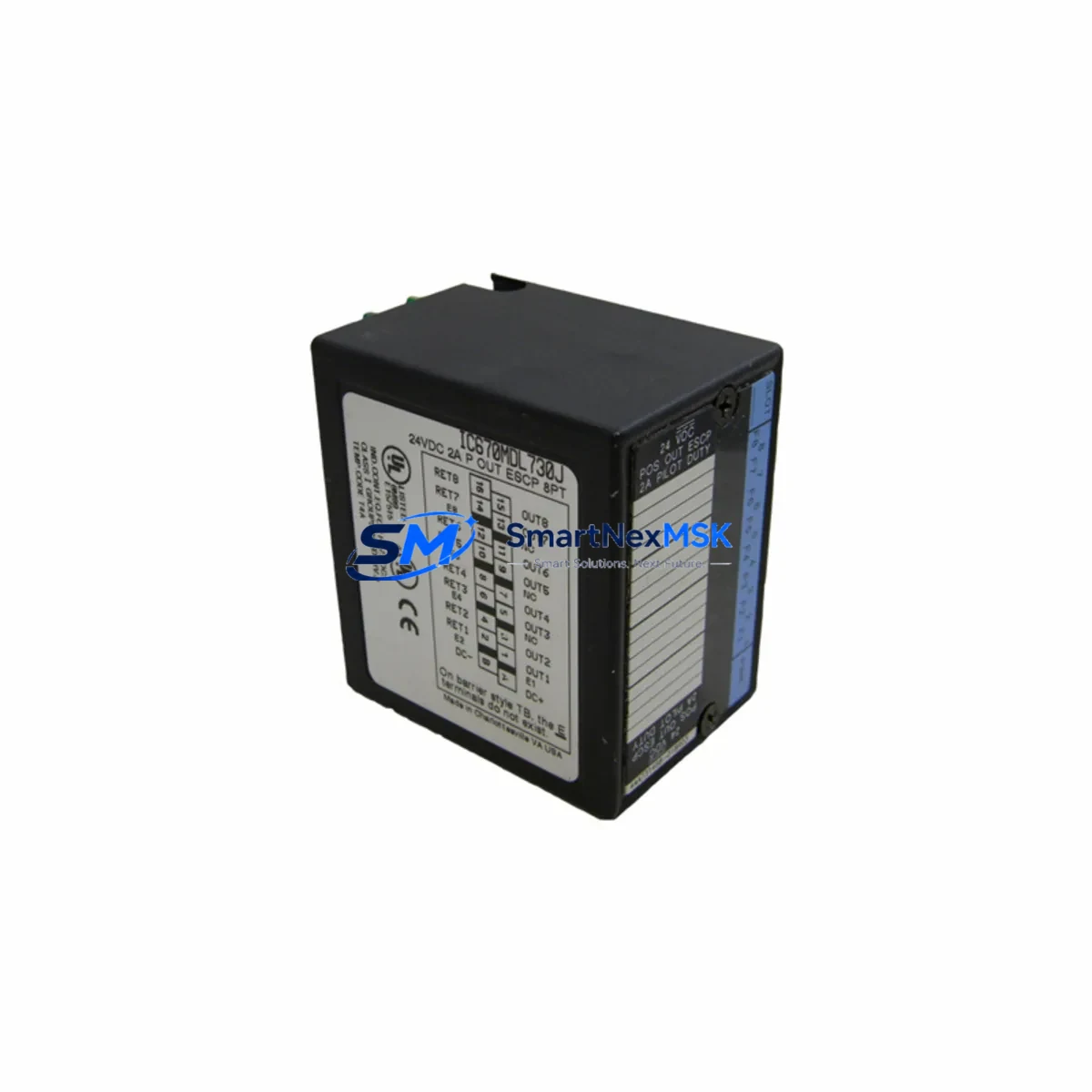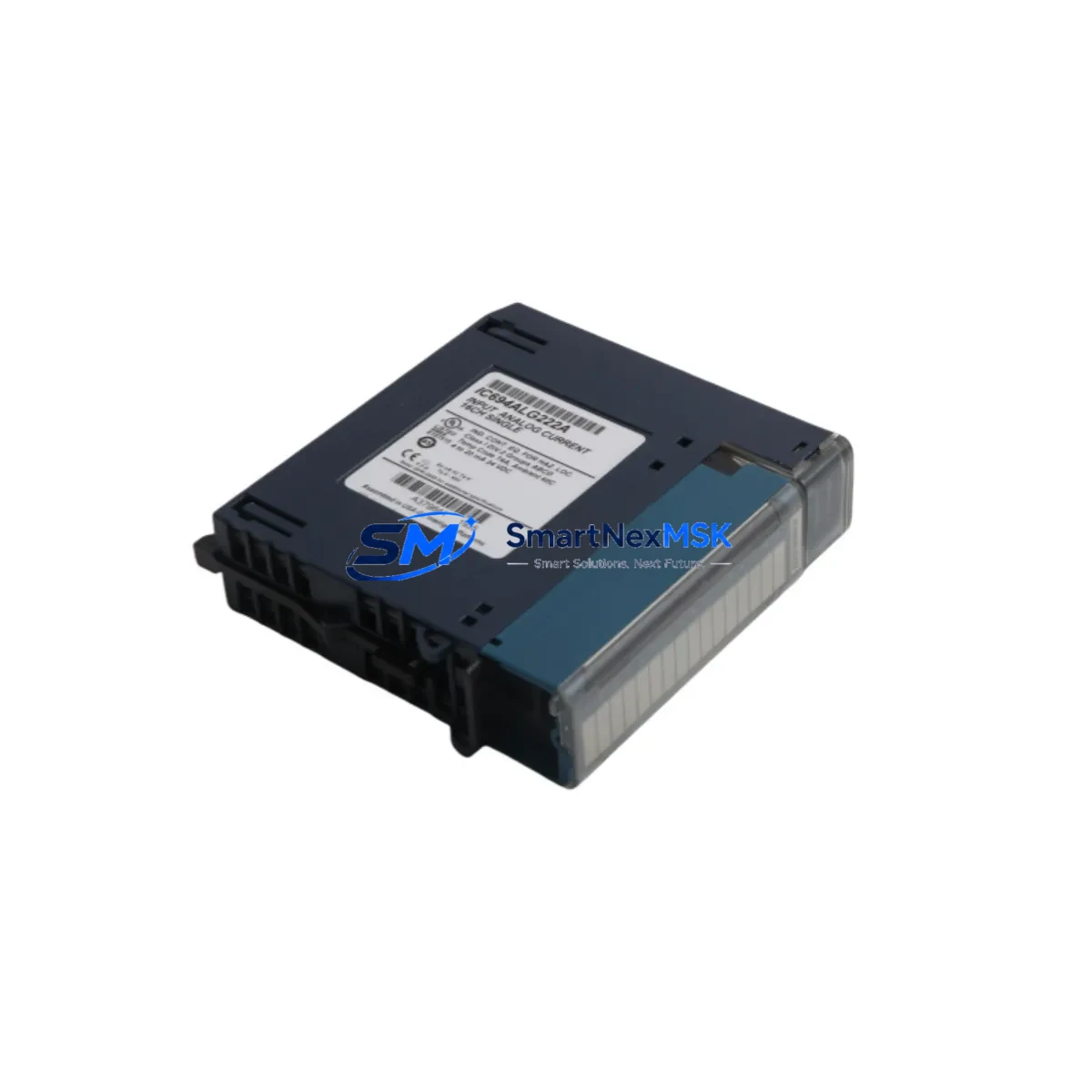
GE IC694ALG222 Retrofit-Ready Analog Input for RX3i Control Systems
The GE IC694ALG222 is a 16-channel analog input module engineered for the GE PACSystems RX3i control platform. Designed to support both new installations and legacy system modernization, this module is a proven retrofit solution for facilities migrating away from discontinued Series 90-30 hardware or aging RX3i configurations. Whether you are replacing a failed IC694ALG222 on an active production line, upgrading a control cabinet to meet current process requirements, or expanding I/O capacity on an existing RX3i rack, this module delivers the signal resolution, channel density, and backplane compatibility required for seamless integration.
Each IC694ALG222 supports 16 single-ended or 8 differential analog input channels, accepting voltage and current signals across standard industrial ranges. The module installs directly into any IC694- or IC695-series universal backplane, including the IC694CHS392 and IC694CHS398 rack assemblies, without requiring additional mounting hardware or backplane adapters. Power draw is sourced from the backplane bus, making it compatible with the IC695PSA040 and IC695PSD040 power supply modules already deployed in most RX3i cabinets.
Upgrade Compatibility Table
| Parameter | IC694ALG222 Specification | Retrofit Notes |
|---|---|---|
| Backplane Interface | RX3i Universal Backplane (IC694/IC695 series) | Direct slot replacement; no adapter required |
| Channel Count | 16 single-ended / 8 differential | Verify field wiring terminal assignments before swap |
| Input Signal Range | ±10V, 0–10V, 4–20mA, 0–20mA | Confirm jumper/software range settings match legacy config |
| Communication | RX3i backplane bus (Ethernet/serial via IC695ETM001 or IC694CMM321) | No protocol migration required for same-platform swap |
| Module Address | Configured via Proficy Machine Edition (PME) | Re-use existing %AI reference addresses from legacy program |
| Installation Slot | Any universal I/O slot in IC694/IC695 rack | Slot position must match PME hardware configuration |
| Replacement for | IC694ALG222 (same), IC693ALG221 (Series 90-30 migration) | Series 90-30 to RX3i migration requires rack and CPU change |
| Commissioning Tool | Proficy Machine Edition 9.x or later | Verify I/O scan rate and filter settings post-swap |
| Warranty | 12-Month Warranty — tested and verified before shipment | |
Retrofit Planning for Existing Automation Systems
Successful integration of the IC694ALG222 into an existing control system begins with a thorough pre-replacement audit. Before removing the failed or obsolete module, engineers should document the current slot assignment in the Proficy Machine Edition hardware configuration, record all %AI reference addresses mapped to the module, and export the active PLC program from the IC695CPE305 or IC695CPE400 CPU to a backup file. This step protects program logic and prevents reference address conflicts during recommissioning.
Field wiring termination is the most time-sensitive step in any analog module swap. The IC694ALG222 uses a removable terminal block, which allows the wiring harness to be disconnected from the old module and reconnected to the replacement unit without disturbing individual conductor terminations. Verify that shielded twisted-pair cables are used for all analog signal runs, and confirm that shield grounds are terminated at one end only to prevent ground loop interference. For installations where the legacy module used a different terminal block pitch or connector style — common in migrations from IC693ALG221 or third-party analog cards — a wiring adapter or re-termination at the marshalling panel may be required.
Power budget verification is essential before adding or replacing analog I/O in an existing rack. Calculate the total current draw across all modules in the IC694CHS392 or IC694CHS398 backplane and confirm that the installed IC695PSA040 power supply has sufficient headroom. If the cabinet also houses communication modules such as the IC694CMM321 serial communications module or the IC695ETM001 Ethernet interface module, include their consumption in the power budget calculation. Overloading the backplane power supply is a common cause of intermittent analog faults that are difficult to diagnose in the field.
For facilities running HMI systems connected to the RX3i controller — such as GE’s QuickPanel+ IC754CKF12CTD or third-party SCADA platforms via OPC-DA/UA — confirm that analog tag addresses in the HMI project match the %AI references configured in the PLC program. A module swap that changes slot position will shift the default %AI base address unless the hardware configuration in PME is explicitly locked to the original slot. Update HMI screen bindings and alarm setpoints after any slot reassignment to prevent false alarms or lost process visibility during startup.
Downtime Control During System Migration
Minimizing production downtime during an analog module replacement requires a structured hot-swap or planned-outage strategy. For non-redundant RX3i systems, the recommended approach is to schedule the swap during a planned maintenance window, pre-stage the replacement IC694ALG222 with the correct hardware configuration loaded in PME, and prepare a printed copy of the terminal wiring diagram before the outage begins. Having the IC693CBL316 programming cable or an Ethernet connection to the CPU ready for immediate online monitoring after power-up reduces the time spent waiting for the controller to complete its I/O scan and report module health.
Where process continuity is critical, consider placing the affected analog loops in manual control mode at the DCS or SCADA level before initiating the swap. This prevents runaway control actions caused by loss of analog feedback during the module replacement interval. After reinstalling the IC694ALG222 and restoring power, perform a forced I/O test on each channel using a calibrated signal source — a 4–20mA loop calibrator or precision voltage reference — to verify that all 16 channels are reading within specification before returning the loops to automatic control. Document the as-found and as-left readings for each channel as part of the maintenance record.
For multi-rack RX3i systems where the analog module is located in an expansion rack connected via the IC695RMX128 remote I/O scanner, confirm that the expansion rack communication link is restored and the scanner reports a healthy status before releasing the system to production. Communication faults on the expansion bus can mask analog module errors and delay the detection of wiring problems introduced during the swap.
Retrofit Support FAQ
Q1: Is the IC694ALG222 a direct drop-in replacement for a failed unit in the same slot?
Yes. The IC694ALG222 is a direct slot-for-slot replacement within any IC694 or IC695 universal backplane. The module inherits the slot address and %AI reference assignments from the existing PME hardware configuration without requiring program changes, provided the replacement unit is installed in the same physical slot as the original.
Q2: Can the IC694ALG222 replace an IC693ALG221 from a Series 90-30 system?
Functionally yes, but a direct backplane swap is not possible. The Series 90-30 and PACSystems RX3i use different backplane architectures. Migrating from IC693ALG221 to IC694ALG222 requires replacing the Series 90-30 rack with an RX3i backplane, upgrading the CPU to an IC695CPE305 or equivalent, and converting the ladder logic program using Proficy Machine Edition’s import tools. Wiring can typically be re-used with minor terminal block adaptation.
Q3: What commissioning checks are required after installing a replacement IC694ALG222?
After installation, power up the rack and confirm the module reports a healthy status (solid green LED) in PME’s online hardware view. Perform a channel-by-channel signal injection test using a calibrated 4–20mA or voltage source. Verify that %AI values in the PLC program match the injected signal within the module’s specified accuracy. Check filter time constants and input range settings in the module configuration and confirm they match the pre-swap baseline. Finally, verify that HMI analog displays and alarm limits are responding correctly before returning to automatic operation.
Q4: What warranty and pre-shipment testing does SMARTNEXMSK provide?
Every IC694ALG222 unit shipped by SMARTNEXMSK is function-tested prior to dispatch and covered by a 12-month warranty against manufacturing defects and operational failure. Units are inspected for physical damage, connector integrity, and firmware revision compatibility. If a unit fails within the warranty period under normal operating conditions, SMARTNEXMSK will provide a replacement or full refund. Contact our technical team at [email protected] or +86 18259474341 for warranty claims and pre-sales compatibility verification.
© 2026 SMARTNEXMSK. All rights reserved.
Original Source: https://smartnexmsk.com
Contact: [email protected] | +86 18259474341