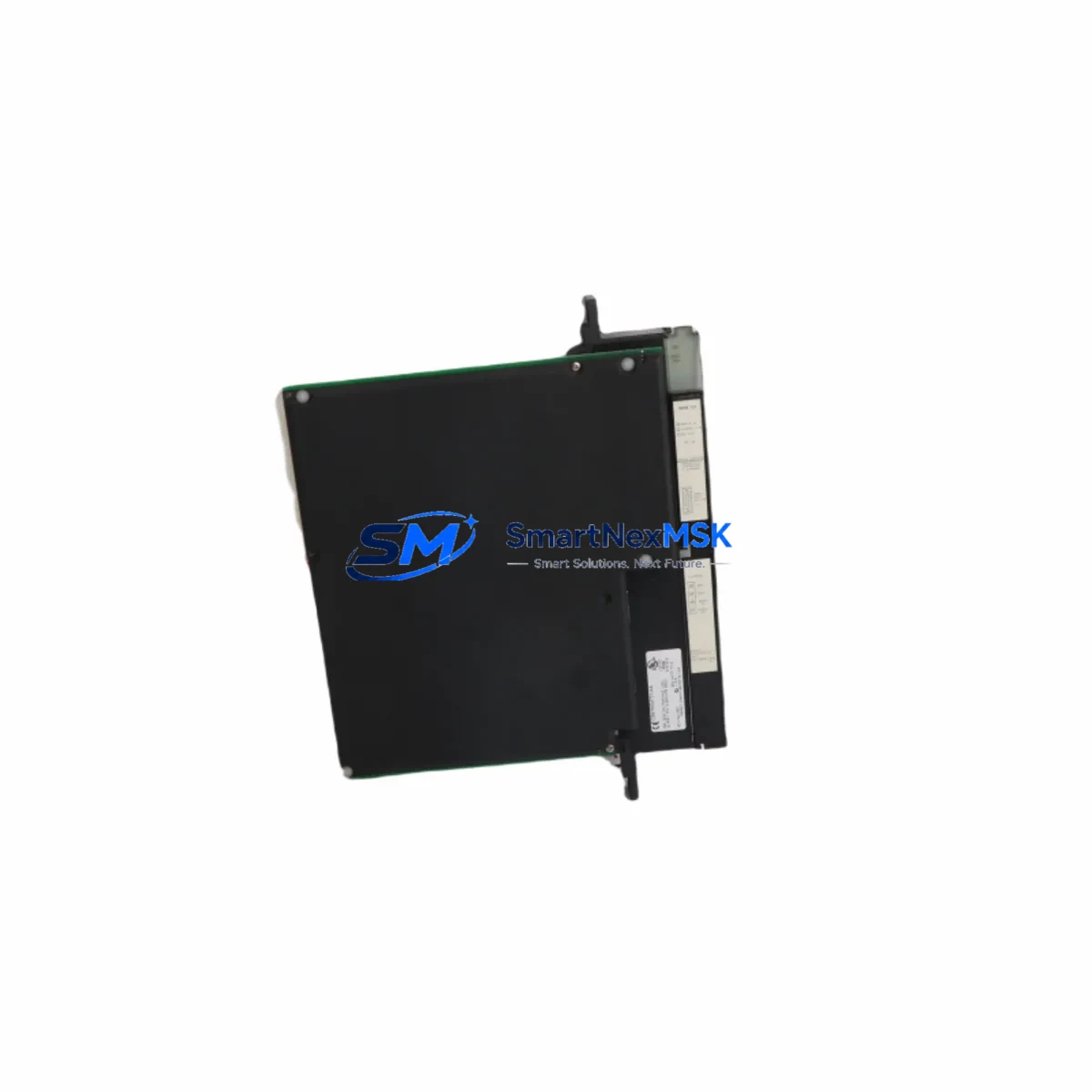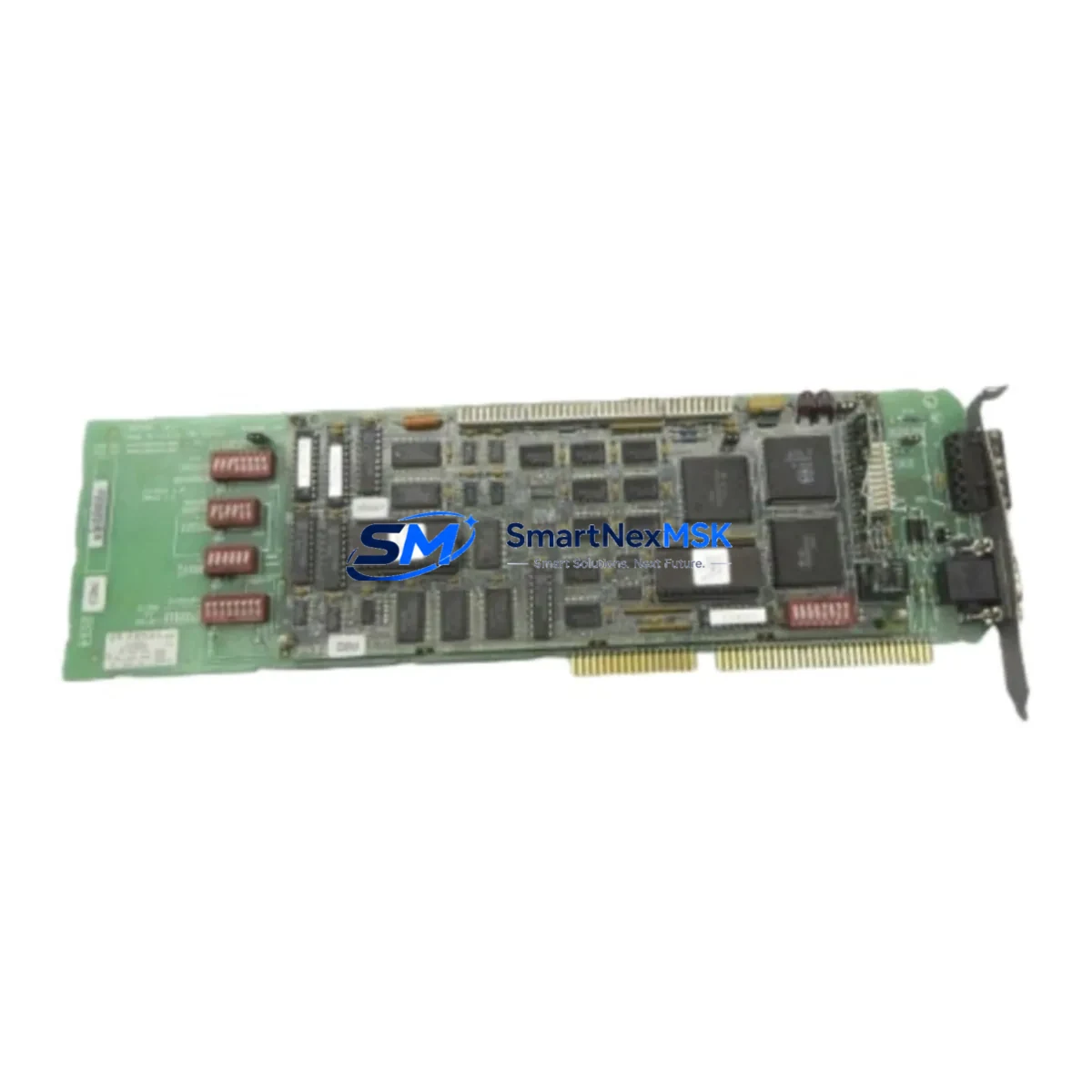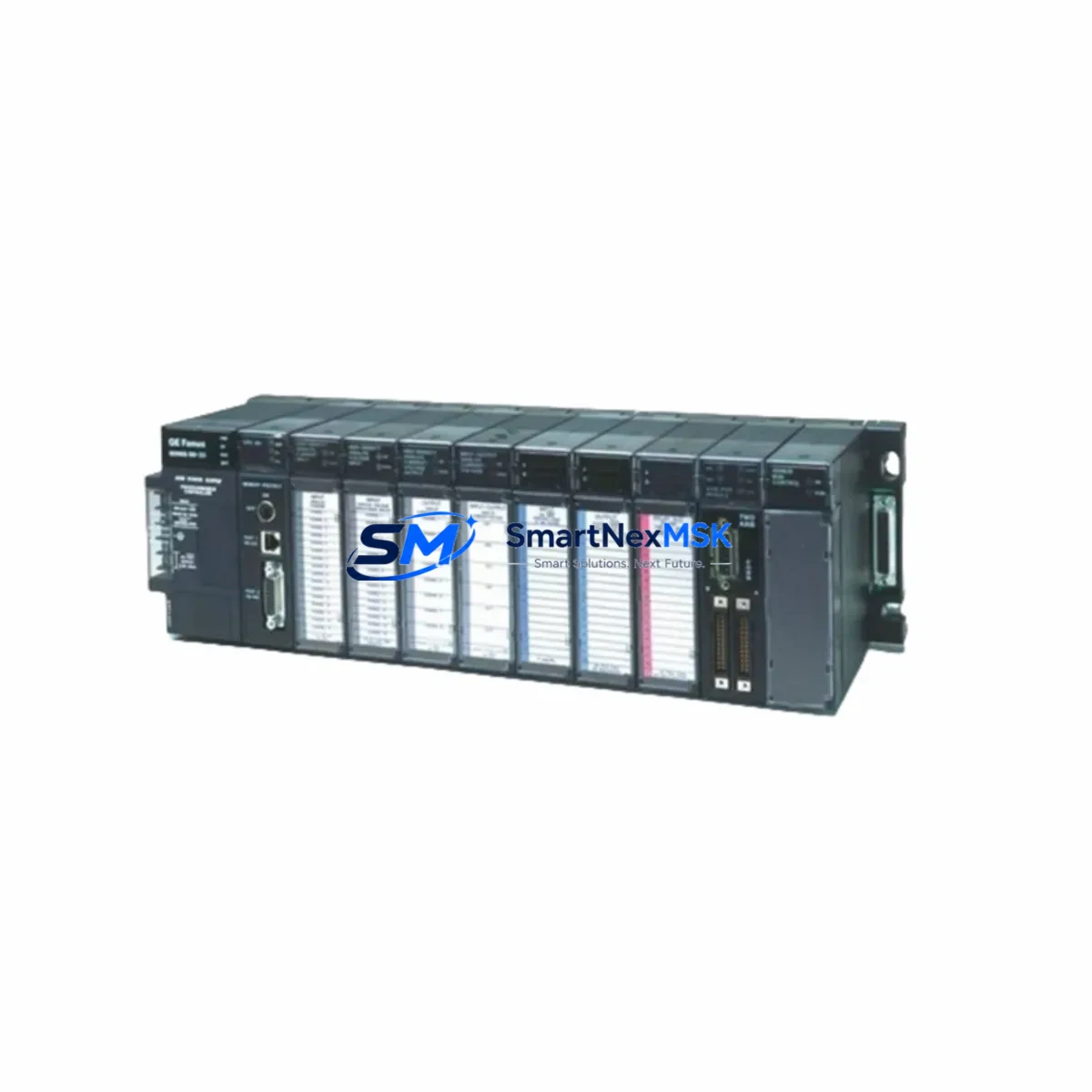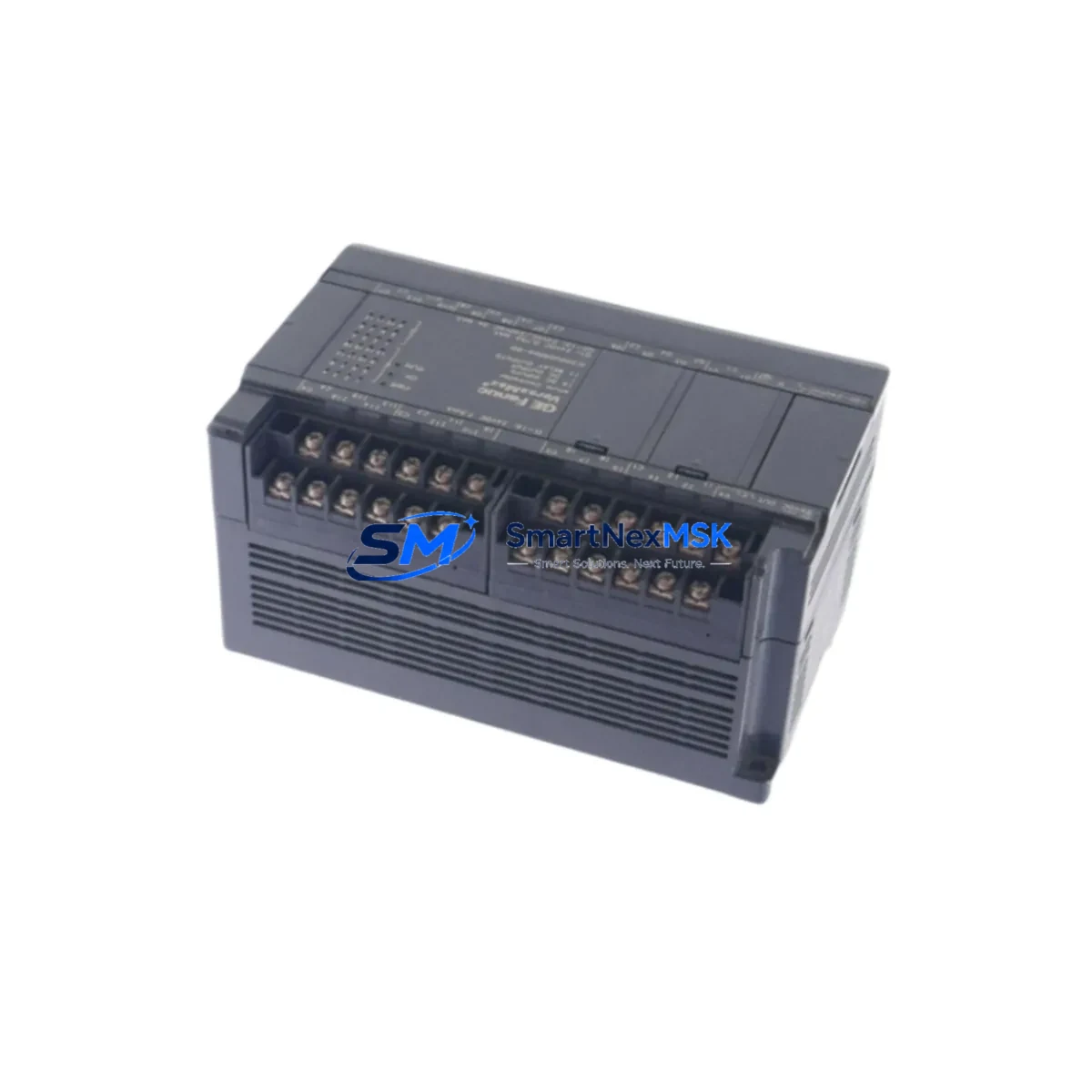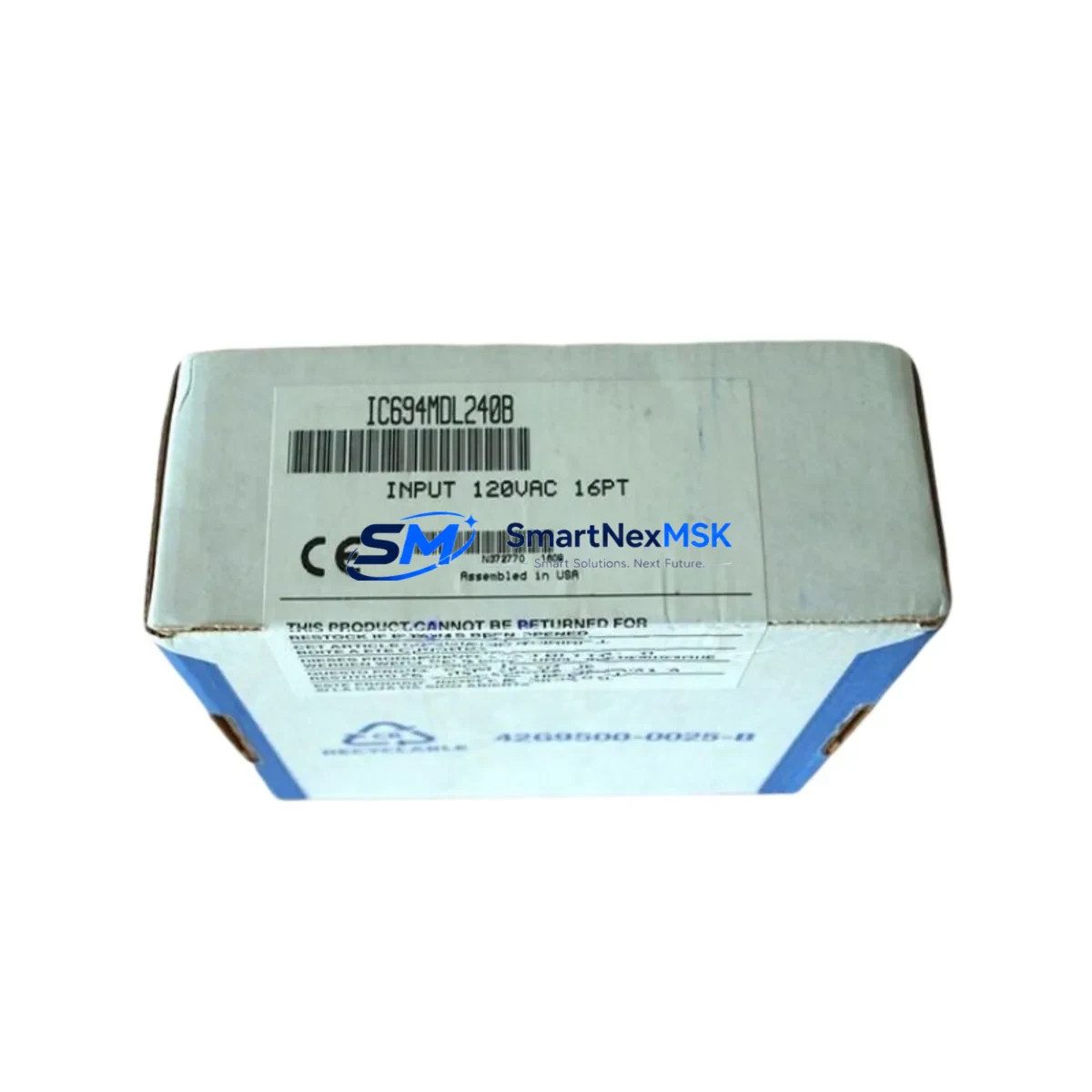
GE IC694MDL240B Maintenance-Ready Spare for Series 90-30 Automation
The GE IC694MDL240B is a 16-channel, 24VDC discrete input module designed for the GE Series 90-30 PLC platform — one of the most widely deployed programmable logic controller families in industrial automation. For maintenance engineers managing aging control systems, production lines, or critical infrastructure, keeping a verified spare of the IC694MDL240B on the shelf is a fundamental risk-reduction strategy. Unplanned downtime caused by a failed input module can halt an entire production cell within minutes; having a tested, original replacement ready for immediate installation is the difference between a 15-minute recovery and a multi-hour outage.
This unit is sourced as an original spare, fully inspected, and shipped with a 12-month warranty. Each module undergoes functional verification prior to dispatch to ensure it meets GE Fanuc’s original electrical and signal specifications. Whether you are executing a planned shutdown, responding to an emergency fault, or building out your site’s critical spare inventory, the IC694MDL240B is available for fast worldwide shipment.
Spare Maintenance Table
| Parameter | Specification |
|---|---|
| Part Number | IC694MDL240B |
| Brand / Manufacturer | GE Fanuc (GE Automation & Controls) |
| Series Compatibility | GE Series 90-30 PLC |
| Module Type | Discrete Input Module |
| Number of Input Channels | 16 Channels |
| Input Voltage | 24VDC |
| Input Current (per point) | Approx. 7 mA @ 24VDC |
| ON State Voltage Range | 15–30 VDC |
| OFF State Voltage Range | 0–5 VDC |
| Isolation | Optical isolation, 500V group isolation |
| Backplane Compatibility | IC694CHS392, IC694CHS398, IC694CHS782 and compatible 90-30 racks |
| Operating Temperature | 0°C to 60°C (32°F to 140°F) |
| Storage Temperature | -40°C to 85°C |
| Relative Humidity | 5–95% non-condensing |
| Installation Method | Direct backplane insertion, no tools required |
| Indicator LEDs | Per-channel input status LEDs |
| Origin | USA |
| Warranty | 12 Months |
| Condition | Original Spare, Tested Before Shipment |
Maintenance Planning for Continuous Operation
When a Series 90-30 discrete input module such as the IC694MDL240B is flagged during a routine control cabinet inspection or fault diagnostic, experienced maintenance engineers know that the failure is rarely isolated. A thorough site replacement workflow should include inspection of the associated 24VDC power supply — commonly the IC693PWR321 or IC694PWR321 — to confirm stable voltage delivery to the input field devices. Voltage fluctuations or ripple at the power rail are a leading cause of premature input module degradation and intermittent fault codes.
Field wiring terminations connected to the IC694MDL240B should be checked at the terminal block level. Loose or corroded connections on the I/O terminal strips can cause false input states that are often misdiagnosed as module failure. If the cabinet uses IC694TBB032 or IC694TBS032 terminal blocks, inspect each screw terminal for torque compliance and oxidation, particularly in high-humidity or chemically aggressive environments.
For systems where the IC694MDL240B interfaces with proximity sensors, limit switches, or push-button stations, the signal integrity of each field device should be verified with a multimeter before the replacement module is inserted. This prevents a faulty field device from immediately stressing the new spare. In applications involving inductive loads or long cable runs, signal isolators or surge suppressors may be warranted to protect the new module’s input circuits.
The CPU module — typically an IC694CPU364, IC694CPU374, or IC694CPU392 in Series 90-30 configurations — should be checked for active fault tables referencing the failed slot address. After installing the IC694MDL240B replacement, clear the fault table and perform a forced I/O test to confirm all 16 channels respond correctly before returning the system to automatic mode. If the rack also houses analog input modules such as the IC694ALG220 or IC694ALG221, verify that the backplane bus integrity has not been compromised by the original fault event.
Communication modules sharing the same rack — such as the IC694CMM321 Ethernet interface or IC694DSM314 motion controller — should be confirmed as online and fault-free after the swap. In multi-rack configurations connected via the IC693CBK001 or IC694CBK001 expansion cable, verify that the remote rack I/O scan is completing without timeout errors. Fuse holders and circuit protection devices feeding the 24VDC input commons should also be inspected and replaced if any signs of thermal stress are present.
Site Replacement Workflow
Step 1 — Fault Isolation: Identify the faulted slot via the CPU fault table or HMI alarm display. Document the rack number, slot position, and channel assignments before removing the module.
Step 2 — Safe De-energization: Follow site LOTO (Lockout/Tagout) procedures. Disconnect the field wiring connector from the IC694MDL240B. Do not remove the module under live backplane power unless the CPU is in STOP mode and the rack supports hot-swap — verify this against your site’s Series 90-30 configuration documentation.
Step 3 — Module Removal and Inspection: Remove the faulted module and inspect the backplane connector pins for damage, debris, or corrosion. Clean with appropriate contact cleaner if necessary.
Step 4 — Spare Installation: Insert the replacement IC694MDL240B into the correct slot. Reconnect the field wiring connector, ensuring correct terminal orientation. The module’s per-channel LEDs should illuminate in accordance with the current field device states upon power-up.
Step 5 — System Verification: Clear the CPU fault table. Place the CPU in RUN mode and monitor the I/O status display for all 16 channels. Confirm with the HMI or SCADA system that all associated process signals are reading correctly. Log the replacement in the site maintenance record.
This workflow minimizes mean time to repair (MTTR) and ensures the replacement is validated before the system is returned to production. For aging Series 90-30 installations where the original module may be discontinued or difficult to source, maintaining a minimum of one IC694MDL240B spare per critical rack is a widely recommended practice among industrial maintenance teams.
Spare Parts Support FAQ
Q1: Is the IC694MDL240B still available as a new original spare, or only as refurbished stock?
The IC694MDL240B is available as an original spare sourced from authorized distribution channels and verified inventory. Each unit is tested for electrical functionality prior to shipment. Units are supplied with a 12-month warranty covering manufacturing defects and functional failure under normal operating conditions.
Q2: How do I confirm compatibility with my existing Series 90-30 rack and CPU before ordering?
The IC694MDL240B is compatible with all standard Series 90-30 5-slot, 10-slot, and expansion racks that accept IC694-series I/O modules. Compatibility is determined by the rack model (IC694CHS392, IC694CHS398, IC694CHS782, etc.) and the CPU firmware version. If you provide your CPU part number and rack configuration, our technical team can confirm compatibility before shipment.
Q3: What pre-shipment testing is performed on the IC694MDL240B?
Each IC694MDL240B is functionally tested on a live Series 90-30 backplane prior to dispatch. Testing includes verification of all 16 input channels, optical isolation integrity, LED indicator function, and backplane communication handshake. A test report is available upon request for critical applications.
Q4: What is the recommended spare inventory strategy for sites running multiple Series 90-30 racks?
For sites with three or more Series 90-30 racks, maintaining a minimum of two IC694MDL240B spares is recommended — one for immediate hot-swap and one as a secondary buffer. Sites with 24/7 production schedules or long lead-time procurement environments should consider a broader critical spare kit that includes the associated power supply, CPU module, and at least one analog input module to cover the most common failure modes in a single cabinet.
© 2026 SMARTNEXMSK. All rights reserved.
Original Source: https://smartnexmsk.com
Contact: [email protected] | +86 18259474341