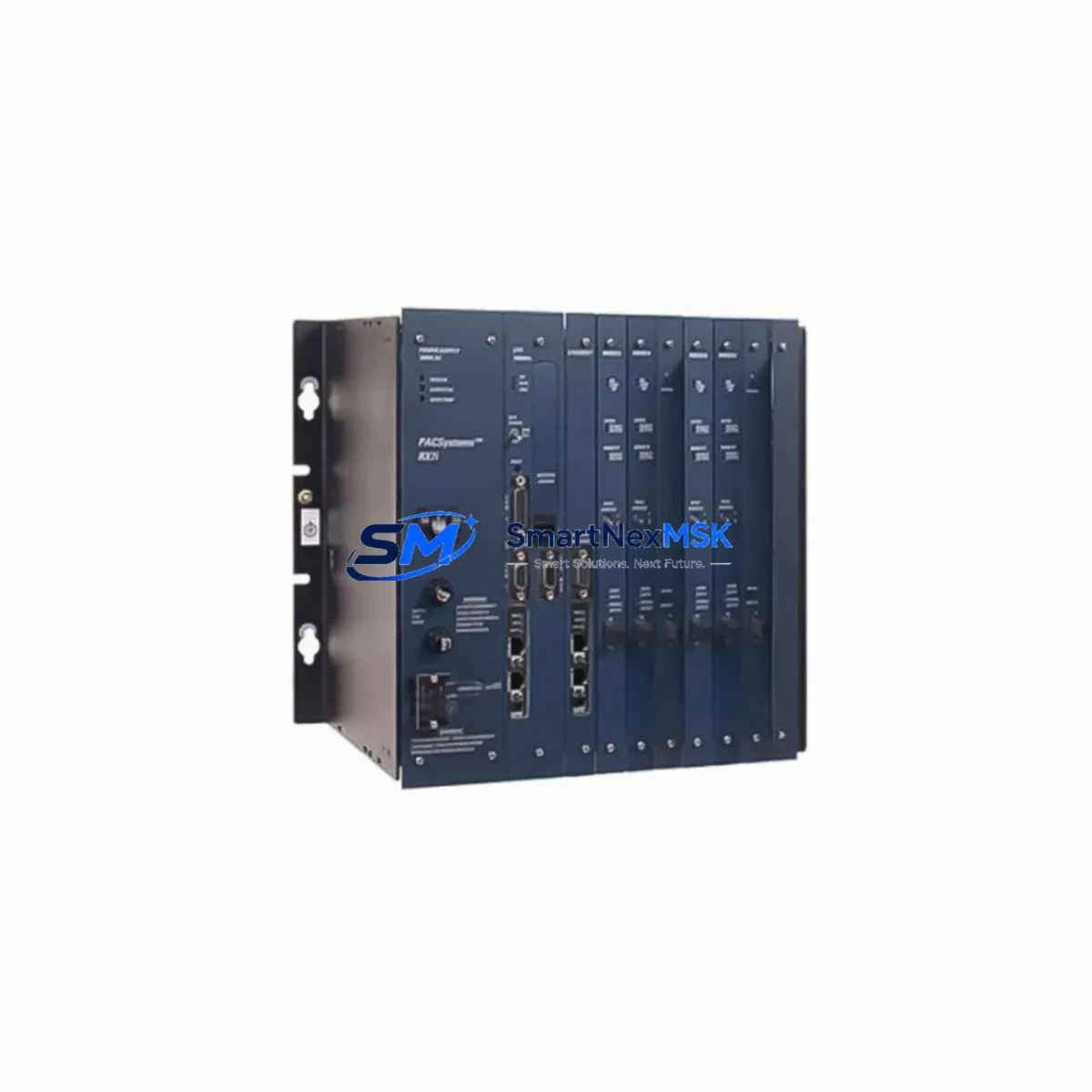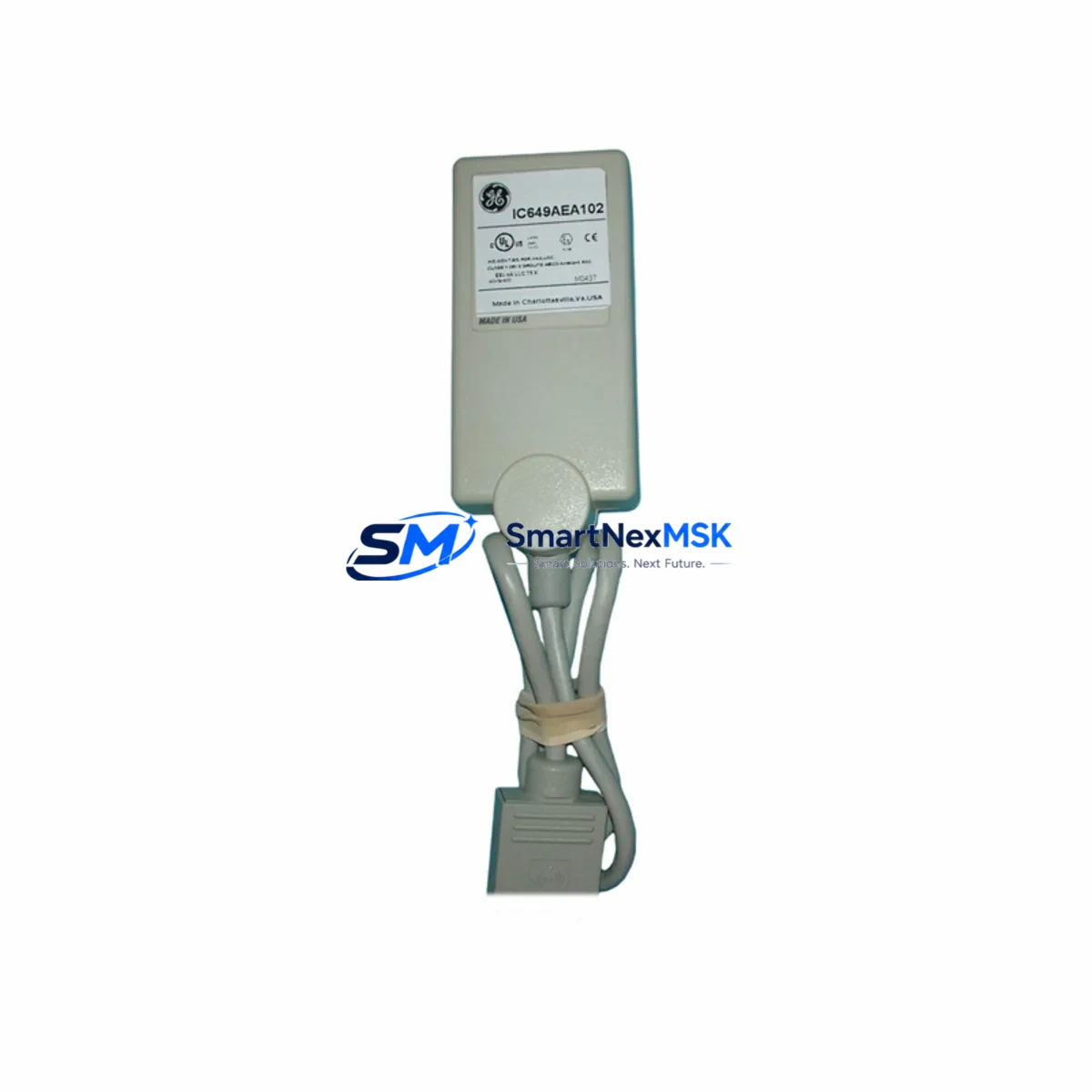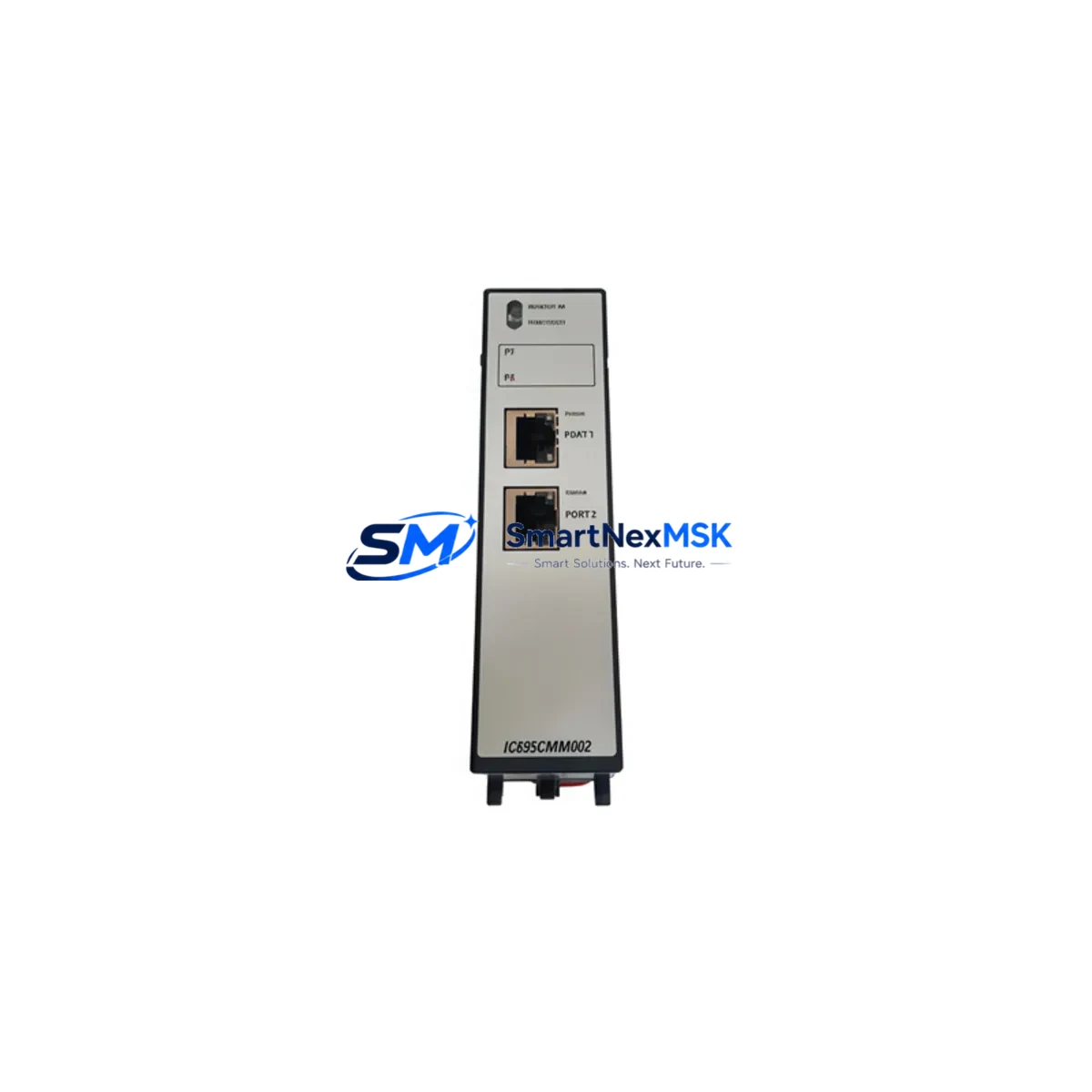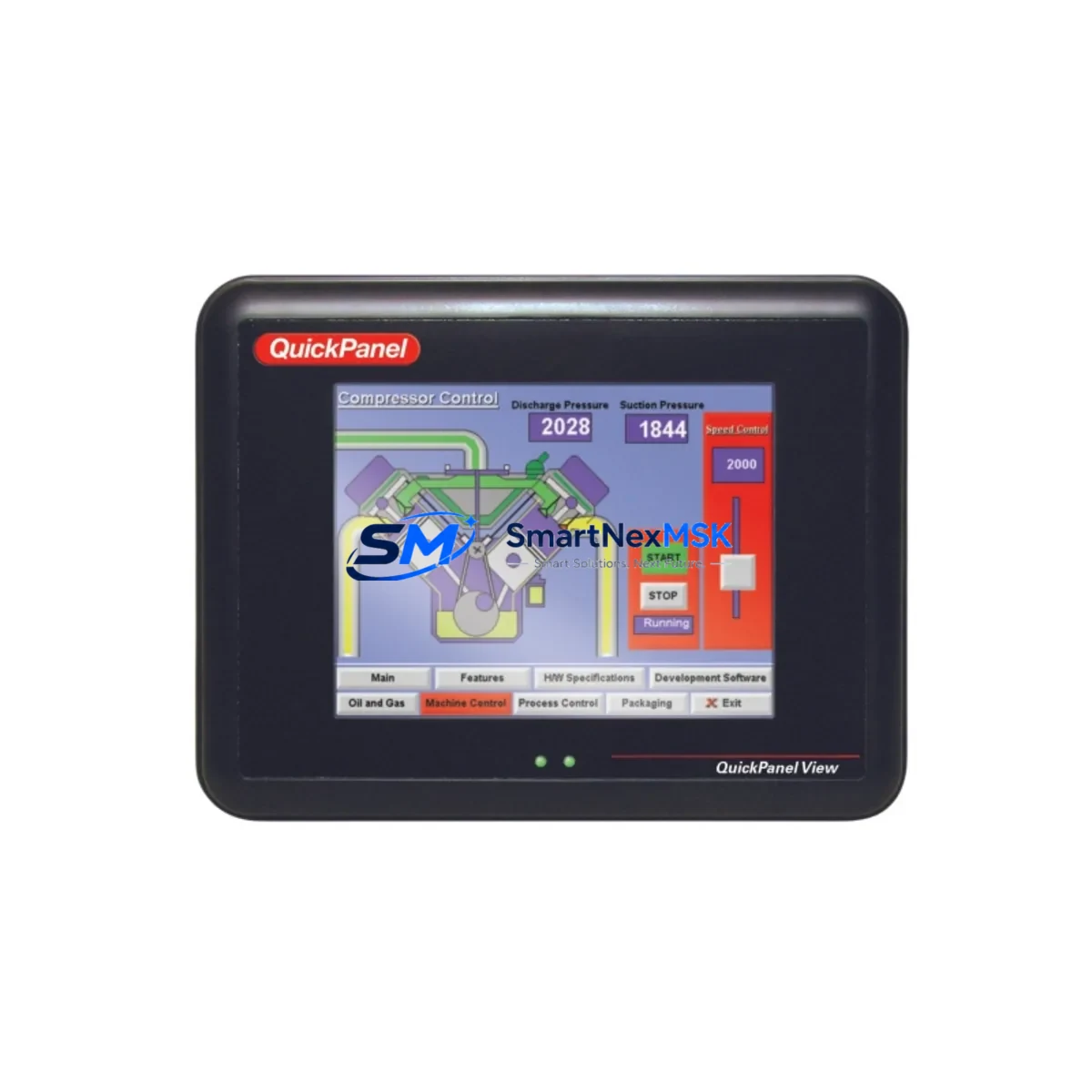
GE IC754VSF15CTD Retrofit-Ready HMI for QuickPanel Control Systems: Seamless Compatibility and Legacy System Upgrade
The GE IC754VSF15CTD is a 15-inch color touchscreen HMI panel engineered for industrial environments where legacy QuickPanel systems require modernization without full line shutdowns. As a retrofit-ready replacement for discontinued GE QuickPanel HMI units, the IC754VSF15CTD delivers the processing power, communication flexibility, and I/O compatibility that aging control cabinets demand. Whether you are managing a phased upgrade of a FANUC-controlled machining line, replacing a failed panel in a water treatment SCADA system, or migrating from serial-based communications to Ethernet-based protocols, this unit provides a validated migration path with minimal engineering rework.
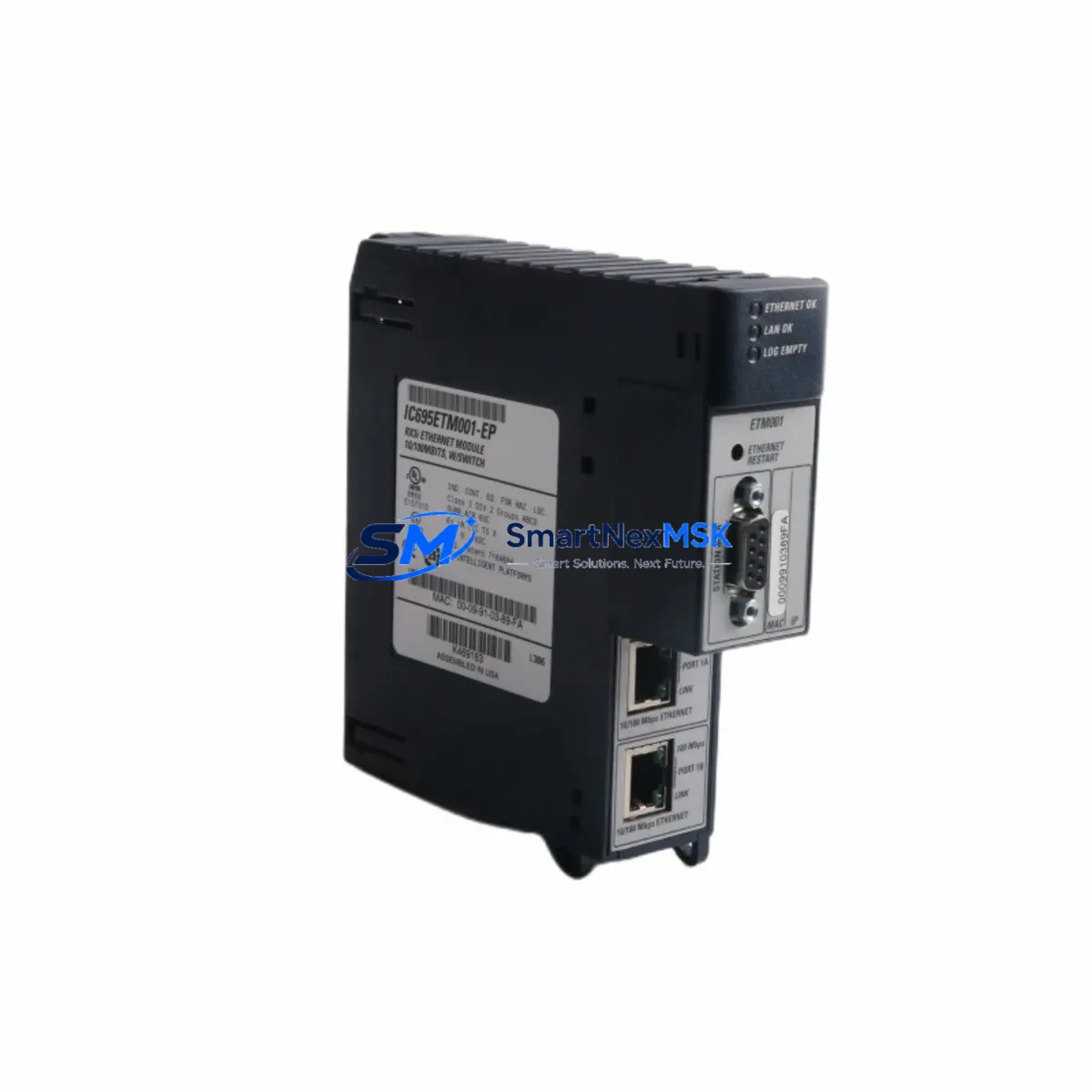
Engineers and maintenance teams sourcing a direct replacement for the IC754VSF15CTD or its predecessor models will find that this panel supports the same physical mounting footprint as earlier QuickPanel View and QuickPanel Control variants, reducing cutout modification time during panel changeouts. The unit operates on a 24VDC power supply input, consistent with standard control cabinet power rails already in use alongside GE PACSystems RX3i CPUs and IC693 Series I/O modules. Before installation, technicians should verify the existing power supply capacity — particularly when the cabinet also powers communication modules such as the IC695ETM001 Ethernet module or IC695PBM300 PROFIBUS master module — to ensure the total draw remains within rated limits.
Upgrade Compatibility Table
| Parameter | IC754VSF15CTD Specification | Retrofit Notes |
|---|---|---|
| Display Size | 15″ Color TFT Touchscreen | Verify panel cutout dimensions match legacy QuickPanel View 15″ units |
| Power Supply | 24VDC (nominal) | Confirm existing PSU capacity when sharing rail with IC695ETM001 or IC693PWR321 |
| Communication Ports | Ethernet (RJ45), RS-232, RS-485/422 | Map existing serial links to COM port assignments; update PLC driver settings accordingly |
| PLC Compatibility | GE PACSystems, Series 90-30, VersaMax | Confirm SRTP or Modbus TCP driver version in Proficy Machine Edition project |
| Mounting | Panel-mount, NEMA 4/4X front face | Gasket seal integrity must be verified after installation in wash-down environments |
| HMI Software | Proficy HMI/SCADA – iFIX / Cimplicity compatible | Re-validate screen tags and alarm links after project transfer to new hardware |
| Backplane Interface | Standalone panel (no backplane slot) | Communicates with PLC rack via Ethernet or serial; no direct backplane insertion |
| Replacement Path | Replaces IC754VSF15CTD, IC754VSF12CTD, IC754CSF12CTD | Confirm screen resolution differences when migrating HMI project from 12″ to 15″ variant |
| Commissioning | Proficy Machine Edition + IC646MTL516 programming cable | Backup original project before flashing; test all alarm and interlock screens offline |
| Warranty | 12-Month Warranty — All units tested prior to shipment | |
Retrofit Planning for Existing Automation Systems
A successful IC754VSF15CTD retrofit begins well before the unit arrives on site. The first step is a full audit of the existing control cabinet: document every terminal block connection on the legacy HMI’s power and communication wiring, photograph the existing cable routing, and record the COM port assignments used by the original panel. In most QuickPanel installations, the RS-232 port connects directly to the programming port of a GE Series 90-30 CPU (such as the IC693CPU374 or IC693CPU375), while the RS-485 port may carry a Modbus RTU link to a remote I/O drop or a third-party drive controller.
When the replacement IC754VSF15CTD is installed, technicians must reassign these communication links in the HMI project configuration. If the original system used a serial SRTP connection to a PACSystems RX3i rack — typically through an IC695CPU310 or IC695CPU315 CPU — migrating to Ethernet SRTP is strongly recommended during the retrofit. This requires adding or verifying the presence of an IC695ETM001 Ethernet module in the RX3i rack and configuring a static IP address on both the CPU and the new HMI panel. The Ethernet migration eliminates the distance limitations of RS-232 and significantly improves data refresh rates for real-time process displays.
For systems that include VersaMax distributed I/O — such as IC200UDD064 or IC200MDL640 modules connected via Genius Bus or Profibus — the HMI retrofit must account for the I/O addressing scheme used in the original PLC program. The IC754VSF15CTD does not directly interface with the I/O backplane; all process data is read through the PLC CPU. Technicians should verify that the PLC program’s variable table and the HMI tag database use consistent register addresses before going live. Any mismatch between the PLC’s %R, %AI, or %Q memory areas and the HMI tag configuration will result in incorrect display values or failed write commands.
Where the original installation included a GE IC646MTL516 programming cable for serial HMI configuration, the same cable can be used to load the updated Proficy Machine Edition project onto the IC754VSF15CTD during commissioning. After the project is loaded, all HMI screens, alarm groups, and trend displays should be validated against the live PLC data before the system is returned to production. Pay particular attention to safety interlock screens and emergency stop status indicators, as these are the most critical elements to verify during any HMI replacement.
Downtime Control During System Migration
Minimizing unplanned downtime is the primary concern in any legacy HMI replacement project. The IC754VSF15CTD retrofit can be executed within a planned maintenance window of four to eight hours when the site team has completed pre-work: the replacement unit is pre-configured with the HMI project offline, all terminal wiring is documented, and the PLC program backup is confirmed. The most effective approach is to pre-load the Proficy Machine Edition HMI project onto the IC754VSF15CTD in the workshop, using a bench power supply and a laptop with the IC646MTL516 cable, before the panel is brought to the production floor.
During the physical swap, the PLC CPU — whether an IC693CPU374 in a Series 90-30 rack or an IC695CPU315 in a PACSystems RX3i rack — should remain in RUN mode with the program executing normally. The HMI is a display and operator interface device; its removal does not interrupt PLC scan execution or I/O control. This means the process can continue running in automatic mode while the panel is changed, provided operators are briefed on manual override procedures and local control stations are available as backup. Once the new IC754VSF15CTD is mounted, powered, and the communication link to the PLC is established, the HMI will begin polling live data immediately. A full screen-by-screen walkthrough with the shift supervisor should be completed before the maintenance window is closed.
For sites where the HMI also serves as the primary operator interface for recipe management or batch control — common in food processing and pharmaceutical applications — a shadow period of 24 to 48 hours is recommended, during which both the new panel and a temporary backup display (such as a laptop running Proficy iFIX in client mode) are active simultaneously. This allows any tag mapping discrepancies to be identified and corrected without impacting production throughput.
Retrofit Support FAQ
Q: Is the IC754VSF15CTD a direct drop-in replacement for the IC754VSF12CTD?
A: The IC754VSF15CTD uses the same communication ports and power input as the IC754VSF12CTD, but the display is larger (15″ vs. 12″). The panel cutout dimensions differ, so the cabinet opening will need to be enlarged. The HMI project can be migrated using Proficy Machine Edition, but screen layouts should be reviewed and adjusted to take advantage of the larger display area. All PLC driver configurations and tag databases transfer without modification.
Q: Can the IC754VSF15CTD communicate with both GE PACSystems and third-party PLCs simultaneously?
A: Yes. The IC754VSF15CTD supports multiple simultaneous communication drivers. It can maintain an Ethernet SRTP connection to a PACSystems RX3i CPU while also running a Modbus RTU link over RS-485 to a third-party variable frequency drive or remote I/O module. Driver configuration is managed within the Proficy Machine Edition HMI project, and each driver is assigned to a specific communication port and polling rate.
Q: What pre-shipment testing is performed on the IC754VSF15CTD?
A: Every IC754VSF15CTD unit is powered on and functionally tested before shipment. Testing includes display verification, touchscreen calibration, communication port continuity, and power input validation. Units are shipped with a 12-month warranty covering manufacturing defects and component failures under normal operating conditions. Expedited shipping options are available for emergency breakdown situations.
Q: What wiring documentation is needed before starting the retrofit?
A: Before beginning the IC754VSF15CTD installation, collect the original panel wiring diagram showing all terminal connections for the 24VDC power input, RS-232 and RS-485 communication cables, and any discrete I/O signals wired to the HMI (such as panel lamp outputs or keyswitch inputs). Photograph the existing terminal block layout and label all cables before disconnection. This documentation ensures accurate reconnection and provides a reference if communication issues arise during commissioning.
© 2026 SMARTNEXMSK. All rights reserved.
Original Source: https://smartnexmsk.com
Contact: [email protected] | +86 18259474341