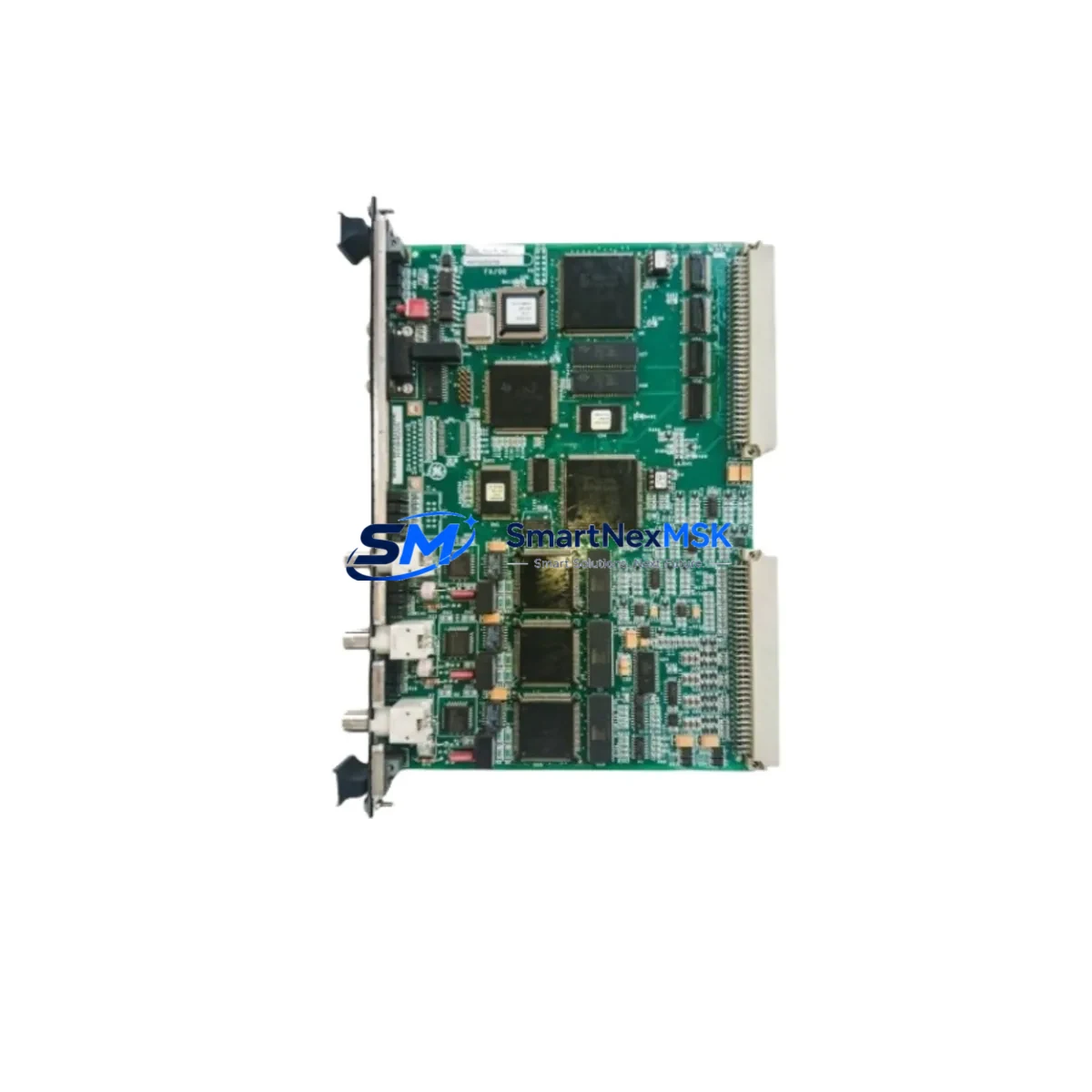
GE IS200VAICH1DAB Maintenance-Ready Spare for Mark VI Automation
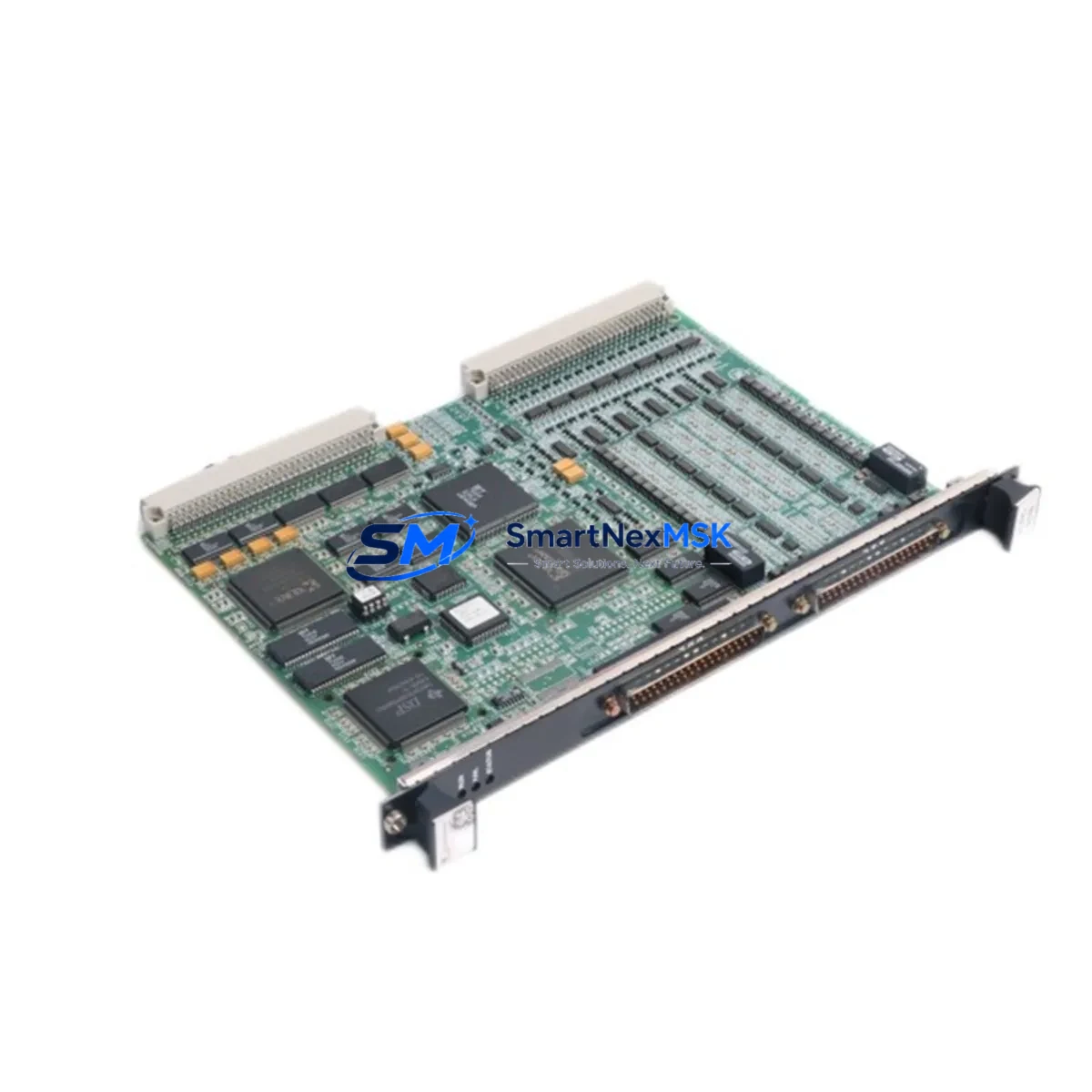
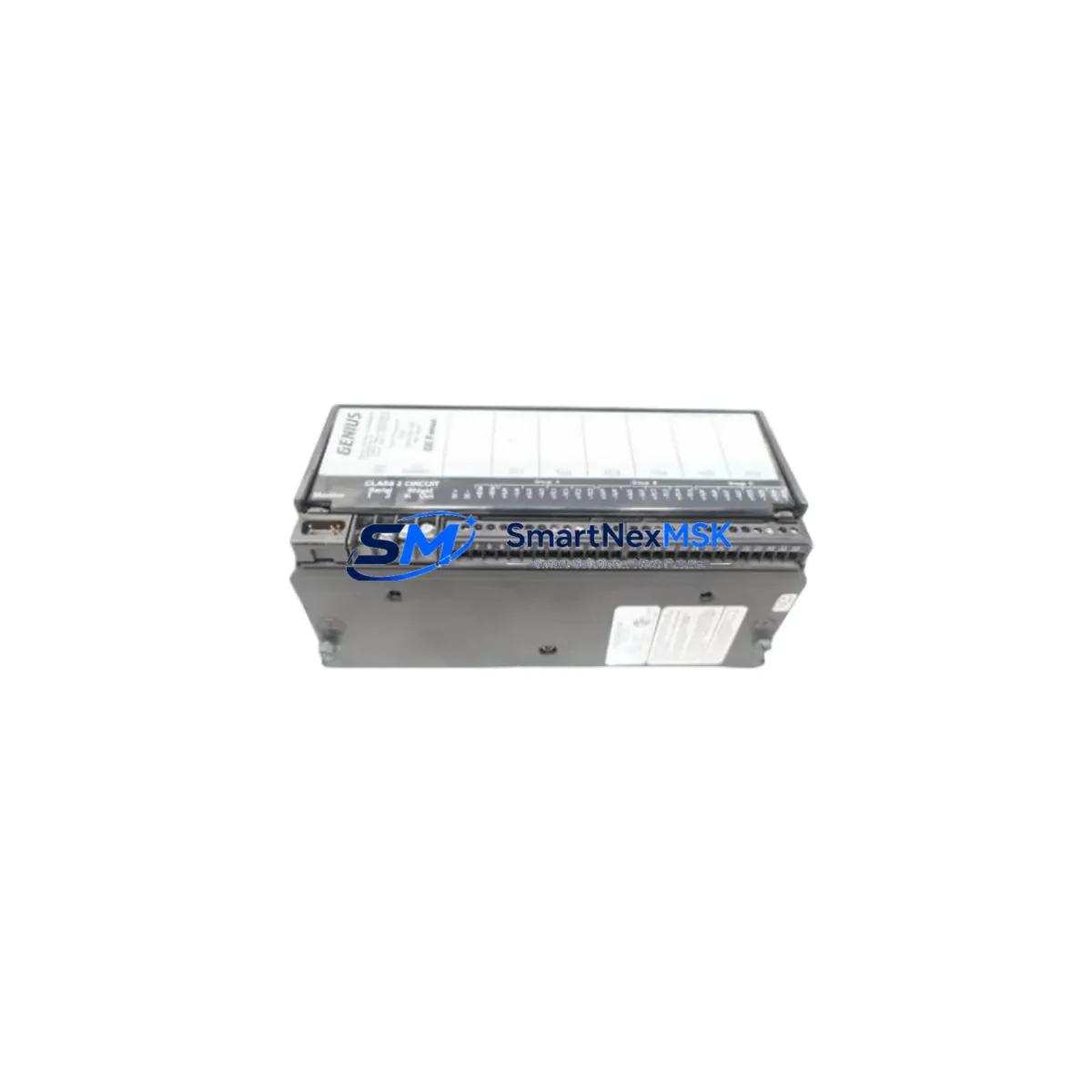
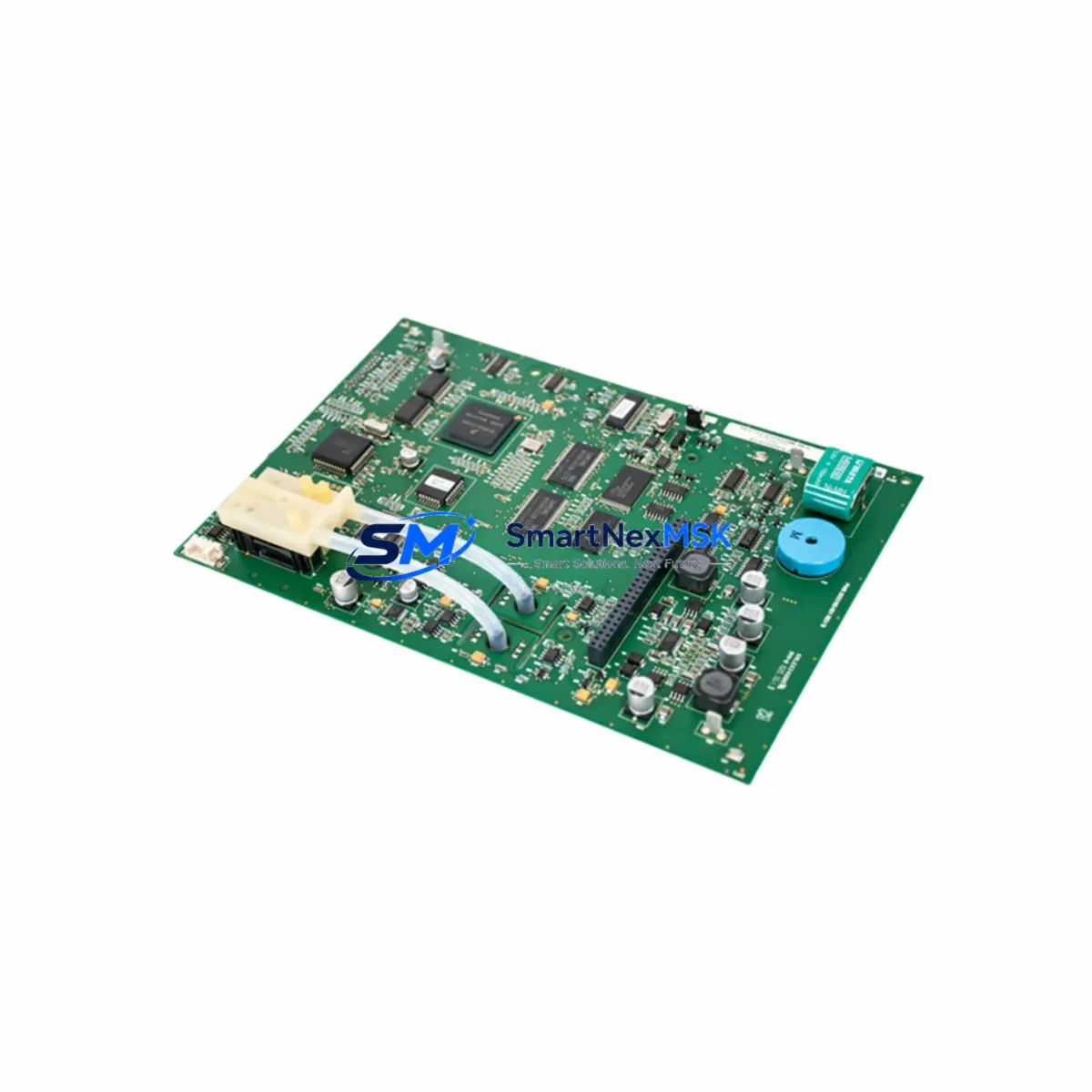
The GE IS200VAICH1DAB is a Vibration Analog Input Card designed for the GE Mark VI Turbine Control System — one of the most widely deployed DCS platforms in power generation, oil & gas, and heavy industrial facilities worldwide. When this card fails or degrades, the consequences are immediate: vibration monitoring is lost, turbine protection logic is compromised, and unplanned downtime begins accumulating costs within minutes. Sourcing a verified, tested replacement from a reliable spare parts supplier is the fastest path back to full operation.
At SMARTNEXMSK, every IS200VAICH1DAB unit is inspected, functionally tested, and shipped with a 12-month warranty. Our inventory is maintained specifically for maintenance engineers and procurement teams who cannot afford delays caused by obsolete or counterfeit components. Whether you are executing a planned outage, responding to an emergency shutdown, or building a strategic spare parts buffer, we provide the original GE hardware with full traceability and rapid dispatch.
Spare Maintenance Table
| Parameter | Specification |
|---|---|
| Part Number | IS200VAICH1DAB |
| Manufacturer | GE (General Electric) |
| Series | Mark VI Turbine Control System |
| Function | Vibration Analog Input Card (VAIC) |
| Input Channels | 16 analog vibration input channels |
| Signal Type | 4–20 mA / voltage analog signals from proximity probes and accelerometers |
| Backplane Compatibility | Mark VI VME-based I/O backplane |
| Operating Voltage | +5 VDC / ±15 VDC (supplied via backplane) |
| Operating Temperature | 0°C to 60°C |
| Form Factor | Single-slot VME card |
| Communication | IONet (GE proprietary I/O network) |
| Compatibility | GE Mark VI, Mark VIe (with adapter), UCVAH, UCVAM controllers |
| Condition | Original, tested, ready to install |
| Warranty | 12 months from date of shipment |
| Lead Time | In stock — ships within 1–3 business days |
| Origin | USA |
Maintenance Planning for Continuous Operation
Replacing the IS200VAICH1DAB is rarely an isolated task. Maintenance engineers working on GE Mark VI systems understand that vibration monitoring is part of a tightly integrated protection architecture. When this card is pulled for replacement, it is best practice to simultaneously inspect the adjacent components that share the same I/O backplane and power distribution rail.
Start with the IS200VPROH1B Power Supply Module — the backplane power source for the VAIC card. A marginal power supply can cause intermittent vibration signal dropouts that mimic card failure. Next, verify the IS200VCMIH2C Communication Interface Module, which handles IONet traffic between the I/O cards and the UCVAH controller. A degraded communication module will cause the replacement VAIC card to appear offline even after correct installation.
Inspect the IS200UCVAH1BAB UCVAH Controller Card — the primary processing unit that interprets vibration data from the IS200VAICH1DAB. If the controller firmware is outdated or the card itself is aging, a new VAIC card will not resolve alarm conditions. Also check the IS200TRLYH1B Relay Output Module, which executes trip commands based on vibration thresholds; a faulty relay module can cause nuisance trips or fail to trip when required.
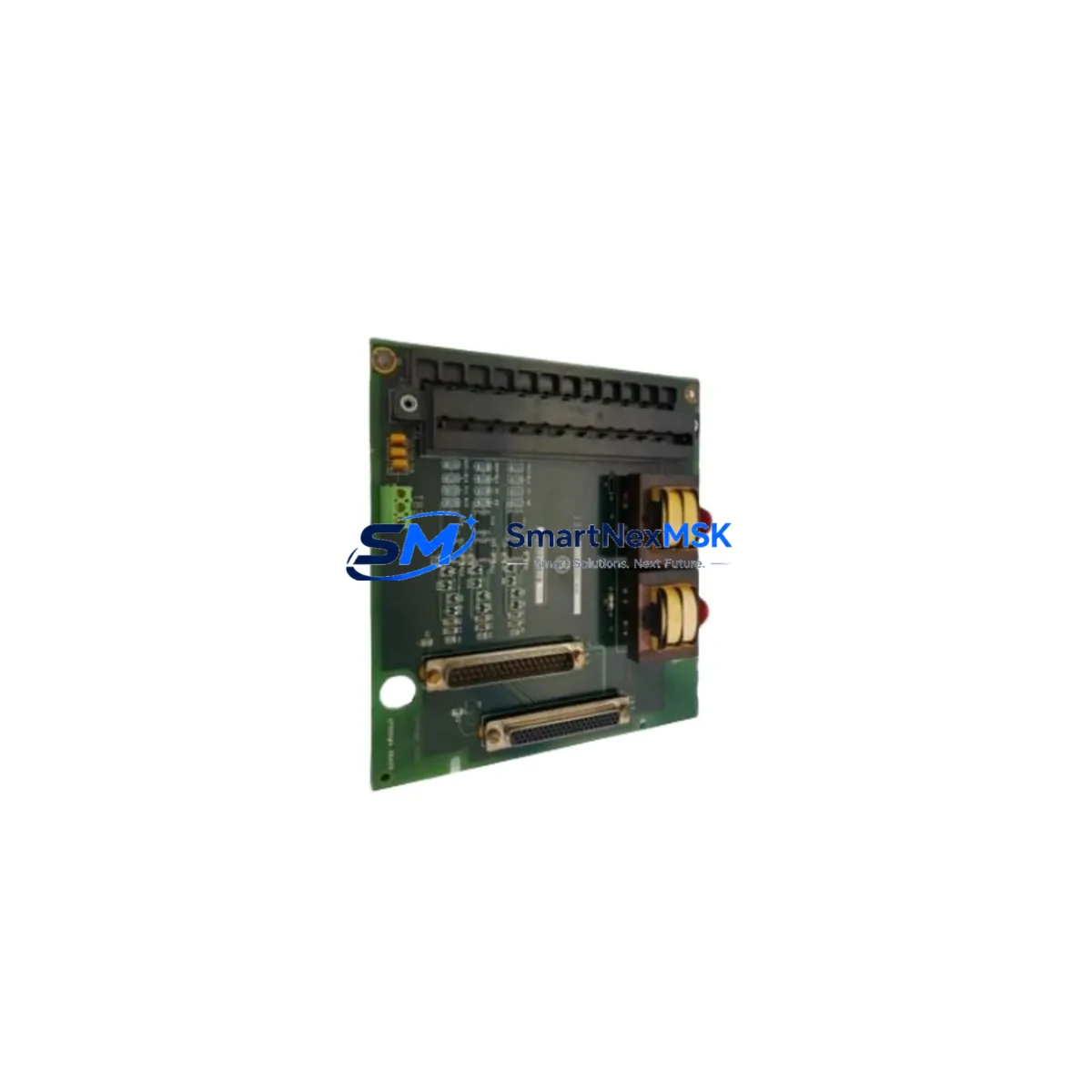
For wiring integrity, inspect the IS200TBCIH1C Terminal Board that interfaces field wiring from proximity probes and accelerometers to the VAIC card. Loose or corroded terminations at this board are a common root cause of vibration signal noise. Review the IS200TBAIH1C Analog Input Terminal Board for any signs of moisture ingress or insulation breakdown, particularly in outdoor or high-humidity enclosures.
On the signal conditioning side, verify that any Bently Nevada 3500-series signal conditioners or equivalent proximity probe drivers feeding the IS200VAICH1DAB are within calibration. A drifting probe driver will produce false vibration readings that no amount of card replacement will correct. If the system uses IS200VSVOH1B Speed and Vibration Output Cards for cross-channel validation, inspect those simultaneously.
Finally, confirm that the IS200VCMIH2C IONet switch and any associated IS200EDIOH1B Ethernet/IONet gateway modules are functioning correctly. Communication faults at the network layer will prevent the new IS200VAICH1DAB from registering on the Mark VI system, causing unnecessary diagnostic delays during a time-critical outage recovery.
Site Replacement Workflow
Step 1 — Pre-Replacement Verification: Before removing the IS200VAICH1DAB, document all active vibration channel readings and alarm setpoints from the Mark VI HMI. Capture a screenshot or printout of the current I/O configuration. Confirm the replacement card revision (DAB suffix) matches the installed revision to avoid firmware compatibility issues.
Step 2 — Safe Isolation: Follow your site’s lockout/tagout (LOTO) procedure for the Mark VI cabinet. The IS200VAICH1DAB can typically be hot-swapped in systems configured for redundant I/O, but verify your specific system configuration before proceeding. In simplex configurations, a controlled shutdown is required.
Step 3 — Physical Replacement: Remove the faulty card by releasing the VME ejector handles. Insert the IS200VAICH1DAB replacement, ensuring the card seats fully into the backplane connector. Secure the front panel retaining screws to maintain proper grounding continuity.
Step 4 — System Commissioning: Power up the cabinet and observe the card’s LED status indicators. The IONet communication LED should illuminate within 30–60 seconds as the UCVAH controller recognizes the new card. Verify all 16 vibration channels are reporting correctly in the Mark VI Toolbox software. Compare live readings against the pre-replacement baseline to confirm signal integrity.
Step 5 — Documentation and Spare Replenishment: Log the replacement in your CMMS with the new card’s serial number and installation date. Immediately initiate a purchase order for a replacement spare to restore your buffer stock. Downtime risk increases significantly when a critical card like the IS200VAICH1DAB is consumed from inventory without prompt replenishment.
Spare Parts Support FAQ
Q1: Is the IS200VAICH1DAB still in production, and how do I manage long-term supply?
GE has transitioned the Mark VI platform toward the Mark VIe architecture, and original IS200-series cards are no longer in active production. Long-term supply depends on the aftermarket. SMARTNEXMSK maintains a dedicated inventory of IS200-series spare parts to support facilities committed to extending the operational life of their Mark VI systems. We recommend holding a minimum of one spare IS200VAICH1DAB per turbine train, with a review cycle aligned to your annual maintenance planning.
Q2: How is each IS200VAICH1DAB tested before shipment?
Every unit undergoes a multi-stage inspection process: visual inspection for physical damage, board-level continuity testing, functional power-on verification, and IONet communication handshake testing where applicable. Units that do not pass all stages are quarantined and not offered for sale. A test report summary is available upon request for critical applications.
Q3: Can the IS200VAICH1DAB be used as a direct replacement for earlier Mark VI VAIC revisions?
The DAB revision is generally backward-compatible with earlier IS200VAICH1D revisions within the same Mark VI system, provided the UCVAH controller firmware supports the card revision. We recommend confirming compatibility with your Mark VI Toolbox configuration file before installation. Our technical team can assist with revision cross-referencing if you provide your system’s I/O configuration export.
Q4: What is covered under the 12-month warranty?
The 12-month warranty covers manufacturing defects and functional failures under normal operating conditions. It does not cover damage resulting from incorrect installation, overvoltage events, or physical mishandling. In the event of a warranty claim, SMARTNEXMSK will provide a replacement unit or full refund after fault verification. Warranty claims are processed within 5 business days of receiving the returned unit.
© 2026 SMARTNEXMSK. All rights reserved.
Original Source: https://smartnexmsk.com
Contact: [email protected] | +86 18259474341