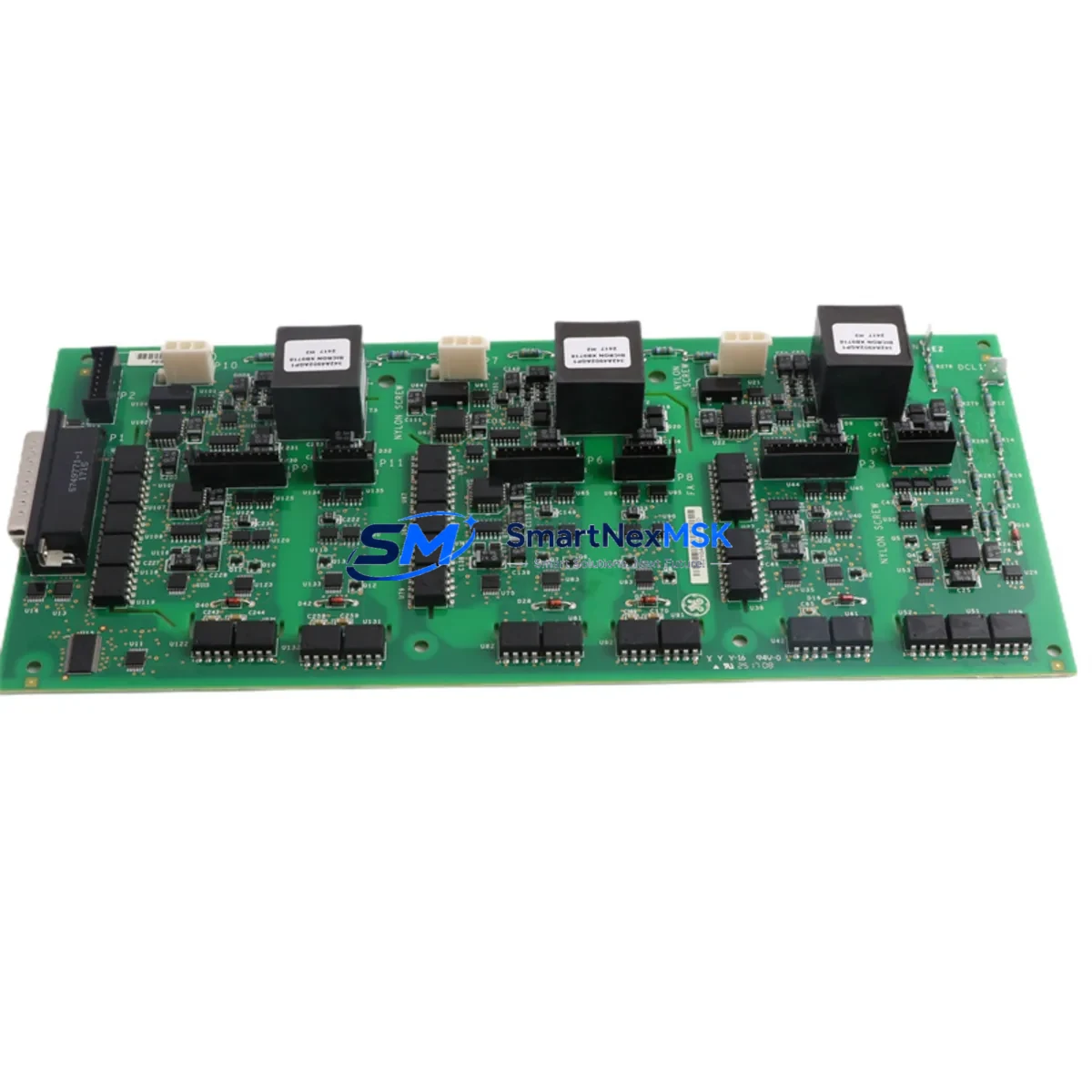
GE IS210AEBIH1B Maintenance-Ready Spare for Mark VI Automation
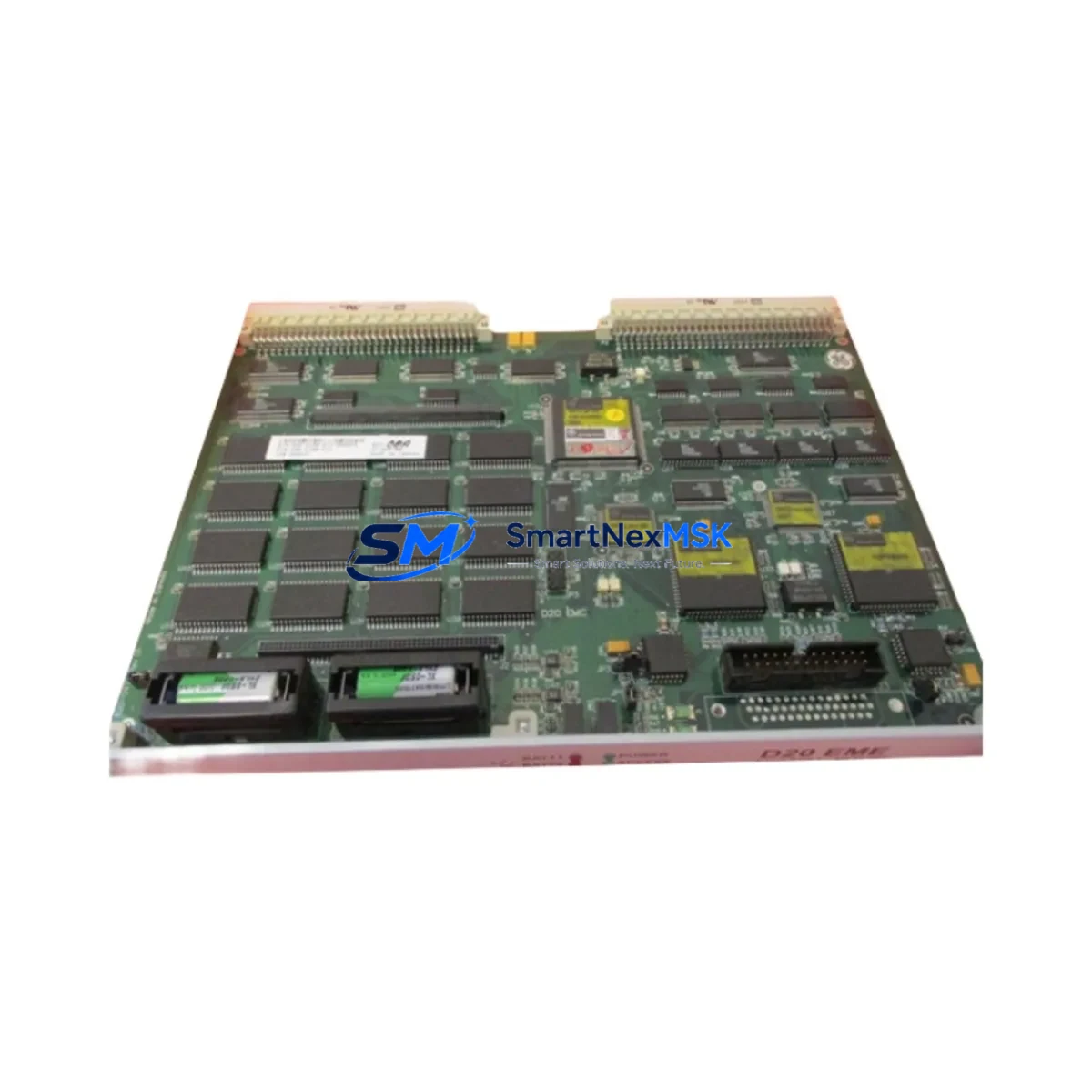
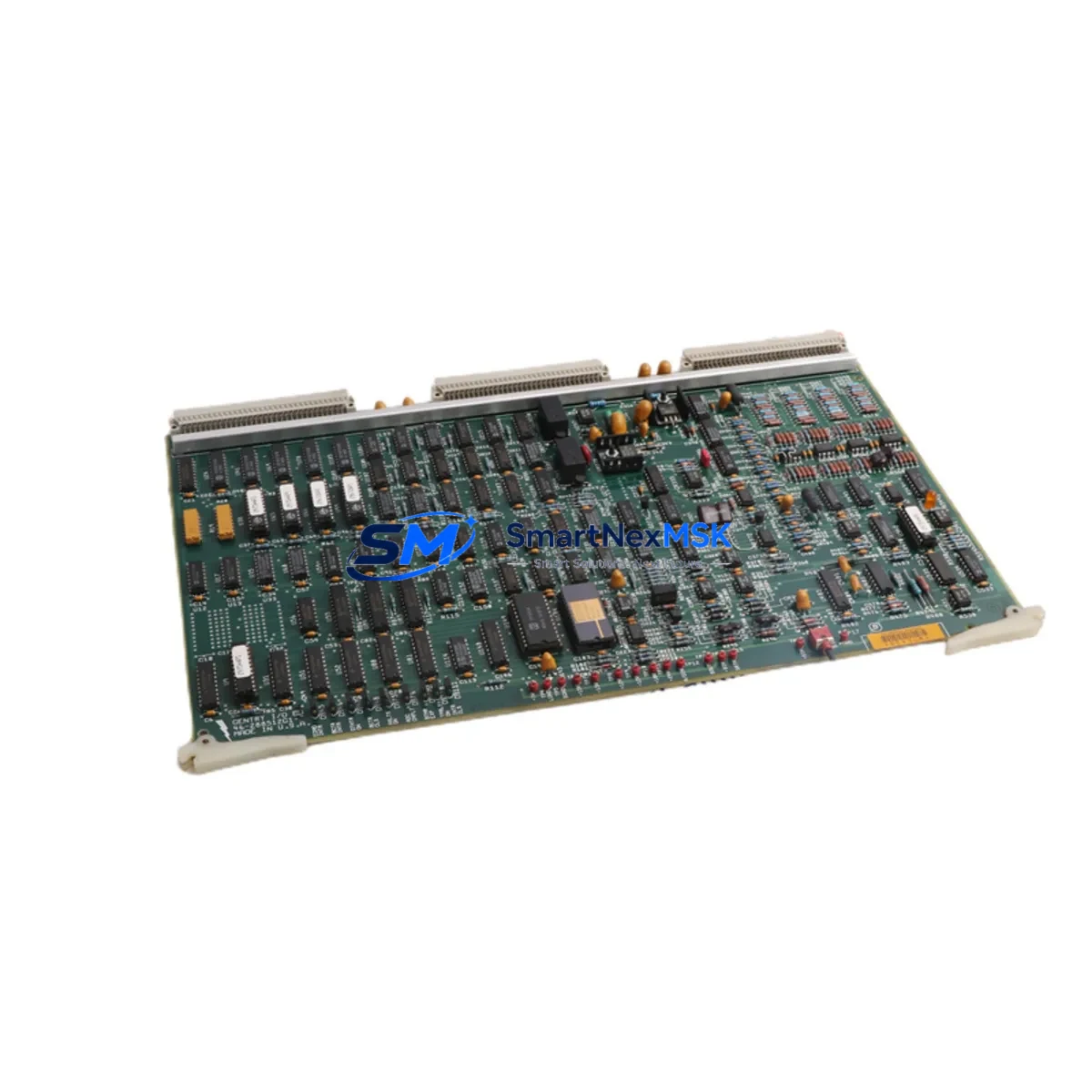
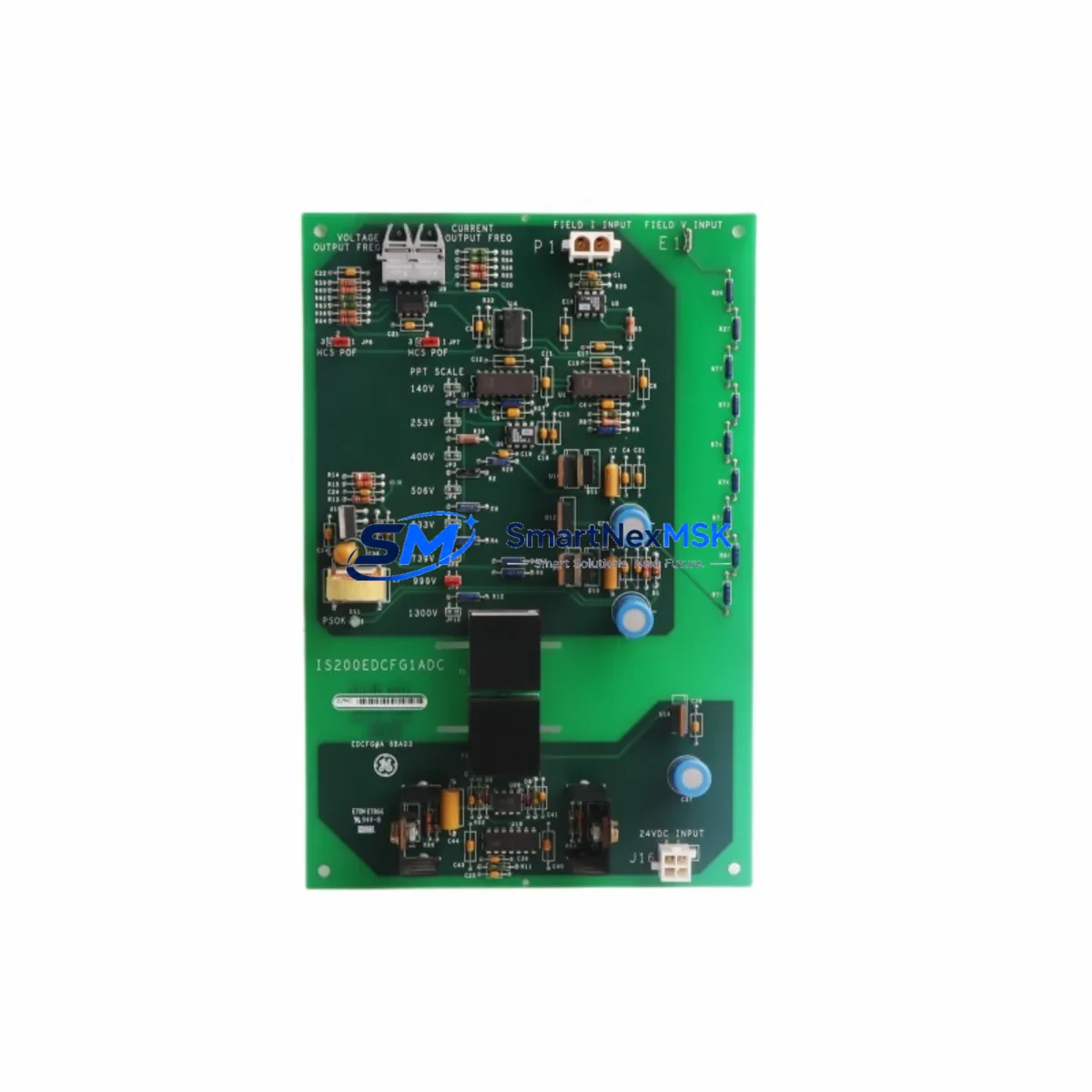
The GE IS210AEBIH1B is an original circuit board module designed for the GE Mark VI Turbine Control System — one of the most widely deployed distributed control platforms in power generation, oil & gas, and heavy industrial facilities worldwide. When this board fails or degrades, the consequences extend far beyond a single I/O channel: the entire turbine control loop is at risk, and unplanned downtime can cost thousands of dollars per hour. Sourcing a verified, tested replacement from a reliable industrial spare parts supplier is the fastest path to restoring full system operation.
At SMARTNEXMSK, every IS210AEBIH1B unit is inspected, functionally tested, and shipped with a 12-month warranty. Our inventory is maintained specifically for maintenance engineers and procurement teams who cannot afford to wait weeks for OEM lead times. Whether you are executing a planned outage, responding to an emergency fault, or building a strategic spare parts buffer, we provide the stock, documentation, and technical support to keep your Mark VI system running.
Spare Maintenance Table
| Parameter | Specification / Detail |
|---|---|
| Part Number / SKU | IS210AEBIH1B |
| Brand | General Electric (GE) |
| Compatible Series | GE Mark VI Turbine Control System |
| Module Type | Circuit Board / Control Module |
| Form Factor | Rack-mount, Mark VI backplane compatible |
| Operating Voltage | 24 VDC (nominal, via backplane) |
| Operating Temperature | 0°C to 60°C (standard industrial enclosure) |
| Communication Interface | Mark VI internal bus / IONet |
| I/O Compatibility | Mark VI I/O terminal board compatible |
| Origin | United States (OEM) |
| Weight | 380 g |
| Condition | Original spare — inspected and tested |
| Pre-shipment Testing | Functional test performed before dispatch |
| Warranty | 12 months from date of shipment |
| Lead Time | In stock — ships within 1–3 business days |
| Application Environment | Power generation, oil & gas, petrochemical, heavy industry |
| Maintenance Recommendation | Replace at first sign of fault code, communication loss, or I/O error; inspect backplane connectors and terminal boards simultaneously |
Maintenance Planning for Continuous Operation
Replacing the IS210AEBIH1B in a live Mark VI cabinet is rarely an isolated task. Experienced maintenance engineers know that a single board fault often signals broader stress across the control loop. Before returning the turbine to service, a thorough inspection of the surrounding components is essential to prevent repeat failures and reduce the risk of a second unplanned outage.
Start with the Mark VI backplane itself — inspect connector pins for oxidation, mechanical damage, or heat discoloration. A degraded backplane can cause intermittent faults even after a new board is installed. Next, verify the PPRO (Protection Processor) module and VCMI (VME Communication Module Interface) for firmware version compatibility with the replacement IS210AEBIH1B, as mismatched firmware revisions are a common source of post-replacement communication errors on the IONet bus.
Check the IS200 series I/O terminal boards — particularly the IS200TBCIH1C or equivalent terminal board paired with this module — for loose wiring, corroded terminals, and correct torque on field wiring connections. Inspect the 24 VDC power supply module (such as the IS200PSCDH1A or equivalent Mark VI power supply) for output voltage stability; an under-voltage condition is a leading cause of premature board failure. If the cabinet includes a redundant power supply configuration, test the automatic switchover function before closing the cabinet.
For facilities running GE Toolbox or ToolboxST software, download and archive the current turbine configuration before removing the faulty board. After installing the IS210AEBIH1B replacement, re-upload the configuration and verify all I/O points, speed signals, and protection setpoints are correctly mapped. Pay particular attention to 4–20 mA analog input channels and RTD/thermocouple signal conditioning — these are the most common points of misconfiguration after a board swap.
If the Mark VI cabinet also houses a Mark VI HMI workstation or an Ethernet communication gateway connecting to the plant DCS or SCADA system, verify network connectivity and alarm status after the replacement. Facilities using Modbus TCP or OPC-DA/UA interfaces should confirm that the communication driver re-establishes the connection without manual intervention. Finally, inspect the cabinet door filters, cooling fans, and ambient temperature sensors — thermal management failures are a silent contributor to repeated board failures in high-ambient industrial environments.
Building a strategic spare parts buffer that includes at minimum one IS210AEBIH1B, one compatible terminal board, and one power supply module significantly reduces mean time to repair (MTTR) for Mark VI-based turbine control systems. For facilities with multiple Mark VI units, a shared spare pool covering the most failure-prone modules is a proven strategy for reducing lifecycle maintenance costs.
Site Replacement Workflow
Step 1 — Fault Confirmation: Use GE Toolbox or ToolboxST to confirm the IS210AEBIH1B fault code. Document the active alarms, I/O status, and last known configuration before initiating any hardware change. Do not assume the board is faulty based on a single alarm — verify with a second diagnostic cycle.
Step 2 — Safe Isolation: Follow your site’s lockout/tagout (LOTO) procedure. Isolate the affected Mark VI rack from the turbine control loop. If the system is configured in TMR (Triple Modular Redundancy), confirm that the remaining two channels are healthy before removing the faulty module.
Step 3 — Board Removal and Inspection: Remove the IS210AEBIH1B carefully, noting the slot position and any visible damage. Inspect the backplane connector and the terminal board wiring harness. Clean the connector with appropriate contact cleaner if oxidation is present.
Step 4 — Replacement Installation: Insert the new IS210AEBIH1B into the correct slot. Ensure the board is fully seated on the backplane. Reconnect any field wiring to the terminal board and verify torque specifications.
Step 5 — Configuration Restore and Verification: Power up the rack and upload the saved turbine configuration via ToolboxST. Verify all I/O channels, protection setpoints, and communication links. Clear active faults and confirm the board status is healthy in the diagnostic display.
Step 6 — Return to Service: Conduct a controlled turbine restart sequence per your site operating procedure. Monitor the first 30 minutes of operation for any recurrence of faults. Log the replacement in your CMMS (Computerized Maintenance Management System) and update the spare parts inventory accordingly.
This workflow is applicable to both emergency replacements and planned maintenance outages. Using a pre-tested, warranted IS210AEBIH1B from SMARTNEXMSK eliminates the uncertainty of unknown board history and reduces the risk of a repeat failure within the warranty period.
Spare Parts Support FAQ
Q1: Is the IS210AEBIH1B you supply an original GE part or a third-party equivalent?
All IS210AEBIH1B units supplied by SMARTNEXMSK are original GE spare parts — not aftermarket reproductions or third-party equivalents. Each unit is sourced from verified industrial supply channels, inspected upon receipt, and functionally tested before shipment. A 12-month warranty is included with every order.
Q2: How do I confirm compatibility with my specific Mark VI configuration before ordering?
Compatibility is determined by your Mark VI rack configuration, firmware revision, and the specific I/O terminal board paired with the IS210AEBIH1B slot. Please provide your existing part number, rack layout, and ToolboxST firmware version when contacting our technical team. We will confirm compatibility before processing your order. Contact us at [email protected] or +86 18259474341.
Q3: What is your lead time and how is the board tested before shipment?
In-stock units ship within 1–3 business days. Each IS210AEBIH1B undergoes a functional test protocol that includes power-on verification, communication bus check, and I/O channel validation. A test report is available upon request. Expedited shipping options are available for emergency downtime situations.
Q4: What does the 12-month warranty cover, and what is the process if a board fails within the warranty period?
The 12-month warranty covers manufacturing defects and functional failures under normal operating conditions. It does not cover damage caused by incorrect installation, overvoltage events, or physical mishandling. If a board fails within the warranty period, contact [email protected] with your order number and fault description. We will arrange a replacement or repair at no additional cost, with priority processing to minimize your downtime.
© 2026 SMARTNEXMSK. All rights reserved.
Original Source: https://smartnexmsk.com
Contact: [email protected] | +86 18259474341