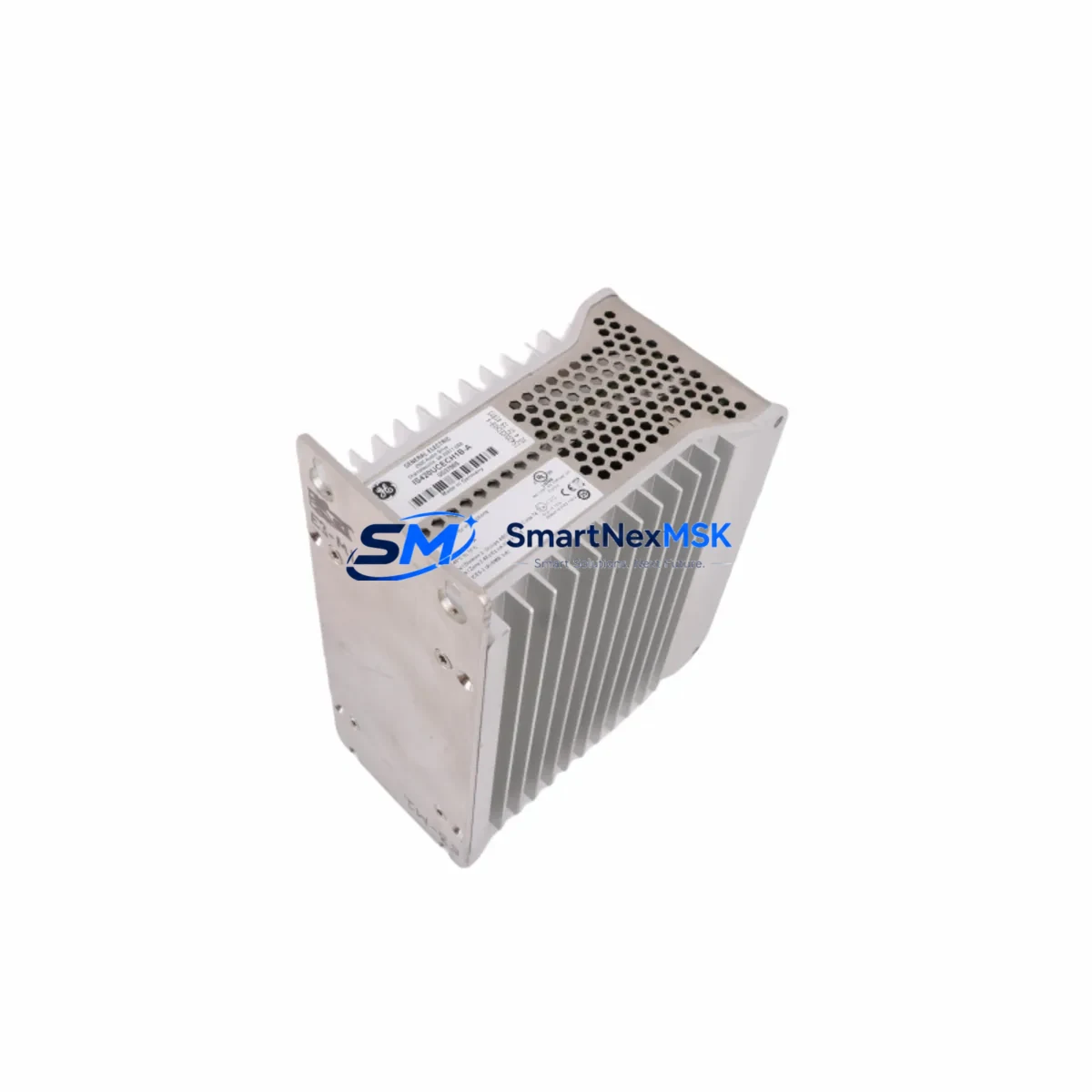
GE IS420UCECH1B-A Maintenance-Ready Spare for Mark VI Automation
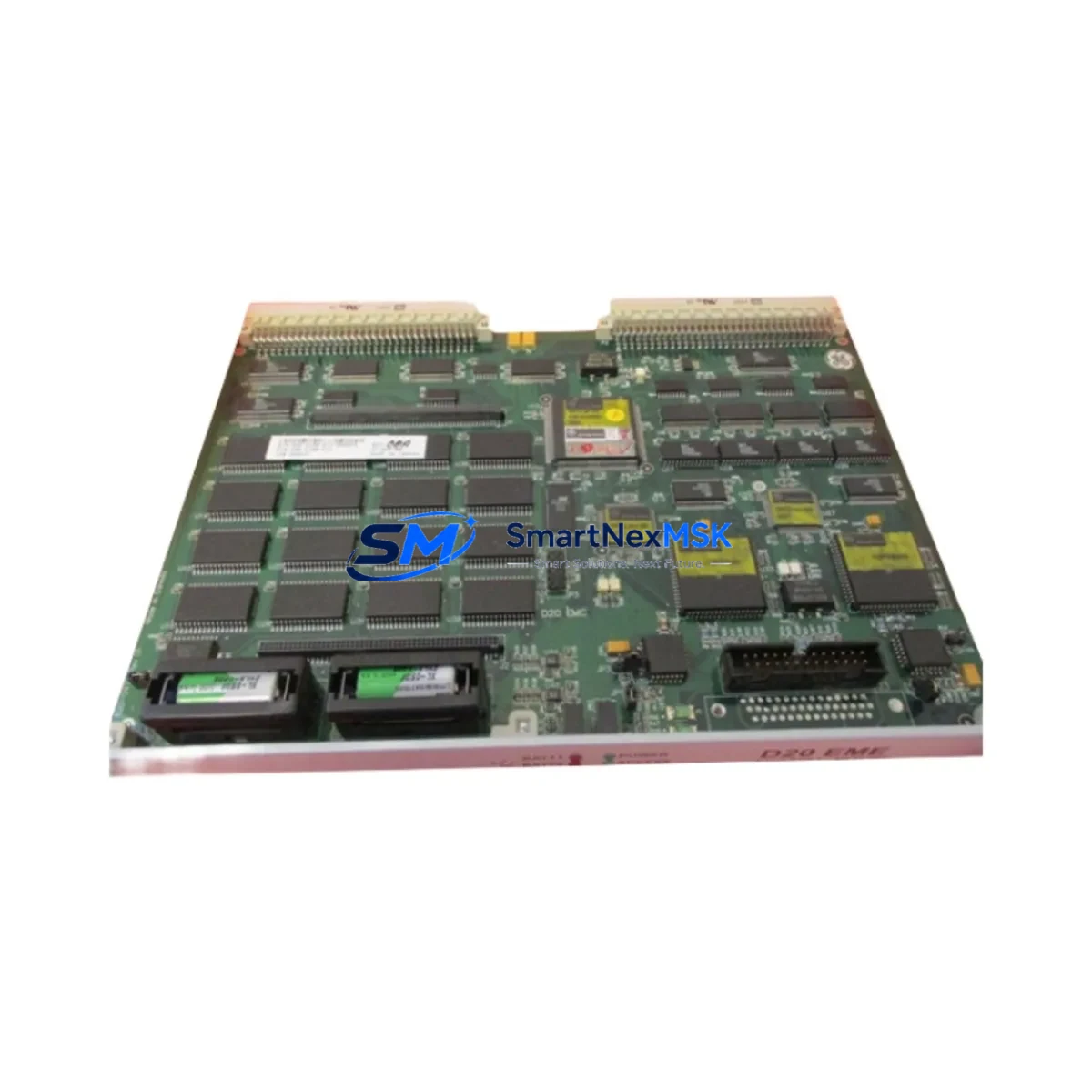
The GE IS420UCECH1B-A is a Unit Controller Ethernet Communication (UCEC) module designed for the GE Mark VI Turbine Control System — one of the most widely deployed gas and steam turbine control platforms in power generation, oil & gas, and industrial process facilities worldwide. As a core communication and control coordination component within the Mark VI architecture, the IS420UCECH1B-A manages Ethernet-based data exchange between the controller core and the plant network, making it a critical spare for any maintenance team responsible for turbine uptime and system reliability.
For maintenance engineers and procurement teams managing aging Mark VI installations, securing a verified, pre-tested IS420UCECH1B-A spare is a proactive step that directly reduces mean time to repair (MTTR) when unexpected failures occur. This module is sourced, inspected, and shipped with a 12-month warranty, giving your team confidence in both quality and long-term supply continuity.
Spare Maintenance Table
| Parameter | Specification / Detail |
|---|---|
| Part Number | IS420UCECH1B-A |
| Manufacturer | General Electric (GE) |
| Series | Mark VI Turbine Control System |
| Module Type | Unit Controller Ethernet Communication (UCEC) |
| Communication Interface | Ethernet (IONet / UDH) |
| Backplane Compatibility | Mark VI VCMI / VCRC rack-compatible |
| Power Supply Requirement | 28 VDC (supplied via Mark VI backplane) |
| Operating Temperature | 0°C to 60°C |
| Mounting | Mark VI standard card slot, DIN-rail rack |
| Application Environment | Gas turbine, steam turbine, combined cycle plant |
| Condition | Original, tested before shipment |
| Warranty | 12-Month Warranty |
| Replacement Compatibility | Direct replacement for IS420UCECH1B-A; verify firmware revision with site engineer |
| Maintenance Recommendation | Replace as part of scheduled UCEC/VCMI inspection cycle; verify IONet link integrity post-swap |
Maintenance Planning for Continuous Operation
Effective maintenance planning for a Mark VI-controlled turbine goes well beyond replacing a single module. When the IS420UCECH1B-A is identified as a fault point — whether through diagnostic alarms, IONet communication loss, or controller redundancy degradation — the maintenance window should be used to inspect the broader control cabinet ecosystem.
Start with the power supply chain: the Mark VI relies on redundant 28 VDC power modules (such as the IS420PSAH1A power supply board) to feed the backplane. A failing or marginal power supply can cause intermittent UCEC faults that mimic module failure. Verify output voltage stability before condemning the IS420UCECH1B-A.
Next, inspect the backplane and rack assembly. The IS420UCECH1B-A seats into the VCMI or VCRC rack, and worn card-edge connectors or cracked backplane traces can cause communication errors that are incorrectly attributed to the module itself. While the cabinet is open, it is good practice to inspect adjacent I/O modules — such as the IS420YDOAS1A analog output module or the IS420YAICS1A analog input module — for signs of corrosion, loose terminal blocks, or blown fuses on the I/O terminal boards.
The IONet Ethernet communication network that the IS420UCECH1B-A manages connects to the plant’s Unit Data Highway (UDH). Inspect the Ethernet switches, patch cables, and fiber optic transceivers in the communication loop. A degraded switch port or a damaged RJ45 connector can cause the same alarm patterns as a failed UCEC module. If the site uses redundant IONet paths, verify that both paths are active and balanced before and after the module swap.
For sites running HMI workstations connected to the Mark VI via the UDH, confirm that the HMI screens — typically running GE’s ToolboxST or Cimplicity SCADA — re-establish communication cleanly after the IS420UCECH1B-A is replaced. In some configurations, the HMI node address table or the controller’s I/O configuration file may need to be re-downloaded using the ToolboxST engineering workstation and the associated programming cable (such as the IS420UCECH1B-A’s USB or serial interface).
Terminal block integrity on the I/O marshalling panels should also be verified during the maintenance window. Loose or corroded terminals on signal wiring connected to the IS420YAICS1A or IS420YDOAS1A boards can introduce noise or open-circuit faults that propagate through the UCEC communication layer. Tighten all terminal screws and inspect for discoloration or heat damage.
Finally, if the site has been running the Mark VI for more than 10 years, consider auditing the battery backup on the controller core (IS420UCECH1B-A does not have an onboard battery, but the VCMI rack may include a battery-backed memory module). Replacing the battery as part of a planned outage prevents unexpected memory loss during power cycling. Maintaining a stocked spare of the IS420UCECH1B-A alongside complementary modules — including the IS420PSAH1A power supply, IS420YAICS1A analog input, IS420YDOAS1A analog output, and the VCMI backplane assembly — gives your team the inventory depth to handle most Mark VI fault scenarios within a single planned maintenance window.
Site Replacement Workflow
Replacing the IS420UCECH1B-A on a live Mark VI system requires careful sequencing to minimize downtime and protect the turbine control logic. Follow this recommended workflow:
Step 1 — Pre-Replacement Verification: Confirm the fault is isolated to the IS420UCECH1B-A using the Mark VI diagnostic display or ToolboxST alarm log. Document the current IONet node address, firmware version, and any active alarms before powering down the card slot.
Step 2 — Safe State Confirmation: Coordinate with the control room to place the turbine in a safe hold state or manual control mode. Verify that the redundant controller path (if configured) is active and healthy before removing the faulted module.
Step 3 — Module Swap: Remove the IS420UCECH1B-A by releasing the card ejector levers. Insert the replacement module into the same slot. Ensure the card seats fully into the backplane connector — a partial insertion is a common cause of post-swap communication faults.
Step 4 — Firmware and Configuration Download: Using the ToolboxST workstation, download the controller configuration to the new module. Verify that the IONet node address matches the original and that all I/O assignments are correctly mapped.
Step 5 — Communication Verification: Confirm IONet link status on both primary and redundant paths. Check HMI screen updates and verify that all analog and digital I/O points are reading correctly through the IS420YAICS1A and IS420YDOAS1A boards.
Step 6 — Return to Service: Release the turbine from hold state and monitor for 15–30 minutes. Log the replacement in the site maintenance record and update the spare parts inventory. The replaced IS420UCECH1B-A should be tagged, returned for evaluation, and either repaired or disposed of per site policy.
This structured approach consistently achieves replacement completion within 2–4 hours for experienced Mark VI maintenance teams, keeping unplanned downtime to a minimum.
Spare Parts Support FAQ
Q1: Is this IS420UCECH1B-A a new or refurbished module?
All units supplied by SMARTNEXMSK are original GE modules that have been inspected and tested prior to shipment. Each unit ships with a 12-month warranty covering manufacturing defects and functional failures under normal operating conditions.
Q2: How do I verify compatibility with my existing Mark VI system before installation?
Confirm the firmware revision of your existing IS420UCECH1B-A using ToolboxST before ordering. Share your system’s Mark VI software version and rack configuration with our technical team at [email protected], and we will verify compatibility before shipment.
Q3: What is the typical lead time and how is the module tested before shipping?
In-stock units ship within 1–3 business days. Each IS420UCECH1B-A undergoes functional power-on testing and communication verification before packaging. A test report is available upon request for critical plant applications.
Q4: Can SMARTNEXMSK support long-term supply for multiple IS420UCECH1B-A units?
Yes. We maintain ongoing inventory of Mark VI spare modules and can support blanket orders, scheduled deliveries, and emergency same-day dispatch for qualified accounts. Contact [email protected] or call +86 18259474341 to discuss your site’s spare parts strategy.
© 2026 SMARTNEXMSK. All rights reserved.
Original Source: https://smartnexmsk.com
Contact: [email protected] | +86 18259474341