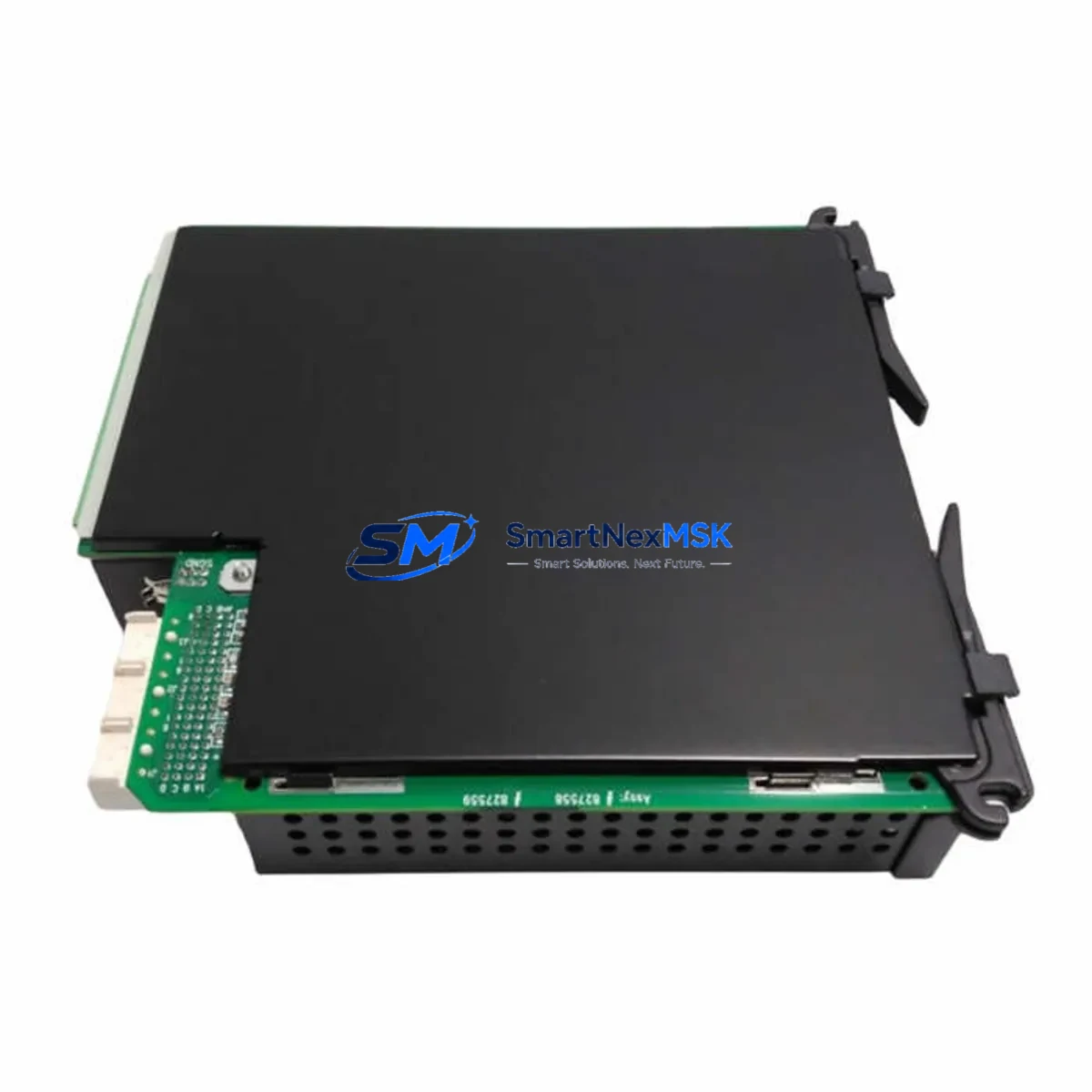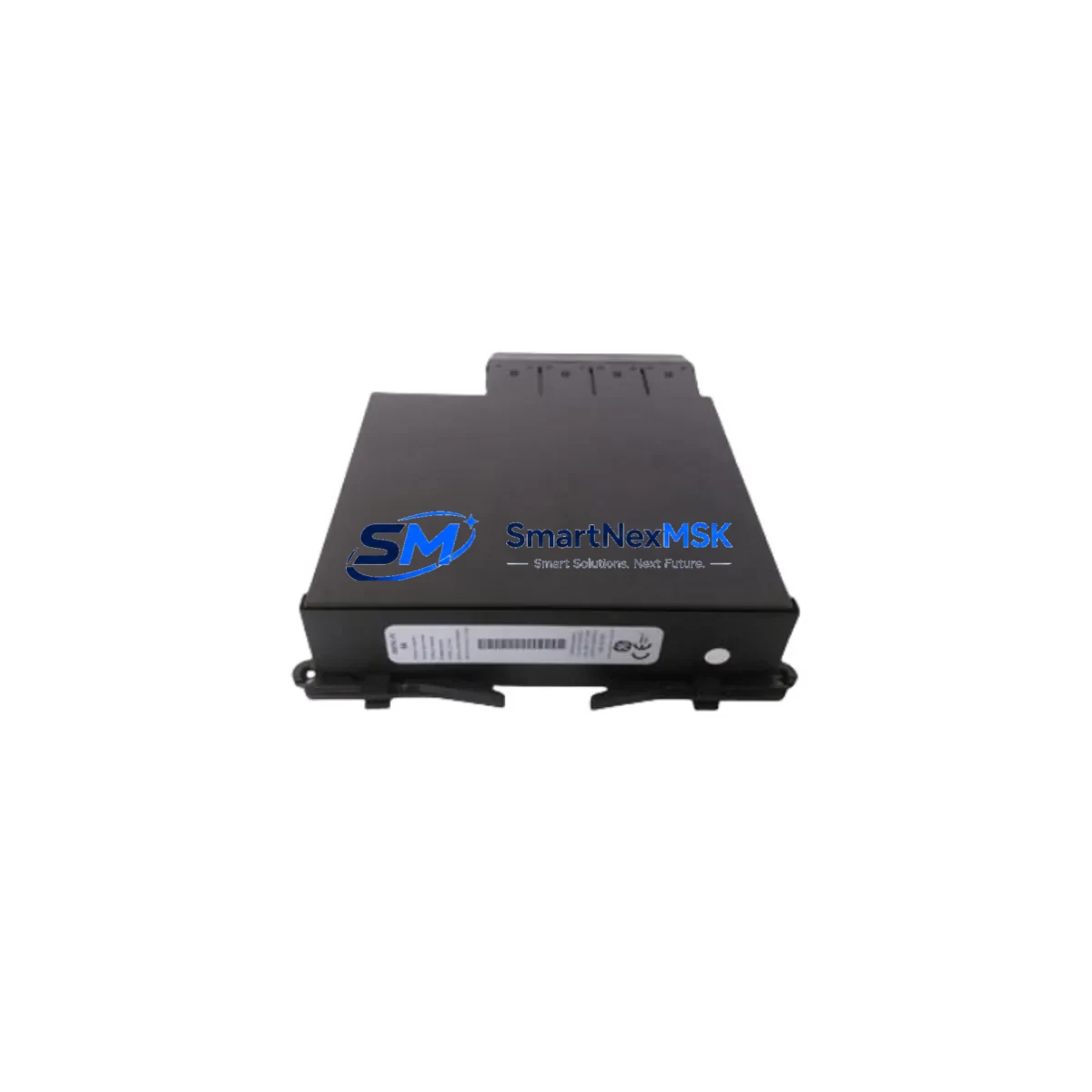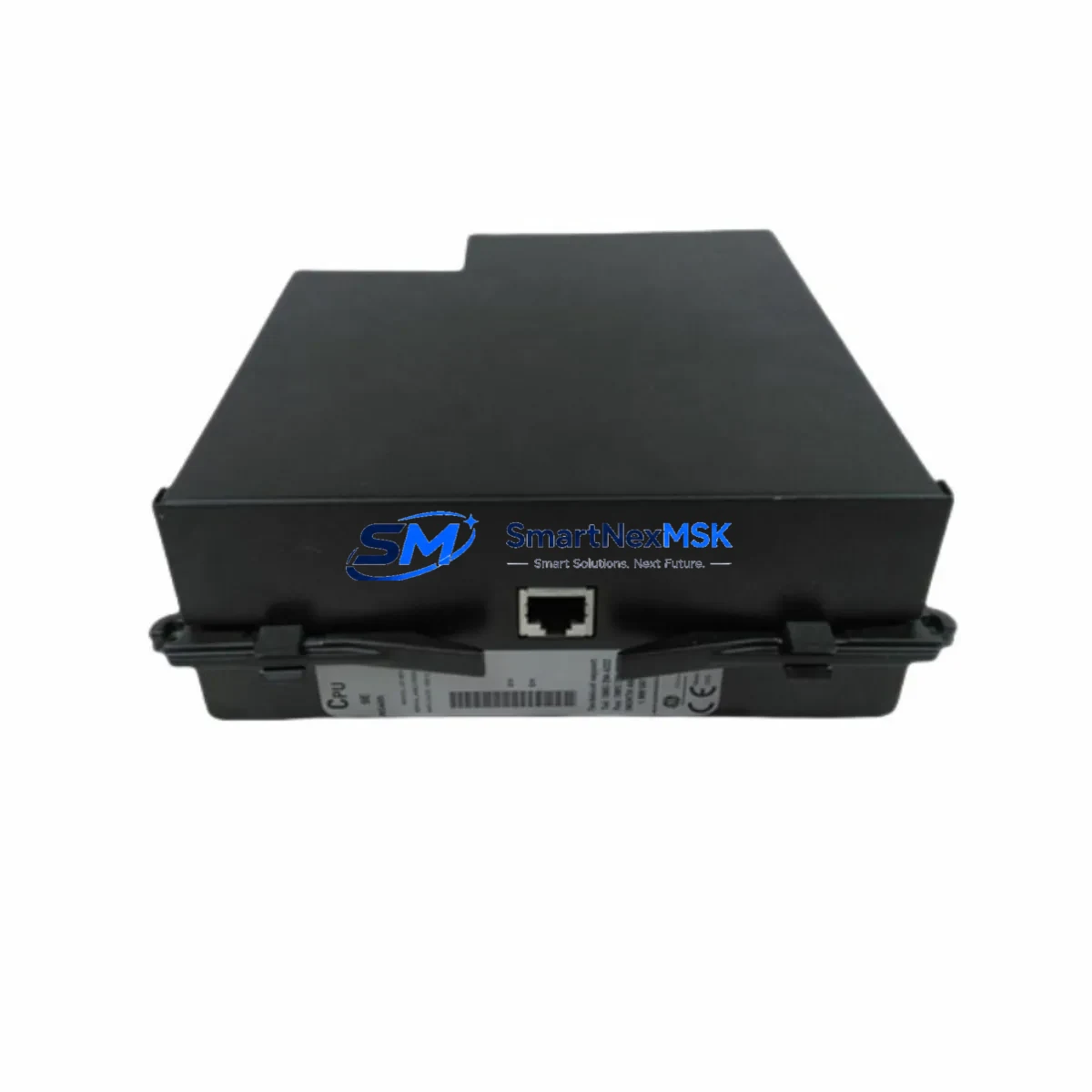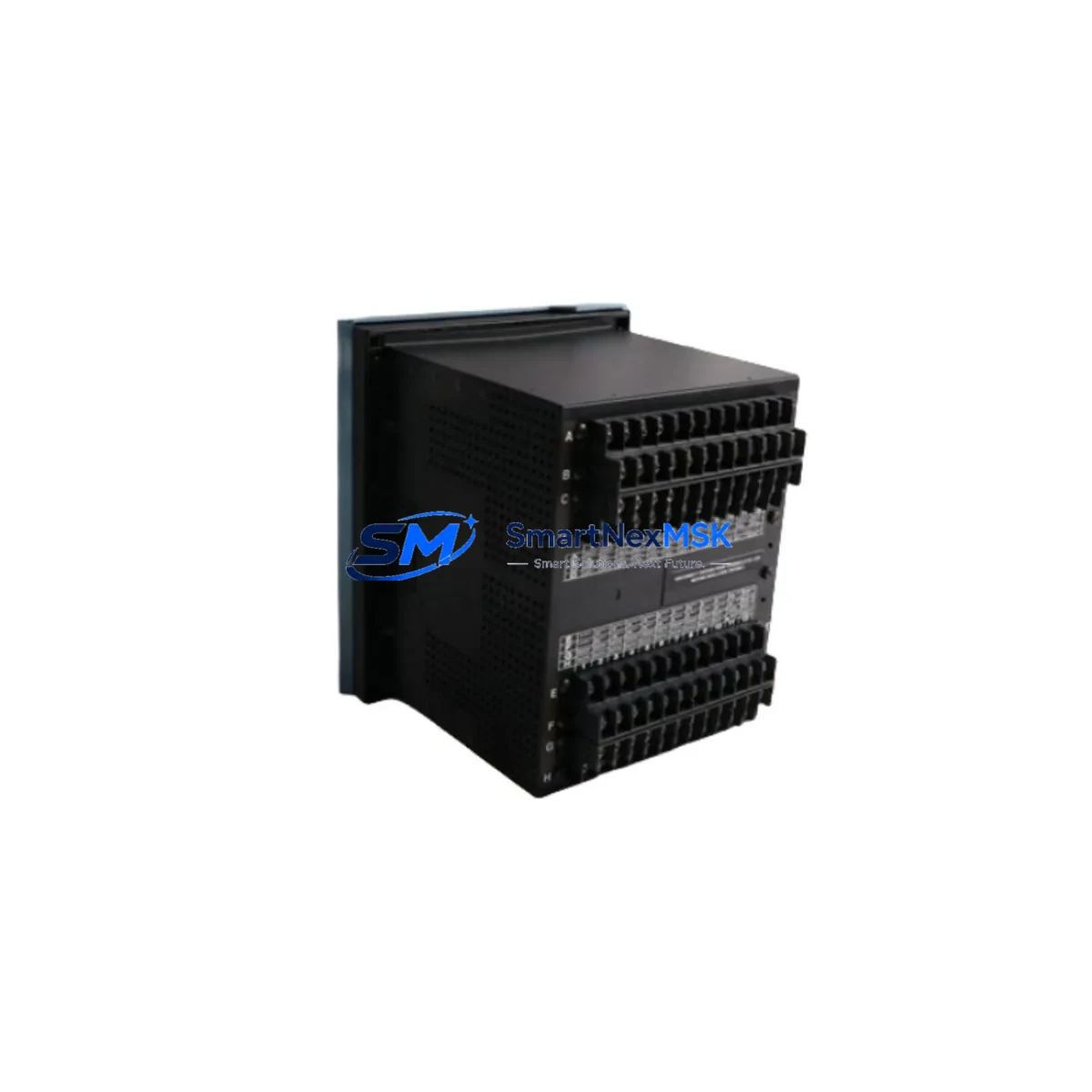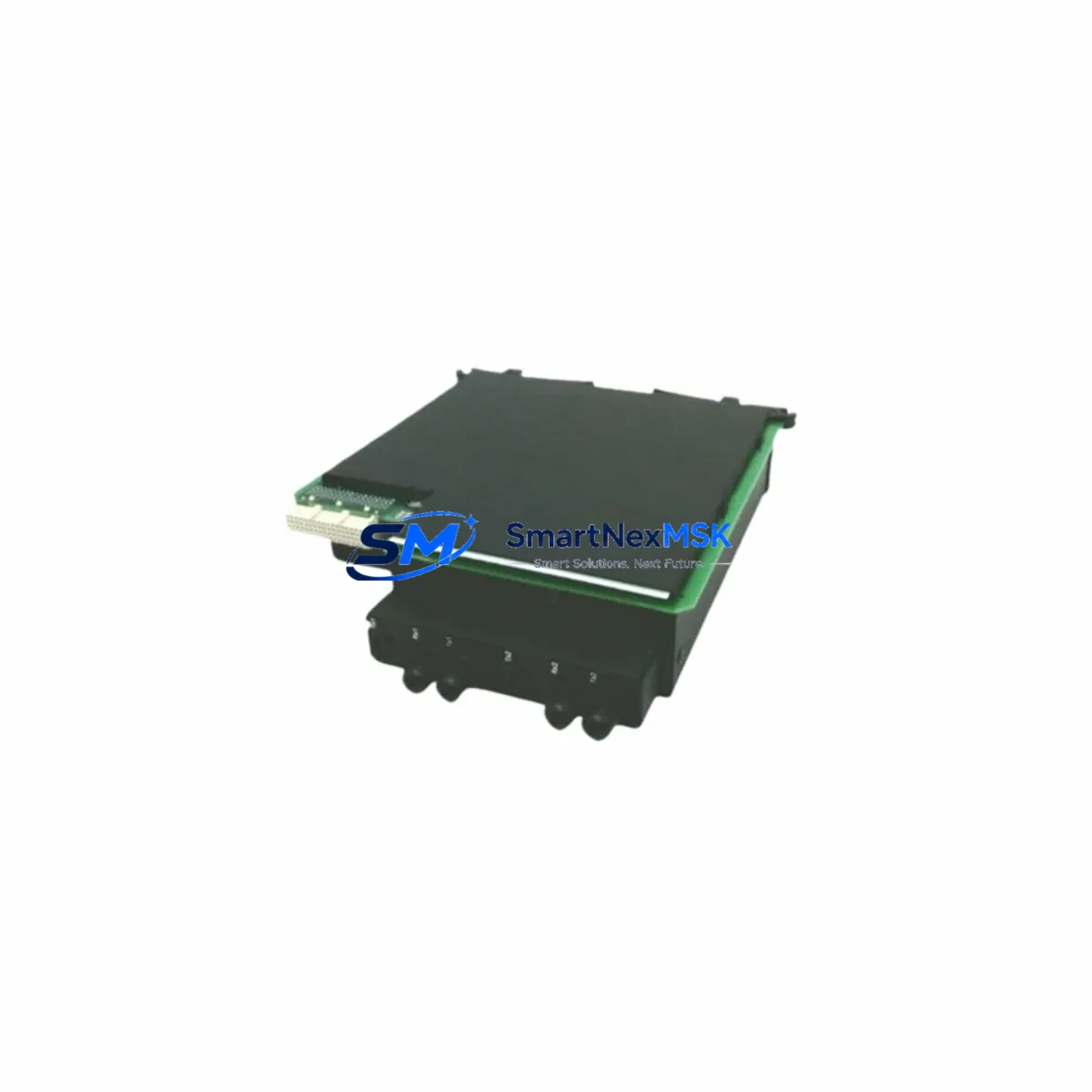
GE UR77H Retrofit-Ready Relay Output Module for UR Series Control Systems
The GE UR77H is a relay output module engineered for the GE UR Series protection and control platform — one of the most widely deployed digital relay architectures in substation automation, feeder protection, and motor control applications worldwide. As legacy UR Series installations age and OEM support windows narrow, the UR77H has become a critical component in planned retrofit programs, emergency spare strategies, and control system modernization projects. Whether you are replacing a failed module in an energized bay, upgrading a protection panel to extend its service life, or migrating from an older UR-series chassis to a current-generation rack, the UR77H delivers the electrical and mechanical compatibility required for a controlled, low-risk transition.
Upgrade Compatibility Table
| Parameter | Details |
|---|---|
| Module SKU | UR77H |
| Platform Compatibility | GE UR Series (C30, C60, C70, D60, F35, F60, L90, M60, T60, B30, B90) |
| Slot / Rack Interface | UR Series standard backplane slot; rear-connector keyed for relay output position |
| Output Type | Form-A / Form-C relay contacts; rated for trip, alarm, and control duty |
| Communication Compatibility | Transparent to IEC 61850, DNP3, Modbus RTU/TCP — no protocol reconfiguration required |
| Installation Requirement | Hot-swap capable with power isolated; torque terminal screws to spec; verify contact assignments in EnerVista UR Setup |
| Replacement Recommendation | Direct drop-in for same-slot UR77H; verify firmware revision compatibility in relay settings file before commissioning |
| Commissioning Focus | Contact output mapping, FlexLogic operand assignments, trip circuit supervision continuity test |
| Warranty | 12-Month Warranty — covers manufacturing defects and functional failure under normal operating conditions |
Retrofit Planning for Existing Automation Systems
A successful UR77H retrofit begins well before the module arrives on site. Engineering teams should pull the existing relay settings file from EnerVista UR Setup and document every FlexLogic equation that references a relay output operand mapped to the UR77H slot. In multi-bay installations, the GE C60 Bay Controller or GE D60 Line Distance Relay may share a common backplane with the UR77H, meaning that a slot reassignment during replacement can cascade into adjacent protection zones if not carefully managed.
For sites running IEC 61850 GOOSE messaging, the UR77H’s contact outputs are typically bound to GOOSE-published datasets. Before pulling the old module, export the IED configuration from the GE UR Series IEC 61850 Configurator and confirm that the replacement module’s hardware revision does not alter the logical node mapping. Sites using DNP3 over RS-485 or Ethernet should verify that the DNP3 binary output object index assignments remain consistent — a mismatch here can cause SCADA to lose visibility of trip and alarm contacts without triggering an obvious fault.
Terminal wiring is the most time-sensitive step in any UR77H swap. The rear terminal block on the UR Series chassis uses a fixed-screw connector; wires must be labeled and photographed before removal. Pay particular attention to the trip output circuit, which in many installations feeds directly into a GE UR Series Trip Coil Supervision (TCS) circuit or an external lockout relay (86 device). If the panel also contains a GE UR Series power supply module (PSM) — such as the UR7xH or UR6xH family — confirm that the DC bus voltage is within tolerance before re-energizing the slot, as an undervoltage condition during module initialization can corrupt the relay’s non-volatile settings memory.
Sites that have integrated the UR Series into a broader GE Multilin SR Series or GE Reason RT430 RTU environment should also audit the inter-device wiring harness. The UR77H’s contact outputs may be hardwired to the RTU’s digital input card, and any change in contact polarity or normally-open/normally-closed configuration must be reflected in both the relay settings and the RTU’s I/O mapping table. For installations where the UR chassis is mounted alongside a GE UR Series communications module (CMx) — handling fiber-optic inter-relay communications for differential protection schemes — the commissioning team should perform a channel loopback test after the UR77H is seated to confirm that the communications module has not been disturbed.
Finally, if the retrofit is part of a broader control cabinet upgrade that includes replacing the GE UR Series HMI front panel or migrating to a new GE UR Series CPU module, sequence the UR77H installation last. The CPU module firmware version governs which hardware module revisions are recognized; installing a new UR77H against an outdated CPU firmware can result in a “Module Mismatch” alarm that prevents the relay from entering service. Always confirm firmware compatibility in the GE UR Series release notes before ordering replacement modules.
Downtime Control During System Migration
Minimizing outage duration during a UR77H replacement requires a structured pre-outage checklist. Before the protection zone is de-energized, the engineering team should: (1) back up the complete relay settings file via EnerVista UR Setup and store it on an isolated laptop; (2) capture a screenshot of all active FlexLogic equations and output contact assignments; (3) confirm that the spare UR77H has been bench-tested for contact continuity and coil resistance; and (4) notify the SCADA operator to suppress alarms for the affected bay to prevent nuisance alerts during the swap window.
During the outage, work sequentially: isolate the trip circuit at the test switch, remove the terminal block connector, extract the UR77H from its slot, seat the replacement module, reconnect the terminal block, and restore the trip circuit. The entire mechanical swap typically takes under 15 minutes for a trained technician. The remaining outage time is consumed by functional testing — trip circuit continuity, contact pickup/dropout timing, and a SCADA point-to-point check for each binary output. Keeping a pre-printed test sheet for the specific relay model (C60, F60, D60, etc.) accelerates this phase significantly.
For sites where a cold-standby spare strategy is not feasible, consider maintaining a hot-swap inventory of UR77H modules pre-configured with a baseline settings file. This approach, combined with a documented rollback procedure, allows the protection zone to be restored to service within a single shift even if unexpected commissioning issues arise. Our stock is tested prior to shipment, and each unit ships with a 12-month warranty, giving your maintenance team a reliable fallback if the replacement module exhibits any latent defect after installation.
Retrofit Support FAQ
Q1: Is the UR77H a direct drop-in replacement for all UR Series relay output slots?
The UR77H is designed for the relay output slot position in the UR Series chassis. It is mechanically and electrically compatible with the standard UR backplane connector. However, you must verify that the slot designation in your relay’s hardware configuration matches the UR77H module type. Use EnerVista UR Setup to confirm the slot assignment before powering the chassis. If the existing settings file references a different module type in that slot, update the hardware configuration and re-download the settings file before commissioning.
Q2: What wiring checks are required before and after installation?
Before removal, photograph and label all wires connected to the rear terminal block. After seating the replacement UR77H, verify terminal torque (typically 0.5–0.6 N·m for UR Series screw terminals), check trip circuit continuity with a loop tester, and confirm that normally-open and normally-closed contact assignments match the original wiring diagram. For trip outputs feeding lockout relays or breaker trip coils, perform a secondary injection test to verify pickup and dropout timing before returning the protection zone to service.
Q3: Will the UR77H work with my existing IEC 61850 or DNP3 configuration without reconfiguration?
In most cases, yes — the UR77H is transparent to the relay’s communication stack. IEC 61850 GOOSE bindings and DNP3 binary output object mappings are stored in the relay’s CPU module, not in the UR77H itself. As long as the replacement module occupies the same slot and the hardware configuration in the settings file is not changed, the communication configuration remains valid. However, if the replacement UR77H has a different hardware revision that alters the number of available contacts, a settings file update and re-download will be required.
Q4: What does the 12-month warranty cover, and what is the return process?
The 12-month warranty covers manufacturing defects and functional failures under normal operating conditions, including contact failure, coil open-circuit, and backplane connector defects. It does not cover damage resulting from incorrect installation, overvoltage, or physical impact. To initiate a warranty claim, contact our sales team with the module serial number, a description of the failure mode, and your original order reference. We will arrange a replacement shipment and provide a return label for the defective unit. Pre-shipment functional testing is performed on every UR77H we supply, and a test record is available upon request.
© 2026 SMARTNEXMSK. All rights reserved.
Original Source: https://smartnexmsk.com
Contact: [email protected] | +86 18259474341