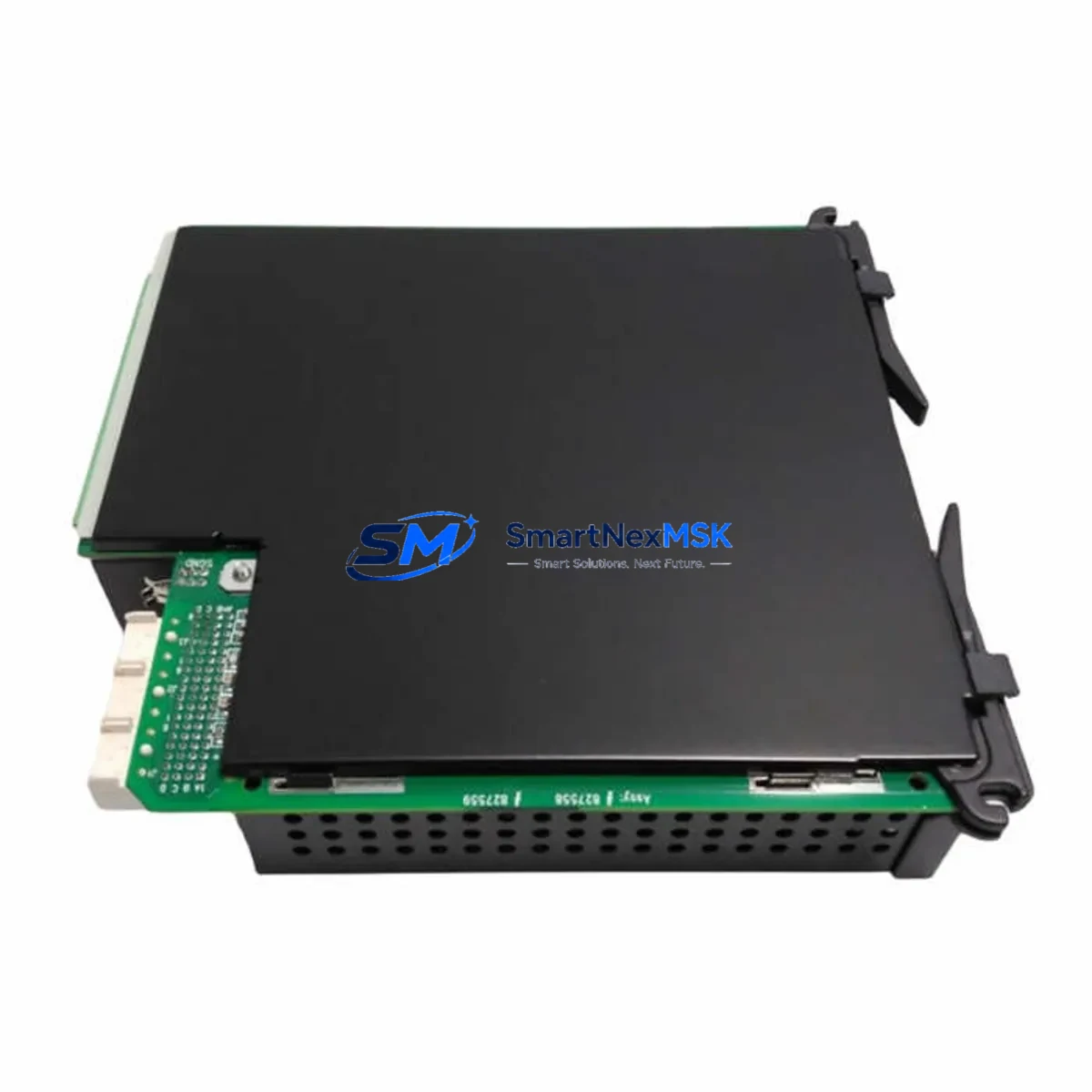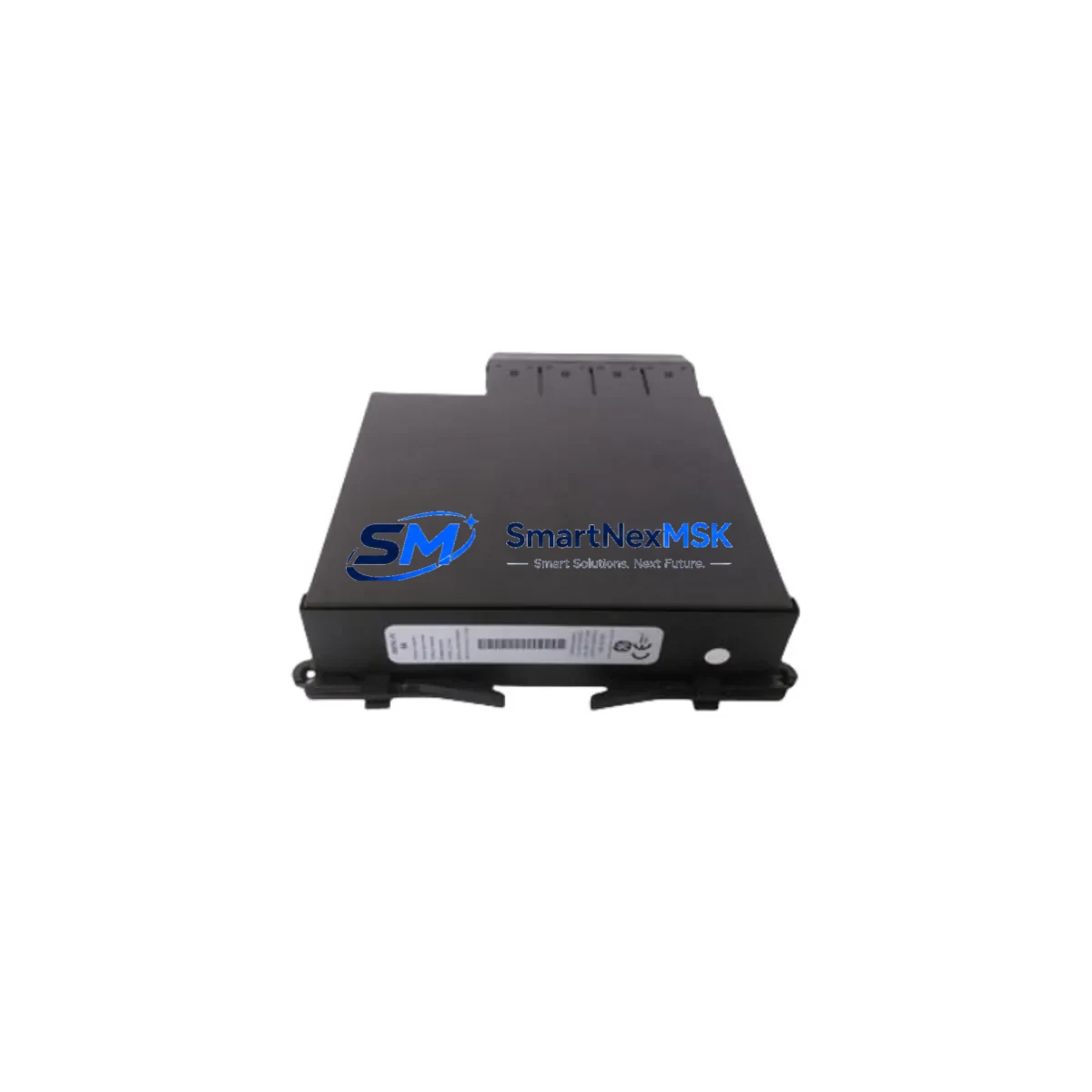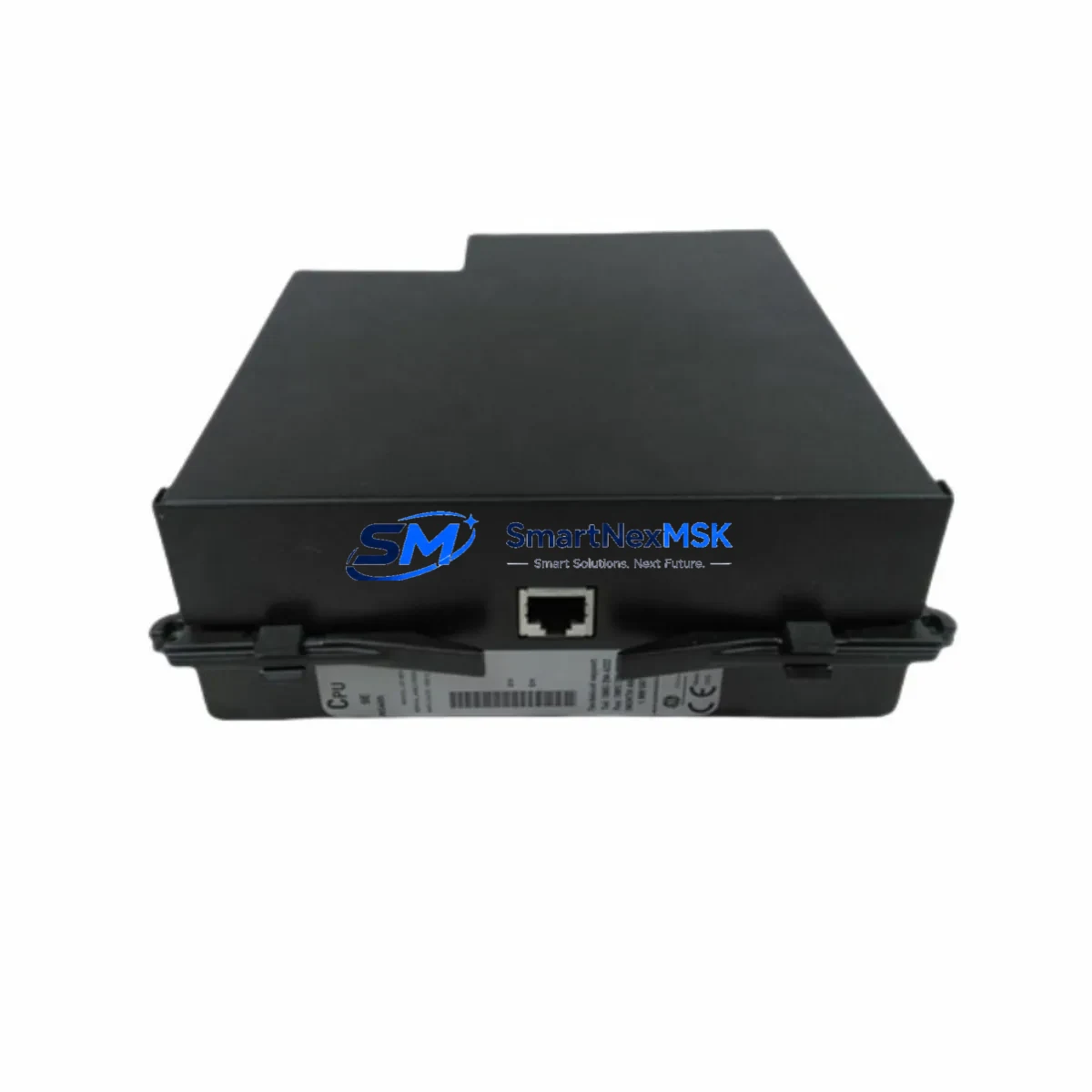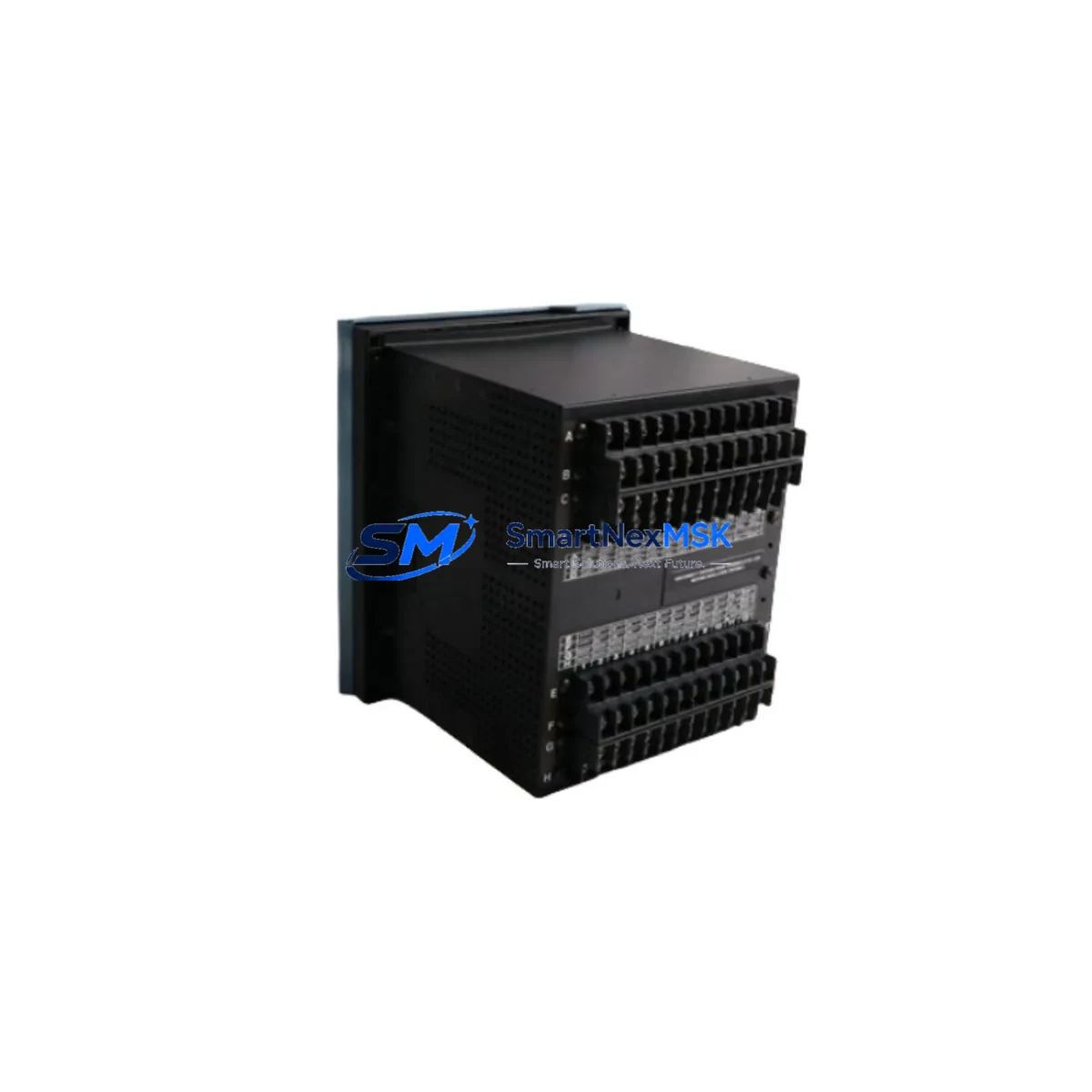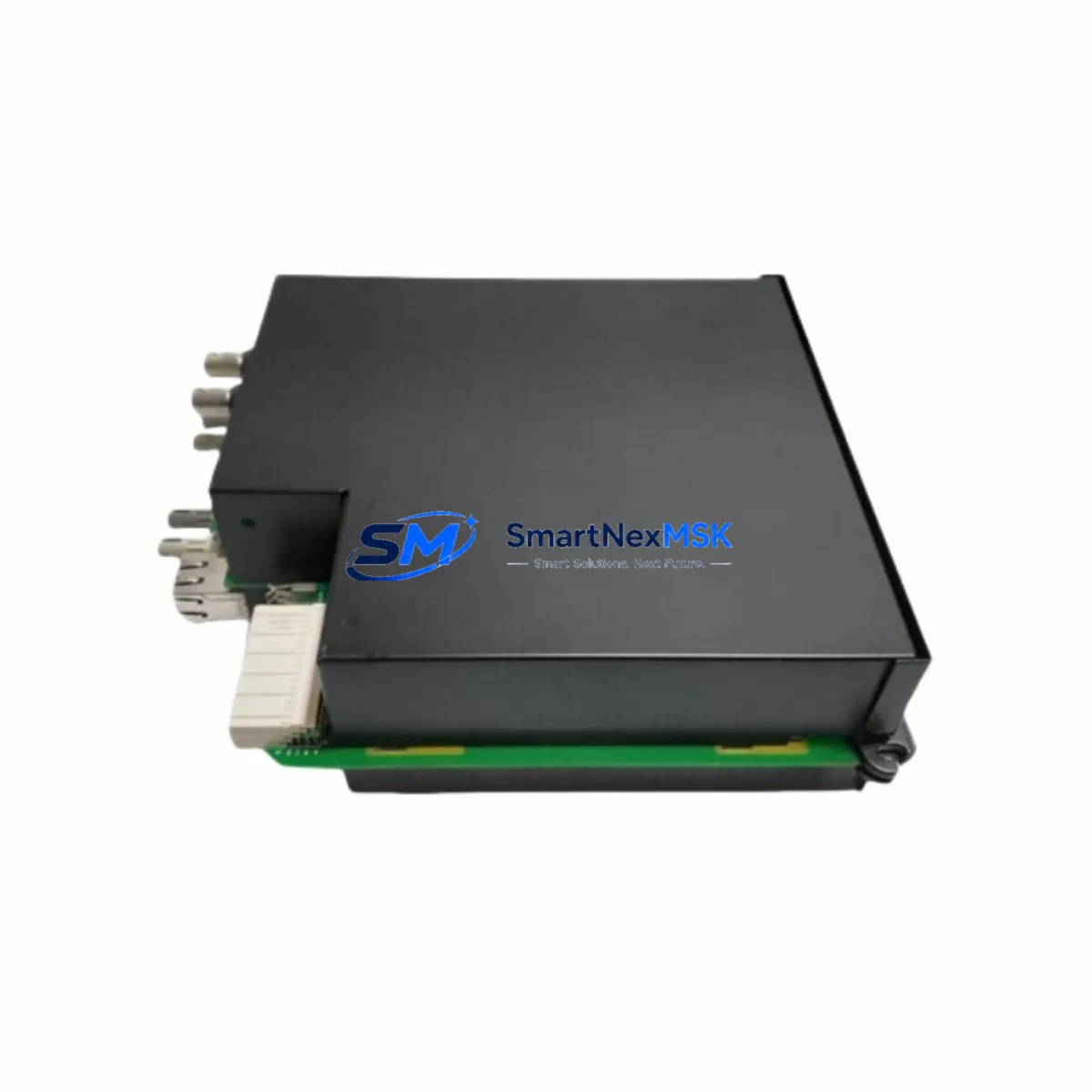
GE UR8GH Retrofit-Ready Communication Module for UR Series Control Systems
The GE UR8GH is a Slot 8 rear communication module engineered for the GE UR Series protection relay platform. Designed with backward compatibility at its core, the UR8GH serves as a direct retrofit replacement for aging or discontinued communication cards within UR-family relay chassis. Whether you are modernizing a substation protection panel, migrating from legacy serial protocols to IEC 61850 GOOSE messaging, or simply restoring a failed communication link in a live protection scheme, the UR8GH delivers the interface reliability and protocol flexibility that industrial control engineers demand.
At SMARTNEXMSK, we maintain verified stock of the UR8GH to support emergency replacements, planned outages, and long-cycle capital projects alike. Each unit undergoes pre-shipment functional testing and ships with a 12-month warranty, giving procurement and maintenance teams the confidence to plan retrofits without extended lead-time risk.
Upgrade Compatibility Table
| Parameter | Details |
|---|---|
| Compatible Platform | GE UR Series (UR-7xx, UR-8xx relay families) |
| Slot Position | Slot 8 — rear communication bay |
| Communication Protocols | IEC 61850, DNP3, Modbus RTU/TCP, IEC 60870-5-103/104 |
| Physical Interface | RJ-45 Ethernet / RS-485 serial (model-dependent) |
| Backplane Connector | UR Series standard rear-bus connector — direct plug-in |
| Replacement Candidates | Discontinued UR8xx-series comm cards; legacy serial modules |
| Installation Requirement | No chassis modification required; firmware version verification recommended |
| Commissioning Note | Verify relay firmware ≥ D-series; re-map GOOSE subscriptions post-swap |
| Warranty | 12 months from shipment date |
| Origin | China (Xiamen) |
Retrofit Planning for Existing Automation Systems
A successful UR8GH retrofit begins well before the module arrives on site. Engineers should first audit the existing UR Series chassis — typically a UR-F35, UR-T35, or UR-D30 relay — to confirm the firmware revision loaded on the CPU module. GE UR relay firmware manages the communication module’s protocol stack, and mismatched firmware can prevent the UR8GH from initializing correctly on the backplane. If the relay is running a legacy firmware branch, a coordinated firmware upgrade using the GE EnerVista UR Setup software should be scheduled as part of the same maintenance window.
Terminal wiring is the next critical checkpoint. The UR8GH connects to the substation SCADA or DCS via the rear terminal block. Technicians must verify that the existing cable schedule — whether RS-485 twisted-pair for Modbus RTU or Cat5e/Cat6 for IEC 61850 Ethernet — terminates correctly to the new module’s pinout. In many older installations, the communication wiring was routed to a UR8xx legacy serial card with a different terminal assignment, requiring a short re-termination exercise before the UR8GH can be seated.
For sites running IEC 61850 GOOSE schemes, the UR8GH retrofit also requires updating the substation configuration description (SCD) file in the station’s IEC 61850 configuration tool. GOOSE publisher and subscriber datasets must be re-mapped to reflect the new module’s logical node addresses. This step is often overlooked during emergency replacements and can result in protection interlocks failing silently — a risk that must be eliminated before the bay is returned to service.
Where the UR relay is part of a broader protection and control panel, the retrofit scope frequently extends to adjacent components. Power supply modules such as the GE UR-PSM should be load-checked to confirm they can support the UR8GH’s current draw alongside existing I/O modules. Digital input and output modules — for example, UR8DI and UR8DO cards occupying adjacent slots — should be inspected for contact wear and firmware compatibility during the same outage. If the panel includes a GE Multilin 850 or GE Multilin 750 feeder protection relay communicating over the same Modbus network, address conflicts must be resolved before the UR8GH is brought online.
HMI screens connected to the UR relay via the front RS-232 port or rear Ethernet — often a GE QuickPanel or third-party SCADA terminal — may require tag database updates to reflect the new communication module’s register map. Operators should validate all analog and digital display points against the updated relay configuration before declaring the retrofit complete. Programming cables such as the GE UR-CABLE or a standard USB-to-RS-232 adapter are required for local configuration access during commissioning.
Downtime Control During System Migration
Minimizing protection system downtime during a UR8GH swap requires a structured hot-swap protocol. Before de-energizing the relay bay, the maintenance team should export the full relay settings file from EnerVista UR Setup and store it on an isolated engineering laptop — this settings backup is the single most important safeguard against configuration loss. The existing GOOSE subscriptions, Modbus polling tables, and DNP3 data maps should all be documented in a pre-outage checklist.
With the bay isolated and the relay de-energized, the failed communication module can be removed from Slot 8 and the UR8GH inserted in its place. The backplane connector is keyed to prevent incorrect orientation. Once seated, the relay should be powered up in local mode — with SCADA polling suspended — to allow the UR8GH to initialize and the relay firmware to recognize the new module. The settings file is then re-applied via EnerVista, and communication parameters (IP address, Modbus slave ID, DNP3 address) are re-entered to match the pre-outage configuration.
Before restoring SCADA polling, the technician should perform a loopback communication test from the engineering workstation to confirm that the UR8GH is responding correctly on all configured protocols. GOOSE subscriptions should be verified by injecting test signals and confirming that receiving relays — including any GE Multilin SR750 or GE Multilin 489 units on the same protection bus — respond as expected. Only after all communication links are verified should the bay be returned to service and the outage permit closed.
This disciplined approach typically limits total outage time to two to four hours for a straightforward communication module swap, even on complex multi-relay protection panels. Pre-staging the UR8GH with verified firmware and a pre-loaded settings template — a service SMARTNEXMSK can assist with for volume orders — can reduce on-site commissioning time further.
Retrofit Support FAQ
Q1: Is the UR8GH a direct drop-in replacement for my existing UR Series Slot 8 communication card?
In most cases, yes. The UR8GH uses the standard UR Series rear backplane connector and occupies Slot 8 without chassis modification. However, you should verify that your relay’s firmware revision supports the UR8GH’s protocol feature set. GE recommends firmware D-series or later for full IEC 61850 functionality. If your relay is running an older firmware branch, a firmware update should be performed concurrently.
Q2: What wiring changes are required when replacing a legacy serial communication card with the UR8GH?
If the existing card used RS-485 serial communication, the terminal pinout on the UR8GH should be verified against your cable schedule before installation. In many retrofits, the wiring can be re-terminated directly to the UR8GH’s rear terminals with no new cable runs required. For Ethernet-based replacements, a Cat5e or Cat6 patch cable from the substation LAN switch to the UR8GH’s RJ-45 port is all that is needed.
Q3: How do I verify compatibility before ordering the UR8GH for my specific relay model?
Please provide your relay model number (e.g., UR-F35, UR-T35, UR-D30), current firmware version, and the part number of the communication card being replaced. Our technical team at [email protected] will confirm compatibility and advise on any firmware or configuration prerequisites before shipment.
Q4: What does the 12-month warranty cover, and what pre-shipment testing is performed?
Every UR8GH unit shipped by SMARTNEXMSK undergoes functional communication testing prior to dispatch, including protocol initialization verification and backplane interface checks. The 12-month warranty covers manufacturing defects and functional failures under normal operating conditions. Units that fail within the warranty period are replaced or refunded at no additional cost. Warranty claims are processed within 5 business days of receiving the returned unit.
© 2026 SMARTNEXMSK. All rights reserved.
Original Source: https://smartnexmsk.com
Contact: [email protected] | +86 18259474341