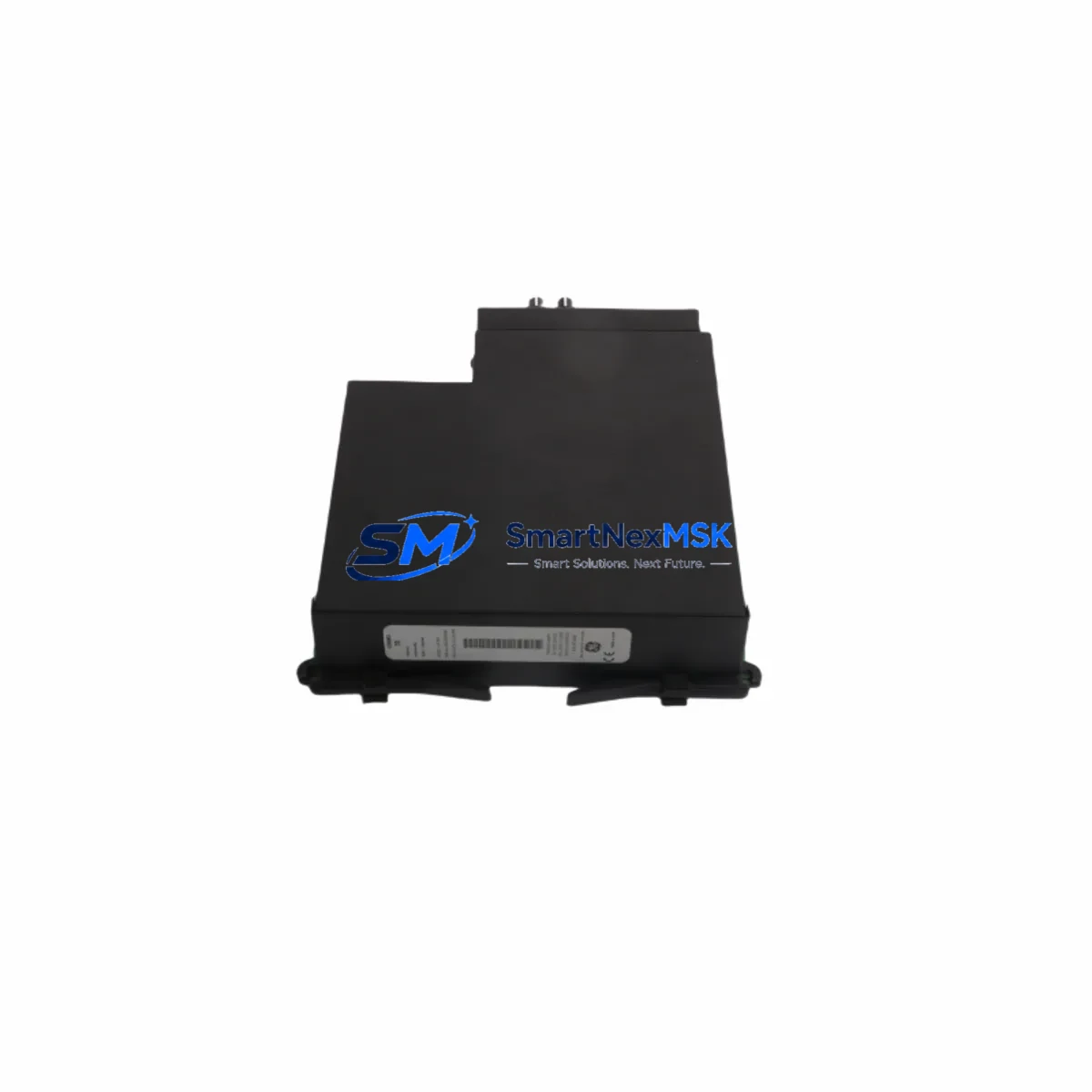
GE UR7BH Retrofit-Ready Communication Module for UR Series Control Systems
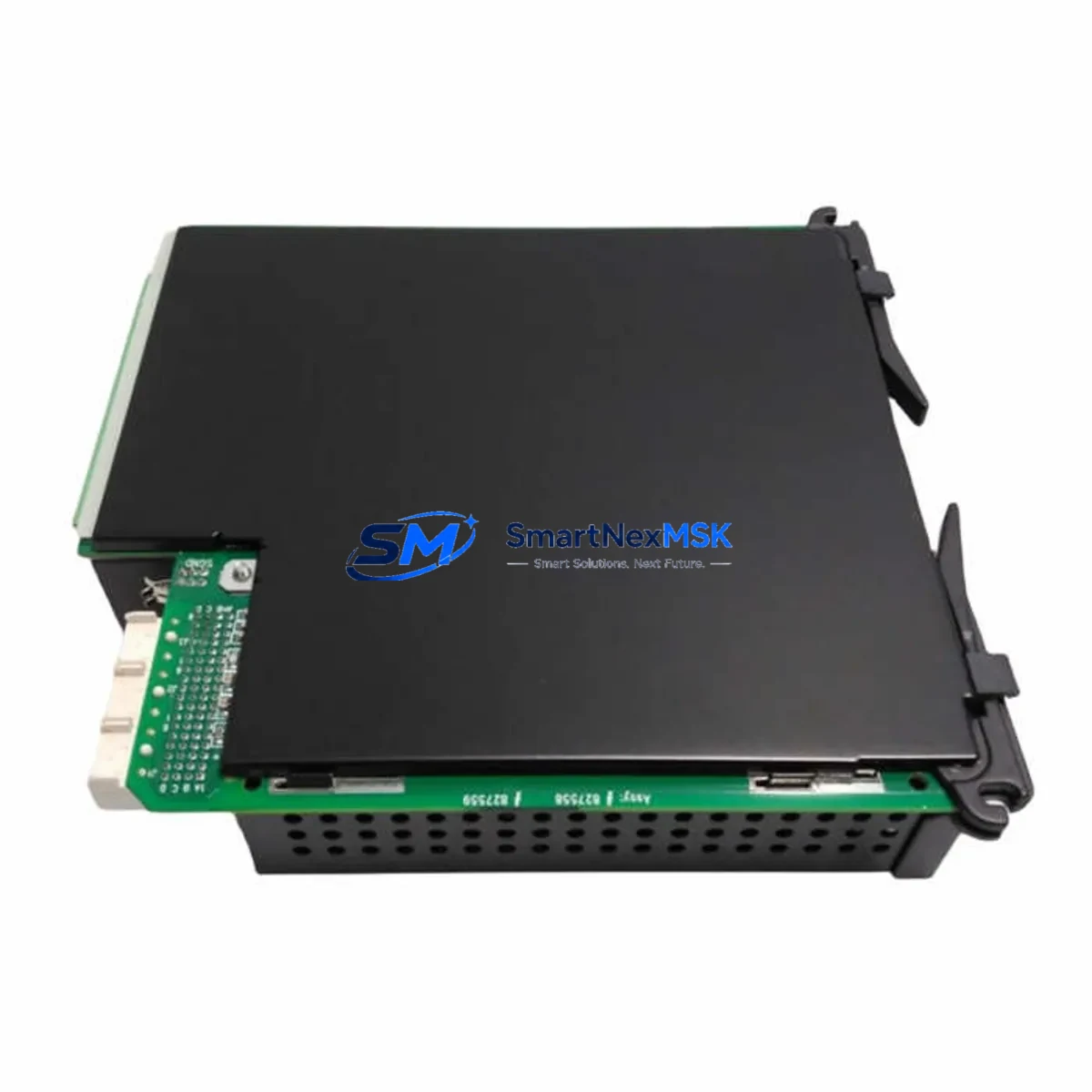
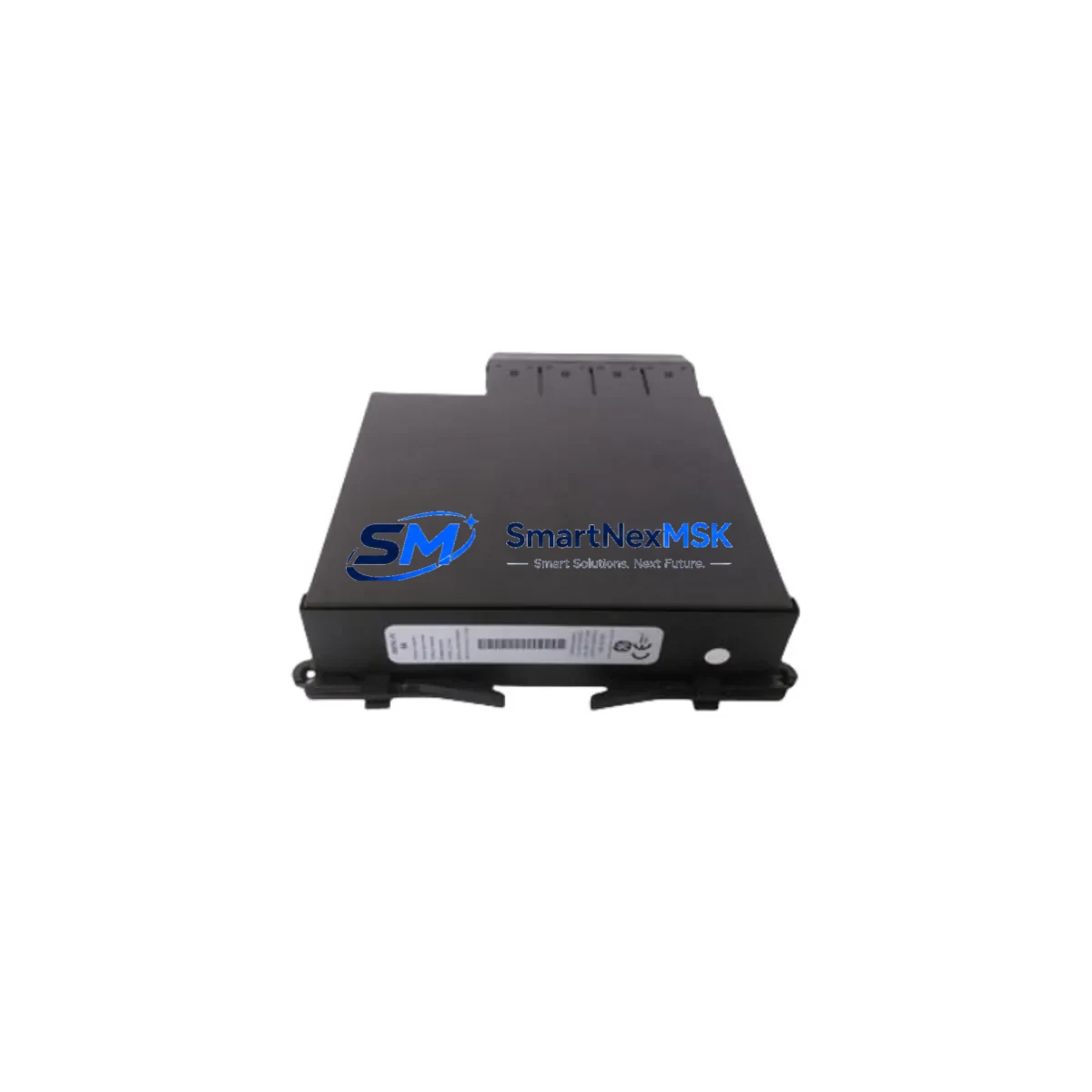
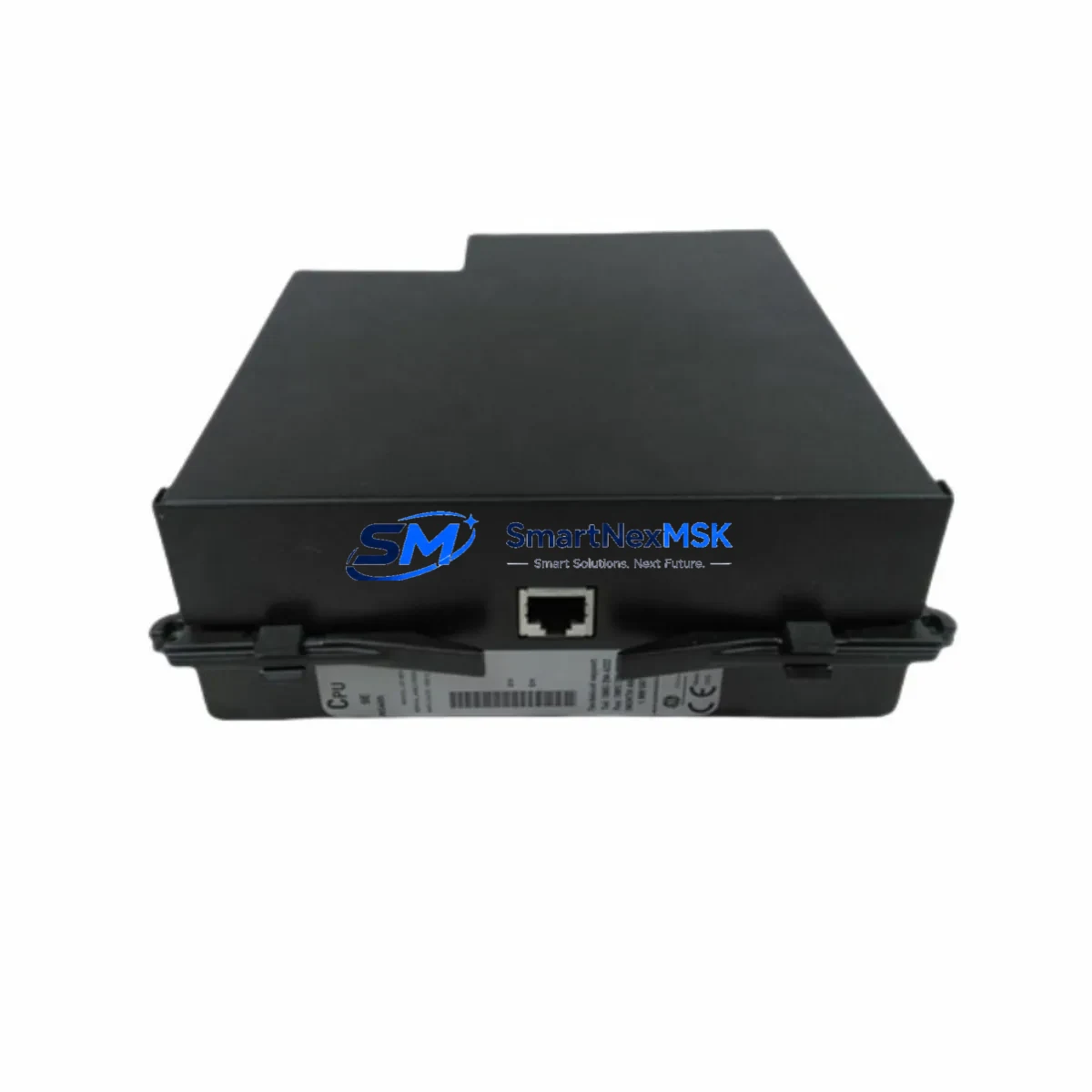
The GE UR7BH is a high-performance communication module engineered for the GE Multilin UR Series protection and control platform. Designed with retrofit compatibility at its core, the UR7BH enables seamless integration into existing UR-series relay chassis without requiring panel redesign or backplane replacement. Whether you are replacing a failed unit, upgrading an aging substation automation network, or migrating from legacy serial protocols to modern Ethernet-based architectures, the UR7BH delivers the reliability and interoperability that industrial protection engineers demand.
At SMARTNEXMSK, we maintain verified stock of the UR7BH sourced from authorized supply chains, with each unit subject to pre-shipment functional testing. Every module ships with a 12-month warranty covering manufacturing defects and operational failures under normal service conditions.
Upgrade Compatibility Table
| Parameter | Details |
|---|---|
| Compatible Platform | GE Multilin UR Series (UR 6.x / UR 7.x firmware) |
| Backplane Interface | UR-series universal backplane slot — direct drop-in, no adapter required |
| Communication Protocols | IEC 61850 GOOSE/MMS, DNP3, Modbus RTU/TCP, IEC 60870-5-103/104 |
| Physical Interface | RJ-45 Ethernet (100BASE-TX), optional fiber SFP port |
| Replacement Candidates | UR 7AH, UR 7CH, UR 7DH (verify slot type and firmware revision before ordering) |
| Installation Requirement | Power down relay chassis; reseat module; restore firmware settings via EnerVista UR Setup |
| Commissioning Tool | EnerVista UR Setup software (v7.40 or later recommended) |
| Retrofit Recommendation | Confirm chassis firmware ≥ 7.20 for full IEC 61850 Edition 2 support |
| Warranty | 12 Months — covers manufacturing defects and operational failure under normal use |
Retrofit Planning for Existing Automation Systems
Successful retrofit of the GE UR7BH into an operational substation or industrial protection panel requires systematic pre-work. Engineers should begin by auditing the existing UR Series relay chassis — typically a UR 0H or UR 0G horizontal chassis — to confirm available module slots and current firmware revision. The UR7BH occupies a standard communication slot; if the existing installation uses a UR 7AH or UR 7CH module, the UR7BH is a direct physical replacement provided the chassis firmware supports the target protocol stack.
Before removing the legacy module, engineers should export the full relay settings file using EnerVista UR Setup. This preserves protection element settings, CT/VT ratios, output contact assignments, and SCADA communication parameters. When the UR7BH is installed, the settings file can be re-imported, dramatically reducing recommissioning time and eliminating manual re-entry errors.
For sites migrating from serial DNP3 or Modbus RTU to IEC 61850, the UR7BH supports both legacy and modern protocols simultaneously during the transition period. This allows the RTU or SCADA master — often a GE D20MX or third-party IEC 61850 gateway — to be reconfigured incrementally without forcing a hard cutover. Fiber-optic ring topologies using managed Ethernet switches compatible with IEC 61850 GOOSE messaging can be validated in parallel before decommissioning the legacy serial link.
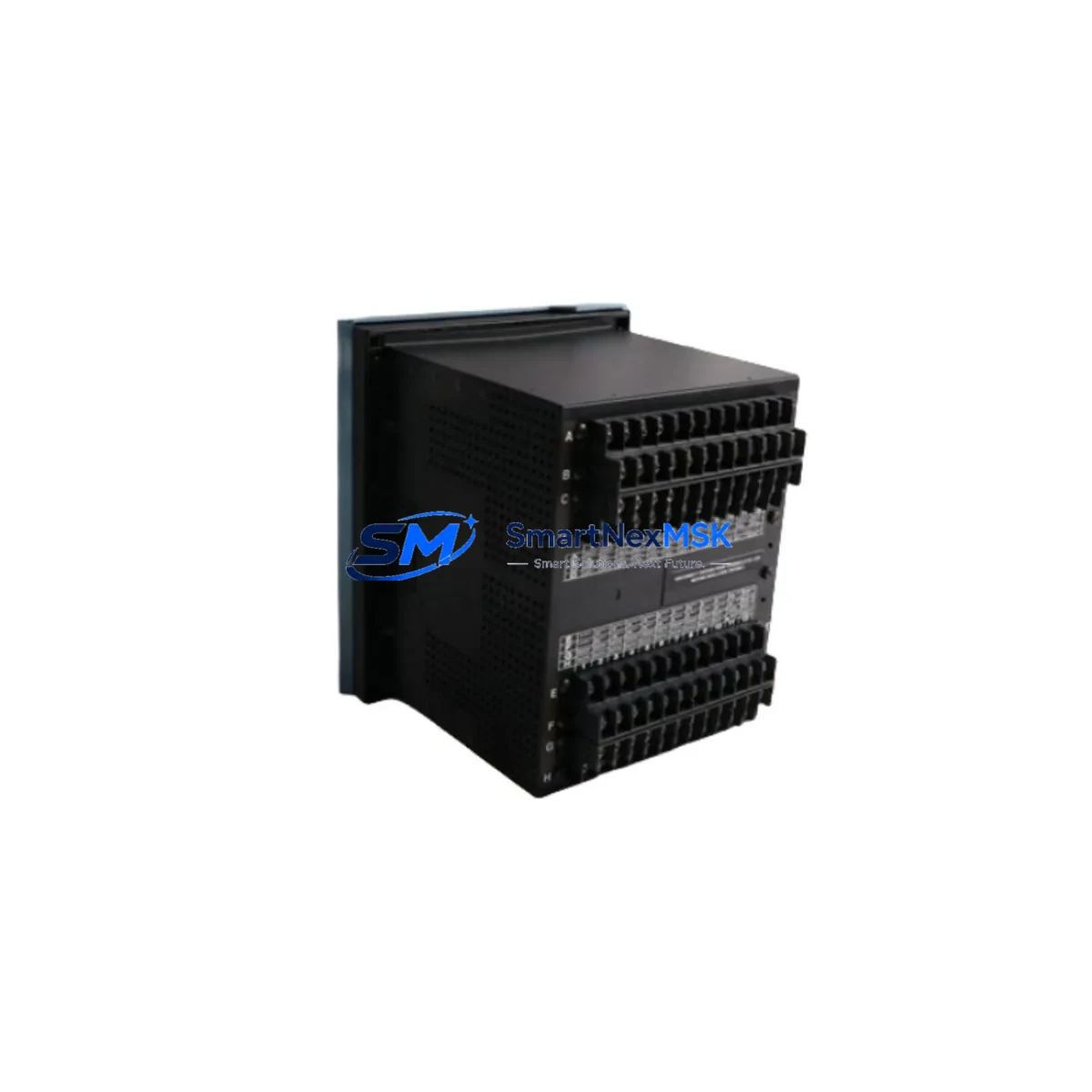
I/O wiring should be verified against the existing terminal block assignments. The UR Series uses a standardized terminal layout across the chassis family, but engineers must confirm that binary input thresholds, output relay ratings, and analog input scaling match the replacement module’s specifications. If the site uses a UR 9GH power supply module or UR 9GG redundant power supply, verify that the chassis power budget accommodates the UR7BH’s communication port power draw, particularly when SFP transceivers are installed.
For multi-relay installations — such as a protection panel housing a GE L90 Line Differential Relay, a GE T60 Transformer Protection Relay, and a GE B90 Bus Differential Relay — the UR7BH’s IEC 61850 GOOSE capability enables high-speed inter-relay communication without additional hardwired trip circuits. This is particularly valuable during panel upgrades where new protection logic must coexist with legacy relay schemes during the transition window.
HMI screens connected via Modbus TCP or DNP3 should be updated to reflect any address changes introduced by the new module. If the site uses a GE Multilin EnerVista Viewpoint Monitoring workstation, the IED database should be refreshed after commissioning to ensure alarm and event records are correctly mapped to the new communication module’s data model.
Downtime Control During System Migration
Minimizing unplanned outage duration is the primary operational constraint in any live substation or industrial plant retrofit. For the GE UR7BH replacement, the recommended approach is a planned maintenance window with a pre-staged spare module that has been pre-configured offline using EnerVista UR Setup before the outage begins.
The sequence is straightforward: export settings from the existing relay, load them into the spare UR7BH offline, verify protocol configuration and IP addressing, then execute the physical swap during the maintenance window. With a pre-configured module, the physical replacement and recommissioning sequence typically completes within 30–60 minutes, depending on the complexity of the SCADA integration and the number of GOOSE subscriptions that must be re-validated.
During the swap, protection functions are temporarily unavailable. Coordination with the system operator is essential — backup protection schemes, such as remote end relay acceleration or bus protection override, should be confirmed active before the primary relay is taken out of service. After the UR7BH is installed and powered, engineers should verify binary input status, output contact continuity, communication link establishment, and event log integrity before returning the relay to service.
For sites where extended downtime is unacceptable, SMARTNEXMSK can support pre-shipment configuration services, where the UR7BH is loaded with the customer’s settings file and tested against a reference chassis before dispatch. This further compresses on-site commissioning time and reduces the risk of configuration errors under time pressure.
Retrofit Support FAQ
Q1: Is the GE UR7BH a direct drop-in replacement for the UR 7AH or UR 7CH?
In most cases, yes. The UR7BH occupies the same backplane slot as the UR 7AH and UR 7CH. However, you must verify that your chassis firmware revision supports the UR7BH’s protocol feature set — particularly IEC 61850 Edition 2 — before installation. Contact our technical team with your chassis serial number and we will confirm compatibility.
Q2: What commissioning steps are required after installing the UR7BH?
After physical installation, connect to the relay using EnerVista UR Setup via the front USB or rear Ethernet port. Import your previously exported settings file, verify IP addressing and VLAN configuration, confirm GOOSE publisher/subscriber datasets, and perform a communications test with the SCADA master or IEC 61850 gateway. Binary input and output contact checks should be completed before returning the relay to service.
Q3: Does the UR7BH support legacy serial protocols alongside IEC 61850?
Yes. The UR7BH supports simultaneous operation of IEC 61850, DNP3 (serial and TCP), and Modbus RTU/TCP. This allows a phased migration from legacy serial SCADA to IEC 61850 without requiring a hard cutover, reducing migration risk in live substation environments.
Q4: What does the 12-month warranty cover?
The 12-month warranty covers manufacturing defects and operational failures under normal service conditions from the date of shipment. Each unit undergoes pre-shipment functional testing. Warranty claims are processed directly through SMARTNEXMSK — contact [email protected] with your order reference and a description of the fault.
© 2026 SMARTNEXMSK. All rights reserved.
Original Source: https://smartnexmsk.com
Contact: [email protected] | +86 18259474341