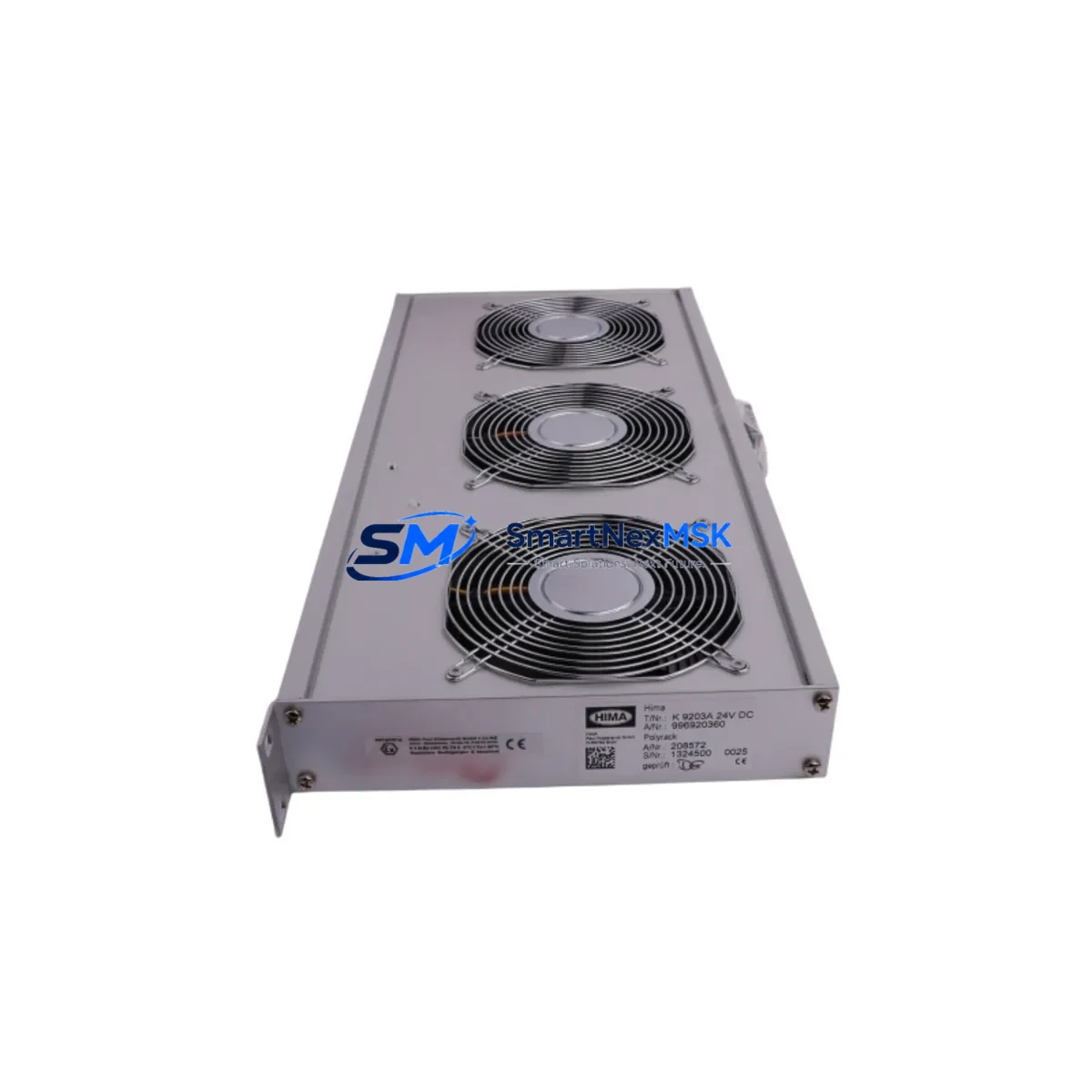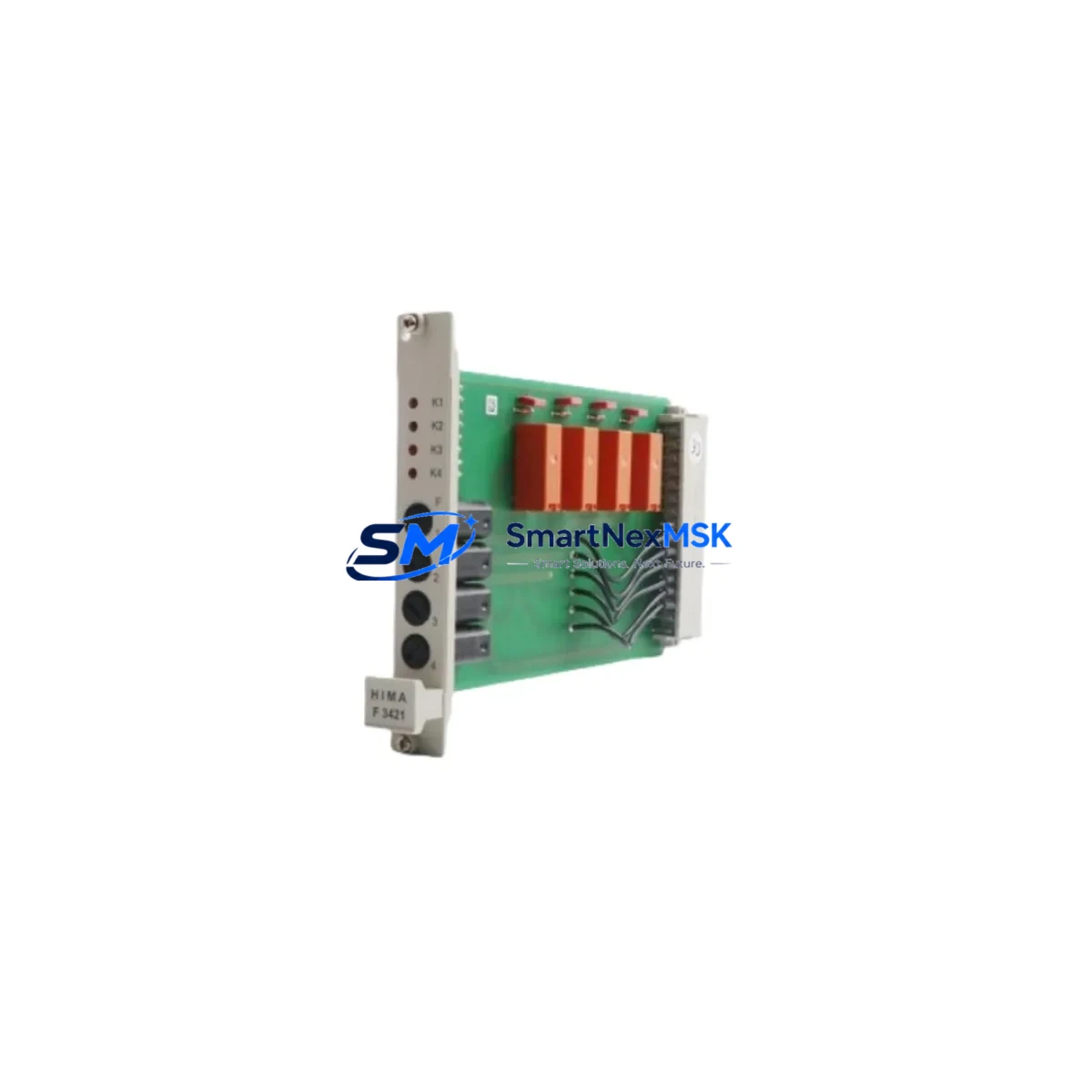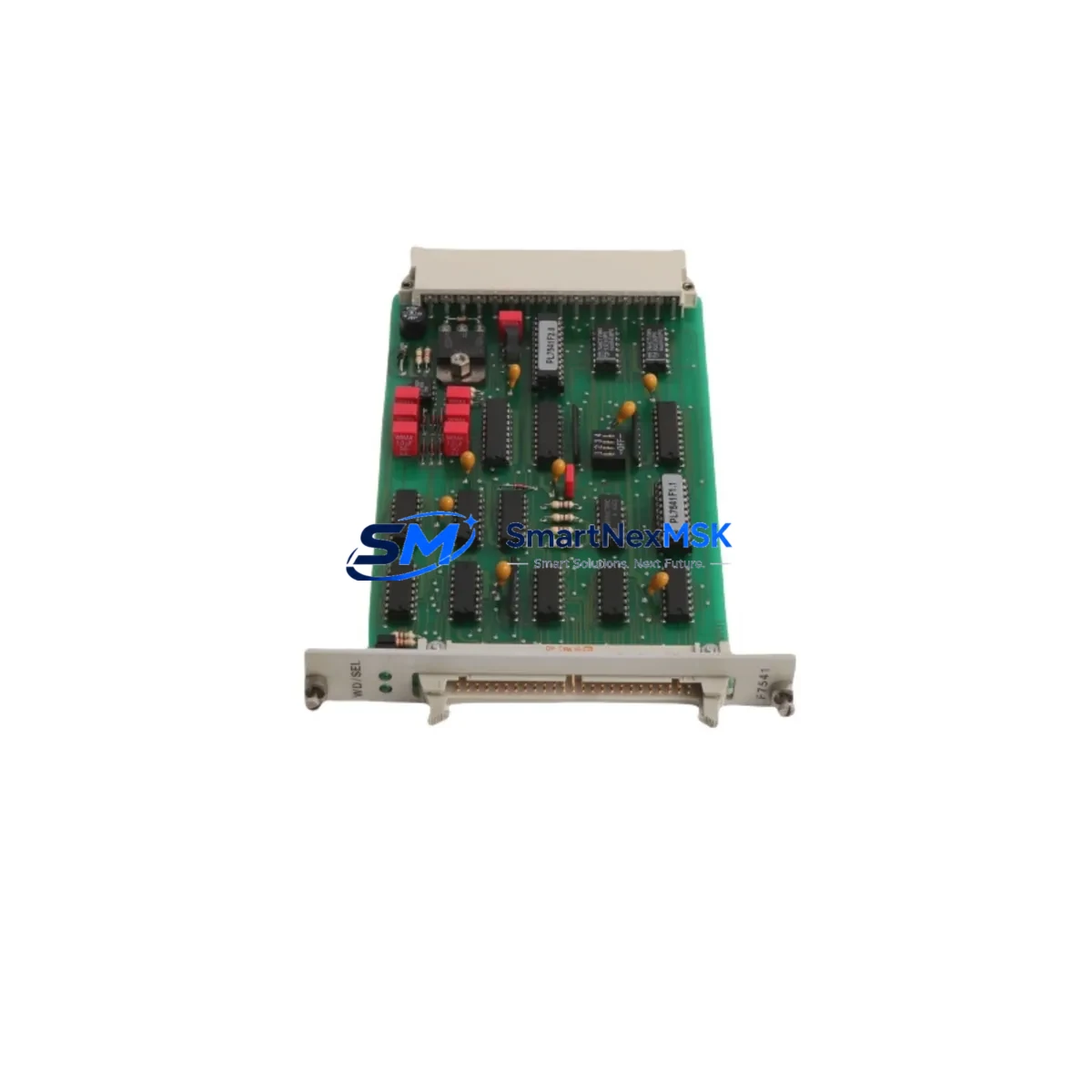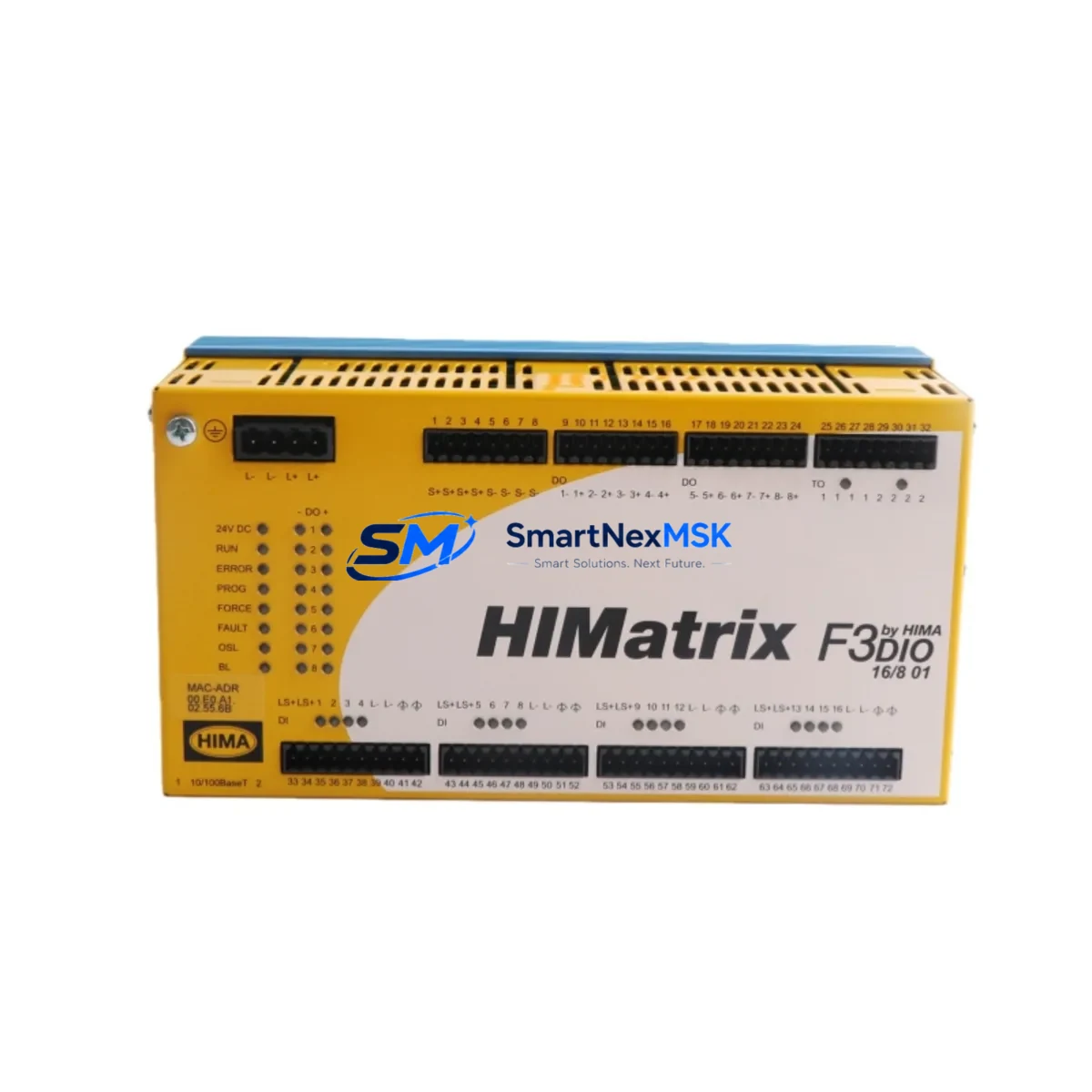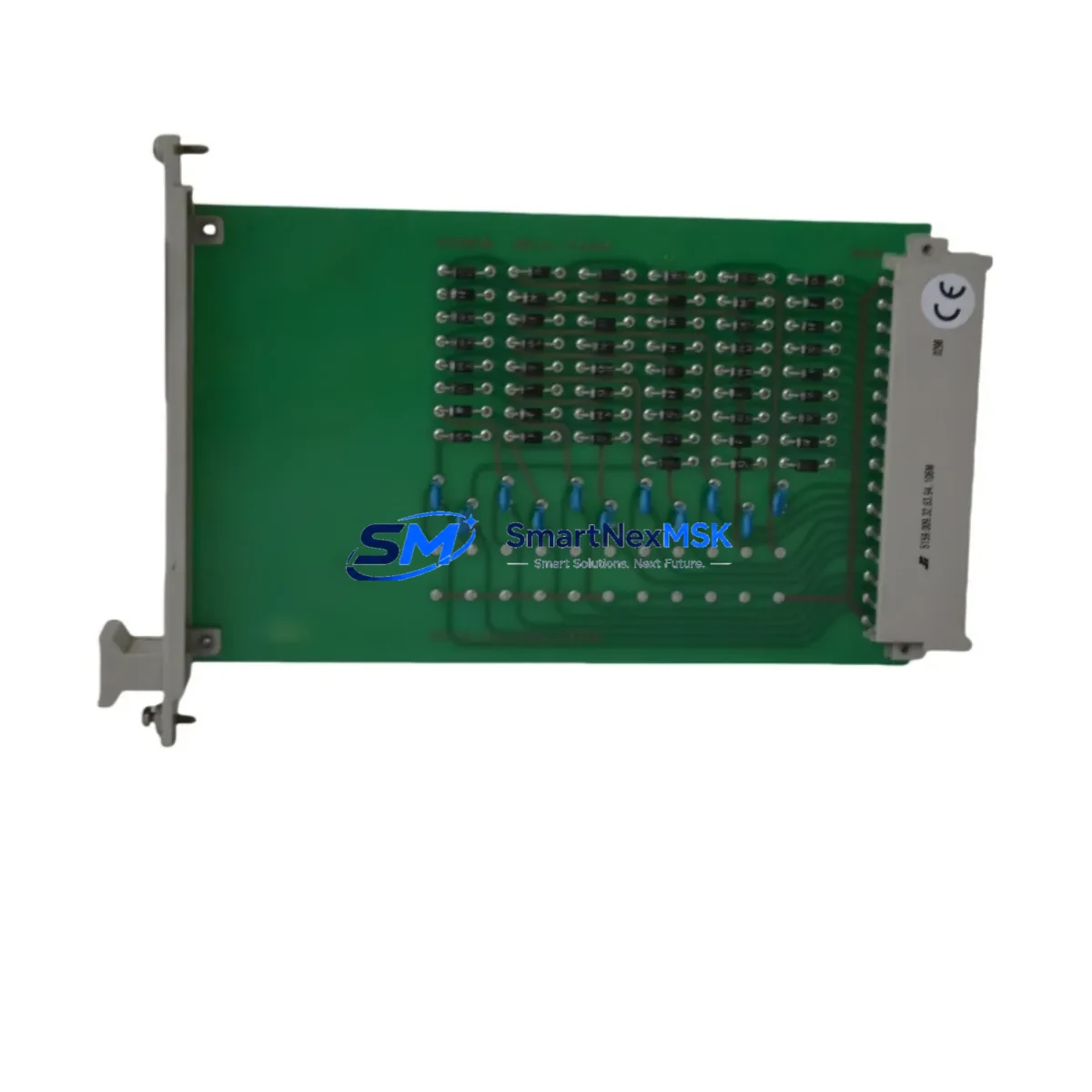
HIMA F4204 Retrofit-Ready Digital Output Module for HIMax SIL 3 Control Systems
The HIMA F4204 is a 16-channel, 24 VDC digital output module engineered for safety-critical applications within the HIMax SIL 3 distributed control platform. As legacy HIMax installations reach end-of-support milestones, the F4204 has become one of the most sought-after retrofit components for engineers tasked with modernizing existing safety instrumented systems (SIS) without a full platform migration. Whether you are replacing a failed output card, expanding an existing I/O rack, or executing a phased upgrade of a process safety layer, the F4204 delivers the electrical and functional compatibility required to keep your control system running with minimal disruption.
Upgrade Compatibility Table
| Parameter | HIMA F4204 Specification | Retrofit Notes |
|---|---|---|
| Output Channels | 16 × 24 VDC Digital Output | Direct pin-for-pin replacement for F4204 slot positions in HIMax racks |
| Safety Integrity Level | SIL 3 (IEC 61508 certified) | Maintains SIL 3 loop integrity; no re-validation of safety function required when replacing like-for-like |
| Backplane Interface | HIMax proprietary backplane bus | Compatible with all standard HIMax rack sizes; verify rack firmware revision ≥ 7.x before installation |
| Communication Protocol | HIMA SafeEthernet / PROFIBUS DP | No protocol reconfiguration needed; module address is assigned via HIMax SILworX engineering tool |
| Power Consumption | ≤ 4.5 W (typical load) | Confirm rack power supply (e.g., F8652E or F8652X) has sufficient headroom before adding modules |
| Terminal Wiring | 40-pin front connector | Existing field wiring harness is reusable; inspect connector pins for corrosion before re-mating |
| Installation Requirement | Hot-swap capable (rack-dependent) | Confirm hot-swap support with rack controller firmware; cold-swap recommended for first-time retrofits |
| Commissioning Tool | HIMA SILworX | Module address and I/O mapping must be confirmed in SILworX project before download |
| Warranty | 12 Months | Covers manufacturing defects; includes pre-shipment functional test report |
Retrofit Planning for Existing Automation Systems
A successful F4204 retrofit begins well before the module arrives on site. Engineers should start by auditing the existing HIMax rack configuration using the HIMA SILworX project file to identify the exact slot assignment, module address, and I/O channel mapping of the unit being replaced. The rack itself — typically a HIMax HM 2 or HM 4 series chassis — must be inspected for available power budget. The rack’s power supply module, such as the F8652E redundant power supply, should be verified to support the additional load if the retrofit involves adding rather than replacing a module.
Field wiring connected to the F4204’s 40-pin front connector should be documented and photographed before disconnection. In many older installations, terminal labels have faded; re-labeling during the retrofit window is strongly recommended. If the plant uses a HIMA F3 DIO 20/8 01 or similar legacy I/O module in adjacent slots, confirm that the backplane communication sequence is not disrupted during the swap. For systems that also include HIMA F3 AIO 8/4 01 analog I/O modules, verify that the SILworX project correctly distinguishes between digital and analog channel groups after the new module is downloaded.
Communication integrity is a critical checkpoint. HIMax systems commonly use SafeEthernet for controller-to-controller safety communication and PROFIBUS DP for field device integration. Before the retrofit, capture a snapshot of the active PROFIBUS segment using a diagnostic tool to establish a baseline. After the F4204 is installed and the SILworX project is downloaded to the HIMax controller CPU module, verify that all PROFIBUS slaves — including remote I/O stations and variable-speed drives — re-establish communication within the expected timeout window.
For plants that use HIMA HIMatrix F35 or F60 series controllers in satellite safety loops feeding into the main HIMax system, confirm that the inter-controller SafeEthernet links remain active throughout the module replacement. HMI screens built on HIMA ELOP II Factory or third-party SCADA platforms should be reviewed to ensure that the output channel tags mapped to the F4204 are correctly bound after the project download. Any discrepancy in tag binding will cause the HMI to display stale or incorrect output states, which must be resolved before returning the safety loop to service.
Finally, if the retrofit is part of a broader migration from an older HIMA H41q or H51q series safety controller to the HIMax platform, the F4204 serves as the standard digital output interface in the new architecture. In this scenario, a full I/O mapping review — comparing the legacy H41q output module channel assignments against the new HIMax rack layout — is essential to avoid cross-wiring errors that could compromise the safety function.
Downtime Control During System Migration
Minimizing unplanned downtime is the primary operational concern during any safety PLC retrofit. For the HIMA F4204, the recommended approach is to pre-stage the replacement module in the engineering environment, download and verify the updated SILworX project on a test rack, and obtain written approval from the safety engineer before scheduling the maintenance window.
During the window, the sequence should follow a structured bypass protocol: place the affected safety function in manual bypass via the plant’s safety management system, document the bypass in the permit-to-work system, perform the physical module swap, restore power, and confirm that the F4204 passes its internal self-test (indicated by the module’s green RUN LED). The SILworX diagnostic view should then be used to confirm that all 16 output channels report the correct forced or process-driven states before the bypass is lifted.
Original program logic stored in the HIMax controller is not affected by a like-for-like F4204 replacement, provided the module slot address and I/O mapping remain unchanged. If the SILworX project requires any modification — for example, to accommodate a firmware revision difference — the change must go through the plant’s management of change (MOC) process and be re-validated before the safety function is returned to automatic mode. Keeping a pre-retrofit backup of the SILworX project on a secured engineering workstation ensures that rollback is possible within minutes if an unexpected issue arises during commissioning.
For multi-rack HIMax installations, stagger the retrofit across racks rather than replacing all F4204 modules simultaneously. This preserves partial system availability and limits the blast radius of any commissioning issue to a single rack segment.
Retrofit Support FAQ
Q1: Is the HIMA F4204 a direct drop-in replacement for an existing F4204 in my HIMax rack?
Yes. The F4204 is a like-for-like replacement. The module uses the same 40-pin front connector, the same backplane slot footprint, and the same SILworX address scheme as the original. No hardware modification to the rack or field wiring is required, provided the replacement module carries the same or a compatible firmware revision.
Q2: What pre-shipment testing is performed on the F4204?
Each F4204 unit undergoes a functional output channel test, internal diagnostics check, and communication bus verification before shipment. A test report is included with the delivery. The module is covered by a 12-month warranty against manufacturing defects from the date of shipment.
Q3: Do I need to reconfigure my SILworX project after installing the replacement F4204?
In most cases, no. If the replacement module occupies the same rack slot and carries a compatible firmware version, the existing SILworX project download is sufficient. However, if the firmware revision differs from the original module, SILworX may prompt a project update. Always compare firmware versions in the SILworX hardware catalog before installation and consult HIMA’s compatibility matrix if in doubt.
Q4: Can the F4204 be used in a mixed HIMax rack alongside other I/O module types?
Yes. The HIMax platform supports mixed I/O configurations within the same rack. The F4204 digital output module can coexist with digital input modules, analog I/O modules, and communication modules in the same chassis, subject to the rack’s total power budget and the slot assignment rules defined in the SILworX hardware configuration.
© 2026 SMARTNEXMSK. All rights reserved.
Original Source: https://smartnexmsk.com
Contact: [email protected] | +86 18259474341