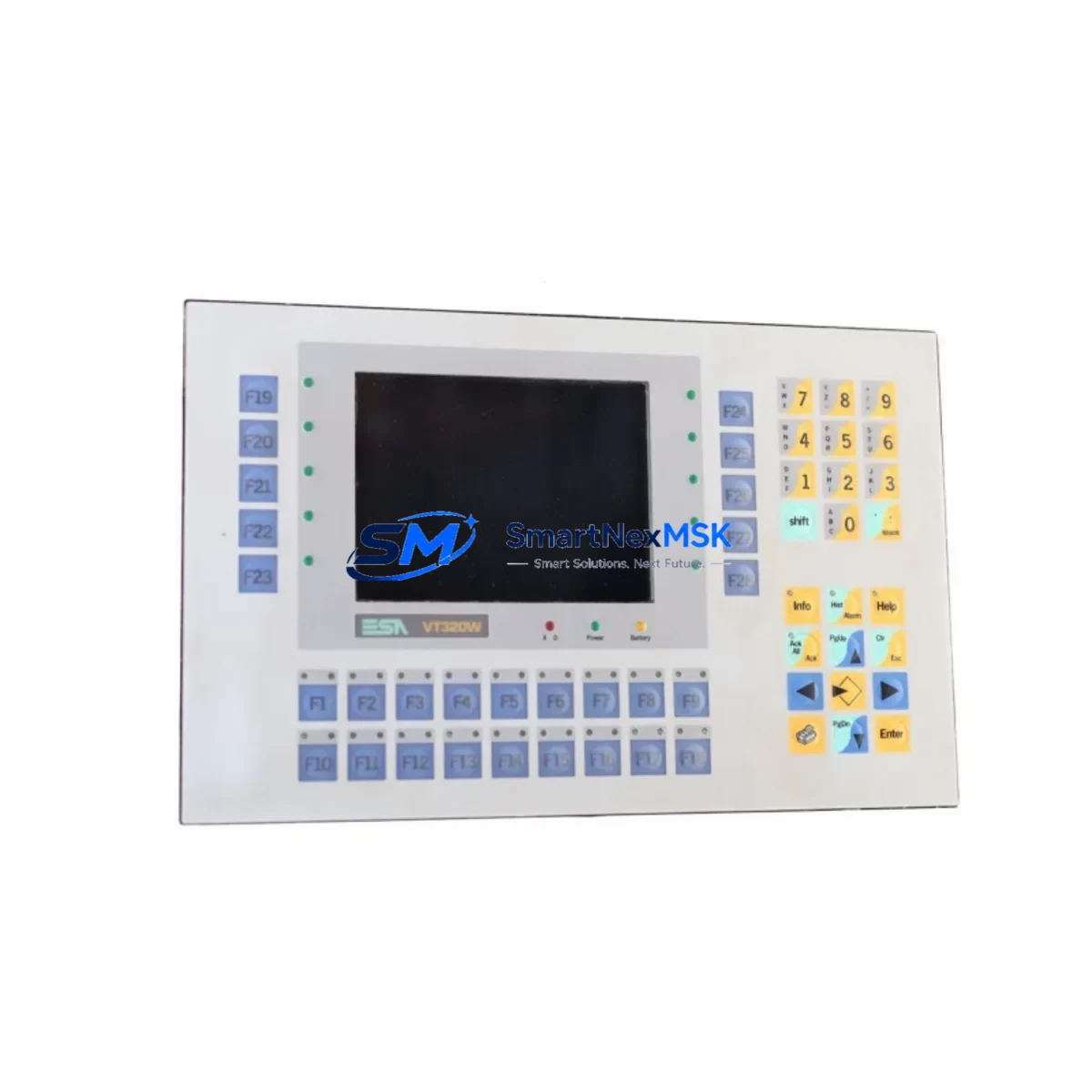
Hitachi DK239A-65 Retrofit-Ready HDD for DK239A Control Systems
The Hitachi DK239A-65 is a 6.5GB IDE ATA industrial hard disk drive engineered for seamless compatibility with legacy DK239A-series CNC machine tools, PLC-based control cabinets, and automation platforms that rely on aging storage media. As original equipment manufacturers discontinue support for first-generation industrial HDDs, facilities running Fanuc, Mitsubishi, Siemens, or Okuma control systems frequently encounter critical failures tied to obsolete storage components. The DK239A-65 serves as a verified drop-in retrofit solution, enabling engineers to restore machine uptime without redesigning the control architecture or replacing the entire controller unit.
Whether you are upgrading a Fanuc 0i-series CNC controller, replacing a failed drive in a Mitsubishi MELDAS 600 system, or restoring a Siemens SINUMERIK 840D operator panel, the DK239A-65 provides the correct physical form factor, IDE interface pinout, and capacity specification to match the original drive geometry. Its 3.5-inch form factor and standard 40-pin IDE connector ensure direct installation into existing drive bays without bracket modification or cable adapters in most retrofit scenarios.
Upgrade Compatibility Table
| Parameter | Specification / Retrofit Note |
|---|---|
| SKU | DK239A-65 |
| Interface | IDE ATA (40-pin) — direct replacement for legacy IDE drives in CNC/PLC cabinets |
| Capacity | 6.5 GB — matches original DK239A series drive geometry |
| Form Factor | 3.5-inch — fits standard industrial drive bays without modification |
| Communication Compatibility | Compatible with IDE bus on Fanuc 0i, Mitsubishi MELDAS 600, Siemens SINUMERIK 840D, Okuma OSP-U100 platforms |
| Jumper / Master-Slave Setting | Verify jumper block position (Master/Slave/CS) before installation; match original drive configuration |
| Installation Requirement | Confirm backplane connector alignment and drive bay mounting screw pattern prior to fitting |
| Replacement Recommendation | Recommended as 1:1 replacement for failed or end-of-life DK239A-series drives in production environments |
| Commissioning Focus | Restore OS/NC image via backup tape, CF card, or network image tool; verify axis parameters and tool offset tables post-restore |
| Warranty | 12-Month Warranty — covers manufacturing defects and functional failures under normal industrial operating conditions |
Retrofit Planning for Existing Automation Systems
Successful integration of the DK239A-65 into an existing control cabinet begins well before the physical drive swap. Engineers should first audit the power supply unit inside the control cabinet — confirm that the 5V and 12V rails on the existing PSU deliver stable output within tolerance, as aging industrial power supplies often exhibit voltage sag that can corrupt drive initialization. If the cabinet uses a Fanuc A06B-series servo amplifier rack or a Mitsubishi MR-J series drive rack, verify that the backplane power connector feeding the HDD bay is free of corrosion and rated for the drive’s startup current draw.
Next, document the existing IDE cable routing. Many legacy CNC installations use 40-wire IDE cables rather than the 80-wire variant; while the DK239A-65 is backward compatible, confirm cable length does not exceed 45cm to avoid signal integrity issues during high-speed data transfer at startup. If the control system uses a Siemens SINUMERIK PCU 50 or PCU 70 computing unit, note that these platforms mount the HDD on a dedicated carrier board — the DK239A-65 fits this carrier without modification, but the carrier’s retention clips should be inspected for fatigue before reinstallation.
For systems that include a Fanuc Series 16i or 18i CNC controller with a built-in SRAM module, engineers must back up the SRAM data — including tool compensation data, macro variables, and pitch error compensation tables — before removing the original drive. This data is stored separately from the HDD but is frequently lost during unplanned drive failures if no backup routine is in place. Similarly, if the machine uses a Mitsubishi Q-series PLC rack with a QJ71C24 serial communication module for RS-232 or RS-422 connectivity to peripheral devices, verify that the communication parameters stored in the PLC program are documented before the retrofit begins.
When the control system includes an HMI panel — such as a Siemens TP700 Comfort or a Proface GP4000 series operator terminal — confirm that the HMI project file is backed up independently. HMI screen configurations, alarm text libraries, and recipe data are typically stored on the HMI’s internal flash memory rather than the CNC hard drive, but some older integrated systems write HMI configuration data to the main HDD. Verify the architecture before proceeding. If the system uses a Beckhoff CX series embedded PC as the motion controller, the TwinCAT runtime image and PLC project should be exported and stored on an external USB drive or network share prior to the drive replacement.
After physical installation of the DK239A-65, restore the NC system image using the machine builder’s recommended backup and restore procedure. For Fanuc-based systems, this typically involves booting from a PCMCIA memory card or CF card loaded with the system software image. For Siemens SINUMERIK systems, the restore process uses the SINUMERIK Operate startup wizard accessed via the HMI. Once the OS and NC software are restored, reload the machine parameters, tool offset tables, and workpiece coordinate systems. Verify all I/O assignments by cycling through the machine’s diagnostic screen and confirming that each input and output module — including any Mitsubishi AJ65SBTB1-16D CC-Link remote I/O terminal blocks — responds correctly before releasing the machine to production.
Downtime Control During System Migration
Minimizing unplanned downtime during a hard drive retrofit requires a structured pre-failure replacement strategy rather than a reactive break-fix approach. The DK239A-65 is available from stock, enabling facilities to maintain a spare unit on the shelf as part of a proactive maintenance program. When a drive failure is anticipated — indicated by SMART errors, slow boot times, or intermittent read errors logged in the CNC diagnostic history — schedule the replacement during a planned maintenance window rather than waiting for a complete failure.
Before beginning the swap, prepare a complete system image backup on a verified external medium. For Fanuc 0i-series systems, use the Fanuc BOOT screen to create a full system backup to a CF card. For Siemens SINUMERIK 840D sl systems, use the HMI Operate backup function to archive the NC data, PLC program, and drive parameters to a USB stick. This preparation ensures that the restore process after fitting the DK239A-65 can be completed within a single shift, keeping total downtime to a minimum.
During the physical swap, label all connectors and cables before disconnection. Photograph the original drive’s jumper configuration and cable routing. After installing the DK239A-65, restore the system image, verify axis homing sequences, and run a dry-cycle test of the machine program before resuming production. Document the retrofit in the machine’s maintenance log, including the date, drive serial number, and the technician responsible, to support future audits and warranty claims under the 12-month warranty coverage provided with each unit.
Retrofit Support FAQ
Q1: Is the DK239A-65 a direct replacement for the original Hitachi DK239A series drive in my CNC machine?
A: Yes. The DK239A-65 is a 1:1 compatible replacement for DK239A-series drives in terms of interface (IDE ATA), form factor (3.5-inch), and capacity class (6.5GB). Verify the jumper setting (Master/Slave/Cable Select) on the original drive before installation to ensure the replacement is configured identically.
Q2: What commissioning steps are required after installing the DK239A-65?
A: After physical installation, restore the NC system image from your backup medium, reload machine parameters and tool offset tables, verify all I/O module assignments, and perform a dry-cycle test of the part program. For Fanuc systems, confirm SRAM data integrity. For Siemens systems, verify the PLC program and drive parameters via the SINUMERIK Operate startup wizard.
Q3: Can the DK239A-65 be used in a control cabinet that also houses a Mitsubishi Q-series PLC and communication modules?
A: Yes, provided the cabinet’s power supply delivers stable 5V and 12V rails and the IDE cable length is within specification. The DK239A-65 operates independently of the PLC rack and communication modules; however, ensure that the drive’s power connector does not share a rail that is already at capacity due to additional modules such as QJ71E71-100 Ethernet units or QJ71C24 serial modules.
Q4: What does the 12-month warranty cover, and how is it claimed?
A: The 12-month warranty covers manufacturing defects and functional failures under normal industrial operating conditions. It does not cover physical damage caused by incorrect installation, overvoltage, or environmental contamination. To initiate a warranty claim, contact our sales team with the unit serial number, purchase date, and a description of the failure. Replacement units are dispatched from stock to minimize your system downtime.
© 2026 SMARTNEXMSK. All rights reserved.
Original Source: https://smartnexmsk.com
Contact: [email protected] | +86 18259474341