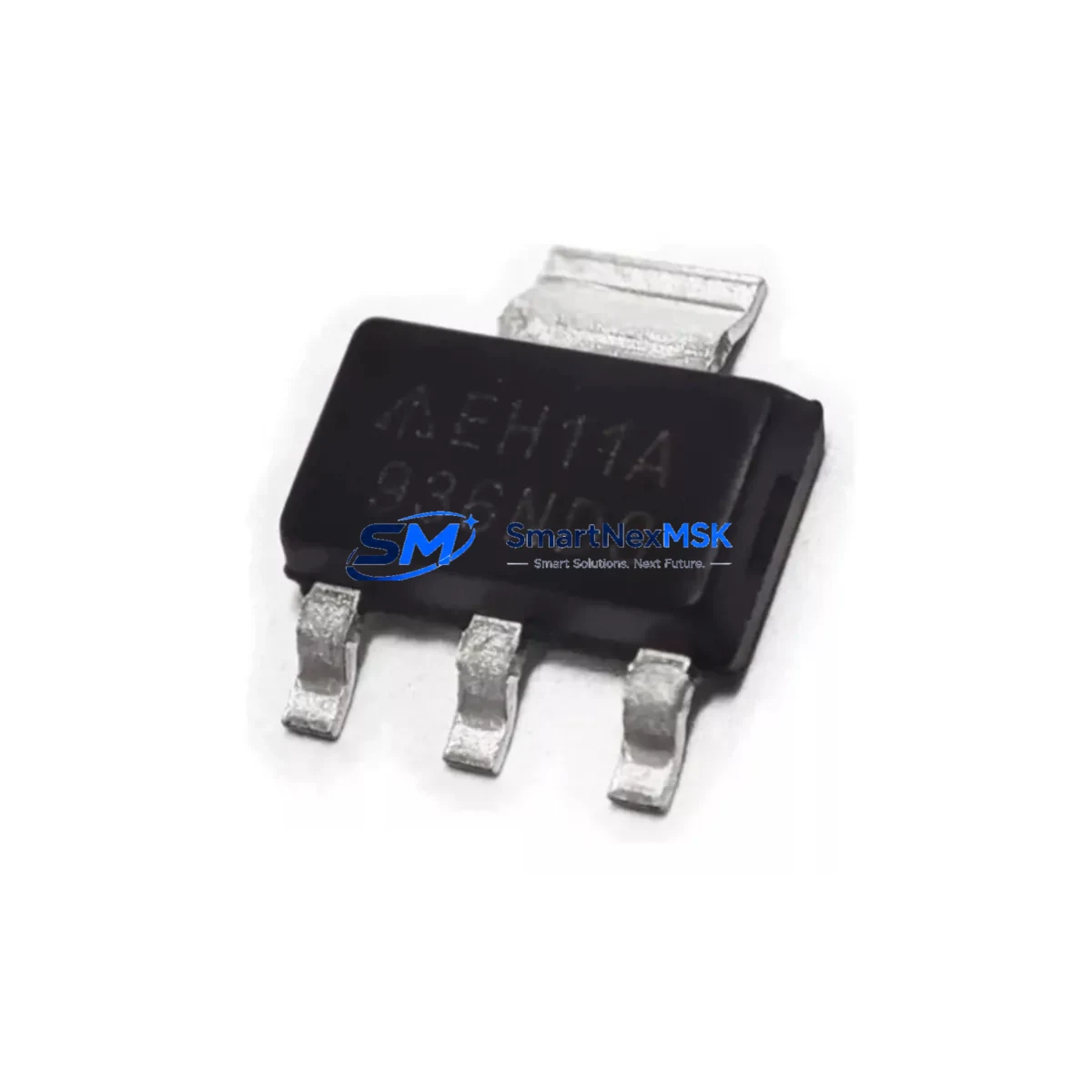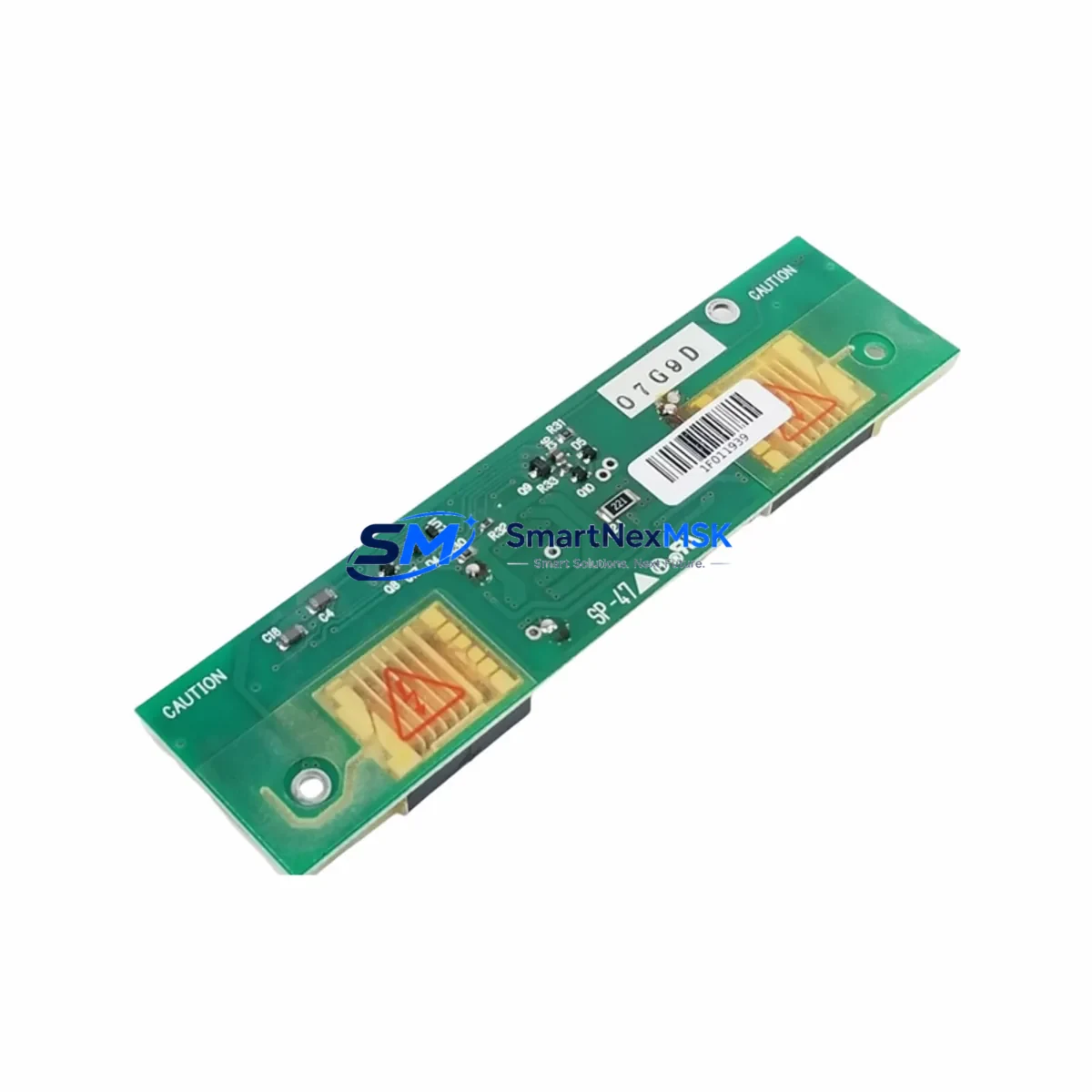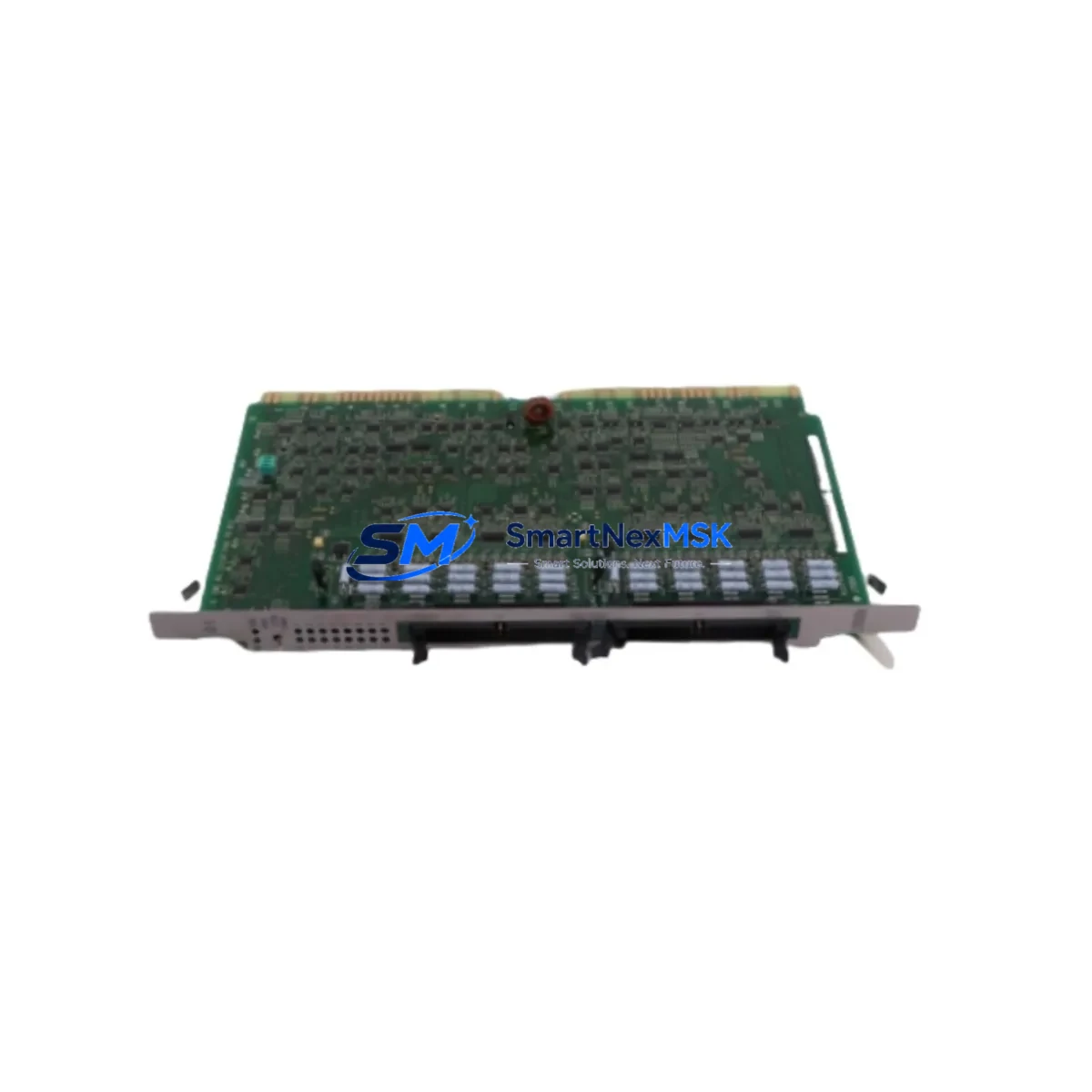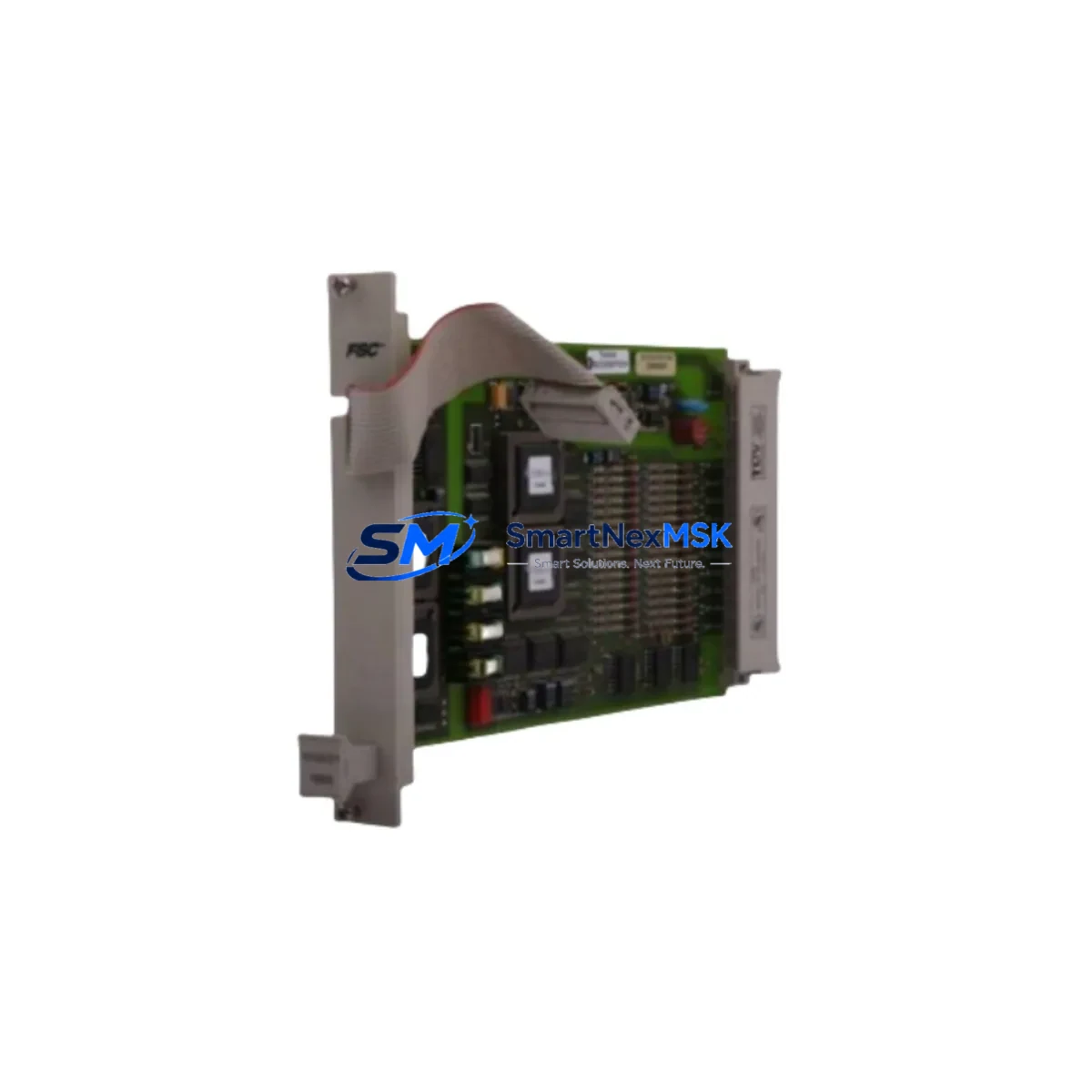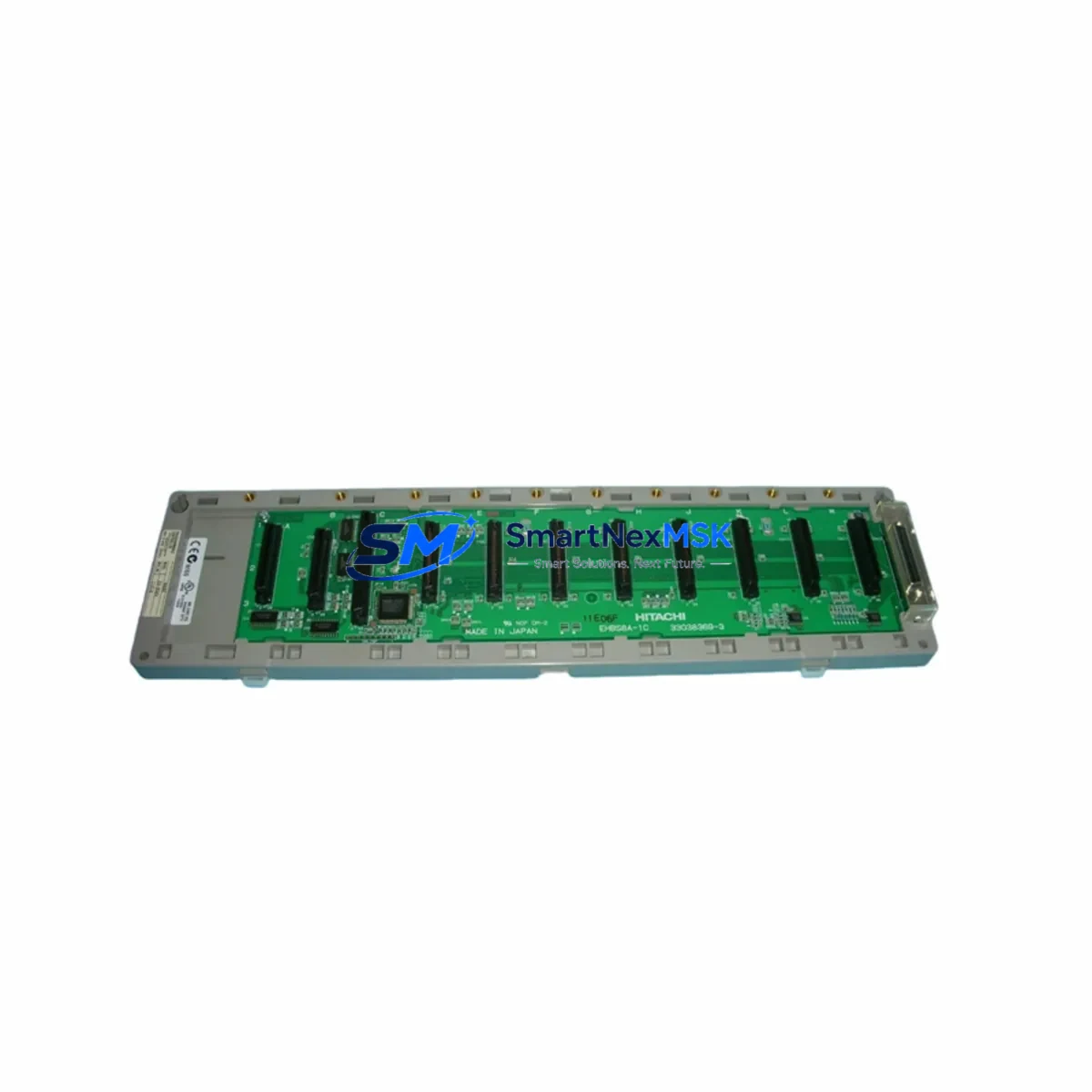
HITACHI EH-BS8 Retrofit-Ready Rack Base for EH Series Control Systems
The HITACHI EH-BS8 is an 8-slot rack base unit engineered for the HITACHI EH Series programmable logic controller platform. As legacy EH Series installations age and original components reach end-of-life, the EH-BS8 serves as the structural and electrical backbone for both direct replacement projects and full control-cabinet modernization programs. Whether you are restoring a discontinued production line, expanding I/O capacity, or migrating from an older HIDIC H Series rack to the EH architecture, the EH-BS8 provides the mechanical rigidity, backplane bus integrity, and slot density required for reliable continuous operation in demanding industrial environments.
Procurement teams and maintenance engineers sourcing the EH-BS8 as a retrofit component should confirm the following before installation: available DC 5 V and 24 V backplane power budget from the paired power supply module (typically the EH-PS1 or EH-PS2), terminal block wiring compatibility with existing field cables, backplane connector alignment with the target CPU module such as the EH-CPU448 or EH-CPU516, module slot addressing in the PLC program, and any HMI screen tag references that map to physical I/O addresses on the rack. Overlooking any of these factors during a hot-swap or planned-shutdown replacement can introduce program faults or communication dropouts that extend downtime beyond the maintenance window.
Upgrade Compatibility Table
| Parameter | EH-BS8 Specification / Recommendation |
|---|---|
| Slot Count | 8 module slots (CPU + I/O + special function) |
| Backplane Bus | HITACHI EH Series parallel backplane; not cross-compatible with HIDIC H Series racks |
| Compatible CPUs | EH-CPU448, EH-CPU516, EH-CPU548 and equivalent EH Series CPU modules |
| Power Supply Interface | Dedicated slot for EH-PS1 / EH-PS2; verify 5 V current budget before adding high-density I/O |
| Communication Modules | Supports EH-ETH (Ethernet), EH-PRT (PROFIBUS), EH-LNK (H-Link) in any open slot |
| I/O Module Compatibility | All standard EH Series digital and analog I/O modules; confirm module address DIP-switch settings match existing program |
| Mounting | DIN rail or panel mount; verify cabinet depth and ventilation clearance (min. 50 mm top/bottom) |
| Replacement For | Discontinued EH-BS8 units; also used in expansions replacing older 4-slot EH-BS4 racks |
| Commissioning Note | Re-download PLC program after rack swap; verify I/O force-off before power-on; check H-Link station numbers if networked |
| Warranty | 12-Month Warranty — covers manufacturing defects; functional test report available on request |
Retrofit Planning for Existing Automation Systems
A successful EH-BS8 retrofit begins well before the replacement rack arrives on site. The first step is a full audit of the existing control cabinet: document every module currently installed in the original rack, including its slot position, I/O address range, and wiring terminal assignment. In most EH Series cabinets, the rack hosts a mix of digital input modules such as the EH-XD32, digital output modules such as the EH-YT16, and analog I/O modules such as the EH-AD4 or EH-DA2. Each of these modules must be re-seated in the new EH-BS8 in exactly the same slot order to preserve the I/O address map that the existing PLC program references.
Power budget verification is non-negotiable. The EH-PS2 power supply module delivers a defined 5 V DC backplane current capacity; adding high-density I/O modules or a second communication module such as the EH-ETH Ethernet interface or the EH-PRT PROFIBUS adapter can push the rack close to its power envelope. Calculate the total 5 V current draw of all planned modules before finalizing the slot layout. If the budget is tight, consider distributing I/O across an expansion rack connected via the EH-LNK H-Link remote I/O link module, which allows the main CPU to address remote I/O points without overloading the primary rack.
Communication protocol migration is another common challenge in EH Series upgrades. Sites that originally used the proprietary H-Link serial network may be transitioning to Modbus TCP or EtherNet/IP as part of a broader SCADA modernization. The EH-BS8 accommodates the EH-ETH module in any open slot, enabling the CPU to participate in an Ethernet-based control network while legacy H-Link devices are phased out. HMI panels — often a HITACHI HX Series or third-party touch panel connected via RS-232 or RS-485 — must have their communication parameters updated to match the new network topology before the system is returned to automatic mode.
Programming cable access is required during commissioning. Engineers should have the EH-SIO serial programming cable or a compatible USB-to-serial adapter ready, along with the HITACHI Ladder Editor or WindLDR software, to perform a full program download and online monitoring session after the rack swap. Verify all I/O force flags are cleared, all retentive data registers hold expected values, and all communication link status LEDs on the EH-ETH or EH-LNK modules show normal operation before releasing the line to production.
Downtime Control During System Migration
Minimizing unplanned downtime during an EH-BS8 rack replacement requires a structured pre-outage preparation protocol. Begin by creating a full backup of the PLC program from the existing CPU — either the EH-CPU448 or EH-CPU516 — using the programming software’s project save function. Store the backup on at least two independent media (laptop hard drive and USB flash drive) before any hardware is disturbed. Photograph the existing wiring terminal layout and module slot positions as a visual reference for re-installation.
Schedule the rack swap during a planned maintenance window rather than responding reactively to a rack failure. A pre-staged EH-BS8 with all modules pre-installed and pre-addressed reduces the physical swap time to under 30 minutes in most cabinet configurations. Label every field cable with its terminal number before disconnecting, and use a terminal block wiring diagram to verify correct re-termination. After power-up, perform a structured commissioning sequence: confirm power supply LED status on the EH-PS2, verify CPU RUN mode, check all I/O module status LEDs, and execute a controlled I/O test from the HMI or programming terminal before enabling automatic control loops.
For sites where even a brief outage is critical, consider a parallel-rack strategy: install the new EH-BS8 alongside the existing rack, transfer modules one at a time during micro-windows, and perform a final program download and switchover during a single coordinated stop. This approach keeps the original rack operational until the last moment and provides an immediate fallback path if the new rack encounters an unexpected fault during initial power-up.
Retrofit Support FAQ
Q1: Is the EH-BS8 a direct drop-in replacement for a failed EH Series rack, or are there wiring modifications required?
The EH-BS8 is mechanically and electrically compatible with all standard EH Series modules. In most cases it is a direct replacement with no wiring modifications required, provided the replacement rack is the same slot count (8-slot) as the original. If the original installation used an EH-BS4 (4-slot) rack and you are upgrading to the EH-BS8 to gain additional capacity, terminal block extensions and updated I/O address assignments in the PLC program will be necessary.
Q2: What commissioning steps are mandatory after installing the EH-BS8?
After physical installation and wiring re-termination, you must: (1) re-download the PLC program from the engineering workstation to the CPU module; (2) verify all I/O module DIP-switch address settings match the program’s I/O map; (3) confirm communication module parameters (IP address, station number, baud rate) are correctly configured; (4) perform a supervised I/O test with all field devices in a safe state before enabling automatic control. A functional test report is available on request for units shipped from our warehouse.
Q3: Can the EH-BS8 support both legacy H-Link and modern Ethernet communication simultaneously?
Yes. The EH-BS8 can host both an EH-LNK H-Link module and an EH-ETH Ethernet module in separate slots, allowing the CPU to maintain legacy H-Link communication with existing remote I/O stations while simultaneously connecting to an Ethernet-based SCADA or HMI network. This dual-protocol configuration is commonly used during phased migration projects where not all field devices can be upgraded at the same time.
Q4: What does the 12-month warranty cover, and how is a warranty claim processed?
The 12-month warranty covers manufacturing defects in materials and workmanship from the date of shipment. It does not cover damage caused by incorrect installation, overvoltage, or environmental conditions outside the specified operating range. To initiate a warranty claim, contact our sales team with the order number, a description of the fault symptom, and photos of the unit and installation. Replacement or repair will be arranged within 5 business days of fault confirmation. A functional test report is included with every unit shipped.
© 2026 SMARTNEXMSK. All rights reserved.
Original Source: https://smartnexmsk.com
Contact: [email protected] | +86 18259474341