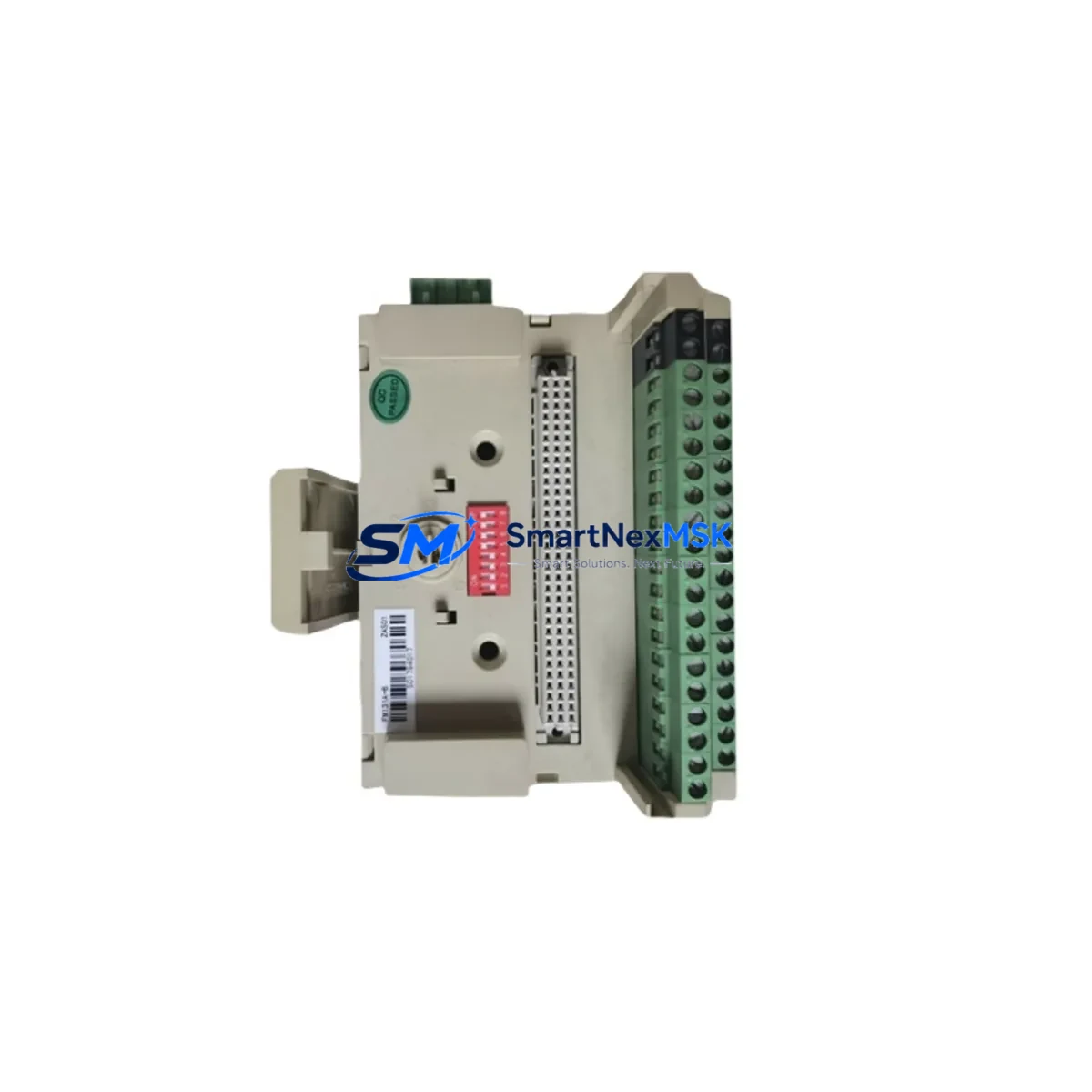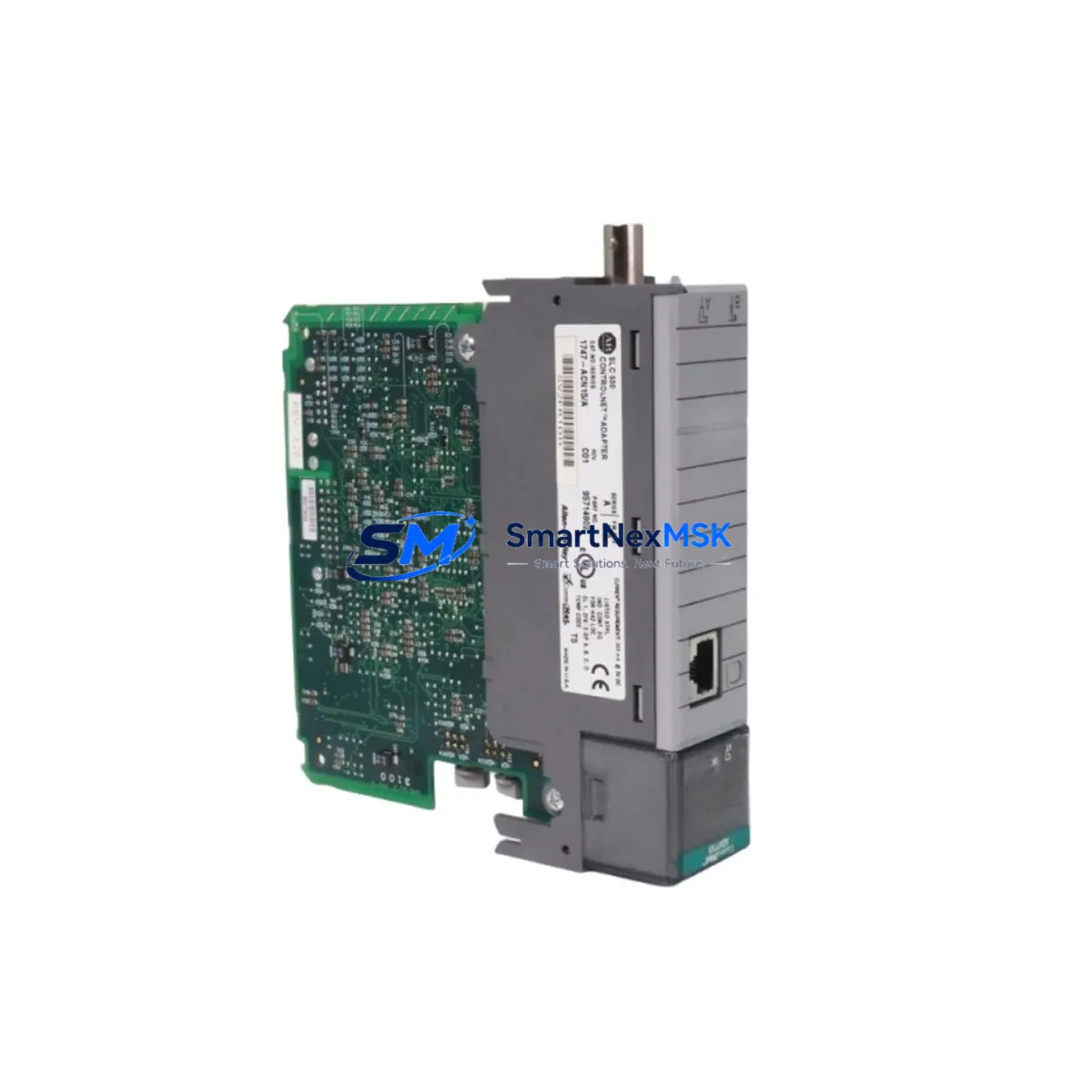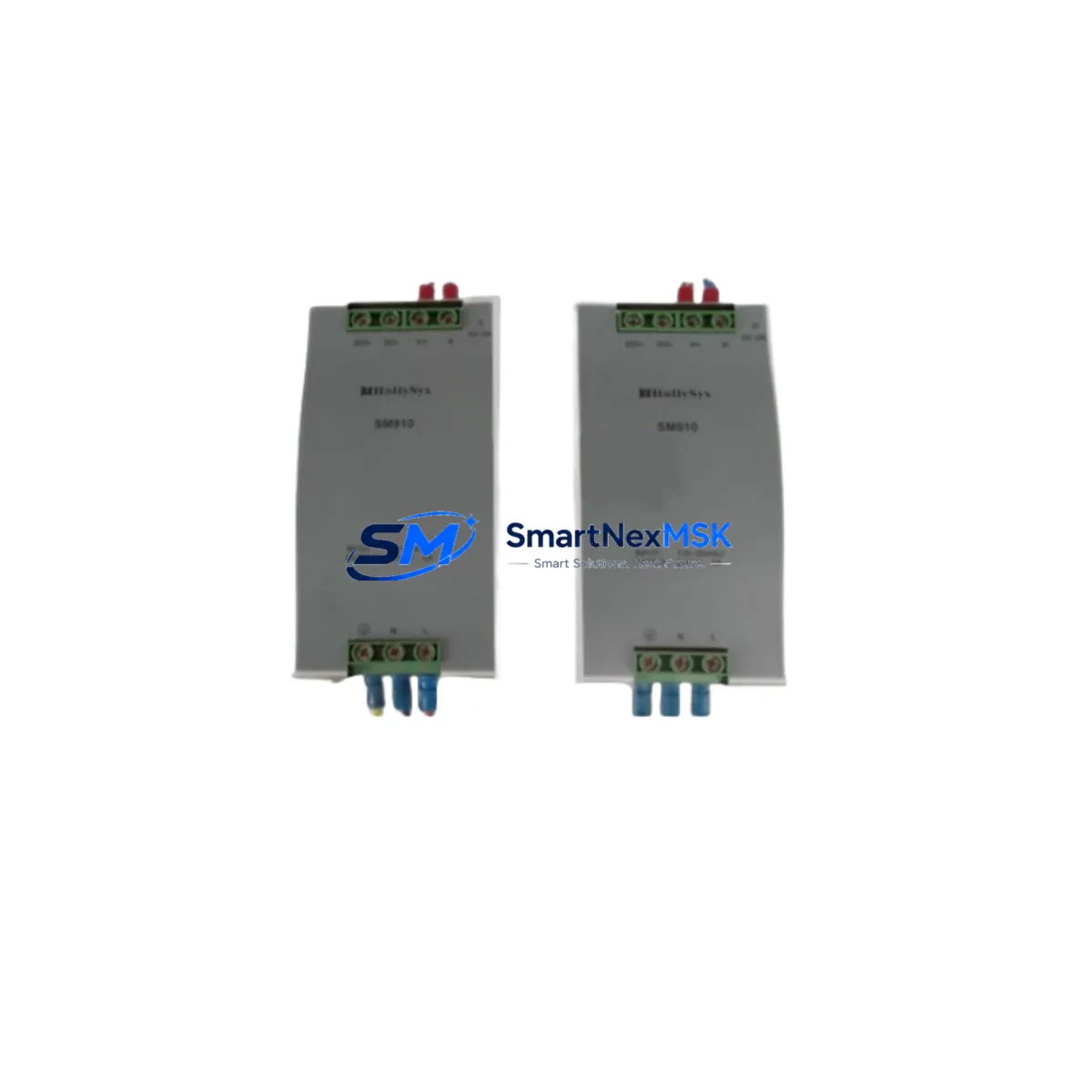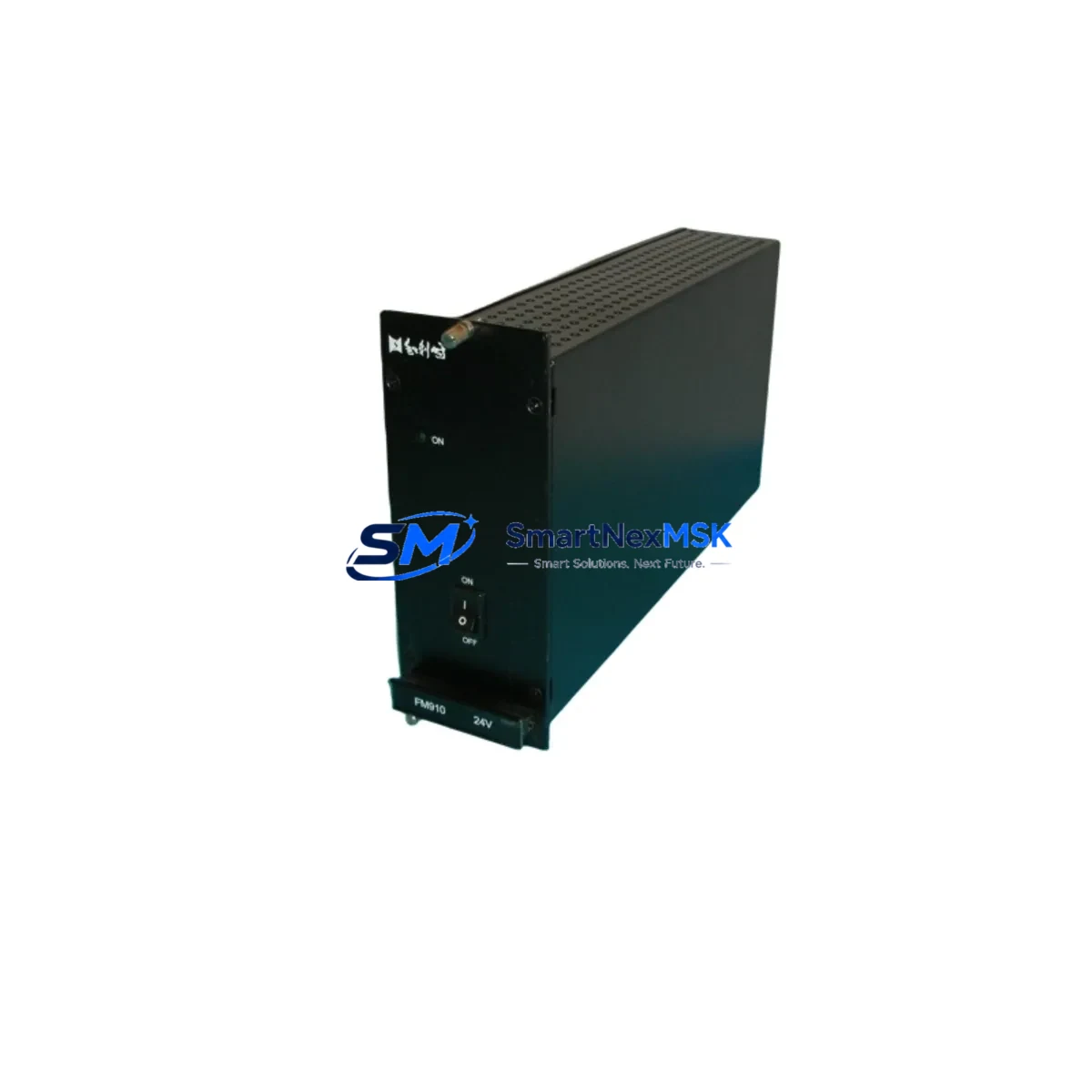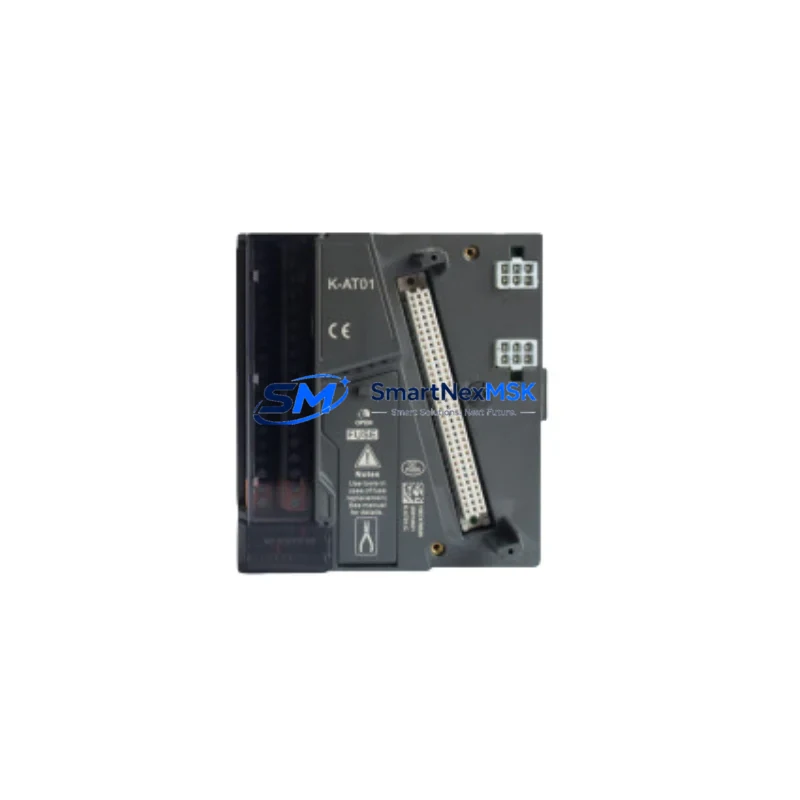
Hollysys K-AO01 Maintenance-Ready Spare for HOLLiAS-K DCS Automation
The Hollysys K-AO01 is an original analog output module designed for the HOLLiAS-K Distributed Control System (DCS) platform — one of the most widely deployed process automation architectures in China’s petrochemical, power generation, and industrial manufacturing sectors. When an analog output channel fails or degrades, the consequences extend far beyond a single loop: cascading process deviations, unplanned shutdowns, and costly production losses can follow within minutes. Maintaining a verified spare K-AO01 in your on-site inventory is not optional — it is a fundamental element of any credible maintenance strategy for HOLLiAS-K-based control systems.
This listing provides a tested, original Hollysys K-AO01 module, sourced and inspected to meet OEM specifications. Each unit undergoes pre-shipment functional verification covering channel output accuracy, signal range integrity, and communication handshake with the HOLLiAS-K backplane. A 12-month warranty is included from the date of shipment, covering manufacturing defects and functional failures under normal operating conditions.
Spare Maintenance Table
| Parameter | Specification |
|---|---|
| Part Number / SKU | K-AO01 |
| Brand | Hollysys |
| Series / Platform | HOLLiAS-K DCS |
| Module Type | Analog Output Module |
| Output Signal Range | 4–20 mA / 0–10 V (configurable per channel) |
| Channel Count | 8 channels (typical for K-AO01 configuration) |
| Resolution | 12-bit D/A conversion |
| Communication Interface | HOLLiAS-K internal backplane bus |
| Power Supply | 24 VDC via backplane (system-supplied) |
| Operating Temperature | 0°C to +55°C |
| Storage Temperature | -20°C to +70°C |
| Relative Humidity | 5%–95% RH, non-condensing |
| Mounting | HOLLiAS-K standard backplane slot (hot-swap capable) |
| Compatibility | HOLLiAS-K DCS controller nodes; compatible with K-series I/O backplanes |
| Origin | China (Original Hollysys OEM) |
| Condition | Original, new or refurbished-to-spec with full test report |
| Warranty | 12 months from shipment date |
| Pre-shipment Test | Channel output accuracy, signal range, backplane communication |
| Application Environment | Process control, power plant DCS, petrochemical automation, utilities |
Maintenance Planning for Continuous Operation
Replacing a K-AO01 analog output module in a live HOLLiAS-K system is rarely an isolated task. Experienced maintenance engineers know that a failed or degraded analog output module is often a symptom of broader stress in the I/O subsystem or the field wiring loop. Before returning the system to service after a K-AO01 swap, a structured inspection of adjacent components is strongly recommended.
Start with the K-PS01 or K-PS02 power supply module feeding the I/O backplane. Voltage ripple or transient spikes are a leading cause of premature analog module failure; verify output voltage stability under load before reinstalling the replacement K-AO01. Next, inspect the K-BP08 or K-BP16 backplane itself — connector pins, slot retention clips, and bus integrity should be confirmed, as a damaged backplane slot will cause the new module to fail within days.
On the field side, check the terminal blocks and field wiring connected to the affected analog output channels. Corroded terminals, loose ferrules, or undersized cable cross-sections can introduce loop resistance that pushes the new module outside its calibrated output range. If the system uses signal isolators or loop-powered barriers between the K-AO01 and field instruments (common in hazardous-area installations), verify that these isolators are functioning correctly — a failed isolator will appear as an analog output fault even after the module is replaced.
For systems with redundant controller configurations, confirm that the K-CPU or K-MCU controller module has correctly recognized the new K-AO01 after hot-swap insertion. The HOLLiAS-K engineering station should show the module as online with no configuration mismatch alarms. If the system uses a K-COM communication module for Modbus or PROFIBUS integration, verify that the communication mapping for the affected analog output channels has been restored correctly after the module replacement.
Maintenance planners should also review the condition of nearby K-AI analog input modules and K-DI/K-DO digital I/O modules in the same backplane. Shared power rail stress or ground loop issues that damaged the K-AO01 may have degraded adjacent modules as well. A proactive inspection of the full I/O rack — including fuse holders, surge protection devices, and cable duct fill levels — during the same maintenance window will reduce the probability of a repeat callout within the next maintenance cycle.
For facilities running HOLLiAS-K systems in aging control cabinets (10+ years), consider scheduling a parallel inspection of the HMI operator station and its communication link to the DCS controller. Degraded serial or Ethernet connections between the HMI and the K-series controller can mask analog output faults or delay alarm annunciation, compounding the risk of undetected process deviations.
Site Replacement Workflow
Step 1 — Verify compatibility before ordering. Confirm the installed HOLLiAS-K firmware version and backplane type against the K-AO01 hardware revision. Hollysys has released multiple hardware revisions of the K-AO01; ensure the replacement unit matches the revision currently qualified in your system’s configuration database.
Step 2 — Prepare the replacement environment. Gather the HOLLiAS-K engineering software (HollySys MACS or equivalent), a laptop with the current system configuration backup, and an ESD wrist strap. Confirm that the replacement K-AO01 has been stored at ambient temperature for at least 2 hours if transported from a cold environment.
Step 3 — Execute the hot-swap or cold-swap procedure. HOLLiAS-K supports hot-swap for I/O modules in redundant configurations. For non-redundant nodes, coordinate with the process team to place the affected control loops in manual mode before extraction. Remove the failed K-AO01, insert the replacement, and confirm the module LED status indicates normal operation within 30 seconds of insertion.
Step 4 — Functional verification. Using the HOLLiAS-K engineering station, force each analog output channel to a known test value (e.g., 4 mA, 12 mA, 20 mA) and verify the corresponding field instrument response. Document the as-found and as-left readings in the maintenance record.
Step 5 — Return to automatic control. Once all channels are verified, return the affected control loops to automatic mode. Monitor the process for 15–30 minutes to confirm stable operation before closing the work order.
This workflow minimizes downtime, preserves system compatibility, and ensures that the replacement K-AO01 is fully commissioned before the maintenance team leaves the site.
Spare Parts Support FAQ
Q1: What is the warranty coverage for the K-AO01 spare module?
All K-AO01 units supplied by SMARTNEXMSK carry a 12-month warranty from the date of shipment. The warranty covers manufacturing defects and functional failures under normal operating conditions. Each unit is tested prior to dispatch, and a test report is available upon request. Warranty claims are processed within 5 business days of receipt of the returned unit.
Q2: How do I confirm that the K-AO01 is compatible with my specific HOLLiAS-K system version?
Provide your HOLLiAS-K system firmware version, backplane model (e.g., K-BP08 or K-BP16), and the hardware revision label from the failed module. Our technical team will cross-reference this against our inventory and confirm compatibility before shipment. We do not ship units where compatibility cannot be confirmed.
Q3: Can I stock multiple K-AO01 units as long-term inventory spares?
Yes. The K-AO01 has a recommended storage life of 5 years when stored in original packaging at 15–25°C with humidity below 75% RH. For facilities with multiple HOLLiAS-K nodes, we recommend maintaining a minimum of one K-AO01 spare per 4 installed units. Bulk pricing is available for orders of 3 or more units — contact us for a quotation.
Q4: What is the typical lead time and shipping method for the K-AO01?
In-stock units ship within 1–3 business days via DHL Express, FedEx International Priority, or SF Express International, depending on destination. Tracking information is provided at the time of dispatch. For urgent shutdown recovery situations, same-day dispatch is available for orders confirmed before 14:00 CST. Contact [email protected] or call +86 18259474341 to confirm stock availability and arrange priority shipment.
© 2026 SMARTNEXMSK. All rights reserved.
Original Source: https://smartnexmsk.com
Contact: [email protected] | +86 18259474341