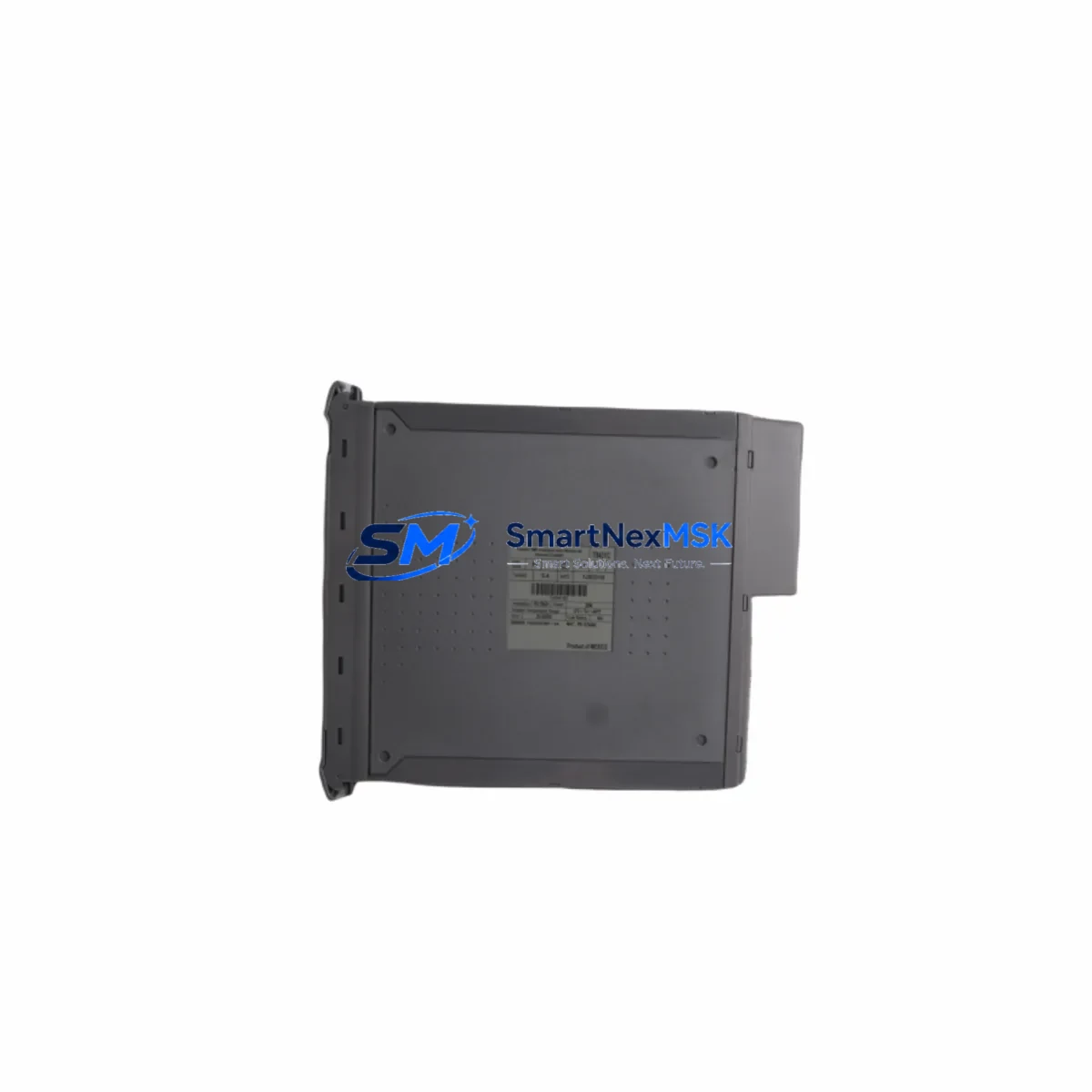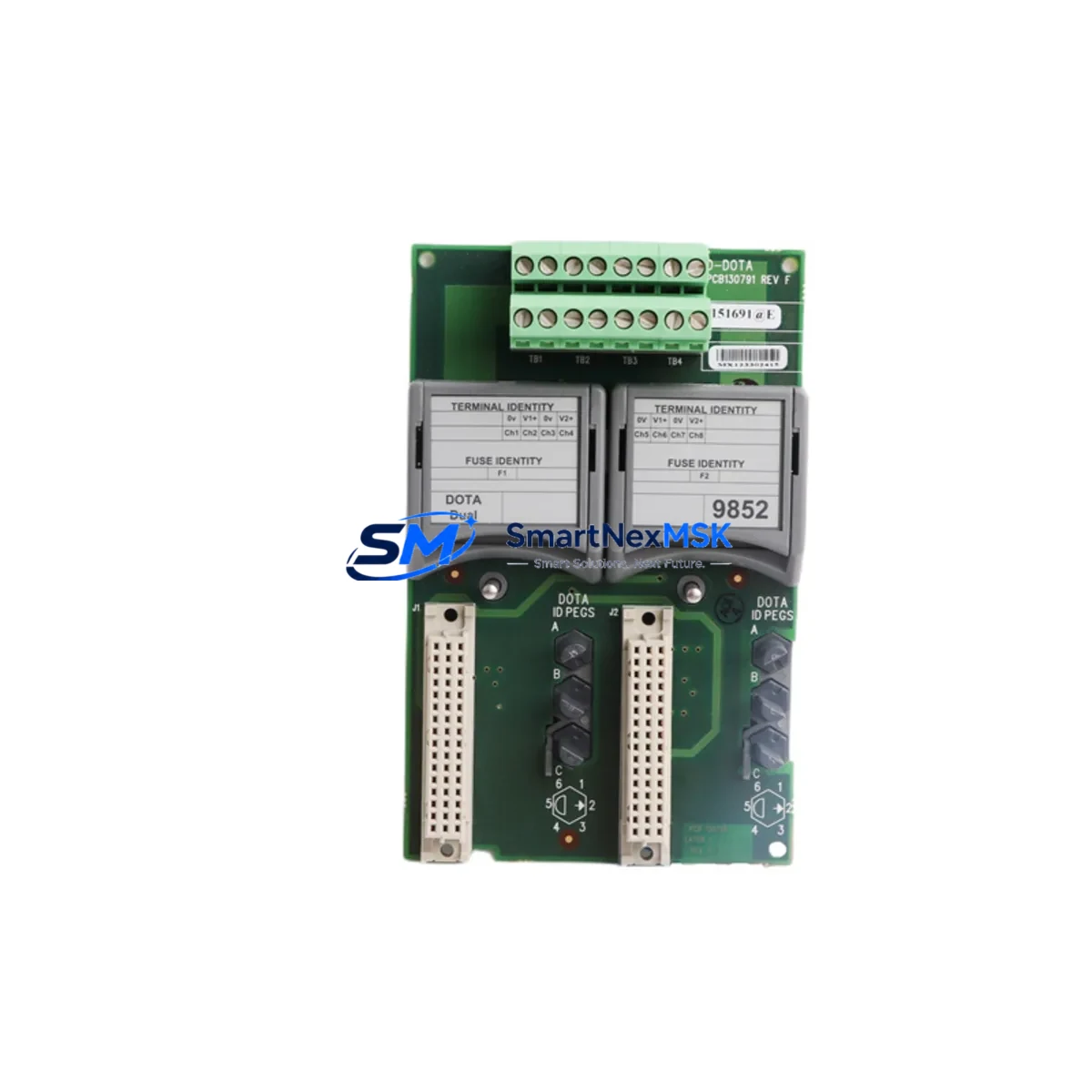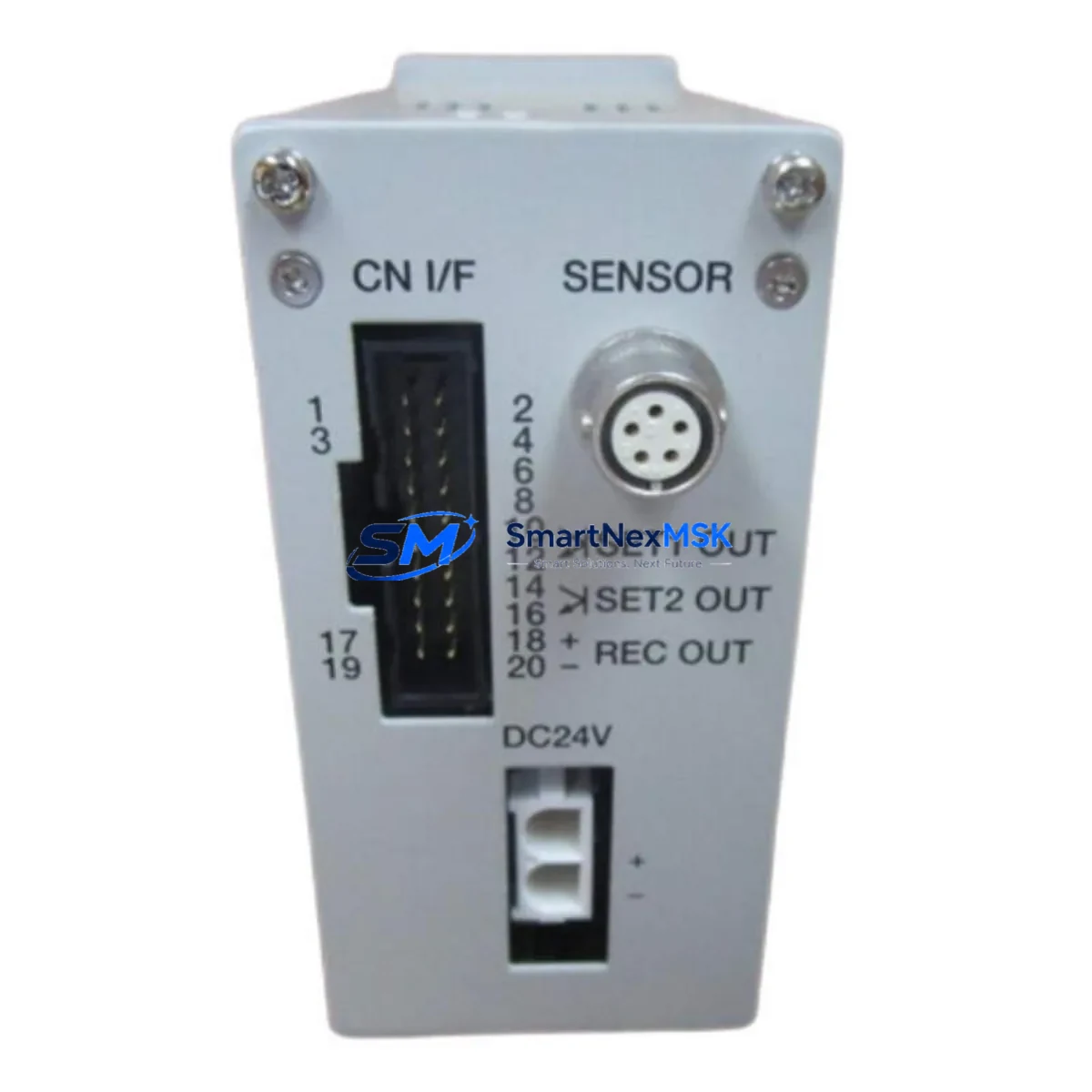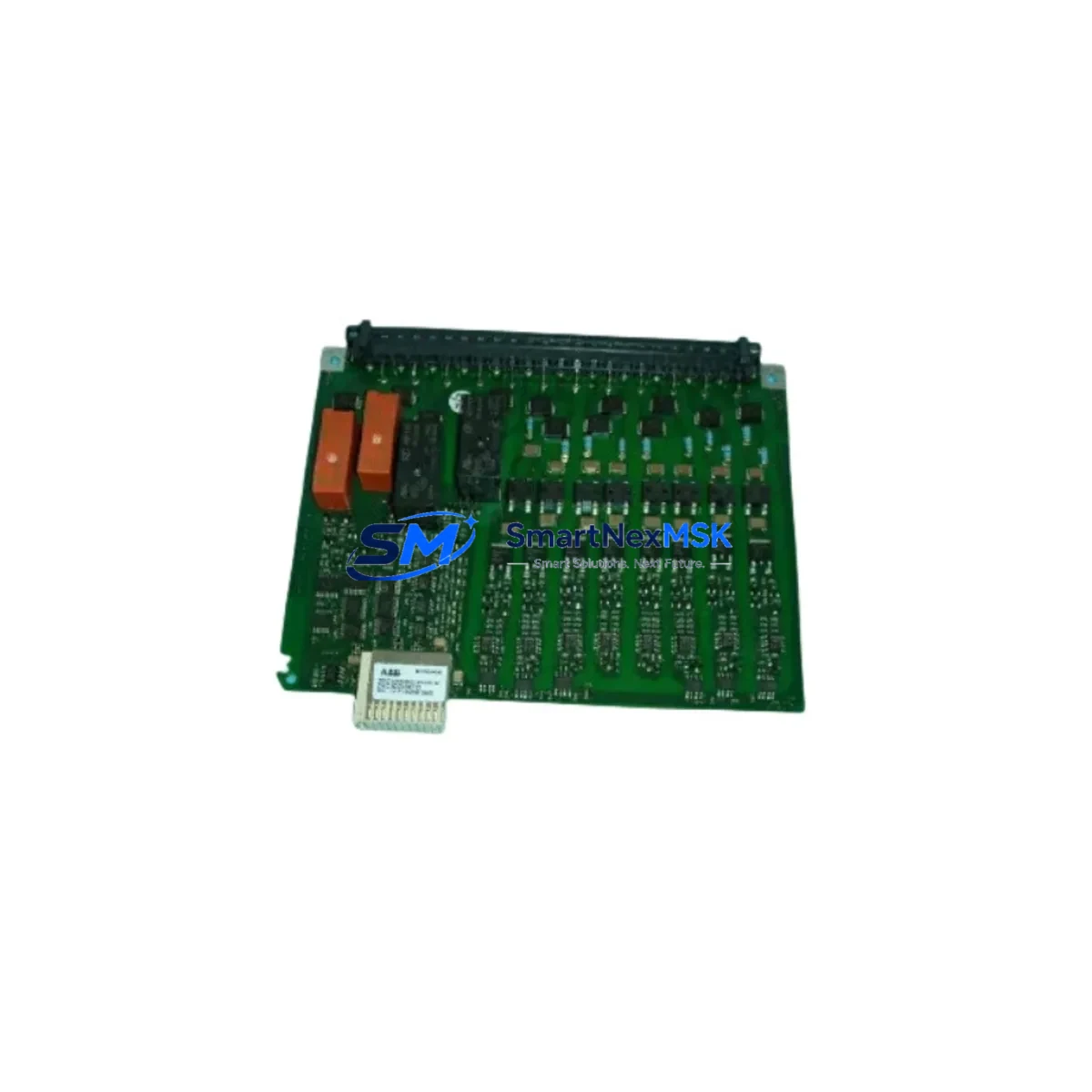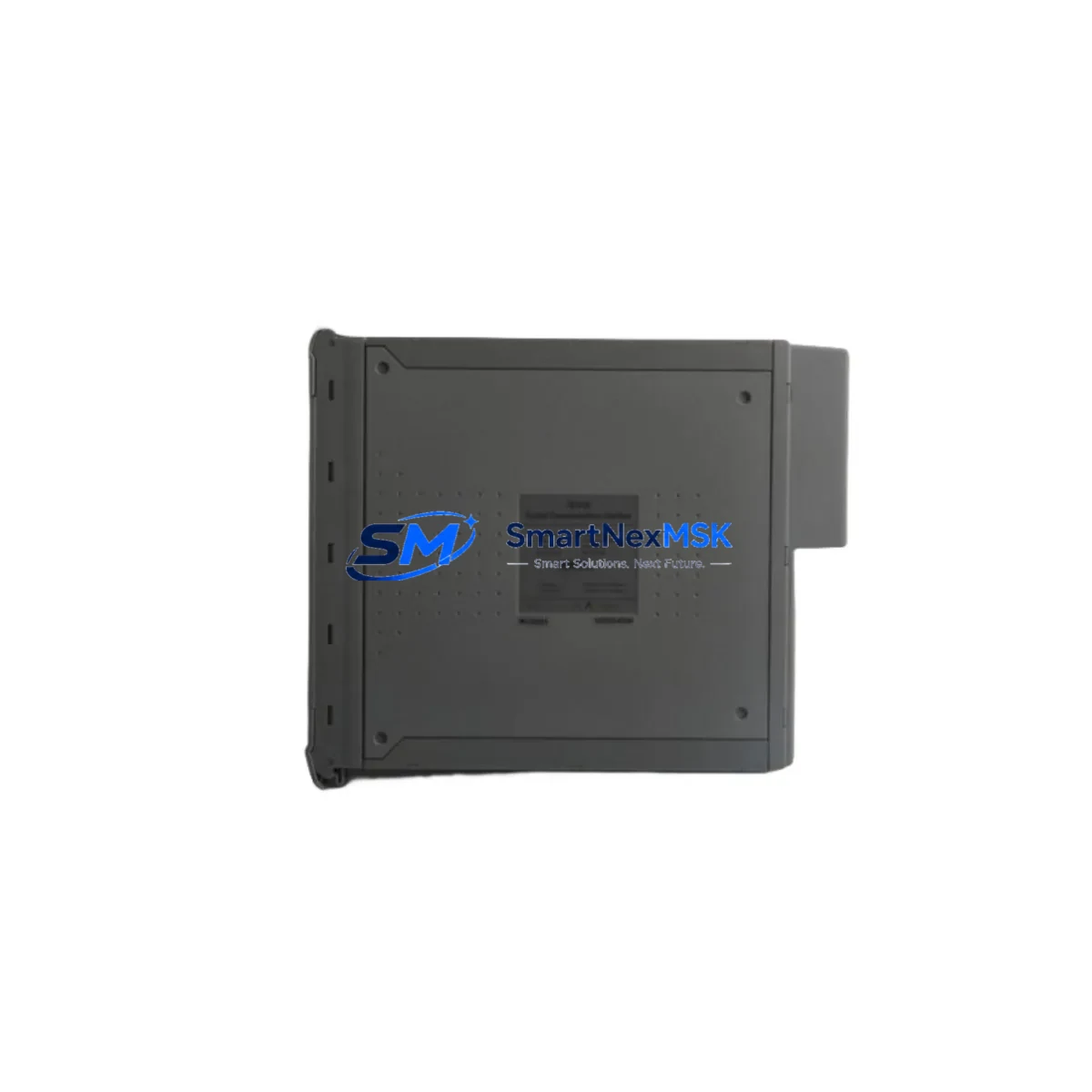
ICS TRIPLEX T8231 Maintenance-Ready Spare for Trusted Automation
The ICS TRIPLEX T8231 is a redundant power supply module engineered for the Trusted TMR (Triple Modular Redundant) safety system platform — one of the most widely deployed safety-rated control architectures in oil & gas, petrochemical, power generation, and offshore processing facilities. For maintenance engineers managing aging safety instrumented systems (SIS), the T8231 represents a critical line-replaceable unit (LRU) that directly governs the power integrity of the entire Trusted controller chassis. Sourcing a verified, tested spare before a failure event is the single most effective strategy for eliminating unplanned downtime in high-availability process environments.
The T8231 power pack is designed to operate within the Trusted controller’s redundant power architecture, where dual or triple power feeds ensure that no single point of failure can interrupt the safety logic execution. When one power module degrades — evidenced by voltage ripple, thermal alarms, or diagnostic fault codes on the Trusted system’s engineering workstation — the replacement window is narrow. Having a pre-tested T8231 on the shelf means the swap can be completed during a planned maintenance window rather than under emergency shutdown conditions.
Before initiating a T8231 replacement, maintenance teams should conduct a full pre-swap checklist. Verify the incoming AC supply voltage and confirm it falls within the module’s rated input range. Inspect the backplane connector on the Trusted chassis for pin damage, oxidation, or debris — the T8231 interfaces directly with the chassis backplane, and connector integrity is essential for stable power delivery to the T8110 processor module, T8151 communication interface, and any installed T8120 or T8121 I/O modules. Check that the chassis slot assignment matches the expected power zone for your specific Trusted system configuration.
During the replacement, the Trusted system’s TMR voting architecture allows hot-swap of the power module without interrupting the safety logic, provided the remaining power channels remain healthy. Confirm this via the Trusted system’s diagnostic display or the engineering workstation running the Trusted ToolSuite software before proceeding. After seating the T8231, monitor the system’s power status LEDs and verify that all three TMR channels report healthy power status within the expected initialization period.
Spare Maintenance Table
| Parameter | Specification / Recommendation |
|---|---|
| Part Number | T8231 |
| Manufacturer | ICS TRIPLEX |
| Platform | Trusted TMR Safety System |
| Module Function | Redundant Power Supply / Power Pack |
| Input Voltage | 85–264 V AC, 47–63 Hz (universal input) |
| Output | Regulated DC power to Trusted chassis backplane |
| Redundancy | Hot-swappable; supports N+1 redundant power configuration |
| Compatibility | Trusted TMR controller chassis; compatible with T8110, T8151, T8120, T8121 modules |
| Installation | Slide-in chassis slot; backplane connector interface |
| Operating Environment | Industrial; suitable for control room and field cabinet installation |
| Maintenance Interval | Inspect annually; replace proactively at first diagnostic fault indication |
| Warranty | 12-Month Warranty — all units tested prior to shipment |
Maintenance Planning for Continuous Operation
Effective maintenance planning for a Trusted TMR system goes well beyond stocking a single T8231 power module. A comprehensive spare parts strategy should account for every component in the power and signal chain that could trigger a system-level fault or force an unplanned shutdown.
Start with the power distribution layer. The T8231 receives its AC input from the facility’s UPS or power distribution panel via dedicated circuit breakers and terminal blocks. Inspect the terminal block assemblies in the control cabinet for loose connections, discoloration from heat, or signs of arcing — these are early indicators of power quality issues that will stress the T8231 and shorten its service life. Maintain a stock of compatible terminal block components and ensure that the AC input wiring meets the cable cross-section requirements specified in the Trusted system installation manual.
Within the Trusted chassis, the T8110 processor module is the primary consumer of the regulated DC power delivered by the T8231. If a T8231 fault is accompanied by processor alarms or unexpected resets of the T8110, inspect the backplane power rails before assuming the processor itself has failed. Similarly, the T8151 communication interface module — which handles Modbus, PROFIBUS, or other fieldbus links to the DCS or SCADA layer — is sensitive to power supply noise. A degraded T8231 can introduce ripple that manifests as intermittent communication faults on the T8151 before any hard power alarm is triggered.
For I/O integrity, the T8120 digital input modules and T8121 digital output modules draw their logic power from the same chassis power bus. During a T8231 replacement, verify that all I/O channels return to their expected states after the new module initializes. Pay particular attention to any hardwired ESD (Emergency Shutdown) or F&G (Fire and Gas) input signals — these must be confirmed healthy before releasing the system back to automatic control.
Signal isolators and barriers installed between field instruments and the Trusted I/O modules should also be inspected during planned maintenance windows. Zener barriers and galvanic isolators in hazardous-area installations can degrade over time, introducing signal offset errors that are difficult to distinguish from sensor faults. Replacing aging isolators proactively, alongside a T8231 power module swap, maximizes the value of each planned maintenance outage.
Finally, ensure that the engineering workstation running Trusted ToolSuite and the programming cable used for online monitoring are functional and up to date. The ability to connect to the Trusted system in real time during a maintenance event is essential for verifying module health, confirming TMR voting status, and downloading any program updates required after hardware replacement.
Site Replacement Workflow
A structured site replacement workflow minimizes the risk of errors during a T8231 swap and ensures the system returns to full TMR redundancy as quickly as possible.
Step 1 — Pre-Maintenance Verification: Connect the engineering workstation to the Trusted system via the programming cable and confirm that all three TMR channels are healthy. Document the current power module status, chassis slot assignments, and any active diagnostic alarms. Notify the control room operator and obtain the required work permit.
Step 2 — Incoming Inspection: Unbox the replacement T8231 and verify the part number, firmware label (if applicable), and physical condition. Confirm that the unit has been tested and that the 12-month warranty documentation is included.
Step 3 — Hot-Swap Execution: With the Trusted system in normal TMR operation, carefully extract the faulty T8231 from its chassis slot. The remaining power channels will sustain the system during the swap. Seat the replacement T8231 firmly until the backplane connector is fully engaged and the module locking mechanism is secured.
Step 4 — Post-Swap Verification: Monitor the system’s power status LEDs and the engineering workstation diagnostic display. Confirm that the new T8231 initializes correctly, that all three TMR power channels report healthy, and that no new alarms are generated. Verify I/O channel states and communication link status on the T8151 interface module.
Step 5 — Documentation: Record the replacement in the site maintenance log, including the date, technician name, old module serial number, new module serial number, and post-swap system status. Update the spare parts inventory to trigger reorder of a replacement T8231 for the next maintenance cycle.
Spare Parts Support FAQ
Q1: Is the T8231 still available as a new original spare, or only as a refurbished unit?
A: We supply the ICS TRIPLEX T8231 as a tested industrial spare. Each unit undergoes functional verification prior to shipment. Given that the Trusted TMR platform has been in service for many years, availability of new-production units varies — contact our team for current stock status and lead times. All units carry a 12-month warranty regardless of production date.
Q2: Can the T8231 be replaced while the Trusted system is online and in automatic control?
A: Yes, the Trusted TMR architecture supports hot-swap of the T8231 power module, provided the remaining power channels are healthy and the system is in full TMR operation. Always verify TMR channel status via the engineering workstation before initiating the swap, and follow your site’s management of change (MOC) and permit-to-work procedures.
Q3: What compatibility checks are required before installing a replacement T8231?
A: Confirm that the chassis slot designation matches your system’s power zone layout. Verify that the AC input supply voltage is within the T8231’s rated input range. Inspect the backplane connector for damage. If your Trusted system has been upgraded with newer firmware on the T8110 processor, consult the Trusted system release notes to confirm power module compatibility with the installed firmware version.
Q4: What does the 12-month warranty cover, and how is a warranty claim handled?
A: The 12-month warranty covers manufacturing defects and functional failures under normal operating conditions. Each T8231 is tested before shipment. In the event of a warranty claim, contact [email protected] with the module serial number, purchase date, and a description of the fault. We will arrange replacement or repair with priority handling to minimize your system downtime.
© 2026 SMARTNEXMSK. All rights reserved.
Original Source: https://smartnexmsk.com
Contact: [email protected] | +86 18259474341