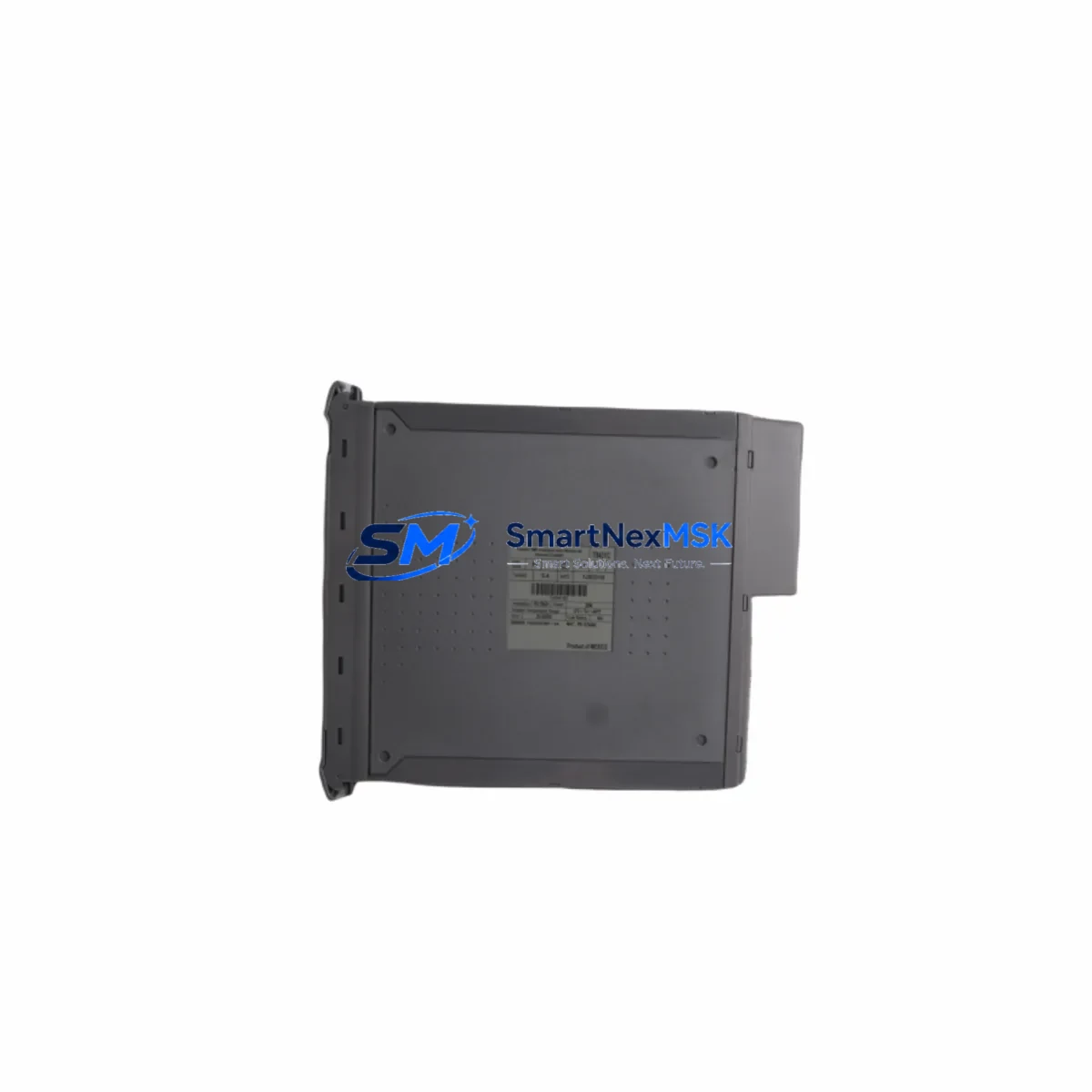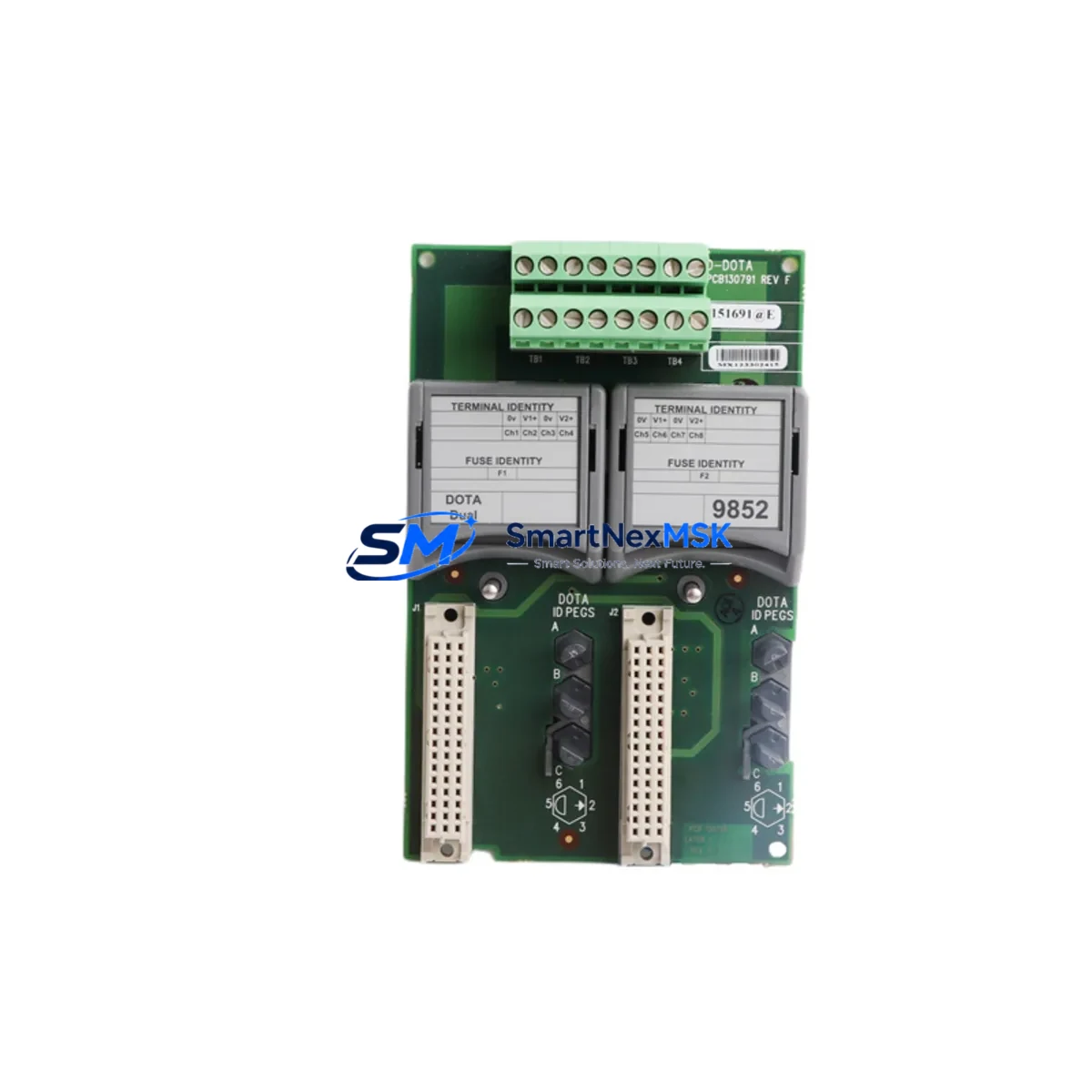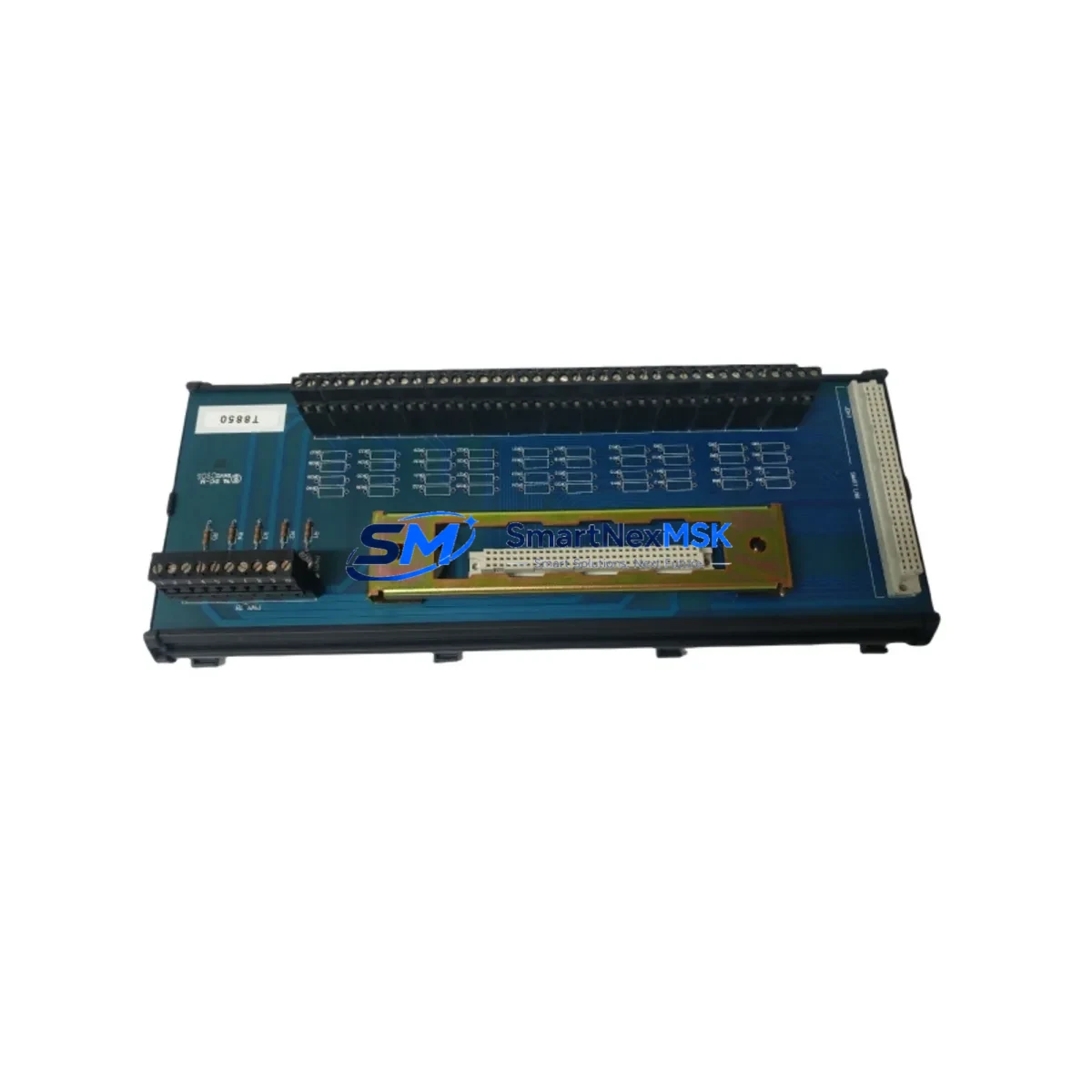
ICS Triplex T8850 Retrofit-Ready DI Module for Trusted TMR Systems: Compatible Modernization & Smooth Legacy Upgrade
The ICS Triplex T8850 is a Triple Modular Redundant (TMR) Digital Input Module engineered for the Trusted safety control platform. Designed to SIL 3 requirements under IEC 61508, the T8850 accepts field-level discrete signals and delivers voted, fault-tolerant input data to the Trusted controller backplane. As original equipment reaches end-of-life and spare inventories tighten, the T8850 has become one of the most sought-after retrofit components for facilities running legacy Trusted TMR architectures in oil & gas, petrochemical, LNG, and power generation applications.
SMARTNEXMSK maintains verified stock of the T8850, with every unit subject to full functional testing prior to shipment. Each module ships with a 12-month warranty, a detailed test report, and ESD-safe packaging to protect the module during transit to your site.
Upgrade Compatibility Table
| Parameter | T8850 Specification | Retrofit Notes |
|---|---|---|
| Module Type | TMR Digital Input Module | Direct slot-for-slot replacement in Trusted chassis |
| Safety Integrity Level | SIL 3 (IEC 61508) | Maintains existing SIL 3 loop certification when replaced in kind |
| Input Channels | 32 channels (16 per leg × 2 legs voted) | Verify field wiring terminal assignments match existing T8850 pinout |
| Input Voltage Range | 24 V DC nominal (wet/dry contact) | Confirm field supply voltage; no hardware modification required for standard 24 V DC loops |
| Backplane Interface | Trusted TMR proprietary backplane connector | Compatible with T8100 and T8110 chassis; verify chassis revision level |
| Module Address | Configured via Trusted ToolSuite software | Re-use existing slot address; no re-addressing required for like-for-like swap |
| Communication Protocol | Internal TMR voted bus (proprietary) | No protocol migration required; compatible with existing Trusted controller firmware |
| Power Consumption | Refer to T8850 datasheet (typically <10 W per module) | Verify chassis power budget via T8800 Power Supply Module capacity before adding modules |
| Installation | Hot-swap capable (chassis-dependent) | Confirm hot-swap support with site safety authority before live replacement |
| Commissioning Tool | Trusted ToolSuite (TTS) | Download and verify module configuration file before field swap |
| Warranty | 12 Months — All units fully tested before shipment | |
Retrofit Planning for Existing Automation Systems
Replacing the T8850 in an operating Trusted TMR system requires a structured approach that accounts for the interdependencies between modules, chassis, power infrastructure, and software configuration. A successful retrofit begins well before the module arrives on site.
Start by auditing the T8100 or T8110 chassis that houses the T8850. Confirm the chassis revision, backplane firmware version, and available slot positions. If the chassis itself is aging, it may be worth sourcing a spare chassis simultaneously to avoid a secondary outage. The T8800 Power Supply Module capacity should be recalculated to ensure the existing power budget accommodates the replacement T8850 without exceeding chassis load limits — this is a step frequently overlooked during rapid emergency replacements.
Terminal wiring is the next critical checkpoint. The T8850 uses a dedicated field termination assembly; confirm that the existing T8850 Field Termination Assembly (FTA) or equivalent marshalling panel wiring is intact and correctly labeled. Mislabeled terminals are a leading cause of commissioning delays during DI module replacements. Cross-reference the as-built loop drawings against the physical terminal block before powering the new module.
On the software side, open the existing project in Trusted ToolSuite (TTS) and export the current module configuration, including channel enable/disable masks, input filter times, and diagnostic thresholds. These parameters must be re-applied to the replacement T8850 after installation. If the site is running an older TTS version, verify compatibility with the replacement module’s firmware revision — mismatched firmware can prevent the module from being recognized by the controller.
For facilities that have integrated the Trusted system with a DeltaV SIS or third-party Safety Instrumented System (SIS) platform via a gateway, confirm that the DI channel mapping in the gateway configuration remains valid after the module swap. Changes to channel numbering or voted output behavior can propagate unexpected faults to the SIS logic solver or the associated HMI faceplate displays, triggering nuisance alarms during the first scan cycle after restart.
If the retrofit scope extends beyond a single T8850 and includes adjacent T8451 Analog Input Modules, T8431 Digital Output Modules, or T8310 Communication Modules, plan the replacement sequence to minimize the number of simultaneous module outages. A phased approach — replacing one module per maintenance window — keeps the TMR voting architecture intact and avoids placing the safety system in a degraded state for extended periods.
Finally, coordinate with the instrument engineer to verify that the T8920 or T8930 programming cable and laptop running TTS are available on site before the maintenance window opens. Discovering a missing programming interface after the module has been removed is a preventable delay that can extend a planned 2-hour outage into an unplanned overnight event.
Downtime Control During System Migration
Minimizing downtime during a T8850 replacement in a live Trusted TMR system depends on preparation, not speed. The TMR architecture provides inherent fault tolerance — with three independent legs voting on each input — but this protection is only effective when the replacement procedure preserves the voted logic throughout the swap.
Before the maintenance window, pre-configure the replacement T8850 offline using Trusted ToolSuite. Load the exported configuration file, verify all channel parameters, and confirm the module passes its internal self-test in a bench environment. A pre-tested, pre-configured module can be installed and brought online in under 30 minutes, compared to 2–4 hours for a module configured from scratch on site.
During the swap, follow the site’s Management of Change (MOC) procedure and notify the control room operator before removing the faulted module. In chassis configurations that support hot-swap, the remaining two TMR legs continue to vote and maintain control output continuity — the process does not trip. In non-hot-swap configurations, a controlled shutdown of the affected I/O group is required; coordinate with the process engineer to place the associated field devices in a safe state before proceeding.
After installing the replacement T8850, allow the module to complete its power-on self-test sequence before re-enabling channels in TTS. Monitor the diagnostic display for any mismatch alarms between the new module and the existing leg configurations. If the T8310 Communication Module reports a configuration mismatch, re-download the project to the controller to synchronize the module database. Confirm that all 32 DI channels return to their expected states and that the HMI displays reflect correct field status before releasing the system back to normal operation.
Document the replacement in the site’s maintenance management system, including the new module serial number, firmware version, and the date of the 12-month warranty commencement. This record is essential for future audits and for tracking the warranty period with SMARTNEXMSK.
Retrofit Support FAQ
Q1: Is the T8850 a direct drop-in replacement for an existing T8850 in my Trusted TMR chassis?
Yes. The T8850 is a like-for-like replacement that fits the same chassis slot, uses the same backplane connector, and retains the same channel configuration structure. No hardware modification is required. You will need to re-apply the module configuration via Trusted ToolSuite after installation to ensure all channel parameters match the original setup.
Q2: What commissioning steps are required after installing the replacement T8850?
After physical installation, connect to the Trusted controller via Trusted ToolSuite and download the pre-exported module configuration to the new T8850. Verify that all 32 DI channels report correct field status, check that no diagnostic alarms are active, and confirm that the TMR voting logic is operating across all three legs. A loop check on a representative sample of field devices is recommended before returning the system to automatic control.
Q3: How do I verify wiring compatibility before installing the replacement module?
Compare the existing field termination wiring against the T8850 terminal assignment drawing. Confirm that each field device is wired to the correct terminal on the Field Termination Assembly (FTA) and that the signal polarity matches the module’s input specification. Use a multimeter to verify 24 V DC supply continuity on each loop before powering the module. Any discrepancies should be corrected before the module is inserted into the chassis.
Q4: What does the 12-month warranty cover, and how is it supported?
Every T8850 supplied by SMARTNEXMSK is covered by a 12-month warranty from the date of shipment. The warranty covers manufacturing defects and functional failures under normal operating conditions. Each unit is fully tested prior to shipment and ships with a test report. If a warranty claim arises, contact SMARTNEXMSK at [email protected] or +86 18259474341 to initiate the return and replacement process.
© 2026 SMARTNEXMSK. All rights reserved.
Original Source: https://smartnexmsk.com
Contact: [email protected] | +86 18259474341