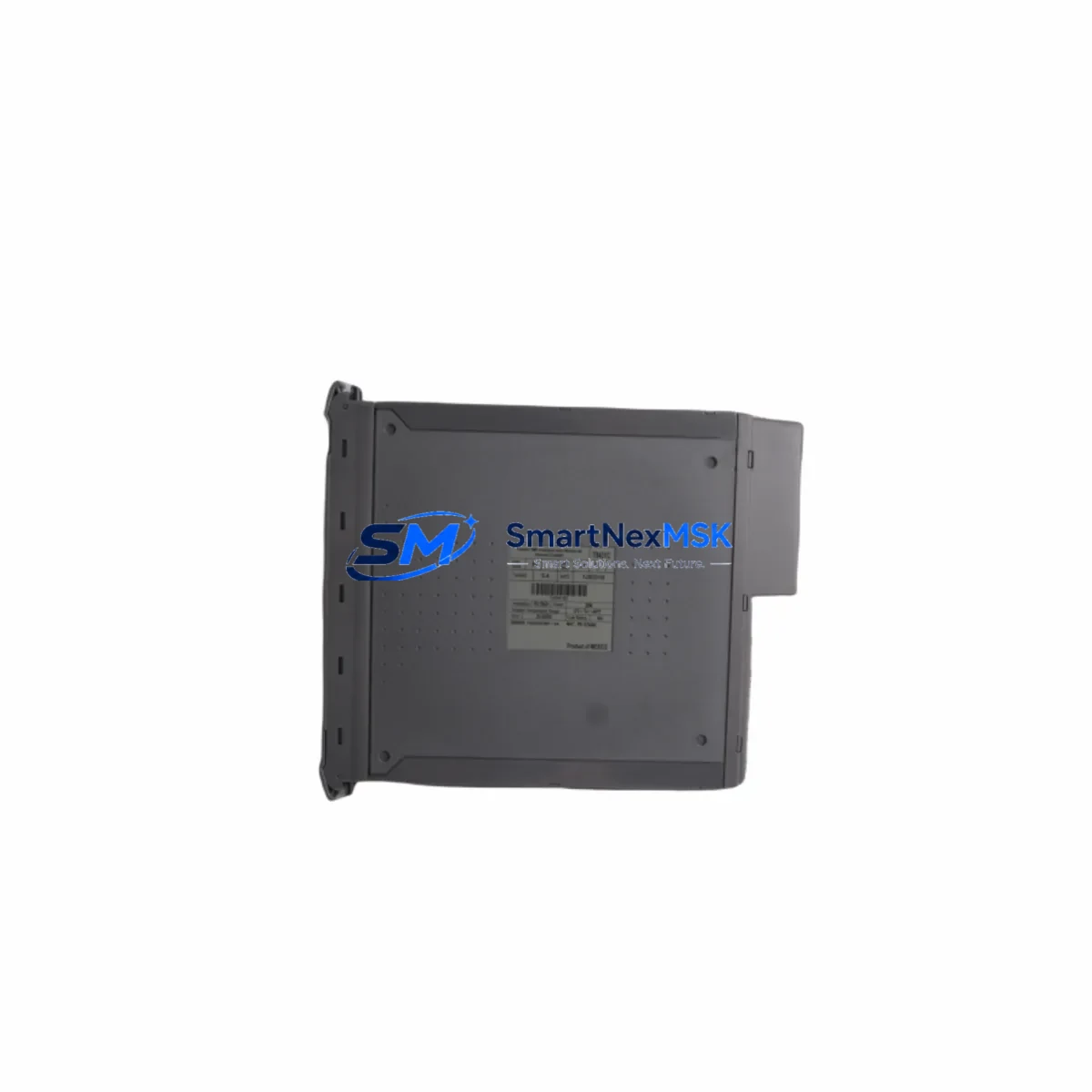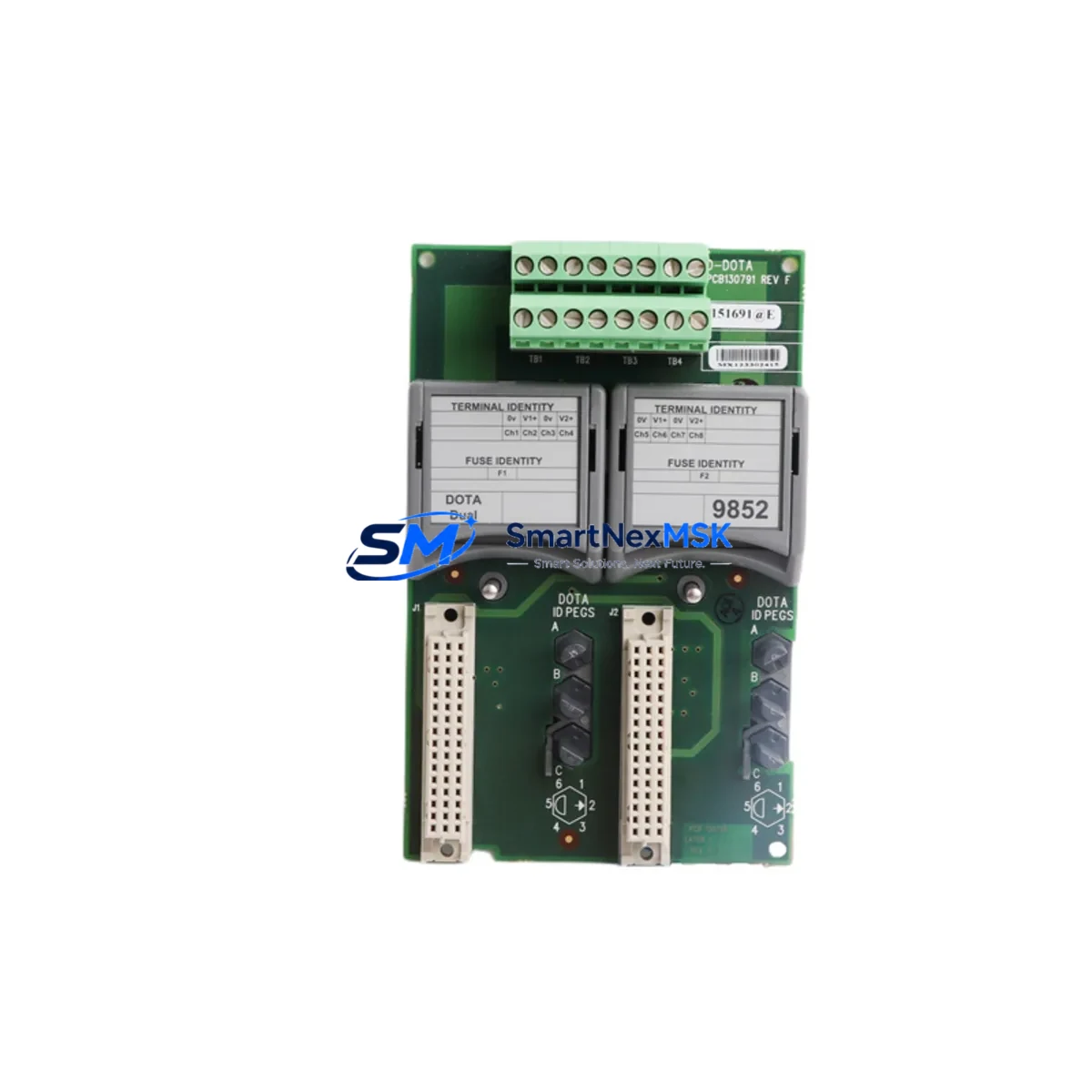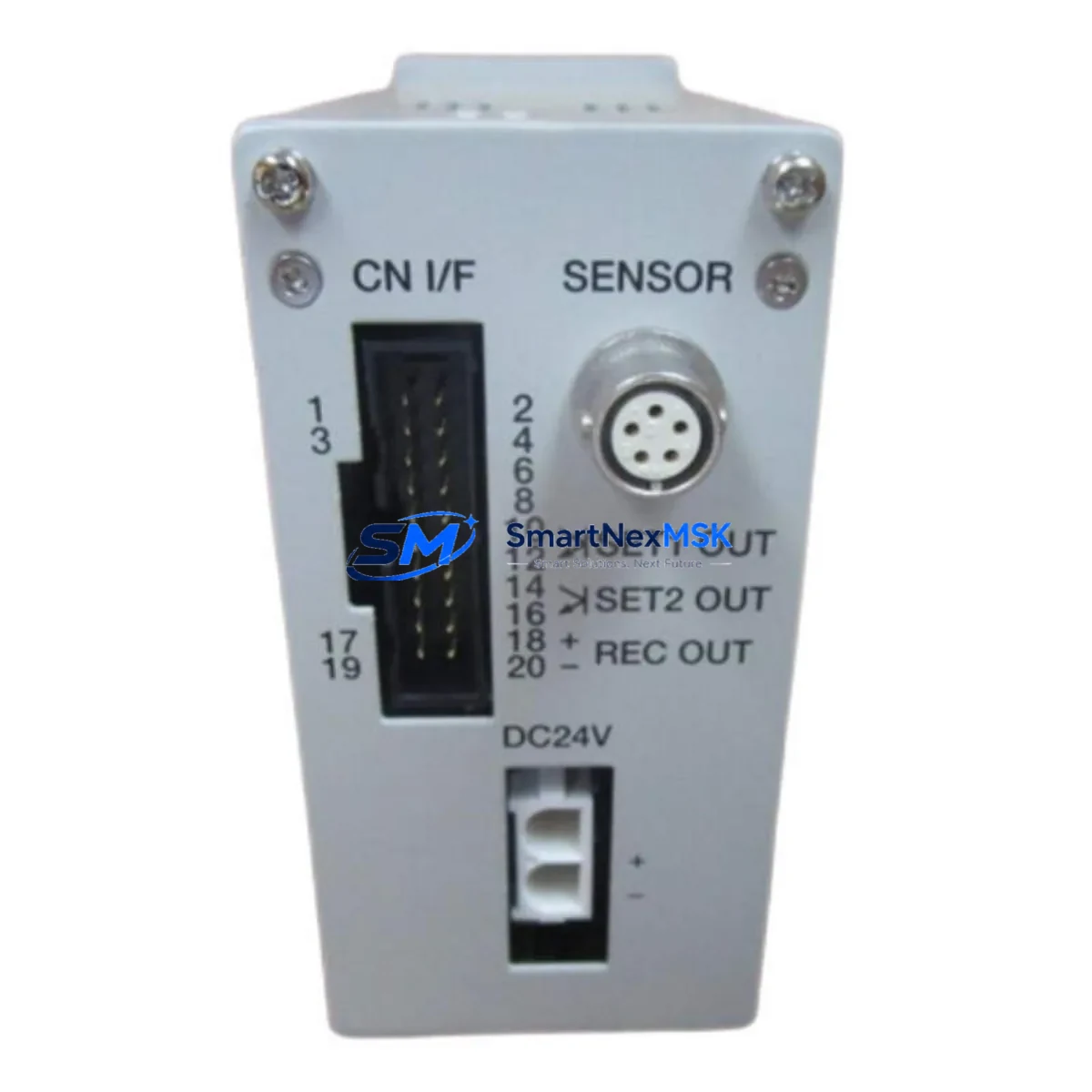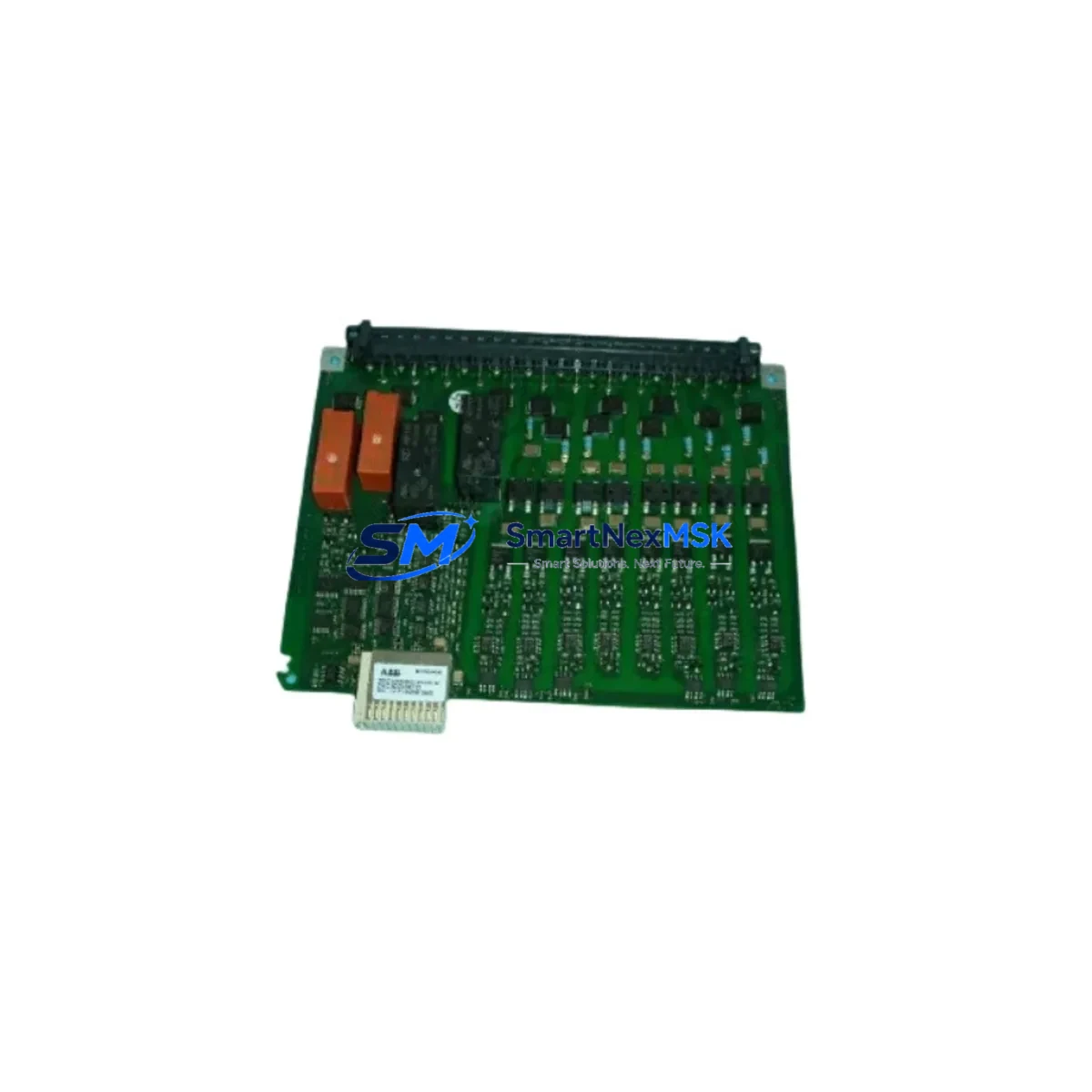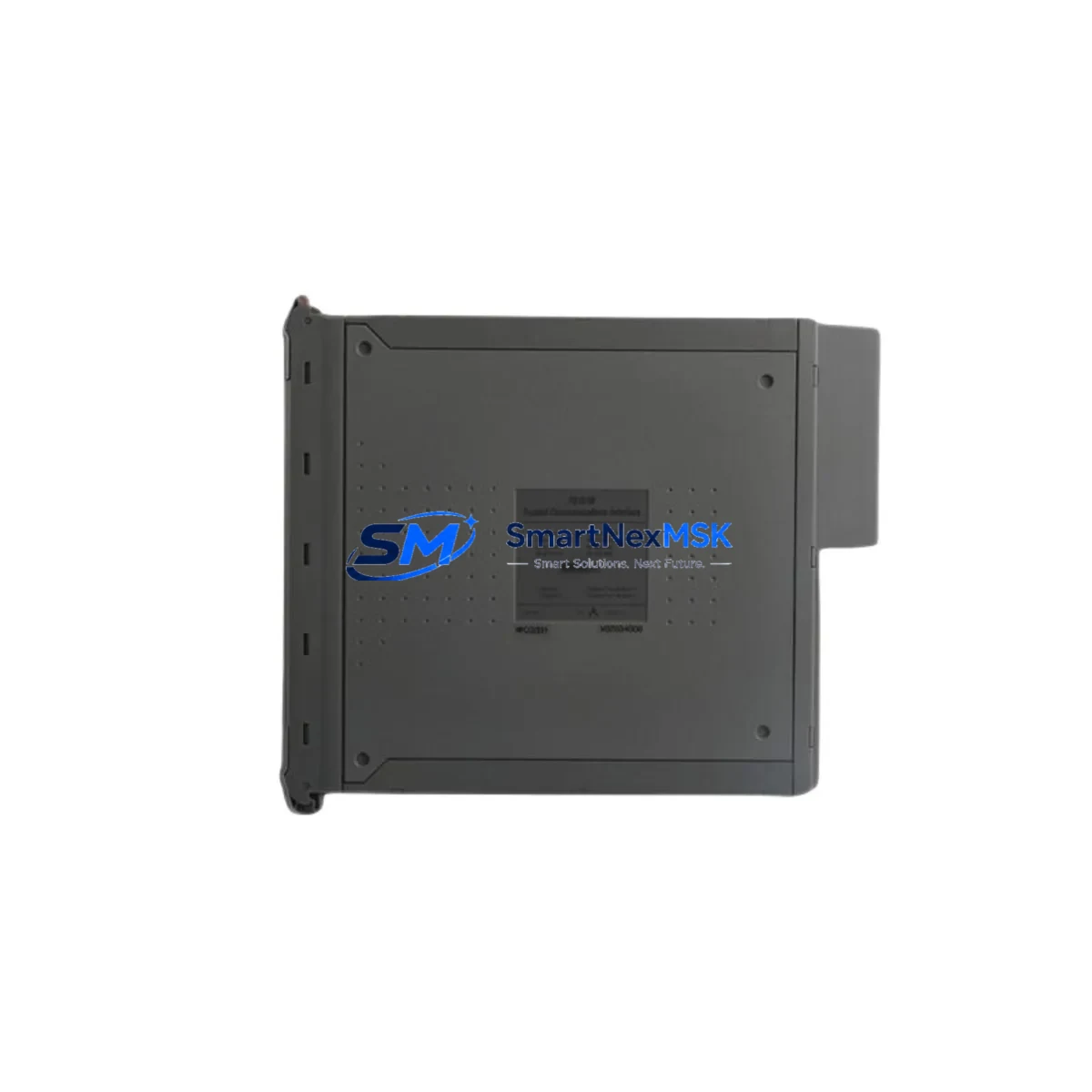
ICS Triplex T9082D Retrofit-Ready IEC 61131 Key for Trusted TMR Control Systems
The ICS Triplex T9082D is the IEC 61131-3 Workbench Hard Disk Key designed specifically for the ICS Triplex Trusted TMR (Triple Modular Redundant) safety PLC platform. As legacy Trusted TMR installations age and original programming keys become unavailable through standard distribution channels, the T9082D has become one of the most sought-after discontinued spare parts in functional safety and process control modernization projects. Whether you are restoring a dormant safety system, migrating a brownfield plant to a current engineering environment, or simply replacing a failed or lost key, the T9082D provides the software licensing and hardware authentication layer required to connect the Trusted Workbench IEC 61131 programming environment to the controller chassis.
The Trusted TMR architecture is widely deployed across oil and gas, petrochemical, power generation, and offshore platform applications where SIL 2 and SIL 3 rated safety instrumented systems (SIS) are mandatory. The T9082D key authenticates the engineering workstation to the ICS Triplex Trusted Controller — typically the T8110 or T8120 processor module — and enables full program upload, download, online monitoring, and force functions within the Trusted Workbench software suite. Without a valid T9082D key, engineers cannot access the controller logic, making this component critical for any retrofit, upgrade, or emergency recovery scenario.
Upgrade Compatibility Table
| Parameter | Detail |
|---|---|
| Part Number | T9082D |
| Manufacturer | ICS Triplex (Rockwell Automation) |
| Compatible Platform | ICS Triplex Trusted TMR Safety PLC |
| Compatible Controllers | T8110, T8120 Trusted Processor Modules |
| Software Environment | Trusted Workbench IEC 61131-3 |
| Interface / Connection | USB / Parallel port dongle (hardware authentication key) |
| Installation Requirement | Workstation running Trusted Workbench; Windows-compatible OS |
| Communication Compatibility | Ethernet TCP/IP, serial RS-232 to Trusted chassis backplane |
| Replacement Recommendation | Direct drop-in replacement for lost, damaged, or expired T9082D keys |
| Commissioning Note | License activation may require ICS Triplex / Rockwell support reference; verify with site engineer |
| Warranty | 12-Month Warranty from SMARTNEXMSK |
Retrofit Planning for Existing Automation Systems
A successful Trusted TMR retrofit begins well before the T9082D key arrives on site. Engineers must first audit the existing control cabinet to confirm the installed processor module — most commonly the T8110 Trusted Controller or the T8120 Enhanced Processor — and verify the firmware revision currently loaded. The Trusted Workbench software version must match the firmware on the processor; mismatches between the IEC 61131 environment and the controller firmware are the leading cause of failed program uploads during retrofit commissioning.
The chassis backplane is the next critical checkpoint. Trusted TMR systems use a proprietary T8100 series chassis with dedicated I/O slots. Before migrating logic, engineers should document every installed module: T8422 Digital Input modules, T8431 Digital Output modules, T8451 Analog Input modules, and any T8461 Analog Output modules in the rack. Each module’s address, channel assignment, and wiring termination must be recorded against the existing program’s I/O map. Discrepancies between the physical rack configuration and the software I/O table will generate faults immediately upon download.
Power supply capacity is another area that frequently causes delays. The T8800 series Power Supply modules in Trusted TMR cabinets are rated for specific load budgets. Adding replacement I/O modules or upgrading communication cards — such as the T8830 Ethernet Communication Module — can push the backplane power draw beyond the original design margin. A load calculation review is recommended before any hardware substitution.
For sites migrating from serial-based engineering connections to Ethernet, the T9082D key must be paired with a workstation that has the correct Trusted Workbench build supporting TCP/IP connectivity. Older installations using RS-232 serial cables to the front-panel port of the T8110 processor will need a communication protocol migration plan if the site intends to move to network-based programming access. This is particularly relevant when the T8830 Ethernet Communication Module is being added to an existing chassis that previously relied solely on serial engineering access.
HMI integration is a parallel workstream in most retrofit projects. Many Trusted TMR installations interface with Wonderware InTouch or Rockwell FactoryTalk View HMI platforms via OPC DA or OPC UA servers. When the controller program is modified during a retrofit, all tag references in the HMI must be re-validated. Engineers should export the full tag database from the Trusted Workbench project before making any logic changes, then perform a tag comparison after the retrofit download to identify any broken references before the HMI is returned to service.
Programming cables and adapters are often overlooked until the last moment. The standard T9001 Programming Cable for serial-connected Trusted systems should be tested and confirmed functional before the maintenance window begins. Having a spare cable on hand eliminates a common single point of failure during time-critical retrofit windows.
Downtime Control During System Migration
Minimizing unplanned downtime during a Trusted TMR retrofit requires a structured pre-outage preparation protocol. The most effective approach is to perform a full program backup using the existing T9082D key — or a borrowed key from another site — before the maintenance window opens. The Trusted Workbench project file, including all function block diagrams, ladder logic, cause-and-effect matrices, and I/O configuration tables, should be archived to at least two independent storage locations.
During the outage window, the sequence should follow a defined order: isolate the safety system from the process (with appropriate bypass and inhibit procedures per the site’s Management of Change protocol), replace or re-authenticate the T9082D key on the engineering workstation, verify Trusted Workbench connectivity to the T8110 or T8120 processor, perform an online upload to confirm the live program matches the archived backup, and only then proceed with any logic modifications or module replacements.
For sites where the Trusted TMR system is in a hot-standby or TMR voting configuration, the retrofit can often be staged across the three redundant channels — replacing or testing one channel at a time while the remaining two channels maintain process control. This approach keeps the safety function active throughout the retrofit and is strongly recommended for SIL 2 and SIL 3 applications where a full system shutdown is not operationally acceptable.
After the retrofit download is complete, a structured commissioning sequence should include: forcing individual I/O channels to verify field wiring continuity, confirming all module diagnostic LEDs are in the expected state, validating communication links to the DCS or SCADA system, and performing a final program comparison between the downloaded project and the archived baseline. All steps should be documented in the site’s maintenance management system before the bypass is removed and the safety function is returned to service.
Retrofit Support FAQ
Q1: Is the T9082D a direct replacement for a lost or damaged IEC 61131 Workbench key?
Yes. The T9082D is the hardware authentication key for the ICS Triplex Trusted Workbench IEC 61131-3 programming environment. A replacement T9082D restores full engineering access to the Trusted TMR controller, including program upload, download, online monitoring, and force functions. Depending on the original license configuration, re-activation with ICS Triplex / Rockwell Automation support may be required.
Q2: What commissioning steps are required after installing a replacement T9082D?
After installing the replacement key, connect the engineering workstation to the Trusted controller via the existing serial or Ethernet path. Open Trusted Workbench and verify the key is recognized by the license manager. Perform an online upload from the controller to confirm the live program is intact. If the program has been modified offline, perform a program comparison before downloading. Verify all I/O module statuses and communication links before returning the system to automatic mode.
Q3: Will the T9082D work with both T8110 and T8120 processor modules?
The T9082D key is compatible with the Trusted Workbench software environment, which supports both the T8110 and T8120 processor families. Compatibility with a specific firmware revision should be confirmed against the Trusted Workbench release notes for your installed software version. SMARTNEXMSK recommends verifying the firmware version on your installed processor before ordering.
Q4: What does the 12-month warranty cover?
All T9082D units supplied by SMARTNEXMSK carry a 12-month warranty covering hardware defects and functional failures under normal operating conditions. Each unit undergoes pre-shipment functional testing. If a unit fails within the warranty period, SMARTNEXMSK will provide a replacement or full refund. Warranty claims are processed via [email protected] with proof of purchase and a fault description.
© 2026 SMARTNEXMSK. All rights reserved.
Original Source: https://smartnexmsk.com
Contact: [email protected] | +86 18259474341