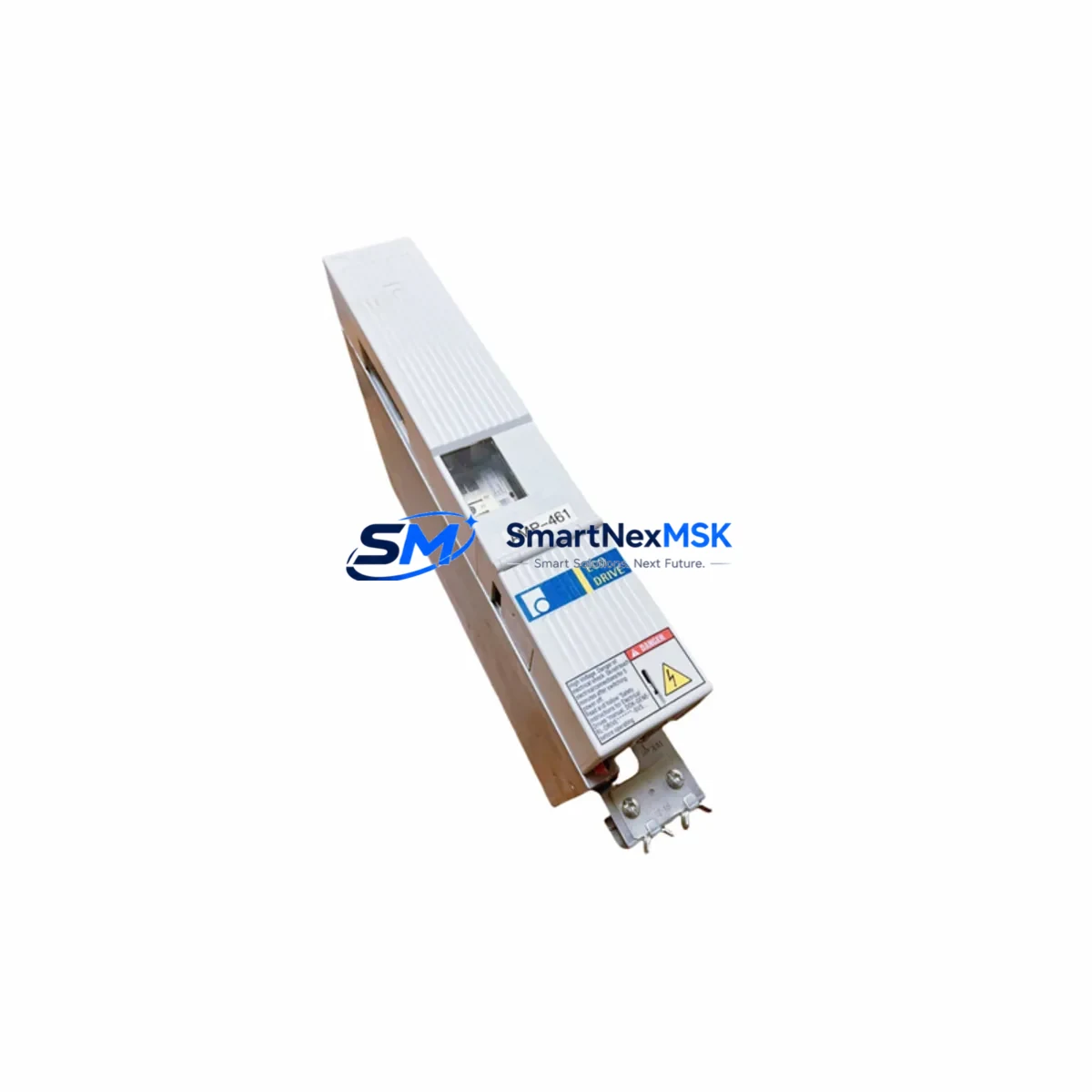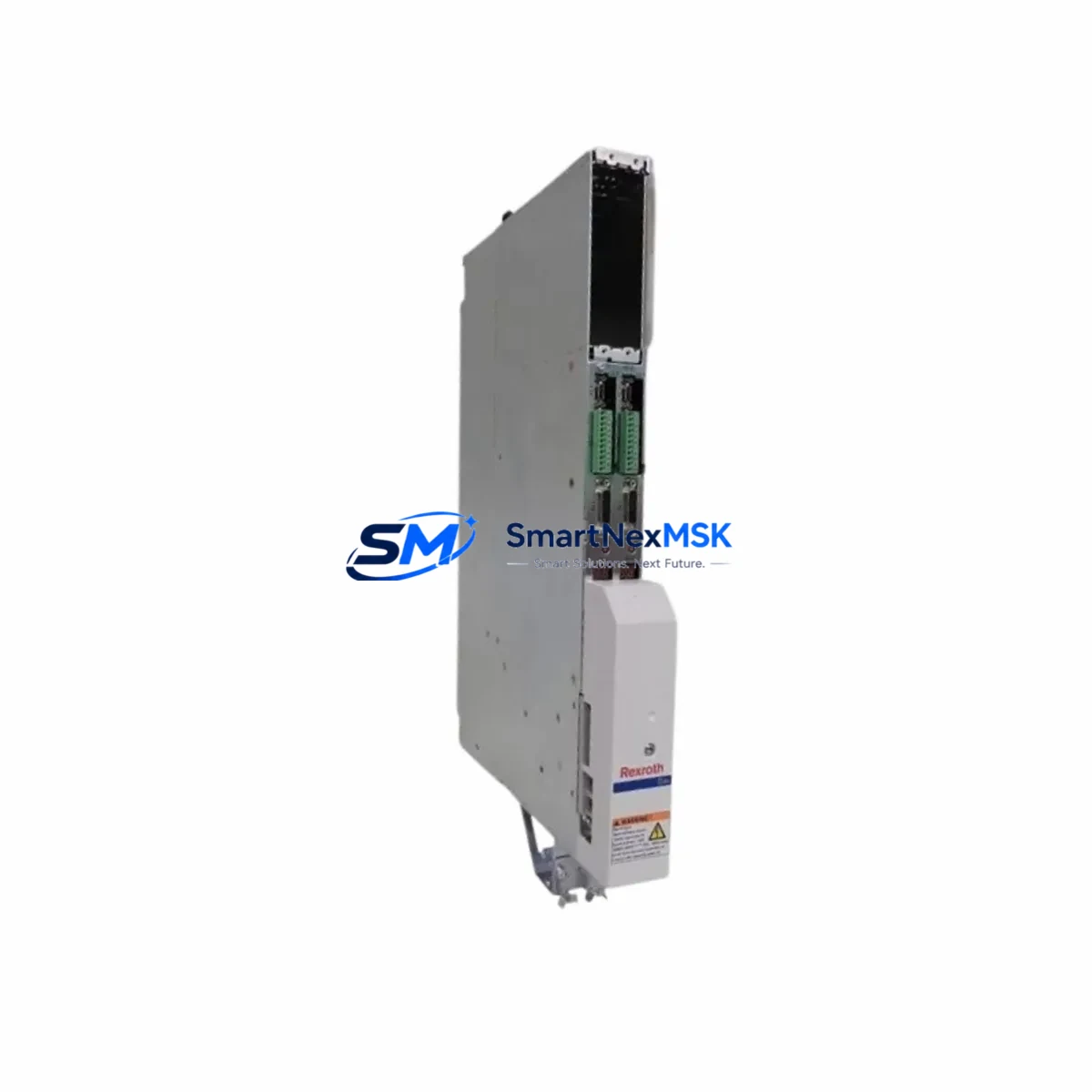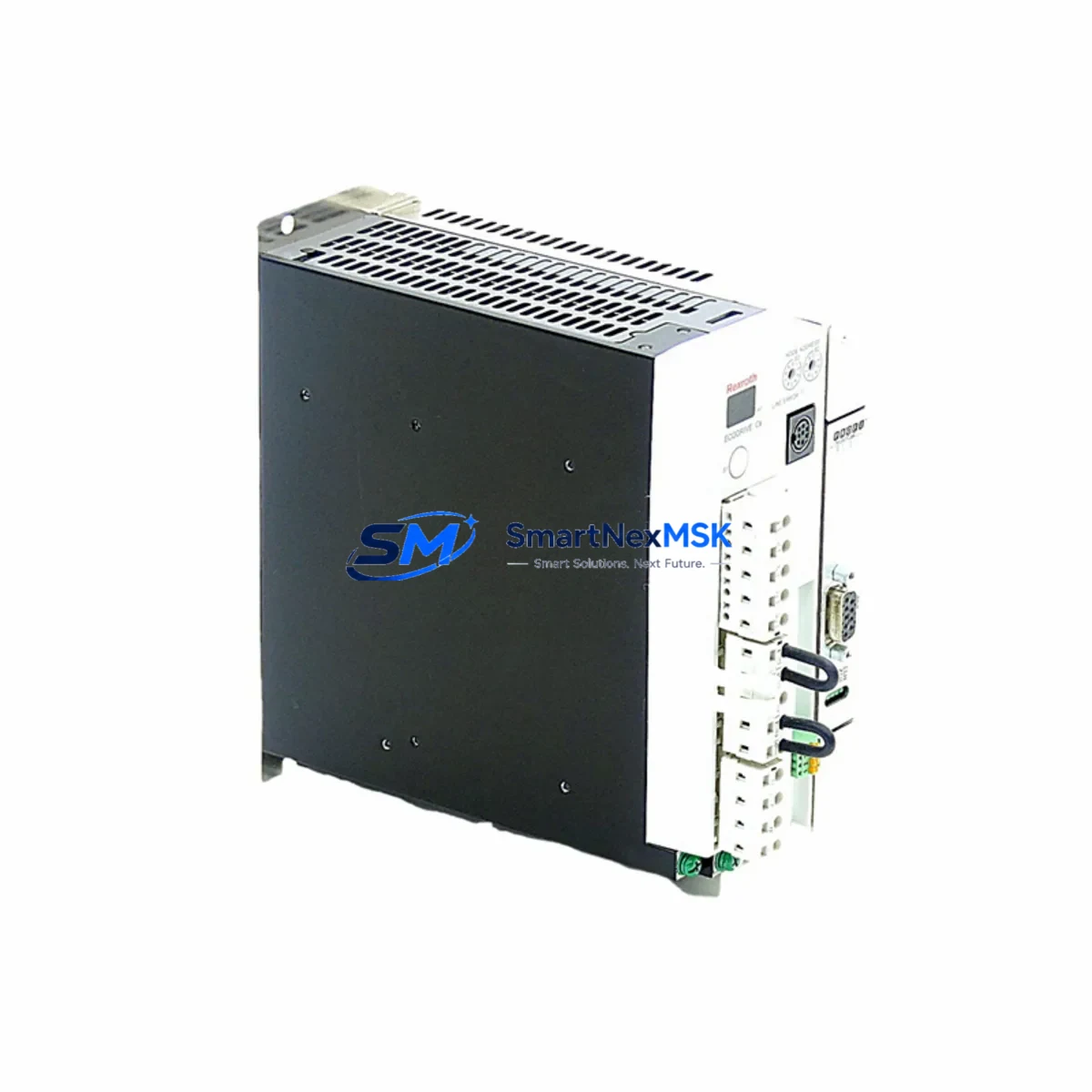
INDRAMAT DKC10.3-012-3-MGP-01VRS Spare ECODRIVE Cs Drive: Spare Replacement & Industrial Downtime Control
The INDRAMAT DKC10.3-012-3-MGP-01VRS is an original ECODRIVE Cs series AC servo drive manufactured by INDRAMAT (Bosch Rexroth), rated at 12A continuous output current with a supply voltage range of 200–480V AC, IP20 enclosure rating. Designed for precision motion control in industrial automation systems, this unit is a critical component in CNC machining centers, packaging lines, printing presses, and general-purpose servo axes. When this drive fails or reaches end-of-life, unplanned downtime can cascade across the entire control cabinet — making a verified, maintenance-ready spare essential for any facility running ECODRIVE Cs-based motion systems.
Our stock of DKC10.3-012-3-MGP-01VRS units is sourced from authorized industrial channels, individually inspected, and shipped with a 12-month warranty. Each unit undergoes functional verification prior to dispatch to ensure drop-in compatibility with existing Rexroth ECODRIVE Cs installations.
Spare Maintenance Table
| Parameter | Specification |
|---|---|
| Part Number / SKU | DKC10.3-012-3-MGP-01VRS |
| Brand / Manufacturer | INDRAMAT (Bosch Rexroth) |
| Series | ECODRIVE Cs |
| Product Type | AC Servo Drive |
| Continuous Output Current | 12A |
| Supply Voltage | 200–480V AC, 3-phase |
| Enclosure Rating | IP20 |
| Communication Interface | SERCOS / Analog (MGP firmware variant) |
| Firmware Variant | 01VRS |
| Origin | Germany |
| Compatible Systems | Rexroth ECODRIVE Cs motion systems, CNC axes, servo press, packaging automation |
| Installation | DIN rail / control cabinet panel mount, standard ECODRIVE Cs footprint |
| Ambient Temperature | 0–45°C (operating), –25–70°C (storage) |
| Maintenance Recommendation | Replace DC bus capacitors every 5–7 years; inspect fan and power connector annually |
| Warranty | 12 Months |
| Condition | Original / Tested before shipment |
Maintenance Planning for Continuous Operation
When a DKC10.3-012-3-MGP-01VRS fails or is scheduled for replacement during planned maintenance, maintenance engineers should treat the event as a full servo axis audit. The drive does not operate in isolation — it is tightly coupled to the power supply infrastructure and the motion control network of the cabinet.
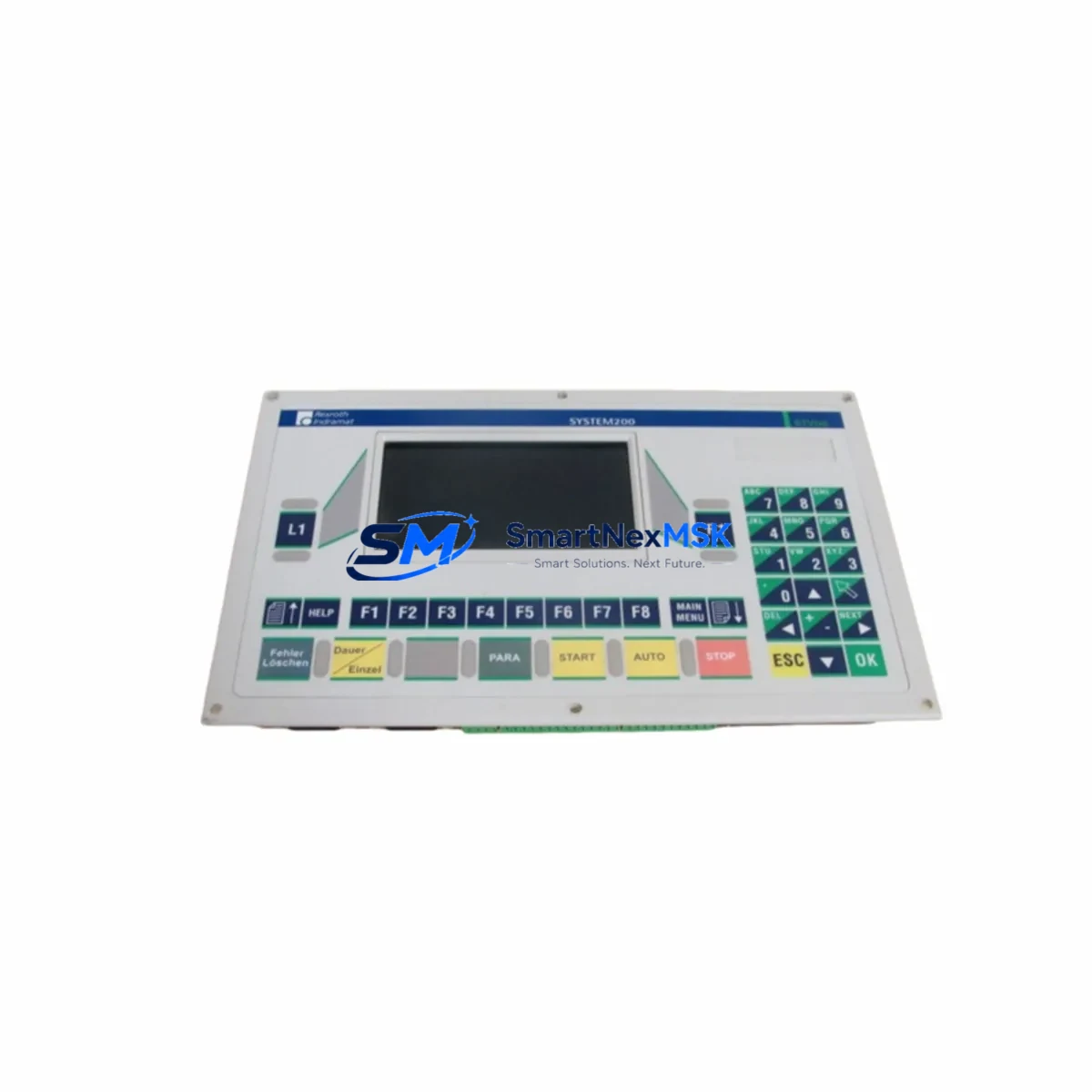
Begin by inspecting the HMI (Human-Machine Interface) for any latched fault codes or axis error history that may indicate whether the failure was drive-internal or triggered by an upstream power event. Next, verify the DC bus power supply module — in ECODRIVE Cs systems, a shared DC bus architecture means a failing supply can damage multiple drives simultaneously. Check the mains filter and line reactor for signs of overheating or insulation breakdown.
On the signal side, inspect the feedback cable and encoder connector between the drive and the servo motor. A damaged or intermittently connected feedback line is a common root cause of drive faults that are misdiagnosed as drive failures. Verify the SERCOS fiber optic ring or analog command wiring (depending on the MGP interface variant) for continuity and correct termination.
At the I/O level, check the digital I/O terminal block and any relay output modules used for drive enable, fault reset, and brake control signals. Corroded terminals or loose connections at the terminal strip are a frequent source of intermittent faults in aging cabinets. If the system uses signal isolators between the PLC and the drive’s analog command input, verify isolation integrity and signal scaling.
For cabinets with multiple servo axes, also inspect adjacent DKC series drives (such as DKC11.3 or DKC21.3 variants) sharing the same DC bus, as a bus overvoltage event from one axis can stress neighboring units. Review the braking resistor module for thermal damage, especially in applications with frequent deceleration cycles. Finally, confirm that the 24V control voltage supply feeding the drive’s logic board is within tolerance — low control voltage is a silent cause of erratic drive behavior.
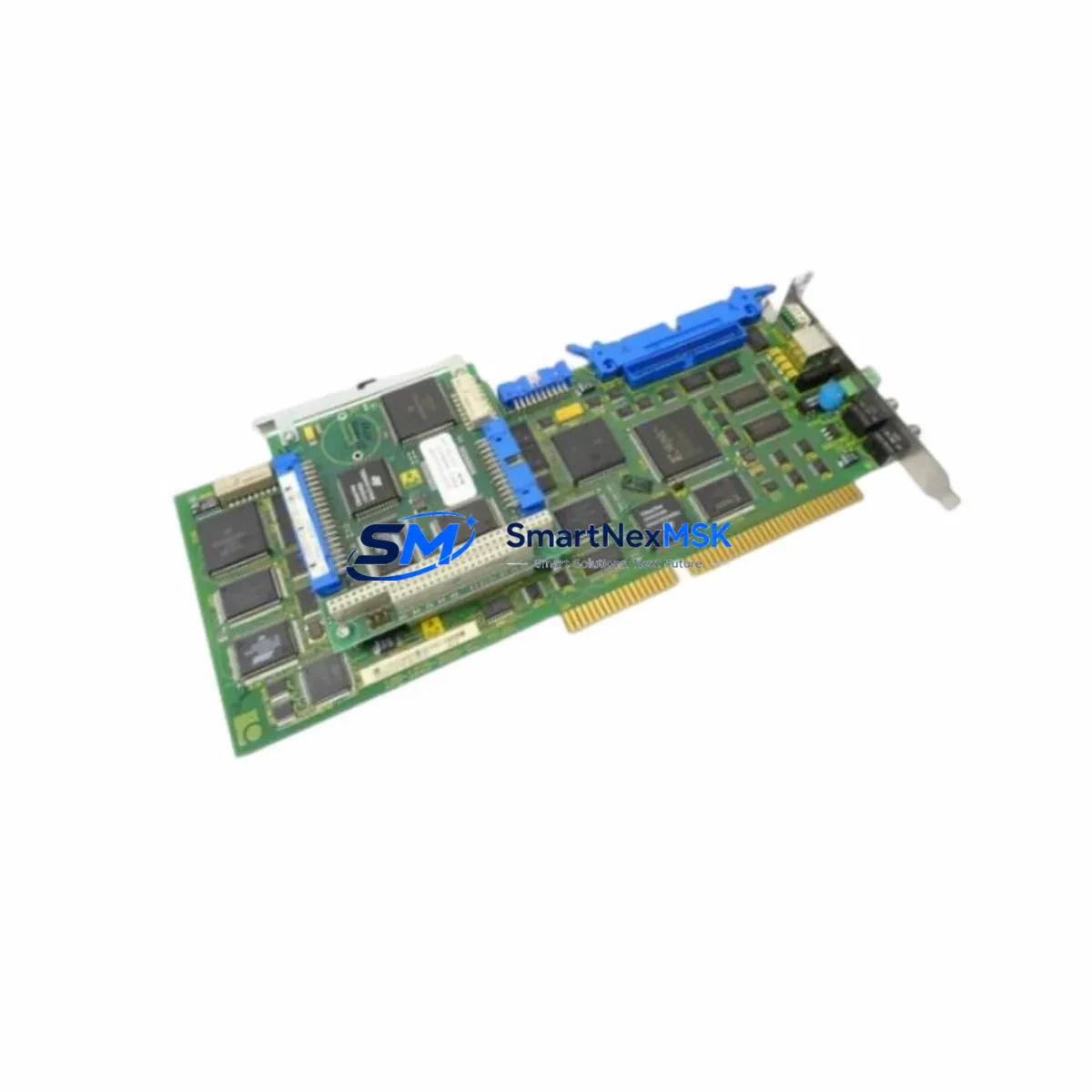
Stocking a verified DKC10.3-012-3-MGP-01VRS spare alongside a spare feedback cable set, a replacement SERCOS interface card, and a spare 24V SMPS module provides a complete first-response kit for most ECODRIVE Cs axis failures, enabling restoration within a single shift.
Site Replacement Workflow
Step 1 — Isolation & Safety: De-energize the cabinet, lock out the main disconnect, and discharge the DC bus fully before removing the faulty DKC10.3-012-3-MGP-01VRS. Confirm bus voltage is below 50V DC using a calibrated meter.
Step 2 — Documentation: Photograph all wiring connections, parameter settings displayed on the drive keypad or HMI, and any axis-specific configuration labels before disconnection. ECODRIVE Cs drives store axis parameters internally; if the drive is non-responsive, parameters may need to be re-entered from the machine documentation or backup file.
Step 3 — Physical Swap: Remove the faulty unit and install the replacement DKC10.3-012-3-MGP-01VRS in the same slot. Reconnect power, feedback, command, and I/O wiring in reverse order. Torque all power terminals to specification.
Step 4 — Parameter Restore: Upload the axis parameter set from backup or re-enter manually. Verify firmware version compatibility (01VRS) and confirm motor data, encoder type, and control mode match the original configuration.
Step 5 — Commissioning Check: Energize the system, clear any latched faults, and perform a low-speed jog test before returning the axis to full production speed. Monitor DC bus voltage, motor current, and drive temperature during the first production cycle.
This workflow minimizes downtime, preserves system compatibility, and ensures the replacement unit performs identically to the original — maintaining production continuity without requiring re-engineering of the motion system.
Spare Parts Support FAQ
Q1: Is the DKC10.3-012-3-MGP-01VRS a direct drop-in replacement for my existing ECODRIVE Cs axis?
Yes, provided your system uses the same firmware variant (01VRS) and MGP interface type. The physical footprint, connector layout, and parameter structure are identical across units of the same part number. If your existing drive uses a different firmware suffix, contact us to confirm cross-compatibility before ordering.
Q2: How do you verify the unit before shipment?
Each DKC10.3-012-3-MGP-01VRS is powered up and tested for basic drive functionality, fault-free initialization, and communication interface response prior to packaging. Units that fail any test are quarantined and not shipped. A test report is available on request.
Q3: What does the 12-month warranty cover?
The warranty covers manufacturing defects and functional failures under normal operating conditions for 12 months from the date of shipment. It does not cover damage caused by incorrect installation, overvoltage events, or unauthorized modification. Warranty claims are processed with a replacement unit dispatched within 5 business days of fault confirmation.
Q4: Can you support long-term supply for legacy ECODRIVE Cs systems?
Yes. We maintain ongoing stock of DKC10.3 series drives and related ECODRIVE Cs components to support facilities running legacy Rexroth motion systems beyond the manufacturer’s standard support lifecycle. Contact us to discuss blanket order arrangements or consignment stock programs for critical spare parts.
© 2026 SMARTNEXMSK. All rights reserved.
Original Source: https://smartnexmsk.com
Contact: [email protected] | +86 18259474341