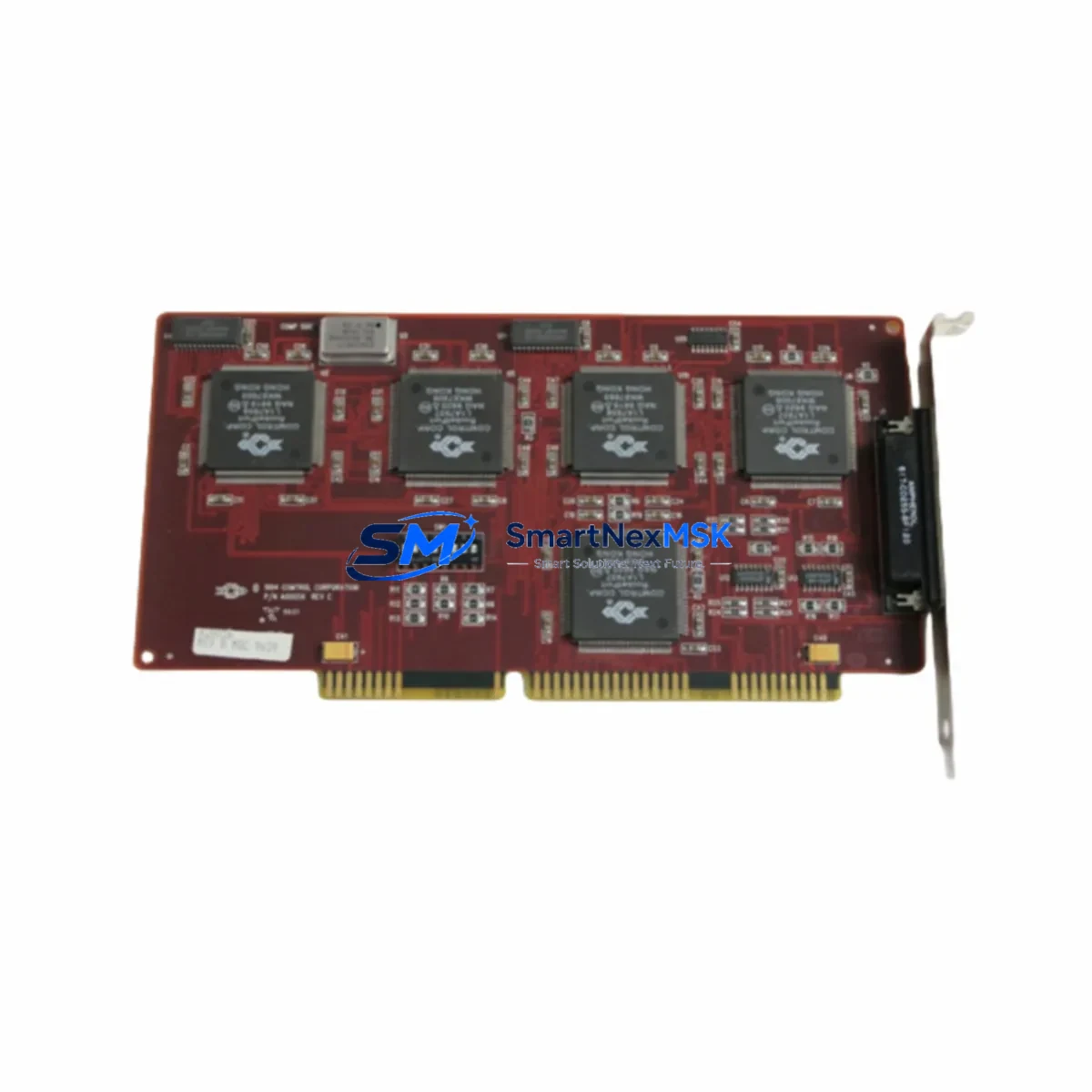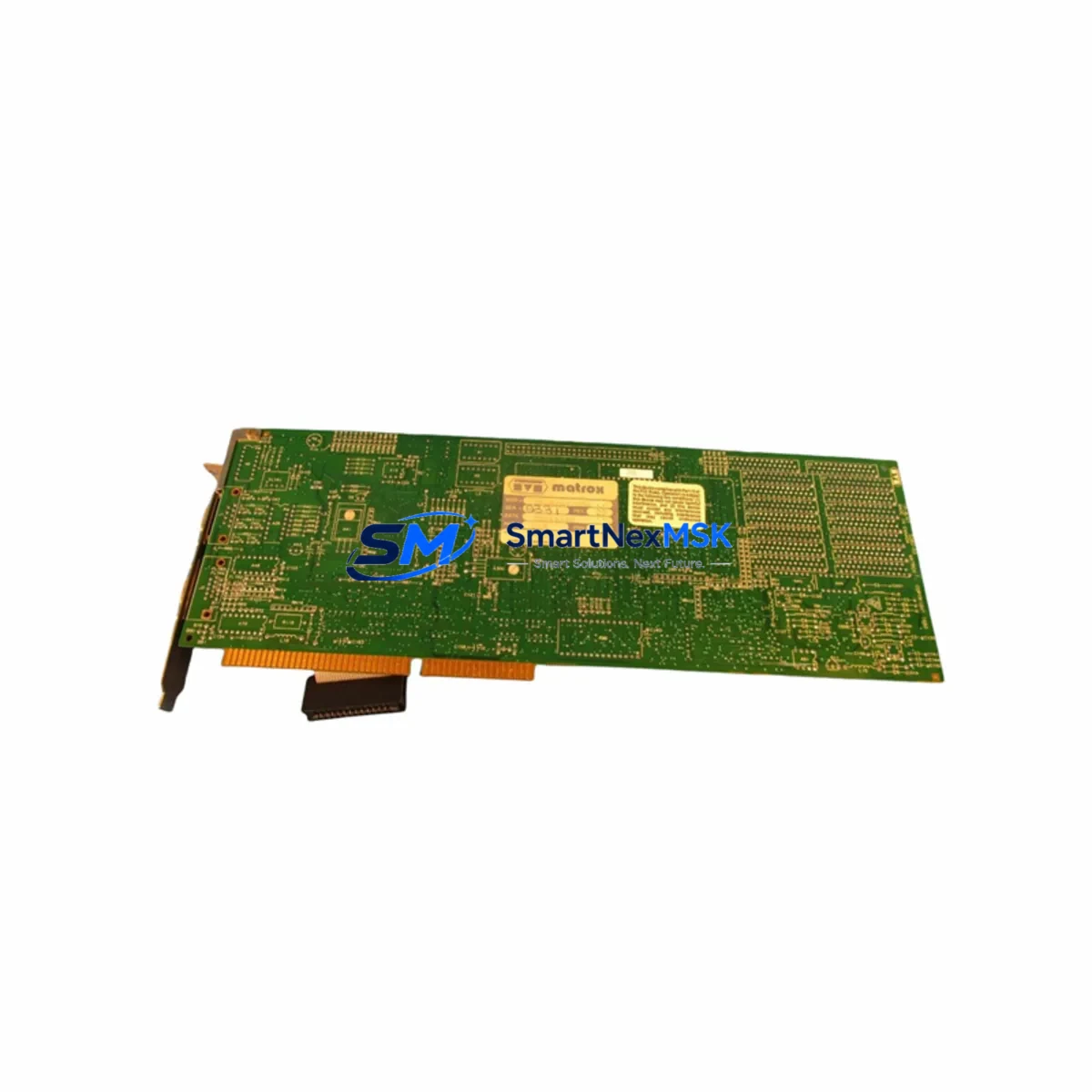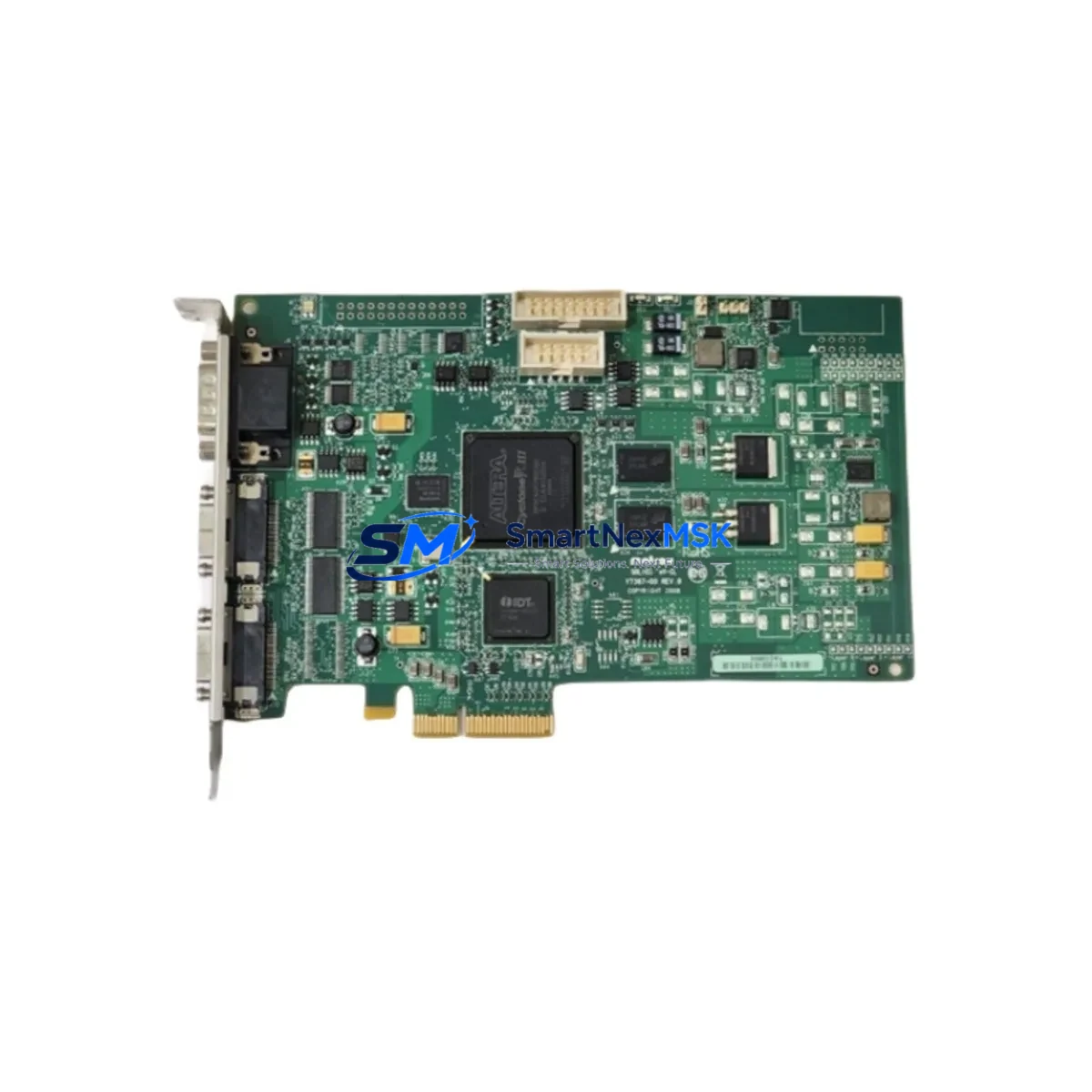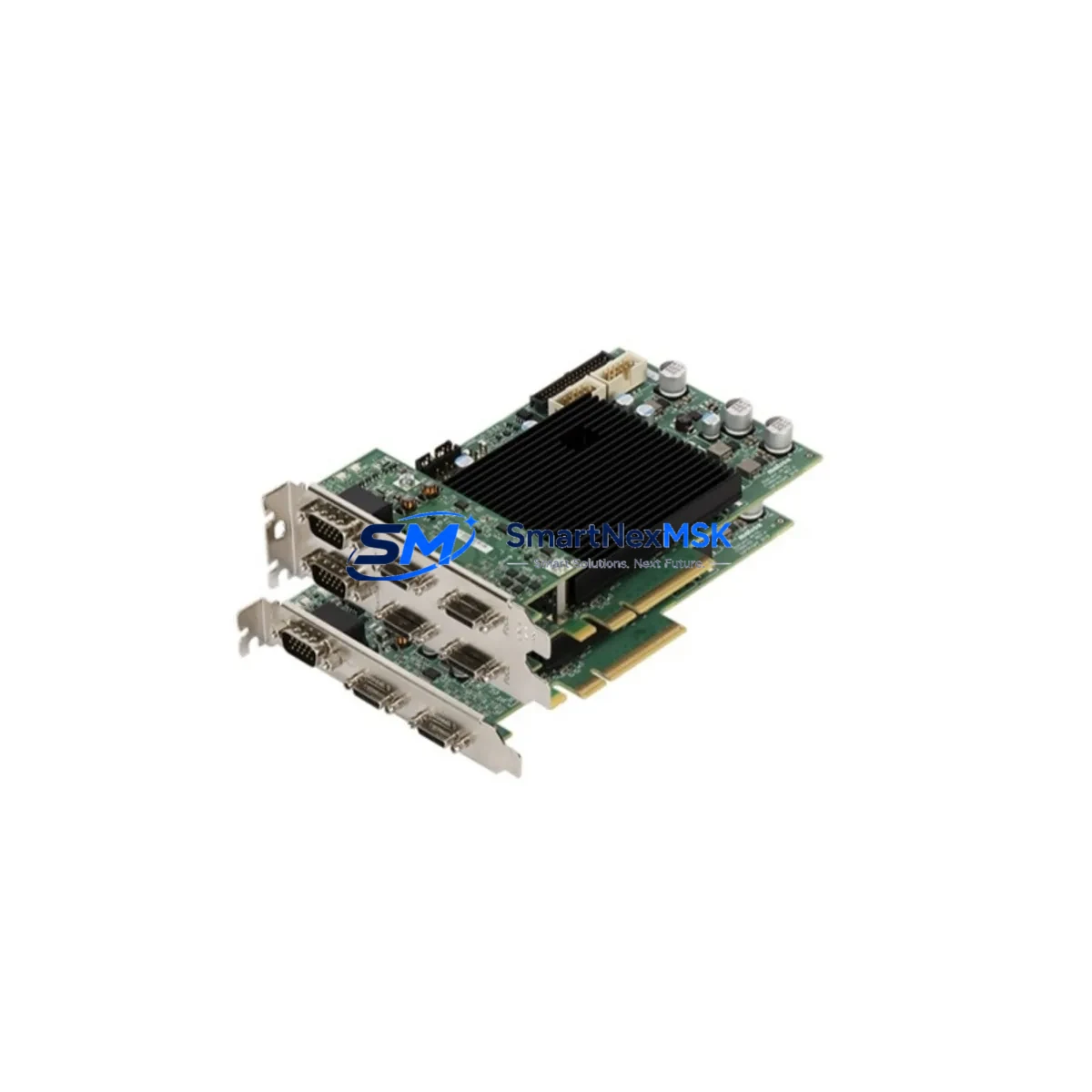
Matrox RADEV5MCLSF Maintenance-Ready Spare Radient eV5: Spare Replacement & Industrial Downtime Risk Control
The Matrox RADEV5MCLSF is a CameraLink PCIe frame grabber belonging to the Radient eV5 series — a high-performance machine vision acquisition card widely deployed in automated optical inspection (AOI), semiconductor wafer handling, pharmaceutical blister-pack verification, and precision manufacturing lines. When this card fails or reaches end-of-life, the entire vision-guided production cell stops. Sourcing a verified, tested replacement unit from a reliable spare parts supplier is the fastest path to restoring normal operation and protecting your OEE targets.
At SMARTNEXMSK, every RADEV5MCLSF unit is inspected, function-tested against CameraLink Base/Medium/Full bandwidth specifications, and shipped with a 12-month warranty. We maintain buffer stock specifically for Matrox Radient eV5 series cards to support both planned maintenance windows and emergency breakdown recovery.
Spare Maintenance Table
| Parameter | Specification / Detail |
|---|---|
| Part Number / SKU | RADEV5MCLSF |
| Brand | Matrox Imaging |
| Series | Radient eV5 |
| Interface | CameraLink (Base / Medium / Full / 80-bit) |
| Host Bus | PCIe x4 Gen 2 |
| Camera Inputs | Single CameraLink port (Full configuration) |
| Max Pixel Clock | Up to 85 MHz (Full mode) |
| Trigger / I/O | Opto-isolated trigger input, GPIO lines via auxiliary connector |
| Operating Temperature | 0 °C to 55 °C (industrial ambient) |
| Form Factor | Low-profile PCIe card, half-length |
| OS Compatibility | Windows 10/11 (64-bit), Linux (kernel 4.x+) |
| Driver / SDK | Matrox Imaging Library (MIL) compatible |
| Origin | Canada |
| Condition | Original spare — inspected & function-tested |
| Warranty | 12 months from shipment date |
| Typical Application | AOI, semiconductor inspection, pharma vision, precision assembly |
| Compatibility | Drop-in replacement for Radient eV5 CameraLink Full installations |
| Shipping | ESD-safe packaging; DHL / FedEx express available |
Maintenance Planning for Continuous Operation
A frame grabber failure rarely occurs in isolation. When a maintenance or reliability engineer responds to a RADEV5MCLSF fault, a structured inspection of the surrounding system components is essential to prevent repeat failures and confirm root cause before the replacement card is installed.
Begin with the PCIe slot and host PC power supply. A marginal ATX or industrial PC power supply delivering unstable 3.3 V or 12 V rails can stress PCIe cards and cause premature failure. Verify rail voltages under load before seating the replacement RADEV5MCLSF. If the host is a Matrox-qualified industrial PC or a third-party IPC, check the PCIe riser card or backplane for oxidized contacts or mechanical damage.
Next, inspect the CameraLink cable assembly — MDR-26 or SDR-26 connectors are a common failure point in high-vibration environments. A damaged or intermittently open CameraLink cable can mimic frame grabber faults. Replace suspect cables with shielded, locking-latch assemblies rated for the camera’s pixel clock frequency. For Full-mode configurations, both the Camera and Frame Grabber ends of the dual-cable CameraLink Full link must be verified.
On the camera side, confirm that the CameraLink camera (whether a line-scan or area-scan model) is outputting valid LVAL/FVAL/DVAL signals. A camera with a degraded serializer or damaged sensor can send corrupted data that appears as a frame grabber error in MIL diagnostics. If the system uses a CameraLink repeater or extender for long cable runs, inspect that device as well.
For systems with external triggering, check the opto-isolated trigger input circuit — verify the trigger source voltage, current-limiting resistor, and wiring continuity. Mis-wired or over-voltage trigger signals are a documented cause of I/O section damage on Radient series cards. Review the GPIO breakout cable or terminal block adapter for the auxiliary I/O connector.
If the RADEV5MCLSF is part of a larger machine vision controller cabinet, also inspect the 24 VDC lighting controller and strobe driver. Electrical noise from high-current strobe pulses can couple into the PCIe bus if grounding is inadequate. Ensure the cabinet has a proper star-ground topology and that the EMI filter on the AC input is functional.
Finally, for systems running Matrox Imaging Library (MIL), verify that the MIL license dongle or software license is intact and that the driver version is compatible with the replacement card’s firmware revision. Mismatched firmware can prevent the card from initializing even when hardware is fully functional.
Site Replacement Workflow
Step 1 — Pre-replacement documentation. Before powering down, capture the current MIL system configuration, camera parameters, and trigger settings. Export the MIL application’s digitizer configuration file (DCF) so it can be reloaded after the swap without re-tuning.
Step 2 — Safe shutdown and ESD precautions. Power down the host PC and disconnect AC power. Wait 30 seconds for capacitors to discharge. Use a grounded ESD wrist strap and anti-static mat when handling the RADEV5MCLSF. The card’s PCIe gold fingers and onboard components are sensitive to electrostatic discharge.
Step 3 — Physical removal and slot inspection. Remove the faulty card and inspect the PCIe x4 slot for debris, bent pins, or burn marks. Clean the slot with compressed air if necessary. Seat the replacement RADEV5MCLSF firmly and secure the bracket screw.
Step 4 — Driver and firmware verification. Boot the system and allow Windows or Linux to detect the new card. Install or confirm the correct Matrox driver version. If the firmware on the replacement unit differs from the original, use the Matrox firmware update utility to align versions before running production software.
Step 5 — Functional test before production restart. Load the saved DCF, connect the CameraLink camera, and run a grab test at full frame rate. Verify trigger response, image quality, and frame rate stability. Document the test results and update the maintenance log before returning the line to production.
This workflow minimizes mean time to repair (MTTR) and ensures the replacement RADEV5MCLSF is fully validated before resuming automated inspection — protecting both product quality and line throughput.
Spare Parts Support FAQ
Q1: Is the RADEV5MCLSF you supply an original Matrox part or a compatible substitute?
Every unit we supply is an original Matrox RADEV5MCLSF — not a clone or compatible substitute. Units are sourced from authorized distribution channels or decommissioned systems, inspected, and function-tested against Matrox’s published electrical and performance specifications before shipment.
Q2: How do I confirm compatibility with my existing Radient eV5 installation before ordering?
The RADEV5MCLSF is a direct drop-in replacement for any Radient eV5 CameraLink Full slot in a PCIe x4 (or wider) host slot. Confirm your current card’s part number from the bracket label or MIL system information dialog. If your system uses CameraLink Base or Medium mode only, the Full-configuration card is backward compatible. Contact [email protected] with your system details for pre-order compatibility confirmation.
Q3: What testing is performed before shipment, and what does the 12-month warranty cover?
Each RADEV5MCLSF undergoes power-on self-test, PCIe link enumeration verification, CameraLink signal integrity check, and trigger I/O functional test. The 12-month warranty covers hardware defects and functional failures under normal operating conditions. It does not cover physical damage caused by incorrect installation, ESD mishandling, or over-voltage events. Warranty claims are processed with advance replacement to minimize your downtime.
Q4: Can you support long-term or blanket spare parts orders for multi-site maintenance programs?
Yes. SMARTNEXMSK supports blanket purchase orders and reserved-stock agreements for maintenance teams managing multiple production sites or aging Matrox Radient eV5 deployments. We can hold allocated inventory against a framework agreement, providing guaranteed availability and fixed pricing for 12-month periods. Contact our sales team to discuss your annual consumption forecast and preferred delivery schedule.
© 2026 SMARTNEXMSK. All rights reserved.
Original Source: https://smartnexmsk.com
Contact: [email protected] | +86 18259474341