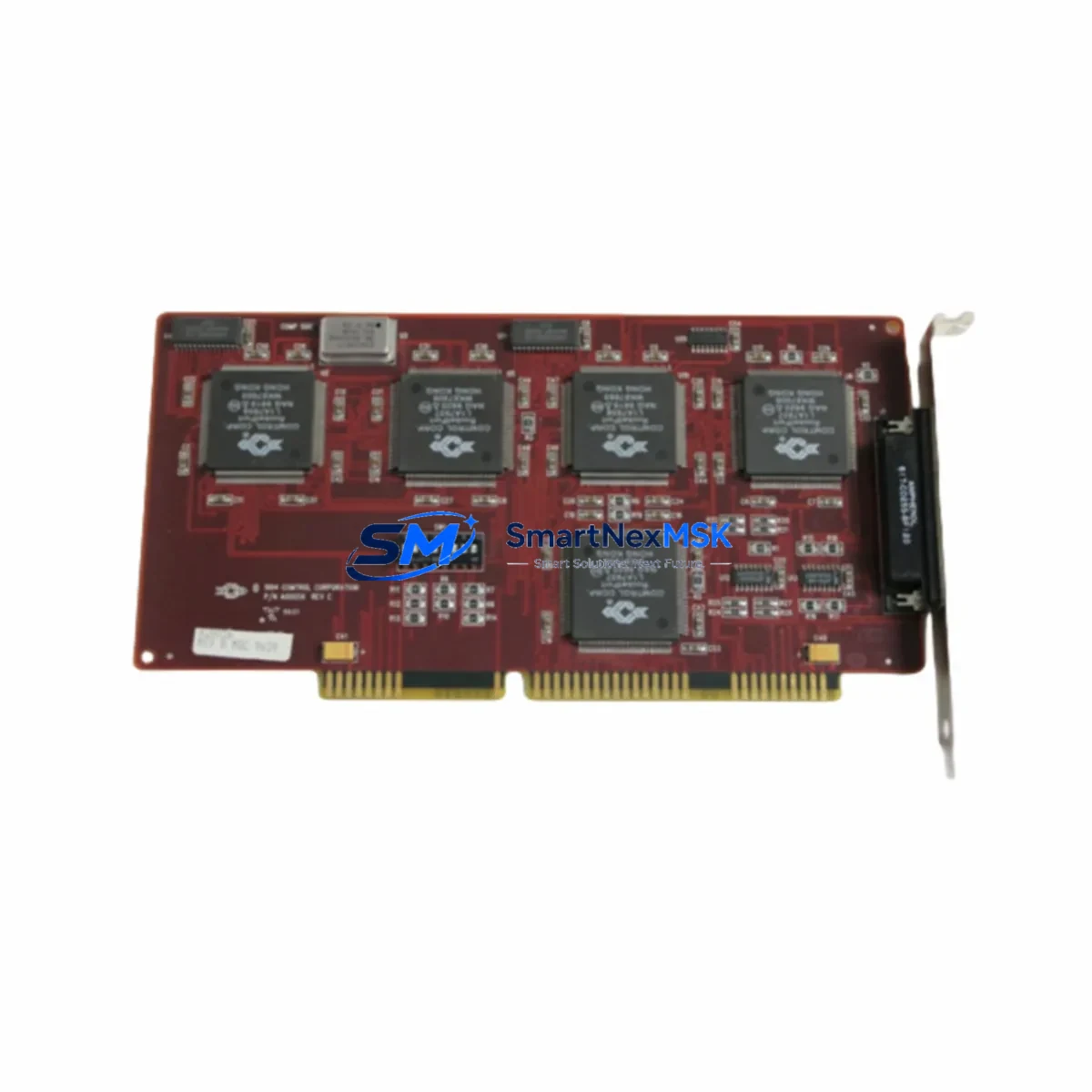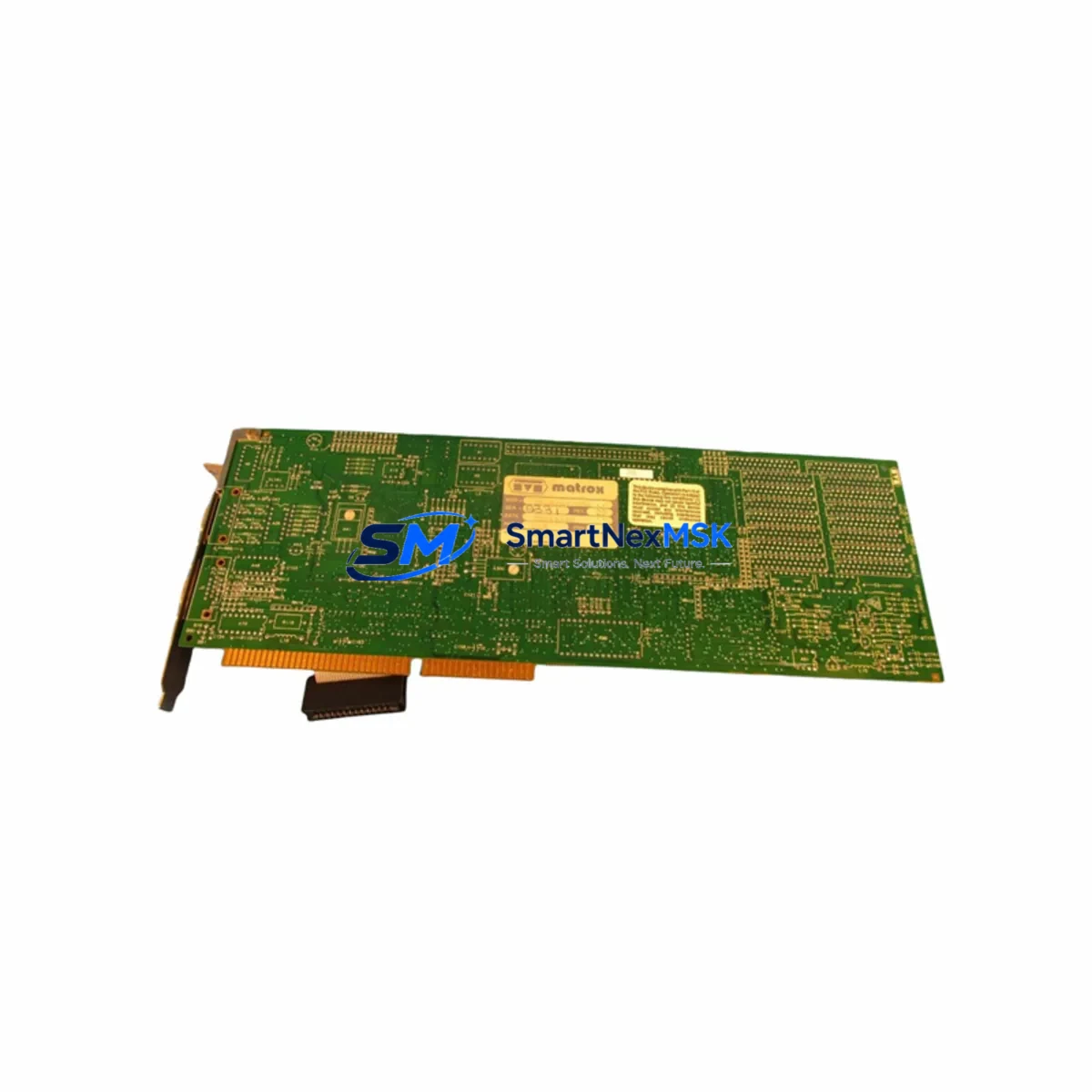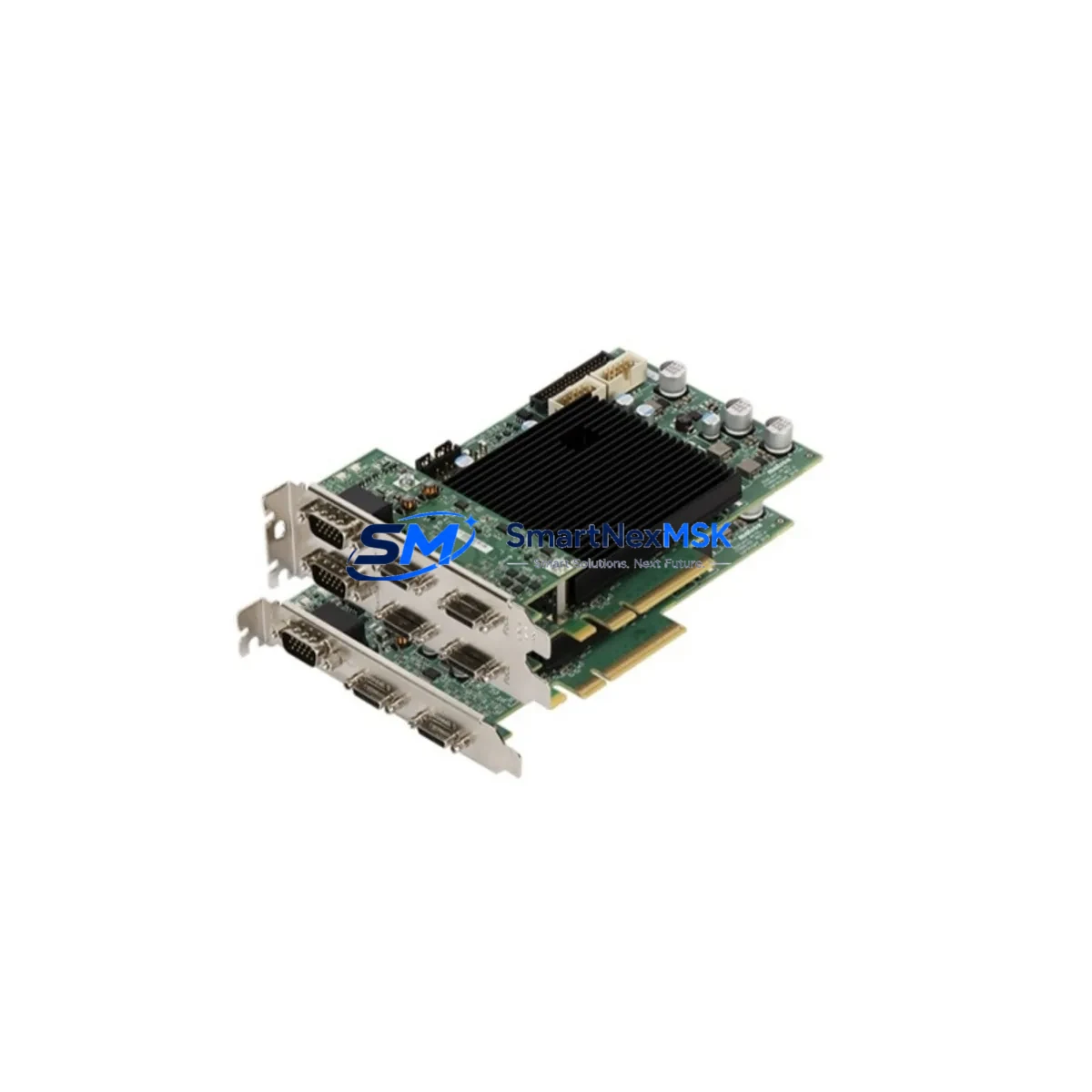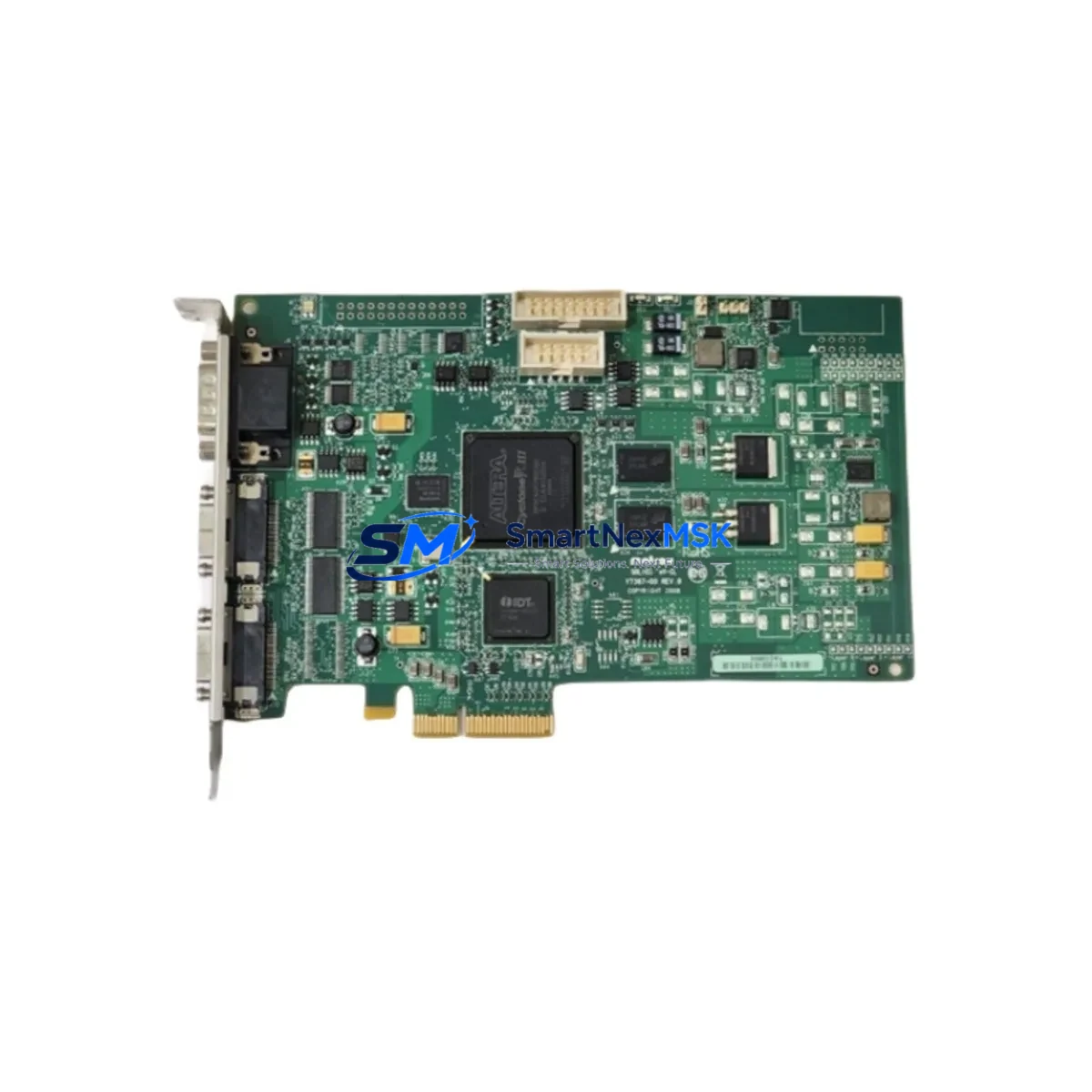
MATROX SOL2MEVCLB Maintenance-Ready Spare for Solios Automation
The MATROX SOL2MEVCLB is a dual-channel Camera Link PCIe frame grabber from the Solios series, widely deployed in machine vision, automated optical inspection (AOI), and industrial imaging systems across manufacturing, semiconductor, and pharmaceutical production lines. When this component fails or reaches end-of-life, the downstream impact is immediate: vision-guided assembly lines halt, quality inspection loops break, and unplanned downtime accumulates rapidly. Sourcing a verified, original-specification replacement is the fastest path to restoring full system operation.
At SMARTNEXMSK, we supply the SOL2MEVCLB as a tested, original-grade industrial spare backed by a 12-month warranty. Every unit undergoes pre-shipment functional verification to confirm Camera Link signal integrity, PCIe bus recognition, and driver compatibility before dispatch. Our inventory is maintained specifically to support maintenance engineers and procurement teams who cannot afford extended lead times on critical vision system components.
Spare Maintenance Table
| Parameter | Specification / Detail |
|---|---|
| Part Number / SKU | SOL2MEVCLB |
| Brand | MATROX |
| Series | Solios |
| Product Type | PCIe Frame Grabber |
| Camera Interface | Dual Camera Link (Base / Medium / Full) |
| Bus Interface | PCI Express (PCIe x4) |
| Supported Cameras | Camera Link compliant monochrome and color cameras |
| Trigger / I/O | External trigger input, strobe output, general-purpose I/O via connector |
| Operating Temperature | 0°C to 55°C (industrial ambient) |
| Compatibility | Replaces SOL2MEVCLB in Solios series vision systems; compatible with Matrox Imaging Library (MIL) |
| Driver Support | Windows 10/11 (64-bit), Linux (select distributions) |
| Installation | PCIe slot insertion, driver installation via Matrox Imaging Library |
| Maintenance Recommendation | Inspect PCIe slot contacts and Camera Link cable connectors at each planned maintenance interval |
| Origin | Canada (MATROX Imaging) |
| Warranty | 12 Months — covers functional defects under normal operating conditions |
| Pre-Shipment Test | PCIe enumeration, Camera Link signal verification, firmware check |
Maintenance Planning for Continuous Operation
A frame grabber failure rarely occurs in isolation. When replacing the SOL2MEVCLB, a thorough maintenance engineer will simultaneously audit the surrounding system to prevent secondary failures and reduce the risk of repeat downtime. The following components and subsystems should be inspected or replaced as part of a complete corrective maintenance cycle:
Begin with the Camera Link cables connecting the vision cameras to the frame grabber. Degraded or intermittently connected Camera Link cables are a leading cause of image dropout and false frame grabber diagnostics — replacing the SOL2MEVCLB without inspecting cable integrity often results in recurring faults. Next, verify the PCIe riser card or backplane in the industrial PC or vision controller; a damaged PCIe slot can cause the replacement card to fail prematurely.
Check the industrial PC power supply unit (PSU) supplying the vision controller. Insufficient or unstable PCIe power delivery (12V and 3.3V rails) can cause frame grabber instability even with a new card installed. If the system uses a Matrox Solios eA/XA or Solios eCL companion card for expanded I/O or additional camera channels, inspect those units for firmware currency and connector wear.
For systems integrated into a broader PLC or DCS architecture, confirm that the trigger signal interface — typically routed from a PLC digital output module or a dedicated signal isolator — is delivering clean, noise-free trigger pulses. Electrical noise on trigger lines is a common source of intermittent frame capture errors that are misdiagnosed as frame grabber hardware faults. Review the 24VDC I/O power supply feeding the trigger and strobe circuits, and inspect any terminal blocks or DIN rail connectors in the trigger signal path for oxidation or loose terminations.
If the vision system feeds inspection results to an HMI panel or SCADA workstation via Ethernet or serial communication, verify that the industrial Ethernet switch and communication cables remain intact and that no IP address conflicts have been introduced during the maintenance window. Finally, review the vision system enclosure cooling — clogged filters or failed fans in the control cabinet can cause thermal throttling that mimics frame grabber hardware failure.
Site Replacement Workflow
Step 1 — System Isolation: Power down the vision controller and industrial PC following your site’s lockout/tagout (LOTO) procedure. Discharge any residual PCIe bus power by holding the power button for 5 seconds after shutdown.
Step 2 — Document Current Configuration: Before removing the SOL2MEVCLB, record the current driver version, MIL configuration file paths, camera calibration files, and any custom trigger timing parameters. This documentation is critical for restoring the system to its pre-failure state without re-commissioning from scratch.
Step 3 — Physical Replacement: Remove the faulty SOL2MEVCLB from the PCIe slot. Inspect the slot for debris or bent contacts. Install the replacement SOL2MEVCLB, ensuring the card is fully seated and the retention bracket is secured. Reconnect all Camera Link cables, trigger I/O connectors, and any auxiliary power connectors.
Step 4 — Driver and Firmware Restoration: Power on the system and confirm PCIe enumeration in Device Manager or the Linux equivalent. Install or re-validate the Matrox Imaging Library (MIL) driver. Load the previously documented MIL configuration and camera calibration files.
Step 5 — Functional Verification: Run a live grab test using MIL’s interactive grab utility or your site’s standard vision system diagnostic routine. Confirm frame rate, trigger response, and image quality meet pre-failure specifications before returning the line to production.
Step 6 — Spare Parts Log Update: Record the replacement in your site’s maintenance management system (CMMS), update the spare parts inventory, and flag the SOL2MEVCLB as a critical spare requiring a minimum stock level of one unit on-hand.
Spare Parts Support FAQ
Q1: Is the SOL2MEVCLB you supply an original MATROX component or a third-party substitute?
All SOL2MEVCLB units supplied by SMARTNEXMSK are original MATROX Imaging components sourced through verified industrial supply channels. We do not supply counterfeit, refurbished-without-disclosure, or third-party substitute boards. Each unit is pre-shipment tested for PCIe enumeration and Camera Link signal integrity.
Q2: What is covered under the 12-month warranty?
The 12-month warranty covers functional defects arising under normal operating conditions, including PCIe bus failure, Camera Link channel failure, and firmware corruption. Physical damage caused by incorrect installation, ESD mishandling, or overvoltage events is excluded. Warranty claims are processed with a target response time of 2 business days.
Q3: Can the SOL2MEVCLB replace older Solios series frame grabbers such as the SOLIOS eA or SOLIOS eCL in an existing system?
Direct drop-in compatibility depends on the Camera Link configuration (Base, Medium, or Full mode) and the MIL version in use. The SOL2MEVCLB supports dual Camera Link channels and is compatible with MIL 9.0 and later. For systems running older MIL versions or using Full-mode Camera Link configurations, contact our technical team at [email protected] to confirm compatibility before ordering.
Q4: What is your typical lead time and do you maintain stock for emergency orders?
We maintain standing inventory of the SOL2MEVCLB to support emergency maintenance scenarios. Standard orders ship within 1–3 business days. For urgent downtime recovery situations, contact us directly at +86 18259474341 to confirm same-day or next-day dispatch availability.
© 2026 SMARTNEXMSK. All rights reserved.
Original Source: https://smartnexmsk.com
Contact: [email protected] | +86 18259474341