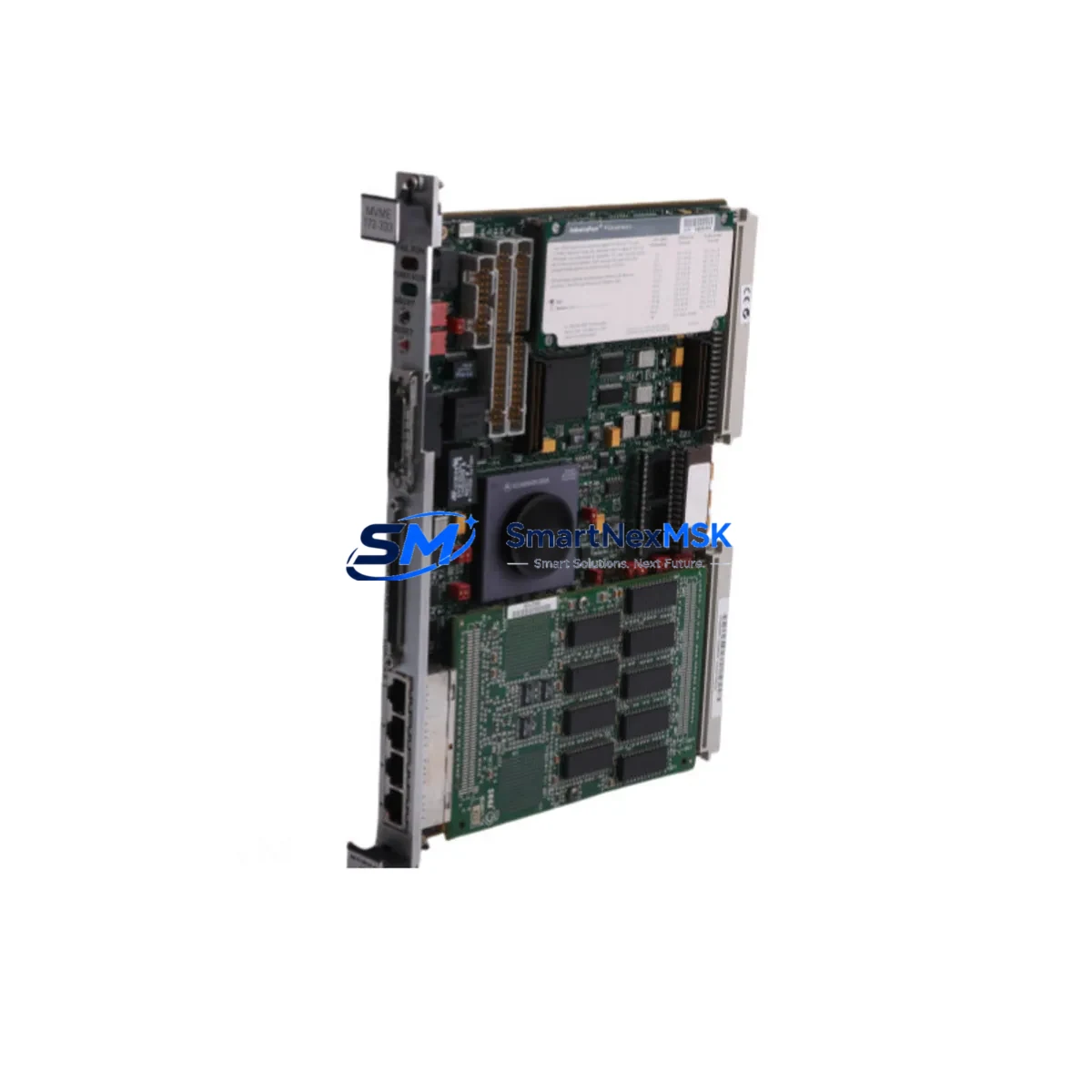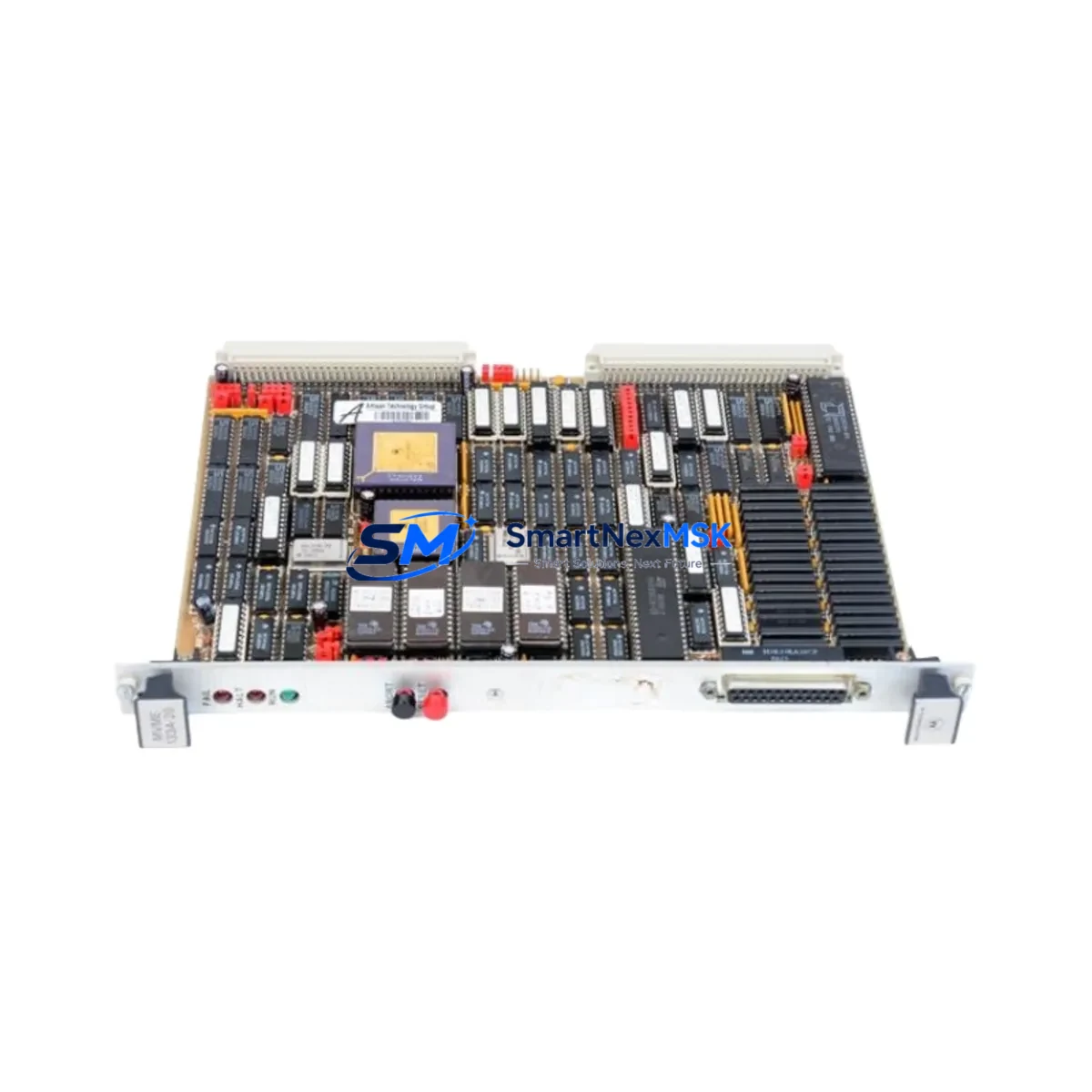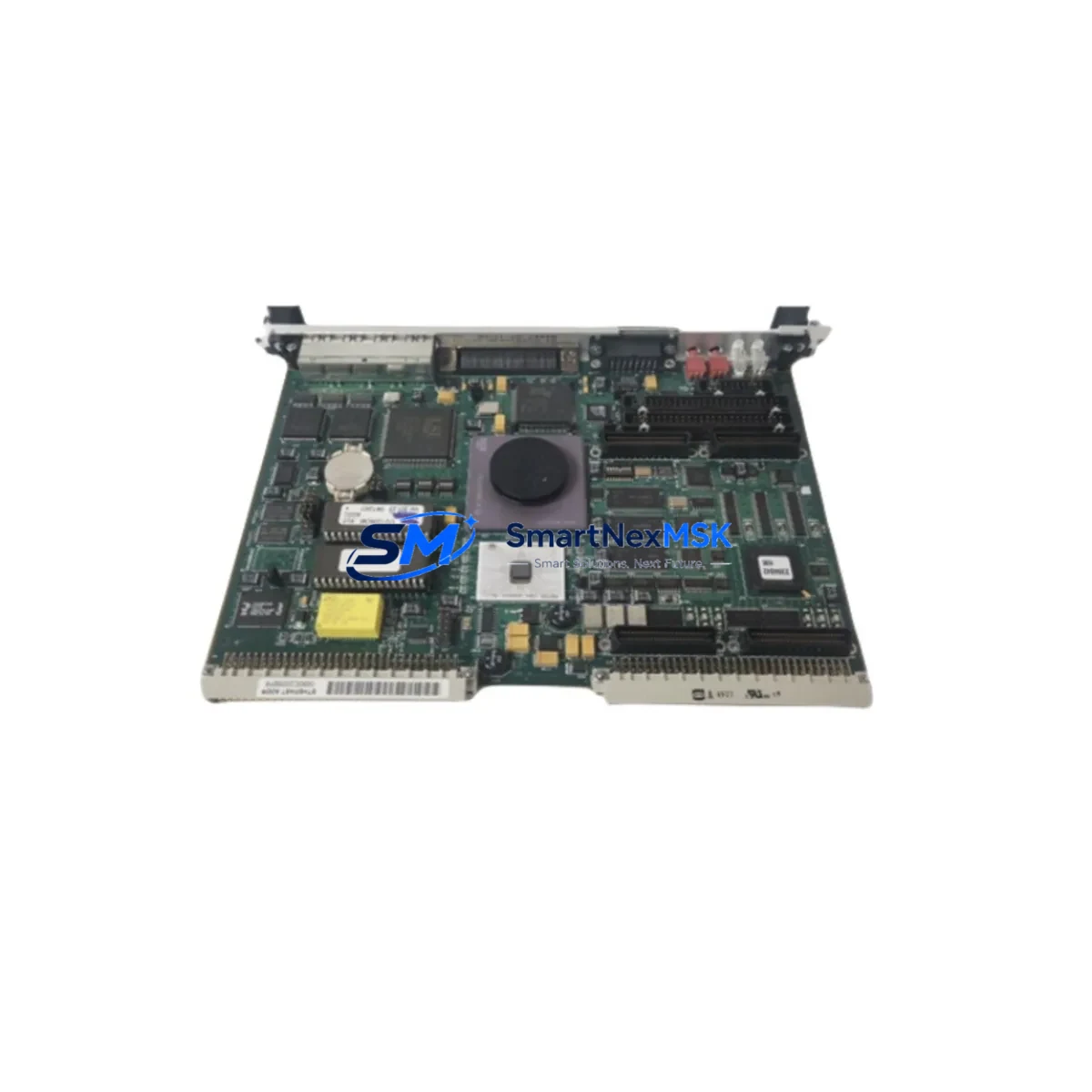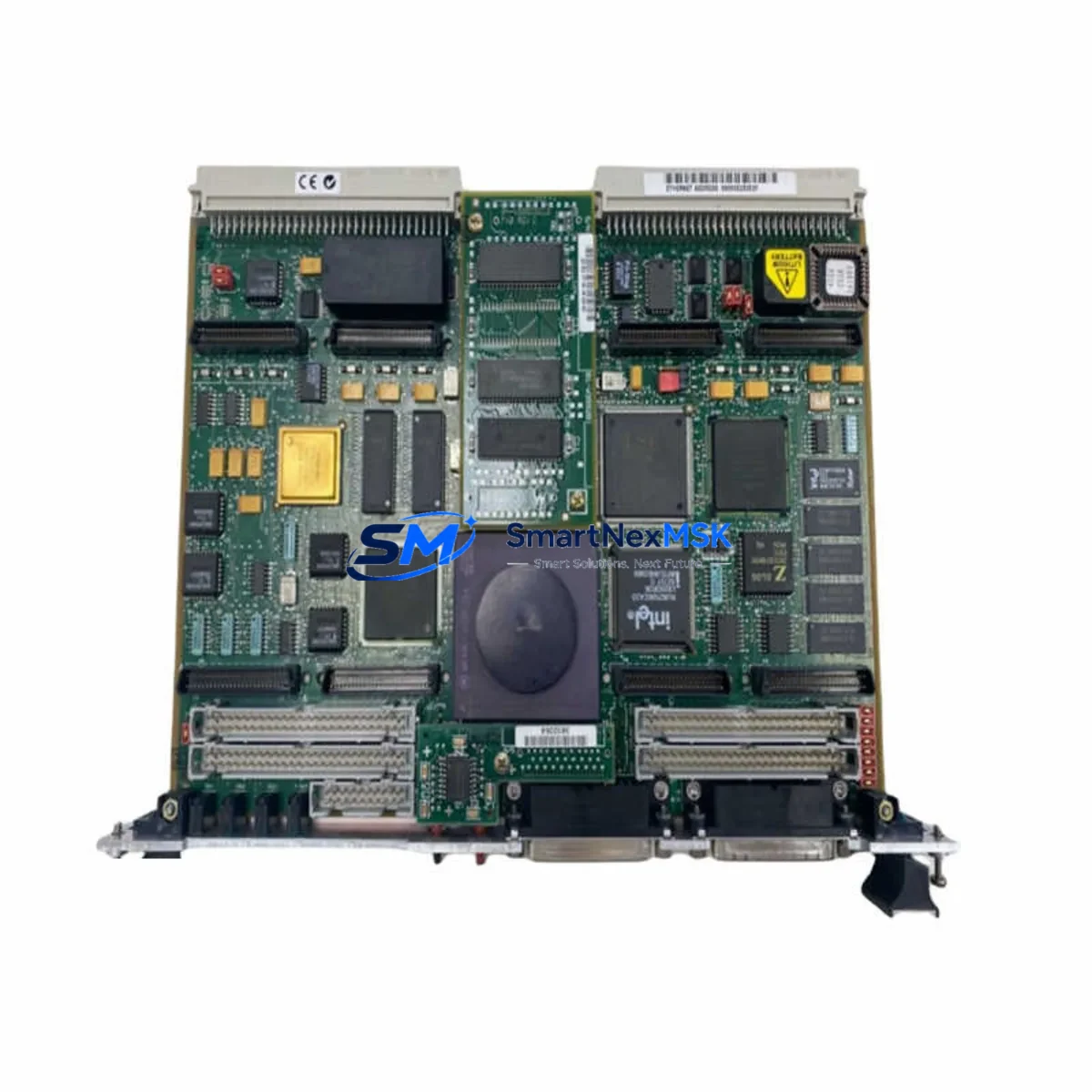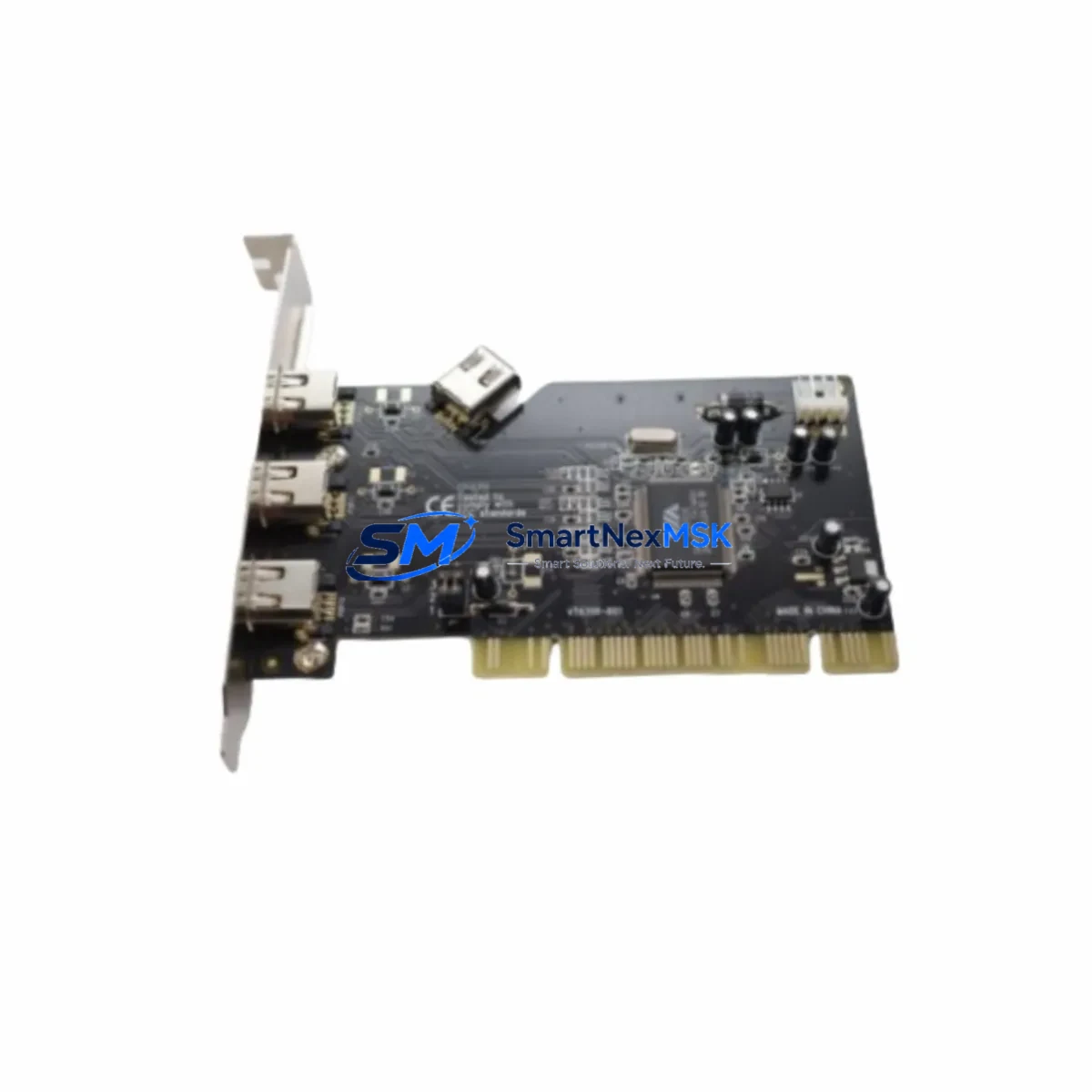
Motorola MVME2604-761I/O Spare for MVME2600 Automation: Spare Replacement & Industrial Downtime Risk Control
The Motorola MVME2604-761I/O (also referenced as MVME260476) is a VMEbus-based PowerPC single-board computer (SBC) from the MVME2600 series, widely deployed in industrial automation, process control, and defense-grade embedded computing environments. As legacy VMEbus infrastructure ages, maintaining a verified spare of the MVME2604-761I/O is a critical element of any proactive maintenance strategy. Unplanned SBC failure in a VMEbus chassis can halt an entire control system — from PLC supervisory layers to real-time I/O scanning — making rapid spare availability the single most effective tool for minimizing mean time to repair (MTTR).
SMARTNEXMSK supplies the MVME2604-761I/O as a maintenance-ready original spare, fully tested prior to shipment, with a 12-month warranty covering functional integrity under normal operating conditions. Each unit undergoes power-on verification and functional screening before dispatch, ensuring that the board you receive is ready for immediate installation without additional bench testing delays.
Spare Maintenance Table
| Parameter | Specification / Detail |
|---|---|
| Part Number | MVME2604-761I/O (MVME260476) |
| Brand | Motorola (Emerson Network Power / ARTESYN legacy) |
| Series | MVME2600 |
| Form Factor | VMEbus 6U Single-Board Computer |
| Processor | PowerPC (MPC750/MPC7xx family) |
| Bus Standard | VMEbus (IEEE 1014 / ANSI/VITA 1) |
| Typical Application | Industrial automation, process control, embedded real-time computing |
| Compatibility | MVME2600 series VMEbus chassis; compatible with MVME2600, MVME2601, MVME2602, MVME2603 system configurations |
| Operating Environment | Industrial — suitable for control cabinet installation with adequate ventilation |
| Installation | 6U VMEbus slot; verify backplane J1/J2 connector alignment before insertion |
| Maintenance Recommendation | Inspect backplane connectors, verify power rail voltages (+5V, ±12V), confirm DRAM and flash integrity post-swap |
| Condition | Original spare — tested and verified functional |
| Warranty | 12 Months — covers functional defects under normal operating conditions |
| Lead Time | In stock — ships within 1–3 business days |
Maintenance Planning for Continuous Operation
When replacing the MVME2604-761I/O in a VMEbus control system, a disciplined maintenance engineer will not limit the inspection to the SBC itself. The surrounding infrastructure must be evaluated concurrently to prevent repeat failures and ensure system stability after the swap.
Begin with the VMEbus backplane — inspect J1 and J2 connector pins for oxidation, bent contacts, or contamination. A degraded backplane connector is a common root cause of intermittent SBC faults that are misdiagnosed as board-level failures. Next, verify the VMEbus power supply module output rails: the MVME2604-761I/O requires stable +5V and ±12V supplies; voltage sag or ripple exceeding specification will cause erratic processor behavior or premature board failure.
If the system uses a MVME712M transition module or similar rear-transition module (RTM) for I/O breakout, inspect the RTM connectors and cabling for wear. The MVME2604-761I/O’s onboard serial, Ethernet, and I/O signals are routed through the P2 connector to the RTM — any degradation here will manifest as communication faults or I/O errors that are not attributable to the SBC itself.
For systems running VxWorks or LynxOS real-time operating systems on the MVME2604-761I/O, confirm that the replacement board’s flash memory contains the correct boot image and BSP (Board Support Package) version before installation. Mismatched firmware can prevent the system from initializing correctly even with a fully functional board.
Evaluate adjacent VMEbus modules in the same chassis: MVME2300 or MVME2400 series I/O boards, MVME712 series transition modules, and any MVME187 or MVME197 co-processor boards that share the VMEbus arbitration layer. A failing neighbor board can corrupt VMEbus transactions and cause the replacement SBC to appear faulty during initial power-on testing.
For systems with serial communication modules (RS-232/RS-422/RS-485) connected to the MVME2604-761I/O, verify termination resistors, cable shielding, and ground continuity. Industrial serial links in high-EMI environments are prone to signal degradation that accelerates over time. Similarly, if the system uses Ethernet-based SCADA or DCS communication, inspect the managed switch ports, fiber transceivers, and patch cables connected to the SBC’s onboard Ethernet interface.
Finally, review the control cabinet thermal management: fan trays, air filters, and vent clearances. VMEbus SBCs are sensitive to sustained elevated temperatures; a cabinet running above 45°C ambient will significantly shorten the service life of any replacement board. Addressing thermal issues at the time of SBC replacement is a low-cost intervention that protects the long-term reliability of the entire system.
Site Replacement Workflow
Step 1 — Pre-replacement documentation: Record the current system configuration, including slot assignments, IRQ settings, VMEbus address maps, and any DIP switch or jumper positions on the MVME2604-761I/O being replaced. Photograph the board and its connections before removal.
Step 2 — Safe power-down: Follow the system’s documented shutdown procedure. For VMEbus systems, initiate a controlled software shutdown before removing power to prevent filesystem corruption on the SBC’s flash storage.
Step 3 — Board extraction: Use the VMEbus ejector levers to disengage the board from the backplane. Do not force extraction — resistance indicates a connector issue that should be resolved before proceeding.
Step 4 — Replacement board preparation: Verify that the replacement MVME2604-761I/O has matching jumper/switch configuration to the removed unit. Confirm firmware version compatibility with the host operating system and application software.
Step 5 — Installation and power-on: Seat the replacement board firmly into the VMEbus slot, engage the ejector levers, and restore power. Monitor the boot sequence via the serial console port for error messages or boot failures.
Step 6 — Functional verification: Confirm that all I/O, communication, and application processes resume normally. Run a brief diagnostic cycle before returning the system to production. Document the replacement in the maintenance log with date, technician, and board serial number.
This workflow minimizes downtime and ensures that the replacement is traceable — a requirement in ISO 9001-compliant maintenance environments and regulated process industries.
Spare Parts Support FAQ
Q1: Is the MVME2604-761I/O you supply an original Motorola board or a third-party clone?
All MVME2604-761I/O units supplied by SMARTNEXMSK are original Motorola-manufactured boards sourced from verified industrial channels. We do not supply clones, counterfeits, or unauthorized reproductions. Each board is individually tested and documented before shipment.
Q2: How do I verify compatibility with my existing MVME2600 series chassis before ordering?
The MVME2604-761I/O is designed for 6U VMEbus chassis compatible with the MVME2600 product family. To confirm compatibility, provide your chassis model number, backplane revision, and current SBC part number to our technical team at [email protected]. We will verify fit and configuration before order confirmation.
Q3: What does the 12-month warranty cover, and what is the replacement process?
The 12-month warranty covers functional defects arising under normal operating conditions — including processor, memory, I/O interface, and communication subsystem failures. Physical damage caused by incorrect installation, overvoltage, or environmental abuse is excluded. To initiate a warranty claim, contact [email protected] with your order number and a description of the fault. We will arrange return shipping and provide a replacement or repair within an agreed timeframe.
Q4: Can you supply multiple units for a spare parts inventory program?
Yes. SMARTNEXMSK supports long-term spare parts inventory programs for industrial facilities managing legacy VMEbus infrastructure. We can reserve stock, provide scheduled delivery, and issue certificates of conformance for quality-controlled spare parts programs. Contact us to discuss volume pricing and inventory reservation agreements.
© 2026 SMARTNEXMSK. All rights reserved.
Original Source: https://smartnexmsk.com
Contact: [email protected] | +86 18259474341