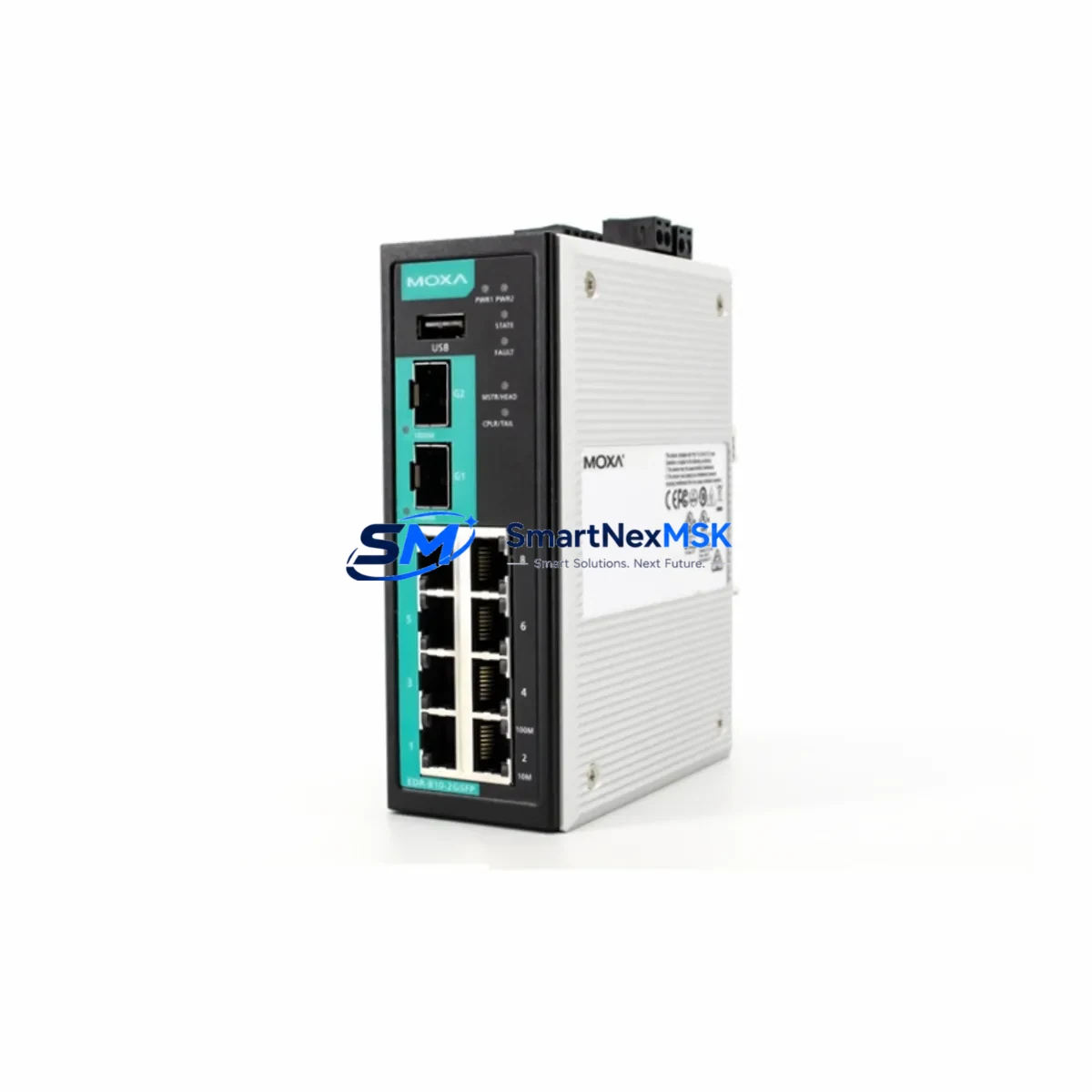
MOXA EDR-810-2GSFP Maintenance-Ready Spare for EDR Series Automation
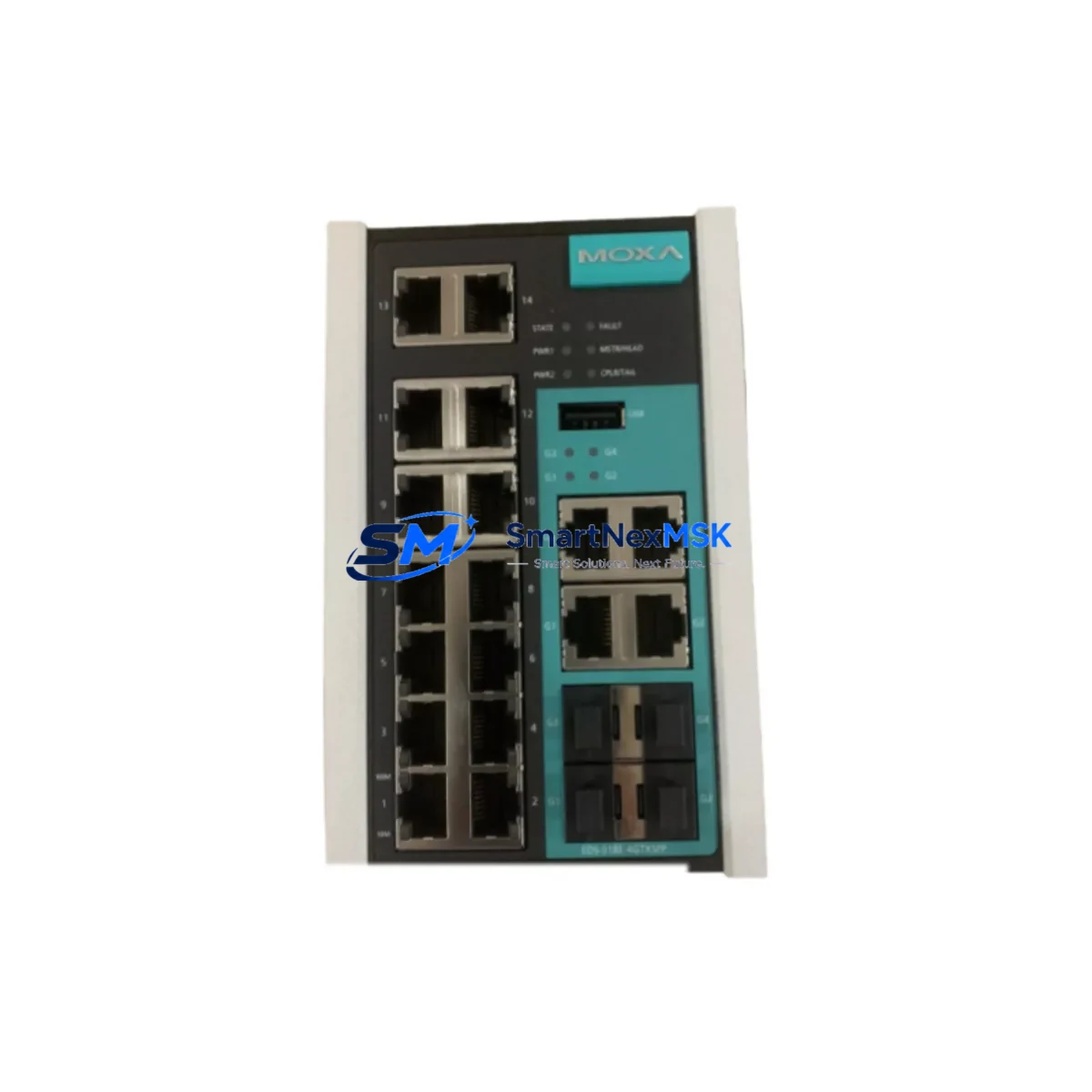
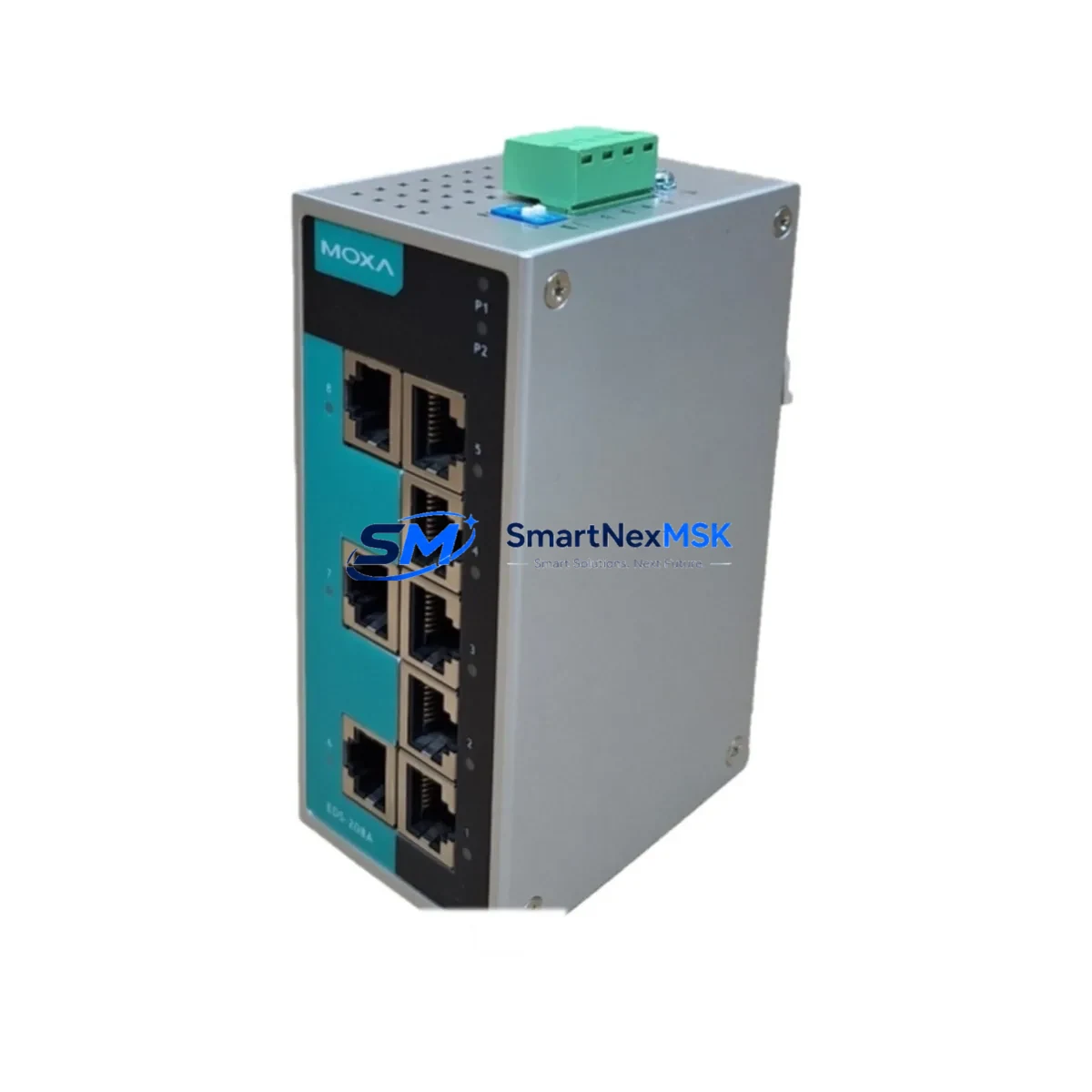
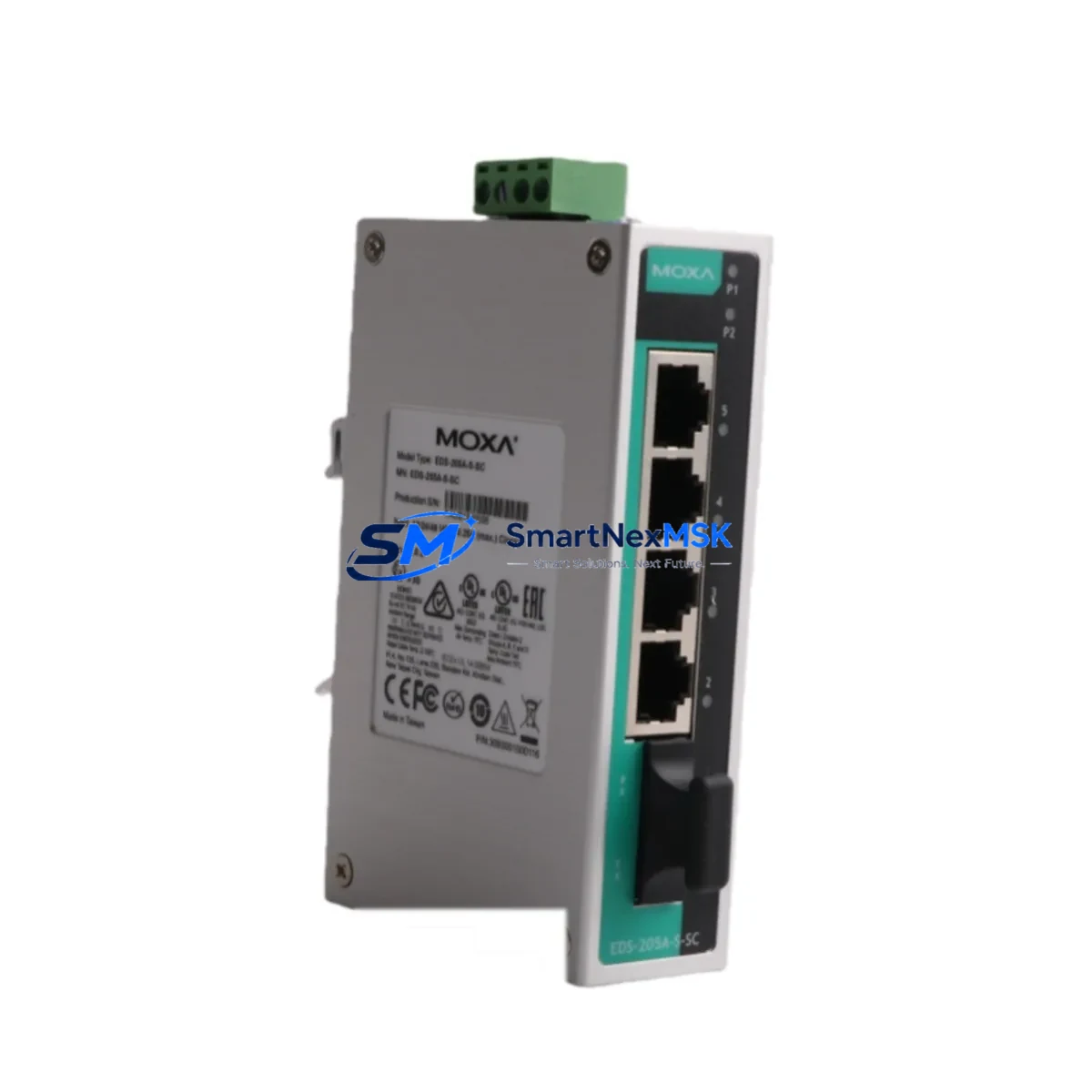
Industrial networks in OT environments demand uninterrupted communication between PLCs, DCS controllers, SCADA hosts, and field devices. The MOXA EDR-810-2GSFP is an 8-port industrial secure router with dual Gigabit SFP uplinks, purpose-built for harsh automation environments. When this unit fails or reaches end-of-service life, every minute of unplanned downtime translates directly into production loss. Stocking a verified original spare — pre-tested, configuration-ready, and backed by a 12-month warranty — is the single most effective way to compress mean time to repair (MTTR) and restore network connectivity to your control system without delay.
This listing supplies an original MOXA EDR-810-2GSFP sourced through authorized industrial channels. Each unit undergoes functional verification prior to shipment, covering port link status, SFP slot integrity, firewall rule retention, and power-on self-test. The unit ships with all factory accessories and is ready for immediate rack or DIN-rail installation in your control cabinet.
Spare Maintenance Table
| Parameter | Specification / Recommendation |
|---|---|
| SKU / Model | EDR-810-2GSFP |
| Brand | MOXA |
| Series | EDR Series — Industrial OT Secure Router |
| LAN Ports | 8 × 10/100 Mbps RJ45 + 2 × Gigabit SFP uplink |
| Security Features | Stateful firewall, NAT, VPN (IPsec/OpenVPN), DoS prevention |
| Power Input | 12–48 VDC (dual redundant power inputs) |
| Operating Temperature | -10°C to 60°C (standard); -40°C to 75°C (wide-temp variant) |
| Mounting | DIN-rail or rack-mount (with optional kit) |
| Protection Rating | IP30 enclosure |
| Certifications | IEC 62443, UL, CE, FCC, DNV GL (marine) |
| Compatibility | Drop-in replacement for EDR-810-2GSFP in all EDR Series deployments |
| Typical Applications | SCADA network segmentation, PLC/DCS isolation, OT/IT demilitarized zone |
| Maintenance Interval | Inspect annually; replace on firmware EOL or hardware fault |
| Warranty | 12 months — covers manufacturing defects, functional failure on arrival |
| Pre-shipment Test | Port link, SFP slot, power-on self-test, firewall rule retention |
| Origin | Taiwan |
Maintenance Planning for Continuous Operation
Replacing the EDR-810-2GSFP in a live OT environment is rarely an isolated task. Maintenance engineers and procurement teams should treat this router as the hub of a broader network health review. During a planned or emergency replacement, the following components in the same control cabinet or network segment warrant simultaneous inspection:
The MOXA EDS-408A or EDS-510A managed Ethernet switches feeding the EDR-810-2GSFP’s LAN ports are common failure companions — check port statistics and SFP transceiver health. The SFP-1G20ALC or SFP-1GLXLC fiber transceivers seated in the dual GbE uplink slots should be inspected for Tx/Rx power degradation using an optical power meter before the new router is commissioned. If the EDR-810-2GSFP is protecting a Siemens S7-300 or S7-400 PLC segment, verify that the CP 343-1 or CP 443-1 communication processor firmware is current and that its IP configuration aligns with the replacement router’s firewall rules.
On the power side, the MOXA DR-4524 or equivalent 24 VDC DIN-rail power supply feeding the router’s dual inputs should be load-tested; a marginal PSU that has been sustaining the router through brownouts may have contributed to the original failure. Inspect the terminal blocks and wiring ferrules on both power input terminals for oxidation or loose crimps. If the control cabinet includes a MOXA MGate 5105-MB-EIP or similar protocol gateway bridging Modbus RTU field devices to the Ethernet segment, confirm that its IP address and gateway settings are updated to match the replacement router’s NAT table.
For sites running redundant ring topologies, check the MOXA EDS-G512E or EDS-G308 ring switches for Turbo Ring or RSTP convergence status after the EDR-810-2GSFP is swapped. A router replacement that disrupts ring topology can cause cascading communication faults across multiple PLC nodes. Additionally, if the site uses a MOXA NPort 5650 or NPort 6650 serial device server to connect legacy RS-232/RS-485 instruments through the router, verify that the virtual COM port mappings and baud rate settings survive the network change. Finally, review the upstream firewall or SCADA host — whether a Wonderware InTouch or Ignition SCADA server — to confirm that its OPC-DA/UA polling addresses and alarm thresholds remain reachable after the router’s IP or NAT rules are restored.
Site Replacement Workflow
Step 1 — Pre-replacement backup: Export the existing EDR-810-2GSFP configuration via the web console or CLI (export config) and save to a USB drive or engineering laptop. Document all firewall rules, NAT entries, VPN tunnels, and VLAN assignments before powering down.
Step 2 — Power isolation: De-energize both redundant power inputs at the DIN-rail terminal block. Confirm zero voltage with a calibrated multimeter before disconnecting any RJ45 or SFP cables. Label all cables with port numbers before removal to eliminate re-wiring errors.
Step 3 — Physical swap: Remove the failed unit from the DIN-rail or rack. Mount the replacement EDR-810-2GSFP, reconnect all labeled cables in sequence, and seat the SFP transceivers firmly. Restore power and confirm the power LED and port link LEDs illuminate as expected.
Step 4 — Configuration restore: Import the saved configuration file via the web console. Verify firewall rules, NAT table, VPN peer settings, and VLAN assignments match the pre-failure state. If the original unit was running a firmware version newer than the replacement unit’s factory firmware, perform a firmware upgrade before importing the configuration to avoid compatibility errors.
Step 5 — Functional verification: Ping all PLC and DCS nodes from the SCADA host. Confirm OPC polling resumes, alarm states normalize, and VPN tunnels re-establish. Document the replacement date, firmware version, and technician name in the site maintenance log. Update the spare parts inventory to trigger a reorder for the next standby unit.
This workflow applies equally to planned maintenance windows and emergency callouts, and is designed to minimize total downtime to under 60 minutes for a prepared maintenance team.
Spare Parts Support FAQ
Q1: Is this an original MOXA EDR-810-2GSFP or a compatible substitute?
This is an original MOXA EDR-810-2GSFP unit sourced through authorized industrial supply channels. It is not a third-party clone or compatible substitute. The part number, firmware, and hardware revision match the factory specification, ensuring full drop-in compatibility with existing EDR Series deployments without any configuration workarounds.
Q2: How is the unit tested before shipment?
Each EDR-810-2GSFP undergoes a pre-shipment functional test covering: power-on self-test (POST), all 8 LAN port link negotiation, both SFP uplink slot detection, basic firewall rule write/read, and visual inspection of the enclosure and connectors. A test report is available on request. Units that fail any test criterion are quarantined and not shipped.
Q3: What does the 12-month warranty cover, and how is a claim handled?
The 12-month warranty covers manufacturing defects and functional failure under normal operating conditions. It does not cover physical damage caused by incorrect installation, overvoltage, or environmental exposure beyond the rated specification. To initiate a warranty claim, contact [email protected] with the order number, failure description, and photos of the unit. Replacement or repair is processed within 5 business days of claim approval.
Q4: Can I keep this unit in long-term storage as a cold spare?
Yes. The EDR-810-2GSFP is suitable for cold-spare storage in a dry, temperature-controlled environment (recommended: 0°C to 40°C, <85% RH non-condensing). Store the unit in its original anti-static packaging. For spares held longer than 24 months, perform a power-on self-test and firmware currency check before deploying to a live site. Long-term spare inventory is a recognized best practice for OT sites running legacy EDR Series infrastructure where MOXA has announced product lifecycle transitions.
© 2026 SMARTNEXMSK. All rights reserved.
Original Source: https://smartnexmsk.com
Contact: [email protected] | +86 18259474341